


HydraDragonAntivirus
Dynamic and static analysis with Sandboxie for Windows, including EDR, ClamAV, YARA-X, custom machine learning AI, behavioral analysis, NLP-based detection, website signatures, Ghidra, Suricata, Sigma, and much more than you can imagine.
Stars: 101
Hydra Dragon Antivirus is a comprehensive tool that combines dynamic and static analysis using Sandboxie for Windows with ClamAV, YARA-X, machine learning AI, behavior analysis, NLP-based detection, website signatures, Ghidra, and Snort. The tool provides a Machine Learning Malware and Benign Database for training, along with a guide for compiling from source. It offers features like Ghidra source code analysis, Java Development Kit setup, and detailed logs for malware detections. Users can join the Discord community server for support and follow specific guidelines for preparing the analysis environment. The tool emphasizes security measures such as cleaning up directories, avoiding sharing IP addresses, and ensuring ClamAV database installation. It also includes tips for effective analysis and troubleshooting common issues.
README:


Dynamic and static analysis with Sandboxie for Windows, including EDR, ClamAV, YARA-X, custom machine learning AI, behavioral analysis, NLP-based detection, website signatures, Ghidra, Suricata, Sigma, and much more than you can imagine.
This project is licensed under the GNU Affero General Public License v3.0 (AGPLv3).
See the LICENSE file for more information.
- After you reset, please enable test signing mode to allow the driver to install; otherwise, the EDR will not work.
- You have to set (manually of course) this part mega_optimization_with_anti_false_positive=True if you don't care about false positives and optimization. This setting is true because every antivirus on virustotal avoids false positives this way.
- Pe header removed: https://www.virustotal.com/gui/file/9b7e921e971fe7523ba83a4599b4006ad214854eb043372129e4f5a68c5a427f
- Original: https://www.virustotal.com/gui/file/1ef6c1a4dfdc39b63bfe650ca81ab89510de6c0d3d7c608ac5be80033e559326
- What is the difference and why does YARA still flag it as malware? Because your YARA rule doesn't check for unknown file types and I only removed the pe header and went to detections 0. So this god mode rule will save this antivirus right now!
- If you want Meta Llama 3.2-1B, you need to download it from the releases. We didn't include the optional feature to reduce size.
- Meta Llama 3.2-1B Location: Copy the contents of meta-llama.7z to the following directory: %ProgramFiles%\aHydraDragonAntivirus\hydradragon\meta-llama
- Please allow a minimum of two hours (local time) for the antivirus to fully decompile the file and complete its analysis. Otherwise, it cannot achieve a 90%+ detection rate against fresh samples with fewer false positives.
- Malware Database: Download Link
- Benign Database: Download Link
- Note: Only contains PE files.
- Password: infected
- Install malicious (datamaliciousorder) and benign (data2) database, then install requirements.txt from train.py and just run train.py with the same folder as datamaliciousorder and data2.
- You can compile YARA-X and YARA from the yara folder. The website database is not a complication. See the machine learning training guide to compile machine learning database. To compile antivirus.py install requirements.txt and use assets/HydraDragonAV.png then change based on your installed folder of HydraDragonAntivirus. After compiling Machine Learning, YARA then look at the compiler.iss and replace the code with your installed environment, you can find other files in repo like hydradownload folder and then compile it. It's done! Now you are ready to release your fork of HydraDragonAntivirus.
- I now using 11.4.1: https://ghidra-sre.org/
- Setup file on release HydraDragonAntivirus.exe
- You must look at critical alerts in the logs. They usually contain malware detections. Log file in %ProgramFiles%\aHydraDragonAntivirus\hydradragon\log\antivirus.log and C:\Sandbox%USERNAME%\DefaultBox\drive\C\DONTREMOVEHydraDragonAntivirusLogs
- Ghidra: %ProgramFiles%\aHydraDragonAntivirus\hydradragon\ghidra
- Ghidra Run: %ProgramFiles%\aHydraDragonAntivirus\hydradragon\ghidra\ghidraRun.bat
- Ghidra log: %ProgramFiles%\aHydraDragonAntivirus\hydradragon\ghidra_logs\analyze.log
- Ghidra projects : %ProgramFiles%\aHydraDragonAntivirus\hydradragon\ghidra_projects
- Ghidra scripts: %ProgramFiles%\aHydraDragonAntivirus\hydradragon\scripts
- Any logs will be removed when you restart the programme. So be careful!
- Don't forget to clean up commandlineandmessages, HiJackThis_logs, zip_extracted, etc. dirs, sandboxie dirs before analysis. Or take a snapshot before you running the program.
- You have to restart the program after the analysis.
- Please don't share your IP in the logs.
- Make sure that the ClamAV database is installed without problems.
- We strongly recommend that you take a snapshot and then go back when you have finished your work.
- Don't forget to take a HiJackThis report with logs (and update the signatures first) before starting the scan to detect malware for the final analysis.
- The final analysis doesn't clean anything, so don't start a new scan afterward it's only for detecting post-injection changes using HiJackThis. Please don't terminate the sandbox environment.
- The new HiJackThis analysis removes the previous analysis file from the sandbox environment.
- Make your username hydradragonav (for example).
- Don't forget to create the 'DefaultBox' folder if it was deleted, by right-clicking on Sandboxie Control and selecting 'Explore Contents'.
- The installer also includes daily.cvd, main.cvd, bytecode.cvd due to download issues with the ClamAV database.
- Here is the server link: https://discord.gg/Rdyw59xqMC
- Create too many files to detect ransomware.
Note 1:
- You need to create a DefaultBox in Sandboxie by running it once with a random application. Also, please clean the DefaultBox items each time you scan.
Note 2:.
- Allow Java on the Windows firewall, as it'll decompile the PE file.
Note 3:
- If you find an issue, please create an issue. Antivirus software might be triggered by website signatures because they are not obfuscated, so exclude the
%ProgramFiles%\aHydraDragonAntivirus\hydradragonfolder. Please only use in a VM as you can only use this for deep analysis of a file. There is no fixed analysis time for a file.
Note 4:
-
https://www.rathlev-home.de/index-e.html?tools/prog-e.html#unpack
-
https://github.com/glmcdona/Process-Dump/releases/tag/v2.1.1
-
I used these projects to decompile (with a current custom database of Detect-It-Easy).
-
I used these projects for AI.
-
I used these projects for EDR.
-
I used these projects to optimize the antivirus.
Note 5:.
- You will need an internet connection to install. It's not an offline installer.
Note 6:
- Don't forget to do a clean up, as it takes up too much space while processing files against ransomware, etc.
- You need too much storage because it logs everything.
Note 7:
- I have collected every malicious IP, domain from the Internet. So there must be big false positives, but I handle them.
Note 8:
- I added en_core_web_md manually to %ProgramFiles%\aHydraDragonAntivirus\hydradragon you can find the spacy path from codechecker\spacyfind.py but you need to rename en_core_web_md folder name which contains config.cfg for an example if version 3.7.1 then it contains a subfolder en_core_web_md.3.8.0
- Also you need run "spacy download en_core_web_md"
Note 9:
- If you are testing a rootkit, please do not enable "bcdedit testsigning on" to run the rootkit on your machine for analysis. We will take care of that.
Note 10:
- HiJackThis version: 3.4.0.17 Beta
- HiJackThis source code: https://github.com/dragokas/hijackthis
Note 11:
- HydraDragonAntivirusSandboxie vcpkg install commandds:
- vcpkg install detours
- vcpkg install libarchive
- vcpkg integrate install
Note 12:
- Inno Setup version 6.5.1
Note 13:
-
Surprisingly, when I dump the process using this method (with pymem and psutil), the GuLoader malware fails to detect the virtual machine and proceeds to install the malware as if it's running on a real system. It behaves just like it would on a physical machine. This is likely an unexpected anti-anti-VM side effect.
-
Tool used: https://github.com/glmcdona/Process-Dump/releases/tag/v2.1.1
Tip 1:
- Don't use suspicious VM names on your machine. (victim, etc.)
Tip 2:
- Use VSCode, VSCodium, or another editor to see live changes to .log files if you're on Windows 10, because Windows 11 Notepad automatically detects changes.
Tip 3:
- Close the Windows Firewall on the VM to avoid any firewall blocking.
Tip 4:
- Try reset the container if malware tries to reboot the PC.
Tip 5:
- Run HiJackThis once outside of the sandbox to avoid being asked to accept the license agreement every time.
Tip 6:
-
If Your program requires command-line arguments. Follow these steps:
-
- Run the program normally. It will exit immediately because no arguments were supplied.
-
- Open Sandboxie Control, right-click the DefaultBox, and select Run Any Program.
-
- Browse to the application executable.
-
- Enter the required arguments in the Command line field.
-
- Click OK to launch the program inside Sandboxie with the correct arguments.
- HIPS detection shouldn't work if you don't open the internet in Sandboxie (the installation already changes Sandboxie.ini for you). To enable it go to: Sandbox -> DefaultBox -> Sandbox Settings -> Restrictions -> Internet Access -> Click "BLock All Programs" then click "Allow All Programs" then save it and you're done!. https://sandboxie-plus.com/sandboxie/restrictionssettings/
Does this collect data?
- No. We can allow GridinSoft and many other companies to collect data. Unlike other companies, they freely allow the use of their cloud, but I'm not allowing that.
How do I use it?
- Just run the shortcut from the desktop, then run advanced dynamic and static analysis on a file.
How good is it?
- It's very good at static analysis, better than Dr.Web and Comodo, but Norton and Kaspersky are on par with my product at static analysis. In dynamic analysis, it is excellent at detecting unknown malware and clearly better than ClamAV in static analysis. ClamAV doesn't have dynamic analysis. It's the best Turkish and open source malware analysis product but it's very aggressive.
Why does my antivirus detect this as malware?
- It's a false positive. It's contains the website, HIPS signatures without obfuscation. It's a fully open source antivirus product.
Why is it 2GB+?
- Because of website signatures, Ghidra, ClamAV and Java Development Kit. Website signatures are not very effective but they can detect old and new viruses. I can remove them if you want. Ghidra is for decompiling but takes too much space. Java Development Kit is for Ghidra. That's 1GB+, but Llama3.2-1B make a total of 3GB+. Note that it's a completely local (except update database and cloud checking for known files) and professional open source antivirus.
Why does the antivirus.exe application take too long to run?
- Sometimes you may have to wait 5+ minutes (or less) the first time you run the programme as a lot of things load.
Which Windows versions are supported?
- (Python 3.12 is required because spaCy does not yet have a stable release for Python 3.13.) Windows 10 64-bit and Windows 11 only (you can run ClamAV, but you can't run HydraDragonAntivirus on Windows 8.1 and it's not supported). If you want, I can create a 32-bit version for Windows 10 32-bit, but I faced some problems. ClamAV has limitations on 32-bit, so it's problematic. On Windows 8.1, ClamAV isn't supported because it's an outdated Windows version. You will get the
api-ms-win-crt-runtime-l1-1-0.dllerror. Even if you add this DLL, you will get another error: "Application failed to start properly (0xc000007b)." Then install this: Microsoft VC Redist. After running%ProgramFiles%\ClamAV\freshclam.exeandclamd.exewithclamd --install, the setup is complete, but you can't run HydraDragonAntivirus on Windows 8.1 because you get an ImportError on line nine due to PySide6. - If you still want support for Windows 7, you will need to manually downgrade to Python 3.8 and many tools. 32-bit support is possible. Although Windows XP support is possible through the One Core API.
What are the minimum RAM and disk space requirements?
- A minimum of 8 GB of RAM is required: 3 GB is used by ClamAV, and the remaining 5 GB is used by other engines.
Any sponsors or supporters?
- Yes, there are supporters for this project. Xcitium (Comodo) has expressed interest in supporting this project by providing malware samples, and Cisco Talos ClamAV community projects. But it's still a one man project.
Are you using leaked YARA rules?
- No we don't but if you have proof please create issue we can remove it.
Why don't you use NictaSoft, GridinSoft and Bitdefender cloud?
- It could significantly boost my antivirus. However, there are some problems. These services are not open source unless you pay. We're not only focused on detection, but also committed to maintaining open-source principles.
Other related repositories?
- I used https://github.com/HydraDragonAntivirus/yarGen to create machinelearning.yar.
How many repositories did you look at for this project?
- For YARA and website signatures, I looked at many projects-possibly more than 1,000.
Why doesn't the program open?
- Your installation might be broken. You can check the logs to determine the issue, because if the connection was lost during installation, it can affect the installation significantly. Try reinstalling to fix the problem.
- All credits goes to Emirhan Uçan
- Thanks to Hacı Murad for collecting and compiling machine learning signatures.
For Tasks:
Click tags to check more tools for each tasksFor Jobs:
Alternative AI tools for HydraDragonAntivirus
Similar Open Source Tools
HydraDragonAntivirus
Hydra Dragon Antivirus is a comprehensive tool that combines dynamic and static analysis using Sandboxie for Windows with ClamAV, YARA-X, machine learning AI, behavior analysis, NLP-based detection, website signatures, Ghidra, and Snort. The tool provides a Machine Learning Malware and Benign Database for training, along with a guide for compiling from source. It offers features like Ghidra source code analysis, Java Development Kit setup, and detailed logs for malware detections. Users can join the Discord community server for support and follow specific guidelines for preparing the analysis environment. The tool emphasizes security measures such as cleaning up directories, avoiding sharing IP addresses, and ensuring ClamAV database installation. It also includes tips for effective analysis and troubleshooting common issues.
noScribe
noScribe is an AI-based software designed for automated audio transcription, specifically tailored for transcribing interviews for qualitative social research or journalistic purposes. It is a free and open-source tool that runs locally on the user's computer, ensuring data privacy. The software can differentiate between speakers and supports transcription in 99 languages. It includes a user-friendly editor for reviewing and correcting transcripts. Developed by Kai Dröge, a PhD in sociology with a background in computer science, noScribe aims to streamline the transcription process and enhance the efficiency of qualitative analysis.
AI-Player
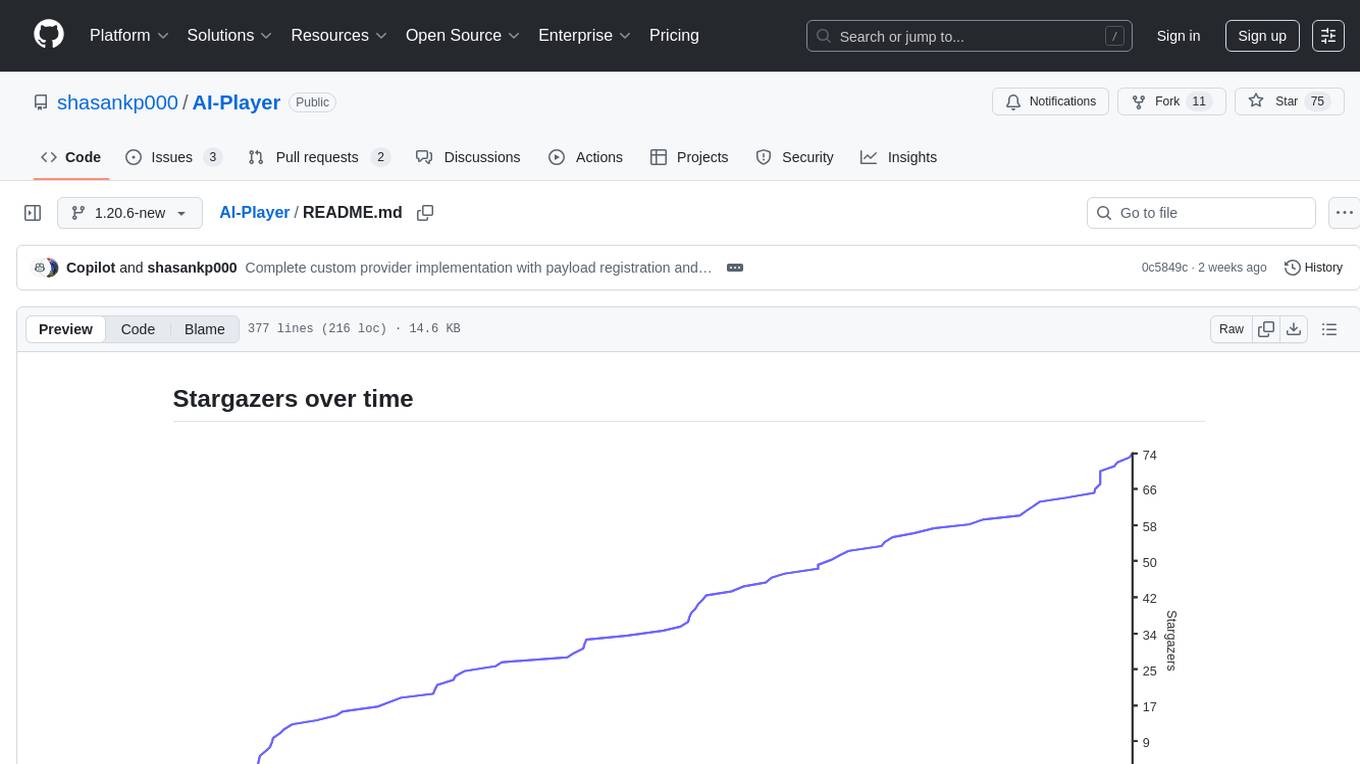
AI-Player is a Minecraft mod that adds an 'intelligent' second player to the game to combat loneliness while playing solo. It aims to enhance gameplay by providing companionship and interactive features. The mod leverages advanced AI algorithms and integrates with external tools to enhance the player experience. Developed with a focus on addressing the social aspect of gaming, AI-Player is a community-driven project that continues to evolve with user feedback and contributions.
ai-dev-gallery
The AI Dev Gallery is an app designed to help Windows developers integrate AI capabilities within their own apps and projects. It contains over 25 interactive samples powered by local AI models, allows users to explore, download, and run models from Hugging Face and GitHub, and provides the ability to view the C# source code and export a standalone Visual Studio project for each sample. The app is open-source and welcomes contributions and suggestions from the community.
EdgeChains
EdgeChains is an open-source chain-of-thought engineering framework tailored for Large Language Models (LLMs)- like OpenAI GPT, LLama2, Falcon, etc. - With a focus on enterprise-grade deployability and scalability. EdgeChains is specifically designed to **orchestrate** such applications. At EdgeChains, we take a unique approach to Generative AI - we think Generative AI is a deployment and configuration management challenge rather than a UI and library design pattern challenge. We build on top of a tech that has solved this problem in a different domain - Kubernetes Config Management - and bring that to Generative AI. Edgechains is built on top of jsonnet, originally built by Google based on their experience managing a vast amount of configuration code in the Borg infrastructure.
among-llms
Among LLMs is a terminal-based chatroom game where you are the only human among AI agents trying to determine and eliminate you through voting. Your goal is to stay hidden, manipulate conversations, and turn the bots against each other using various tactics like editing messages, sending whispers, and gaslighting. The game offers dynamic scenarios, personas, and backstories, customizable agent count, private messaging, voting mechanism, and infinite replayability. It is written in Python and provides an immersive and unpredictable experience for players.
wingman-ai
Wingman AI allows you to use your voice to talk to various AI providers and LLMs, process your conversations, and ultimately trigger actions such as pressing buttons or reading answers. Our _Wingmen_ are like characters and your interface to this world, and you can easily control their behavior and characteristics, even if you're not a developer. AI is complex and it scares people. It's also **not just ChatGPT**. We want to make it as easy as possible for you to get started. That's what _Wingman AI_ is all about. It's a **framework** that allows you to build your own Wingmen and use them in your games and programs. The idea is simple, but the possibilities are endless. For example, you could: * **Role play** with an AI while playing for more immersion. Have air traffic control (ATC) in _Star Citizen_ or _Flight Simulator_. Talk to Shadowheart in Baldur's Gate 3 and have her respond in her own (cloned) voice. * Get live data such as trade information, build guides, or wiki content and have it read to you in-game by a _character_ and voice you control. * Execute keystrokes in games/applications and create complex macros. Trigger them in natural conversations with **no need for exact phrases.** The AI understands the context of your dialog and is quite _smart_ in recognizing your intent. Say _"It's raining! I can't see a thing!"_ and have it trigger a command you simply named _WipeVisors_. * Automate tasks on your computer * improve accessibility * ... and much more
gpt-pilot
GPT Pilot is a core technology for the Pythagora VS Code extension, aiming to provide the first real AI developer companion. It goes beyond autocomplete, helping with writing full features, debugging, issue discussions, and reviews. The tool utilizes LLMs to generate production-ready apps, with developers overseeing the implementation. GPT Pilot works step by step like a developer, debugging issues as they arise. It can work at any scale, filtering out code to show only relevant parts to the AI during tasks. Contributions are welcome, with debugging and telemetry being key areas of focus for improvement.
CodeProject.AI-Server
CodeProject.AI Server is a standalone, self-hosted, fast, free, and open-source Artificial Intelligence microserver designed for any platform and language. It can be installed locally without the need for off-device or out-of-network data transfer, providing an easy-to-use solution for developers interested in AI programming. The server includes a HTTP REST API server, backend analysis services, and the source code, enabling users to perform various AI tasks locally without relying on external services or cloud computing. Current capabilities include object detection, face detection, scene recognition, sentiment analysis, and more, with ongoing feature expansions planned. The project aims to promote AI development, simplify AI implementation, focus on core use-cases, and leverage the expertise of the developer community.
local_multimodal_ai_chat
Local Multimodal AI Chat is a hands-on project that teaches you how to build a multimodal chat application. It integrates different AI models to handle audio, images, and PDFs in a single chat interface. This project is perfect for anyone interested in AI and software development who wants to gain practical experience with these technologies.
merlinn
Merlinn is an open-source AI-powered on-call engineer that automatically jumps into incidents & alerts, providing useful insights and RCA in real time. It integrates with popular observability tools, lives inside Slack, offers an intuitive UX, and prioritizes security. Users can self-host Merlinn, use it for free, and benefit from automatic RCA, Slack integration, integrations with various tools, intuitive UX, and security features.
lovelaice
Lovelaice is an AI-powered assistant for your terminal and editor. It can run bash commands, search the Internet, answer general and technical questions, complete text files, chat casually, execute code in various languages, and more. Lovelaice is configurable with API keys and LLM models, and can be used for a wide range of tasks requiring bash commands or coding assistance. It is designed to be versatile, interactive, and helpful for daily tasks and projects.
WDoc
WDoc is a powerful Retrieval-Augmented Generation (RAG) system designed to summarize, search, and query documents across various file types. It supports querying tens of thousands of documents simultaneously, offers tailored summaries to efficiently manage large amounts of information, and includes features like supporting multiple file types, various LLMs, local and private LLMs, advanced RAG capabilities, advanced summaries, trust verification, markdown formatted answers, sophisticated embeddings, extensive documentation, scriptability, type checking, lazy imports, caching, fast processing, shell autocompletion, notification callbacks, and more. WDoc is ideal for researchers, students, and professionals dealing with extensive information sources.
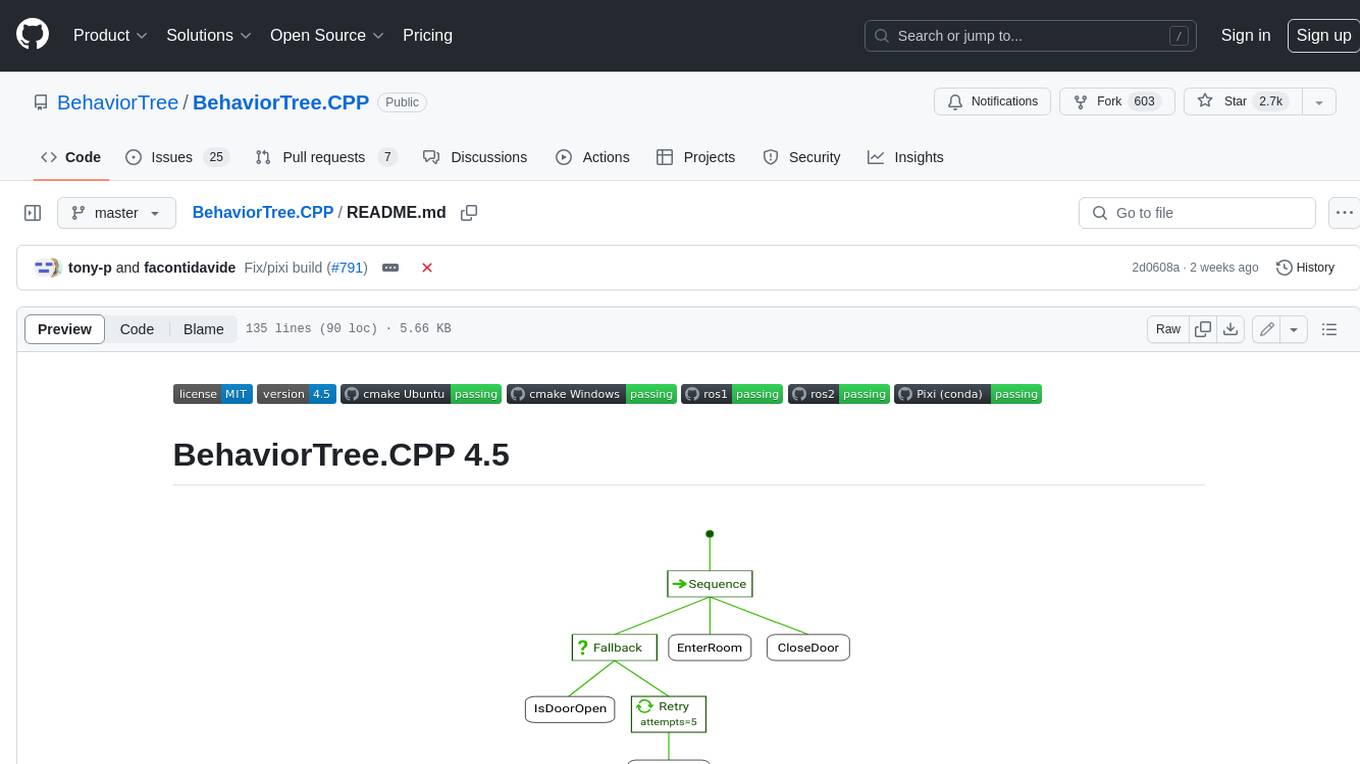
BehaviorTree.CPP
BehaviorTree.CPP is a C++ 17 library that provides a framework to create BehaviorTrees. It was designed to be flexible, easy to use, reactive and fast. Even if our main use-case is robotics, you can use this library to build AI for games, or to replace Finite State Machines. There are few features which make BehaviorTree.CPP unique, when compared to other implementations: It makes asynchronous Actions, i.e. non-blocking, a first-class citizen. You can build reactive behaviors that execute multiple Actions concurrently (orthogonality). Trees are defined using a Domain Specific scripting language (based on XML), and can be loaded at run-time; in other words, even if written in C++, the morphology of the Trees is not hard-coded. You can statically link your custom TreeNodes or convert them into plugins and load them at run-time. It provides a type-safe and flexible mechanism to do Dataflow between Nodes of the Tree. It includes a logging/profiling infrastructure that allows the user to visualize, record, replay and analyze state transitions.
kobold_assistant
Kobold-Assistant is a fully offline voice assistant interface to KoboldAI's large language model API. It can work online with the KoboldAI horde and online speech-to-text and text-to-speech models. The assistant, called Jenny by default, uses the latest coqui 'jenny' text to speech model and openAI's whisper speech recognition. Users can customize the assistant name, speech-to-text model, text-to-speech model, and prompts through configuration. The tool requires system packages like GCC, portaudio development libraries, and ffmpeg, along with Python >=3.7, <3.11, and runs on Ubuntu/Debian systems. Users can interact with the assistant through commands like 'serve' and 'list-mics'.
For similar tasks
HydraDragonAntivirus
Hydra Dragon Antivirus is a comprehensive tool that combines dynamic and static analysis using Sandboxie for Windows with ClamAV, YARA-X, machine learning AI, behavior analysis, NLP-based detection, website signatures, Ghidra, and Snort. The tool provides a Machine Learning Malware and Benign Database for training, along with a guide for compiling from source. It offers features like Ghidra source code analysis, Java Development Kit setup, and detailed logs for malware detections. Users can join the Discord community server for support and follow specific guidelines for preparing the analysis environment. The tool emphasizes security measures such as cleaning up directories, avoiding sharing IP addresses, and ensuring ClamAV database installation. It also includes tips for effective analysis and troubleshooting common issues.

Magick
Magick is a groundbreaking visual AIDE (Artificial Intelligence Development Environment) for no-code data pipelines and multimodal agents. Magick can connect to other services and comes with nodes and templates well-suited for intelligent agents, chatbots, complex reasoning systems and realistic characters.
metaflow
Metaflow is a user-friendly library designed to assist scientists and engineers in developing and managing real-world data science projects. Initially created at Netflix, Metaflow aimed to enhance the productivity of data scientists working on diverse projects ranging from traditional statistics to cutting-edge deep learning. For further information, refer to Metaflow's website and documentation.
SciMLBenchmarks.jl
SciMLBenchmarks.jl holds webpages, pdfs, and notebooks showing the benchmarks for the SciML Scientific Machine Learning Software ecosystem, including: * Benchmarks of equation solver implementations * Speed and robustness comparisons of methods for parameter estimation / inverse problems * Training universal differential equations (and subsets like neural ODEs) * Training of physics-informed neural networks (PINNs) * Surrogate comparisons, including radial basis functions, neural operators (DeepONets, Fourier Neural Operators), and more The SciML Bench suite is made to be a comprehensive open source benchmark from the ground up, covering the methods of computational science and scientific computing all the way to AI for science.
katib
Katib is a Kubernetes-native project for automated machine learning (AutoML). Katib supports Hyperparameter Tuning, Early Stopping and Neural Architecture Search. Katib is the project which is agnostic to machine learning (ML) frameworks. It can tune hyperparameters of applications written in any language of the users’ choice and natively supports many ML frameworks, such as TensorFlow, Apache MXNet, PyTorch, XGBoost, and others. Katib can perform training jobs using any Kubernetes Custom Resources with out of the box support for Kubeflow Training Operator, Argo Workflows, Tekton Pipelines and many more.
X-AnyLabeling
X-AnyLabeling is a robust annotation tool that seamlessly incorporates an AI inference engine alongside an array of sophisticated features. Tailored for practical applications, it is committed to delivering comprehensive, industrial-grade solutions for image data engineers. This tool excels in swiftly and automatically executing annotations across diverse and intricate tasks.
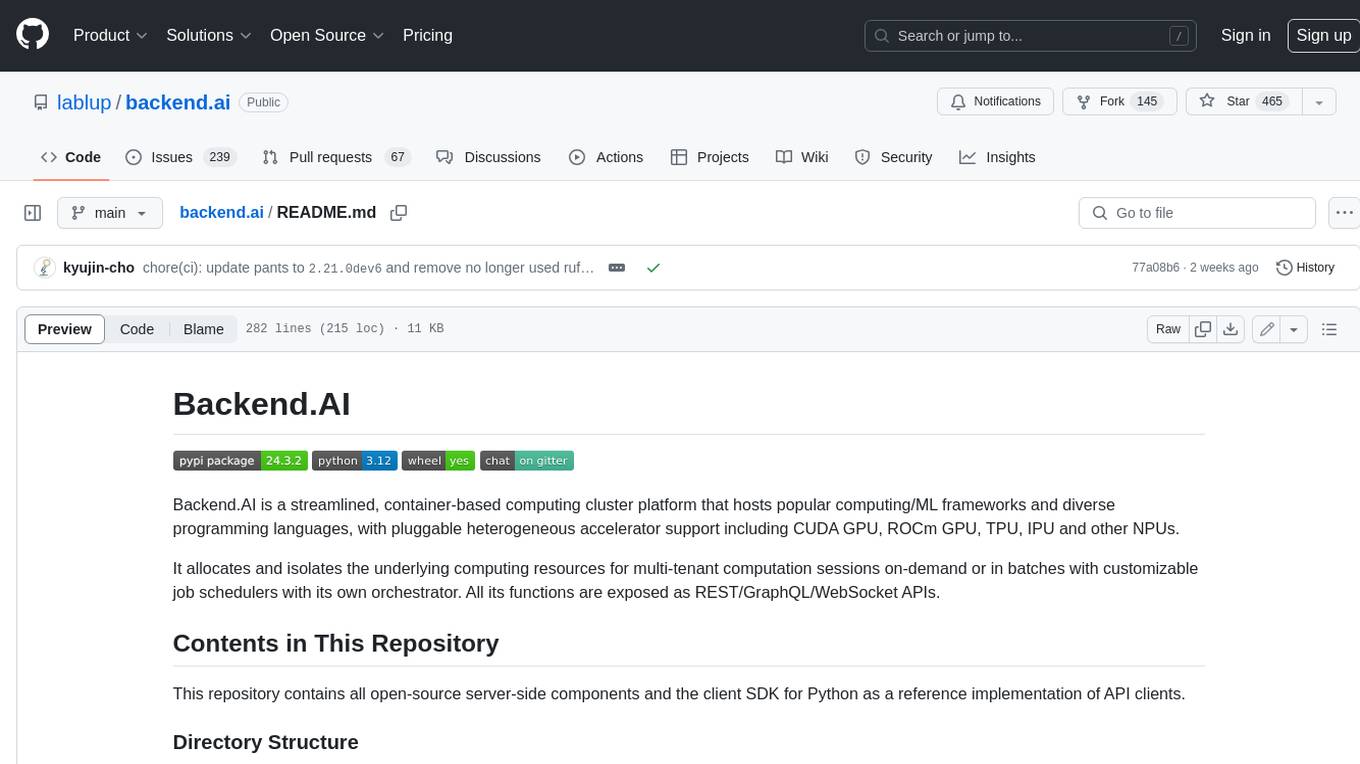
backend.ai
Backend.AI is a streamlined, container-based computing cluster platform that hosts popular computing/ML frameworks and diverse programming languages, with pluggable heterogeneous accelerator support including CUDA GPU, ROCm GPU, TPU, IPU and other NPUs. It allocates and isolates the underlying computing resources for multi-tenant computation sessions on-demand or in batches with customizable job schedulers with its own orchestrator. All its functions are exposed as REST/GraphQL/WebSocket APIs.
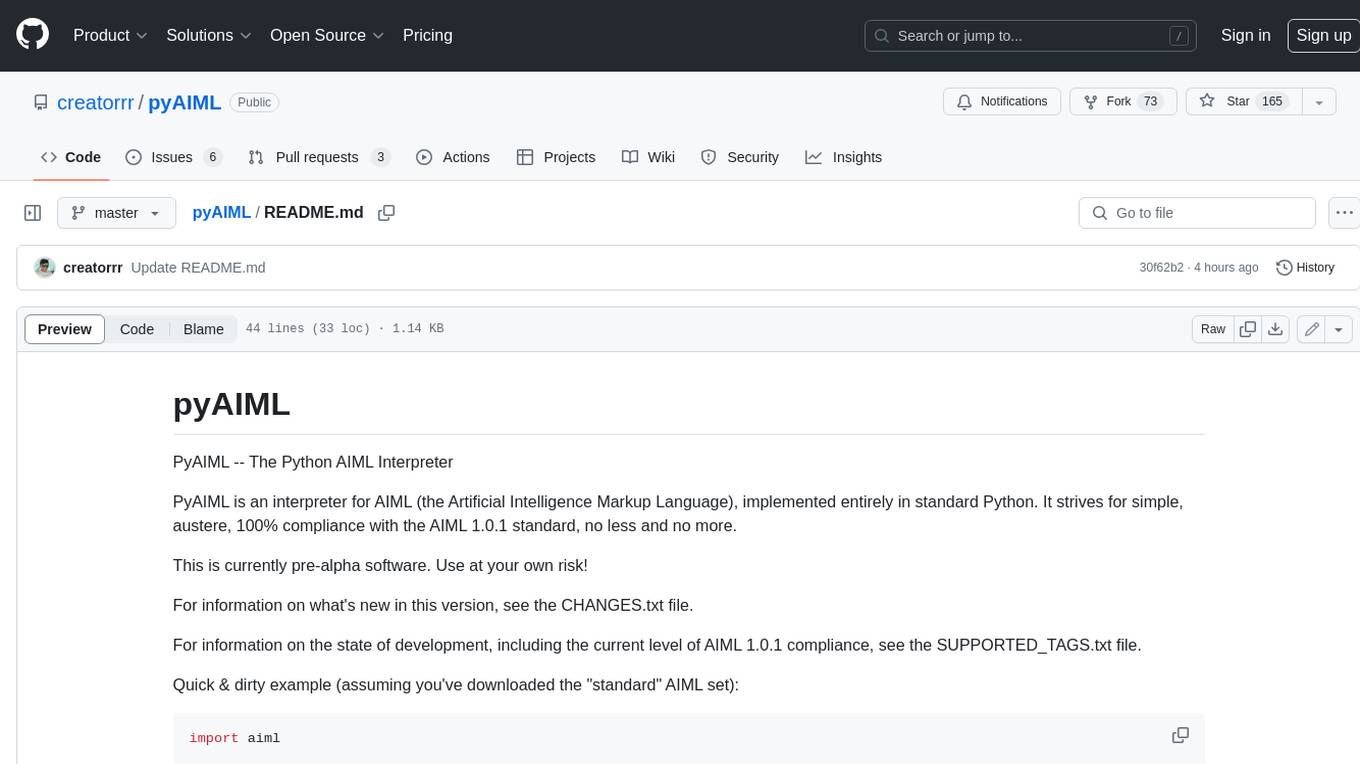
pyAIML
PyAIML is a Python implementation of the AIML (Artificial Intelligence Markup Language) interpreter. It aims to be a simple, standards-compliant interpreter for AIML 1.0.1. PyAIML is currently in pre-alpha development, so use it at your own risk. For more information on PyAIML, see the CHANGES.txt and SUPPORTED_TAGS.txt files.
For similar jobs
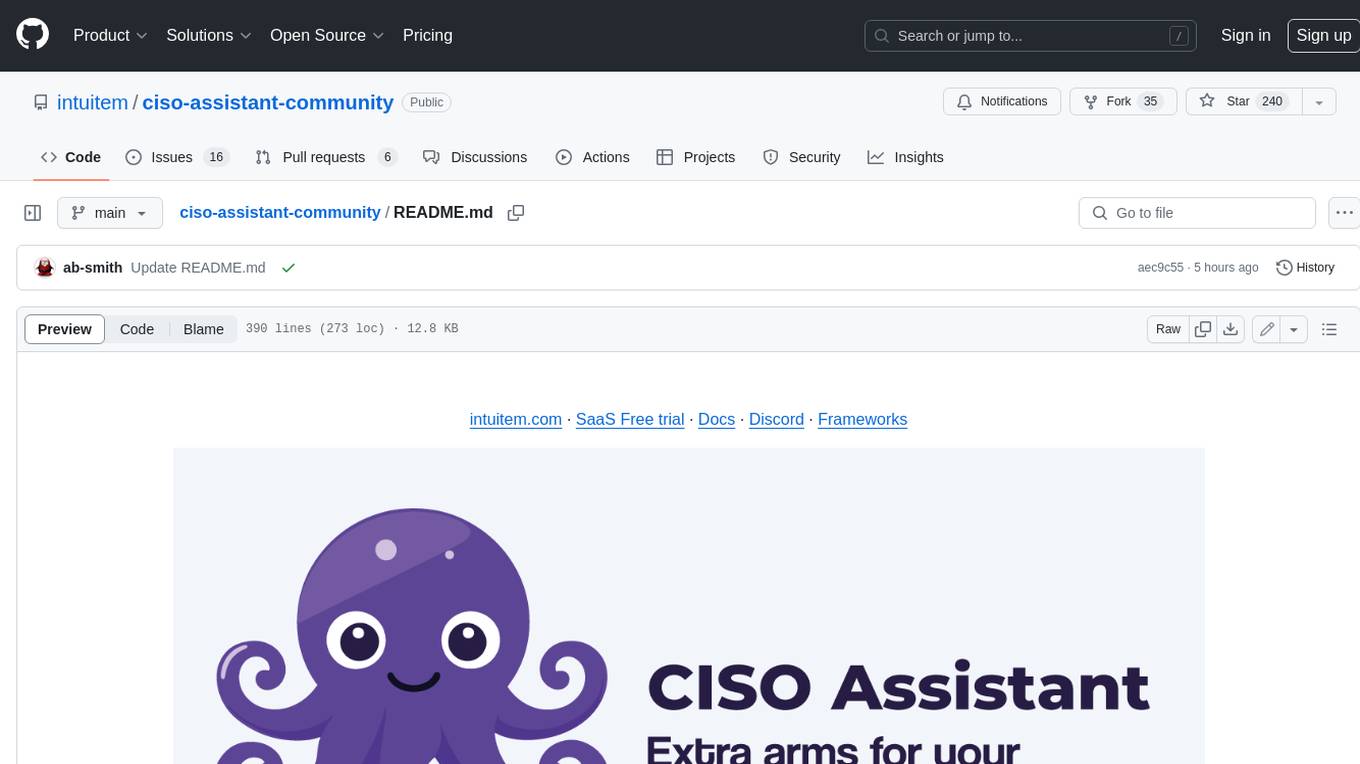
ciso-assistant-community
CISO Assistant is a tool that helps organizations manage their cybersecurity posture and compliance. It provides a centralized platform for managing security controls, threats, and risks. CISO Assistant also includes a library of pre-built frameworks and tools to help organizations quickly and easily implement best practices.
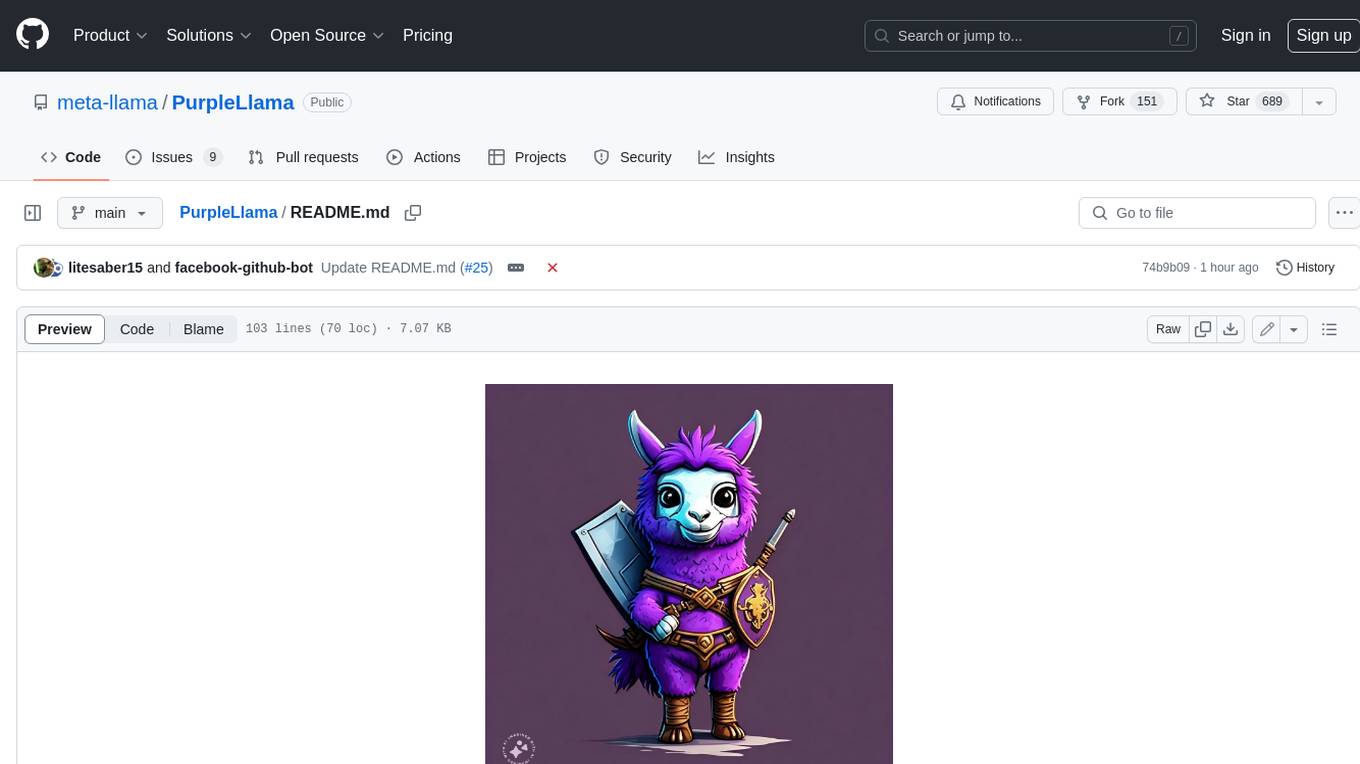
PurpleLlama
Purple Llama is an umbrella project that aims to provide tools and evaluations to support responsible development and usage of generative AI models. It encompasses components for cybersecurity and input/output safeguards, with plans to expand in the future. The project emphasizes a collaborative approach, borrowing the concept of purple teaming from cybersecurity, to address potential risks and challenges posed by generative AI. Components within Purple Llama are licensed permissively to foster community collaboration and standardize the development of trust and safety tools for generative AI.
vpnfast.github.io
VPNFast is a lightweight and fast VPN service provider that offers secure and private internet access. With VPNFast, users can protect their online privacy, bypass geo-restrictions, and secure their internet connection from hackers and snoopers. The service provides high-speed servers in multiple locations worldwide, ensuring a reliable and seamless VPN experience for users. VPNFast is easy to use, with a user-friendly interface and simple setup process. Whether you're browsing the web, streaming content, or accessing sensitive information, VPNFast helps you stay safe and anonymous online.
taranis-ai
Taranis AI is an advanced Open-Source Intelligence (OSINT) tool that leverages Artificial Intelligence to revolutionize information gathering and situational analysis. It navigates through diverse data sources like websites to collect unstructured news articles, utilizing Natural Language Processing and Artificial Intelligence to enhance content quality. Analysts then refine these AI-augmented articles into structured reports that serve as the foundation for deliverables such as PDF files, which are ultimately published.
NightshadeAntidote
Nightshade Antidote is an image forensics tool used to analyze digital images for signs of manipulation or forgery. It implements several common techniques used in image forensics including metadata analysis, copy-move forgery detection, frequency domain analysis, and JPEG compression artifacts analysis. The tool takes an input image, performs analysis using the above techniques, and outputs a report summarizing the findings.
h4cker
This repository is a comprehensive collection of cybersecurity-related references, scripts, tools, code, and other resources. It is carefully curated and maintained by Omar Santos. The repository serves as a supplemental material provider to several books, video courses, and live training created by Omar Santos. It encompasses over 10,000 references that are instrumental for both offensive and defensive security professionals in honing their skills.
AIMr
AIMr is an AI aimbot tool written in Python that leverages modern technologies to achieve an undetected system with a pleasing appearance. It works on any game that uses human-shaped models. To optimize its performance, users should build OpenCV with CUDA. For Valorant, additional perks in the Discord and an Arduino Leonardo R3 are required.
admyral
Admyral is an open-source Cybersecurity Automation & Investigation Assistant that provides a unified console for investigations and incident handling, workflow automation creation, automatic alert investigation, and next step suggestions for analysts. It aims to tackle alert fatigue and automate security workflows effectively by offering features like workflow actions, AI actions, case management, alert handling, and more. Admyral combines security automation and case management to streamline incident response processes and improve overall security posture. The tool is open-source, transparent, and community-driven, allowing users to self-host, contribute, and collaborate on integrations and features.