


MateChat
前端智能化场景解决方案UI库,轻松构建你的AI应用,我们将持续完善更新,欢迎你的使用与建议。 官网地址:https://matechat.gitcode.com
Stars: 159
MateChat is a UI library for intelligent scenarios in front-end development, allowing easy construction of AI applications. It has been used in the intelligent transformation of multiple applications within Huawei and has supported the development of intelligent assistants such as CodeArts and InsCode AI IDE. The library offers components tailored for intelligent scenarios, out-of-the-box functionality, support for multiple scenarios and themes, and continuous evolution of features.
README:


前端智能化场景解决方案UI库,轻松构建你的AI应用。已服务于华为内部多个应用智能化改造,并助力CodeArts、InsCode AI IDE等智能化助手搭建。

- 面向智能化场景组件库
- 开箱即用
- 多场景匹配
- 多主题适配
- 更多特性持续演进更新中...
了解更多请访问MateChat网站:MateChat
如果你还没有新建项目,可以使用vite首先初始化一个vue+ts项目:
$ npm create vite@latest$ npm i vue-devui @matechat/core @devui-design/icons在main.ts文件中引入matechat, 图标库 样式文件
import { createApp } from 'vue';
import App from './App.vue';

import MateChat from '@matechat/core';

import '@devui-design/icons/icomoon/devui-icon.css';

createApp(App).use(MateChat).mount('#app');在App.vue文件中使用 MateChat 组件,如:
<template>
  <McBubble :content="'Hello, MateChat'" :avatarConfig="{ name: 'matechat' }"></McBubble>
</template>
以下为一个简单的对话界面搭建示例:
<template>
  <McLayout class="container">
    <McHeader :title="'MateChat'" :logoImg="'https://matechat.gitcode.com/logo.svg'">
      <template #operationArea>
        <div class="operations">
          <i class="icon-helping"></i>
        </div>
      </template>
    </McHeader>
    <McLayoutContent
      v-if="startPage"
      style="display: flex; flex-direction: column; align-items: center; justify-content: center; gap: 12px"
    >
      <McIntroduction
        :logoImg="'https://matechat.gitcode.com/logo2x.svg'"
        :title="'MateChat'"
        :subTitle="'Hi,欢迎使用 MateChat'"
        :description="description"
      ></McIntroduction>
      <McPrompt
        :list="introPrompt.list"
        :direction="introPrompt.direction"
        class="intro-prompt"
        @itemClick="onSubmit($event.label)"
      ></McPrompt>
    </McLayoutContent>
    <McLayoutContent class="content-container" v-else>
      <template v-for="(msg, idx) in messages" :key="idx">
        <McBubble
          v-if="msg.from === 'user'"
          :content="msg.content"
          :align="'right'"
          :avatarConfig="{ imgSrc: 'https://matechat.gitcode.com/png/demo/userAvatar.svg' }"
        >
        </McBubble>
        <McBubble v-else :content="msg.content" :avatarConfig="{ imgSrc: 'https://matechat.gitcode.com/logo.svg' }" :loading="msg.loading"> </McBubble>
      </template>
    </McLayoutContent>
    <div class="shortcut" style="display: flex; align-items: center; gap: 8px">
      <McPrompt
        v-if="!startPage"
        :list="simplePrompt"
        :direction="'horizontal'"
        style="flex: 1"
        @itemClick="onSubmit($event.label)"
      ></McPrompt>
      <Button
        style="margin-left: auto"
        icon="add"
        shape="circle"
        title="新建对话"
        size="md"
        @click="newConversation"
      />
    </div>
    <McLayoutSender>
      <McInput :value="inputValue" :maxLength="2000" @change="(e) => (inputValue = e)" @submit="onSubmit">
        <template #extra>
          <div class="input-foot-wrapper">
            <div class="input-foot-left">
              <span v-for="(item, index) in inputFootIcons" :key="index">
                <i :class="item.icon"></i>
                {{ item.text }}
              </span>
              <span class="input-foot-dividing-line"></span>
              <span class="input-foot-maxlength">{{ inputValue.length }}/2000</span>
            </div>
            <div class="input-foot-right">
              <Button icon="op-clearup" shape="round" :disabled="!inputValue" @click="inputValue = ''"><span class="demo-button-content">清空输入</span></Button>
            </div>
          </div>
        </template>
      </McInput>
    </McLayoutSender>
  </McLayout>
</template>

<script setup lang="ts">
import { ref } from 'vue';
import { Button } from 'vue-devui/button';
import 'vue-devui/button/style.css';

const description = [
  'MateChat 可以辅助研发人员编码、查询知识和相关作业信息、编写文档等。',
  '作为AI模型,MateChat 提供的答案可能不总是确定或准确的,但您的反馈可以帮助 MateChat 做的更好。',
];
const introPrompt = {
  direction: 'horizontal',
  list: [
    {
      value: 'quickSort',
      label: '帮我写一个快速排序',
      iconConfig: { name: 'icon-info-o', color: '#5e7ce0' },
      desc: '使用 js 实现一个快速排序',
    },
    {
      value: 'helpMd',
      label: '你可以帮我做些什么?',
      iconConfig: { name: 'icon-star', color: 'rgb(255, 215, 0)' },
      desc: '了解当前大模型可以帮你做的事',
    },
    {
      value: 'bindProjectSpace',
      label: '怎么绑定项目空间',
      iconConfig: { name: 'icon-priority', color: '#3ac295' },
      desc: '如何绑定云空间中的项目',
    },
  ],
};
const simplePrompt = [
  {
    value: 'quickSort',
    iconConfig: { name: 'icon-info-o', color: '#5e7ce0' },
    label: '帮我写一个快速排序',
  },
  {
    value: 'helpMd',
    iconConfig: { name: 'icon-star', color: 'rgb(255, 215, 0)' },
    label: '你可以帮我做些什么?',
  },
];
const startPage = ref(true);
const inputValue = ref('');
const inputFootIcons = [
  { icon: 'icon-at', text: '智能体' },
  { icon: 'icon-standard', text: '词库' },
  { icon: 'icon-add', text: '附件' },
];

const messages = ref<any[]>([]);

const newConversation = () => {
  startPage.value = true;
  messages.value = [];
}

const onSubmit = (evt) => {
  inputValue.value='';
  startPage.value = false;
  // 用户发送消息
  messages.value.push({
    from: 'user',
    content: evt,
  });
  setTimeout(() => {
    // 模型返回消息
    messages.value.push({
      from: 'model',
      content: evt,
    });
  }, 200);
};
</script>

<style>
.container {
  width: 1000px;
  margin: 20px auto;
  height: calc(100vh - 82px);
  padding: 20px;
  gap: 8px;
  background: #fff;
  border: 1px solid #ddd;
  border-radius: 16px;
}

.content-container {
  display: flex;
  flex-direction: column;
  gap: 8px;
  overflow: auto;
}

.input-foot-wrapper {
  display: flex;
  justify-content: space-between;
  align-items: center;
  width: 100%;
  height: 100%;
  margin-right: 8px;

  .input-foot-left {
    display: flex;
    align-items: center;
    gap: 8px;

    span {
      font-size: 14px;
      line-height: 18px;
      color: #252b3a;
      cursor: pointer;
    }

    .input-foot-dividing-line {
      width: 1px;
      height: 14px;
      background-color: #d7d8da;
    }

    .input-foot-maxlength {
      font-size: 14px;
      color: #71757f;
    }
  }

  .input-foot-right {
    .demo-button-content {
      font-size: 14px;
    }

    & > *:not(:first-child) {
      margin-left: 8px;
    }
  }
}
</style>基于vue-devui主题化来实现。
在搭建完成页面后,可以开始对接模型服务,如 盘古大模型、ChatGPT 等优秀大模型,在注册并生成对应模型的调用API_Key后,可以参考如下方法进行调用:
- 通过 npm 安装 openai:
$ npm install openai- 使用OpenAI初始化并调用模型接口,如下为一段代码示例:
import OpenAI from 'openai';

const client = new OpenAI({
  apiKey: '', // 模型APIKey
  baseURL: '', // 模型API地址
  dangerouslyAllowBrowser: true,
});

const fetchData = (ques) => {
  const completion = await client.chat.completions.create({
    model: 'my-model', // 替换为自己的model名称
    messages: [
      { role: 'user', content: ques },
    ],
    stream: true, // 为 true 则开启接口的流式返回
  });

  for await (const chunk of completion) {
    console.log('content: ', chunk.choices[0]?.delta?.content || '');
    console.log('chatId: ', chunk.id);
  }
}
那么参考以上步骤,【快速开始】中示例可调整下代码。
将以下代码:
const onSubmit = (evt) => {
  inputValue.value = '';
  startPage.value = false;
  // 用户发送消息
  messages.value.push({
    from: 'user',
    content: evt,
  });
  setTimeout(() => {
    // 模型返回消息
    messages.value.push({
      from: 'model',
      content: evt,
    });
  }, 200);
};
修改为:
import OpenAI from 'openai';

const client = new OpenAI({
  apiKey: '', // 模型APIKey
  baseURL: '', // 模型API地址
  dangerouslyAllowBrowser: true,
});

const onSubmit = (evt) => {
  inputValue.value = '';
  startPage.value = false;
  // 用户发送消息
  messages.value.push({
    from: 'user',
    content: evt,
    avatarConfig: { name: 'user' },
  });

  fetchData(evt);
};

const fetchData = async (ques) => {
  messages.value.push({
    from: 'model',
    content: '',
    avatarConfig: { name: 'model' },
    id: '',
    loading: true,
  });
  const completion = await client.chat.completions.create({
    model: 'my-model', // 替换为自己的model名称
    messages: [{ role: 'user', content: ques }],
    stream: true, // 为 true 则开启接口的流式返回
  });
  messages.value[messages.value.length - 1].loading = false;
  for await (const chunk of completion) {
    const content = chunk.choices[0]?.delta?.content || '';
    const chatId = chunk.id;
    messages.value[messages.value.length - 1].content += content;
    messages.value[messages.value.length - 1].id = chatId;
  }
};完成模型API地址与APIKey填充后,即拥有了一个对接大模型的简单应用。如果你想要参考更完整的页面示例,可参考演示场景。
我们非常欢迎您的建议,您的每一个想法都可能帮助我们改进这个项目。如果您有任何关于功能改进、特性新增、文档补充或者其他方面的建议,随时在 issues 提交。
git clone [email protected]:DevCloudFE/MateChat.git
cd matechat
pnpm i
pnpm run docs:devMateChat 在不断的演进中,你可在这里了解我们的计划:MateChat 特性计划
我们诚挚地邀请您加入MateChat社区,一起参与项目的建设。无论您是经验丰富的开发者,还是刚刚起步的编程爱好者,您的贡献都对我们至关重要,这里是我们的【贡献指南】。
欢迎加入我们的开源社区,关注DevUI微信公众号:DevUI
For Tasks:
Click tags to check more tools for each tasksFor Jobs:
Alternative AI tools for MateChat
Similar Open Source Tools
For similar tasks
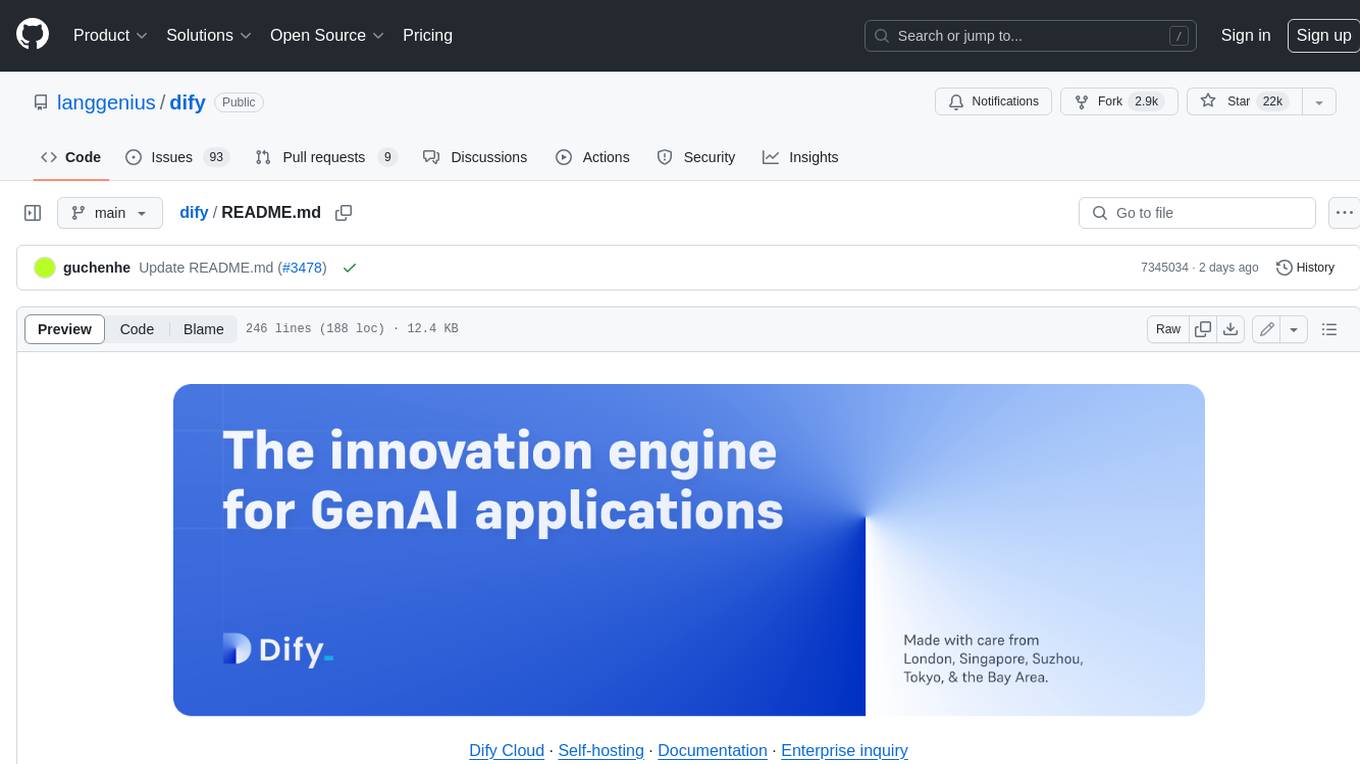
dify
Dify is an open-source LLM app development platform that combines AI workflow, RAG pipeline, agent capabilities, model management, observability features, and more. It allows users to quickly go from prototype to production. Key features include: 1. Workflow: Build and test powerful AI workflows on a visual canvas. 2. Comprehensive model support: Seamless integration with hundreds of proprietary / open-source LLMs from dozens of inference providers and self-hosted solutions. 3. Prompt IDE: Intuitive interface for crafting prompts, comparing model performance, and adding additional features. 4. RAG Pipeline: Extensive RAG capabilities that cover everything from document ingestion to retrieval. 5. Agent capabilities: Define agents based on LLM Function Calling or ReAct, and add pre-built or custom tools. 6. LLMOps: Monitor and analyze application logs and performance over time. 7. Backend-as-a-Service: All of Dify's offerings come with corresponding APIs for easy integration into your own business logic.
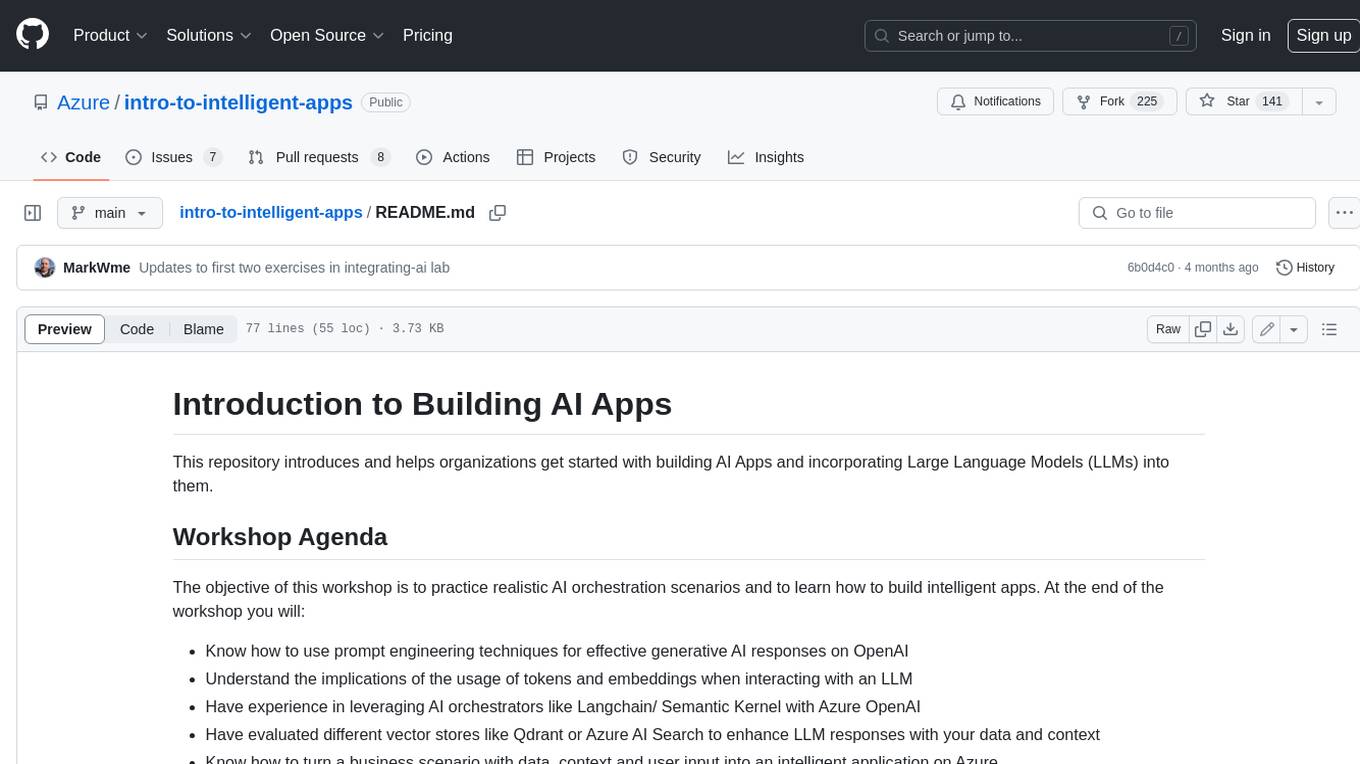
intro-to-intelligent-apps
This repository introduces and helps organizations get started with building AI Apps and incorporating Large Language Models (LLMs) into them. The workshop covers topics such as prompt engineering, AI orchestration, and deploying AI apps. Participants will learn how to use Azure OpenAI, Langchain/ Semantic Kernel, Qdrant, and Azure AI Search to build intelligent applications.
runhouse
Runhouse is a tool that allows you to build, run, and deploy production-quality AI apps and workflows on your own compute. It provides simple, powerful APIs for the full lifecycle of AI development, from research to evaluation to production to updates to scaling to management, and across any infra. By automatically packaging your apps into scalable, secure, and observable services, Runhouse can also turn otherwise redundant AI activities into common reusable components across your team or company, which improves cost, velocity, and reproducibility.
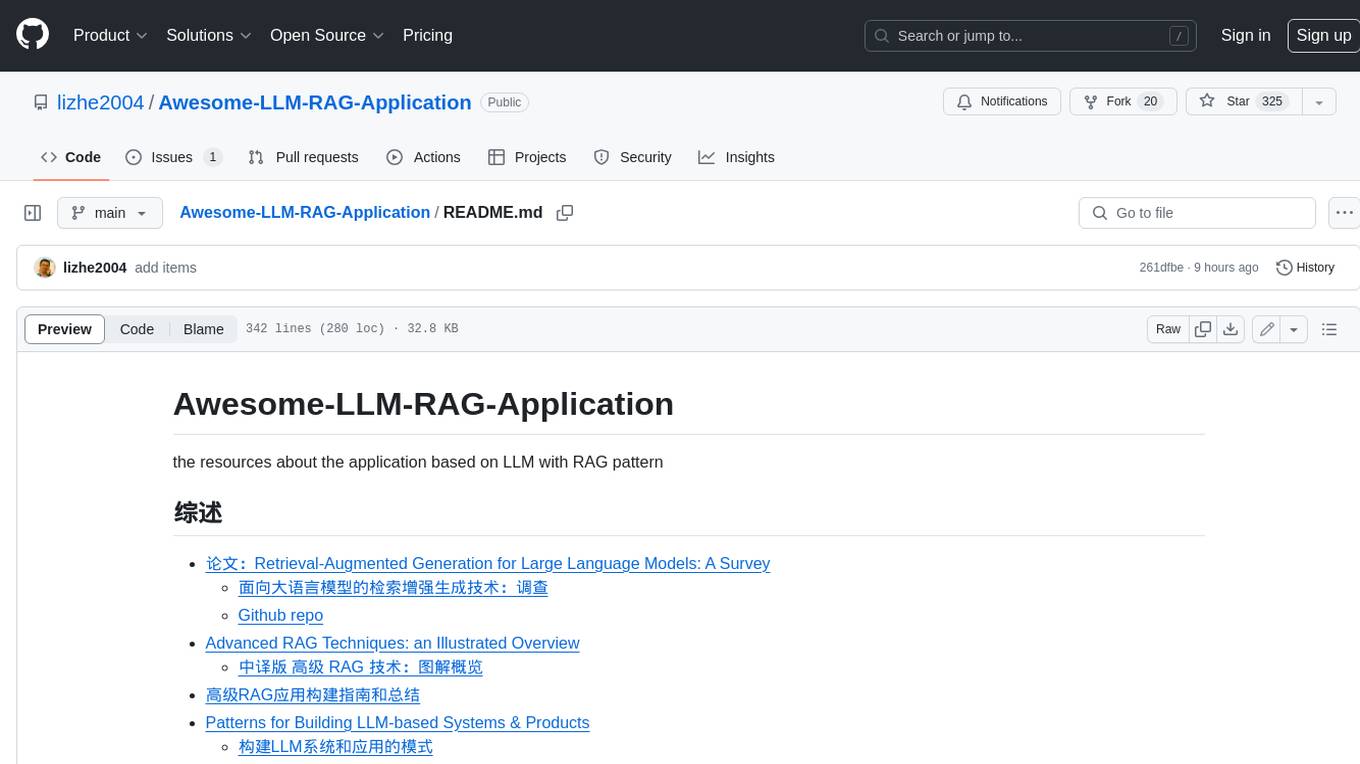
Awesome-LLM-RAG-Application
Awesome-LLM-RAG-Application is a repository that provides resources and information about applications based on Large Language Models (LLM) with Retrieval-Augmented Generation (RAG) pattern. It includes a survey paper, GitHub repo, and guides on advanced RAG techniques. The repository covers various aspects of RAG, including academic papers, evaluation benchmarks, downstream tasks, tools, and technologies. It also explores different frameworks, preprocessing tools, routing mechanisms, evaluation frameworks, embeddings, security guardrails, prompting tools, SQL enhancements, LLM deployment, observability tools, and more. The repository aims to offer comprehensive knowledge on RAG for readers interested in exploring and implementing LLM-based systems and products.
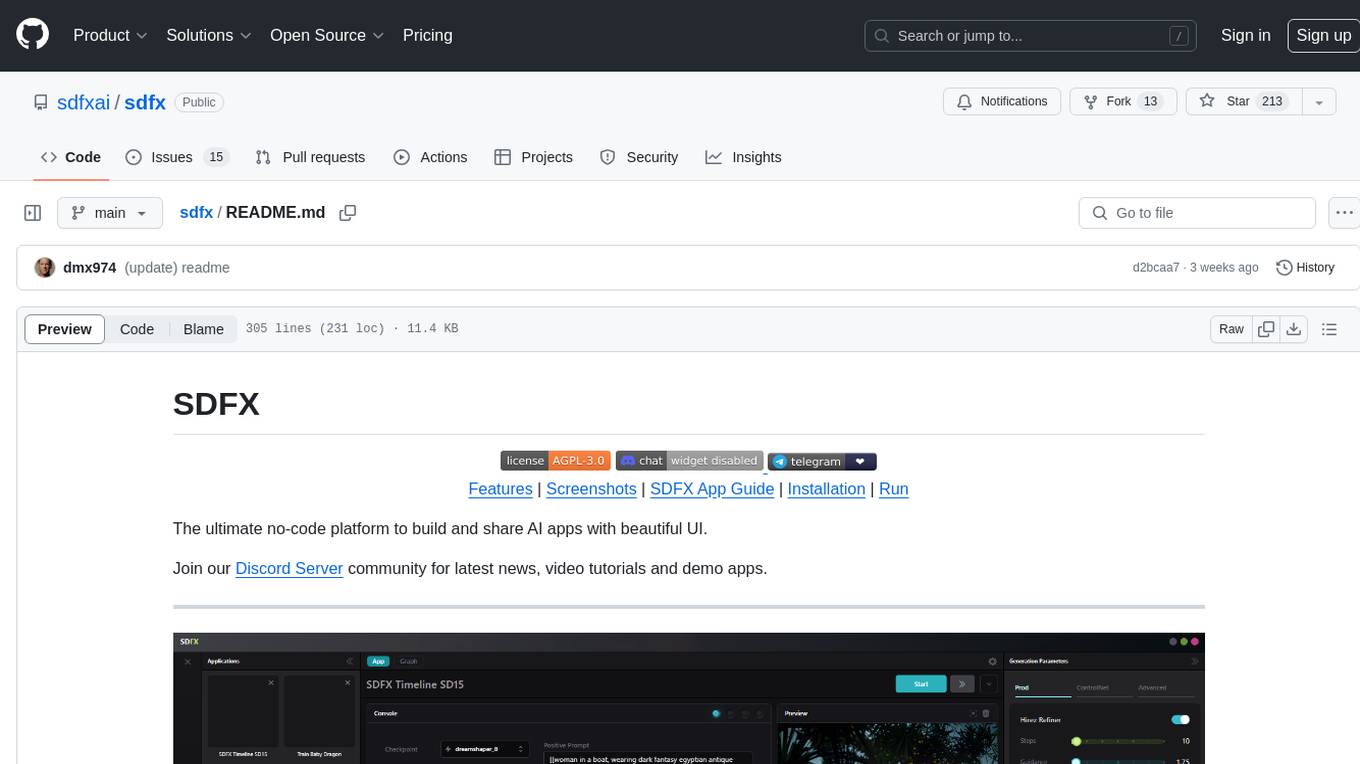
sdfx
SDFX is the ultimate no-code platform for building and sharing AI apps with beautiful UI. It enables the creation of user-friendly interfaces for complex workflows by combining Comfy workflow with a UI. The tool is designed to merge the benefits of form-based UI and graph-node based UI, allowing users to create intricate graphs with a high-level UI overlay. SDFX is fully compatible with ComfyUI, abstracting the need for installing ComfyUI. It offers features like animated graph navigation, node bookmarks, UI debugger, custom nodes manager, app and template export, image and mask editor, and more. The tool compiles as a native app or web app, making it easy to maintain and add new features.
Build-Modern-AI-Apps
This repository serves as a hub for Microsoft Official Build & Modernize AI Applications reference solutions and content. It provides access to projects demonstrating how to build Generative AI applications using Azure services like Azure OpenAI, Azure Container Apps, Azure Kubernetes, and Azure Cosmos DB. The solutions include Vector Search & AI Assistant, Real-Time Payment and Transaction Processing, and Medical Claims Processing. Additionally, there are workshops like the Intelligent App Workshop for Microsoft Copilot Stack, focusing on infusing intelligence into traditional software systems using foundation models and design thinking.

RAG_Hack
RAGHack is a hackathon focused on building AI applications using the power of RAG (Retrieval Augmented Generation). RAG combines large language models with search engine knowledge to provide contextually relevant answers. Participants can learn to build RAG apps on Azure AI using various languages and retrievers, explore frameworks like LangChain and Semantic Kernel, and leverage technologies such as agents and vision models. The hackathon features live streams, hack submissions, and prizes for innovative projects.
generative-ai-with-javascript
The 'Generative AI with JavaScript' repository is a comprehensive resource hub for JavaScript developers interested in delving into the world of Generative AI. It provides code samples, tutorials, and resources from a video series, offering best practices and tips to enhance AI skills. The repository covers the basics of generative AI, guides on building AI applications using JavaScript, from local development to deployment on Azure, and scaling AI models. It is a living repository with continuous updates, making it a valuable resource for both beginners and experienced developers looking to explore AI with JavaScript.
For similar jobs
Awesome-LLM-RAG-Application
Awesome-LLM-RAG-Application is a repository that provides resources and information about applications based on Large Language Models (LLM) with Retrieval-Augmented Generation (RAG) pattern. It includes a survey paper, GitHub repo, and guides on advanced RAG techniques. The repository covers various aspects of RAG, including academic papers, evaluation benchmarks, downstream tasks, tools, and technologies. It also explores different frameworks, preprocessing tools, routing mechanisms, evaluation frameworks, embeddings, security guardrails, prompting tools, SQL enhancements, LLM deployment, observability tools, and more. The repository aims to offer comprehensive knowledge on RAG for readers interested in exploring and implementing LLM-based systems and products.
ChatGPT-On-CS
ChatGPT-On-CS is an intelligent chatbot tool based on large models, supporting various platforms like WeChat, Taobao, Bilibili, Douyin, Weibo, and more. It can handle text, voice, and image inputs, access external resources through plugins, and customize enterprise AI applications based on proprietary knowledge bases. Users can set custom replies, utilize ChatGPT interface for intelligent responses, send images and binary files, and create personalized chatbots using knowledge base files. The tool also features platform-specific plugin systems for accessing external resources and supports enterprise AI applications customization.
call-gpt
Call GPT is a voice application that utilizes Deepgram for Speech to Text, elevenlabs for Text to Speech, and OpenAI for GPT prompt completion. It allows users to chat with ChatGPT on the phone, providing better transcription, understanding, and speaking capabilities than traditional IVR systems. The app returns responses with low latency, allows user interruptions, maintains chat history, and enables GPT to call external tools. It coordinates data flow between Deepgram, OpenAI, ElevenLabs, and Twilio Media Streams, enhancing voice interactions.
awesome-LLM-resourses
A comprehensive repository of resources for Chinese large language models (LLMs), including data processing tools, fine-tuning frameworks, inference libraries, evaluation platforms, RAG engines, agent frameworks, books, courses, tutorials, and tips. The repository covers a wide range of tools and resources for working with LLMs, from data labeling and processing to model fine-tuning, inference, evaluation, and application development. It also includes resources for learning about LLMs through books, courses, and tutorials, as well as insights and strategies from building with LLMs.
tappas
Hailo TAPPAS is a set of full application examples that implement pipeline elements and pre-trained AI tasks. It demonstrates Hailo's system integration scenarios on predefined systems, aiming to accelerate time to market, simplify integration with Hailo's runtime SW stack, and provide a starting point for customers to fine-tune their applications. The tool supports both Hailo-15 and Hailo-8, offering various example applications optimized for different common hosts. TAPPAS includes pipelines for single network, two network, and multi-stream processing, as well as high-resolution processing via tiling. It also provides example use case pipelines like License Plate Recognition and Multi-Person Multi-Camera Tracking. The tool is regularly updated with new features, bug fixes, and platform support.
cloudflare-rag
This repository provides a fullstack example of building a Retrieval Augmented Generation (RAG) app with Cloudflare. It utilizes Cloudflare Workers, Pages, D1, KV, R2, AI Gateway, and Workers AI. The app features streaming interactions to the UI, hybrid RAG with Full-Text Search and Vector Search, switchable providers using AI Gateway, per-IP rate limiting with Cloudflare's KV, OCR within Cloudflare Worker, and Smart Placement for workload optimization. The development setup requires Node, pnpm, and wrangler CLI, along with setting up necessary primitives and API keys. Deployment involves setting up secrets and deploying the app to Cloudflare Pages. The project implements a Hybrid Search RAG approach combining Full Text Search against D1 and Hybrid Search with embeddings against Vectorize to enhance context for the LLM.
pixeltable
Pixeltable is a Python library designed for ML Engineers and Data Scientists to focus on exploration, modeling, and app development without the need to handle data plumbing. It provides a declarative interface for working with text, images, embeddings, and video, enabling users to store, transform, index, and iterate on data within a single table interface. Pixeltable is persistent, acting as a database unlike in-memory Python libraries such as Pandas. It offers features like data storage and versioning, combined data and model lineage, indexing, orchestration of multimodal workloads, incremental updates, and automatic production-ready code generation. The tool emphasizes transparency, reproducibility, cost-saving through incremental data changes, and seamless integration with existing Python code and libraries.
wave-apps
Wave Apps is a directory of sample applications built on H2O Wave, allowing users to build AI apps faster. The apps cover various use cases such as explainable hotel ratings, human-in-the-loop credit risk assessment, mitigating churn risk, online shopping recommendations, and sales forecasting EDA. Users can download, modify, and integrate these sample apps into their own projects to learn about app development and AI model deployment.