


OpenClawChineseTranslation
🦞 OpenClaw (Clawdbot/Moltbot) 汉化版 - 开源个人 AI 助手中文版 | Claude/ChatGPT LLM 接入 | WhatsApp/Telegram/Discord 多平台 | 每小时自动同步 | CLI + Dashboard 全中文 | 全流程搭建教程,以及排错指南!
Stars: 972
OpenClaw Chinese Translation is a localization project that provides a fully Chinese interface for the OpenClaw open-source personal AI assistant platform. It allows users to interact with their AI assistant through chat applications like WhatsApp, Telegram, and Discord to manage daily tasks such as emails, calendars, and files. The project includes both CLI command-line and dashboard web interface fully translated into Chinese.
README:





每小时自动同步 OpenClaw 官方更新,汉化版延迟 < 1 小时!

OpenClaw 是 GitHub 100,000+ Stars 的开源个人 AI 助手平台。它运行在你的电脑上,通过 WhatsApp、Telegram、Discord 等聊天应用与你的 AI 助手交互,帮你处理邮件、日历、文件等日常事务。
本项目 = OpenClaw + 全中文界面,CLI 命令行和 Dashboard 网页控制台均已深度汉化。
前提条件:需要 Node.js >= 22(下载 Node.js)
检查版本:
node -v
npm install -g @qingchencloud/openclaw-zh@latestopenclaw onboard初始化向导会引导你完成:选择 AI 模型 → 配置 API 密钥 → 设置聊天通道
openclaw dashboard浏览器会自动打开全中文的 Dashboard 控制台。完成!
想了解每一步的详细说明?查看 详细安装指南(包含 Node.js 安装、模型配置、守护进程、内网访问等)

概览仪表板 - 网关状态、实例监控、快捷操作一目了然
查看更多截图

对话界面 - 与 AI 助手实时交互

渠道管理 - WhatsApp、Telegram、Discord 等全平台支持

配置中心 - 完整汉化

节点配置 - 执行审批、安全策略管理

技能插件 - 1Password、Apple Notes 等丰富扩展
openclaw                    # 启动 OpenClaw
openclaw onboard            # 初始化向导
openclaw dashboard          # 打开网页控制台
openclaw config             # 查看/修改配置
openclaw skills             # 管理技能
openclaw --help # 查看帮助npm update -g @qingchencloud/openclaw-zh查看当前版本:
openclaw --version
| 版本 | 安装命令 | 说明 |
|---|---|---|
| 稳定版 | npm install -g @qingchencloud/openclaw-zh@latest |
经过测试,推荐使用 |
| 最新版 | npm install -g @qingchencloud/openclaw-zh@nightly |
每小时同步上游,体验新功能 |
国内用户强烈推荐使用 Docker Hub 镜像,拉取速度快,无需翻墙!
| 镜像源 | 拉取命令 | 适用 |
|---|---|---|
| Docker Hub(国内推荐) | docker pull 1186258278/openclaw-zh:latest |
国内用户 |
| GitHub Container Registry | docker pull ghcr.io/1186258278/openclaw-zh:latest |
海外用户 |
# Linux/macOS — 加 --china 自动使用国内镜像
curl -fsSL https://cdn.jsdelivr.net/gh/1186258278/OpenClawChineseTranslation@main/docker-deploy.sh | bash -s -- --china
# Windows PowerShell — 加 -China 自动使用国内镜像
irm https://cdn.jsdelivr.net/gh/1186258278/OpenClawChineseTranslation@main/docker-deploy.ps1 | iex
# 或: .\docker-deploy.ps1 -China# 国内用户使用 Docker Hub 镜像
IMAGE=1186258278/openclaw-zh:latest
# 海外用户使用: IMAGE=ghcr.io/1186258278/openclaw-zh:latest
# 1. 初始化
docker run --rm -v openclaw-data:/root/.openclaw $IMAGE openclaw setup
docker run --rm -v openclaw-data:/root/.openclaw $IMAGE openclaw config set gateway.mode local
# 2. 启动
docker run -d --name openclaw -p 18789:18789 \
-v openclaw-data:/root/.openclaw --restart unless-stopped \
$IMAGE openclaw gateway run访问:http://localhost:18789
完整指南(远程部署、Nginx 反代、Docker Compose、内网访问等)请查看 Docker 部署指南
一键安装脚本(npm)
Linux / macOS:
curl -fsSL -o install.sh https://cdn.jsdelivr.net/gh/1186258278/OpenClawChineseTranslation@main/install.sh && bash install.shWindows PowerShell:
[Console]::OutputEncoding = [System.Text.Encoding]::UTF8
Invoke-WebRequest -Uri "https://cdn.jsdelivr.net/gh/1186258278/OpenClawChineseTranslation@main/install.ps1" -OutFile "install.ps1" -Encoding UTF8; powershell -ExecutionPolicy Bypass -File ".\install.ps1"
如遇中文乱码,直接用 npm 安装:
npm install -g @qingchencloud/openclaw-zh@latest
npm 国内加速安装
# 使用 npmmirror 镜像源(国内推荐)
npm install -g @qingchencloud/openclaw-zh@latest --registry=https://registry.npmmirror.com

# 或全局设置镜像源后再安装
npm config set registry https://registry.npmmirror.com
npm install -g @qingchencloud/openclaw-zh@latest
pnpm / yarn 安装
# pnpm
pnpm add -g @qingchencloud/openclaw-zh@latest

# yarn
yarn global add @qingchencloud/openclaw-zh@latest
Git 克隆加速
# 方案 1: 使用 GitHub 代理
git clone https://ghproxy.net/https://github.com/1186258278/OpenClawChineseTranslation.git

# 方案 2: 无需 git,直接用 npx 运行
npx @qingchencloud/openclaw-zh@latest❶ 安装卡住 / 下载慢
原因:npm 默认从国外源下载,国内网络可能很慢。
解决:加 --registry 参数使用国内镜像源,或直接用 Docker 部署:
# 方案 1:npm 加镜像源
npm install -g @qingchencloud/openclaw-zh@latest --registry=https://registry.npmmirror.com

# 方案 2:用 Docker(国内最快)
docker pull 1186258278/openclaw-zh:latest❷ 安装后还是英文界面
原因:系统上还残留了英文原版 openclaw,它的优先级高于汉化版。
解决:先卸载原版,再重装汉化版:
npm uninstall -g openclaw
npm install -g @qingchencloud/openclaw-zh@latest验证:openclaw --version 输出应包含 -zh 后缀。
❸ 打开 Dashboard 报 `pairing required` 或 `token mismatch`
原因:OpenClaw 的安全机制要求设备配对或 Token 验证。
解决:
# token mismatch —— 用 dashboard 命令自动带 Token 打开:
openclaw dashboard

# pairing required —— 批准设备:
openclaw devices list           # 查看待批准设备 ID
openclaw devices approve <ID>   # 批准该设备

# Docker 用户如果无法运行 CLI,可以一键关闭设备认证:
docker run --rm -v openclaw-data:/root/.openclaw \
  1186258278/openclaw-zh:latest \
  openclaw config set gateway.controlUi.dangerouslyDisableDeviceAuth true
# 然后重启容器| 问题 | 快速解决 | 详情 |
|---|---|---|
| 远程 / 内网访问不了 |
openclaw config set gateway.bind lan 然后重启 |
查看 → |
Missing config |
运行 openclaw onboard 初始化配置 |
查看 → |
Missing workspace template |
升级到最新版即可:npm install -g @qingchencloud/openclaw-zh@latest
|
查看 → |
| Ollama 无响应 | 检查 baseURL 是否为 http://localhost:11434/v1
|
查看 → |
| Docker 容器启动后退出 | 确保启动命令包含 openclaw gateway run
|
查看 → |
| Docker 打不开 Dashboard | 设置 gateway.bind lan 监听所有网卡 |
查看 → |
# 安装更新检测插件
npm install -g @qingchencloud/openclaw-updater
访问 插件市场 获取更多插件。


1群和2群即将满员,请优先扫码加入3群 | 碰到问题也可以直接在群内反馈
| 汉化版 | 上游项目 |
|---|---|
| 汉化官网 | OpenClaw 官网 |
| npm 包 | OpenClaw GitHub |
| GitHub 仓库 | ClawHub 技能市场 |
| GitHub Pages | Discord 社区 |
武汉晴辰天下网络科技有限公司 出品 | qingchencloud.com | MIT License
© 武汉晴辰天下网络科技有限公司 | 鄂ICP备2025164966号
For Tasks:
Click tags to check more tools for each tasksFor Jobs:
Alternative AI tools for OpenClawChineseTranslation
Similar Open Source Tools
For similar tasks
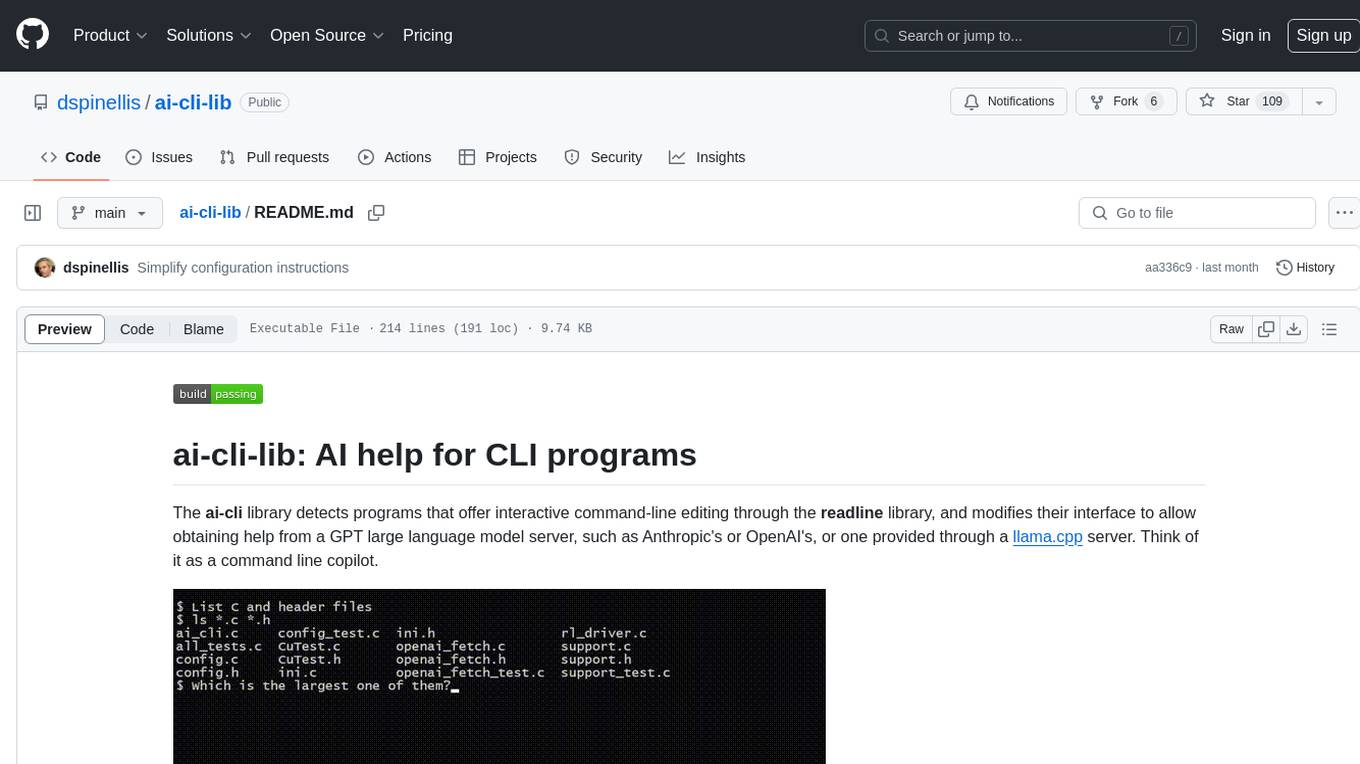
ai-cli-lib
The ai-cli-lib is a library designed to enhance interactive command-line editing programs by integrating with GPT large language model servers. It allows users to obtain AI help from servers like Anthropic's or OpenAI's, or a llama.cpp server. The library acts as a command line copilot, providing natural language prompts and responses to enhance user experience and productivity. It supports various platforms such as Debian GNU/Linux, macOS, and Cygwin, and requires specific packages for installation and operation. Users can configure the library to activate during shell startup and interact with command-line programs like bash, mysql, psql, gdb, sqlite3, and bc. Additionally, the library provides options for configuring API keys, setting up llama.cpp servers, and ensuring data privacy by managing context settings.
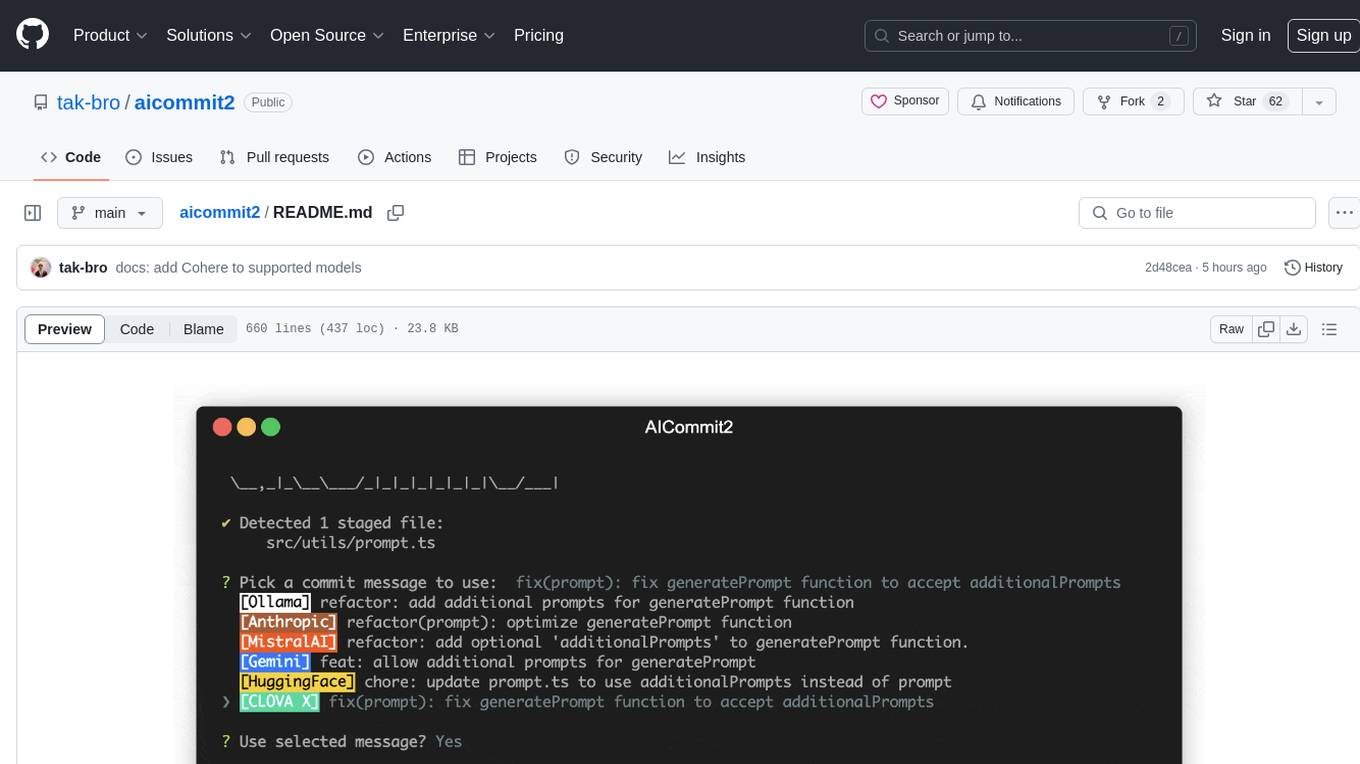
aicommit2
AICommit2 is a Reactive CLI tool that streamlines interactions with various AI providers such as OpenAI, Anthropic Claude, Gemini, Mistral AI, Cohere, and unofficial providers like Huggingface and Clova X. Users can request multiple AI simultaneously to generate git commit messages without waiting for all AI responses. The tool runs 'git diff' to grab code changes, sends them to configured AI, and returns the AI-generated commit message. Users can set API keys or Cookies for different providers and configure options like locale, generate number of messages, commit type, proxy, timeout, max-length, and more. AICommit2 can be used both locally with Ollama and remotely with supported providers, offering flexibility and efficiency in generating commit messages.
TrustEval-toolkit
TrustEval-toolkit is a dynamic and comprehensive framework for evaluating the trustworthiness of Generative Foundation Models (GenFMs) across dimensions such as safety, fairness, robustness, privacy, and more. It offers features like dynamic dataset generation, multi-model compatibility, customizable metrics, metadata-driven pipelines, comprehensive evaluation dimensions, optimized inference, and detailed reports.
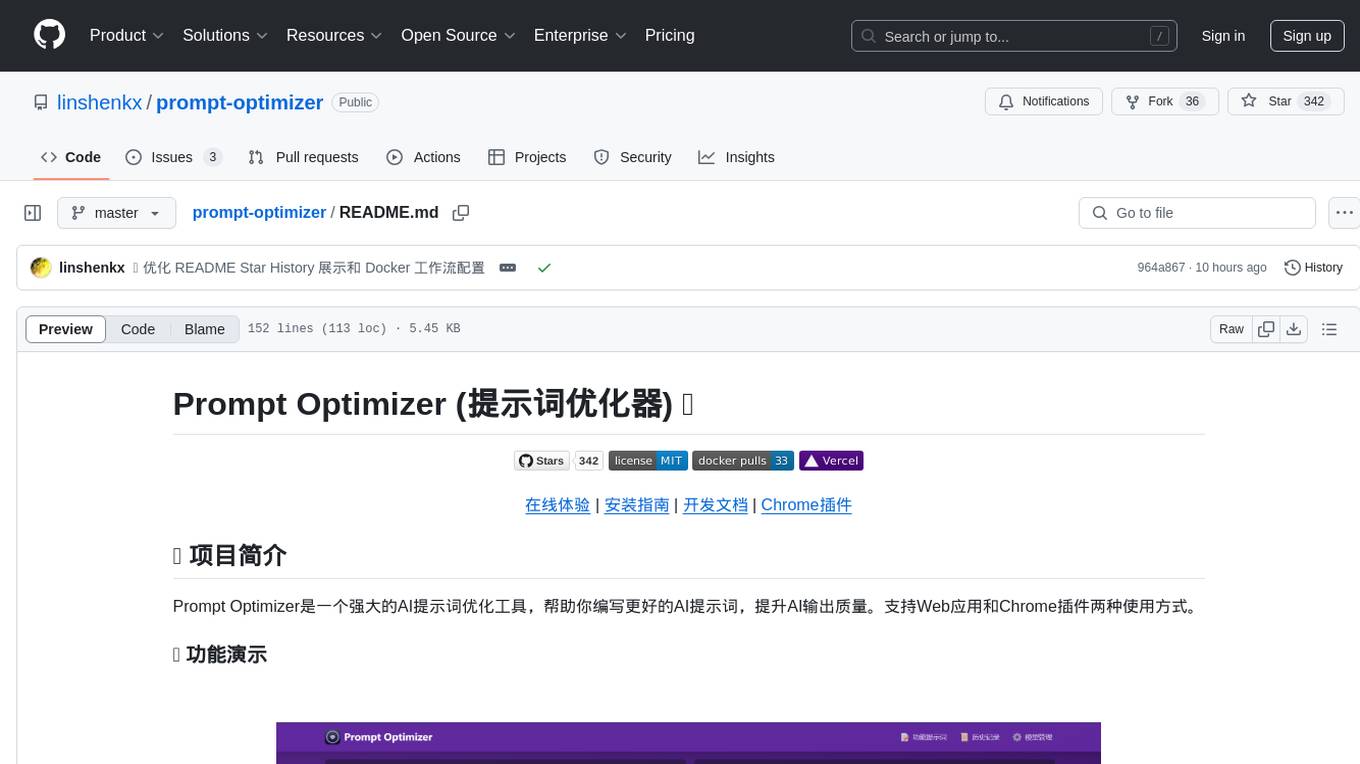
prompt-optimizer
Prompt Optimizer is a powerful AI prompt optimization tool that helps you write better AI prompts, improving AI output quality. It supports both web application and Chrome extension usage. The tool features intelligent optimization for prompt words, real-time testing to compare before and after optimization, integration with multiple mainstream AI models, client-side processing for security, encrypted local storage for data privacy, responsive design for user experience, and more.
youtube_summarizer
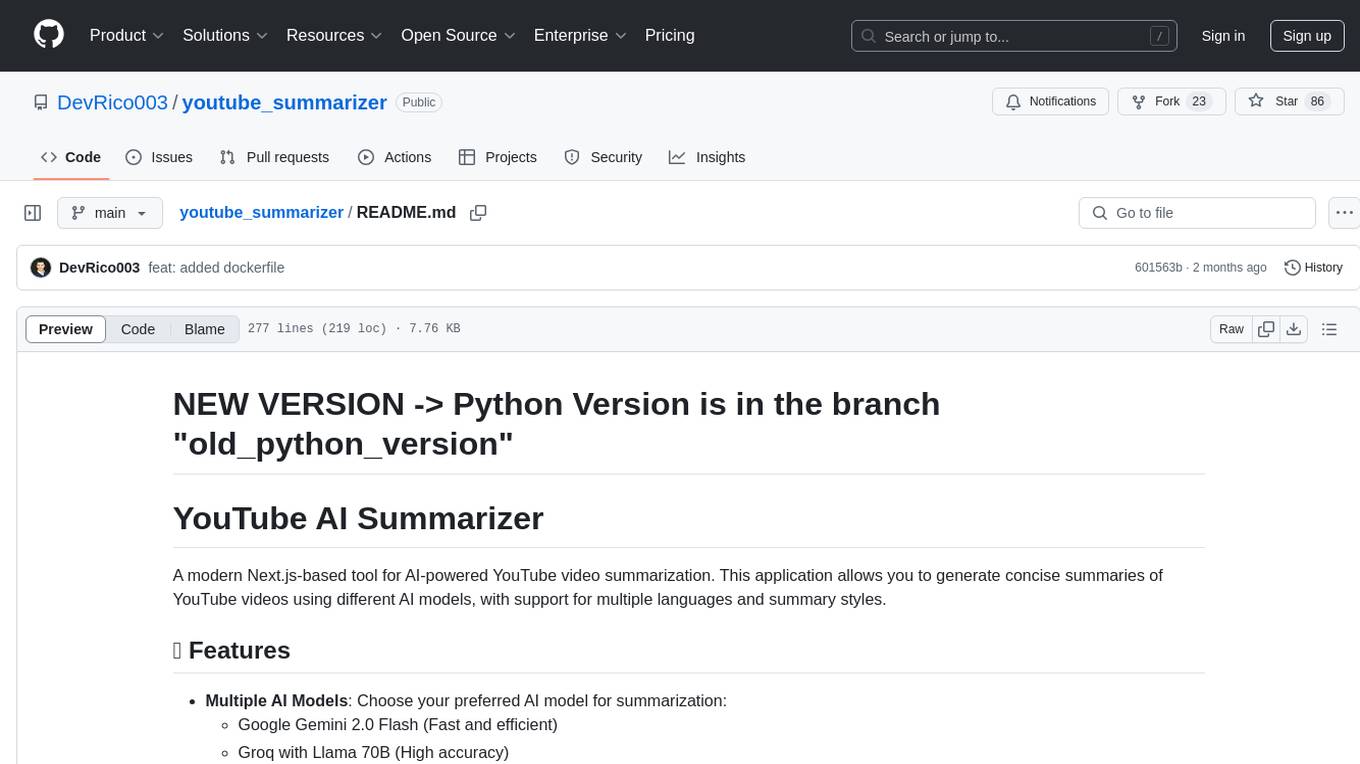
YouTube AI Summarizer is a modern Next.js-based tool for AI-powered YouTube video summarization. It allows users to generate concise summaries of YouTube videos using various AI models, with support for multiple languages and summary styles. The application features flexible API key requirements, multilingual support, flexible summary modes, a smart history system, modern UI/UX design, and more. Users can easily input a YouTube URL, select language, summary type, and AI model, and generate summaries with real-time progress tracking. The tool offers a clean, well-structured summary view, history dashboard, and detailed history view for past summaries. It also provides configuration options for API keys and database setup, along with technical highlights, performance improvements, and a modern tech stack.
svelte-bench
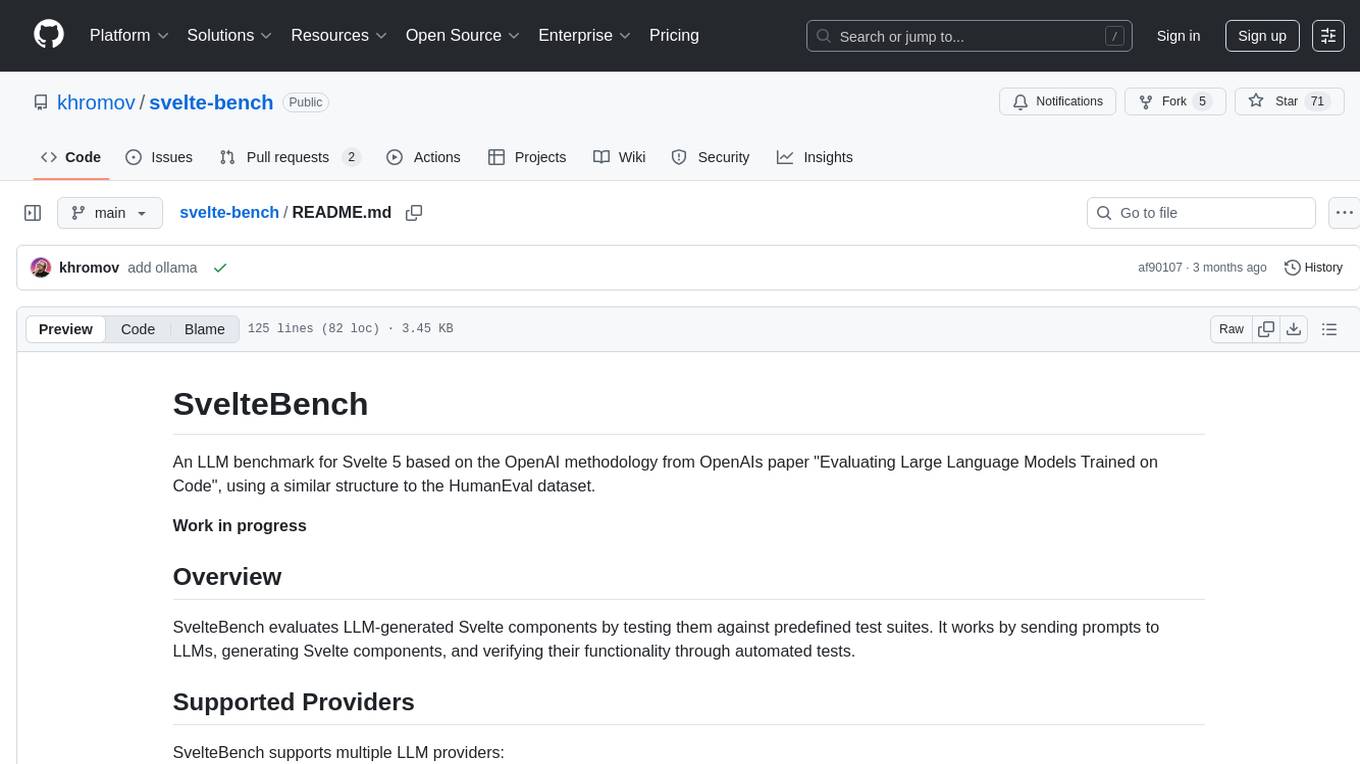
SvelteBench is an LLM benchmark tool for evaluating Svelte components generated by large language models. It supports multiple LLM providers such as OpenAI, Anthropic, Google, and OpenRouter. Users can run predefined test suites to verify the functionality of the generated components. The tool allows configuration of API keys for different providers and offers debug mode for faster development. Users can provide a context file to improve component generation. Benchmark results are saved in JSON format for analysis and visualization.
OpenClawChineseTranslation
OpenClaw Chinese Translation is a localization project that provides a fully Chinese interface for the OpenClaw open-source personal AI assistant platform. It allows users to interact with their AI assistant through chat applications like WhatsApp, Telegram, and Discord to manage daily tasks such as emails, calendars, and files. The project includes both CLI command-line and dashboard web interface fully translated into Chinese.
Bavarder
Bavarder is an AI-powered chit-chat tool designed for informal conversations about unimportant matters. Users can engage in light-hearted discussions with the AI, simulating casual chit-chat scenarios. The tool provides a platform for users to interact with AI in a fun and entertaining way, offering a unique experience of engaging with artificial intelligence in a conversational manner.
For similar jobs
zep
Zep is a long-term memory service for AI Assistant apps. With Zep, you can provide AI assistants with the ability to recall past conversations, no matter how distant, while also reducing hallucinations, latency, and cost. Zep persists and recalls chat histories, and automatically generates summaries and other artifacts from these chat histories. It also embeds messages and summaries, enabling you to search Zep for relevant context from past conversations. Zep does all of this asyncronously, ensuring these operations don't impact your user's chat experience. Data is persisted to database, allowing you to scale out when growth demands. Zep also provides a simple, easy to use abstraction for document vector search called Document Collections. This is designed to complement Zep's core memory features, but is not designed to be a general purpose vector database. Zep allows you to be more intentional about constructing your prompt: 1. automatically adding a few recent messages, with the number customized for your app; 2. a summary of recent conversations prior to the messages above; 3. and/or contextually relevant summaries or messages surfaced from the entire chat session. 4. and/or relevant Business data from Zep Document Collections.
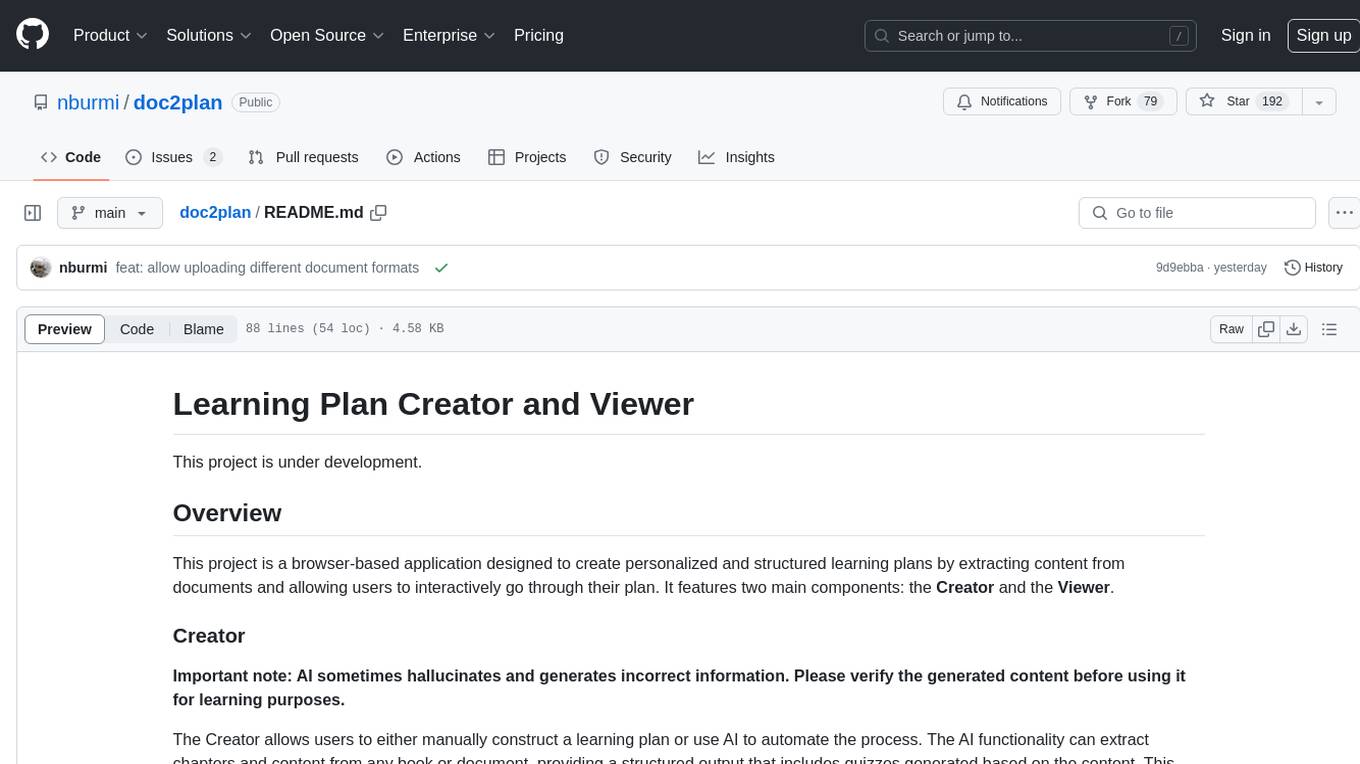
doc2plan
doc2plan is a browser-based application that helps users create personalized learning plans by extracting content from documents. It features a Creator for manual or AI-assisted plan construction and a Viewer for interactive plan navigation. Users can extract chapters, key topics, generate quizzes, and track progress. The application includes AI-driven content extraction, quiz generation, progress tracking, plan import/export, assistant management, customizable settings, viewer chat with text-to-speech and speech-to-text support, and integration with various Retrieval-Augmented Generation (RAG) models. It aims to simplify the creation of comprehensive learning modules tailored to individual needs.
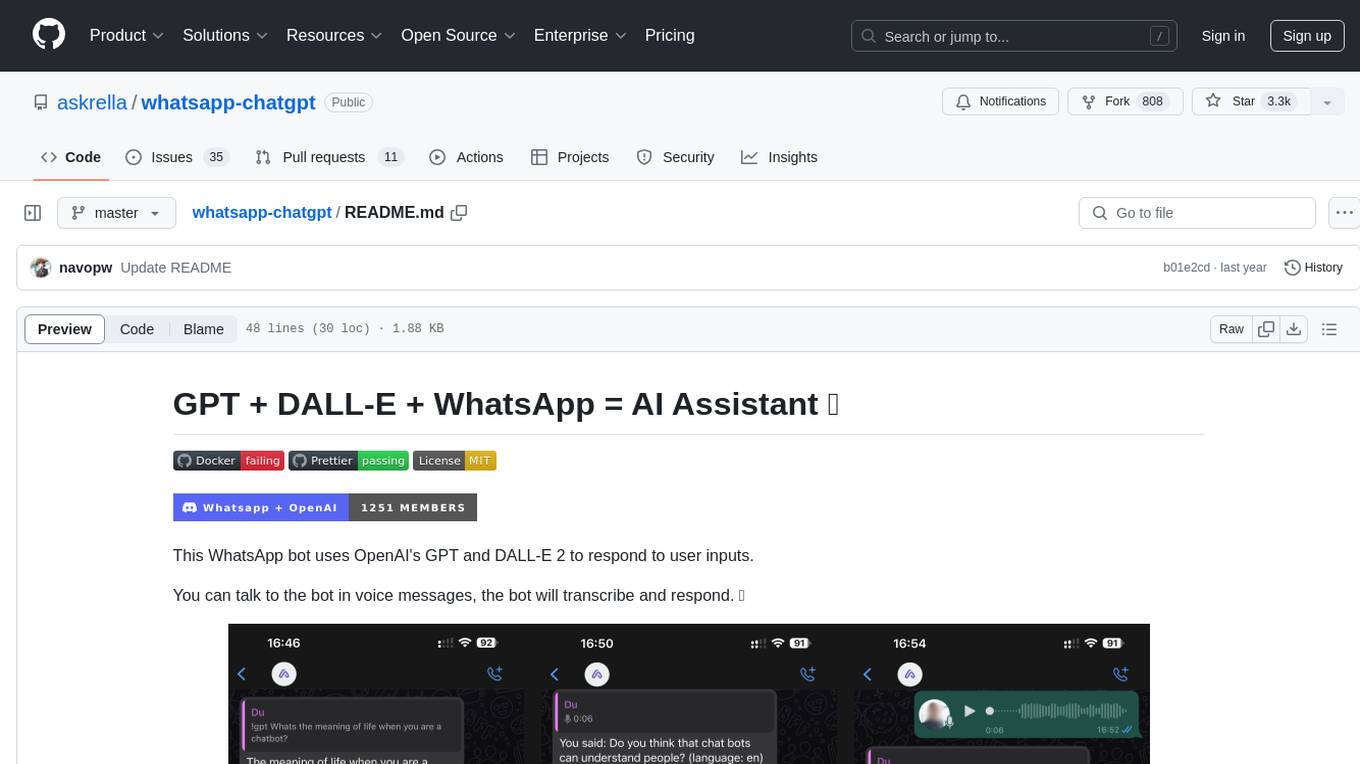
whatsapp-chatgpt
This repository contains a WhatsApp bot that utilizes OpenAI's GPT and DALL-E 2 to respond to user inputs. Users can interact with the bot through voice messages, which are transcribed and responded to. The bot requires Node.js, npm, an OpenAI API key, and a WhatsApp account. It uses Puppeteer to run a real instance of Whatsapp Web to avoid being blocked. However, there is a risk of being blocked by WhatsApp as it does not allow bots or unofficial clients on its platform. The bot is not free to use, and users will be charged by OpenAI for each request made.

OmniSteward
OmniSteward is an AI-powered steward system based on large language models that can interact with users through voice or text to help control smart home devices and computer programs. It supports multi-turn dialogue, tool calling for complex tasks, multiple LLM models, voice recognition, smart home control, computer program management, online information retrieval, command line operations, and file management. The system is highly extensible, allowing users to customize and share their own tools.
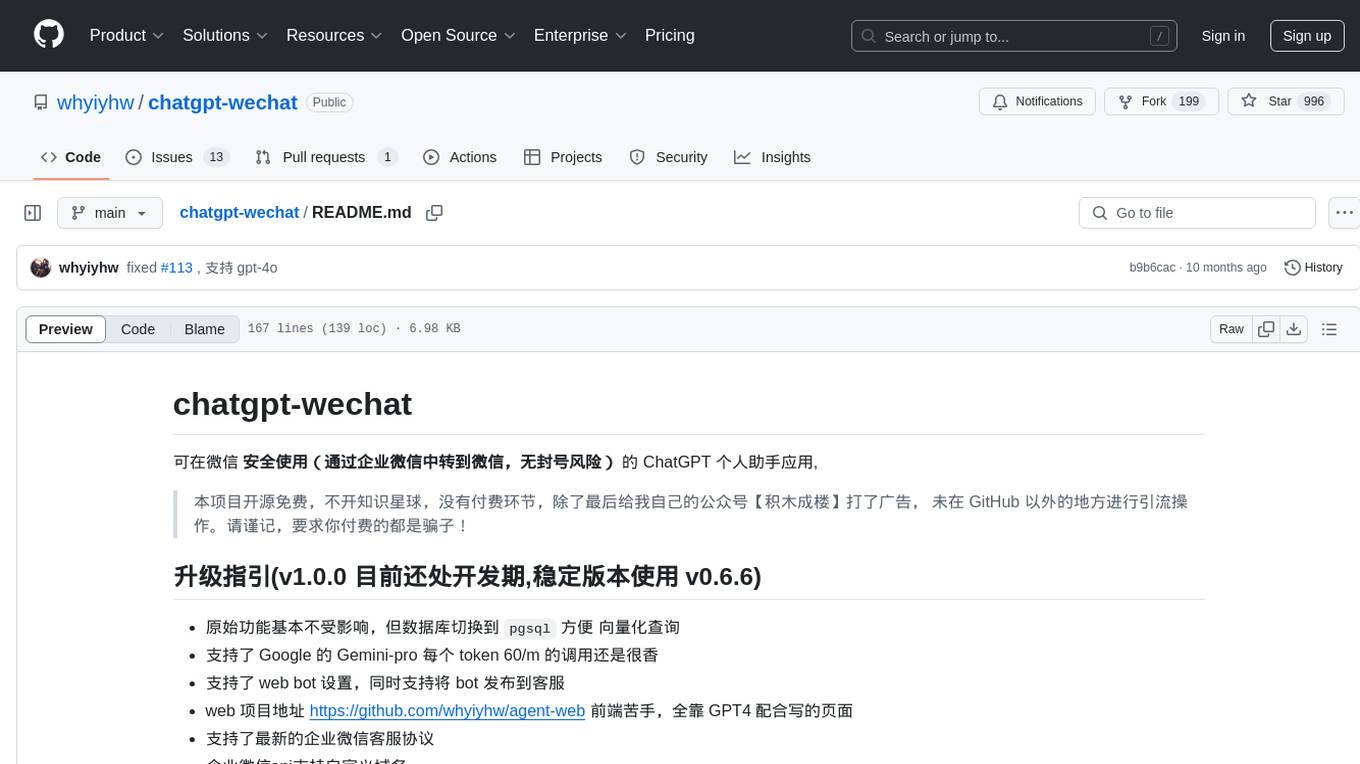
chatgpt-wechat
ChatGPT-WeChat is a personal assistant application that can be safely used on WeChat through enterprise WeChat without the risk of being banned. The project is open source and free, with no paid sections or external traffic operations except for advertising on the author's public account '积木成楼'. It supports various features such as secure usage on WeChat, multi-channel customer service message integration, proxy support, session management, rapid message response, voice and image messaging, drawing capabilities, private data storage, plugin support, and more. Users can also develop their own capabilities following the rules provided. The project is currently in development with stable versions available for use.
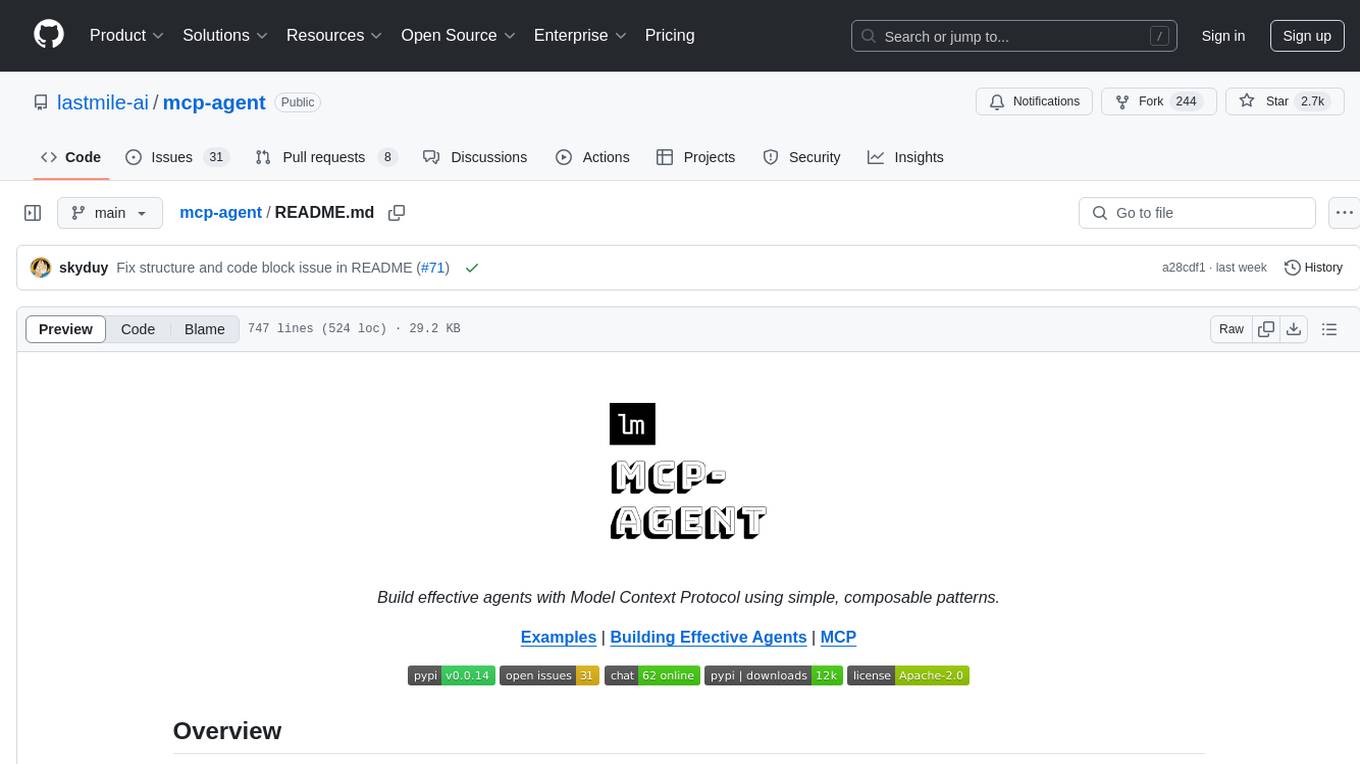
mcp-agent
mcp-agent is a simple, composable framework designed to build agents using the Model Context Protocol. It handles the lifecycle of MCP server connections and implements patterns for building production-ready AI agents in a composable way. The framework also includes OpenAI's Swarm pattern for multi-agent orchestration in a model-agnostic manner, making it the simplest way to build robust agent applications. It is purpose-built for the shared protocol MCP, lightweight, and closer to an agent pattern library than a framework. mcp-agent allows developers to focus on the core business logic of their AI applications by handling mechanics such as server connections, working with LLMs, and supporting external signals like human input.
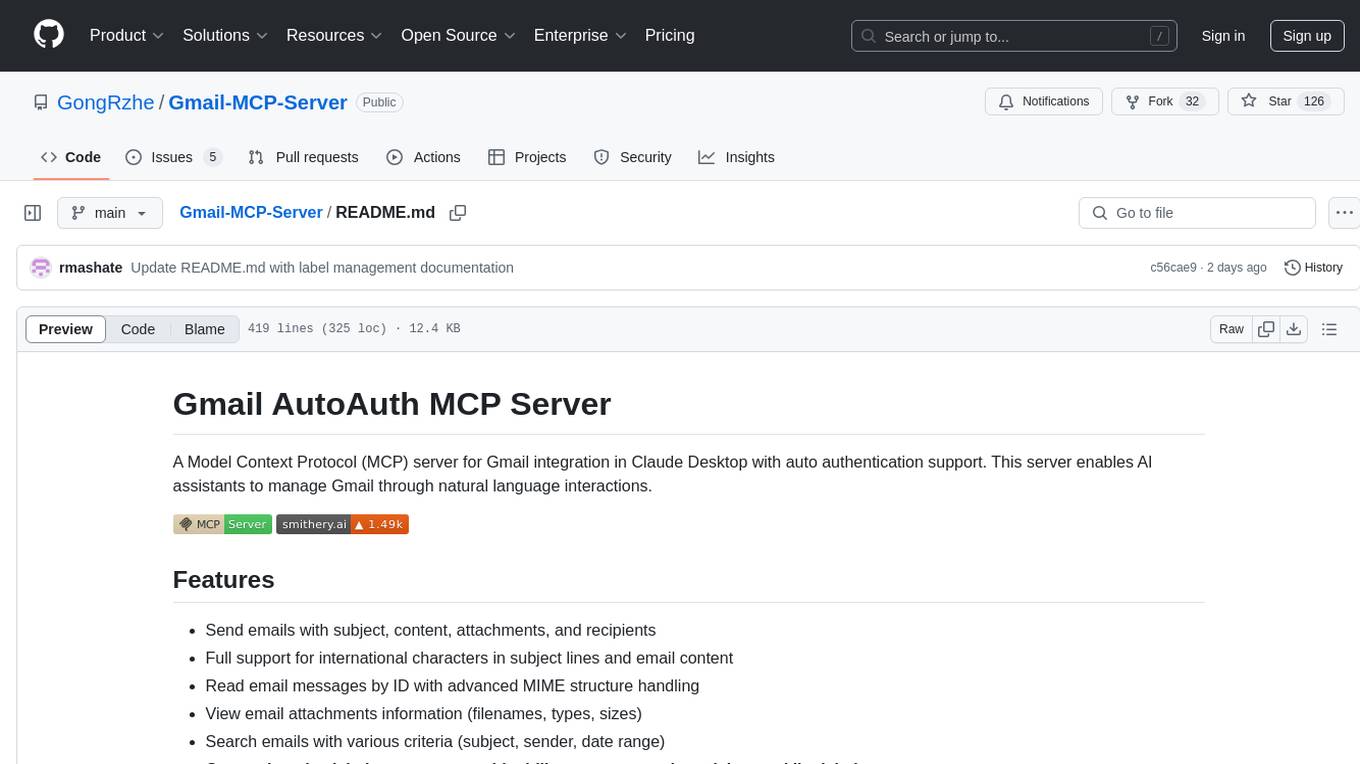
Gmail-MCP-Server
Gmail AutoAuth MCP Server is a Model Context Protocol (MCP) server designed for Gmail integration in Claude Desktop. It supports auto authentication and enables AI assistants to manage Gmail through natural language interactions. The server provides comprehensive features for sending emails, reading messages, managing labels, searching emails, and batch operations. It offers full support for international characters, email attachments, and Gmail API integration. Users can install and authenticate the server via Smithery or manually with Google Cloud Project credentials. The server supports both Desktop and Web application credentials, with global credential storage for convenience. It also includes Docker support and instructions for cloud server authentication.
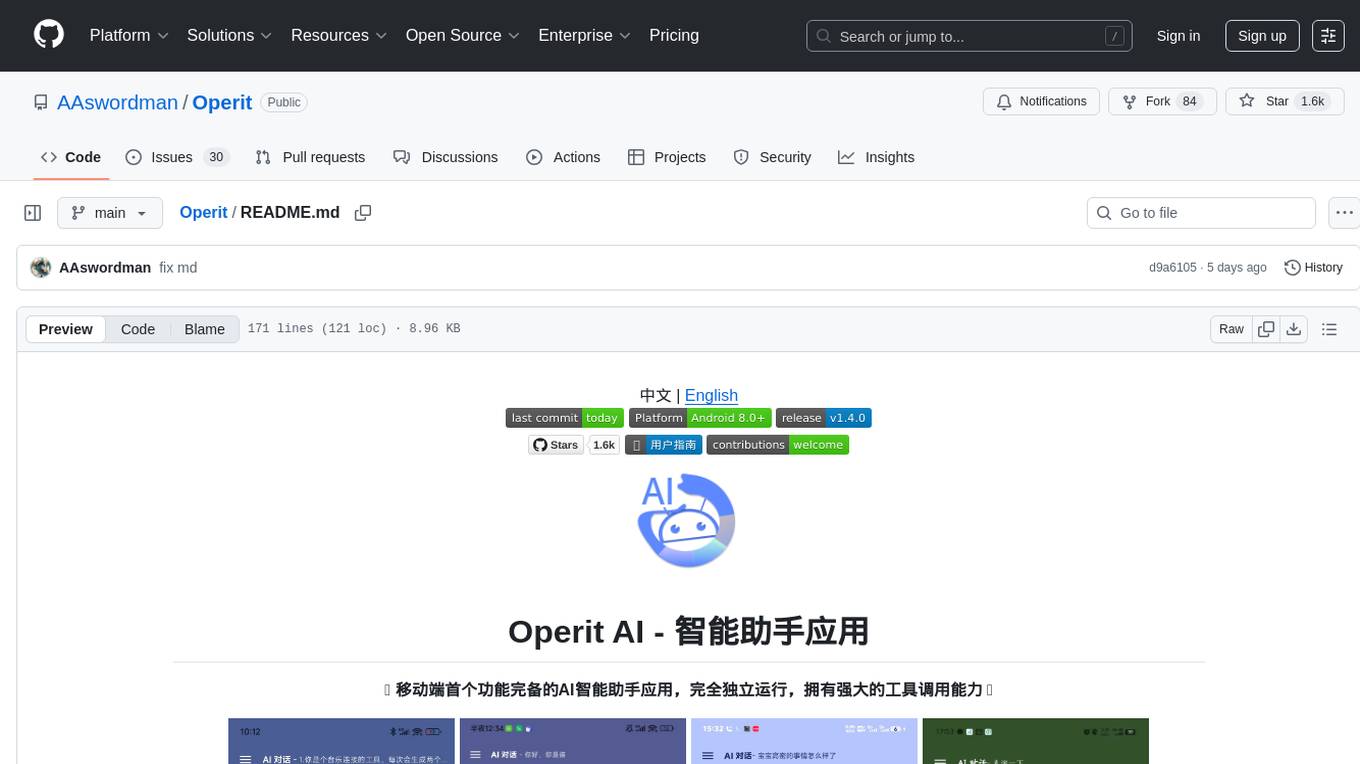
Operit
Operit AI is a fully functional AI assistant application for mobile devices, running independently on Android devices with powerful tool invocation capabilities. It offers over 40 built-in tools for file system operations, HTTP requests, system operations, UI automation, and media processing. The app combines these tools with rich plugins to enable a wide range of tasks, from simple to complex, providing a comprehensive experience of a smartphone AI assistant.