


push-2-talk
PushToTalk 是一个高性能的桌面语音输入工具。它不仅仅是一个语音转文字工具,更集成了大语言模型(LLM)能力。你可以按住 Ctrl+Win 说话,松开后应用会自动将你的语音转为文字,并根据你的设定进行润色、翻译或整理成邮件,最后自动粘贴到当前光标位置。支持豆包/千问
Stars: 145
PushToTalk is a high-performance desktop voice input tool with large language model (LLM) capabilities. It supports two working modes: dictation mode and AI assistant mode. The tool offers features like real-time transcription, LLM intelligent post-processing, custom hotkeys, multiple ASR engines support, visual feedback, audio feedback, history records, system tray support, automatic updates, multiple configuration management, personal glossary, automatic glossary learning, LLM configuration center, theme switching, mute during recording, VAD silence detection, AGC automatic gain, multi-screen support, and more.
README:
按住快捷键说话,松开自动转录并插入文本 | AI 智能助手,语音控制一切


PushToTalk 是一个高性能的桌面语音输入工具,集成了大语言模型(LLM)能力。支持两种工作模式:
-
听写模式:按住
Ctrl+Win说话,松开后自动转录并插入文本,支持 LLM 智能润色 -
AI 助手模式:选中文本后按
Alt+Space说话,用语音命令处理选中的文本;或直接提问获得答案
- 🎤 听写模式 - 传统的语音转文字功能
- 按住模式:按住快捷键录音,松开停止(传统方式)
- 松手模式:按一次 F2 开始录音,再按一次结束(防止误停)
- 🤖 AI 助手模式 - 语音控制文本处理
- 无选中文本:Q&A 模式,提问获得答案
- 选中文本:语音命令处理文本(翻译、润色、总结、扩写等)
- ⚡ 实时流式转录 - WebSocket 边录边传,极低延迟(< 500ms),松手即出字
- 🧠 LLM 智能后处理 - 内置"文本润色"、"邮件整理"、"中译英"等预设,支持自定义 Prompt
- ⌨️ 自定义快捷键 - 支持 73 种按键绑定(修饰键、字母、数字、功能键、方向键等)
- 🔄 多 ASR 引擎 - 支持阿里云 Qwen、豆包 Doubao、SiliconFlow SenseVoice
- 🛡️ 智能兜底 - 主引擎失败时自动切换到备用引擎,并行竞速
- 🎨 可视化反馈 - 录音状态悬浮窗,实时波形显示,三种视觉状态
- 🔊 音频反馈 - 录音开始/结束的清脆提示音,盲操也放心
- 📜 历史记录 - 自动保存转录历史,支持搜索、复制、清空
- 🚀 系统托盘 - 支持最小化到托盘、开机自启动
- 🔄 自动更新 - 内置 6 个镜像源,自动检查并安装更新
- 💾 多配置管理 - 支持保存多套 LLM 预设,通过界面快速切换不同场景
- 📖 个人词库 - 自定义热词列表,提升专业术语识别准确率
- 🧠 自动词库学习 - 监控用户修正,自动学习专有名词和术语
- 🔧 LLM 配置中心 - 多提供商管理,支持连接测试和延迟显示
- 🎨 悬浮窗主题切换 - 支持浅色/深色主题
- 🔇 录音时静音 - 录音时自动静音其他应用,避免干扰
- 🎚️ VAD 静音检测 - 智能检测语音活动,自动过滤静音片段
- 📈 AGC 自动增益 - 自动调节音量,优化细微声音场景下的转换效果
- 🖥️ 多屏幕支持 - 悬浮窗自动适配多显示器环境
-
从 Releases 下载最新版本的安装包
-
运行 NSIS 安装程序完成安装
-
右键点击应用图标,选择"以管理员身份运行"
⚠️ 重要:必须以管理员身份运行才能使用全局快捷键功能
- 超大量的免费额度,2025 年 3 月前基本用不完
- 支持实时流式和 HTTP 两种模式
- 获取 DashScope API Key
- 支持实时流式和 HTTP 两种模式
- 录音文件识别大模型-极速版开通
- 流式语音识别大模型-小时版开通
- 注意:App ID 和 Access Token 在网页下方
- 免费使用的备用引擎
- 可作为主引擎的智能兜底
- 获取 SiliconFlow API Key
听写模式:
- 默认快捷键:
Ctrl + Win - 松手模式快捷键:
F2 - 可自定义为任意组合键(支持 73 种按键)
AI 助手模式:
- 默认快捷键:
Alt + Space - 可自定义为任意组合键
- 用于对转录结果进行润色、翻译等后处理
- 推荐使用免费的智谱 GLM-4-Flash
- 获取智谱 API Key
- 可添加多个自定义预设(文本润色、中译英、邮件整理等)
- 用于 AI 助手模式的文本处理和问答
- 支持 OpenAI 兼容接口
- 配置两个系统提示词:
- Q&A 提示词:用于回答问题
- 文本处理提示词:用于处理选中的文本
- 关闭时最小化到托盘 - 关闭窗口时保持后台运行
- 开机自启动 - 系统启动时自动运行(需要管理员权限)
- 录音时静音其他应用 - 录音时自动静音其他应用,避免干扰
- 自定义热词 - 添加专业术语、人名、地名等,提升识别准确率
- 支持多个 ASR 引擎 - Qwen(HTTP/实时)和 Doubao(HTTP/实时)均支持词库功能
- 格式要求 - 每行一个词,支持中英文混合
- 自动学习 - 开启后,系统会监控用户修正并自动建议添加新词
- 多提供商管理 - 支持添加多个 LLM 提供商(智谱、OpenAI、DeepSeek 等)
- 连接测试 - 一键测试连接,显示延迟时间
- 功能绑定 - 可为不同功能(润色、助手、学习)指定不同的提供商
点击"保存配置"并"启动助手"。
- 将光标定位在任何输入框(微信、Word、VS Code)
- 按住
Ctrl+Win键,听到"滴"声后开始说话 - 说完松开按键,听到结束提示音
- 等待处理(悬浮窗显示处理状态),文本将自动打字上屏
- 将光标定位在输入框
- 按一次
F2键(可自定义),听到"滴"声后开始说话 - 说话时手可以松开,防止长时间说话时误停
- 说完后再按一次
F2键,听到结束提示音 - 等待处理,文本将自动打字上屏
松手模式悬浮窗:
- 蓝色药丸状态,中间显示迷你波形
- 左边 ❌ 按钮:取消录音
- 右边 ✓ 按钮:结束录音并转录
- 60 秒超时自动取消
- 将光标定位在输入框
- 按住
Alt+Space键(可自定义),说出你的问题 - 例如:"What is the capital of France?"
- 松开按键,LLM 将自动回答并插入答案
- 在任何应用中选中一段文本
- 按住
Alt+Space键,说出你的命令 - 常用命令示例:
- "翻译成英文" - 将选中的中文翻译成英文
- "润色一下" - 优化选中的文本
- "总结一下" - 生成摘要
- "扩写成三段" - 扩展内容
- "添加注释" - 为代码添加注释
- 松开按键,LLM 将处理选中的文本并替换
在主界面的"历史记录"标签页可查看所有转录记录:
- 显示转录文本、时间、模式
- 支持搜索功能
- 点击复制按钮快速复制
- 一键清空所有历史
- React 18 - UI 框架
- TypeScript - 类型安全
- Tailwind CSS - 样式框架
- Vite - 构建工具
- Tauri 2.0 - 跨平台桌面框架
- rdev - 全局键盘监听(支持 73 种按键)
- cpal - 实时音频录制
- hound - WAV 音频处理
- tokio-tungstenite - WebSocket 异步客户端
- reqwest - HTTP 客户端
- arboard - 剪贴板操作
- Win32 SendInput - 键盘模拟(Windows 原生 API)
- rodio - 音频播放(提示音)
- tauri-plugin-updater - 自动更新功能
- Alibaba Qwen ASR - 阿里云语音识别(实时/HTTP)
- Doubao ASR - 豆包语音识别(实时/HTTP)
- SiliconFlow SenseVoice - 硅基流动语音识别(HTTP)
- OpenAI-Compatible LLM - 大语言模型后处理
应用支持多种 ASR 引擎,可在设置界面选择主引擎和备用引擎:
主引擎选项:
- Qwen Realtime(推荐): WebSocket 实时流式,延迟最低(< 500ms)
- Qwen HTTP: 传统 HTTP 模式,稳定性更好
- Doubao Realtime: 豆包实时流式
- Doubao HTTP: 豆包 HTTP 模式
备用引擎:
- SenseVoice: 硅基流动 HTTP 模式
- 启用智能兜底后,主引擎失败时自动切换到备用引擎
- 并行竞速策略:主引擎重试 2 次(每次 500ms 间隔),备用引擎并行运行
支持 73 种按键的任意组合:
- 修饰键:Ctrl(左/右)、Shift(左/右)、Alt(左/右)、Win(左/右)
- 字母键:A-Z(26 个)
- 数字键:0-9(10 个)
- 功能键:F1-F12(12 个)
- 导航键:方向键、Home、End、PageUp、PageDown
- 特殊键:Space、Tab、Escape、Enter、Backspace、Delete、Insert、CapsLock
配置示例:
- 听写模式主键:
Ctrl + Win(可改为Ctrl + Shift + A等) - 松手模式键:
F2(可改为F8、Space等) - AI 助手键:
Alt + Space(可改为Ctrl + Q等)
可以定义不同的预设来处理识别后的文本:
- 文本润色:去除口语词(嗯、啊),修正标点,使语句通顺
- 中译英:直接将中文语音翻译成地道的英文输出
- 邮件整理:将口语化的指令转换为正式的邮件格式
- 自定义:在设置界面添加、删除或修改预设的 System Prompt
配置两个系统提示词:
-
Q&A 系统提示词:用于回答用户的问题
- 例如:"You are a helpful AI assistant. Provide clear and concise answers."
-
文本处理系统提示词:用于处理选中的文本
- 例如:"You are an expert text editor. Follow user commands to modify the selected text."
- 最小化到托盘:关闭窗口时应用不会退出,而是隐藏到系统托盘
- 开机自启动:Windows 注册表方式实现(需要管理员权限)
- 托盘菜单:右键托盘图标可显示/隐藏窗口或退出应用
- 自动检查:应用启动时自动检查更新
- 手动检查:在设置界面点击"检查更新"按钮
-
6 个镜像源:确保更新下载的可靠性
- gh-proxy.org
- hk.gh-proxy.org
- cdn.jsdelivr.net
- github.com(直连)
- cdn.gh-proxy.org
- edgeone.gh-proxy.org
- 安全验证:Ed25519 签名验证
- 静默安装:下载完成后自动安装,无需用户干预
- Node.js >= 18.0.0
- Rust >= 1.70.0
- Windows 10/11 (64-bit)
# 1. 克隆项目
git clone <repository-url>
cd push-2-talk

# 2. 安装前端依赖
npm install

# 3. 运行开发服务器(需要管理员权限)
npm run tauri devnpm run tauri build生成的安装包位于:src-tauri/target/release/bundle/nsis/
注意:不再支持 MSI 安装包,仅提供 NSIS 安装包,以避免自动更新时创建多实例。
使用独立的测试工具验证 Qwen ASR API:
cd src-tauri
cargo run --bin test_api
详细说明请参考 测试工具使用说明.md
cd src-tauri
cargo build    # 构建
cargo check    # 快速检查
cargo test # 运行测试├── src # 前端源码
│ ├── App.tsx # 主窗口(配置界面、历史记录)
│ ├── OverlayWindow.tsx # 悬浮窗(录音状态显示)
│ ├── index.css # 全局样式
│ ├── main.tsx # 主窗口入口
│ └── overlay-main.tsx # 悬浮窗入口
├── src-tauri # 后端源码
│ ├── capabilities # Tauri 权限配置
│ │ └── default.json
│ ├── icons # 应用图标
│ │ └── icon.ico
│ ├── src
│ │ ├── asr # ASR 模块(重构后的架构)
│ │ │ ├── http # HTTP 模式 ASR
│ │ │ │ ├── doubao.rs
│ │ │ │ ├── qwen.rs
│ │ │ │ └── sensevoice.rs
│ │ │ ├── realtime # 实时流式 ASR
│ │ │ │ ├── doubao.rs
│ │ │ │ └── qwen.rs
│ │ │ ├── mod.rs
│ │ │ ├── race_strategy.rs # 并发请求竞速策略
│ │ │ └── utils.rs
│ │ ├── pipeline # 处理管道
│ │ │ ├── normal.rs # 听写模式管道
│ │ │ ├── assistant.rs # AI 助手模式管道
│ │ │ └── mod.rs
│ │ ├── audio_recorder.rs # 录音(非流式)
│ │ ├── streaming_recorder.rs # 录音(流式)
│ │ ├── audio_utils.rs # 音频工具(VAD、RMS、波形)
│ │ ├── beep_player.rs # 提示音播放
│ │ ├── clipboard_manager.rs # 剪贴板管理(AI 助手)
│ │ ├── config.rs # 配置管理
│ │ ├── hotkey_service.rs # 全局快捷键(支持 73 键)
│ │ ├── lib.rs # Tauri 主入口
│ │ ├── llm_post_processor.rs # LLM 后处理(听写模式)
│ │ ├── assistant_processor.rs # LLM 处理(AI 助手模式)
│ │ ├── main.rs # Rust 主函数
│ │ ├── test_api.rs # API 测试工具
│ │ └── text_inserter.rs # 文本插入
│ ├── build.rs # 构建脚本
│ ├── Cargo.toml # Rust 依赖配置
│ └── tauri.conf.json # Tauri 配置
├── CLAUDE.md # Claude Code 项目指南
├── LICENSE # MIT 许可证
├── README.md # 项目说明
├── package.json # 前端依赖配置
└── vite.config.ts # Vite 构建配置
%APPDATA%\PushToTalk\config.json
{
  "asr_config": {
    "primary": {
      "provider": "qwen",
      "mode": "realtime",
      "dashscope_api_key": "sk-your-dashscope-key"
    },
    "fallback": {
      "provider": "siliconflow",
      "mode": "http",
      "siliconflow_api_key": "sk-your-siliconflow-key"
    },
    "enable_fallback": true
  },
  "dual_hotkey_config": {
    "dictation": {
      "keys": [
        {"key": "ControlLeft"},
        {"key": "MetaLeft"}
      ],
      "mode": "Press",
      "enable_release_lock": true,
      "release_mode_keys": [
        {"key": "F2"}
      ]
    },
    "assistant": {
      "keys": [
        {"key": "AltLeft"},
        {"key": "Space"}
      ],
      "mode": "Press",
      "enable_release_lock": false,
      "release_mode_keys": null
    }
  },
  "llm_enabled": true,
  "llm_api_key": "sk-your-llm-key",
  "llm_base_url": "https://open.bigmodel.cn/api/paas/v4",
  "llm_model": "glm-4-flash",
  "llm_system_prompt": "你是一个专业的文本润色助手...",
  "llm_presets": [
    {
      "name": "文本润色",
      "prompt": "去除口语化表达,修正语法和标点..."
    },
    {
      "name": "中译英",
      "prompt": "将中文翻译成地道的英文..."
    }
  ],
  "assistant_config": {
    "enabled": true,
    "endpoint": "https://api.openai.com/v1/chat/completions",
    "model": "gpt-4",
    "api_key": "sk-your-assistant-key",
    "qa_system_prompt": "You are a helpful AI assistant...",
    "text_processing_system_prompt": "You are an expert text editor..."
  },
  "minimize_to_tray": true,
  "transcription_mode": "Dictation"
}| 服务商 | 用途 | 获取地址 | 费用 |
|---|---|---|---|
| 阿里云 DashScope | Qwen ASR | 控制台 | 大量免费额度(2025/03 前) |
| 豆包(字节跳动) | Doubao ASR | 录音识别 / 流式识别 | 按量计费 |
| 硅基流动 | SenseVoice ASR | 账户管理 | 免费 |
| 智谱 AI | GLM-4-Flash LLM | 模型文档 | 免费 |
- 录音环境 - 在安静环境下录音,清晰发音,距离麦克风 10-30cm
- 文本插入 - 确保目标窗口处于活动状态,光标可见
- 快捷键使用 - 按住完整组合键再说话,避免部分按键误触
-
ASR 引擎选择
- 实时模式:延迟低,适合短句(< 30 秒)
- HTTP 模式:稳定性好,适合长段录音
- 启用智能兜底:最大化成功率
- LLM 预设 - 针对不同场景创建多个预设,快速切换
- 松手模式 - 长时间说话时使用松手模式,防止手指疲劳或误停
- AI 助手模式 - 选中文本后按快捷键,用自然语言描述你想要的效果
Q: 按快捷键没有反应?
- A: 确保以管理员身份运行应用,Windows 要求管理员权限才能使用全局快捷键
Q: 转录失败?
- A: 检查网络连接和 API Key 是否有效。应用会自动重试最多 2 次,并在主引擎失败时切换到备用引擎
Q: 转录一直处于"转录中"状态?
- A: 应用有 6 秒超时机制,超时后会自动重试。如果持续失败,请检查:
- 网络连接是否正常
- API 服务是否可用
- API Key 是否有效
- 是否启用了智能兜底
Q: 文本未插入?
- A: 确保目标应用窗口处于前台且光标可见。如果使用松手模式,悬浮窗会自动隐藏 150ms 后再插入文本,以确保目标窗口获得焦点
Q: 悬浮窗不显示?
- A: 检查是否被其他窗口遮挡,或尝试重启应用
Q: 开机自启动设置失败?
- A: 需要以管理员身份运行应用才能修改 Windows 注册表
Q: 历史记录在哪里?
- A: 在主界面切换到"历史记录"标签页即可查看,支持搜索和清空
Q: 快捷键冲突怎么办?
- A: 在设置界面自定义快捷键,支持 73 种按键的任意组合
Q: AI 助手模式没有捕获选中的文本?
- A: 确保在按快捷键前已经选中文本,应用会等待 100ms 后自动复制选中内容。如果仍然失败,应用会重试最多 3 次
Q: 松手模式按钮不工作?
- A: 确保点击悬浮窗上的按钮(❌ 取消或 ✓ 完成),或再次按 F2 键结束录音
Q: 更新下载失败?
- A: 应用内置 6 个镜像源,会自动尝试其他源。如果都失败,请检查网络连接或稍后重试
| 指标 | 实时模式 (Realtime) | HTTP 模式 |
|---|---|---|
| 首字延迟 | < 500ms | ~1.5s |
| 转录精度 | 98%+ (Qwen3/Doubao) | 98%+ (SenseVoice/Qwen) |
| 内存占用 | ~65MB(录音时) | ~60MB(录音时) |
| 网络消耗 | 持续小包传输(~16KB/s) | 单次大包传输(~100-500KB) |
| 超时重试 | 6s 超时,最多 2 次重试 | 6s 超时,最多 2 次重试 |
| 智能兜底 | 主引擎失败时自动切换到备用引擎 | 主引擎失败时自动切换到备用引擎 |
| 并行竞速 | 主引擎重试期间备用引擎并行运行 | 主引擎重试期间备用引擎并行运行 |
新增功能:
- 🧠 自动词库学习 - 监控用户修正 ASR 识别错误,自动学习专有名词和术语
- 使用 Windows UI Automation API 无干扰读取文本
- LLM 智能判断是否为值得学习的词汇
- Toast 通知让用户确认或拒绝建议
- 🔧 LLM 配置中心 - 全新的多提供商管理界面
- 支持添加、编辑、删除多个 LLM 提供商
- 一键连接测试,显示延迟时间
- 为不同功能(润色、助手、学习)绑定不同提供商
- 🎨 主题切换 - 支持浅色/深色主题
- 🔗 模型测试连接 - 验证 LLM 配置是否正确
- 📝 词库自动识别优化 - 改进词库回显过滤,解决录音为空时返回词库内容的问题
架构改进:
- 🏗️ 前端架构重构 - 采用页面化设计,侧边栏导航
- 🏗️ LLM Provider Registry - 统一的提供商管理,支持功能级别绑定
- 🏗️ UIA Text Reader - Windows UI Automation 文本读取模块
- 🏗️ Learning Module - 完整的词库学习流程(观察→验证→分析→判断→建议)
Bug 修复:
- 🐛 修复 release_all_modifiers 仅释放真正被按下的键,避免虚假 key_up 触发系统行为
- 🐛 优化 LLM 智能润色基础提示词
- 🐛 添加无效音频前置过滤,解决快速按键时返回词库内容的问题
- 🐛 主动焦点恢复,解决悬浮窗导致文本粘贴到错误窗口的问题
新增功能:
- ✨ 松手模式(Toggle/Release Mode) - 按一次开始录音,再按一次结束,防止长时间说话时误停
- 🤖 AI 助手模式 - 用语音命令处理选中的文本,或直接提问获得答案
- ⌨️ 自定义快捷键 - 支持 73 种按键的任意组合(修饰键、字母、数字、功能键、方向键等)
- 🔄 智能兜底 - 主 ASR 引擎失败时自动切换到备用引擎(SiliconFlow SenseVoice)
- 🔄 并行竞速 - 主引擎重试时备用引擎并行运行,返回最快成功的结果
- 🔄 自动更新 - 内置 6 个镜像源,自动检查并安装更新
- 🎨 悬浮窗优化 - 三种视觉状态(普通录音、锁定录音、转录中),实时波形可视化
- 🔊 音频反馈 - 录音开始/结束时播放提示音
- 🛡️ Ghost Key Detection - Windows Win32 API 验证按键状态,防止卡键
- 🔧 配置自动迁移 - 自动从旧版本配置迁移到新版本
架构改进:
- 🏗️ Pipeline 架构 - 分离听写模式和 AI 助手模式的处理流程
- 🏗️ 双处理器设计 - AssistantProcessor 和 LlmPostProcessor 独立配置
- 🏗️ 剪贴板管理器 - RAII ClipboardGuard 确保剪贴板自动恢复
- 🏗️ 双系统提示词 - AI 助手模式支持 Q&A 和文本处理两种提示词
- 🏗️ Focus Management - 悬浮窗隐藏 + 延迟确保文本插入成功
- 🏗️ Atomic State Management - 无锁并发控制,使用原子标志防止竞态条件
Bug 修复:
- 🐛 修复悬浮窗卡死问题
- 🐛 修复停止服务时的异常状态检测
- 🐛 修复松手模式下文本无法插入的问题(焦点管理)
- 🐛 修复快捷键卡键问题(Ghost Key Detection)
- 🐛 修复自动更新创建多实例问题(删除 MSI 支持)
- 🐛 修复配置迁移兼容性问题
- [ ] 支持更多 ASR 引擎(Azure、Google、AWS)
- [ ] 支持更多 LLM 模型(Claude、Gemini、DeepSeek)
- [ ] 语音唤醒功能(无需按键,语音激活)
- [ ] 多语言支持(界面本地化)
- [ ] 云端配置同步
- [ ] 插件系统(支持第三方扩展)
- [ ] 语音命令宏(录制和回放常用命令序列)
- [ ] 实时翻译模式(边说边翻译)
感谢以下开源项目和服务:
- Tauri - 强大的桌面应用框架
- Alibaba Cloud - 提供 Qwen ASR 服务
- ByteDance - 提供 Doubao ASR 服务
- SiliconFlow - 提供 SenseVoice ASR 服务
- ZhipuAI - 提供 GLM-4-Flash LLM 服务
- Rust Audio - 音频处理库
- 所有贡献者和用户的支持
MIT License
- 问题反馈:GitHub Issues
- 功能建议:GitHub Discussions
⭐ 如果这个项目对你有帮助,请给它一个 Star!
Made with ❤️ by PushToTalk Team
For Tasks:
Click tags to check more tools for each tasksFor Jobs:
Alternative AI tools for push-2-talk
Similar Open Source Tools
push-2-talk
PushToTalk is a high-performance desktop voice input tool with large language model (LLM) capabilities. It supports two working modes: dictation mode and AI assistant mode. The tool offers features like real-time transcription, LLM intelligent post-processing, custom hotkeys, multiple ASR engines support, visual feedback, audio feedback, history records, system tray support, automatic updates, multiple configuration management, personal glossary, automatic glossary learning, LLM configuration center, theme switching, mute during recording, VAD silence detection, AGC automatic gain, multi-screen support, and more.
AutoGLM-GUI
AutoGLM-GUI is an AI-driven Android automation productivity tool that supports scheduled tasks, remote deployment, and 24/7 AI assistance. It features core functionalities such as deploying to servers, scheduling tasks, and creating an AI automation assistant. The tool enhances productivity by automating repetitive tasks, managing multiple devices, and providing a layered agent mode for complex task planning and execution. It also supports real-time screen preview, direct device control, and zero-configuration deployment. Users can easily download the tool for Windows, macOS, and Linux systems, and can also install it via Python package. The tool is suitable for various use cases such as server automation, batch device management, development testing, and personal productivity enhancement.
MahoShojo-Generator
MahoShojo-Generator is a web-based AI structured generation tool that allows players to create personalized and evolving magical girls (or quirky characters) and related roles. It offers exciting cyber battles, storytelling activities, and even a ranking feature. The project also includes AI multi-channel polling, user system, public data card sharing, and sensitive word detection. It supports various functionalities such as character generation, arena system, growth and social interaction, cloud and sharing, and other features like scenario generation, tavern ecosystem linkage, and content safety measures.
py-xiaozhi
py-xiaozhi is a Python-based XiaoZhi voice client designed for learning through code and experiencing AI XiaoZhi's voice functions without hardware conditions. The repository is based on the xiaozhi-esp32 port. It supports AI voice interaction, visual multimodal capabilities, IoT device integration, online music playback, voice wake-up, automatic conversation mode, graphical user interface, command-line mode, cross-platform support, volume control, session management, encrypted audio transmission, automatic captcha handling, automatic MAC address retrieval, code modularization, and stability optimization.
Snap-Solver
Snap-Solver is a revolutionary AI tool for online exam solving, designed for students, test-takers, and self-learners. With just a keystroke, it automatically captures any question on the screen, analyzes it using AI, and provides detailed answers. Whether it's complex math formulas, physics problems, coding issues, or challenges from other disciplines, Snap-Solver offers clear, accurate, and structured solutions to help you better understand and master the subject matter.
adnify
Adnify is an advanced code editor with ultimate visual experience and deep integration of AI Agent. It goes beyond traditional IDEs, featuring Cyberpunk glass morphism design style and a powerful AI Agent supporting full automation from code generation to file operations.
vocotype-cli
VocoType is a free desktop voice input method designed for professionals who value privacy and efficiency. All recognition is done locally, ensuring offline operation and no data upload. The CLI open-source version of the VocoType core engine on GitHub is mainly targeted at developers.
Saber-Translator
Saber-Translator is your exclusive AI comic translation tool, designed to effortlessly eliminate language barriers and enjoy the original comic fun. It offers features like translating comic images/PDFs, intelligent bubble detection and text recognition, powerful AI translation engine with multiple service providers, highly customizable translation effects, real-time preview and convenient operations, efficient image management and download, model recording and recommendation, and support for language learning with dual prompt word outputs.
aio-hub
AIO Hub is a cross-platform AI hub built on Tauri + Vue 3 + TypeScript, aiming to provide developers and creators with precise LLM control experience and efficient toolchain. It features a chat function designed for complex tasks and deep exploration, a unified context pipeline for controlling every token sent to the model, interactive AI buttons, dual-view management for non-linear conversation mapping, open ecosystem compatibility with various AI models, and a rich text renderer for LLM output. The tool also includes features for media workstation, developer productivity, system and asset management, regex applier, collaboration enhancement between developers and AI, and more.
rime_wanxiang
Rime Wanxiang is a pinyin input method based on deep optimized lexicon and language model. It features a lexicon with tones, AI and large corpus filtering, and frequency addition to provide more accurate sentence output. The tool supports various input methods and customization options, aiming to enhance user experience through lexicon and transcription. Users can also refresh the lexicon with different types of auxiliary codes using the LMDG toolkit package. Wanxiang offers core features like tone-marked pinyin annotations, phrase composition, and word frequency, with customizable functionalities. The tool is designed to provide a seamless input experience based on lexicon and transcription.
llm-action
This repository provides a comprehensive guide to large language models (LLMs), covering various aspects such as training, fine-tuning, compression, and applications. It includes detailed tutorials, code examples, and explanations of key concepts and techniques. The repository is maintained by Liguo Dong, an AI researcher and engineer with expertise in LLM research and development.
bella-openapi
Bella OpenAPI is an API gateway that provides rich AI capabilities, similar to openrouter. In addition to chat completion ability, it also offers text embedding, ASR, TTS, image-to-image, and text-to-image AI capabilities. It integrates billing, rate limiting, and resource management functions. All integrated capabilities have been validated in large-scale production environments. The tool supports various AI capabilities, metadata management, unified login service, billing and rate limiting, and has been validated in large-scale production environments for stability and reliability. It offers a user-friendly experience with Java-friendly technology stack, convenient cloud-based experience service, and Dockerized deployment.
ai_quant_trade
The ai_quant_trade repository is a comprehensive platform for stock AI trading, offering learning, simulation, and live trading capabilities. It includes features such as factor mining, traditional strategies, machine learning, deep learning, reinforcement learning, graph networks, and high-frequency trading. The repository provides tools for monitoring stocks, stock recommendations, and deployment tools for live trading. It also features new functionalities like sentiment analysis using StructBERT, reinforcement learning for multi-stock trading with a 53% annual return, automatic factor mining with 5000 factors, customized stock monitoring software, and local deep reinforcement learning strategies.
Operit
Operit AI is a fully functional AI assistant application for mobile devices, running independently on Android devices with powerful tool invocation capabilities. It offers over 40 built-in tools for file system operations, HTTP requests, system operations, UI automation, and media processing. The app combines these tools with rich plugins to enable a wide range of tasks, from simple to complex, providing a comprehensive experience of a smartphone AI assistant.
PersonalExam
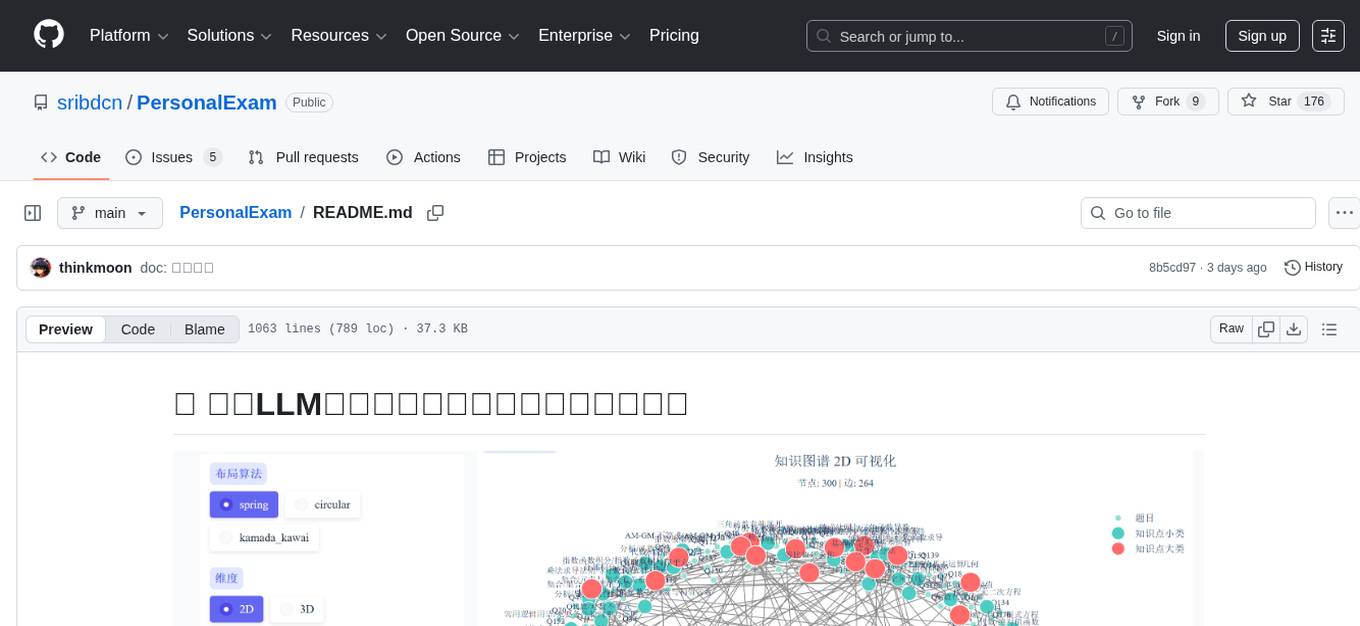
PersonalExam is a personalized question generation system based on LLM and knowledge graph collaboration. It utilizes the BKT algorithm, RAG engine, and OpenPangu model to achieve personalized intelligent question generation and recommendation. The system features adaptive question recommendation, fine-grained knowledge tracking, AI answer evaluation, student profiling, visual reports, interactive knowledge graph, user management, and system monitoring.
For similar tasks
push-2-talk
PushToTalk is a high-performance desktop voice input tool with large language model (LLM) capabilities. It supports two working modes: dictation mode and AI assistant mode. The tool offers features like real-time transcription, LLM intelligent post-processing, custom hotkeys, multiple ASR engines support, visual feedback, audio feedback, history records, system tray support, automatic updates, multiple configuration management, personal glossary, automatic glossary learning, LLM configuration center, theme switching, mute during recording, VAD silence detection, AGC automatic gain, multi-screen support, and more.

ai-guide
This guide is dedicated to Large Language Models (LLMs) that you can run on your home computer. It assumes your PC is a lower-end, non-gaming setup.

onnxruntime-genai
ONNX Runtime Generative AI is a library that provides the generative AI loop for ONNX models, including inference with ONNX Runtime, logits processing, search and sampling, and KV cache management. Users can call a high level `generate()` method, or run each iteration of the model in a loop. It supports greedy/beam search and TopP, TopK sampling to generate token sequences, has built in logits processing like repetition penalties, and allows for easy custom scoring.
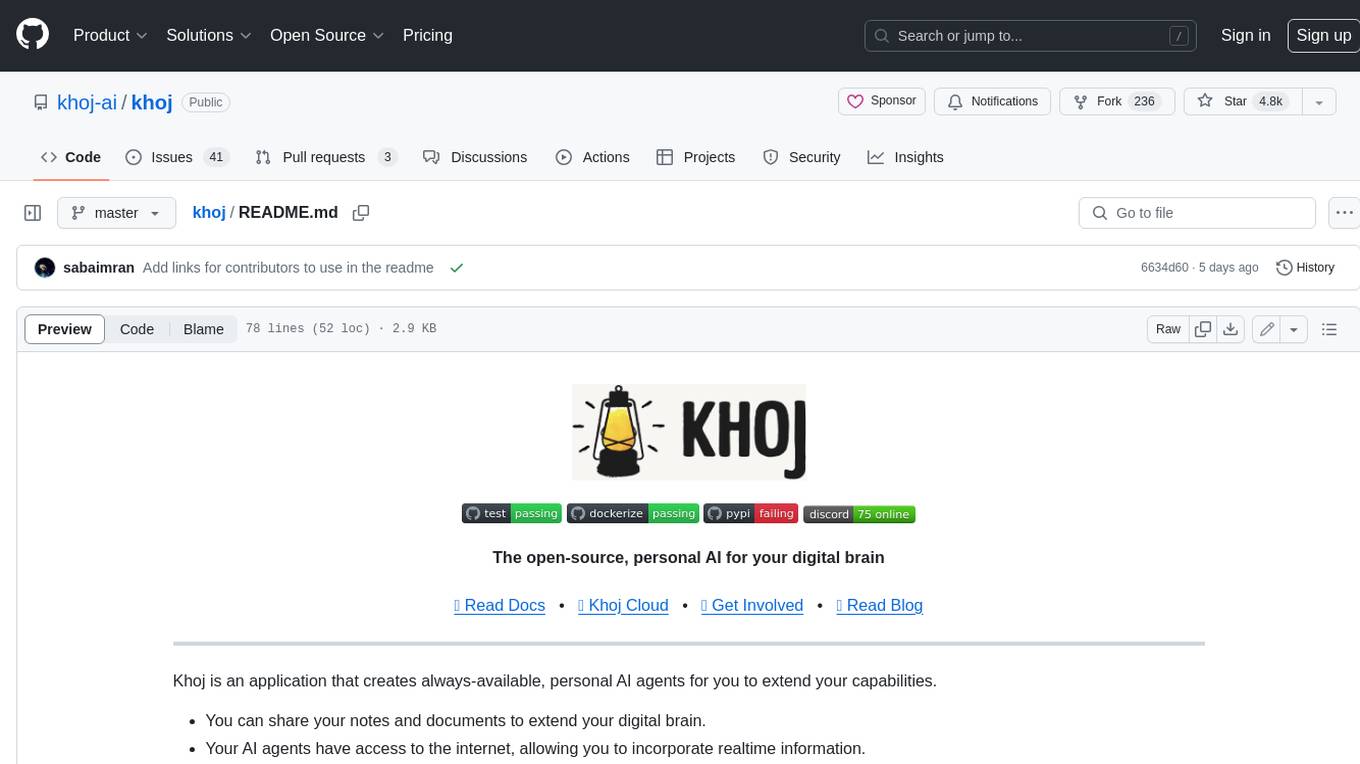
khoj
Khoj is an open-source, personal AI assistant that extends your capabilities by creating always-available AI agents. You can share your notes and documents to extend your digital brain, and your AI agents have access to the internet, allowing you to incorporate real-time information. Khoj is accessible on Desktop, Emacs, Obsidian, Web, and Whatsapp, and you can share PDF, markdown, org-mode, notion files, and GitHub repositories. You'll get fast, accurate semantic search on top of your docs, and your agents can create deeply personal images and understand your speech. Khoj is self-hostable and always will be.
langchain_dart
LangChain.dart is a Dart port of the popular LangChain Python framework created by Harrison Chase. LangChain provides a set of ready-to-use components for working with language models and a standard interface for chaining them together to formulate more advanced use cases (e.g. chatbots, Q&A with RAG, agents, summarization, extraction, etc.). The components can be grouped into a few core modules: * **Model I/O:** LangChain offers a unified API for interacting with various LLM providers (e.g. OpenAI, Google, Mistral, Ollama, etc.), allowing developers to switch between them with ease. Additionally, it provides tools for managing model inputs (prompt templates and example selectors) and parsing the resulting model outputs (output parsers). * **Retrieval:** assists in loading user data (via document loaders), transforming it (with text splitters), extracting its meaning (using embedding models), storing (in vector stores) and retrieving it (through retrievers) so that it can be used to ground the model's responses (i.e. Retrieval-Augmented Generation or RAG). * **Agents:** "bots" that leverage LLMs to make informed decisions about which available tools (such as web search, calculators, database lookup, etc.) to use to accomplish the designated task. The different components can be composed together using the LangChain Expression Language (LCEL).
quivr
Quivr is a personal assistant powered by Generative AI, designed to be a second brain for users. It offers fast and efficient access to data, ensuring security and compatibility with various file formats. Quivr is open source and free to use, allowing users to share their brains publicly or keep them private. The marketplace feature enables users to share and utilize brains created by others, boosting productivity. Quivr's offline mode provides anytime, anywhere access to data. Key features include speed, security, OS compatibility, file compatibility, open source nature, public/private sharing options, a marketplace, and offline mode.
react-native-vercel-ai
Run Vercel AI package on React Native, Expo, Web and Universal apps. Currently React Native fetch API does not support streaming which is used as a default on Vercel AI. This package enables you to use AI library on React Native but the best usage is when used on Expo universal native apps. On mobile you get back responses without streaming with the same API of `useChat` and `useCompletion` and on web it will fallback to `ai/react`
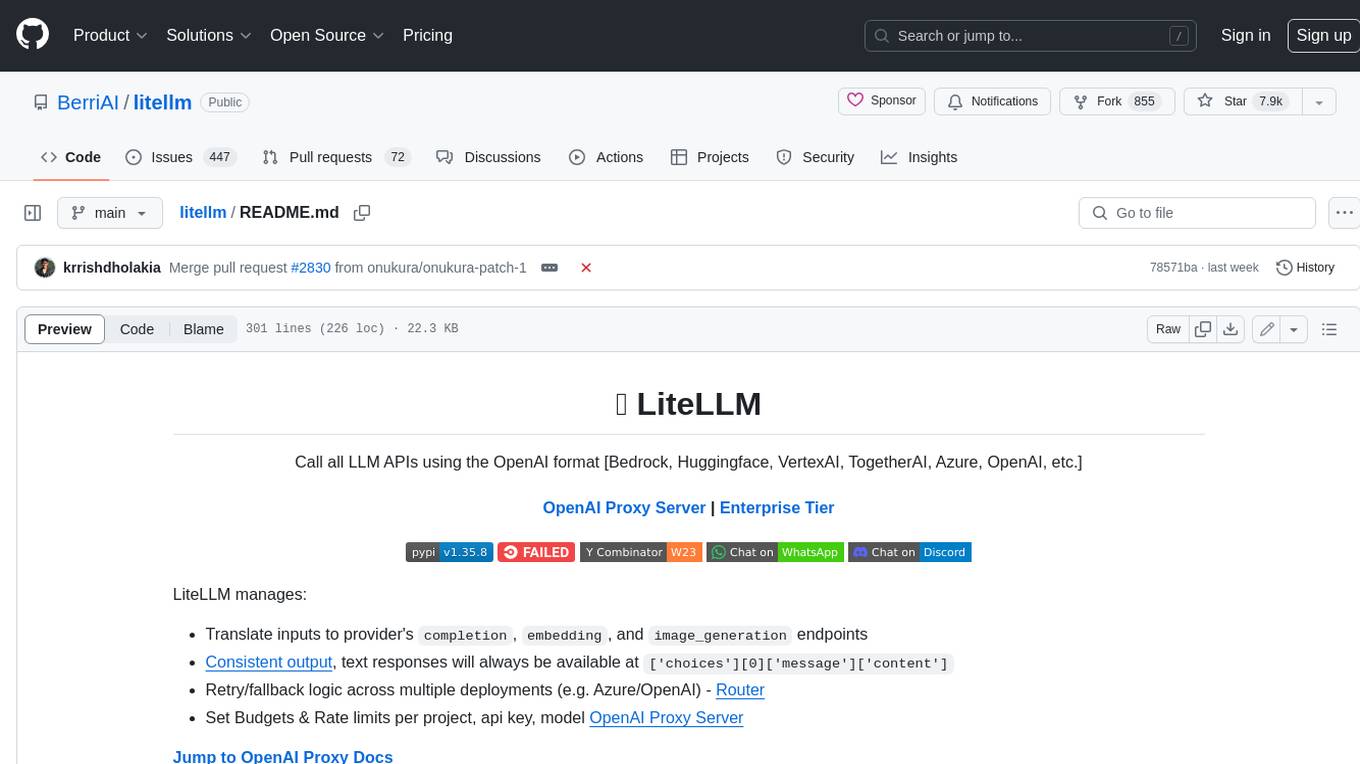
litellm
LiteLLM is a tool that allows you to call all LLM APIs using the OpenAI format. This includes Bedrock, Huggingface, VertexAI, TogetherAI, Azure, OpenAI, and more. LiteLLM manages translating inputs to provider's `completion`, `embedding`, and `image_generation` endpoints, providing consistent output, and retry/fallback logic across multiple deployments. It also supports setting budgets and rate limits per project, api key, and model.
For similar jobs

LLMStack
LLMStack is a no-code platform for building generative AI agents, workflows, and chatbots. It allows users to connect their own data, internal tools, and GPT-powered models without any coding experience. LLMStack can be deployed to the cloud or on-premise and can be accessed via HTTP API or triggered from Slack or Discord.
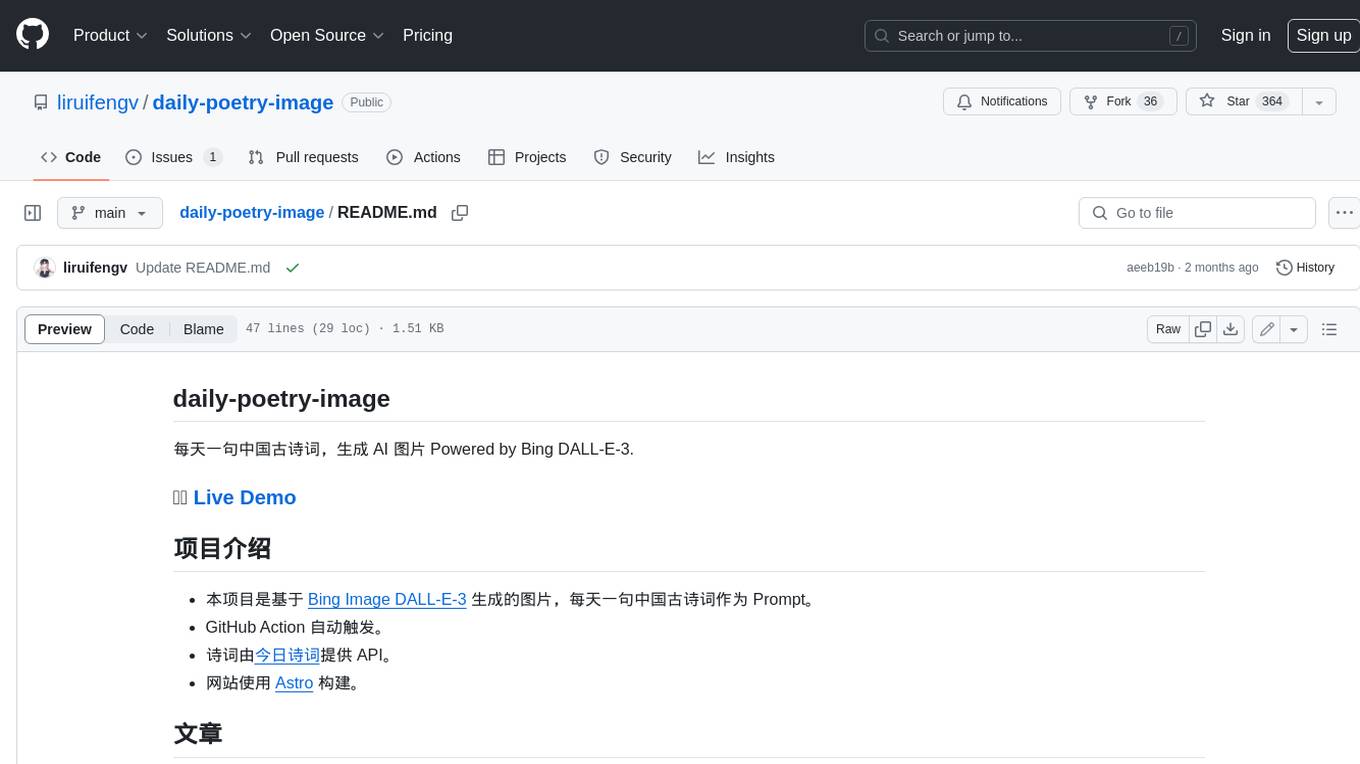
daily-poetry-image
Daily Chinese ancient poetry and AI-generated images powered by Bing DALL-E-3. GitHub Action triggers the process automatically. Poetry is provided by Today's Poem API. The website is built with Astro.

exif-photo-blog
EXIF Photo Blog is a full-stack photo blog application built with Next.js, Vercel, and Postgres. It features built-in authentication, photo upload with EXIF extraction, photo organization by tag, infinite scroll, light/dark mode, automatic OG image generation, a CMD-K menu with photo search, experimental support for AI-generated descriptions, and support for Fujifilm simulations. The application is easy to deploy to Vercel with just a few clicks and can be customized with a variety of environment variables.
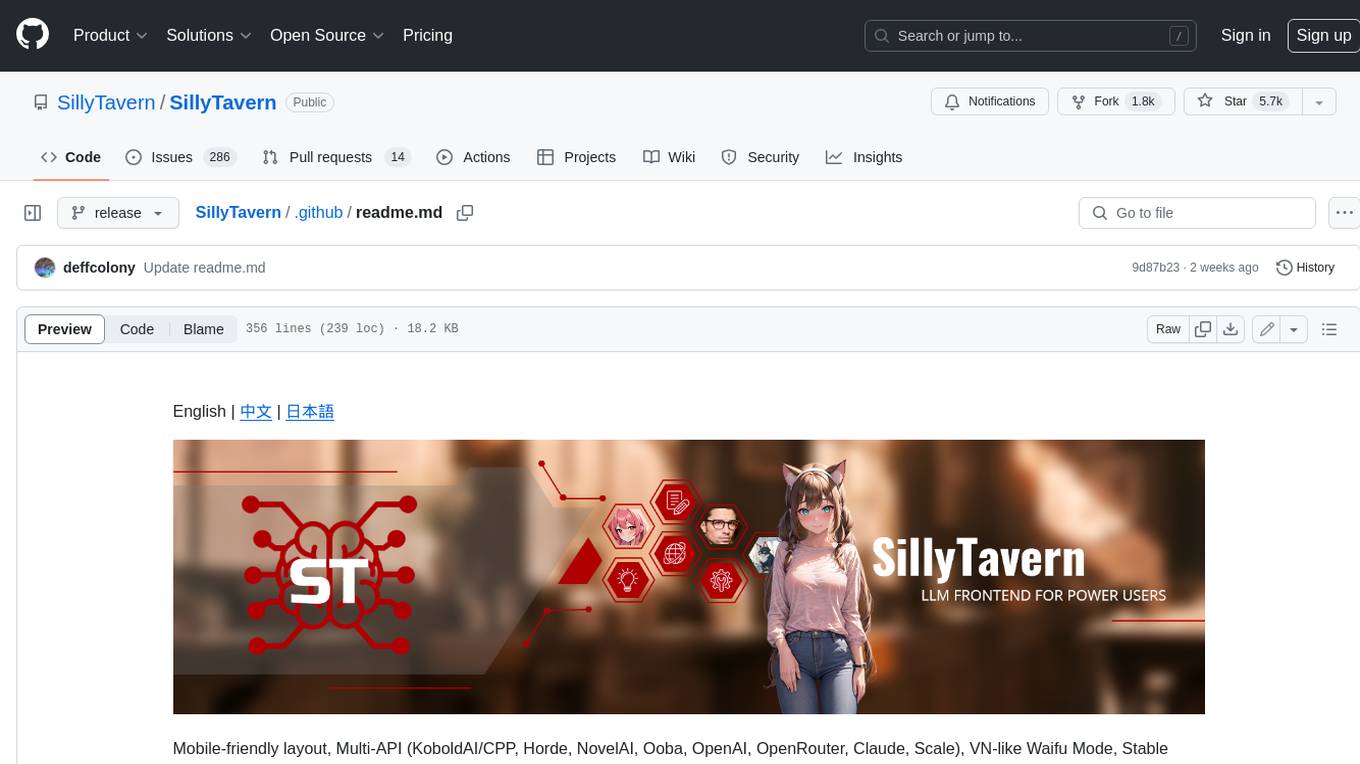
SillyTavern
SillyTavern is a user interface you can install on your computer (and Android phones) that allows you to interact with text generation AIs and chat/roleplay with characters you or the community create. SillyTavern is a fork of TavernAI 1.2.8 which is under more active development and has added many major features. At this point, they can be thought of as completely independent programs.
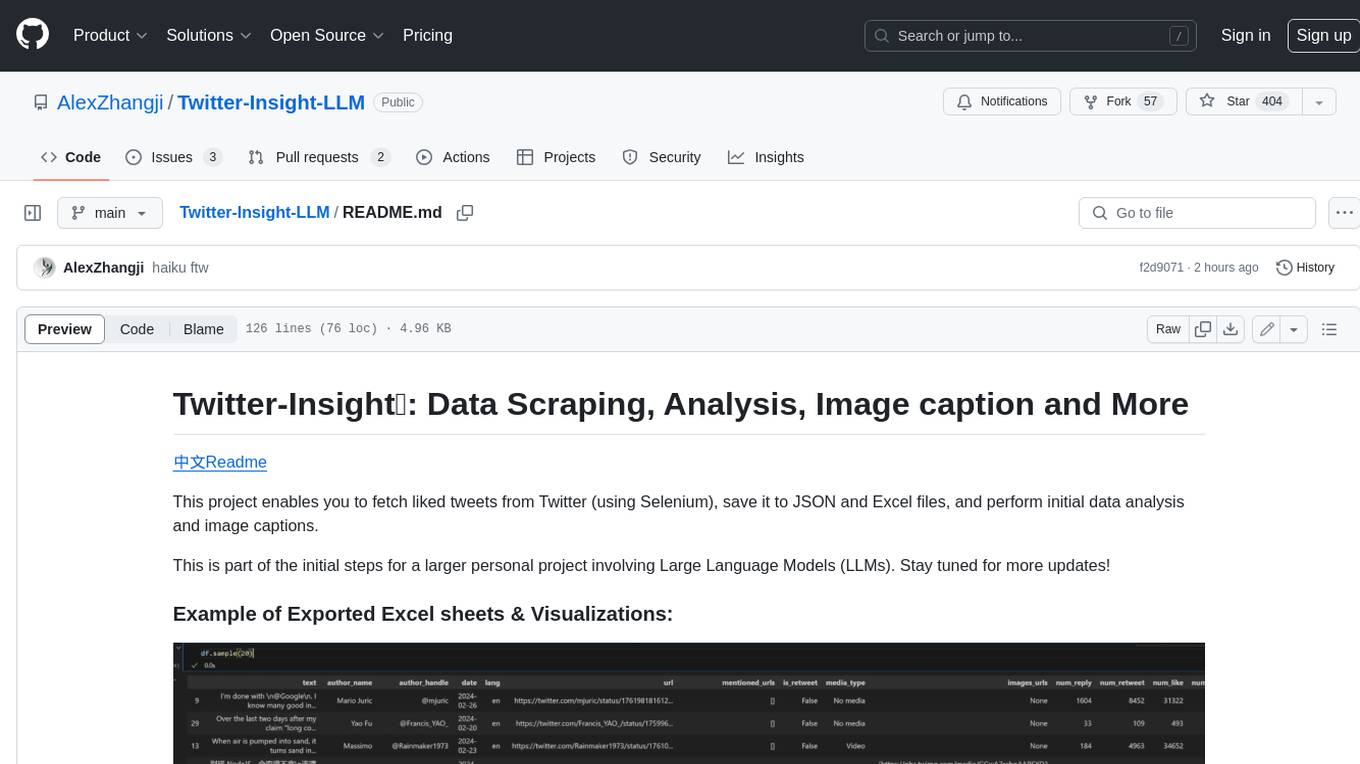
Twitter-Insight-LLM
This project enables you to fetch liked tweets from Twitter (using Selenium), save it to JSON and Excel files, and perform initial data analysis and image captions. This is part of the initial steps for a larger personal project involving Large Language Models (LLMs).
AISuperDomain
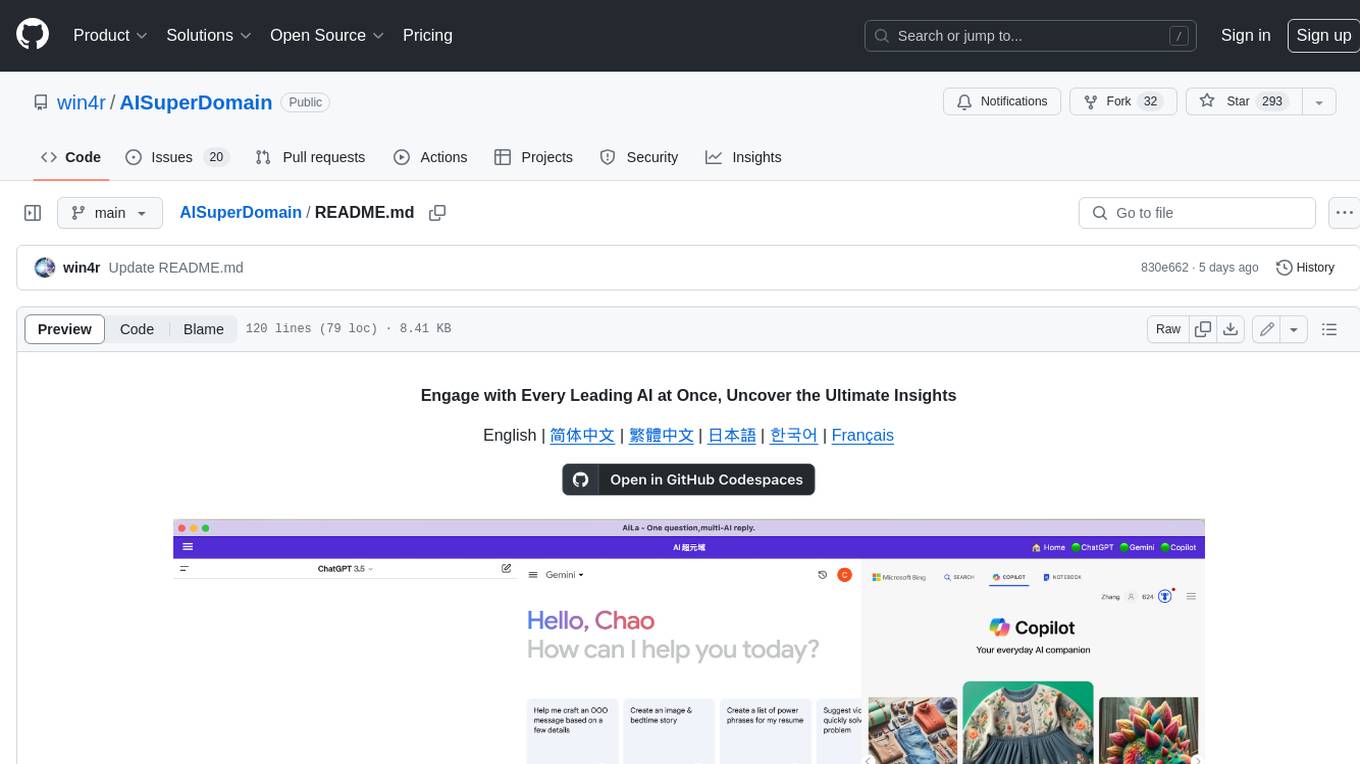
Aila Desktop Application is a powerful tool that integrates multiple leading AI models into a single desktop application. It allows users to interact with various AI models simultaneously, providing diverse responses and insights to their inquiries. With its user-friendly interface and customizable features, Aila empowers users to engage with AI seamlessly and efficiently. Whether you're a researcher, student, or professional, Aila can enhance your AI interactions and streamline your workflow.
ChatGPT-On-CS
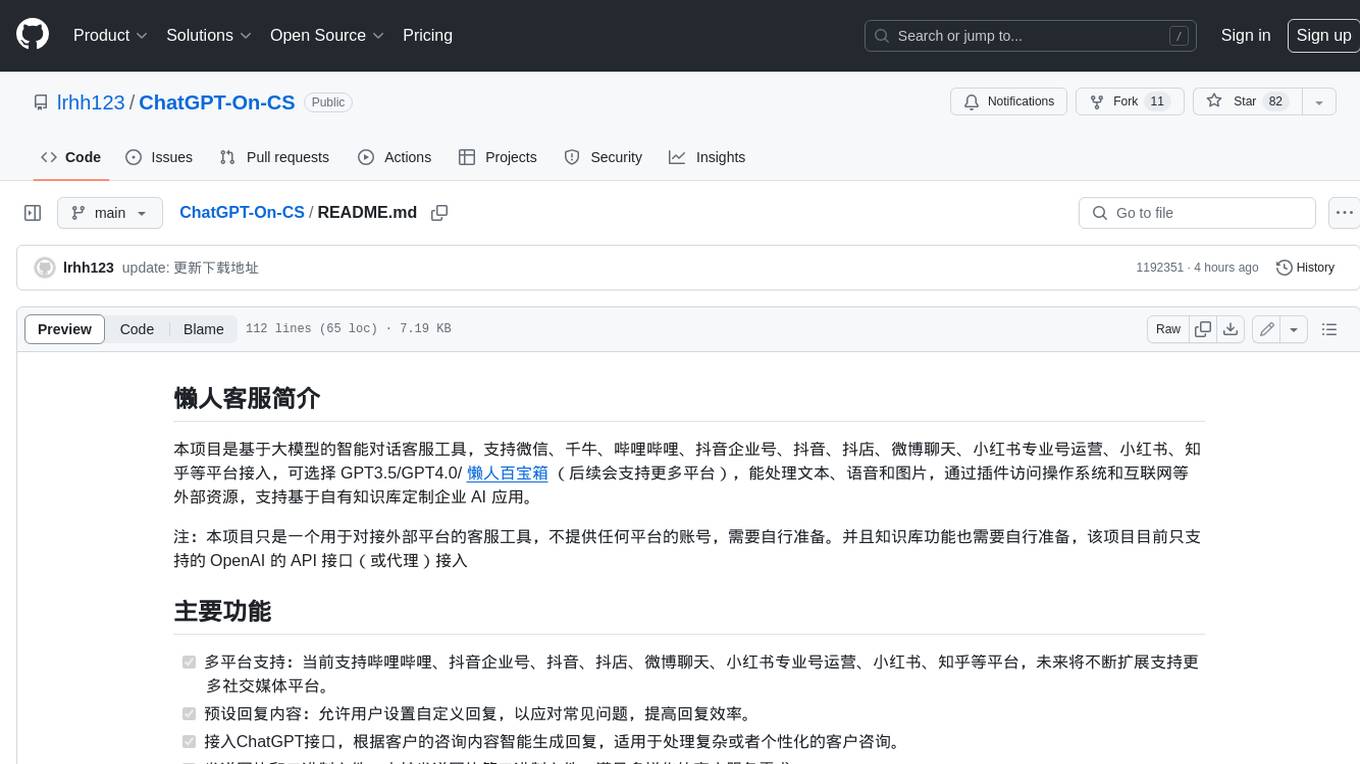
This project is an intelligent dialogue customer service tool based on a large model, which supports access to platforms such as WeChat, Qianniu, Bilibili, Douyin Enterprise, Douyin, Doudian, Weibo chat, Xiaohongshu professional account operation, Xiaohongshu, Zhihu, etc. You can choose GPT3.5/GPT4.0/ Lazy Treasure Box (more platforms will be supported in the future), which can process text, voice and pictures, and access external resources such as operating systems and the Internet through plug-ins, and support enterprise AI applications customized based on their own knowledge base.
obs-localvocal
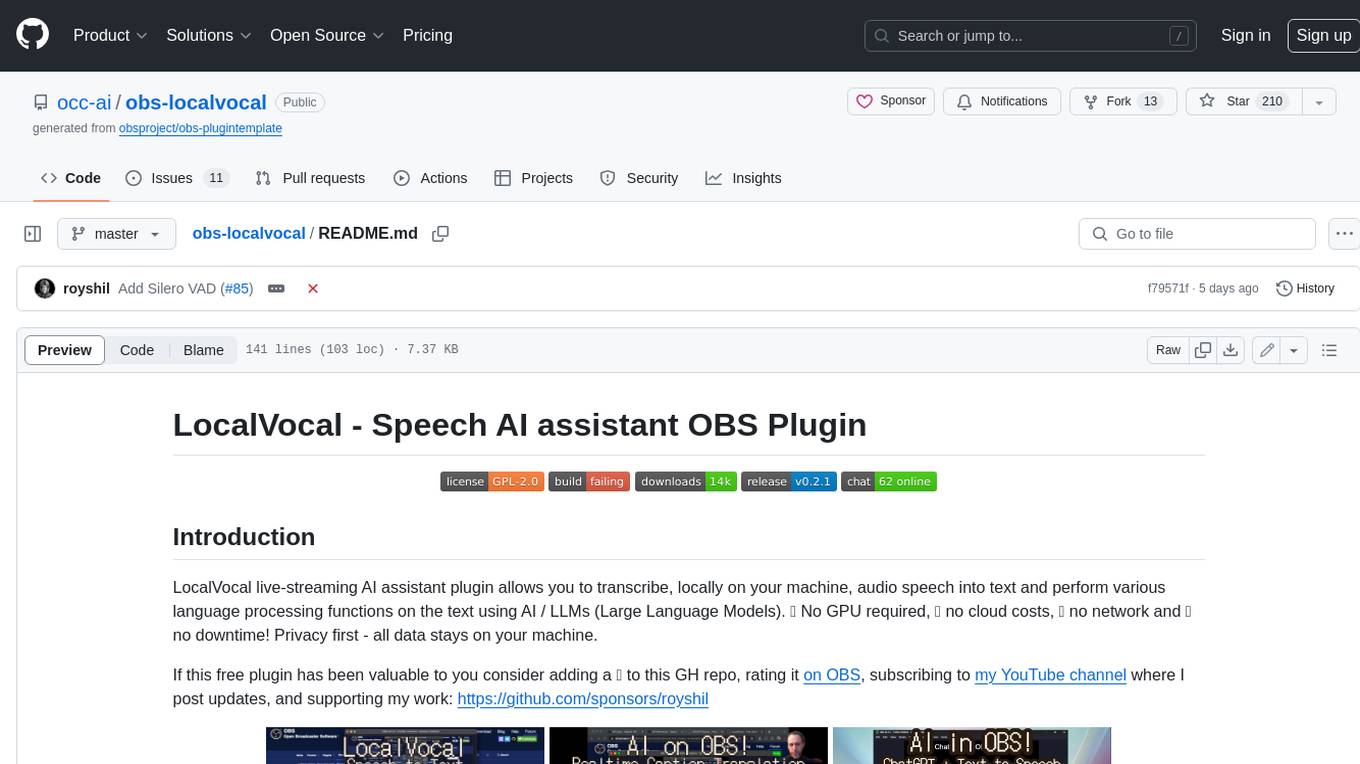
LocalVocal is a live-streaming AI assistant plugin for OBS that allows you to transcribe audio speech into text and perform various language processing functions on the text using AI / LLMs (Large Language Models). It's privacy-first, with all data staying on your machine, and requires no GPU, cloud costs, network, or downtime.