


anilist-mcp
AniList MCP server for accessing anime and manga data
Stars: 54
AniList MCP Server is a Model Context Protocol server that interfaces with the AniList API, allowing LLM clients to access and interact with anime, manga, character, staff, and user data from AniList. It supports searching for anime, manga, characters, staff, and studios, detailed information retrieval, user profiles and lists access, advanced filtering options, genres and media tags retrieval, dual transport support (HTTP and STDIO), and cloud deployment readiness.
README:
A Model Context Protocol (MCP) server that interfaces with the AniList API, allowing LLM clients to access and interact with anime, manga, character, staff, and user data from AniList.
- Search for anime, manga, characters, staff, and studios
- Get detailed information about specific anime, manga, characters, and staff members
- Access user profiles and lists
- Support for advanced filtering options
- Retrieve genres and media tags
- Dual transport support: Both HTTP and STDIO transports
- Cloud deployment ready: Support Smithery and other platforms
- Node.js 18+
- Add this server to your
mcp.json/claude_desktop_config.json:
{
  "mcpServers": {
    "anilist": {
      "command": "npx",
      "args": ["-y", "anilist-mcp"],
      "env": {
        "ANILIST_TOKEN": "your_api_token"
      }
    }
  }
}
You may remove the env object entirely, if you are not planning to use the AniList Token for operations that require login.
- Restart your MCP client (e.g., Claude Desktop)
- Use the tools to interact with AniList
Follow the Local Development instructions to set up the project locally, then run:
pnpm run start:httpThis will start the server on port 8081 by default. You can change the port by setting the PORT environment variable.
You can deploy this MCP server to any cloud platform that supports Node.js server applications.
You can also deploy via MCP platforms like Smithery.
When using the STDIO transport or hosting the HTTP transport server, you can pass configuration via environment variables:
-
ANILIST_TOKEN: (Optional) AniList API Token (Only needed for operations that require login)
[!CAUTION] If you are hosting the HTTP transport server with token pre-configured, you should protect your endpoint and implement authentication before allowing users to access it. Otherwise, anyone can access your MCP server while using your AniList token.
When using the HTTP transport, user can pass configuration via HTTP headers:
-
Anilist-Token: (Optional) AniList API Token (Only needed for operations that require login)
If the user provides the token in the header, while the server also has ANILIST_TOKEN set, the header value will take precedence.
To get an API token, follow these steps:
- Go to AniList settings.
- Click on "Create New Client".
- Use this URL as your client's "Redirect URL":
https://anilist.co/api/v2/oauth/pin
- Click "Save"
- Then go to https://anilist.co/api/v2/oauth/authorize?client_id={clientID}&response_type=token, replace the
{clientID}with the client ID you get. It will ask you to log in and then provide you with the token to use. - Copy the generated token and use it in your
.envfile or environment variables.
- get_genres: Get all available genres on AniList
- get_media_tags: Get all available media tags on AniList
- get_site_statistics: Get AniList site statistics over the last seven days
- get_studio: Get information about a studio by its AniList ID or name
- favourite_studio: [Requires Login] Favourite or unfavourite a studio by its ID
- delete_activity: [Requires Login] Delete the current authorized user's activity post
- get_activity: Get a specific AniList activity by its ID
- get_user_activity: Fetch activities from a user
- post_message_activity: [Requires Login] Post a new message activity or update an existing one
- post_text_activity: [Requires Login] Post a new text activity or update an existing one
- get_user_anime_list: Get a user's anime list
- get_user_manga_list: Get a user's manga list
- add_list_entry: [Requires Login] Add an entry to the authorized user's list
- remove_list_entry: [Requires Login] Remove an entry from the authorized user's list
- update_list_entry: [Requires Login] Update an entry on the authorized user's list
- get_anime: Get detailed information about an anime by its AniList ID
- get_manga: Get detailed information about a manga by its AniList ID
- favourite_anime: [Requires Login] Favourite or unfavourite an anime by its ID
- favourite_manga: [Requires Login] Favourite or unfavourite a manga by its ID
- get_character: Get information about a character by their AniList ID
- get_staff: Get information about staff member by their AniList ID
- favourite_character: [Requires Login] Favourite or unfavourite a character by its ID
- favourite_staff: [Requires Login] Favourite or unfavourite a staff member by their ID
- get_todays_birthday_characters: Get all characters whose birthday is today
- get_todays_birthday_staff: Get all staff members whose birthday is today
- get_recommendation: Get an AniList recommendation by its ID
- get_recommendations_for_media: Get AniList recommendations for a specific media
- search_activity: Search for activities on AniList
- search_anime: Search for anime with query term and filters
- search_manga: Search for manga with query term and filters
- search_character: Search for characters based on a query term
- search_staff: Search for staff members based on a query term
- search_studio: Search for studios based on a query term
- search_user: Search for users on AniList
- get_thread: Get a specific thread by its AniList ID
- get_thread_comments: Get comments for a specific thread
- delete_thread: [Requires Login] Delete a thread by its ID
- get_user_profile: Get a user's AniList profile
- get_user_stats: Get a user's AniList statistics
- get_full_user_info: Get a user's complete profile and stats information
- get_user_recent_activity: Get recent activity from a user
- get_authorized_user: [Requires Login] Get profile information of the currently authorized user
- follow_user: [Requires Login] Follow or unfollow a user by their ID
- update_user: [Requires Login] Update user settings
Can you search for anime similar to "Bocchi the Rock!"?
Can you tell me about the character Hitori Gotou? Use the AniList tools to find information.
What anime has Studio Ghibli produced? Can you list their most popular works?
This project uses pnpm as its package manager.
Clone the repository and install dependencies:
git clone https://github.com/yuna0x0/anilist-mcp.git
cd anilist-mcp
pnpm install- Create a
.envfile by copying the example:
cp env.example .env- Edit the
.envfile and add your AniList API token:
ANILIST_TOKEN=your_api_token
You can use the MCP Inspector to test and debug the AniList MCP server:
npx @modelcontextprotocol/inspector -e ANILIST_TOKEN=your_api_token npx anilist-mcp

# Use this instead when Local Development
pnpm run inspector
Then open your browser to the provided URL (usually http://localhost:6274) to access the MCP Inspector interface. From there, you can:
- Connect to your running AniList MCP server
- Browse available tools
- Run tools with custom parameters
- View the responses
This is particularly useful for testing your setup before connecting it to MCP clients like Claude Desktop.
Pull from GitHub Container Registry:
docker pull ghcr.io/yuna0x0/anilist-mcpDocker build (Local Development):
docker build -t ghcr.io/yuna0x0/anilist-mcp .Docker multi-platform build (Local Development):
docker buildx build --platform linux/amd64,linux/arm64 -t ghcr.io/yuna0x0/anilist-mcp .To create an MCP Bundle for this server, run:
pnpm run pack:mcpbThis MCP server accepts your AniList API token in the .env file, environment variable or HTTP header. Keep this information secure and never commit it to version control.
This project is licensed under the MIT License - see the LICENSE file for details.
For Tasks:
Click tags to check more tools for each tasksFor Jobs:
Alternative AI tools for anilist-mcp
Similar Open Source Tools
anilist-mcp
AniList MCP Server is a Model Context Protocol server that interfaces with the AniList API, allowing LLM clients to access and interact with anime, manga, character, staff, and user data from AniList. It supports searching for anime, manga, characters, staff, and studios, detailed information retrieval, user profiles and lists access, advanced filtering options, genres and media tags retrieval, dual transport support (HTTP and STDIO), and cloud deployment readiness.
AIClient-2-API
AIClient-2-API is a versatile and lightweight API proxy designed for developers, providing ample free API request quotas and comprehensive support for various mainstream large models like Gemini, Qwen Code, Claude, etc. It converts multiple backend APIs into standard OpenAI format interfaces through a Node.js HTTP server. The project adopts a modern modular architecture, supports strategy and adapter patterns, comes with complete test coverage and health check mechanisms, and is ready to use after 'npm install'. By easily switching model service providers in the configuration file, any OpenAI-compatible client or application can seamlessly access different large model capabilities through the same API address, eliminating the hassle of maintaining multiple sets of configurations for different services and dealing with incompatible interfaces.
Groqqle
Groqqle 2.1 is a revolutionary, free AI web search and API that instantly returns ORIGINAL content derived from source articles, websites, videos, and even foreign language sources, for ANY target market of ANY reading comprehension level! It combines the power of large language models with advanced web and news search capabilities, offering a user-friendly web interface, a robust API, and now a powerful Groqqle_web_tool for seamless integration into your projects. Developers can instantly incorporate Groqqle into their applications, providing a powerful tool for content generation, research, and analysis across various domains and languages.
DesktopCommanderMCP
Desktop Commander MCP is a server that allows the Claude desktop app to execute long-running terminal commands on your computer and manage processes through Model Context Protocol (MCP). It is built on top of MCP Filesystem Server to provide additional search and replace file editing capabilities. The tool enables users to execute terminal commands with output streaming, manage processes, perform full filesystem operations, and edit code with surgical text replacements or full file rewrites. It also supports vscode-ripgrep based recursive code or text search in folders.
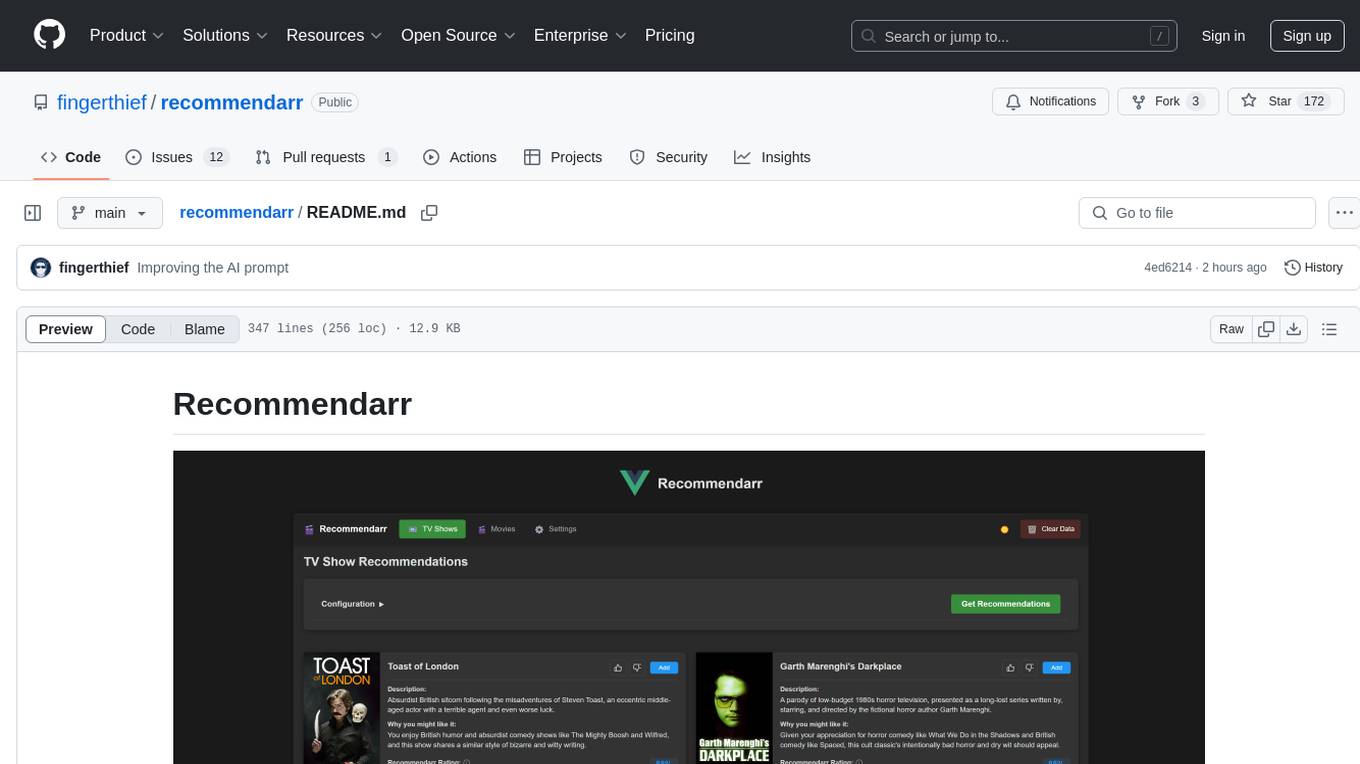
recommendarr
Recommendarr is a tool that generates personalized TV show and movie recommendations based on your Sonarr, Radarr, Plex, and Jellyfin libraries using AI. It offers AI-powered recommendations, media server integration, flexible AI support, watch history analysis, customization options, and dark/light mode toggle. Users can connect their media libraries and watch history services, configure AI service settings, and get personalized recommendations based on genre, language, and mood/vibe preferences. The tool works with any OpenAI-compatible API and offers various recommended models for different cost options and performance levels. It provides personalized suggestions, detailed information, filter options, watch history analysis, and one-click adding of recommended content to Sonarr/Radarr.
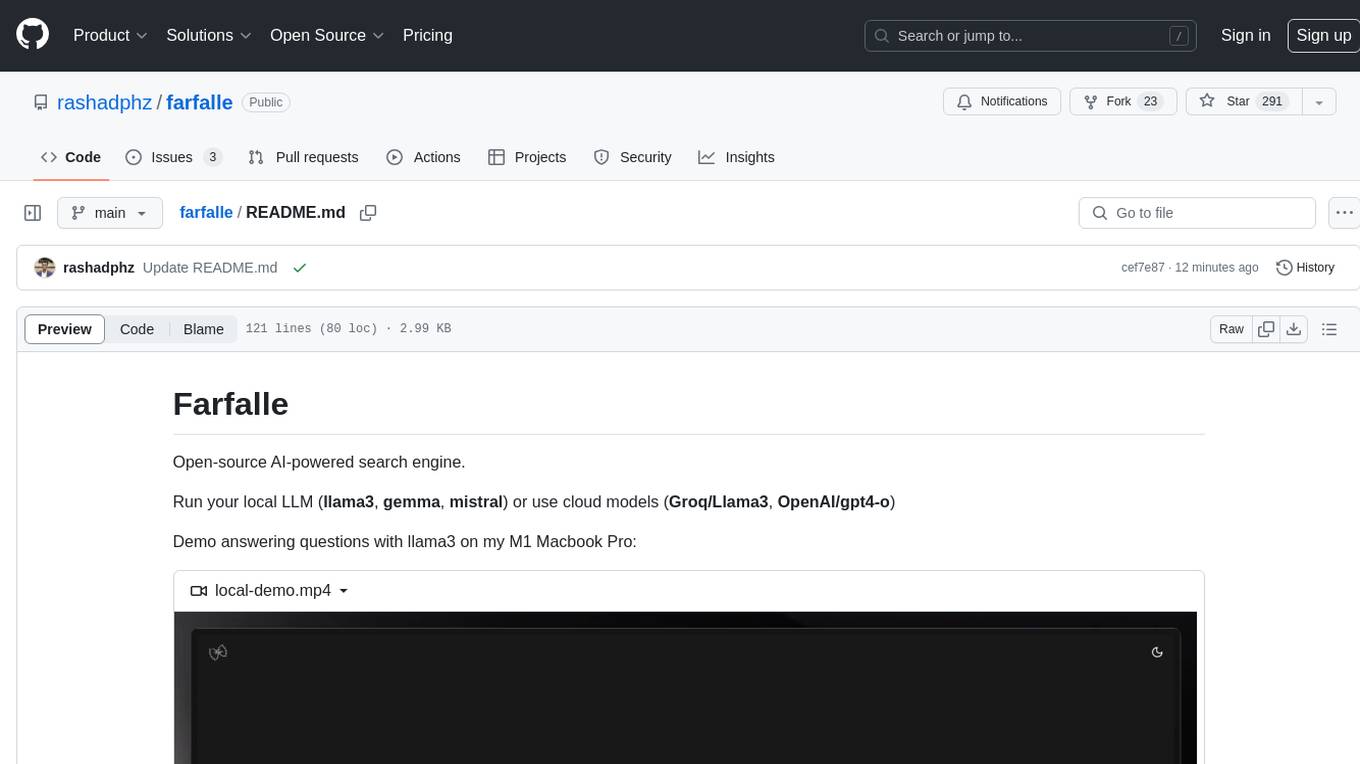
farfalle
Farfalle is an open-source AI-powered search engine that allows users to run their own local LLM or utilize the cloud. It provides a tech stack including Next.js for frontend, FastAPI for backend, Tavily for search API, Logfire for logging, and Redis for rate limiting. Users can get started by setting up prerequisites like Docker and Ollama, and obtaining API keys for Tavily, OpenAI, and Groq. The tool supports models like llama3, mistral, and gemma. Users can clone the repository, set environment variables, run containers using Docker Compose, and deploy the backend and frontend using services like Render and Vercel.
action_mcp
Action MCP is a powerful tool for managing and automating your cloud infrastructure. It provides a user-friendly interface to easily create, update, and delete resources on popular cloud platforms. With Action MCP, you can streamline your deployment process, reduce manual errors, and improve overall efficiency. The tool supports various cloud providers and offers a wide range of features to meet your infrastructure management needs. Whether you are a developer, system administrator, or DevOps engineer, Action MCP can help you simplify and optimize your cloud operations.
bytebot
Bytebot is an open-source AI desktop agent that provides a virtual employee with its own computer to complete tasks for users. It can use various applications, download and organize files, log into websites, process documents, and perform complex multi-step workflows. By giving AI access to a complete desktop environment, Bytebot unlocks capabilities not possible with browser-only agents or API integrations, enabling complete task autonomy, document processing, and usage of real applications.
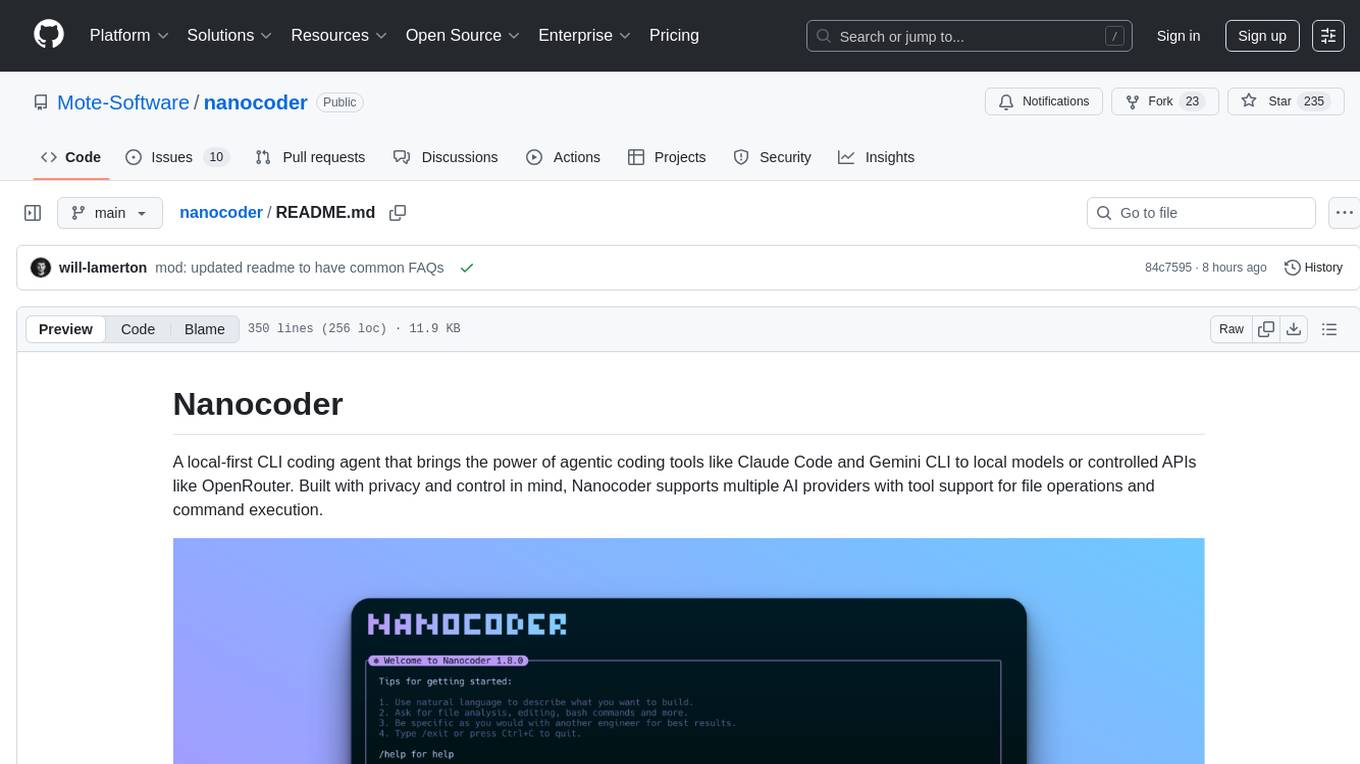
nanocoder
Nanocoder is a local-first CLI coding agent that supports multiple AI providers with tool support for file operations and command execution. It focuses on privacy and control, allowing users to code locally with AI tools. The tool is designed to bring the power of agentic coding tools to local models or controlled APIs like OpenRouter, promoting community-led development and inclusive collaboration in the AI coding space.
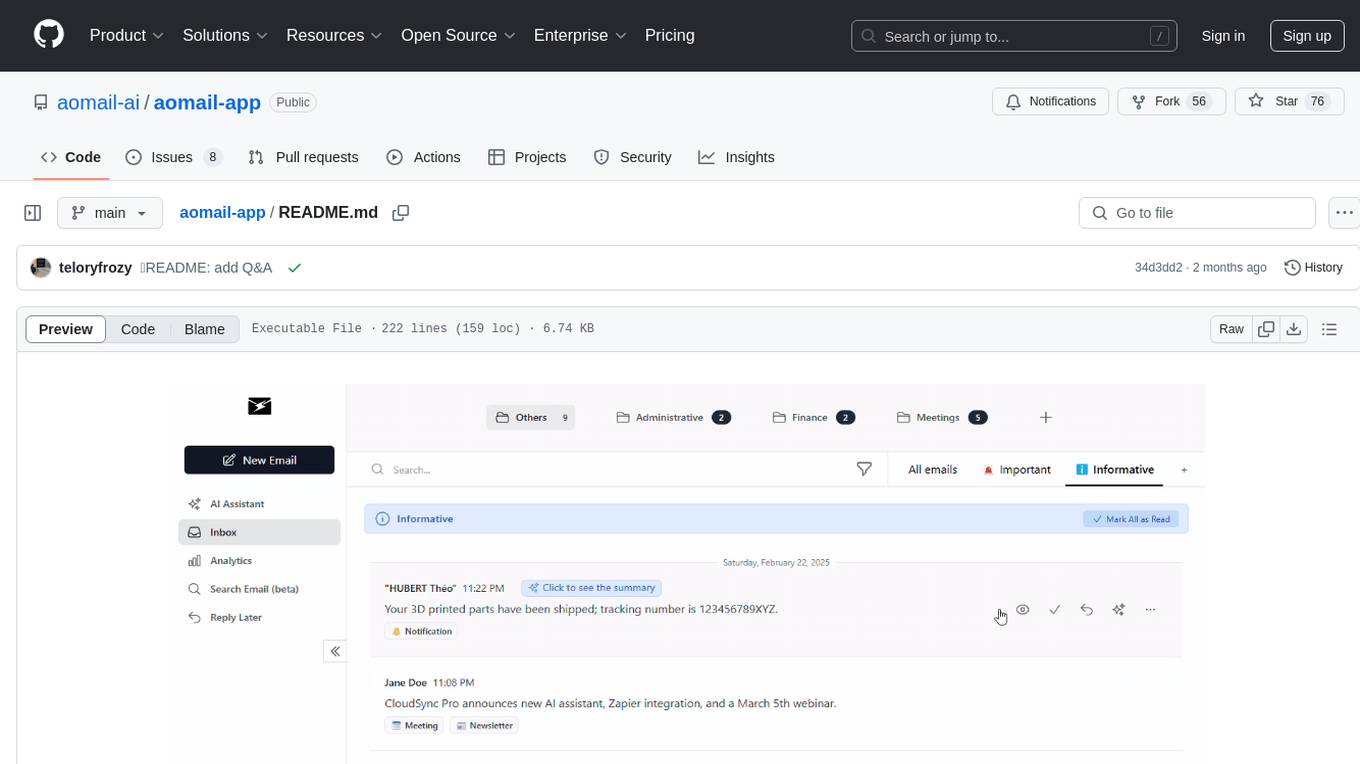
aomail-app
Aomail is an intelligent, open-source email management platform with AI capabilities. It offers email provider integration, AI-powered tools for smart categorization and assistance, analytics and management features. Users can self-host for complete control. Coming soon features include AI custom rules, platform integration with Discord & Slack, and support for various AI providers. The tool is designed to revolutionize email management by providing advanced AI features and analytics.
scira
Scira is a powerful open-source tool for analyzing and visualizing data. It provides a user-friendly interface for data exploration, cleaning, and modeling. With Scira, users can easily import datasets, perform statistical analysis, create insightful visualizations, and generate reports. The tool supports various data formats and offers a wide range of statistical functions and visualization options. Whether you are a data scientist, researcher, or student, Scira can help you uncover valuable insights from your data and communicate your findings effectively.
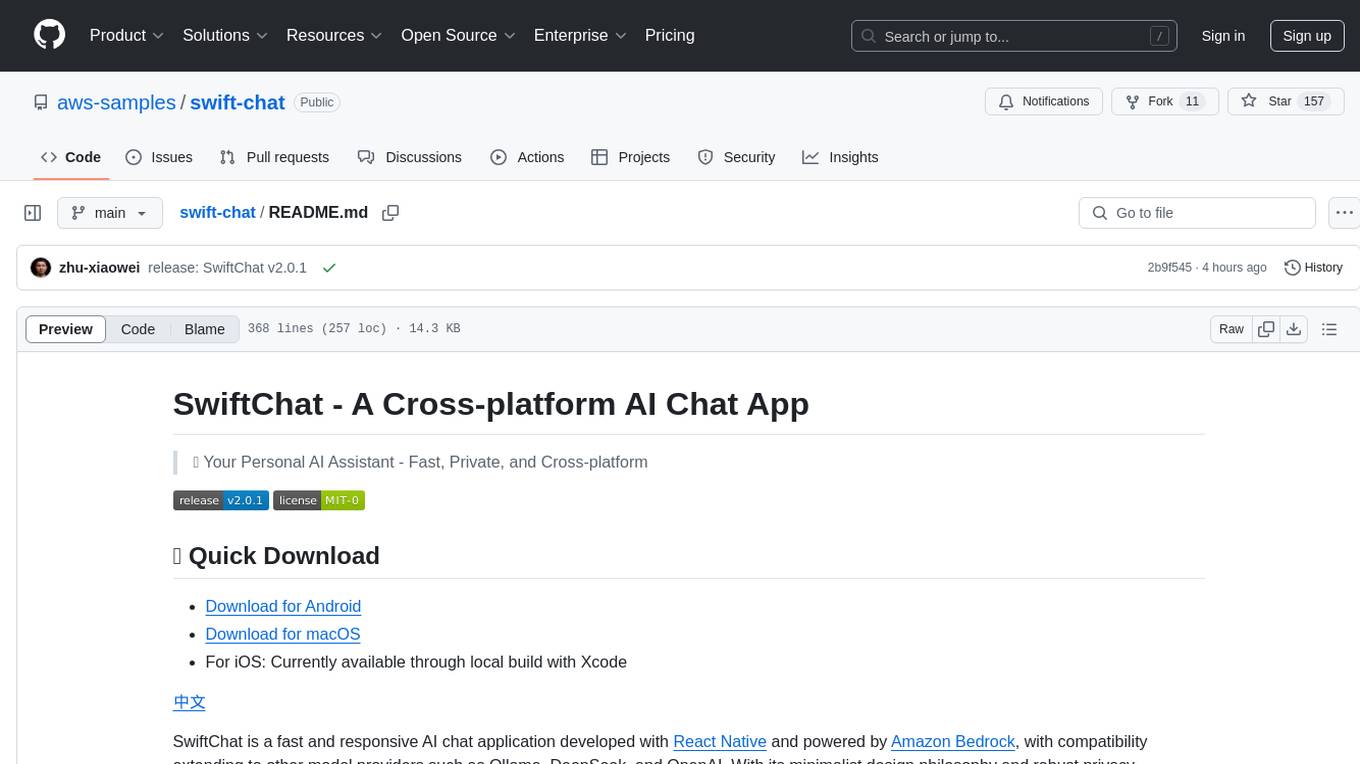
swift-chat
SwiftChat is a fast and responsive AI chat application developed with React Native and powered by Amazon Bedrock. It offers real-time streaming conversations, AI image generation, multimodal support, conversation history management, and cross-platform compatibility across Android, iOS, and macOS. The app supports multiple AI models like Amazon Bedrock, Ollama, DeepSeek, and OpenAI, and features a customizable system prompt assistant. With a minimalist design philosophy and robust privacy protection, SwiftChat delivers a seamless chat experience with various features like rich Markdown support, comprehensive multimodal analysis, creative image suite, and quick access tools. The app prioritizes speed in launch, request, render, and storage, ensuring a fast and efficient user experience. SwiftChat also emphasizes app privacy and security by encrypting API key storage, minimal permission requirements, local-only data storage, and a privacy-first approach.
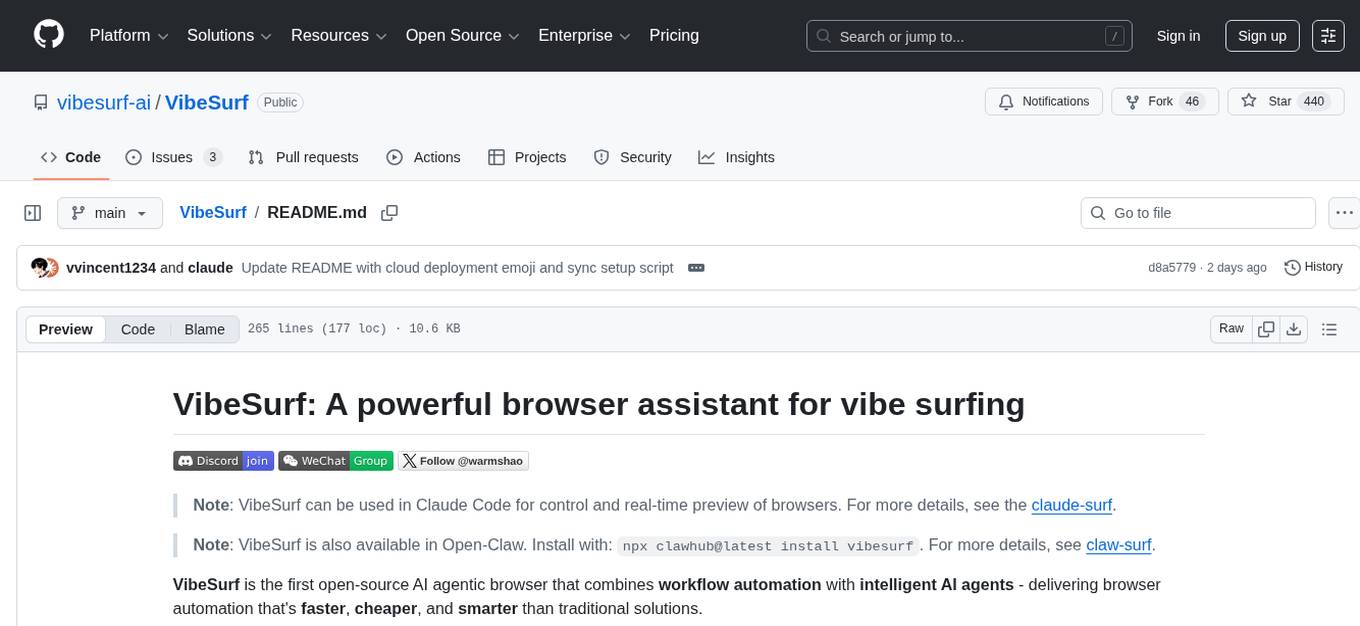
VibeSurf
VibeSurf is an open-source AI agentic browser that combines workflow automation with intelligent AI agents, offering faster, cheaper, and smarter browser automation. It allows users to create revolutionary browser workflows, run multiple AI agents in parallel, perform intelligent AI automation tasks, maintain privacy with local LLM support, and seamlessly integrate as a Chrome extension. Users can save on token costs, achieve efficiency gains, and enjoy deterministic workflows for consistent and accurate results. VibeSurf also provides a Docker image for easy deployment and offers pre-built workflow templates for common tasks.
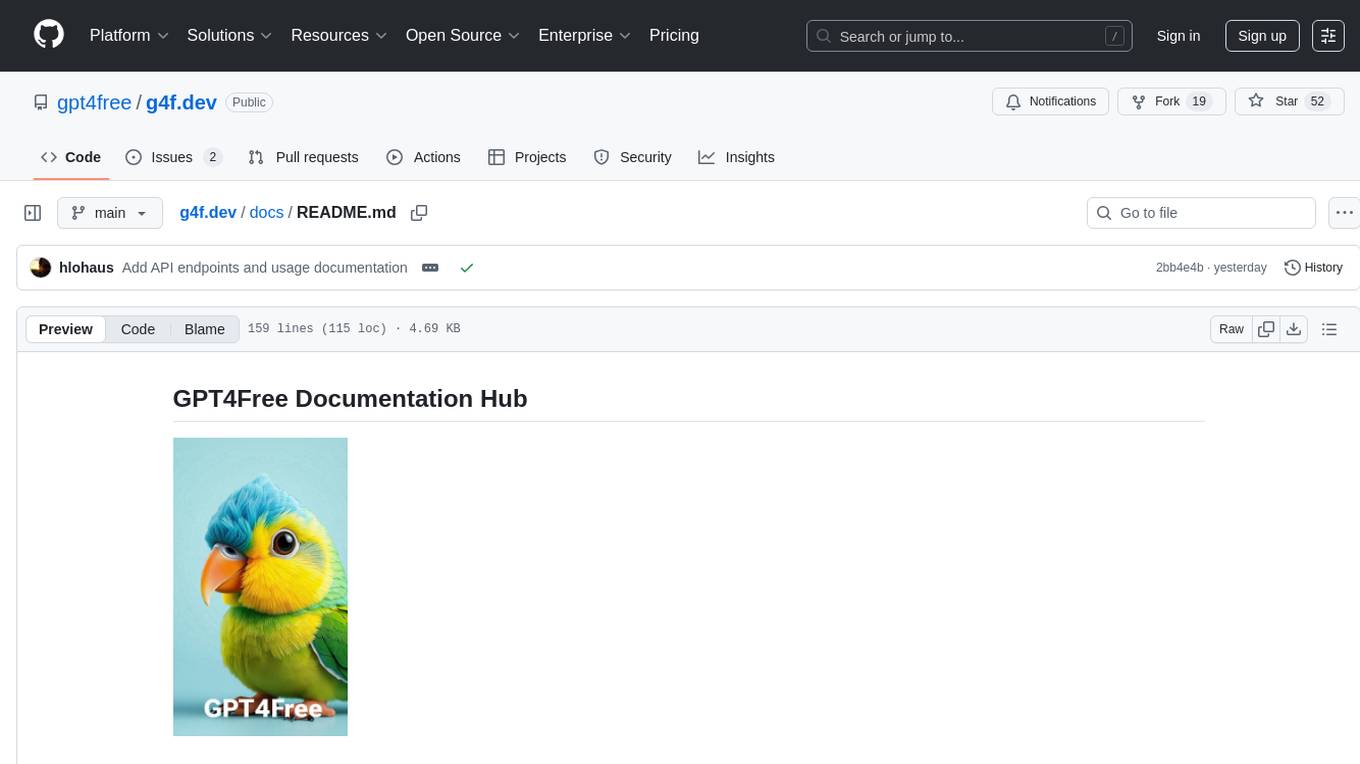
g4f.dev
G4f.dev is the official documentation hub for GPT4Free, a free and convenient AI tool with endpoints that can be integrated directly into apps, scripts, and web browsers. The documentation provides clear overviews, quick examples, and deeper insights into the major features of GPT4Free, including text and image generation. Users can choose between Python and JavaScript for installation and setup, and can access various API endpoints, providers, models, and client options for different tasks.
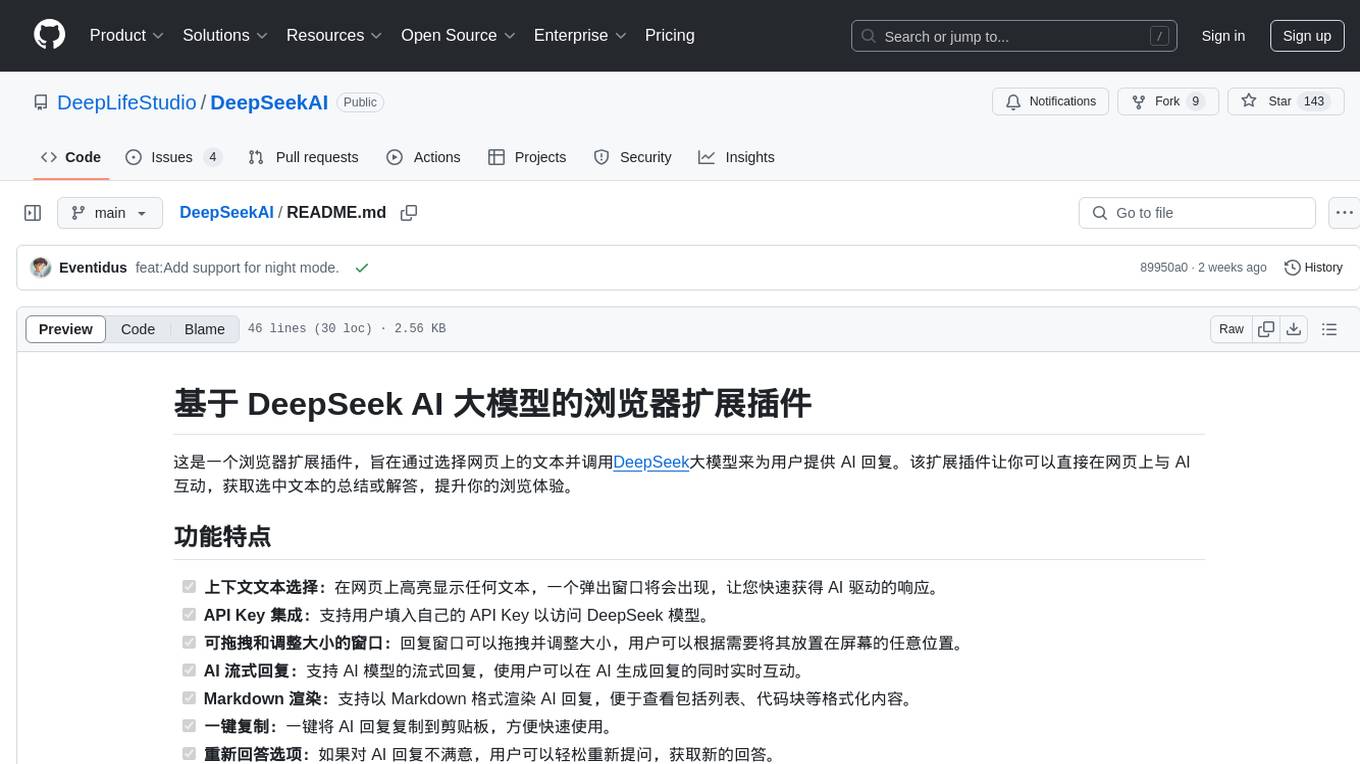
DeepSeekAI
DeepSeekAI is a browser extension plugin that allows users to interact with AI by selecting text on web pages and invoking the DeepSeek large model to provide AI responses. The extension enhances browsing experience by enabling users to get summaries or answers for selected text directly on the webpage. It features context text selection, API key integration, draggable and resizable window, AI streaming replies, Markdown rendering, one-click copy, re-answer option, code copy functionality, language switching, and multi-turn dialogue support. Users can install the extension from Chrome Web Store or Edge Add-ons, or manually clone the repository, install dependencies, and build the extension. Configuration involves entering the DeepSeek API key in the extension popup window to start using the AI-driven responses.
For similar tasks
anilist-mcp
AniList MCP Server is a Model Context Protocol server that interfaces with the AniList API, allowing LLM clients to access and interact with anime, manga, character, staff, and user data from AniList. It supports searching for anime, manga, characters, staff, and studios, detailed information retrieval, user profiles and lists access, advanced filtering options, genres and media tags retrieval, dual transport support (HTTP and STDIO), and cloud deployment readiness.
For similar jobs

sweep
Sweep is an AI junior developer that turns bugs and feature requests into code changes. It automatically handles developer experience improvements like adding type hints and improving test coverage.

teams-ai
The Teams AI Library is a software development kit (SDK) that helps developers create bots that can interact with Teams and Microsoft 365 applications. It is built on top of the Bot Framework SDK and simplifies the process of developing bots that interact with Teams' artificial intelligence capabilities. The SDK is available for JavaScript/TypeScript, .NET, and Python.

ai-guide
This guide is dedicated to Large Language Models (LLMs) that you can run on your home computer. It assumes your PC is a lower-end, non-gaming setup.

classifai
Supercharge WordPress Content Workflows and Engagement with Artificial Intelligence. Tap into leading cloud-based services like OpenAI, Microsoft Azure AI, Google Gemini and IBM Watson to augment your WordPress-powered websites. Publish content faster while improving SEO performance and increasing audience engagement. ClassifAI integrates Artificial Intelligence and Machine Learning technologies to lighten your workload and eliminate tedious tasks, giving you more time to create original content that matters.

chatbot-ui
Chatbot UI is an open-source AI chat app that allows users to create and deploy their own AI chatbots. It is easy to use and can be customized to fit any need. Chatbot UI is perfect for businesses, developers, and anyone who wants to create a chatbot.

BricksLLM
BricksLLM is a cloud native AI gateway written in Go. Currently, it provides native support for OpenAI, Anthropic, Azure OpenAI and vLLM. BricksLLM aims to provide enterprise level infrastructure that can power any LLM production use cases. Here are some use cases for BricksLLM: * Set LLM usage limits for users on different pricing tiers * Track LLM usage on a per user and per organization basis * Block or redact requests containing PIIs * Improve LLM reliability with failovers, retries and caching * Distribute API keys with rate limits and cost limits for internal development/production use cases * Distribute API keys with rate limits and cost limits for students

uAgents
uAgents is a Python library developed by Fetch.ai that allows for the creation of autonomous AI agents. These agents can perform various tasks on a schedule or take action on various events. uAgents are easy to create and manage, and they are connected to a fast-growing network of other uAgents. They are also secure, with cryptographically secured messages and wallets.

griptape
Griptape is a modular Python framework for building AI-powered applications that securely connect to your enterprise data and APIs. It offers developers the ability to maintain control and flexibility at every step. Griptape's core components include Structures (Agents, Pipelines, and Workflows), Tasks, Tools, Memory (Conversation Memory, Task Memory, and Meta Memory), Drivers (Prompt and Embedding Drivers, Vector Store Drivers, Image Generation Drivers, Image Query Drivers, SQL Drivers, Web Scraper Drivers, and Conversation Memory Drivers), Engines (Query Engines, Extraction Engines, Summary Engines, Image Generation Engines, and Image Query Engines), and additional components (Rulesets, Loaders, Artifacts, Chunkers, and Tokenizers). Griptape enables developers to create AI-powered applications with ease and efficiency.