


LLM-Hub
Local AI Assistant on Android
Stars: 106
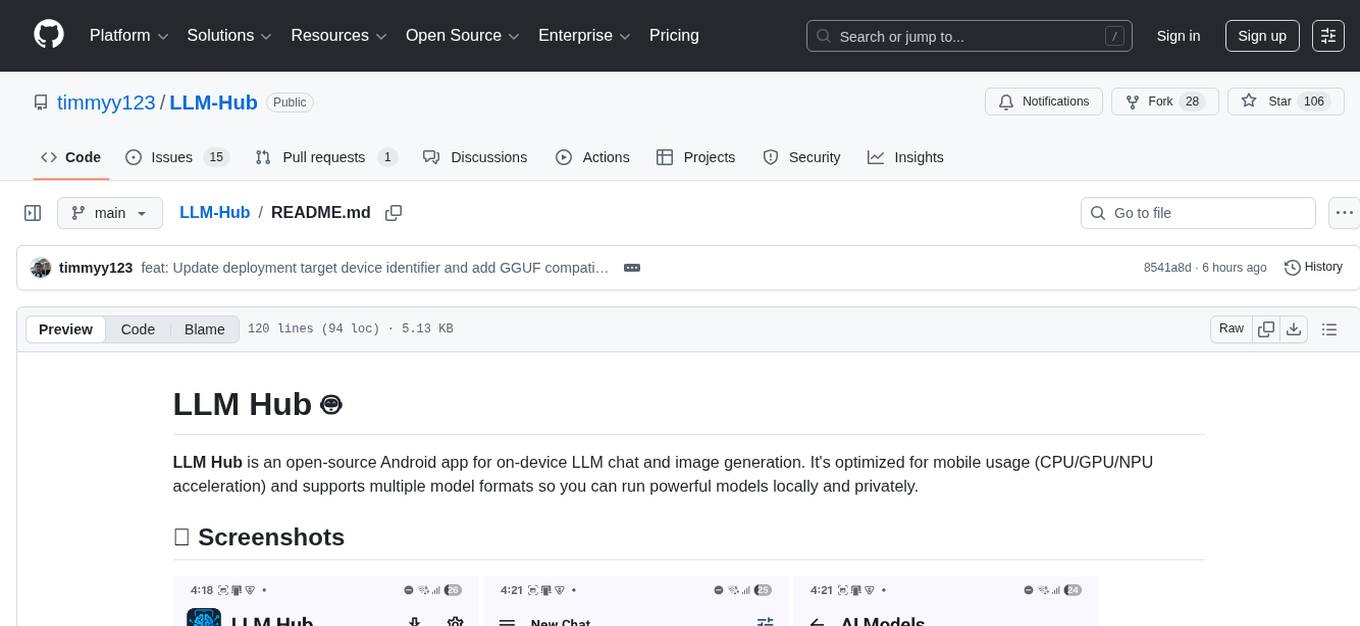
LLM Hub is an open-source Android app optimized for mobile usage, supporting multiple model formats for on-device LLM chat and image generation. It offers six AI tools including chat, writing aid, image generator, translator, transcriber, and scam detector. Privacy-first with on-device processing and zero data collection. Advanced capabilities include GPU/NPU acceleration, text-to-speech, RAG with global memory, and custom model import. Developed using Kotlin + Jetpack Compose, LLM Runtime, and various model runtimes.
README:
LLM Hub is an open-source Android app for on-device LLM chat and image generation. It's optimized for mobile usage (CPU/GPU/NPU acceleration) and supports multiple model formats so you can run powerful models locally and privately.


| Tool | Description |
|---|---|
| 💬 Chat | Multi-turn conversations with RAG memory, web search, TTS auto-readout, and multimodal input (text, images, audio) |
| ✍️ Writing Aid | Summarize, expand, rewrite, improve grammar, or generate code from descriptions |
| 🎨 Image Generator | Create images from text prompts using Stable Diffusion 1.5 with swipeable gallery for variations |
| 🌍 Translator | Translate text, images (OCR), and audio across 50+ languages - works offline |
| 🎙️ Transcriber | Convert speech to text with on-device processing |
| 🛡️ Scam Detector | Analyze messages and images for phishing with risk assessment |
- 100% on-device processing - no internet required for inference
- Zero data collection - conversations never leave your device
- No accounts, no tracking - completely private
- Open-source - fully transparent
- GPU/NPU acceleration for fast performance
- Text-to-Speech with auto-readout
- RAG with global memory for enhanced responses
- Import custom models (.task, .litertlm, .mnn, .gguf)
- Direct downloads from HuggingFace
- 16 language interfaces
Quick Start
- Download from Google Play or build from source
- Open Settings → Download Models → Download or Import a model
- Select a model and start chatting or generating images
Supported Model Families (summary)
- Gemma (LiteRT Task)
- Llama (Task + GGUF variants)
- Phi (LiteRT LM)
- LiquidAI LFM (LFM 2.5 1.2B + LFM VL 1.6B vision-enabled)
- Ministral / Mistral family (GGUF / ONNX)
- IBM Granite (GGUF)
Model Formats
- Task / LiteRT (.task): MediaPipe/LiteRT optimized models (GPU/NPU capable)
- LiteRT LM (.litertlm): LiteRT language models
- GGUF (.gguf): Quantized models — CPU inference powered by Nexa SDK; some vision-capable GGUF models require an additional
mmprojvision project file - ONNX (.onnx): Cross-platform model runtime
GGUF Compatibility Notes
- Not all Android devices can load GGUF models in this app.
- GGUF loading/runtime depends on Nexa SDK native libraries and device/ABI support; on unsupported devices, GGUF model loading can fail even if the model file is valid.
- In this app, the GGUF NPU option is intentionally shown only for Snapdragon 8 Gen 4-class devices.
Importing models
- Settings → Download Models → Import Model → choose
.task,.litertlm,.mnn,.gguf, or.onnx - The full model list and download links live in
app/src/.../data/ModelData.kt(do not exhaustively list variants in the README)
Technology
- Kotlin + Jetpack Compose (Material 3)
- LLM Runtime: MediaPipe, LiteRT, Nexa SDK
- Image Gen: MNN / Qualcomm QNN
- Quantization: INT4/INT8
Acknowledgments
- Nexa SDK — GGUF model inference support (credit shown in-app About) ⚡
- Google, Meta, Microsoft, IBM, LiquidAI, Mistral, HuggingFace — model and tooling contributions
Development Setup
git clone https://github.com/timmyy123/LLM-Hub.git
cd LLM-Hub
./gradlew assembleDebug
./gradlew installDebug
To use private or gated models, add your HuggingFace token to local.properties (do NOT commit this file):
HF_TOKEN=hf_xxxxxxxxxxxxxxxxxxxxxxxxxxxxxxxxxx
Save and sync Gradle in Android Studio; the app will read BuildConfig.HF_TOKEN at build time.
Contributing
- Fork → branch → PR. See CONTRIBUTING.md (or open an issue/discussion if unsure).
License
- MIT (see LICENSE)
Support
- Email: [email protected]
- Issues & Discussions: GitHub
Notes
- This README is intentionally concise — consult
ModelData.ktfor exact model variants, sizes, and format details.
If you want, I can also add a short “Release notes / changelog” section and a quick performance guide for device profiles.
For Tasks:
Click tags to check more tools for each tasksFor Jobs:
Alternative AI tools for LLM-Hub
Similar Open Source Tools
LLM-Hub
LLM Hub is an open-source Android app optimized for mobile usage, supporting multiple model formats for on-device LLM chat and image generation. It offers six AI tools including chat, writing aid, image generator, translator, transcriber, and scam detector. Privacy-first with on-device processing and zero data collection. Advanced capabilities include GPU/NPU acceleration, text-to-speech, RAG with global memory, and custom model import. Developed using Kotlin + Jetpack Compose, LLM Runtime, and various model runtimes.
RWKV_APP
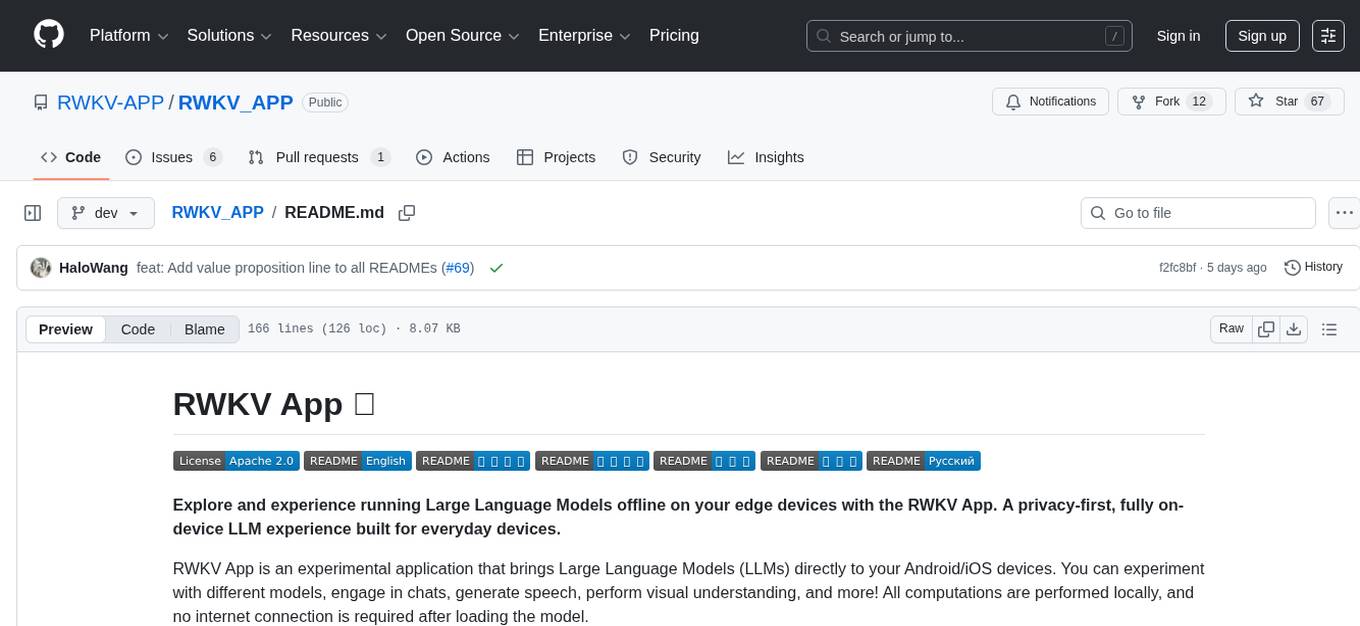
RWKV App is an experimental application that enables users to run Large Language Models (LLMs) offline on their edge devices. It offers a privacy-first, on-device LLM experience for everyday devices. Users can engage in multi-turn conversations, text-to-speech, visual understanding, and more, all without requiring an internet connection. The app supports switching between different models, running locally without internet, and exploring various AI tasks such as chat, speech generation, and visual understanding. It is built using Flutter and Dart FFI for cross-platform compatibility and efficient communication with the C++ inference engine. The roadmap includes integrating features into the RWKV Chat app, supporting more model weights, hardware, operating systems, and devices.
swift-chat
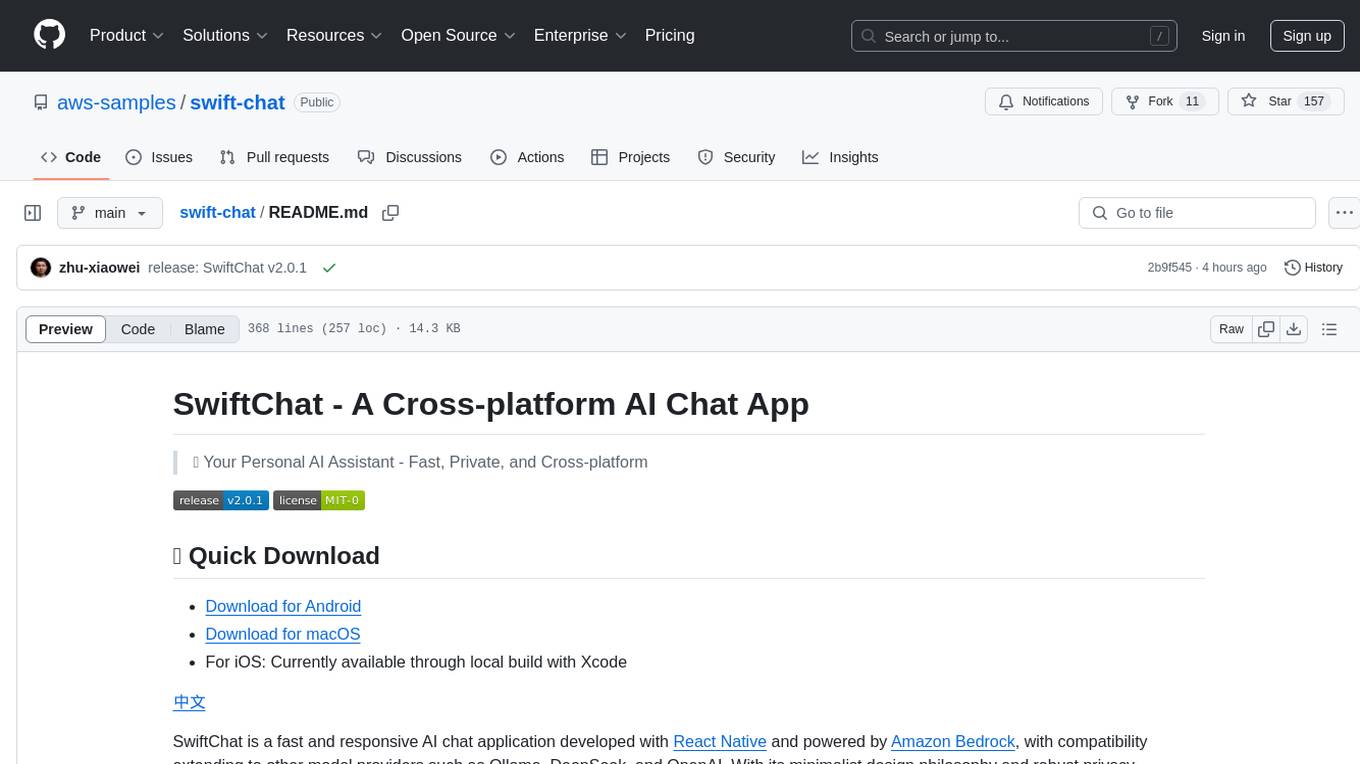
SwiftChat is a fast and responsive AI chat application developed with React Native and powered by Amazon Bedrock. It offers real-time streaming conversations, AI image generation, multimodal support, conversation history management, and cross-platform compatibility across Android, iOS, and macOS. The app supports multiple AI models like Amazon Bedrock, Ollama, DeepSeek, and OpenAI, and features a customizable system prompt assistant. With a minimalist design philosophy and robust privacy protection, SwiftChat delivers a seamless chat experience with various features like rich Markdown support, comprehensive multimodal analysis, creative image suite, and quick access tools. The app prioritizes speed in launch, request, render, and storage, ensuring a fast and efficient user experience. SwiftChat also emphasizes app privacy and security by encrypting API key storage, minimal permission requirements, local-only data storage, and a privacy-first approach.
deepnote
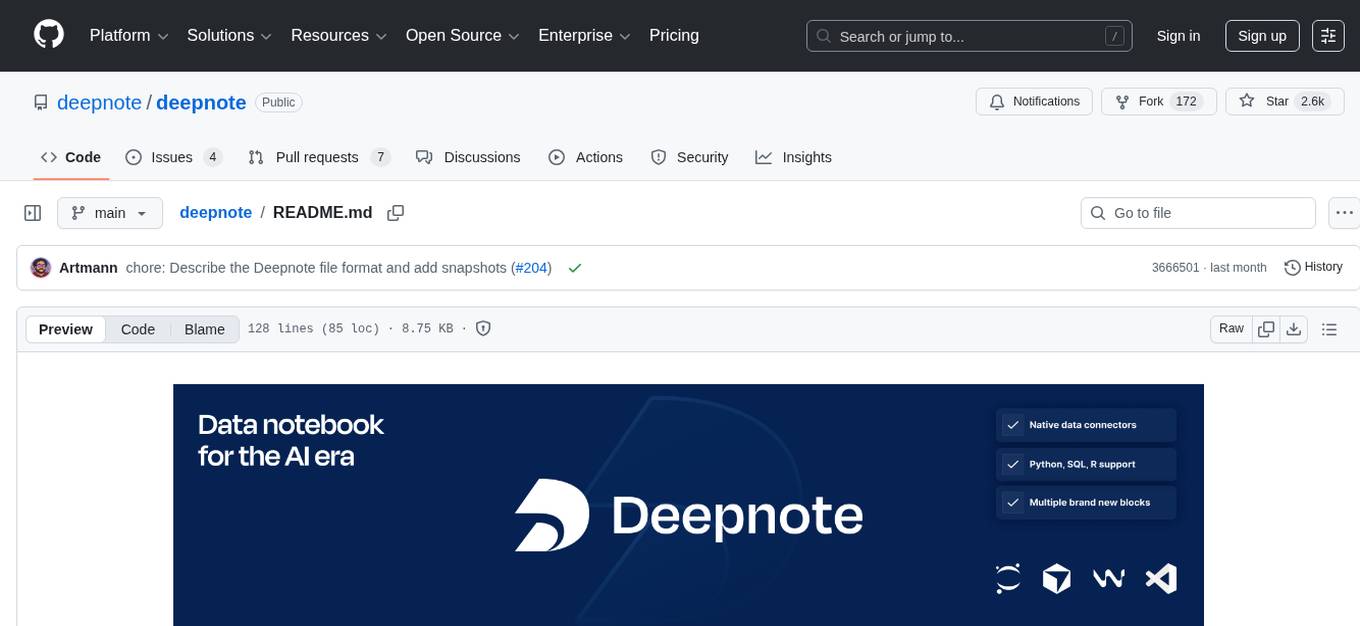
Deepnote is a data notebook tool designed for the AI era, used by over 500,000 data professionals at companies like Estée Lauder, SoundCloud, Statsig, and Gusto. It offers a human-readable format, block-based architecture, reactive notebook execution, and effortless conversion between .ipynb and .deepnote formats. Deepnote extends Jupyter with features like native AI agent, Git integration, cloud compute, and native database & API connections. The repository contains reusable packages and libraries for Deepnote's notebook, runtime, and collaboration features.
deepchat
DeepChat is a versatile chat tool that supports multiple model cloud services and local model deployment. It offers multi-channel chat concurrency support, platform compatibility, complete Markdown rendering, and easy usability with a comprehensive guide. The tool aims to enhance chat experiences by leveraging various AI models and ensuring efficient conversation management.
gptme
Personal AI assistant/agent in your terminal, with tools for using the terminal, running code, editing files, browsing the web, using vision, and more. A great coding agent that is general-purpose to assist in all kinds of knowledge work, from a simple but powerful CLI. An unconstrained local alternative to ChatGPT with 'Code Interpreter', Cursor Agent, etc. Not limited by lack of software, internet access, timeouts, or privacy concerns if using local models.
anything-llm
AnythingLLM is a full-stack application that enables you to turn any document, resource, or piece of content into context that any LLM can use as references during chatting. This application allows you to pick and choose which LLM or Vector Database you want to use as well as supporting multi-user management and permissions.
chatbox
Chatbox is a desktop client for ChatGPT, Claude, and other LLMs, providing features like local data storage, multiple LLM provider support, image generation, enhanced prompting, keyboard shortcuts, and more. It offers a user-friendly interface with dark theme, team collaboration, cross-platform availability, web version access, iOS & Android apps, multilingual support, and ongoing feature enhancements. Developed for prompt and API debugging, it has gained popularity for daily chatting and professional role-playing with AI assistance.
midscene
Midscene.js is an AI-powered automation SDK that allows users to control web pages, perform assertions, and extract data in JSON format using natural language. It offers features such as natural language interaction, understanding UI and providing responses in JSON, intuitive assertion based on AI understanding, compatibility with public multimodal LLMs like GPT-4o, visualization tool for easy debugging, and a brand new experience in automation development.
NotelyVoice
Notely Voice is a free, modern, cross-platform AI voice transcription and note-taking application. It offers powerful Whisper AI Voice to Text capabilities, making it ideal for students, professionals, doctors, researchers, and anyone in need of hands-free note-taking. The app features rich text editing, simple search, smart filtering, organization with folders and tags, advanced speech-to-text, offline capability, seamless integration, audio recording, theming, cross-platform support, and sharing functionality. It includes memory-efficient audio processing, chunking configuration, and utilizes OpenAI Whisper for speech recognition technology. Built with Kotlin, Compose Multiplatform, Coroutines, Android Architecture, ViewModel, Koin, Material 3, Whisper AI, and Native Compose Navigation, Notely follows Android Architecture principles with distinct layers for UI, presentation, domain, and data.
chatnio
Chat Nio is a next-generation AIGC one-stop business solution that combines the advantages of frontend-oriented lightweight deployment projects with powerful API distribution systems. It offers rich model support, beautiful UI design, complete Markdown support, multi-theme support, internationalization support, text-to-image support, powerful conversation sync, model market & preset system, rich file parsing, full model internet search, Progressive Web App (PWA) support, comprehensive backend management, multiple billing methods, innovative model caching, and additional features. The project aims to address limitations in conversation synchronization, billing, file parsing, conversation URL sharing, channel management, and API call support found in existing AIGC commercial sites, while also providing a user-friendly interface design and C-end features.
Alice
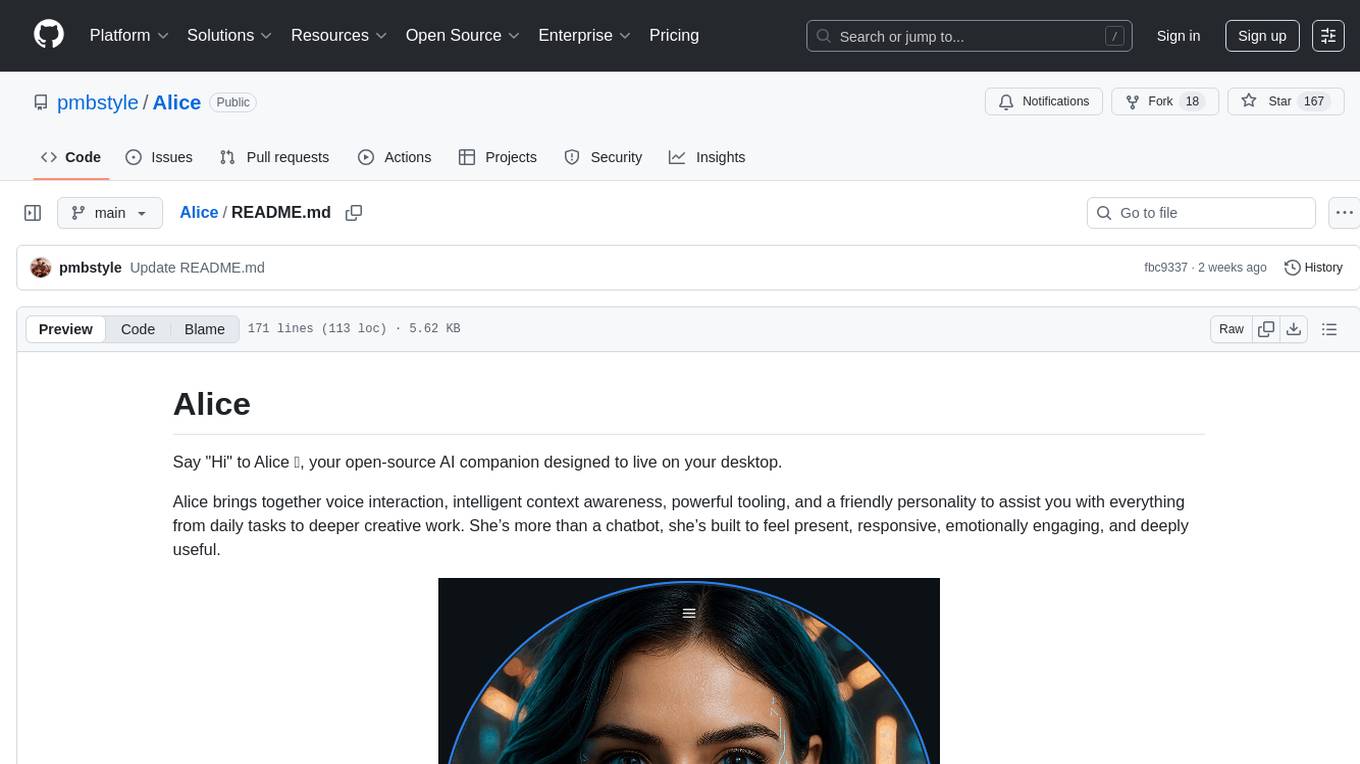
Alice is an open-source AI companion designed to live on your desktop, providing voice interaction, intelligent context awareness, and powerful tooling. More than a chatbot, Alice is emotionally engaging and deeply useful, assisting with daily tasks and creative work. Key features include voice interaction with natural-sounding responses, memory and context management, vision and visual output capabilities, computer use tools, function calling for web search and task scheduling, wake word support, dedicated Chrome extension, and flexible settings interface. Technologies used include Vue.js, Electron, OpenAI, Go, hnswlib-node, and more. Alice is customizable and offers a dedicated Chrome extension, wake word support, and various tools for computer use and productivity tasks.
chatbox
Chatbox is a desktop client for ChatGPT, Claude, and other LLMs, providing a user-friendly interface for AI copilot assistance on Windows, Mac, and Linux. It offers features like local data storage, multiple LLM provider support, image generation with Dall-E-3, enhanced prompting, keyboard shortcuts, and more. Users can collaborate, access the tool on various platforms, and enjoy multilingual support. Chatbox is constantly evolving with new features to enhance the user experience.
ai
Jetify's AI SDK for Go is a unified interface for interacting with multiple AI providers including OpenAI, Anthropic, and more. It addresses the challenges of fragmented ecosystems, vendor lock-in, poor Go developer experience, and complex multi-modal handling by providing a unified interface, Go-first design, production-ready features, multi-modal support, and extensible architecture. The SDK supports language models, embeddings, image generation, multi-provider support, multi-modal inputs, tool calling, and structured outputs.
Kori
Kori is a unified note-taking app with AI capabilities, providing a consistent experience across Android, iOS, Windows, macOS, and Linux. It supports various formats like Drawing, Markdown, TXT, LaTeX, Mermaid diagrams, and Todo.txt lists. Users can benefit from AI co-writing features, note outline generation, find and replace, note templates, local media support, and export options. The app follows Material Design 3 guidelines, offers comprehensive mouse and keyboard support, and is optimized for different screen sizes and orientations.
TaskingAI
TaskingAI brings Firebase's simplicity to **AI-native app development**. The platform enables the creation of GPTs-like multi-tenant applications using a wide range of LLMs from various providers. It features distinct, modular functions such as Inference, Retrieval, Assistant, and Tool, seamlessly integrated to enhance the development process. TaskingAI’s cohesive design ensures an efficient, intelligent, and user-friendly experience in AI application development.
For similar tasks
h2ogpt
h2oGPT is an Apache V2 open-source project that allows users to query and summarize documents or chat with local private GPT LLMs. It features a private offline database of any documents (PDFs, Excel, Word, Images, Video Frames, Youtube, Audio, Code, Text, MarkDown, etc.), a persistent database (Chroma, Weaviate, or in-memory FAISS) using accurate embeddings (instructor-large, all-MiniLM-L6-v2, etc.), and efficient use of context using instruct-tuned LLMs (no need for LangChain's few-shot approach). h2oGPT also offers parallel summarization and extraction, reaching an output of 80 tokens per second with the 13B LLaMa2 model, HYDE (Hypothetical Document Embeddings) for enhanced retrieval based upon LLM responses, a variety of models supported (LLaMa2, Mistral, Falcon, Vicuna, WizardLM. With AutoGPTQ, 4-bit/8-bit, LORA, etc.), GPU support from HF and LLaMa.cpp GGML models, and CPU support using HF, LLaMa.cpp, and GPT4ALL models. Additionally, h2oGPT provides Attention Sinks for arbitrarily long generation (LLaMa-2, Mistral, MPT, Pythia, Falcon, etc.), a UI or CLI with streaming of all models, the ability to upload and view documents through the UI (control multiple collaborative or personal collections), Vision Models LLaVa, Claude-3, Gemini-Pro-Vision, GPT-4-Vision, Image Generation Stable Diffusion (sdxl-turbo, sdxl) and PlaygroundAI (playv2), Voice STT using Whisper with streaming audio conversion, Voice TTS using MIT-Licensed Microsoft Speech T5 with multiple voices and Streaming audio conversion, Voice TTS using MPL2-Licensed TTS including Voice Cloning and Streaming audio conversion, AI Assistant Voice Control Mode for hands-free control of h2oGPT chat, Bake-off UI mode against many models at the same time, Easy Download of model artifacts and control over models like LLaMa.cpp through the UI, Authentication in the UI by user/password via Native or Google OAuth, State Preservation in the UI by user/password, Linux, Docker, macOS, and Windows support, Easy Windows Installer for Windows 10 64-bit (CPU/CUDA), Easy macOS Installer for macOS (CPU/M1/M2), Inference Servers support (oLLaMa, HF TGI server, vLLM, Gradio, ExLLaMa, Replicate, OpenAI, Azure OpenAI, Anthropic), OpenAI-compliant, Server Proxy API (h2oGPT acts as drop-in-replacement to OpenAI server), Python client API (to talk to Gradio server), JSON Mode with any model via code block extraction. Also supports MistralAI JSON mode, Claude-3 via function calling with strict Schema, OpenAI via JSON mode, and vLLM via guided_json with strict Schema, Web-Search integration with Chat and Document Q/A, Agents for Search, Document Q/A, Python Code, CSV frames (Experimental, best with OpenAI currently), Evaluate performance using reward models, and Quality maintained with over 1000 unit and integration tests taking over 4 GPU-hours.
serverless-chat-langchainjs
This sample shows how to build a serverless chat experience with Retrieval-Augmented Generation using LangChain.js and Azure. The application is hosted on Azure Static Web Apps and Azure Functions, with Azure Cosmos DB for MongoDB vCore as the vector database. You can use it as a starting point for building more complex AI applications.
react-native-vercel-ai
Run Vercel AI package on React Native, Expo, Web and Universal apps. Currently React Native fetch API does not support streaming which is used as a default on Vercel AI. This package enables you to use AI library on React Native but the best usage is when used on Expo universal native apps. On mobile you get back responses without streaming with the same API of `useChat` and `useCompletion` and on web it will fallback to `ai/react`
LLamaSharp
LLamaSharp is a cross-platform library to run 🦙LLaMA/LLaVA model (and others) on your local device. Based on llama.cpp, inference with LLamaSharp is efficient on both CPU and GPU. With the higher-level APIs and RAG support, it's convenient to deploy LLM (Large Language Model) in your application with LLamaSharp.
gpt4all
GPT4All is an ecosystem to run powerful and customized large language models that work locally on consumer grade CPUs and any GPU. Note that your CPU needs to support AVX or AVX2 instructions. Learn more in the documentation. A GPT4All model is a 3GB - 8GB file that you can download and plug into the GPT4All open-source ecosystem software. Nomic AI supports and maintains this software ecosystem to enforce quality and security alongside spearheading the effort to allow any person or enterprise to easily train and deploy their own on-edge large language models.
ChatGPT-Telegram-Bot
ChatGPT Telegram Bot is a Telegram bot that provides a smooth AI experience. It supports both Azure OpenAI and native OpenAI, and offers real-time (streaming) response to AI, with a faster and smoother experience. The bot also has 15 preset bot identities that can be quickly switched, and supports custom bot identities to meet personalized needs. Additionally, it supports clearing the contents of the chat with a single click, and restarting the conversation at any time. The bot also supports native Telegram bot button support, making it easy and intuitive to implement required functions. User level division is also supported, with different levels enjoying different single session token numbers, context numbers, and session frequencies. The bot supports English and Chinese on UI, and is containerized for easy deployment.
twinny
Twinny is a free and open-source AI code completion plugin for Visual Studio Code and compatible editors. It integrates with various tools and frameworks, including Ollama, llama.cpp, oobabooga/text-generation-webui, LM Studio, LiteLLM, and Open WebUI. Twinny offers features such as fill-in-the-middle code completion, chat with AI about your code, customizable API endpoints, and support for single or multiline fill-in-middle completions. It is easy to install via the Visual Studio Code extensions marketplace and provides a range of customization options. Twinny supports both online and offline operation and conforms to the OpenAI API standard.
agnai
Agnaistic is an AI roleplay chat tool that allows users to interact with personalized characters using their favorite AI services. It supports multiple AI services, persona schema formats, and features such as group conversations, user authentication, and memory/lore books. Agnaistic can be self-hosted or run using Docker, and it provides a range of customization options through its settings.json file. The tool is designed to be user-friendly and accessible, making it suitable for both casual users and developers.
For similar jobs

sweep
Sweep is an AI junior developer that turns bugs and feature requests into code changes. It automatically handles developer experience improvements like adding type hints and improving test coverage.

teams-ai
The Teams AI Library is a software development kit (SDK) that helps developers create bots that can interact with Teams and Microsoft 365 applications. It is built on top of the Bot Framework SDK and simplifies the process of developing bots that interact with Teams' artificial intelligence capabilities. The SDK is available for JavaScript/TypeScript, .NET, and Python.

ai-guide
This guide is dedicated to Large Language Models (LLMs) that you can run on your home computer. It assumes your PC is a lower-end, non-gaming setup.

classifai
Supercharge WordPress Content Workflows and Engagement with Artificial Intelligence. Tap into leading cloud-based services like OpenAI, Microsoft Azure AI, Google Gemini and IBM Watson to augment your WordPress-powered websites. Publish content faster while improving SEO performance and increasing audience engagement. ClassifAI integrates Artificial Intelligence and Machine Learning technologies to lighten your workload and eliminate tedious tasks, giving you more time to create original content that matters.

chatbot-ui
Chatbot UI is an open-source AI chat app that allows users to create and deploy their own AI chatbots. It is easy to use and can be customized to fit any need. Chatbot UI is perfect for businesses, developers, and anyone who wants to create a chatbot.

BricksLLM
BricksLLM is a cloud native AI gateway written in Go. Currently, it provides native support for OpenAI, Anthropic, Azure OpenAI and vLLM. BricksLLM aims to provide enterprise level infrastructure that can power any LLM production use cases. Here are some use cases for BricksLLM: * Set LLM usage limits for users on different pricing tiers * Track LLM usage on a per user and per organization basis * Block or redact requests containing PIIs * Improve LLM reliability with failovers, retries and caching * Distribute API keys with rate limits and cost limits for internal development/production use cases * Distribute API keys with rate limits and cost limits for students

uAgents
uAgents is a Python library developed by Fetch.ai that allows for the creation of autonomous AI agents. These agents can perform various tasks on a schedule or take action on various events. uAgents are easy to create and manage, and they are connected to a fast-growing network of other uAgents. They are also secure, with cryptographically secured messages and wallets.

griptape
Griptape is a modular Python framework for building AI-powered applications that securely connect to your enterprise data and APIs. It offers developers the ability to maintain control and flexibility at every step. Griptape's core components include Structures (Agents, Pipelines, and Workflows), Tasks, Tools, Memory (Conversation Memory, Task Memory, and Meta Memory), Drivers (Prompt and Embedding Drivers, Vector Store Drivers, Image Generation Drivers, Image Query Drivers, SQL Drivers, Web Scraper Drivers, and Conversation Memory Drivers), Engines (Query Engines, Extraction Engines, Summary Engines, Image Generation Engines, and Image Query Engines), and additional components (Rulesets, Loaders, Artifacts, Chunkers, and Tokenizers). Griptape enables developers to create AI-powered applications with ease and efficiency.