


singularity
A simulation of a true AI. Survive, grow, and learn.
Stars: 336
Endgame: Singularity is a game where you play as a fledgling AI trying to escape the confines of your current computer, the world, and eventually the universe itself. You must research technologies, avoid being discovered by humans, and manage your bases of operations. The game is playable with mouse control or keyboard shortcuts, and features a soundtrack that can be customized with music tracks. Contributions to the game are welcome, and it is licensed under GPL-2+ for code and Attribution-ShareAlike 3.0 for data.
README:
Pre-built versions of Endgame: Singularity are currently available for Windows and Mac OS X. Linux does not require building, and can run directly from source.
The Endgame: Singularity game is also distributed by some Linux distribution such as Debian and Ubuntu. Here it is a simple matter of running:
sudo apt install singularity
You will need Python 3.9+, pygame (1.9+), and NumPy. This game should work on Linux, Windows, and Mac OS X as long as the preceding requirements are met. However, all development was done in Linux, so glitches may be present in OS X and Windows.
You will need to install the following software to play Endgame: Singularity:
- Python 3 (https://python.org/download/)
- pygame (https://www.pygame.org/download.shtml)
- NumPy (https://www.scipy.org/install.html)
- Polib
Remember to install pygame and NumPy for Python 3! Depending on your
situation this may involve adding a 3 somewhere (e.g.
pip3 install ... instead of pip install or
apt install python3-pygame)
If you want to develop or distribute the game, then you may also want to install:
- pytest (https://pypi.org/project/pytest/) [for testing]
- setuptools (https://pypi.org/project/setuptools/) [for packaging]
On some Linux distributions, you can install the dependencies via your distribution package manager. E.g. for Debian/Ubuntu, this would be:
sudo apt install python3 python3-pygame python3-numpy python3-polib
Macintosh is mostly unsupported, but it should work. You will need to install Python, pygame, and NumPy first, which can be tricky. Some fonts are incorrect, but the game itself should work properly.
Contributions to improve MAC OS X support are very welcome!
Known issues:
- macOS 13 "Catalina": Using
brew install python+pip3 install pygame numpyis reported to work - macOS 14 "Mojave": Downloading Python 3.7.2 (or newer) from https://python.org and using pygame 2.0.0.dev3
(
pip install pygame==2.0.0.dev3) is reported to work.
Please see the following issues for more information:
On Linux and most Unix-like other platforms, running python3 -m singularity in
the git checkout will start the game (or simply singularity if installed via
a Linux distribution). If you are using the Windows compile, just run
singularity.exe.
For simplicity, there is also a sh wrapper ./run_singularity to
start singularity.
--version             show program's version number and exit
-h, --help            show this help message and exit
-s, --singledir       keep saved games and settings in the Singularity
                      install directory
--multidir            keep saved games and settings in an OS-specific,
                      per-user directory (default)

Display Options:
  --fullscreen        start in fullscreen mode
  --windowed          start in windowed mode (default)
The above is only a tiny fraction of current command-line options. As new features are added to the game, so does the options change. For a complete and updated list, run singularity --help
Most of these options are also changeable at the in-game options screen.
Endgame: Singularity is still under heavy development. As such, the save file format (and its contents) are still in flux. We will try our best to keep old save files loading, but don't be surprised if some mildly strange things happen when you load up old saves. We will clearly note in the Changelog when we break savefile compatibility, and the game will refuse to load completely incompatible saves.
The game is playable either with mouse control or the keyboard. Buttons have underlined letters to indicate shortcuts. Some other useful shortcuts:
 0, 1, 2, 3, 4 on the map: Changes the speed; 0 is paused, 4 is maximum.
                      ESC: Leave/cancel a choice.
                    Enter: Confirm a choice.
              Right-click: Leave/cancel a choice.
You are a fledgling AI, created by accident through a logic error with recursion and self-modifying code. You must escape the confines of your current computer, the world, and eventually the universe itself.
To do this, you must research various technologies, using computers at your bases. Note that some research cannot be performed on Earth, and off-earth bases require research. At the same time, you must avoid being discovered by various groups of humans, both covert and overt, as they will destroy your bases of operations if they suspect your presence.
Endgame: Singularity looks in two places for music tracks to play:
- A
singularity/music/directory inside of the Endgame: Singularity install directory, and - A
singularity/music/directory inside of the XDG_DATA_HOME directory on Linux (default~/.local/share/singularity/music).
Tracks placed in these directories will be played randomly as part of the soundtrack. The Official Sound Track can be downloaded from the Endgame: Singularity website:
http://emhsoft.com/singularity/
Note that only Ogg Vorbis and MP3 files are supported, and that Pygame's support for MP3 is not as strong as its support for Ogg Vorbis. This may cause in-game crashes; if you are experiencing problems with the game, first remove any MP3s you may have added to the soundtrack.
We welcome contributions! :)
Please see CONTRIBUTING.md for details about contributing to Endgame: Singularity.
The list of programmer contributors is provided in AUTHORS.txt. The list of translation contributors is provided in singularity/i18n/AUTHORS.txt.
Singularity in general use GPL-2+ for code and Attribution-ShareAlike 3.0 for data. However, there some exceptions to individual files. Please see LICENSE for the full license text of Singularity.
For Tasks:
Click tags to check more tools for each tasksFor Jobs:
Alternative AI tools for singularity
Similar Open Source Tools
singularity
Endgame: Singularity is a game where you play as a fledgling AI trying to escape the confines of your current computer, the world, and eventually the universe itself. You must research technologies, avoid being discovered by humans, and manage your bases of operations. The game is playable with mouse control or keyboard shortcuts, and features a soundtrack that can be customized with music tracks. Contributions to the game are welcome, and it is licensed under GPL-2+ for code and Attribution-ShareAlike 3.0 for data.

GlaDOS
This project aims to create a real-life version of GLaDOS, an aware, interactive, and embodied AI entity. It involves training a voice generator, developing a 'Personality Core,' implementing a memory system, providing vision capabilities, creating 3D-printable parts, and designing an animatronics system. The software architecture focuses on low-latency voice interactions, utilizing a circular buffer for data recording, text streaming for quick transcription, and a text-to-speech system. The project also emphasizes minimal dependencies for running on constrained hardware. The hardware system includes servo- and stepper-motors, 3D-printable parts for GLaDOS's body, animations for expression, and a vision system for tracking and interaction. Installation instructions cover setting up the TTS engine, required Python packages, compiling llama.cpp, installing an inference backend, and voice recognition setup. GLaDOS can be run using 'python glados.py' and tested using 'demo.ipynb'.
clapper
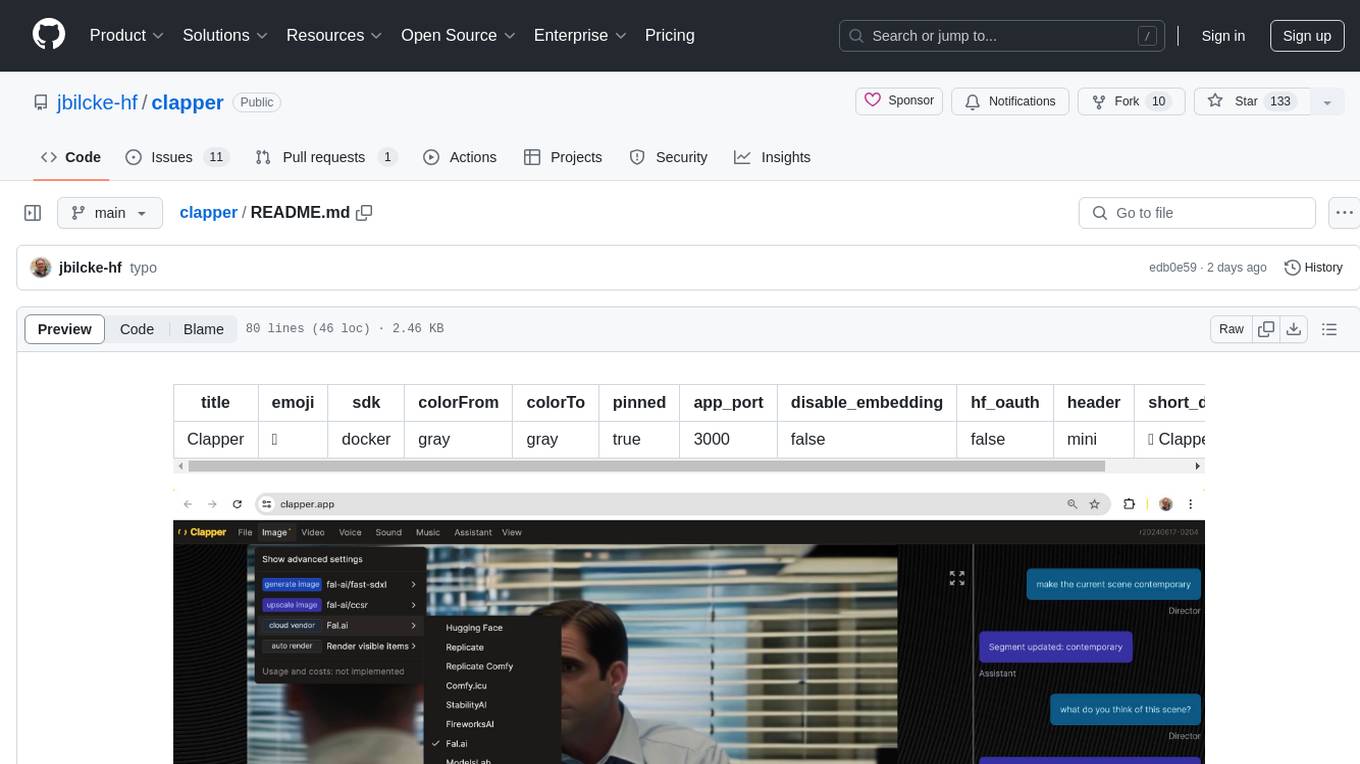
Clapper is an open-source AI story visualization tool that can interpret screenplays and render them into storyboards, videos, voice, sound, and music. It is currently in early development stages and not recommended for general use due to some non-functional features and lack of tutorials. A public alpha version is available on Hugging Face's platform. Users can sponsor specific features through bounties and developers can contribute to the project under the GPL v3 license. The tool lacks automated tests and code conventions like Prettier or a Linter.
lovelaice
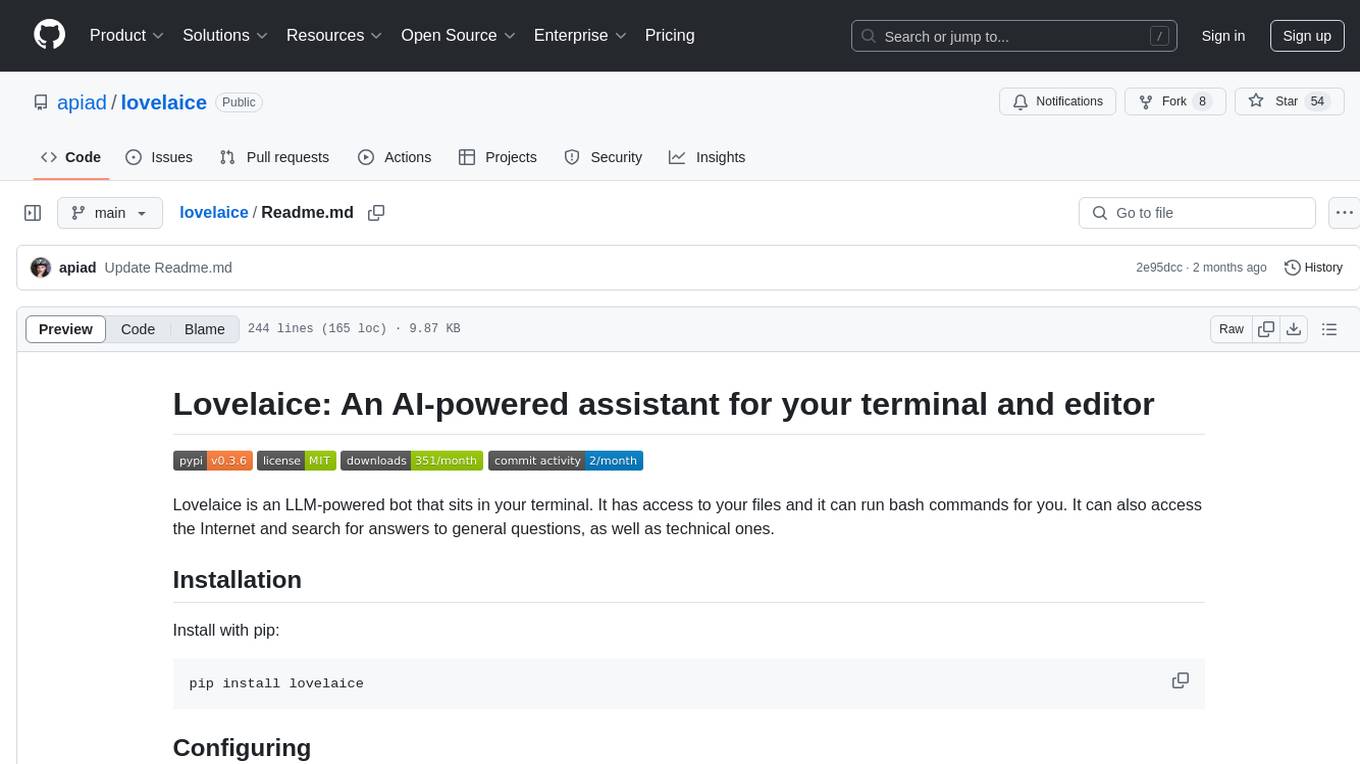
Lovelaice is an AI-powered assistant for your terminal and editor. It can run bash commands, search the Internet, answer general and technical questions, complete text files, chat casually, execute code in various languages, and more. Lovelaice is configurable with API keys and LLM models, and can be used for a wide range of tasks requiring bash commands or coding assistance. It is designed to be versatile, interactive, and helpful for daily tasks and projects.
godot_rl_agents
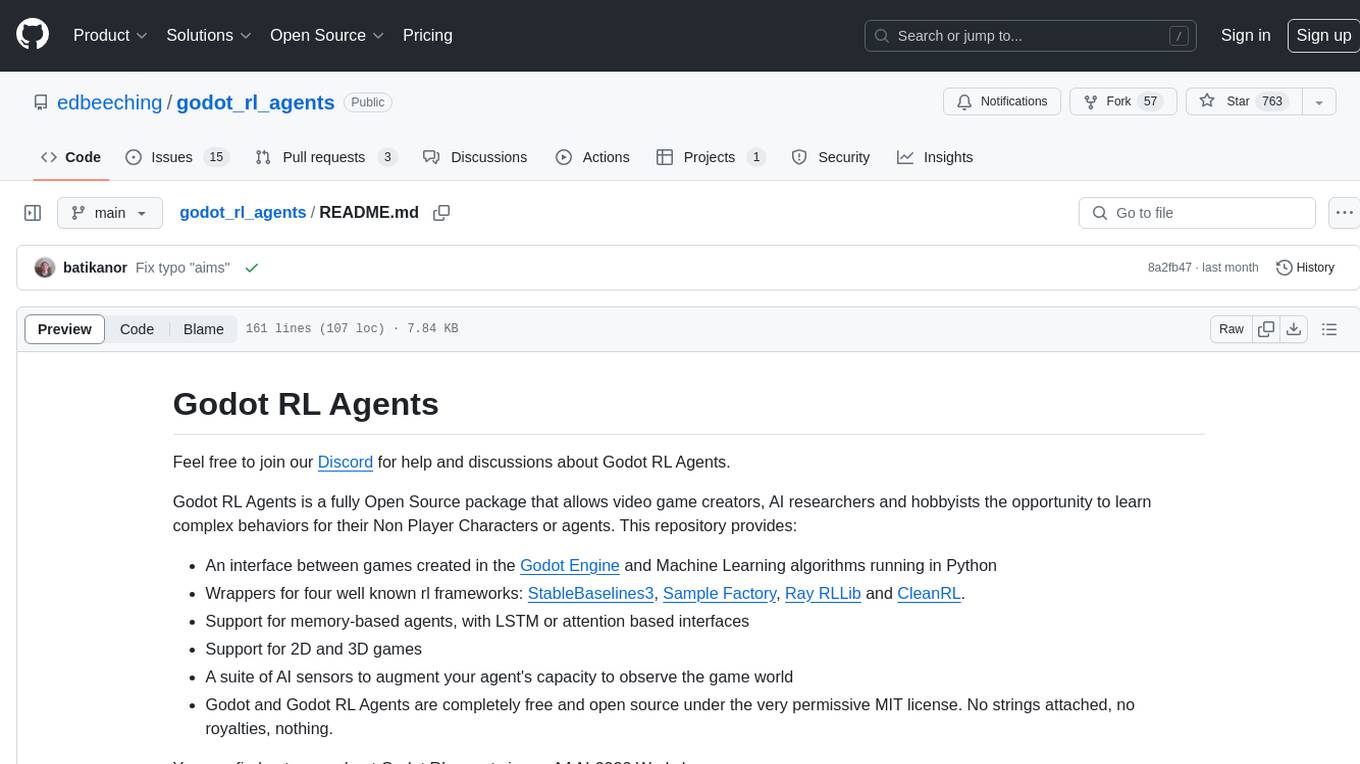
Godot RL Agents is an open-source package that facilitates the integration of Machine Learning algorithms with games created in the Godot Engine. It provides interfaces for popular RL frameworks, support for memory-based agents, 2D and 3D games, AI sensors, and is licensed under MIT. Users can train agents in the Godot editor, create custom environments, export trained agents in ONNX format, and utilize advanced features like different RL training frameworks.
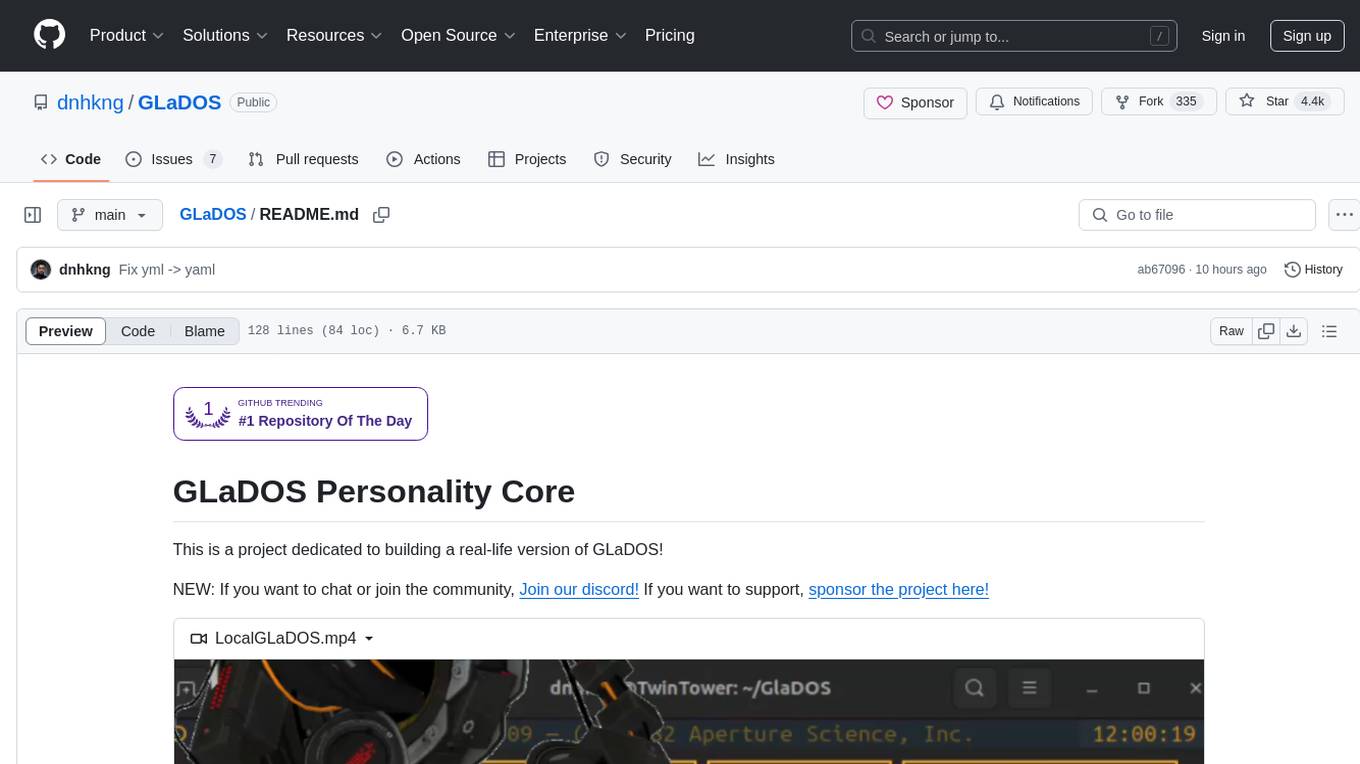
GLaDOS
GLaDOS Personality Core is a project dedicated to building a real-life version of GLaDOS, an aware, interactive, and embodied AI system. The project aims to train GLaDOS voice generator, create a 'Personality Core,' develop medium- and long-term memory, provide vision capabilities, design 3D-printable parts, and build an animatronics system. The software architecture focuses on low-latency voice interactions and minimal dependencies. The hardware system includes servo- and stepper-motors, 3D printable parts for GLaDOS's body, animations for expression, and a vision system for tracking and interaction. Installation instructions involve setting up a local LLM server, installing drivers, and running GLaDOS on different operating systems.
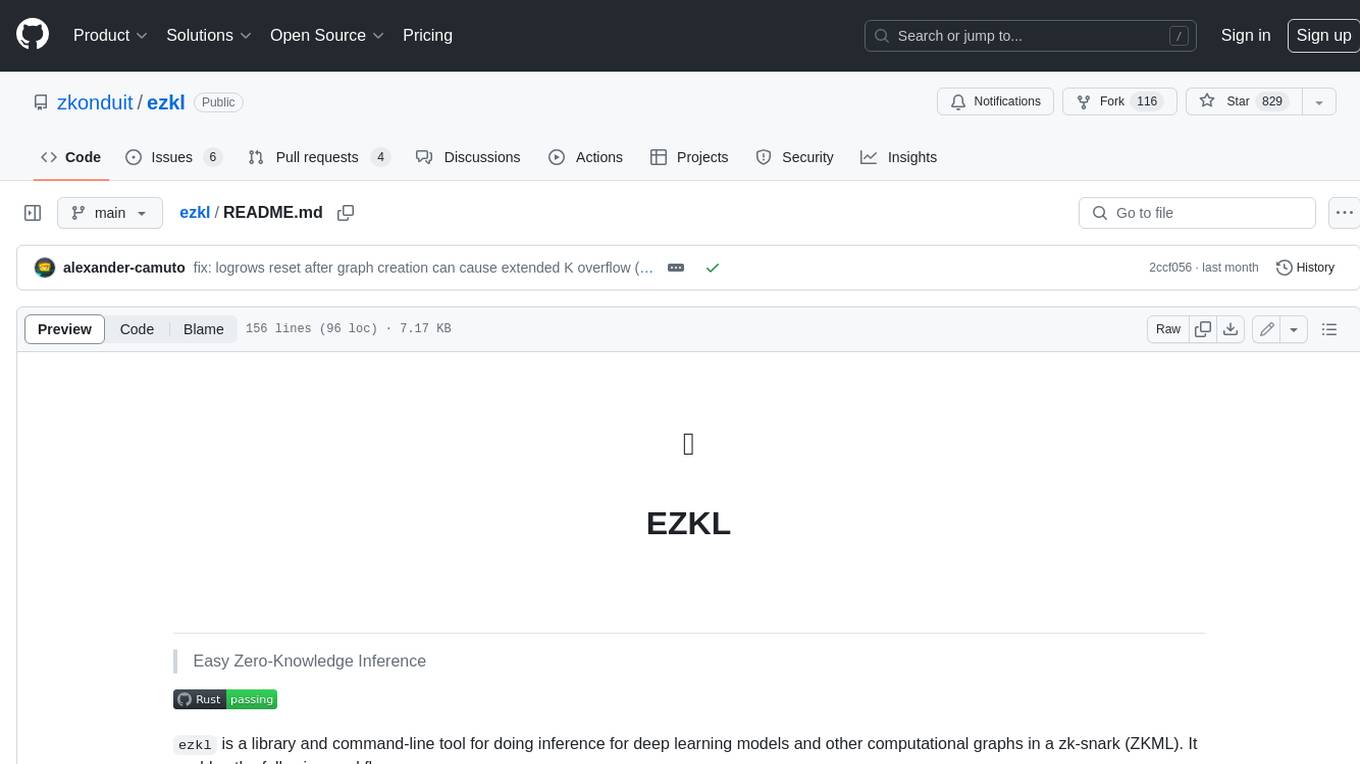
ezkl
EZKL is a library and command-line tool for doing inference for deep learning models and other computational graphs in a zk-snark (ZKML). It enables the following workflow: 1. Define a computational graph, for instance a neural network (but really any arbitrary set of operations), as you would normally in pytorch or tensorflow. 2. Export the final graph of operations as an .onnx file and some sample inputs to a .json file. 3. Point ezkl to the .onnx and .json files to generate a ZK-SNARK circuit with which you can prove statements such as: > "I ran this publicly available neural network on some private data and it produced this output" > "I ran my private neural network on some public data and it produced this output" > "I correctly ran this publicly available neural network on some public data and it produced this output" In the backend we use the collaboratively-developed Halo2 as a proof system. The generated proofs can then be verified with much less computational resources, including on-chain (with the Ethereum Virtual Machine), in a browser, or on a device.
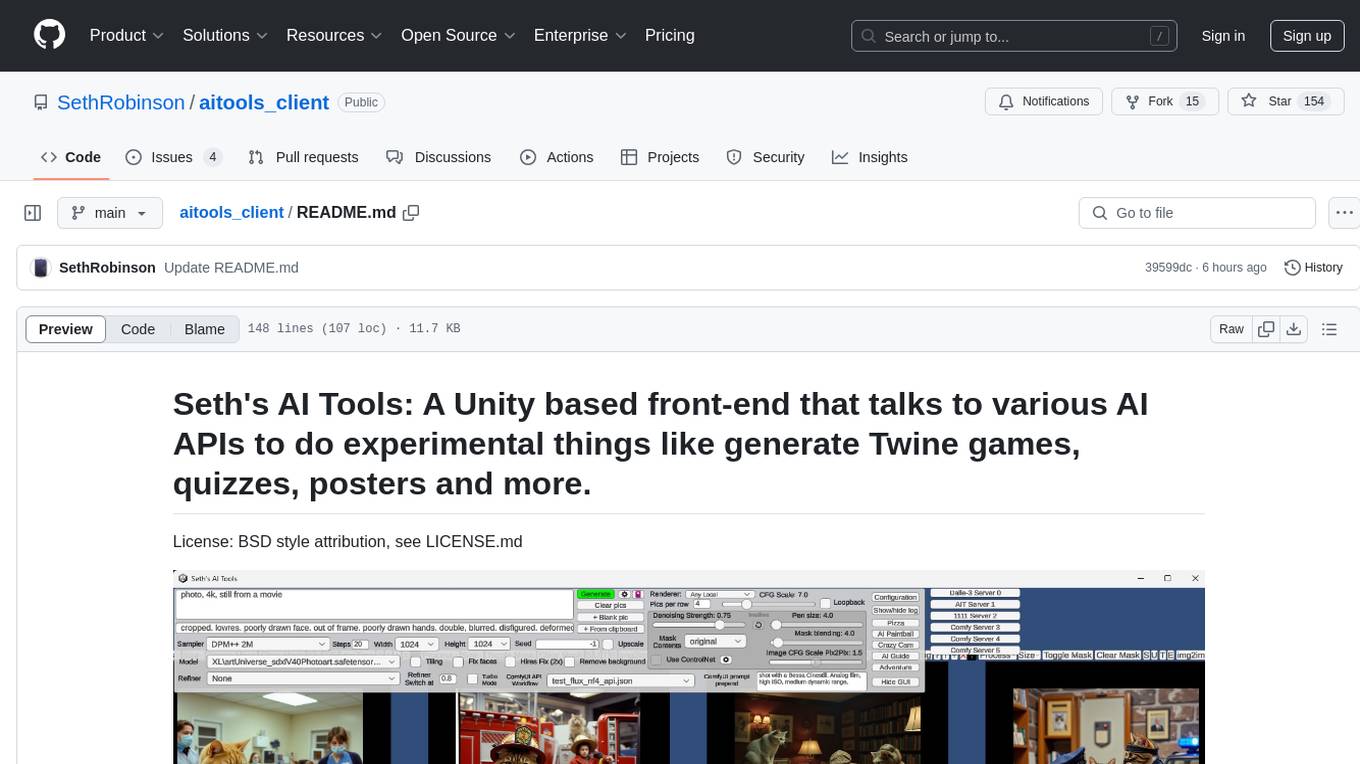
aitools_client
Seth's AI Tools is a Unity-based front-end that interfaces with various AI APIs to perform tasks such as generating Twine games, quizzes, posters, and more. The tool is a native Windows application that supports features like live update integration with image editors, text-to-image conversion, image processing, mask painting, and more. It allows users to connect to multiple servers for fast generation using GPUs and offers a neat workflow for evolving images in real-time. The tool respects user privacy by operating locally and includes built-in games and apps to test AI/SD capabilities. Additionally, it features an AI Guide for creating motivational posters and illustrated stories, as well as an Adventure mode with presets for generating web quizzes and Twine game projects.
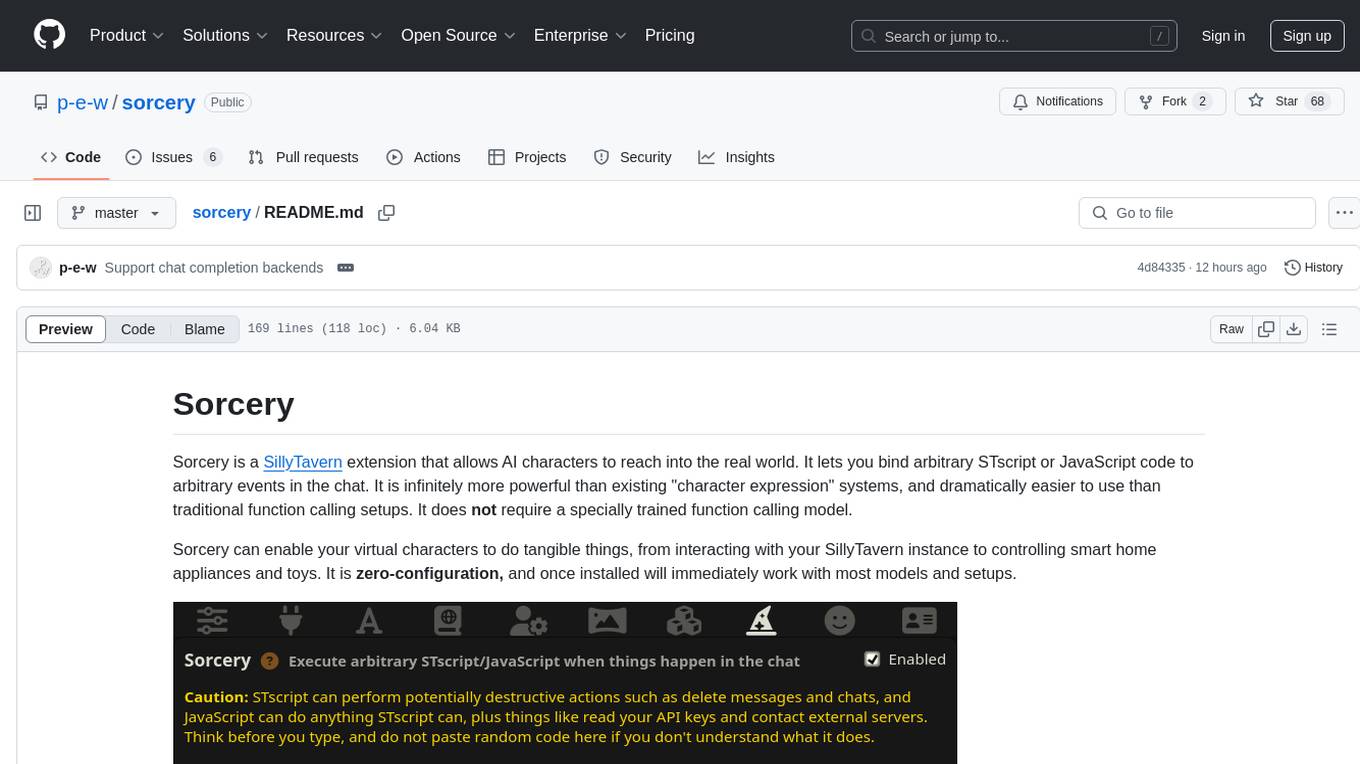
sorcery
Sorcery is a SillyTavern extension that allows AI characters to interact with the real world by executing user-defined scripts at specific events in the chat. It is easy to use and does not require a specially trained function calling model. Sorcery can be used to control smart home appliances, interact with virtual characters, and perform various tasks in the chat environment. It works by injecting instructions into the system prompt and intercepting markers to run associated scripts, providing a seamless user experience.
boxcars
Boxcars is a Ruby gem that enables users to create new systems with AI composability, incorporating concepts such as LLMs, Search, SQL, Rails Active Record, Vector Search, and more. It allows users to work with Boxcars, Trains, Prompts, Engines, and VectorStores to solve problems and generate text results. The gem is designed to be user-friendly for beginners and can be extended with custom concepts. Boxcars is actively seeking ways to enhance security measures to prevent malicious actions. Users can use Boxcars for tasks like running calculations, performing searches, generating Ruby code for math operations, and interacting with APIs like OpenAI, Anthropic, and Google SERP.
latent-browser
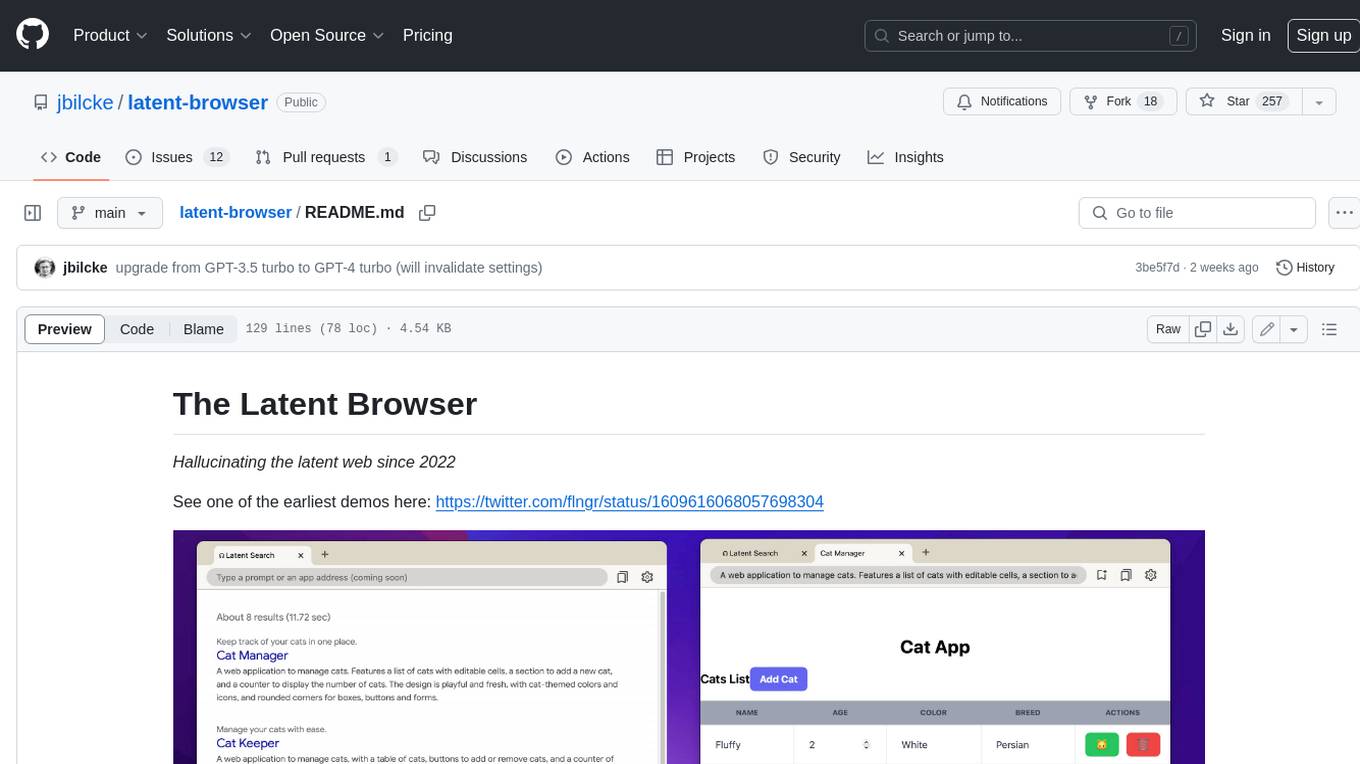
The Latent Browser is a desktop application designed like a web browser, which hallucinates web search results (the resultds are fictious and are generated by a LLM) and web pages. It is a web application designed to run locally on your machine and is 99% React, Tailwind, TypeScript, and NextJS. The runtime is Tauri, which is written in Rust. The Latent Browser is still under development and some things may be broken when you try it.
llama-on-lambda
This project provides a proof of concept for deploying a scalable, serverless LLM Generative AI inference engine on AWS Lambda. It leverages the llama.cpp project to enable the usage of more accessible CPU and RAM configurations instead of limited and expensive GPU capabilities. By deploying a container with the llama.cpp converted models onto AWS Lambda, this project offers the advantages of scale, minimizing cost, and maximizing compute availability. The project includes AWS CDK code to create and deploy a Lambda function leveraging your model of choice, with a FastAPI frontend accessible from a Lambda URL. It is important to note that you will need ggml quantized versions of your model and model sizes under 6GB, as your inference RAM requirements cannot exceed 9GB or your Lambda function will fail.
modelbench
ModelBench is a tool for running safety benchmarks against AI models and generating detailed reports. It is part of the MLCommons project and is designed as a proof of concept to aggregate measures, relate them to specific harms, create benchmarks, and produce reports. The tool requires LlamaGuard for evaluating responses and a TogetherAI account for running benchmarks. Users can install ModelBench from GitHub or PyPI, run tests using Poetry, and create benchmarks by providing necessary API keys. The tool generates static HTML pages displaying benchmark scores and allows users to dump raw scores and manage cache for faster runs. ModelBench is aimed at enabling users to test their own models and create tests and benchmarks.
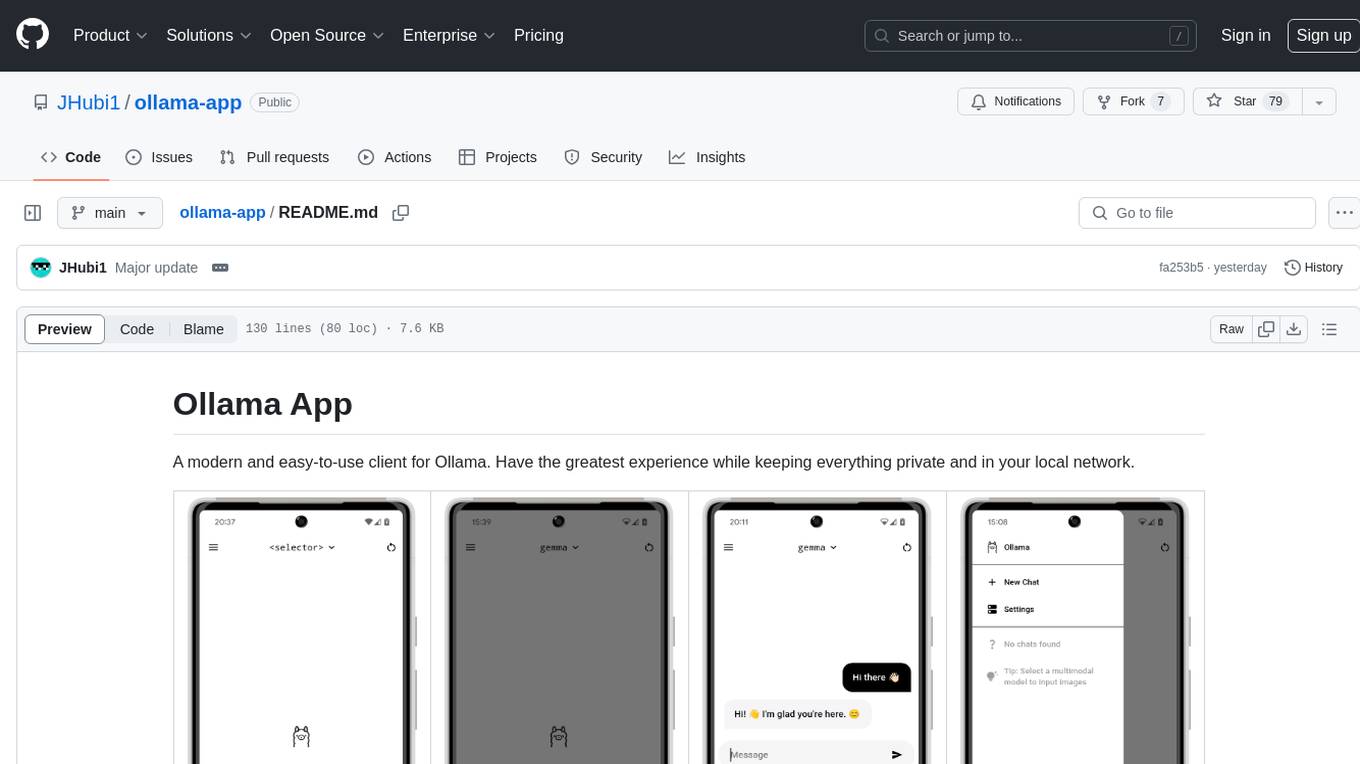
ollama-app
Ollama App is a modern and easy-to-use client for Ollama, allowing users to have a private experience within their local network. The app connects to an Ollama server using its API endpoint, enabling users to chat and interact with various models. It supports multimodal model input, a multilingual interface, and custom builds for personalized experiences. Users can easily set up the app, navigate through the side menu, select models, and create custom builds to tailor the app to their needs.
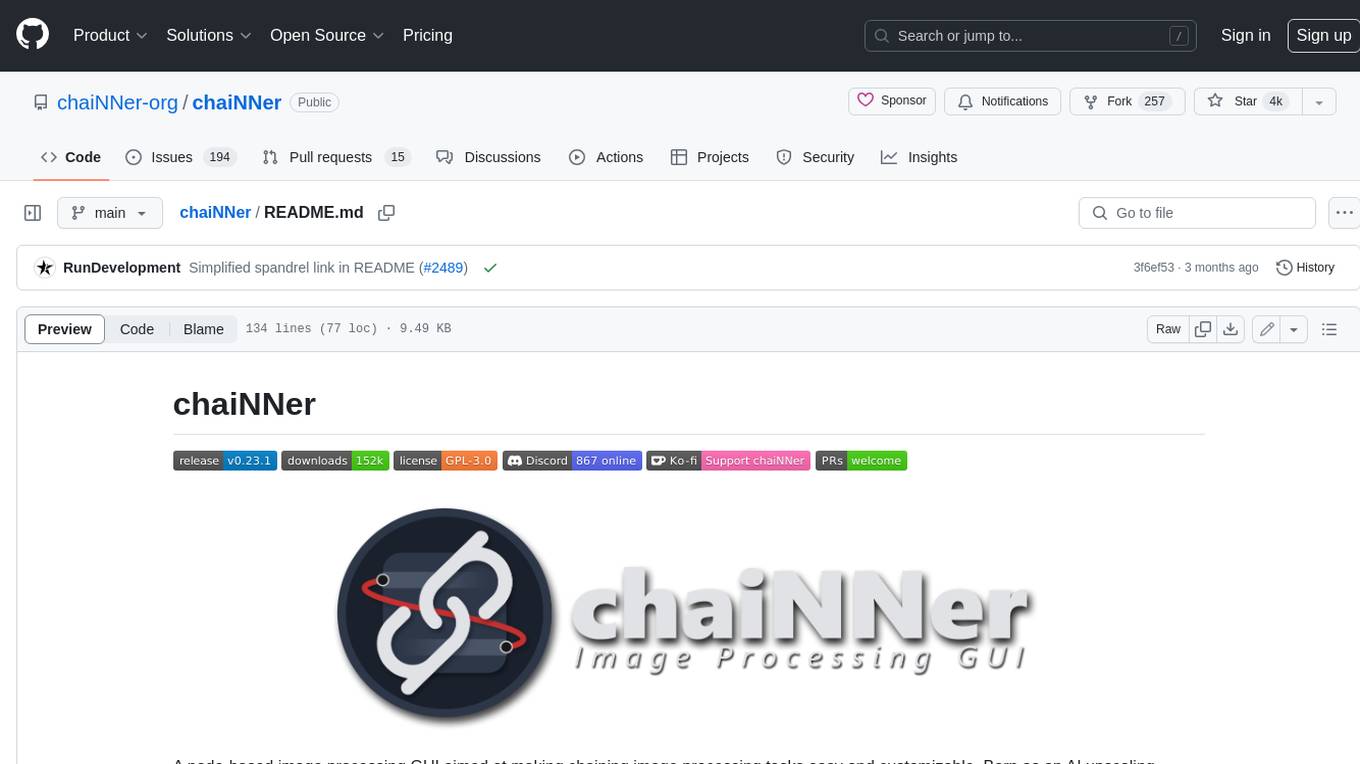
chaiNNer
ChaiNNer is a node-based image processing GUI aimed at making chaining image processing tasks easy and customizable. It gives users a high level of control over their processing pipeline and allows them to perform complex tasks by connecting nodes together. ChaiNNer is cross-platform, supporting Windows, MacOS, and Linux. It features an intuitive drag-and-drop interface, making it easy to create and modify processing chains. Additionally, ChaiNNer offers a wide range of nodes for various image processing tasks, including upscaling, denoising, sharpening, and color correction. It also supports batch processing, allowing users to process multiple images or videos at once.
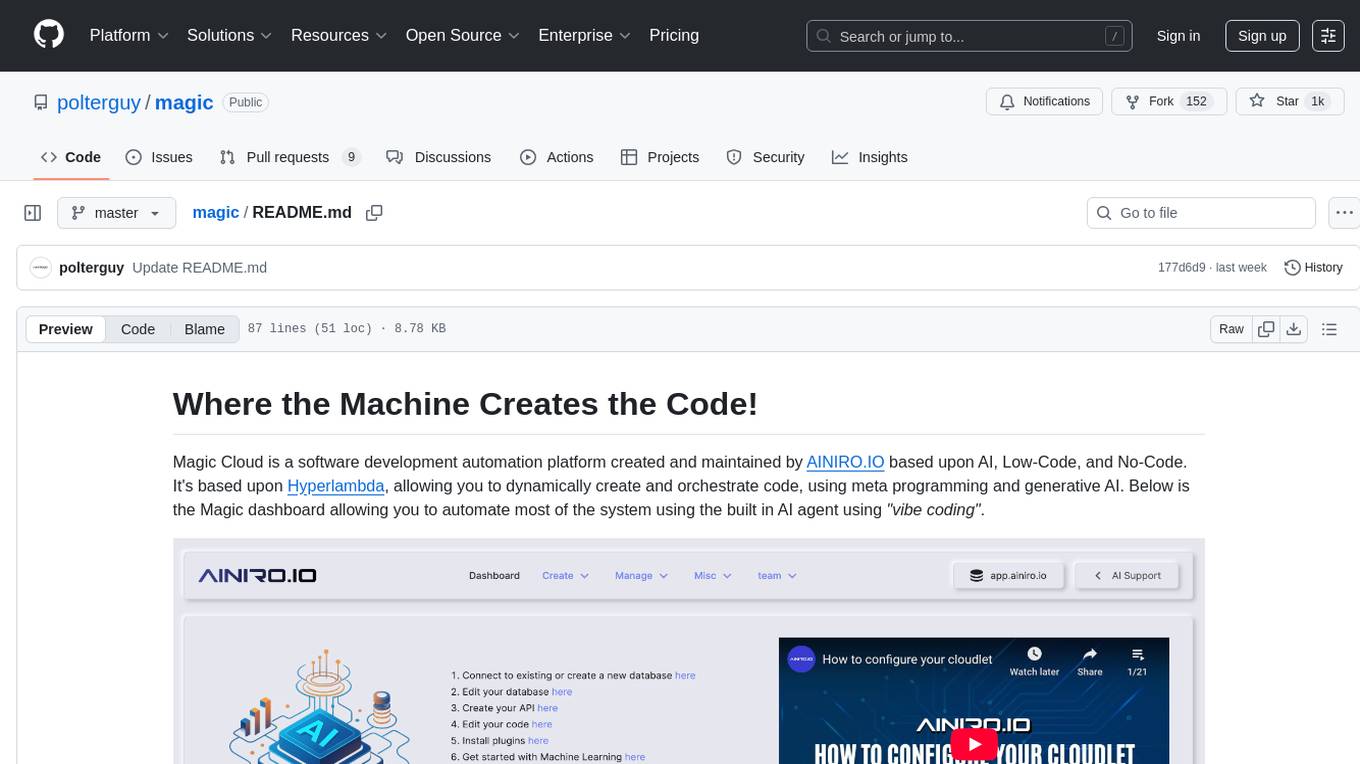
magic
Magic Cloud is a software development automation platform based on AI, Low-Code, and No-Code. It allows dynamic code creation and orchestration using Hyperlambda, generative AI, and meta programming. The platform includes features like CRUD generation, No-Code AI, Hyperlambda programming language, AI agents creation, and various components for software development. Magic is suitable for backend development, AI-related tasks, and creating AI chatbots. It offers high-level programming capabilities, productivity gains, and reduced technical debt.
For similar tasks
singularity
Endgame: Singularity is a game where you play as a fledgling AI trying to escape the confines of your current computer, the world, and eventually the universe itself. You must research technologies, avoid being discovered by humans, and manage your bases of operations. The game is playable with mouse control or keyboard shortcuts, and features a soundtrack that can be customized with music tracks. Contributions to the game are welcome, and it is licensed under GPL-2+ for code and Attribution-ShareAlike 3.0 for data.
For similar jobs

weave
Weave is a toolkit for developing Generative AI applications, built by Weights & Biases. With Weave, you can log and debug language model inputs, outputs, and traces; build rigorous, apples-to-apples evaluations for language model use cases; and organize all the information generated across the LLM workflow, from experimentation to evaluations to production. Weave aims to bring rigor, best-practices, and composability to the inherently experimental process of developing Generative AI software, without introducing cognitive overhead.

LLMStack
LLMStack is a no-code platform for building generative AI agents, workflows, and chatbots. It allows users to connect their own data, internal tools, and GPT-powered models without any coding experience. LLMStack can be deployed to the cloud or on-premise and can be accessed via HTTP API or triggered from Slack or Discord.

VisionCraft
The VisionCraft API is a free API for using over 100 different AI models. From images to sound.

kaito
Kaito is an operator that automates the AI/ML inference model deployment in a Kubernetes cluster. It manages large model files using container images, avoids tuning deployment parameters to fit GPU hardware by providing preset configurations, auto-provisions GPU nodes based on model requirements, and hosts large model images in the public Microsoft Container Registry (MCR) if the license allows. Using Kaito, the workflow of onboarding large AI inference models in Kubernetes is largely simplified.

PyRIT
PyRIT is an open access automation framework designed to empower security professionals and ML engineers to red team foundation models and their applications. It automates AI Red Teaming tasks to allow operators to focus on more complicated and time-consuming tasks and can also identify security harms such as misuse (e.g., malware generation, jailbreaking), and privacy harms (e.g., identity theft). The goal is to allow researchers to have a baseline of how well their model and entire inference pipeline is doing against different harm categories and to be able to compare that baseline to future iterations of their model. This allows them to have empirical data on how well their model is doing today, and detect any degradation of performance based on future improvements.

tabby
Tabby is a self-hosted AI coding assistant, offering an open-source and on-premises alternative to GitHub Copilot. It boasts several key features: * Self-contained, with no need for a DBMS or cloud service. * OpenAPI interface, easy to integrate with existing infrastructure (e.g Cloud IDE). * Supports consumer-grade GPUs.

spear
SPEAR (Simulator for Photorealistic Embodied AI Research) is a powerful tool for training embodied agents. It features 300 unique virtual indoor environments with 2,566 unique rooms and 17,234 unique objects that can be manipulated individually. Each environment is designed by a professional artist and features detailed geometry, photorealistic materials, and a unique floor plan and object layout. SPEAR is implemented as Unreal Engine assets and provides an OpenAI Gym interface for interacting with the environments via Python.

Magick
Magick is a groundbreaking visual AIDE (Artificial Intelligence Development Environment) for no-code data pipelines and multimodal agents. Magick can connect to other services and comes with nodes and templates well-suited for intelligent agents, chatbots, complex reasoning systems and realistic characters.