


finnts
Microsoft Finance Time Series Forecasting Framework (FinnTS) is a forecasting package that utilizes cutting-edge time series forecasting and parallelization on the cloud to produce accurate forecasts for financial data.
Stars: 243
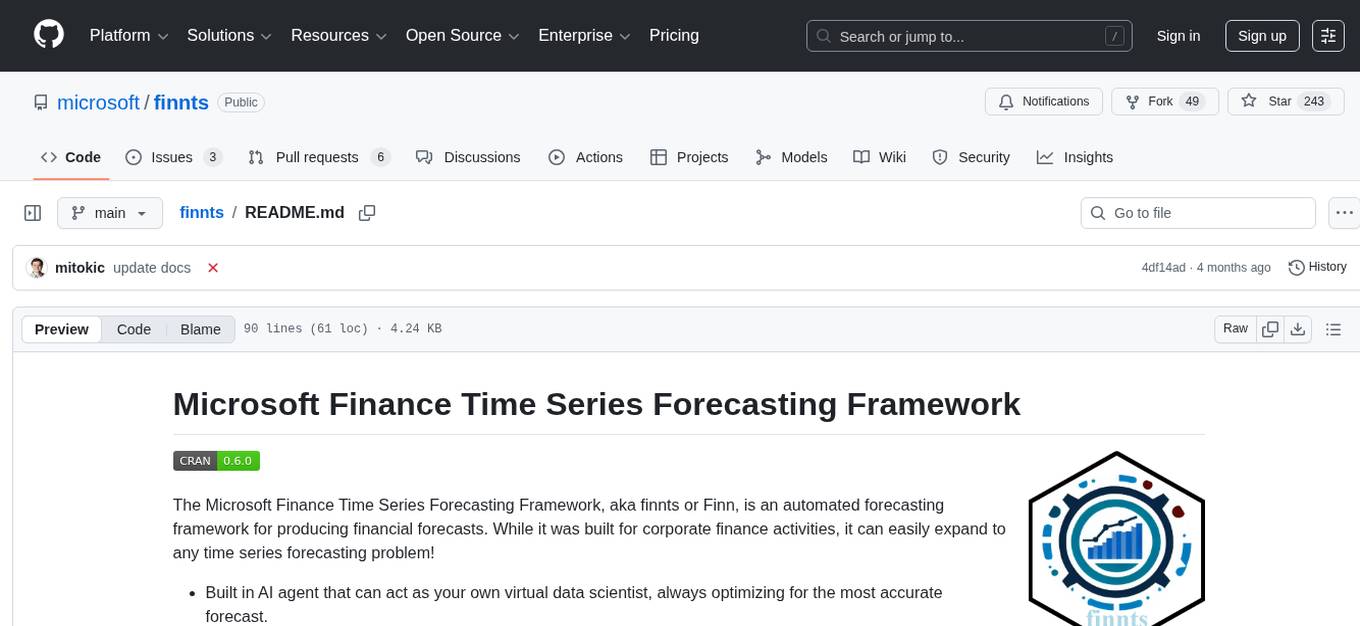
The Microsoft Finance Time Series Forecasting Framework, aka finnts or Finn, is an automated forecasting framework for producing financial forecasts. It includes an AI agent for accurate forecasting, automated feature engineering and model selection, access to 25+ models, Azure integration for parallel processing, and support for various forecast intervals and external regressors.
README:

The Microsoft Finance Time Series Forecasting Framework, aka finnts or Finn, is an automated forecasting framework for producing financial forecasts. While it was built for corporate finance activities, it can easily expand to any time series forecasting problem!
- Built in AI agent that can act as your own virtual data scientist, always optimizing for the most accurate forecast.
- Automated feature engineering, feature selection, back testing, and model selection.
- Access to 25+ models. Both univariate and multivariate models.
- Azure integration to run thousands of time series in parallel within the cloud.
- Supports daily, weekly, monthly, quarterly, and yearly forecasts.
- Handles external regressors, either purely historical or historical+future values.
install.packages("finnts")To get a bug fix or to use a feature from the development version, you can install the development version of finnts from GitHub.
# install.packages("devtools")
devtools::install_github("microsoft/finnts")library(finnts)
# prepare historical data
hist_data <- timetk::m4_monthly %>%
dplyr::rename(Date = date) %>%
dplyr::mutate(id = as.character(id))
# connect LLM
driver_llm <- ellmer::chat_azure_openai(model = "gpt-4o-mini")
# set up new forecast project and agent run
project <- set_project_info(project_name = "Demo_Project",
combo_variables = c("id"),
target_variable = "value",
date_type = "month")
agent <- set_agent_info(project_info = project,
driver_llm = driver_llm,
input_data = hist_data,
forecast_horizon = 6)
# iterate forecast via agent
iterate_forecast(agent_info = agent,
max_iter = 3,
weighted_mape_goal = 0.03)
# load final forecast output
forecast_output <- get_agent_forecast(agent_info = agent)
# ask agent to explain the forecast results
eda_answer <- ask_agent(agent_info = agent,
question = "Summarize the exploratory data analysis, what stands out?")
accuracy_answer <- ask_agent(agent_info = agent,
question = "What's the best model accuracy?")
model_answer <- ask_agent(agent_info = agent,
question = "Explain why the best model was selected. How does that model work?")This project welcomes contributions and suggestions. Most contributions require you to agree to a Contributor License Agreement (CLA) declaring that you have the right to, and actually do, grant us the rights to use your contribution. For details, visit https://cla.opensource.microsoft.com.
When you submit a pull request, a CLA bot will automatically determine whether you need to provide a CLA and decorate the PR appropriately (e.g., status check, comment). Simply follow the instructions provided by the bot. You will only need to do this once across all repos using our CLA.
This project has adopted the Microsoft Open Source Code of Conduct. For more information see the Code of Conduct FAQ or contact [email protected] with any additional questions or comments.
This project may contain trademarks or logos for projects, products, or services. Authorized use of Microsoft trademarks or logos is subject to and must follow Microsoft's Trademark & Brand Guidelines. Use of Microsoft trademarks or logos in modified versions of this project must not cause confusion or imply Microsoft sponsorship. Any use of third-party trademarks or logos are subject to those third-party's policies.
For Tasks:
Click tags to check more tools for each tasksFor Jobs:
Alternative AI tools for finnts
Similar Open Source Tools
finnts
The Microsoft Finance Time Series Forecasting Framework, aka finnts or Finn, is an automated forecasting framework for producing financial forecasts. It includes an AI agent for accurate forecasting, automated feature engineering and model selection, access to 25+ models, Azure integration for parallel processing, and support for various forecast intervals and external regressors.
hi-ml
The Microsoft Health Intelligence Machine Learning Toolbox is a repository that provides low-level and high-level building blocks for Machine Learning / AI researchers and practitioners. It simplifies and streamlines work on deep learning models for healthcare and life sciences by offering tested components such as data loaders, pre-processing tools, deep learning models, and cloud integration utilities. The repository includes two Python packages, 'hi-ml-azure' for helper functions in AzureML, 'hi-ml' for ML components, and 'hi-ml-cpath' for models and workflows related to histopathology images.
swarms
Swarms provides simple, reliable, and agile tools to create your own Swarm tailored to your specific needs. Currently, Swarms is being used in production by RBC, John Deere, and many AI startups.
hackingBuddyGPT
hackingBuddyGPT is a framework for testing LLM-based agents for security testing. It aims to create common ground truth by creating common security testbeds and benchmarks, evaluating multiple LLMs and techniques against those, and publishing prototypes and findings as open-source/open-access reports. The initial focus is on evaluating the efficiency of LLMs for Linux privilege escalation attacks, but the framework is being expanded to evaluate the use of LLMs for web penetration-testing and web API testing. hackingBuddyGPT is released as open-source to level the playing field for blue teams against APTs that have access to more sophisticated resources.
AIF360
The AI Fairness 360 toolkit is an open-source library designed to detect and mitigate bias in machine learning models. It provides a comprehensive set of metrics, explanations, and algorithms for bias mitigation in various domains such as finance, healthcare, and education. The toolkit supports multiple bias mitigation algorithms and fairness metrics, and is available in both Python and R. Users can leverage the toolkit to ensure fairness in AI applications and contribute to its development for extensibility.
uncheatable_eval
Uncheatable Eval is a tool designed to assess the language modeling capabilities of LLMs on real-time, newly generated data from the internet. It aims to provide a reliable evaluation method that is immune to data leaks and cannot be gamed. The tool supports the evaluation of Hugging Face AutoModelForCausalLM models and RWKV models by calculating the sum of negative log probabilities on new texts from various sources such as recent papers on arXiv, new projects on GitHub, news articles, and more. Uncheatable Eval ensures that the evaluation data is not included in the training sets of publicly released models, thus offering a fair assessment of the models' performance.
crewAI
crewAI is a cutting-edge framework for orchestrating role-playing, autonomous AI agents. By fostering collaborative intelligence, CrewAI empowers agents to work together seamlessly, tackling complex tasks. It provides a flexible and structured approach to AI collaboration, enabling users to define agents with specific roles, goals, and tools, and assign them tasks within a customizable process. crewAI supports integration with various LLMs, including OpenAI, and offers features such as autonomous task delegation, flexible task management, and output parsing. It is open-source and welcomes contributions, with a focus on improving the library based on usage data collected through anonymous telemetry.
pydantic-ai
PydanticAI is a Python agent framework designed to make it less painful to build production grade applications with Generative AI. It is built by the Pydantic Team and supports various AI models like OpenAI, Anthropic, Gemini, Ollama, Groq, and Mistral. PydanticAI seamlessly integrates with Pydantic Logfire for real-time debugging, performance monitoring, and behavior tracking of LLM-powered applications. It is type-safe, Python-centric, and offers structured responses, dependency injection system, and streamed responses. PydanticAI is in early beta, offering a Python-centric design to apply standard Python best practices in AI-driven projects.
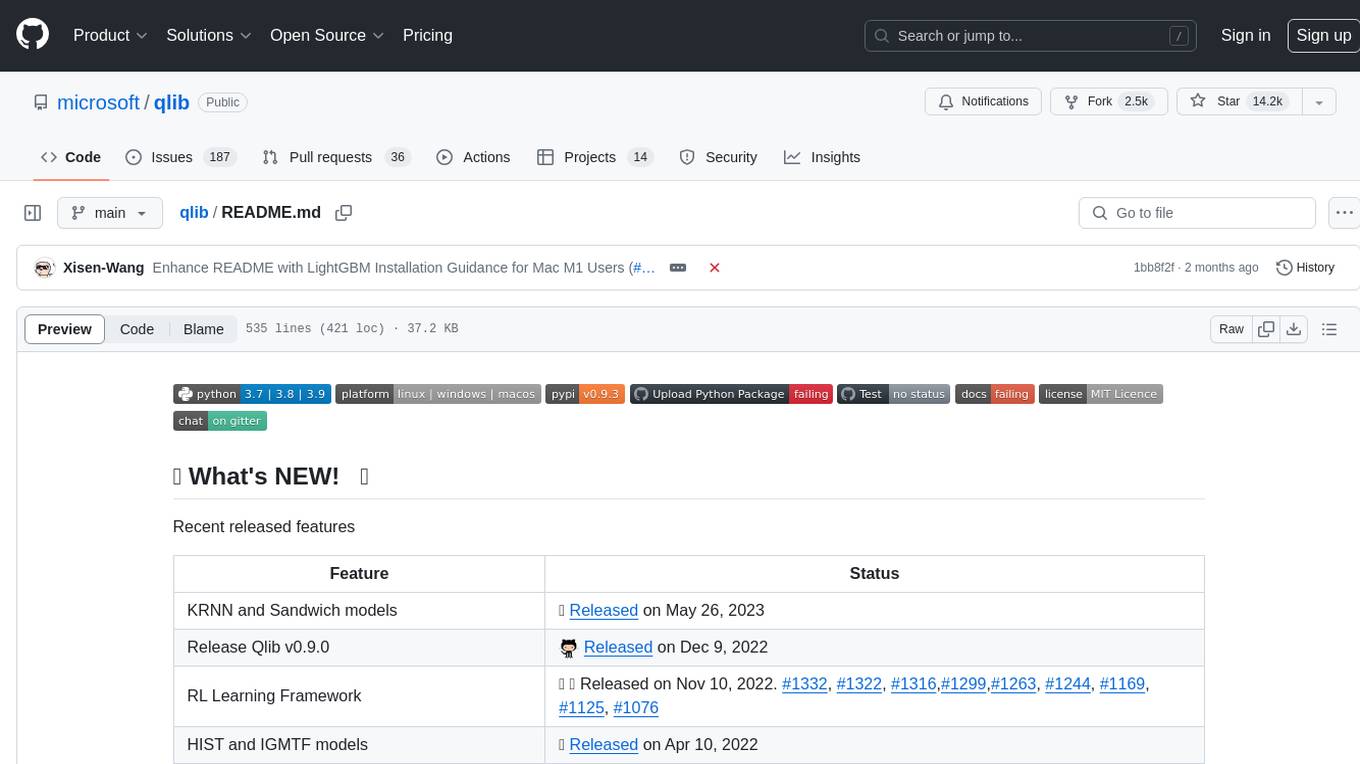
qlib
Qlib is an open-source, AI-oriented quantitative investment platform that supports diverse machine learning modeling paradigms, including supervised learning, market dynamics modeling, and reinforcement learning. It covers the entire chain of quantitative investment, from alpha seeking to order execution. The platform empowers researchers to explore ideas and implement productions using AI technologies in quantitative investment. Qlib collaboratively solves key challenges in quantitative investment by releasing state-of-the-art research works in various paradigms. It provides a full ML pipeline for data processing, model training, and back-testing, enabling users to perform tasks such as forecasting market patterns, adapting to market dynamics, and modeling continuous investment decisions.
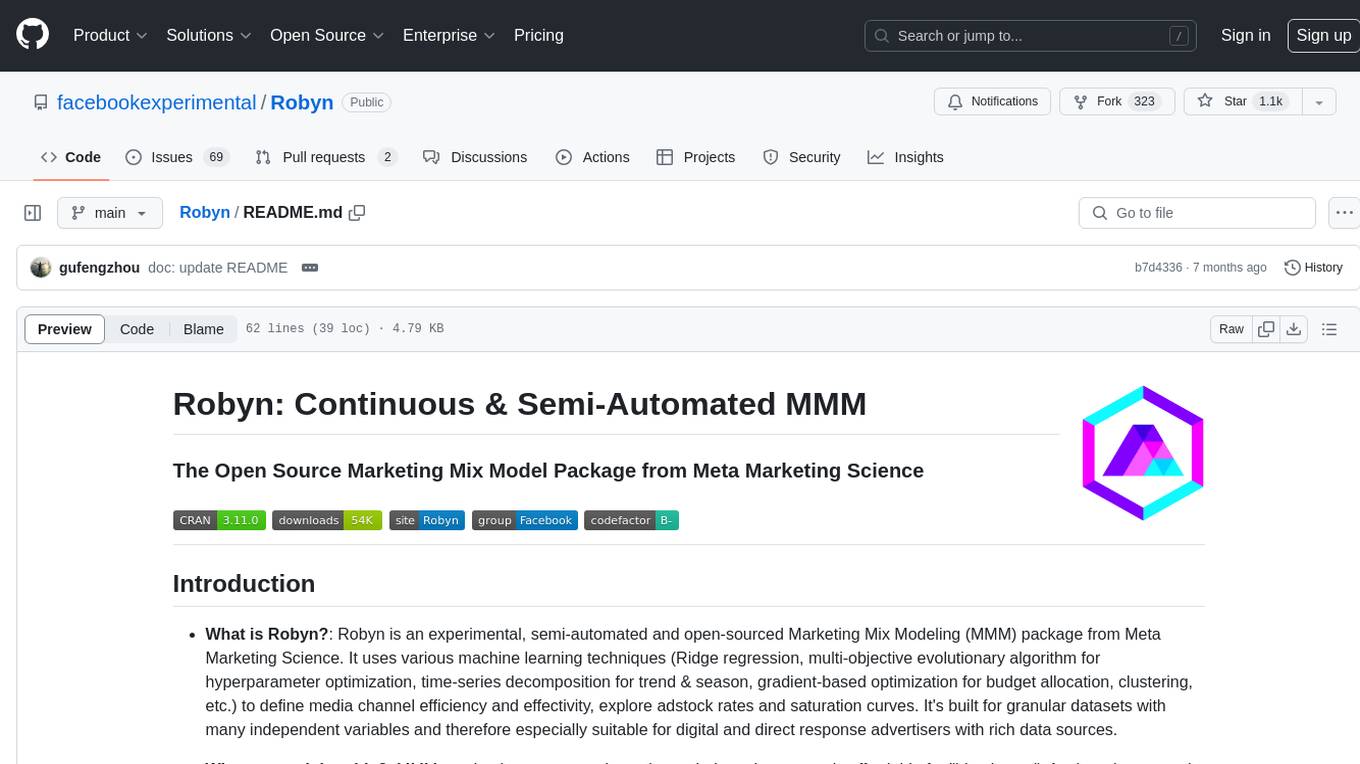
Robyn
Robyn is an experimental, semi-automated and open-sourced Marketing Mix Modeling (MMM) package from Meta Marketing Science. It uses various machine learning techniques to define media channel efficiency and effectivity, explore adstock rates and saturation curves. Built for granular datasets with many independent variables, especially suitable for digital and direct response advertisers with rich data sources. Aiming to democratize MMM, make it accessible for advertisers of all sizes, and contribute to the measurement landscape.
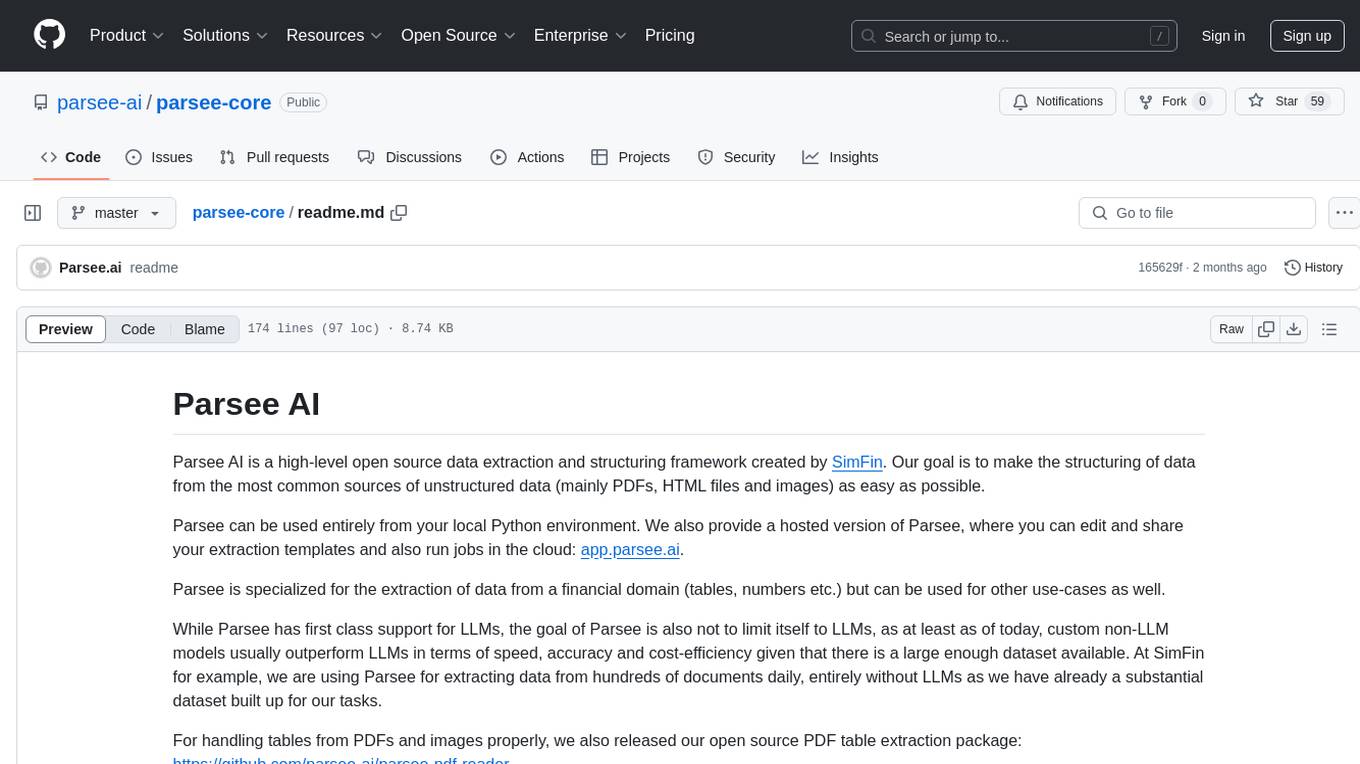
parsee-core
Parsee AI is a high-level open source data extraction and structuring framework specialized for the extraction of data from a financial domain, but can be used for other use-cases as well. It aims to make the structuring of data from unstructured sources like PDFs, HTML files, and images as easy as possible. Parsee can be used locally in Python environments or through a hosted version for cloud-based jobs. It supports the extraction of tables, numbers, and other data elements, with the ability to create custom extraction templates and run jobs using different models.
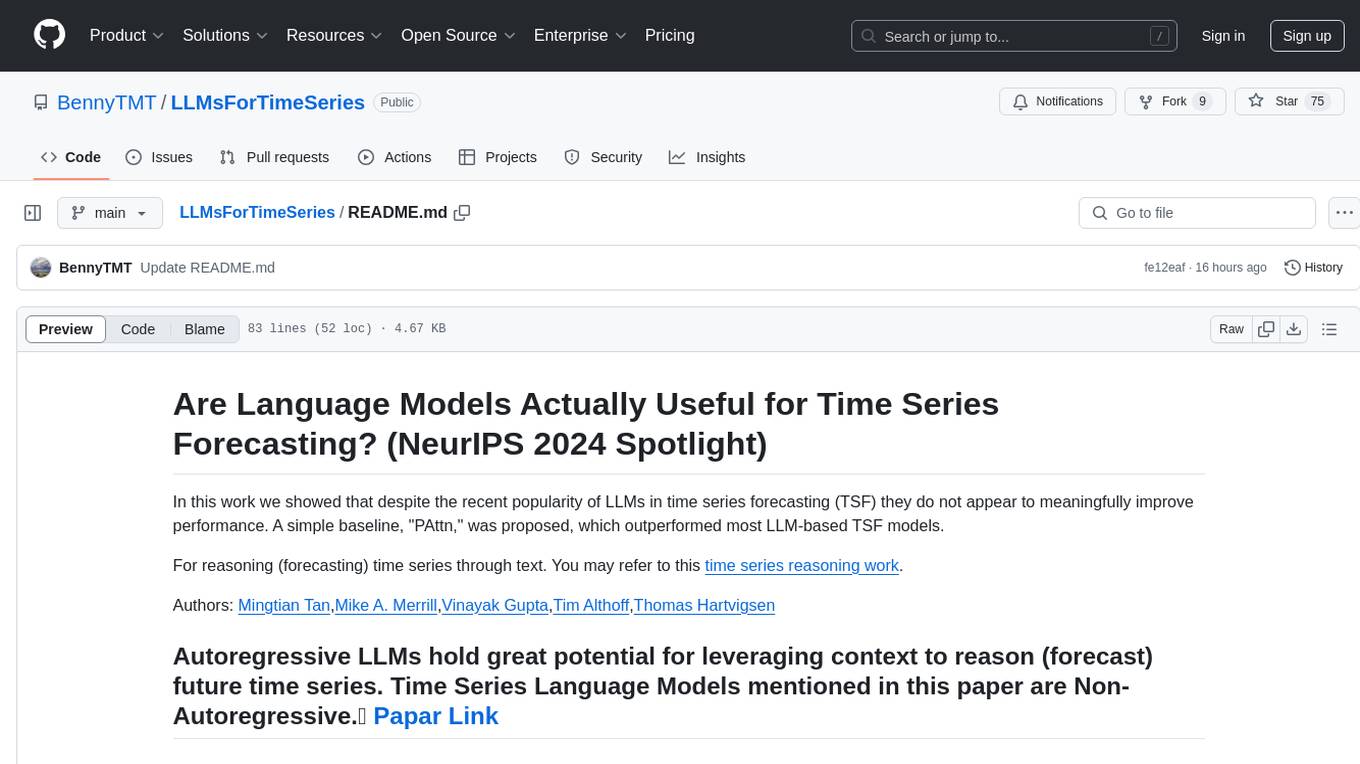
LLMsForTimeSeries
LLMsForTimeSeries is a repository that questions the usefulness of language models in time series forecasting. The work shows that simple baselines outperform most language model-based time series forecasting models. It includes ablation studies on LLM-based TSF methods and introduces the PAttn method, showcasing the performance of patching and attention structures in forecasting. The repository provides datasets, setup instructions, and scripts for running ablations on different datasets.
aiid
The Artificial Intelligence Incident Database (AIID) is a collection of incidents involving the development and use of artificial intelligence (AI). The database is designed to help researchers, policymakers, and the public understand the potential risks and benefits of AI, and to inform the development of policies and practices to mitigate the risks and promote the benefits of AI. The AIID is a collaborative project involving researchers from the University of California, Berkeley, the University of Washington, and the University of Toronto.

tracecat
Tracecat is an open-source automation platform for security teams. It's designed to be simple but powerful, with a focus on AI features and a practitioner-obsessed UI/UX. Tracecat can be used to automate a variety of tasks, including phishing email investigation, evidence collection, and remediation plan generation.
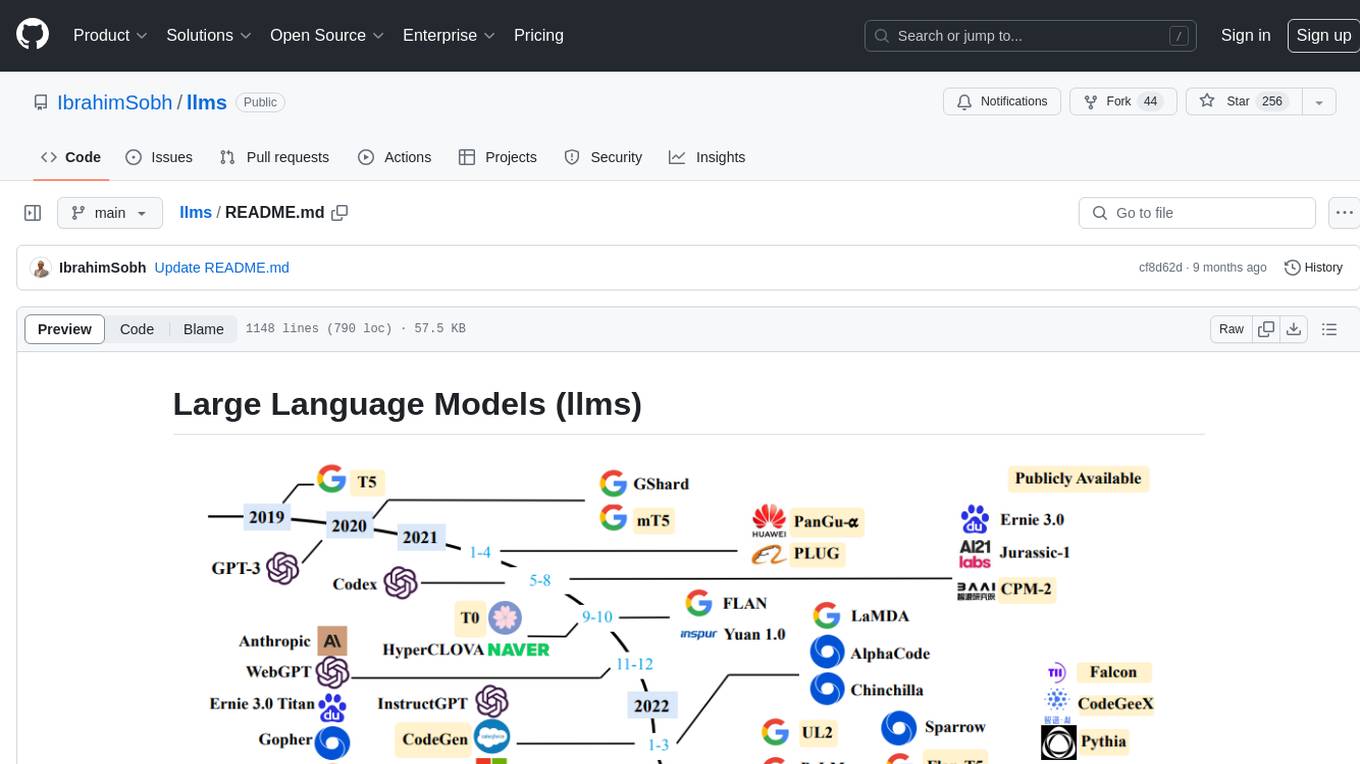
llms
The 'llms' repository is a comprehensive guide on Large Language Models (LLMs), covering topics such as language modeling, applications of LLMs, statistical language modeling, neural language models, conditional language models, evaluation methods, transformer-based language models, practical LLMs like GPT and BERT, prompt engineering, fine-tuning LLMs, retrieval augmented generation, AI agents, and LLMs for computer vision. The repository provides detailed explanations, examples, and tools for working with LLMs.
embedchain
Embedchain is an Open Source Framework for personalizing LLM responses. It simplifies the creation and deployment of personalized AI applications by efficiently managing unstructured data, generating relevant embeddings, and storing them in a vector database. With diverse APIs, users can extract contextual information, find precise answers, and engage in interactive chat conversations tailored to their data. The framework follows the design principle of being 'Conventional but Configurable' to cater to both software engineers and machine learning engineers.
For similar tasks
finnts
The Microsoft Finance Time Series Forecasting Framework, aka finnts or Finn, is an automated forecasting framework for producing financial forecasts. It includes an AI agent for accurate forecasting, automated feature engineering and model selection, access to 25+ models, Azure integration for parallel processing, and support for various forecast intervals and external regressors.
open-model-database
OpenModelDB is a community-driven database of AI upscaling models, providing a centralized platform for users to access and compare various models. The repository contains a collection of models and model metadata, facilitating easy exploration and evaluation of different AI upscaling solutions. With a focus on enhancing the accessibility and usability of AI models, OpenModelDB aims to streamline the process of finding and selecting the most suitable models for specific tasks or projects.
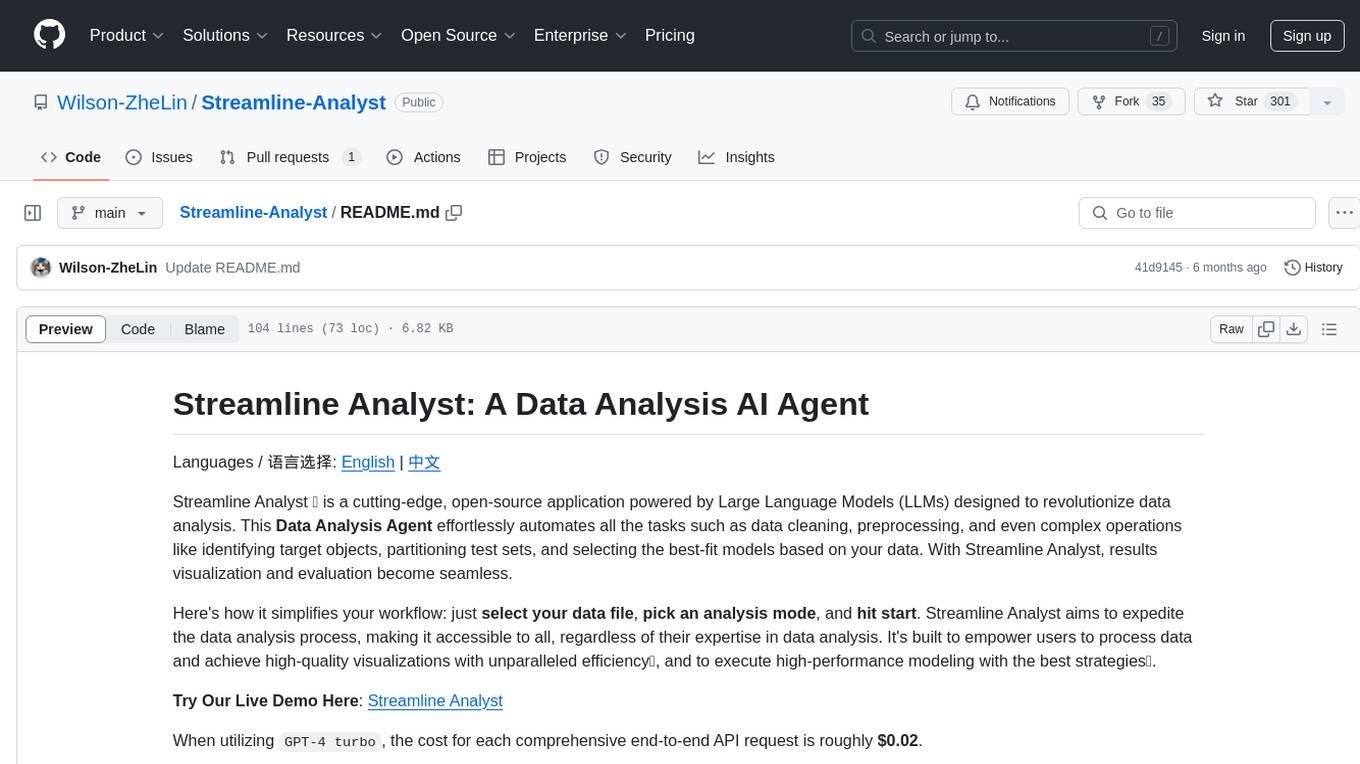
Streamline-Analyst
Streamline Analyst is a cutting-edge, open-source application powered by Large Language Models (LLMs) designed to revolutionize data analysis. This Data Analysis Agent effortlessly automates tasks such as data cleaning, preprocessing, and complex operations like identifying target objects, partitioning test sets, and selecting the best-fit models based on your data. With Streamline Analyst, results visualization and evaluation become seamless. It aims to expedite the data analysis process, making it accessible to all, regardless of their expertise in data analysis. The tool is built to empower users to process data and achieve high-quality visualizations with unparalleled efficiency, and to execute high-performance modeling with the best strategies. Future enhancements include Natural Language Processing (NLP), neural networks, and object detection utilizing YOLO, broadening its capabilities to meet diverse data analysis needs.
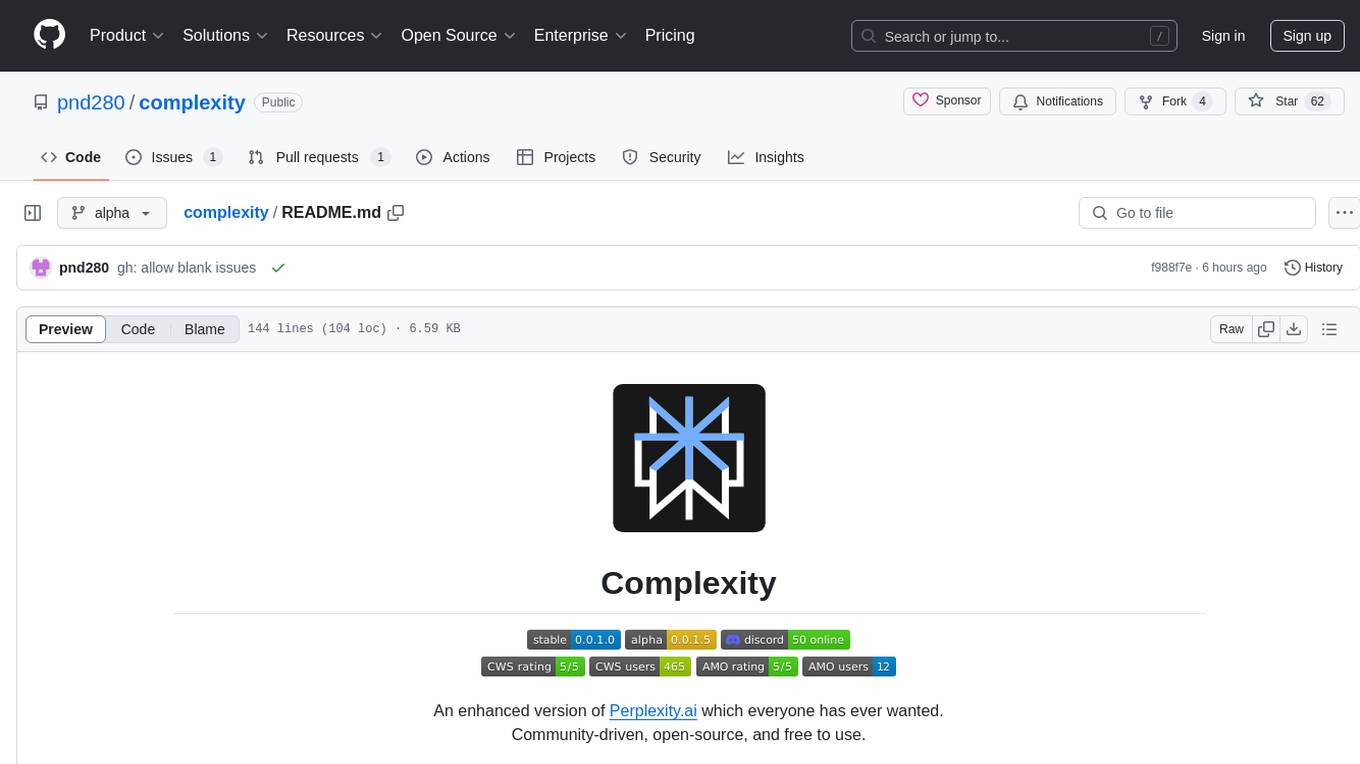
complexity
Complexity is a community-driven, open-source, and free third-party extension that enhances the features of Perplexity.ai. It provides various UI/UX/QoL tweaks, LLM/Image gen model selectors, a customizable theme, and a prompts library. The tool intercepts network traffic to alter the behavior of the host page, offering a solution to the limitations of Perplexity.ai. Users can install Complexity from Chrome Web Store, Mozilla Add-on, or build it from the source code.
hf-llm.rs
HF-LLM.rs is a CLI tool for accessing Large Language Models (LLMs) like Llama 3.1, Mistral, Gemma 2, Cohere and more hosted on Hugging Face. It allows interaction with various models, providing input and receiving responses in a terminal environment. Users can select models, input prompts, receive streaming output, and engage in chat mode. The tool supports a variety of models available on Hugging Face infrastructure, with the list continuously updated. Some models may require a Pro subscription for access.
lumigator
Lumigator is an open-source platform developed by Mozilla.ai to help users select the most suitable language model for their specific needs. It supports the evaluation of summarization tasks using sequence-to-sequence models such as BART and BERT, as well as causal models like GPT and Mistral. The platform aims to make model selection transparent, efficient, and empowering by providing a framework for comparing LLMs using task-specific metrics to evaluate how well a model fits a project's needs. Lumigator is in the early stages of development and plans to expand support to additional machine learning tasks and use cases in the future.
For similar jobs

Azure-Analytics-and-AI-Engagement
The Azure-Analytics-and-AI-Engagement repository provides packaged Industry Scenario DREAM Demos with ARM templates (Containing a demo web application, Power BI reports, Synapse resources, AML Notebooks etc.) that can be deployed in a customer’s subscription using the CAPE tool within a matter of few hours. Partners can also deploy DREAM Demos in their own subscriptions using DPoC.
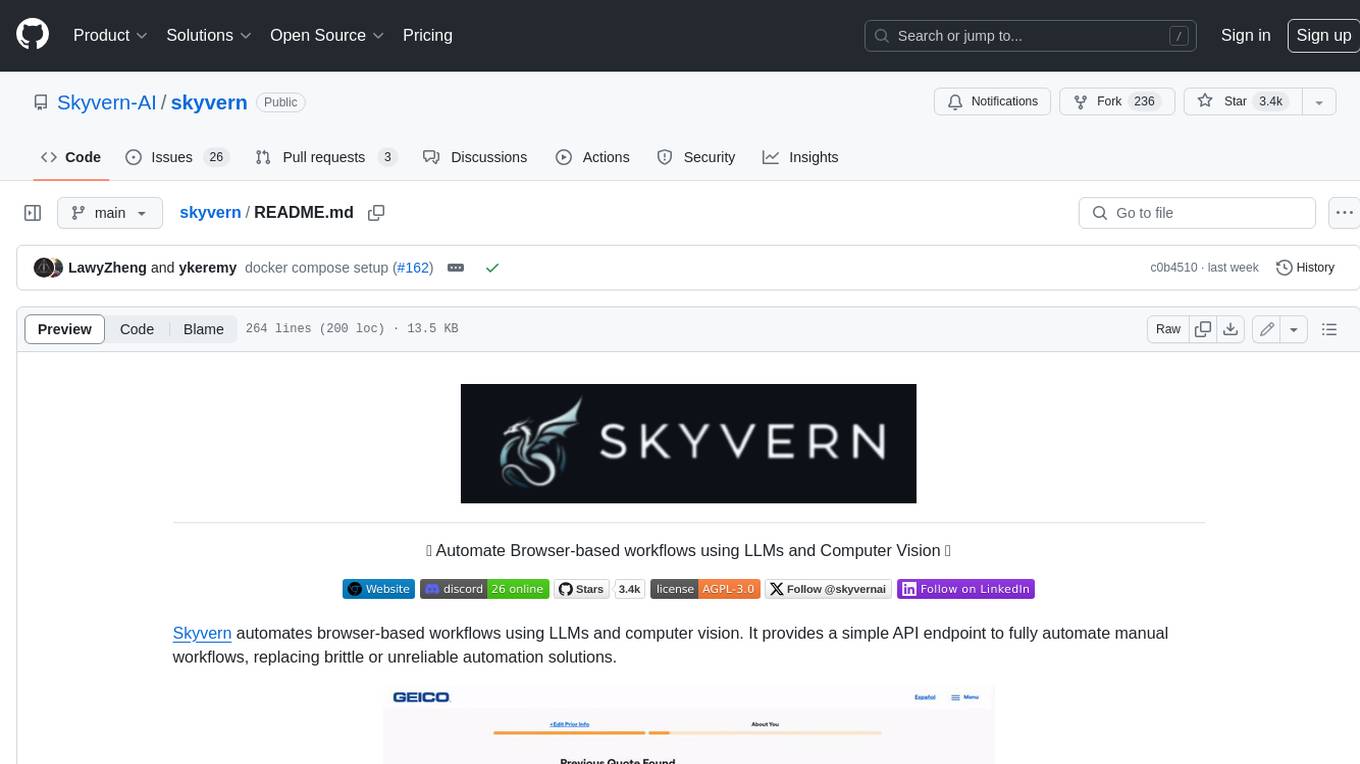
skyvern
Skyvern automates browser-based workflows using LLMs and computer vision. It provides a simple API endpoint to fully automate manual workflows, replacing brittle or unreliable automation solutions. Traditional approaches to browser automations required writing custom scripts for websites, often relying on DOM parsing and XPath-based interactions which would break whenever the website layouts changed. Instead of only relying on code-defined XPath interactions, Skyvern adds computer vision and LLMs to the mix to parse items in the viewport in real-time, create a plan for interaction and interact with them. This approach gives us a few advantages: 1. Skyvern can operate on websites it’s never seen before, as it’s able to map visual elements to actions necessary to complete a workflow, without any customized code 2. Skyvern is resistant to website layout changes, as there are no pre-determined XPaths or other selectors our system is looking for while trying to navigate 3. Skyvern leverages LLMs to reason through interactions to ensure we can cover complex situations. Examples include: 1. If you wanted to get an auto insurance quote from Geico, the answer to a common question “Were you eligible to drive at 18?” could be inferred from the driver receiving their license at age 16 2. If you were doing competitor analysis, it’s understanding that an Arnold Palmer 22 oz can at 7/11 is almost definitely the same product as a 23 oz can at Gopuff (even though the sizes are slightly different, which could be a rounding error!) Want to see examples of Skyvern in action? Jump to #real-world-examples-of- skyvern

pandas-ai
PandasAI is a Python library that makes it easy to ask questions to your data in natural language. It helps you to explore, clean, and analyze your data using generative AI.
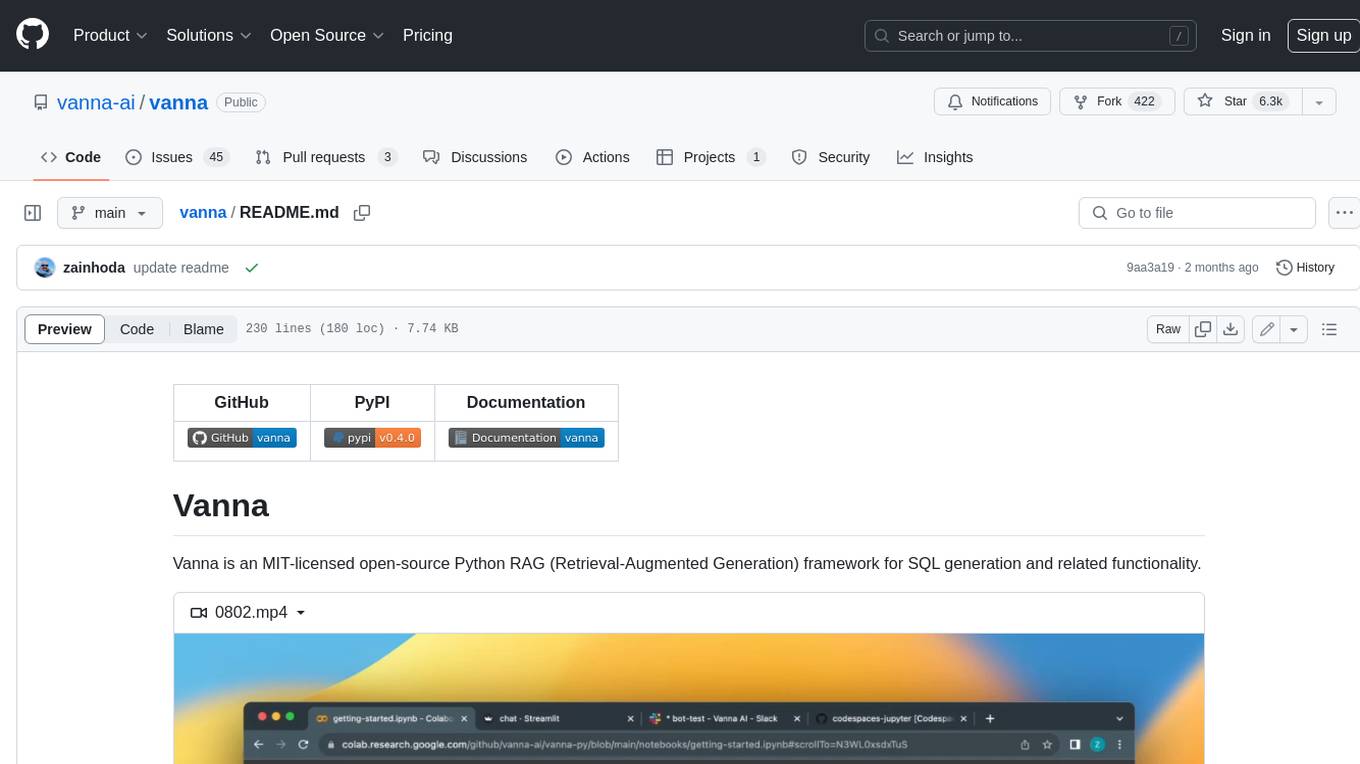
vanna
Vanna is an open-source Python framework for SQL generation and related functionality. It uses Retrieval-Augmented Generation (RAG) to train a model on your data, which can then be used to ask questions and get back SQL queries. Vanna is designed to be portable across different LLMs and vector databases, and it supports any SQL database. It is also secure and private, as your database contents are never sent to the LLM or the vector database.

databend
Databend is an open-source cloud data warehouse that serves as a cost-effective alternative to Snowflake. With its focus on fast query execution and data ingestion, it's designed for complex analysis of the world's largest datasets.
Avalonia-Assistant
Avalonia-Assistant is an open-source desktop intelligent assistant that aims to provide a user-friendly interactive experience based on the Avalonia UI framework and the integration of Semantic Kernel with OpenAI or other large LLM models. By utilizing Avalonia-Assistant, you can perform various desktop operations through text or voice commands, enhancing your productivity and daily office experience.
marvin
Marvin is a lightweight AI toolkit for building natural language interfaces that are reliable, scalable, and easy to trust. Each of Marvin's tools is simple and self-documenting, using AI to solve common but complex challenges like entity extraction, classification, and generating synthetic data. Each tool is independent and incrementally adoptable, so you can use them on their own or in combination with any other library. Marvin is also multi-modal, supporting both image and audio generation as well using images as inputs for extraction and classification. Marvin is for developers who care more about _using_ AI than _building_ AI, and we are focused on creating an exceptional developer experience. Marvin users should feel empowered to bring tightly-scoped "AI magic" into any traditional software project with just a few extra lines of code. Marvin aims to merge the best practices for building dependable, observable software with the best practices for building with generative AI into a single, easy-to-use library. It's a serious tool, but we hope you have fun with it. Marvin is open-source, free to use, and made with 💙 by the team at Prefect.

activepieces
Activepieces is an open source replacement for Zapier, designed to be extensible through a type-safe pieces framework written in Typescript. It features a user-friendly Workflow Builder with support for Branches, Loops, and Drag and Drop. Activepieces integrates with Google Sheets, OpenAI, Discord, and RSS, along with 80+ other integrations. The list of supported integrations continues to grow rapidly, thanks to valuable contributions from the community. Activepieces is an open ecosystem; all piece source code is available in the repository, and they are versioned and published directly to npmjs.com upon contributions. If you cannot find a specific piece on the pieces roadmap, please submit a request by visiting the following link: Request Piece Alternatively, if you are a developer, you can quickly build your own piece using our TypeScript framework. For guidance, please refer to the following guide: Contributor's Guide