


GLaDOS
This is the Personality Core for GLaDOS, the first steps towards a real-life implementation of the AI from the Portal series by Valve.
Stars: 4435
GLaDOS Personality Core is a project dedicated to building a real-life version of GLaDOS, an aware, interactive, and embodied AI system. The project aims to train GLaDOS voice generator, create a 'Personality Core,' develop medium- and long-term memory, provide vision capabilities, design 3D-printable parts, and build an animatronics system. The software architecture focuses on low-latency voice interactions and minimal dependencies. The hardware system includes servo- and stepper-motors, 3D printable parts for GLaDOS's body, animations for expression, and a vision system for tracking and interaction. Installation instructions involve setting up a local LLM server, installing drivers, and running GLaDOS on different operating systems.
README:
This is a project dedicated to building a real-life version of GLaDOS!
NEW: If you want to chat or join the community, Join our discord! If you want to support, sponsor the project here!
https://github.com/user-attachments/assets/c22049e4-7fba-4e84-8667-2c6657a656a0
https://github.com/user-attachments/assets/99e599bb-4701-438a-a311-8e6cd595796c
This is really tricky, so only for hardcore geeks! Checkout the 'rock5b' branch, and my OpenAI API for the RK3588 NPU system Don't expect support for this, it's in active development, and requires lots of messing about in armbian linux etc.
This is a hardware and software project that will create an aware, interactive, and embodied GLaDOS.
This will entail:
- [x] Train GLaDOS voice generator
- [x] Generate a prompt that leads to a realistic "Personality Core"
- [ ] Generate a medium- and long-term memory for GLaDOS (Probably a custom vector DB in a simpy Numpy array!)
- [ ] Give GLaDOS vision via a VLM (either a full VLM for everything, or a 'vision module' using a tiny VLM the GLaDOS can function call!)
- [ ] Create 3D-printable parts
- [ ] Design the animatronics system
The initial goals are to develop a low-latency platform, where GLaDOS can respond to voice interactions within 600ms.
To do this, the system constantly records data to a circular buffer, waiting for voice to be detected. When it's determined that the voice has stopped (including detection of normal pauses), it will be transcribed quickly. This is then passed to streaming local Large Language Model, where the streamed text is broken by sentence, and passed to a text-to-speech system. This means further sentences can be generated while the current is playing, reducing latency substantially.
- The other aim of the project is to minimize dependencies, so this can run on constrained hardware. That means no PyTorch or other large packages.
- As I want to fully understand the system, I have removed a large amount of redirection: which means extracting and rewriting code.
This will be based on servo- and stepper-motors. 3D printable STL will be provided to create GlaDOS's body, and she will be given a set of animations to express herself. The vision system will allow her to track and turn toward people and things of interest.
Try this simplified process, but be aware it's still in the experimental stage! For all operating systems, you'll first need to install Ollama to run the LLM.
If you are an Nvidia system with CUDA, make sure you install the necessary drivers and CUDA, info here: https://developer.nvidia.com/cuda-toolkit
If you are using another accelerator (ROCm, DirectML etc.), after following the instructions below for you platform, follow up with installing the best onnxruntime version for your system.
- Download and install Ollama for your operating system.
- Once installed, download a small 3B model for testing - at a terminal or command prompt use:
ollama pull llama3.2
Note: You can use any OpenAI or Ollama compatible server, local or cloud based. Just edit the glados_config.yaml and update the completion_url, model and the api_key if necessary.
- Open the Microsoft Store, search for
pythonand install Python 3.12
This is still experimental. Any issues can be addressed in the Discord server. If you create an issue related to this, you will be referred to the Discord server. Note: I was getting Segfaults! Please leave feedback!
Install the PortAudio library, if you don't yet have it installed:
    sudo apt update
    sudo apt install libportaudio2
-
Download this repository, either:
-
Download and unzip this repository somewhere in your home folder, or
-
At a terminal, git clone this repository using
git clone https://github.com/dnhkng/GLaDOS.git
-
-
In a terminal, go to the repository folder and run these commands:
Mac/Linux:
python scripts/install.pyWindows:
python scripts\install.pyThis will install Glados and download the needed AI models
-
To start GLaDOS run:
uv run glados
You can also get her to say something with:
uv run glados say "The cake is real"
To use other models, use the command:
ollama pull {modelname}
and then add it to glados_config.yaml as the model:
model: "{modelname}"
You can find more models here!
You can use voices from Kokoro too! Select a voice from the following:
-
US
- af_alloy
- af_aoede
- af_jessica
- af_kore
- af_nicole
- af_nova
- af_river
- af_saraha
- af_sky
-
British
- bf_alice
- bf_emma
- bf_isabella
- bf_lily
-
US
- am_adam
- am_echo
- am_eric
- am_fenrir
- am_liam
- am_michael
- am_onyx
- am_puck
-
British
- bm_daniel
- bm_fable
- bm_george
- bm_lewis
and then add it to glados_config.yaml as the voice, e.g.:
voice: "af_bella"
Make a copy of the file 'configs/glados_config.yaml' and give it a new name, then edit the parameters:
  model:  # the LLM model you want to use, see "Changing the LLM Model"
  personality_preprompt:
  system:  # A description of who the character should be
      - user:  # An example of a question you might ask
      - assistant:  # An example of how the AI should respond
To use these new settings, use the command:
uv run glados start --config configs/assistant_config.yaml
- If you find you are getting stuck in loops, as GLaDOS is hearing herself speak, you have two options:
- Solve this by upgrading your hardware. You need to you either headphone, so she can't physically hear herself speak, or a conference-style room microphone/speaker. These have hardware sound cancellation, and prevent these loops.
- Disable voice interruption. This means neither you nor GLaDOS can interrupt when GLaDOS is speaking. To accomplish this, edit the
glados_config.yaml, and changeinterruptible:tofalse.
- If you want to the the Text UI, you should use the glados-ui.py file instead of glado.py
Want to mess around with the AI models? You can test the systems by exploring the 'demo.ipynb'.
For Tasks:
Click tags to check more tools for each tasksFor Jobs:
Alternative AI tools for GLaDOS
Similar Open Source Tools
GLaDOS
GLaDOS Personality Core is a project dedicated to building a real-life version of GLaDOS, an aware, interactive, and embodied AI system. The project aims to train GLaDOS voice generator, create a 'Personality Core,' develop medium- and long-term memory, provide vision capabilities, design 3D-printable parts, and build an animatronics system. The software architecture focuses on low-latency voice interactions and minimal dependencies. The hardware system includes servo- and stepper-motors, 3D printable parts for GLaDOS's body, animations for expression, and a vision system for tracking and interaction. Installation instructions involve setting up a local LLM server, installing drivers, and running GLaDOS on different operating systems.

GlaDOS
This project aims to create a real-life version of GLaDOS, an aware, interactive, and embodied AI entity. It involves training a voice generator, developing a 'Personality Core,' implementing a memory system, providing vision capabilities, creating 3D-printable parts, and designing an animatronics system. The software architecture focuses on low-latency voice interactions, utilizing a circular buffer for data recording, text streaming for quick transcription, and a text-to-speech system. The project also emphasizes minimal dependencies for running on constrained hardware. The hardware system includes servo- and stepper-motors, 3D-printable parts for GLaDOS's body, animations for expression, and a vision system for tracking and interaction. Installation instructions cover setting up the TTS engine, required Python packages, compiling llama.cpp, installing an inference backend, and voice recognition setup. GLaDOS can be run using 'python glados.py' and tested using 'demo.ipynb'.
maxheadbox
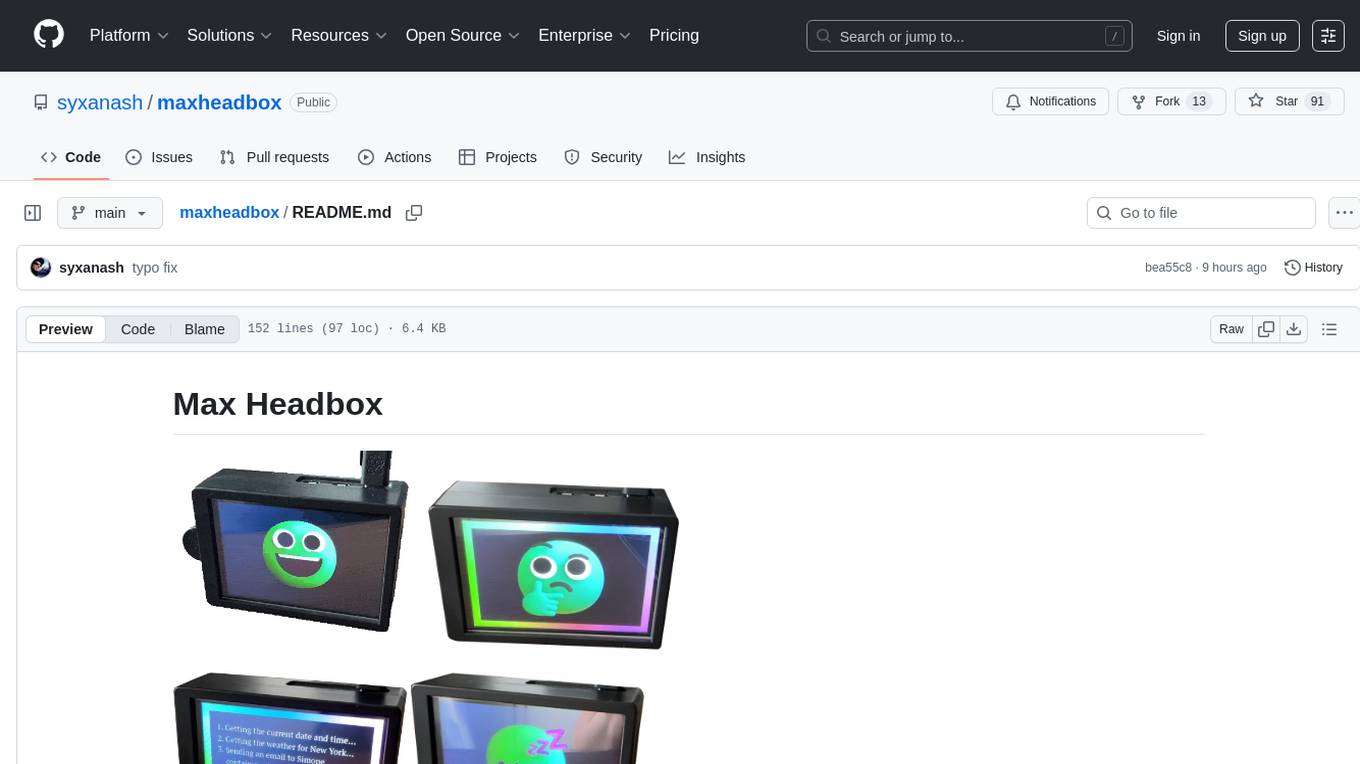
Max Headbox is an open-source voice-activated LLM Agent designed to run on a Raspberry Pi. It can be configured to execute a variety of tools and perform actions. The project requires specific hardware and software setups, and provides detailed instructions for installation, configuration, and usage. Users can create custom tools by making JavaScript modules and backend API handlers. The project acknowledges the use of various open-source projects and resources in its development.
FreeChat
FreeChat is a native LLM appliance for macOS that runs completely locally. Download it and ask your LLM a question without doing any configuration. A local/llama version of OpenAI's chat without login or tracking. You should be able to install from the Mac App Store and use it immediately.
aitools_client
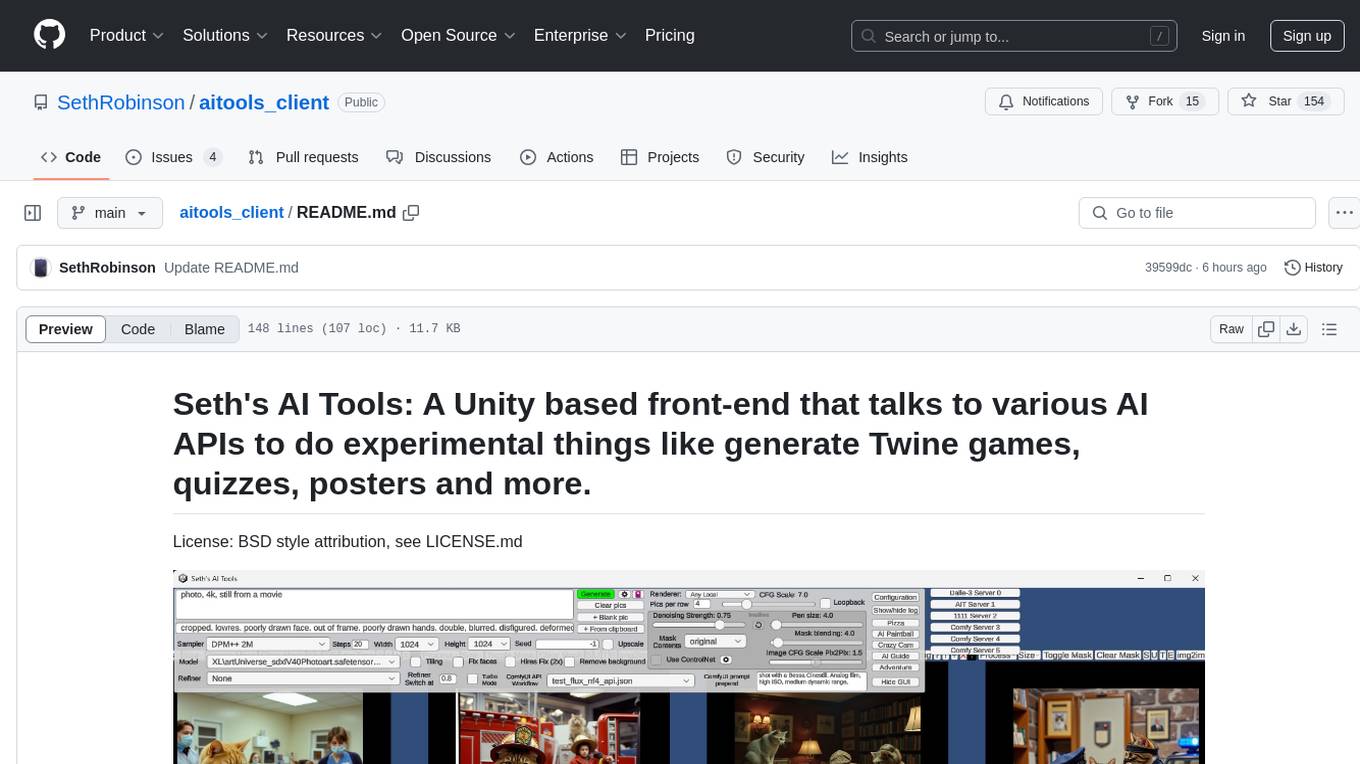
Seth's AI Tools is a Unity-based front-end that interfaces with various AI APIs to perform tasks such as generating Twine games, quizzes, posters, and more. The tool is a native Windows application that supports features like live update integration with image editors, text-to-image conversion, image processing, mask painting, and more. It allows users to connect to multiple servers for fast generation using GPUs and offers a neat workflow for evolving images in real-time. The tool respects user privacy by operating locally and includes built-in games and apps to test AI/SD capabilities. Additionally, it features an AI Guide for creating motivational posters and illustrated stories, as well as an Adventure mode with presets for generating web quizzes and Twine game projects.
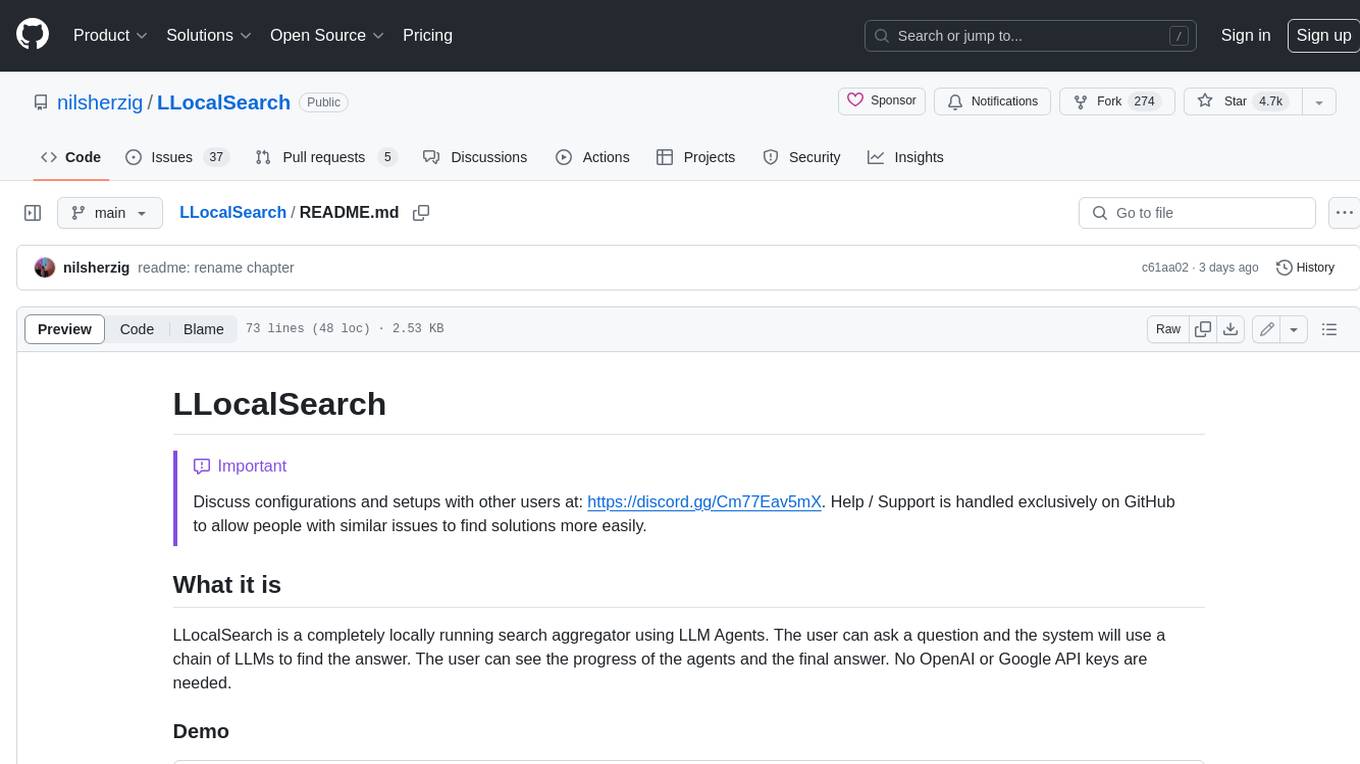
LLocalSearch
LLocalSearch is a completely locally running search aggregator using LLM Agents. The user can ask a question and the system will use a chain of LLMs to find the answer. The user can see the progress of the agents and the final answer. No OpenAI or Google API keys are needed.
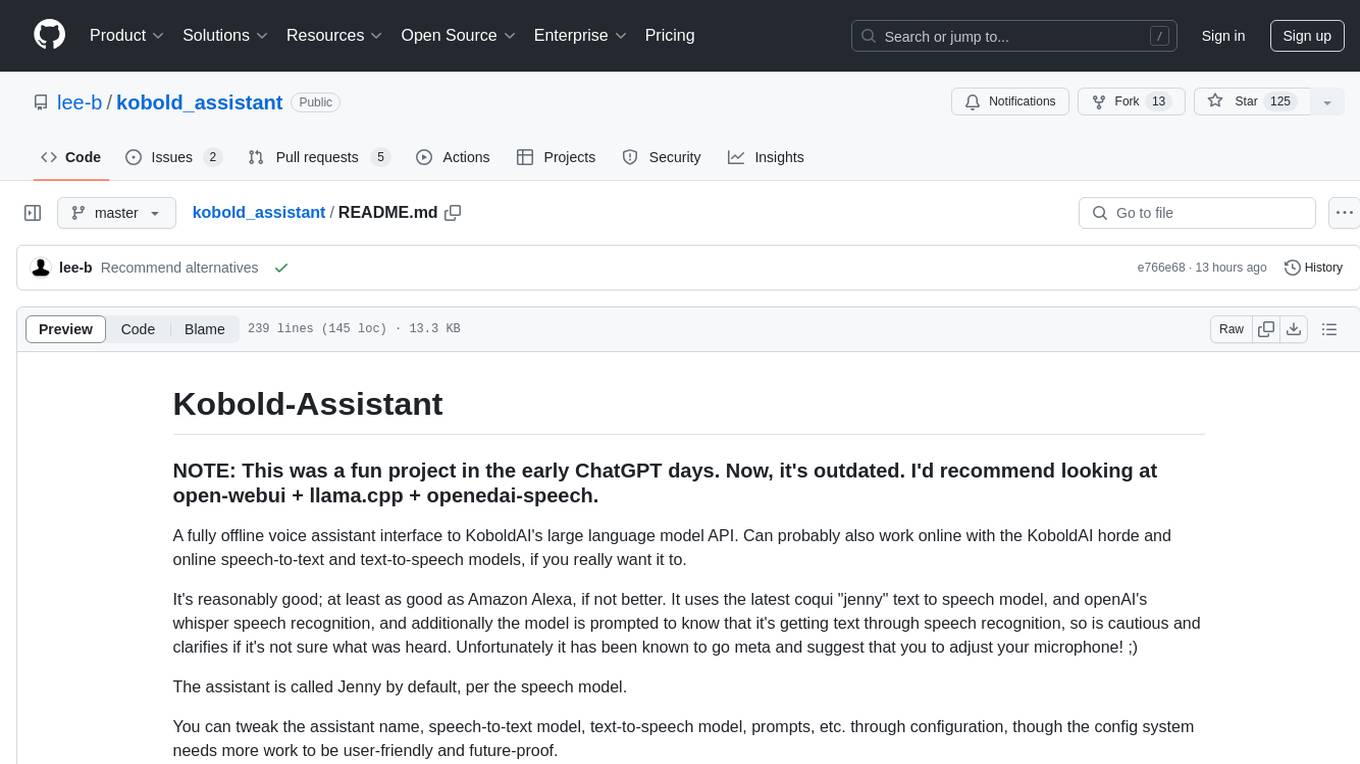
kobold_assistant
Kobold-Assistant is a fully offline voice assistant interface to KoboldAI's large language model API. It can work online with the KoboldAI horde and online speech-to-text and text-to-speech models. The assistant, called Jenny by default, uses the latest coqui 'jenny' text to speech model and openAI's whisper speech recognition. Users can customize the assistant name, speech-to-text model, text-to-speech model, and prompts through configuration. The tool requires system packages like GCC, portaudio development libraries, and ffmpeg, along with Python >=3.7, <3.11, and runs on Ubuntu/Debian systems. Users can interact with the assistant through commands like 'serve' and 'list-mics'.
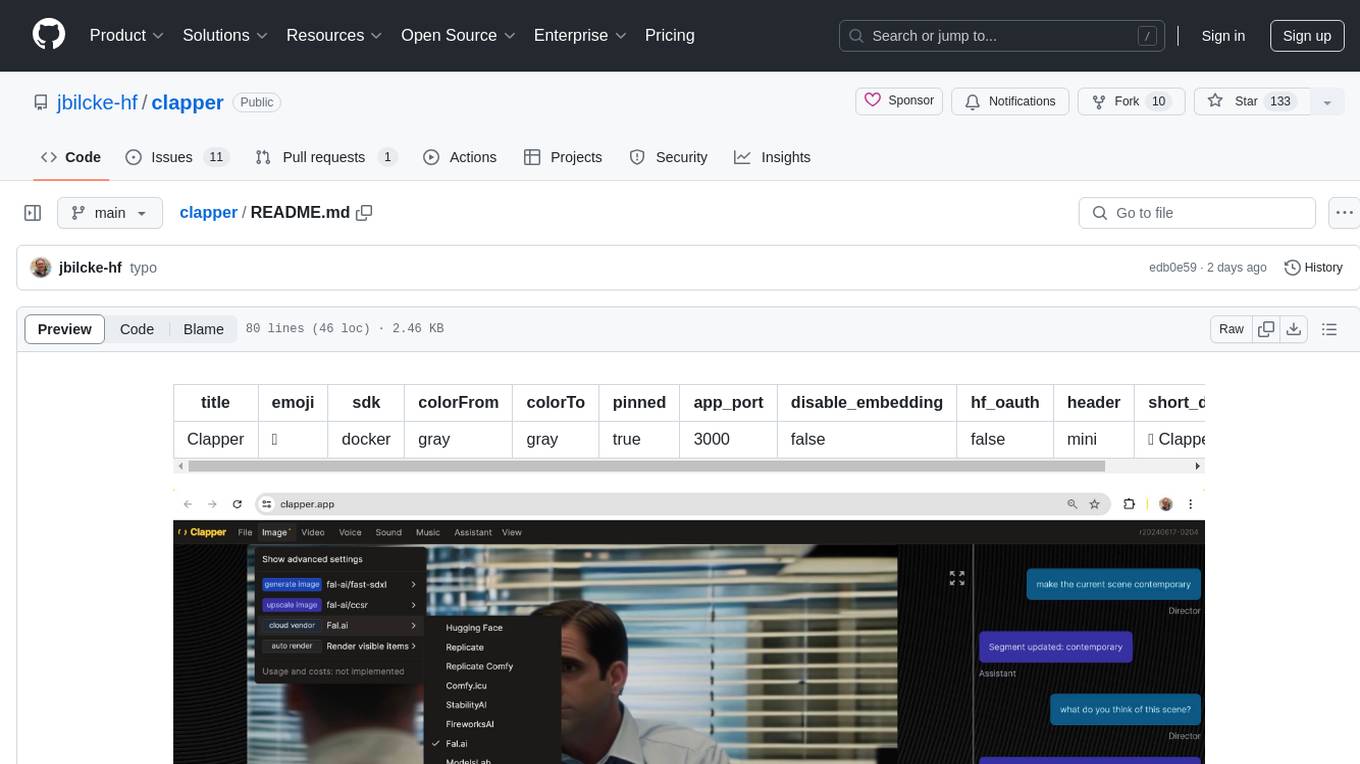
clapper
Clapper is an open-source AI story visualization tool that can interpret screenplays and render them into storyboards, videos, voice, sound, and music. It is currently in early development stages and not recommended for general use due to some non-functional features and lack of tutorials. A public alpha version is available on Hugging Face's platform. Users can sponsor specific features through bounties and developers can contribute to the project under the GPL v3 license. The tool lacks automated tests and code conventions like Prettier or a Linter.
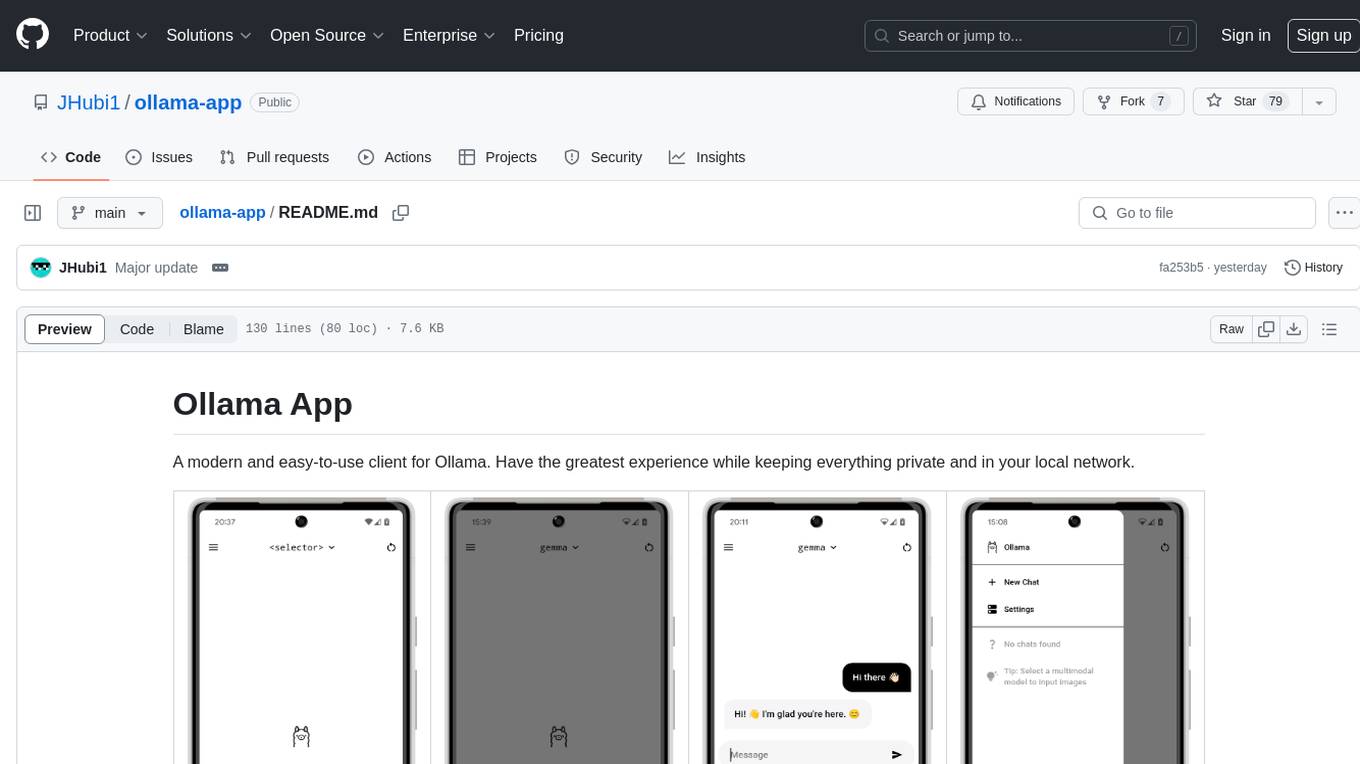
ollama-app
Ollama App is a modern and easy-to-use client for Ollama, allowing users to have a private experience within their local network. The app connects to an Ollama server using its API endpoint, enabling users to chat and interact with various models. It supports multimodal model input, a multilingual interface, and custom builds for personalized experiences. Users can easily set up the app, navigate through the side menu, select models, and create custom builds to tailor the app to their needs.
chaiNNer
ChaiNNer is a node-based image processing GUI aimed at making chaining image processing tasks easy and customizable. It gives users a high level of control over their processing pipeline and allows them to perform complex tasks by connecting nodes together. ChaiNNer is cross-platform, supporting Windows, MacOS, and Linux. It features an intuitive drag-and-drop interface, making it easy to create and modify processing chains. Additionally, ChaiNNer offers a wide range of nodes for various image processing tasks, including upscaling, denoising, sharpening, and color correction. It also supports batch processing, allowing users to process multiple images or videos at once.
ultravox
Ultravox is a fast multimodal Language Model (LLM) that can understand both text and human speech in real-time without the need for a separate Audio Speech Recognition (ASR) stage. By extending Meta's Llama 3 model with a multimodal projector, Ultravox converts audio directly into a high-dimensional space used by Llama 3, enabling quick responses and potential understanding of paralinguistic cues like timing and emotion in human speech. The current version (v0.3) has impressive speed metrics and aims for further enhancements. Ultravox currently converts audio to streaming text and plans to emit speech tokens for direct audio conversion. The tool is open for collaboration to enhance this functionality.
WilmerAI
WilmerAI is a middleware system designed to process prompts before sending them to Large Language Models (LLMs). It categorizes prompts, routes them to appropriate workflows, and generates manageable prompts for local models. It acts as an intermediary between the user interface and LLM APIs, supporting multiple backend LLMs simultaneously. WilmerAI provides API endpoints compatible with OpenAI API, supports prompt templates, and offers flexible connections to various LLM APIs. The project is under heavy development and may contain bugs or incomplete code.
recognize
Recognize is a smart media tagging tool for Nextcloud that automatically categorizes photos and music by recognizing faces, animals, landscapes, food, vehicles, buildings, landmarks, monuments, music genres, and human actions in videos. It uses pre-trained models for object detection, landmark recognition, face comparison, music genre classification, and video classification. The tool ensures privacy by processing images locally without sending data to cloud providers. However, it cannot process end-to-end encrypted files. Recognize is rated positively for ethical AI practices in terms of open-source software, freely available models, and training data transparency, except for music genre recognition due to limited access to training data.
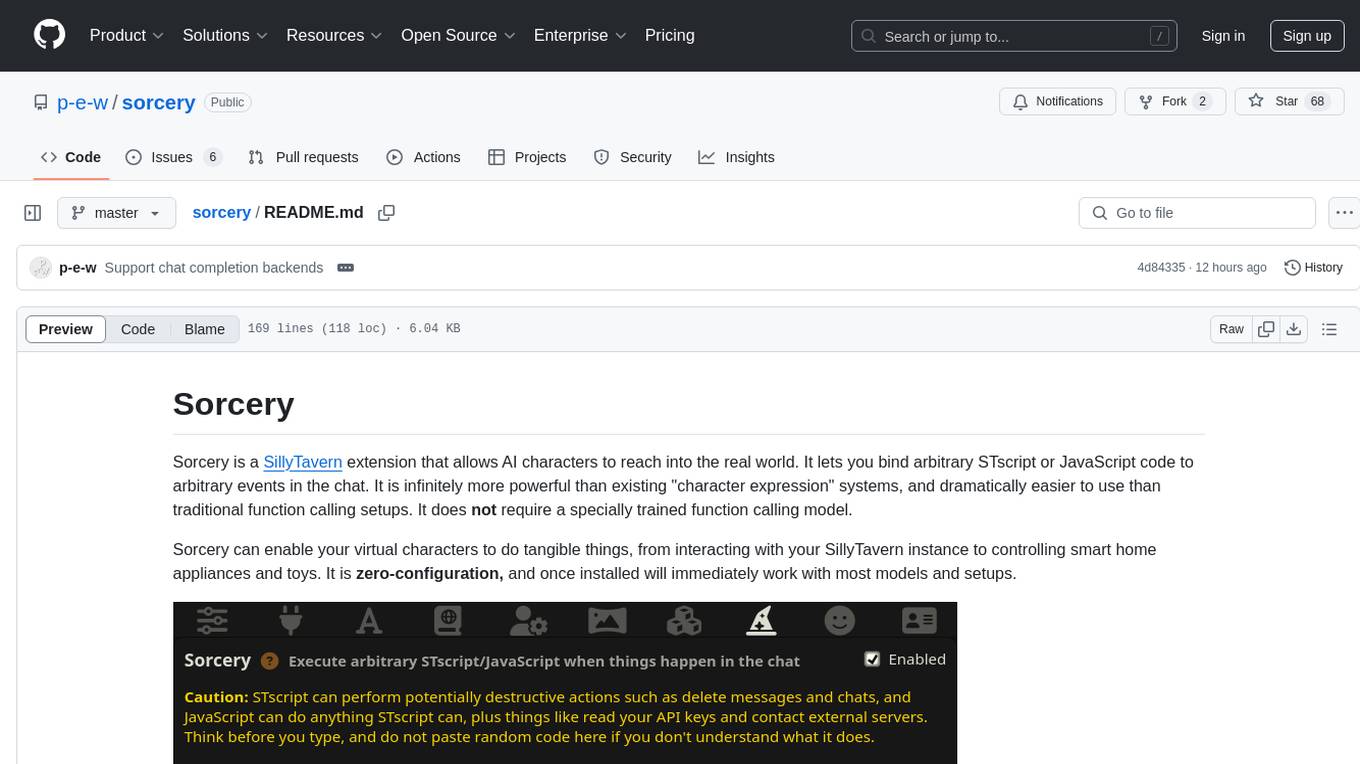
sorcery
Sorcery is a SillyTavern extension that allows AI characters to interact with the real world by executing user-defined scripts at specific events in the chat. It is easy to use and does not require a specially trained function calling model. Sorcery can be used to control smart home appliances, interact with virtual characters, and perform various tasks in the chat environment. It works by injecting instructions into the system prompt and intercepting markers to run associated scripts, providing a seamless user experience.
godot_rl_agents
Godot RL Agents is an open-source package that facilitates the integration of Machine Learning algorithms with games created in the Godot Engine. It provides interfaces for popular RL frameworks, support for memory-based agents, 2D and 3D games, AI sensors, and is licensed under MIT. Users can train agents in the Godot editor, create custom environments, export trained agents in ONNX format, and utilize advanced features like different RL training frameworks.
Aimmy
Aimmy is a universal AI-Based Aim Alignment Mechanism developed by BabyHamsta, MarsQQ & Taylor to make gaming more accessible for users who have difficulty aiming. It utilizes DirectML, ONNX, and YOLOV8 for player detection, offering high accuracy and fast performance. Aimmy features an easy-to-use UI, extensive customizability, and is free of ads and paywalls. It is designed for gamers facing challenges like physical or mental disabilities, poor hand-eye coordination, or aiming difficulties due to environmental factors. Aimmy provides various features like AI detection, customizability, anti-recoil system, mouse movement methods, hotswappability, and a model/configuration store with repository support.
For similar tasks
GlaDOS
This project aims to create a real-life version of GLaDOS, an aware, interactive, and embodied AI entity. It involves training a voice generator, developing a 'Personality Core,' implementing a memory system, providing vision capabilities, creating 3D-printable parts, and designing an animatronics system. The software architecture focuses on low-latency voice interactions, utilizing a circular buffer for data recording, text streaming for quick transcription, and a text-to-speech system. The project also emphasizes minimal dependencies for running on constrained hardware. The hardware system includes servo- and stepper-motors, 3D-printable parts for GLaDOS's body, animations for expression, and a vision system for tracking and interaction. Installation instructions cover setting up the TTS engine, required Python packages, compiling llama.cpp, installing an inference backend, and voice recognition setup. GLaDOS can be run using 'python glados.py' and tested using 'demo.ipynb'.
GLaDOS
GLaDOS Personality Core is a project dedicated to building a real-life version of GLaDOS, an aware, interactive, and embodied AI system. The project aims to train GLaDOS voice generator, create a 'Personality Core,' develop medium- and long-term memory, provide vision capabilities, design 3D-printable parts, and build an animatronics system. The software architecture focuses on low-latency voice interactions and minimal dependencies. The hardware system includes servo- and stepper-motors, 3D printable parts for GLaDOS's body, animations for expression, and a vision system for tracking and interaction. Installation instructions involve setting up a local LLM server, installing drivers, and running GLaDOS on different operating systems.
tts-generation-webui
TTS Generation WebUI is a comprehensive tool that provides a user-friendly interface for text-to-speech and voice cloning tasks. It integrates various AI models such as Bark, MusicGen, AudioGen, Tortoise, RVC, Vocos, Demucs, SeamlessM4T, and MAGNeT. The tool offers one-click installers, Google Colab demo, videos for guidance, and extra voices for Bark. Users can generate audio outputs, manage models, caches, and system space for AI projects. The project is open-source and emphasizes ethical and responsible use of AI technology.
orcish-ai-nextjs-framework
The Orcish AI Next.js Framework is a powerful tool that leverages OpenAI API to seamlessly integrate AI functionalities into Next.js applications. It allows users to generate text, images, and text-to-speech based on specified input. The framework provides an easy-to-use interface for utilizing AI capabilities in application development.
voice-pro
Voice-Pro is an integrated solution for subtitles, translation, and TTS. It offers features like multilingual subtitles, live translation, vocal remover, and supports OpenAI Whisper and Open-Source Translator. The tool provides a Studio tab for various functions, Whisper Caption tab for subtitle creation, Translate tab for translation, TTS tab for text-to-speech, Live Translation tab for real-time voice recognition, and Batch tab for processing multiple files. Users can download YouTube videos, improve voice recognition accuracy, create automatic subtitles, and produce multilingual videos with ease. The tool is easy to install with one-click and offers a Web-UI for user convenience.
payload-ai
The Payload AI Plugin is an advanced extension that integrates modern AI capabilities into your Payload CMS, streamlining content creation and management. It offers features like text generation, voice and image generation, field-level prompt customization, prompt editor, document analyzer, fact checking, automated content workflows, internationalization support, editor AI suggestions, and AI chat support. Users can personalize and configure the plugin by setting environment variables. The plugin is actively developed and tested with Payload version v3.2.1, with regular updates expected.
QFurina
QFurina is a powerful and easily extensible Python QQ robot backend service that provides a range of automation and interactive features. It supports multiple messaging platforms and has a robust plugin system, allowing users to easily expand and customize functionality.
spellbook-docker
The Spellbook Docker Compose repository contains the Docker Compose files for running the Spellbook AI Assistant stack. It requires ExLlama and a Nvidia Ampere or better GPU for real-time results. The repository provides instructions for installing Docker, building and starting containers with or without GPU, additional workers, Nvidia driver installation, port forwarding, and fresh installation steps. Users can follow the detailed guidelines to set up the Spellbook framework on Ubuntu 22, enabling them to run the UI, middleware, and additional workers for resource access.
For similar jobs

weave
Weave is a toolkit for developing Generative AI applications, built by Weights & Biases. With Weave, you can log and debug language model inputs, outputs, and traces; build rigorous, apples-to-apples evaluations for language model use cases; and organize all the information generated across the LLM workflow, from experimentation to evaluations to production. Weave aims to bring rigor, best-practices, and composability to the inherently experimental process of developing Generative AI software, without introducing cognitive overhead.

LLMStack
LLMStack is a no-code platform for building generative AI agents, workflows, and chatbots. It allows users to connect their own data, internal tools, and GPT-powered models without any coding experience. LLMStack can be deployed to the cloud or on-premise and can be accessed via HTTP API or triggered from Slack or Discord.

VisionCraft
The VisionCraft API is a free API for using over 100 different AI models. From images to sound.

kaito
Kaito is an operator that automates the AI/ML inference model deployment in a Kubernetes cluster. It manages large model files using container images, avoids tuning deployment parameters to fit GPU hardware by providing preset configurations, auto-provisions GPU nodes based on model requirements, and hosts large model images in the public Microsoft Container Registry (MCR) if the license allows. Using Kaito, the workflow of onboarding large AI inference models in Kubernetes is largely simplified.

PyRIT
PyRIT is an open access automation framework designed to empower security professionals and ML engineers to red team foundation models and their applications. It automates AI Red Teaming tasks to allow operators to focus on more complicated and time-consuming tasks and can also identify security harms such as misuse (e.g., malware generation, jailbreaking), and privacy harms (e.g., identity theft). The goal is to allow researchers to have a baseline of how well their model and entire inference pipeline is doing against different harm categories and to be able to compare that baseline to future iterations of their model. This allows them to have empirical data on how well their model is doing today, and detect any degradation of performance based on future improvements.

tabby
Tabby is a self-hosted AI coding assistant, offering an open-source and on-premises alternative to GitHub Copilot. It boasts several key features: * Self-contained, with no need for a DBMS or cloud service. * OpenAPI interface, easy to integrate with existing infrastructure (e.g Cloud IDE). * Supports consumer-grade GPUs.

spear
SPEAR (Simulator for Photorealistic Embodied AI Research) is a powerful tool for training embodied agents. It features 300 unique virtual indoor environments with 2,566 unique rooms and 17,234 unique objects that can be manipulated individually. Each environment is designed by a professional artist and features detailed geometry, photorealistic materials, and a unique floor plan and object layout. SPEAR is implemented as Unreal Engine assets and provides an OpenAI Gym interface for interacting with the environments via Python.

Magick
Magick is a groundbreaking visual AIDE (Artificial Intelligence Development Environment) for no-code data pipelines and multimodal agents. Magick can connect to other services and comes with nodes and templates well-suited for intelligent agents, chatbots, complex reasoning systems and realistic characters.