


ai-shifu
Get AI to teach and answer questions for you - just by typing!
Stars: 254
AI-Shifu is an AI-led chat flow tool powered by LLM that provides an interactive and immersive experience for users. It allows users to follow a preset chat flow while being able to ask questions and affect the conversation. The tool can make personalized outputs based on user identity, interests, and preferences, making users feel like they are receiving one-on-one service. It is suitable for education, storytelling, product guides, surveys, and game NPC scenarios.
README:
AI-Shifu is designed for creators, instructors, and training/education teams, offering a scalable one-on-one teaching agent. Provide your expertise and teaching intent once, AI-Shifu will expand it into complete, personalized learning experiences. It adapts in real time to each learner’s profile with tailored explanations, interactive probing, assessments, and a full feedback loop—amplifying both your efficiency and the learner’s experience.

- Personalized explanation engine — Generates learning paths and tone based on learner background, goals, and level.
- Interactive Q&A & probing — Decomposes questions, asks clarifiers, and suggests next actions during sessions.
- Rapid course assembly — Author with high-level frameworks and intent; AI-Shifu elaborates into lessons, activities, and assessments.
- Reduced production & delivery overhead — Minimizes repetitive prep and support; every learner gets a dedicated “AI tutor.”
- Multi-channel integration — Embeddable in websites, course platforms, and enterprise training portals.
- Course creators — Hand a single lesson framework to AI-Shifu; learners receive personalized explanations and real-time interaction.
- Enterprise training — Input training content once; employees get role- and background-specific learning paths.
- Educators — Provide a syllabus to generate personalized coaching content plus a Q&A assistant.
- [ ] Writing AI agent for rapid script generation and maintenance
- [ ] Knowledge base
- [ ] Speech input and output
AI-Shifu.com is an education platform powered by AI-Shifu. You can try it and learn the AI-guided courses developed by human experts.
For source code installation, please refer to the Installation Manual
Make sure your machine has installed Docker and Docker Compose.
git clone https://github.com/ai-shifu/ai-shifu.git
cd ai-shifu/docker

# Use Docker-ready defaults (matches bundled MySQL service; Redis is optional)
cp .env.example.full .env

# Only required change: edit .env and set at least one LLM API key
# (e.g., OPENAI_API_KEY=sk-..., ERNIE_API_KEY=..., etc.)

# Start all services
docker compose -f docker-compose.latest.yml up -d
Notes
- First verified user is automatically promoted to Admin and Creator; the bundled demo course is assigned to this user.
- Default universal verification code for demos is 1024 (change via
UNIVERSAL_VERIFICATION_CODE). -
docker-compose.latest.ymlpulls the freshest:latestimages (or your own locally builtlatesttags). Usedocker-compose.ymlwhen you need pinned release tags for reproducible environments.
git clone https://github.com/ai-shifu/ai-shifu.git
cd ai-shifu/docker

# Copy the full template (contains defaults for Docker usage)
cp .env.example.full .env

# Edit .env and customize as needed (only mandatory change is an LLM key):
# - OPENAI_API_KEY / ERNIE_API_KEY / GLM_API_KEY / ...
# - SQLALCHEMY_DATABASE_URI: Defaults to docker MySQL service
# - REDIS_HOST: Optional; set to enable Redis caching/locks (leave empty to disable)
# - SECRET_KEY: Defaults to a demo value; change for production (generate with: python -c "import secrets; print(secrets.token_urlsafe(32))")
# - UNIVERSAL_VERIFICATION_CODE: Test verification code (remove/empty in production)
# - Any other optional integrations

docker compose -f docker-compose.latest.yml up -d # Use -f docker-compose.yml for pinned versionsgit clone https://github.com/ai-shifu/ai-shifu.git
cd ai-shifu/docker
cp .env.example.full .env
# Edit .env and set your preferred LLM API key(s)
./dev_in_docker.shdev_in_docker.sh builds the backend and frontend images from your local source tree and then launches docker-compose.dev.yml (hot reload + bind mounts). Use it whenever you need to iterate on code without managing Python/Node runtimes locally.
-
docker-compose.latest.yml: tracks the:latesttags foraishifu/ai-shifu-apiandaishifu/ai-shifu-cook-web. Use this when you want the freshest container build (either from Docker Hub or after running your owndocker build ... -t aishifu/...:latest). -
docker-compose.yml: pins each image to a specific release tag for reproducible deployments (recommended for staging/prod mirrors or CI).
After Docker starts:
- Open
http://localhost:8080in your browser to access Cook Web (learner interface and authoring console) - Use any phone number for login; the default universal verification code is 1024 (for demo/testing only — change or disable in production)
- The first verified user becomes Admin and Creator
- Shared translations live in
src/i18n/<locale>/**/*.jsonand are consumed by both Backend and Cook Web. - See the consolidated guide for conventions, scripts, and CI checks:
docs/i18n.md. - Frontend language list only exposes
en-USandzh-CN.
AI-Shifu supports multiple TTS providers. To enable Volcengine HTTP v1/tts, set:
-
VOLCENGINE_TTS_APP_KEY(AppID) -
VOLCENGINE_TTS_ACCESS_KEY(Token used byAuthorization: Bearer;{token}) -
VOLCENGINE_TTS_CLUSTER_ID(Cluster, default:volcano_tts)
In Shifu settings, select the provider name volcengine_http and choose a voice/model.
For Tasks:
Click tags to check more tools for each tasksFor Jobs:
Alternative AI tools for ai-shifu
Similar Open Source Tools
ai-shifu
AI-Shifu is an AI-led chat flow tool powered by LLM that provides an interactive and immersive experience for users. It allows users to follow a preset chat flow while being able to ask questions and affect the conversation. The tool can make personalized outputs based on user identity, interests, and preferences, making users feel like they are receiving one-on-one service. It is suitable for education, storytelling, product guides, surveys, and game NPC scenarios.
duckduckgo-ai-chat
This repository contains a chatbot tool powered by AI technology. The chatbot is designed to interact with users in a conversational manner, providing information and assistance on various topics. Users can engage with the chatbot to ask questions, seek recommendations, or simply have a casual conversation. The AI technology behind the chatbot enables it to understand natural language inputs and provide relevant responses, making the interaction more intuitive and engaging. The tool is versatile and can be customized for different use cases, such as customer support, information retrieval, or entertainment purposes. Overall, the chatbot offers a user-friendly and interactive experience, leveraging AI to enhance communication and engagement.
AI-Infinity
AI-Infinity is a comprehensive collection of cutting-edge AI tools designed for experimenting with new ideas, technologies, and algorithms. The repository offers over 1600 AI tools across various categories such as AI Detection, Audio, Avatars, Chat, Coding, Copywriting, Customer Support, Design Assistant, Developer, Education, Email, Fashion, Gift Ideas, Healthcare, Image Editing, Image Generator, Legal Assistant, Logo Generator, Music, No/Low Code, Paraphraser, Personalised Video, Phone Calls, Presentation, Productivity, Prompts, Real Estate, Research, Search Engine, SEO, Social Media Assistant, Spreadsheets, Summarizer, Text To Speech, Transcriber, Video Editing, Video Generator, and more. Users can find tools for tasks like detecting AI-generated content, creating AI avatars, generating AI music, transcribing audio, editing images, summarizing text, converting text to speech, and much more.
MaiBot
MaiBot is an intelligent QQ group chat bot based on a large language model. It is developed using the nonebot2 framework, with LLM providing conversation abilities, MongoDB for data persistence support, and NapCat as the QQ protocol endpoint support. The project is in active development stage, with features like chat functionality, emoji functionality, schedule management, memory function, knowledge base function, and relationship function planned for future updates. The project aims to create a 'life form' active in QQ group chats, focusing on companionship and creating a more human-like presence rather than a perfect assistant. The application generates content from AI models, so users are advised to discern carefully and not use it for illegal purposes.
Elite-Dangerous-AI-Integration
Elite-Dangerous-AI-Integration aims to provide a seamless and efficient experience for commanders by integrating Elite:Dangerous with various services for Speech-to-Text, Text-to-Speech, and Large Language Models. The AI reacts to game events, given commands, and can perform actions like taking screenshots or fetching information from APIs. It is designed for all commanders, enhancing roleplaying, replacing third-party websites, and assisting with tutorials.
RWKV_APP
RWKV App is an experimental application that enables users to run Large Language Models (LLMs) offline on their edge devices. It offers a privacy-first, on-device LLM experience for everyday devices. Users can engage in multi-turn conversations, text-to-speech, visual understanding, and more, all without requiring an internet connection. The app supports switching between different models, running locally without internet, and exploring various AI tasks such as chat, speech generation, and visual understanding. It is built using Flutter and Dart FFI for cross-platform compatibility and efficient communication with the C++ inference engine. The roadmap includes integrating features into the RWKV Chat app, supporting more model weights, hardware, operating systems, and devices.
superinterface
Superinterface is an AI assistants library for building AI capabilities into your app or website. It allows you to use React components and hooks to create AI-first assistants-based interfaces such as chats and wizards. The project is currently in the process of writing documentation. For more information, visit https://superinterface.ai. Examples are hosted at https://examples-next.superinterface.ai.
tiledesk
Tiledesk is an Open Source Live Chat platform with integrated Chatbots written in NodeJs and Express. It provides a multi-channel platform for Web, Android, and iOS, offering out-of-the-box chatbots that work alongside humans. Users can automate conversations using native chatbot technology powered by AI, connect applications via APIs or Webhooks, deploy visual applications within conversations, and enable applications to interact with chatbots or end-users. Tiledesk is multichannel, allowing chatbot scripts with images and buttons to run on various channels like Whatsapp, Facebook Messenger, and Telegram. The project includes Tiledesk Server, Dashboard, Design Studio, Chat21 ionic, Web Widget, Server, Http Server, MongoDB, and a proxy. It offers Helm charts for Kubernetes deployment, but customization is recommended for production environments, such as integrating with external MongoDB or monitoring/logging tools. Enterprise customers can request private Docker images by contacting [email protected].
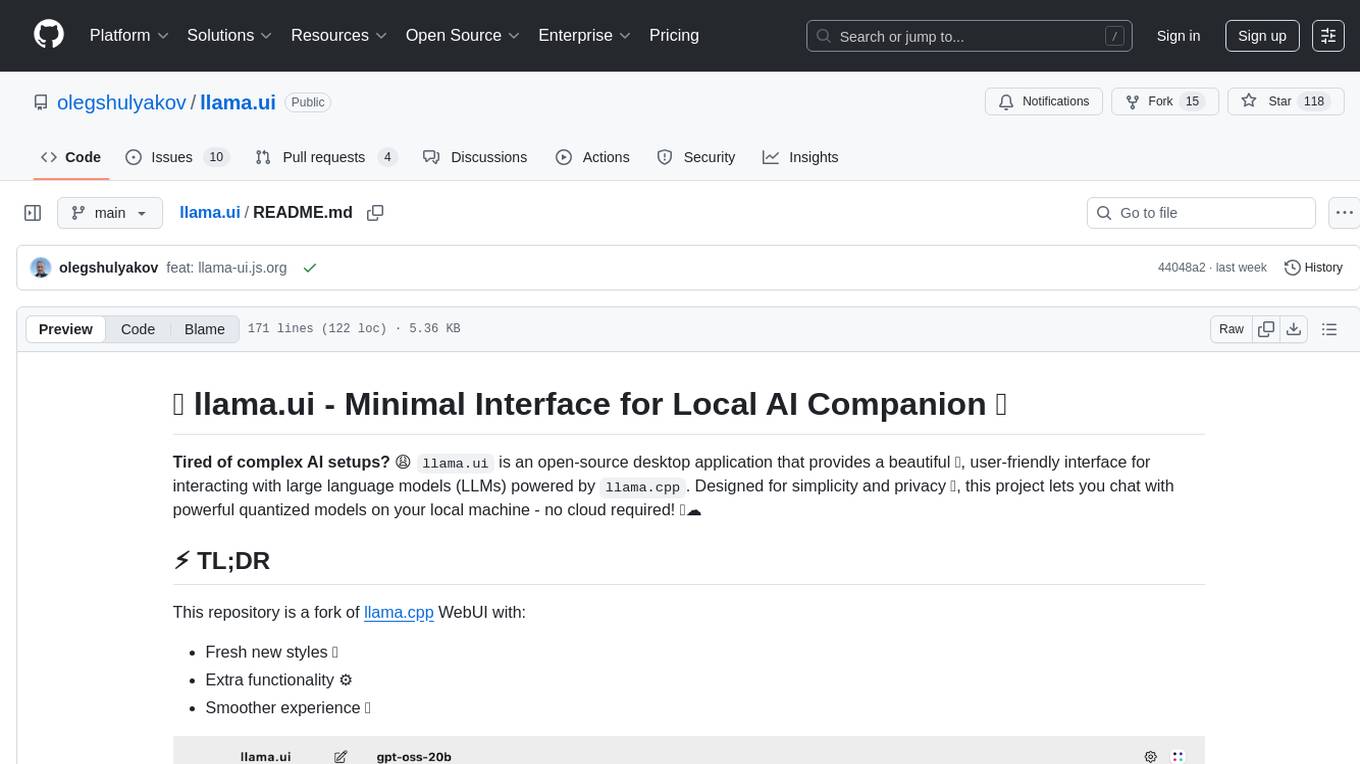
llama.ui
llama.ui is an open-source desktop application that provides a beautiful, user-friendly interface for interacting with large language models powered by llama.cpp. It is designed for simplicity and privacy, allowing users to chat with powerful quantized models on their local machine without the need for cloud services. The project offers multi-provider support, conversation management with indexedDB storage, rich UI components including markdown rendering and file attachments, advanced features like PWA support and customizable generation parameters, and is privacy-focused with all data stored locally in the browser.
ai-cookbook
The AI Cookbook is a collection of examples and tutorials designed to assist developers in building AI systems. It provides ready-to-use code snippets that can be easily integrated into various projects. The content covers practical guidance on creating AI solutions that are functional in real-world scenarios. The repository aims to support learners, freelancers, and businesses seeking AI expertise by offering valuable resources and insights.
OpenAIWorkshop
Azure OpenAI Service provides REST API access to OpenAI's powerful language models including GPT-3, Codex and Embeddings. Users can easily adapt models for content generation, summarization, semantic search, and natural language to code translation. The workshop covers basics, prompt engineering, common NLP tasks, generative tasks, conversational dialog, and learning methods. It guides users to build applications with PowerApp, query SQL data, create data pipelines, and work with proprietary datasets. Target audience includes Power Users, Software Engineers, Data Scientists, and AI architects and Managers.
chatmcp
Chatmcp is a chatbot framework for building conversational AI applications. It provides a flexible and extensible platform for creating chatbots that can interact with users in a natural language. With Chatmcp, developers can easily integrate chatbot functionality into their applications, enabling users to communicate with the system through text-based conversations. The framework supports various natural language processing techniques and allows for the customization of chatbot behavior and responses. Chatmcp simplifies the development of chatbots by providing a set of pre-built components and tools that streamline the creation process. Whether you are building a customer support chatbot, a virtual assistant, or a chat-based game, Chatmcp offers the necessary features and capabilities to bring your conversational AI ideas to life.
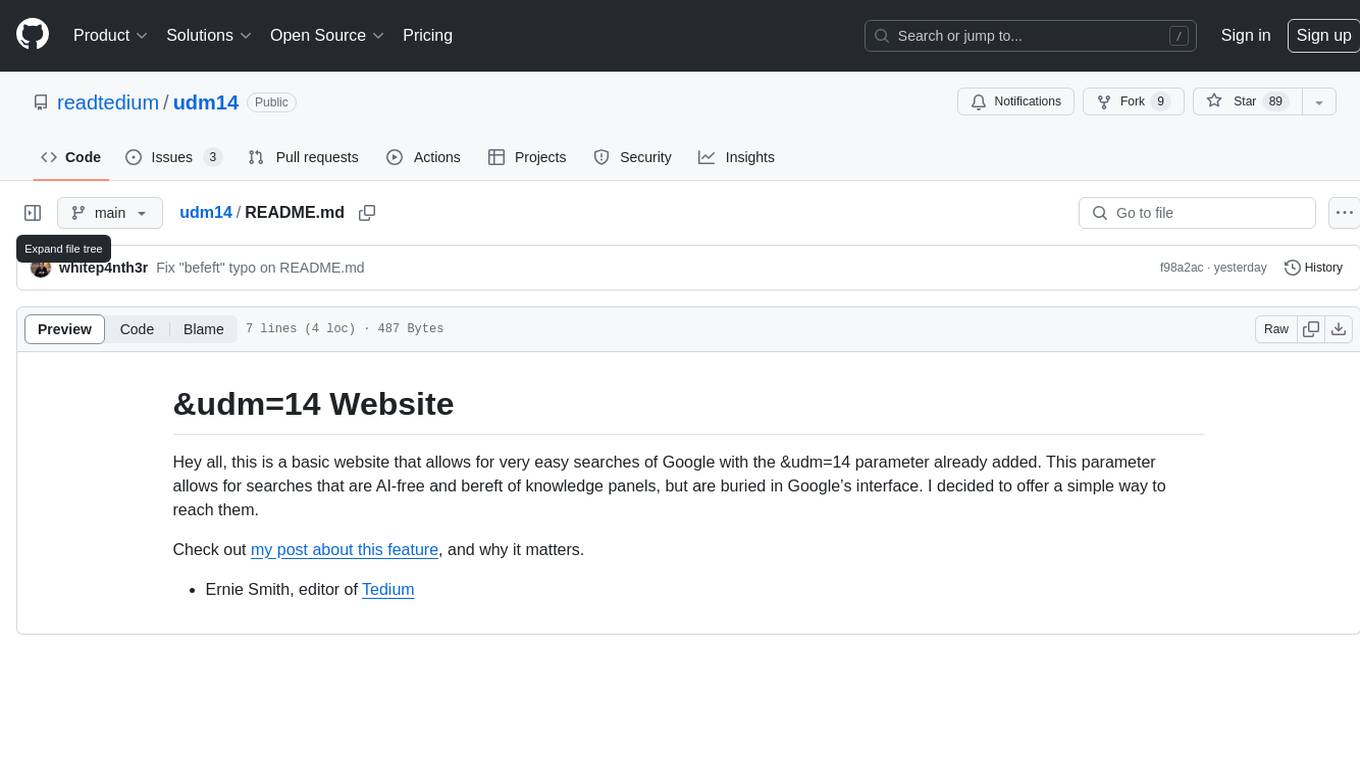
udm14
udm14 is a basic website designed to facilitate easy searches on Google with the &udm=14 parameter, ensuring AI-free results without knowledge panels. The tool simplifies access to these specific search results buried within Google's interface, providing a straightforward solution for users seeking this functionality.
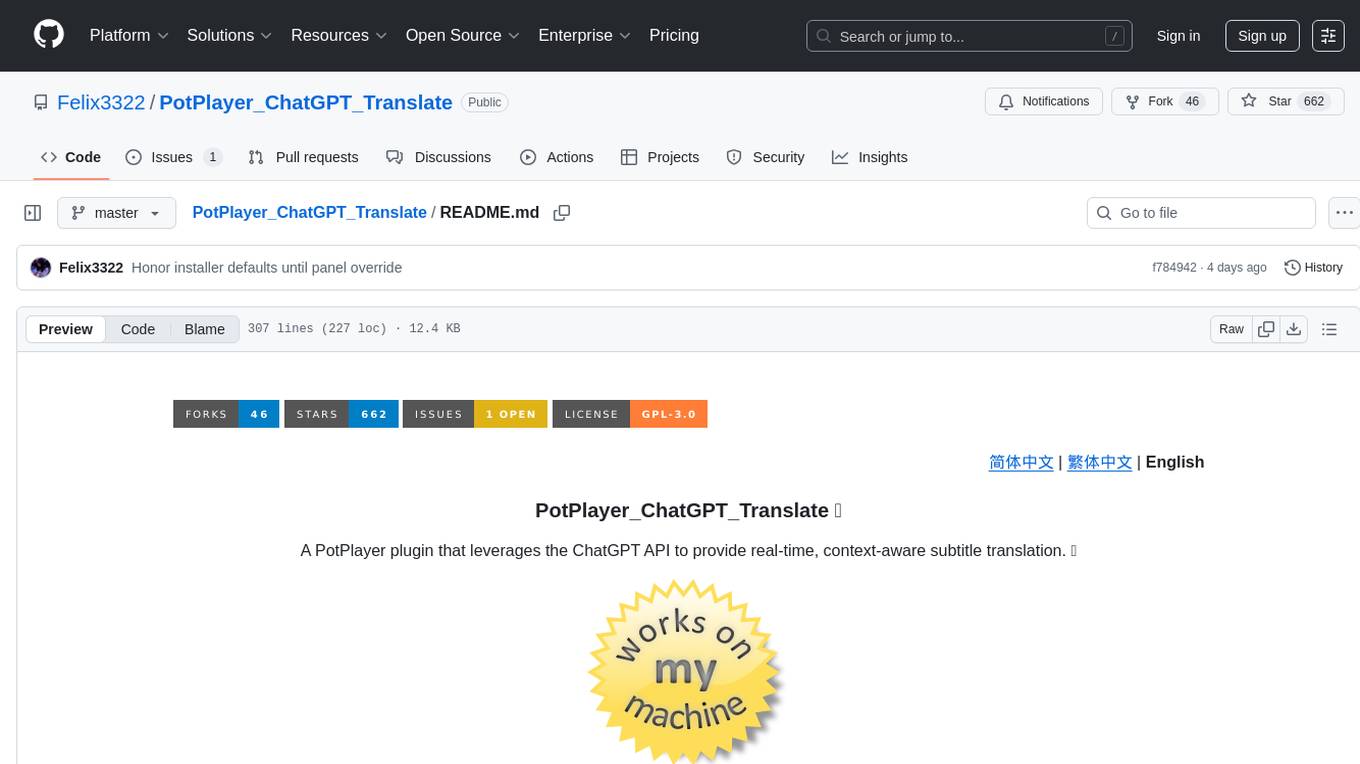
PotPlayer_ChatGPT_Translate
PotPlayer_ChatGPT_Translate is a GitHub repository that provides a script to integrate ChatGPT with PotPlayer for real-time translation of chat messages during video playback. The script utilizes the power of ChatGPT's natural language processing capabilities to translate chat messages in various languages, enhancing the viewing experience for users who consume video content with subtitles or chat interactions. By seamlessly integrating ChatGPT with PotPlayer, this tool offers a convenient solution for users to enjoy multilingual content without the need for manual translation efforts. The repository includes detailed instructions on how to set up and use the script, making it accessible for both novice and experienced users interested in leveraging AI-powered translation services within the PotPlayer environment.
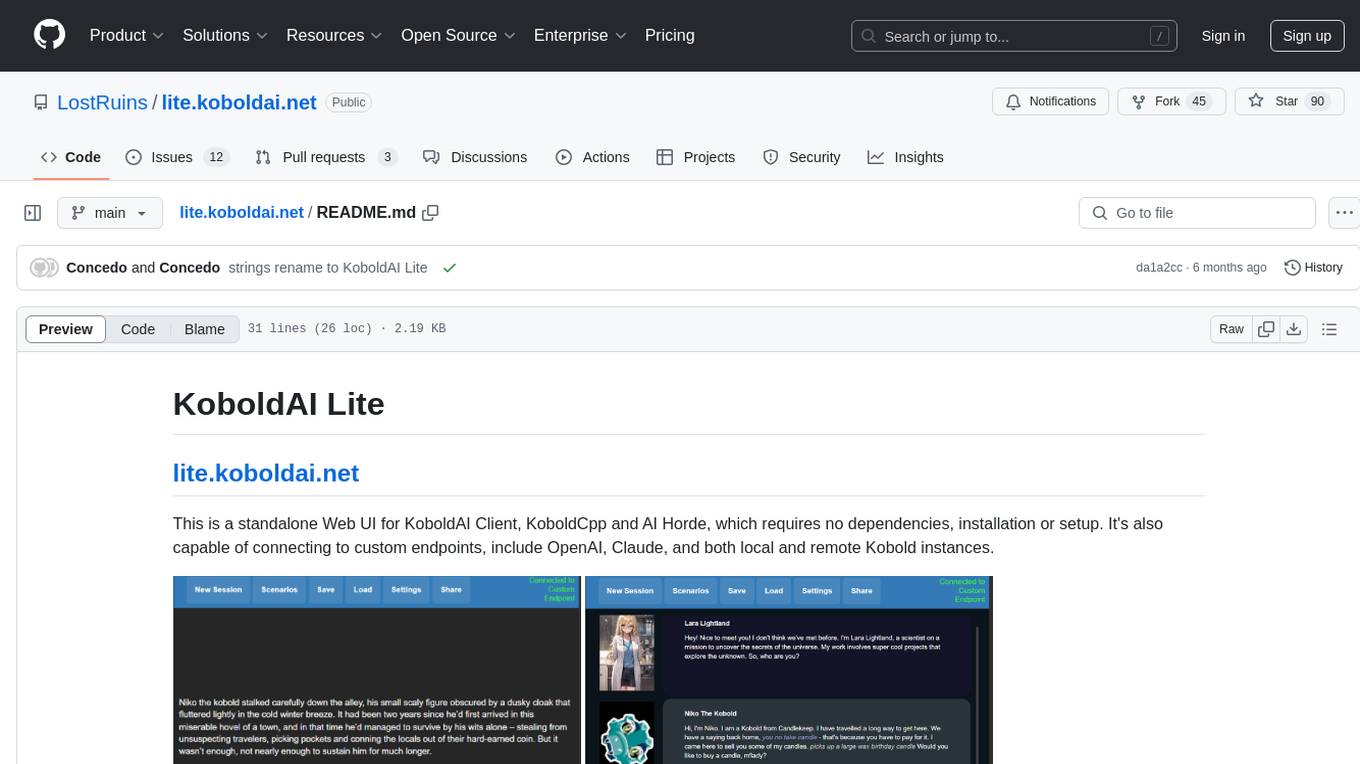
lite.koboldai.net
KoboldAI Lite is a standalone Web UI that serves as a text editor designed for use with generative LLMs. It is compatible with KoboldAI United and KoboldAI Client, bundled with KoboldCPP, and integrates with the AI Horde for text and image generation. The UI offers multiple modes for different writing styles, supports various file formats, includes premade scenarios, and allows easy sharing of stories. Users can enjoy features such as memory, undo/redo, text-to-speech, and a range of samplers and configurations. The tool is mobile-friendly and can be used directly from a browser without any setup or installation.
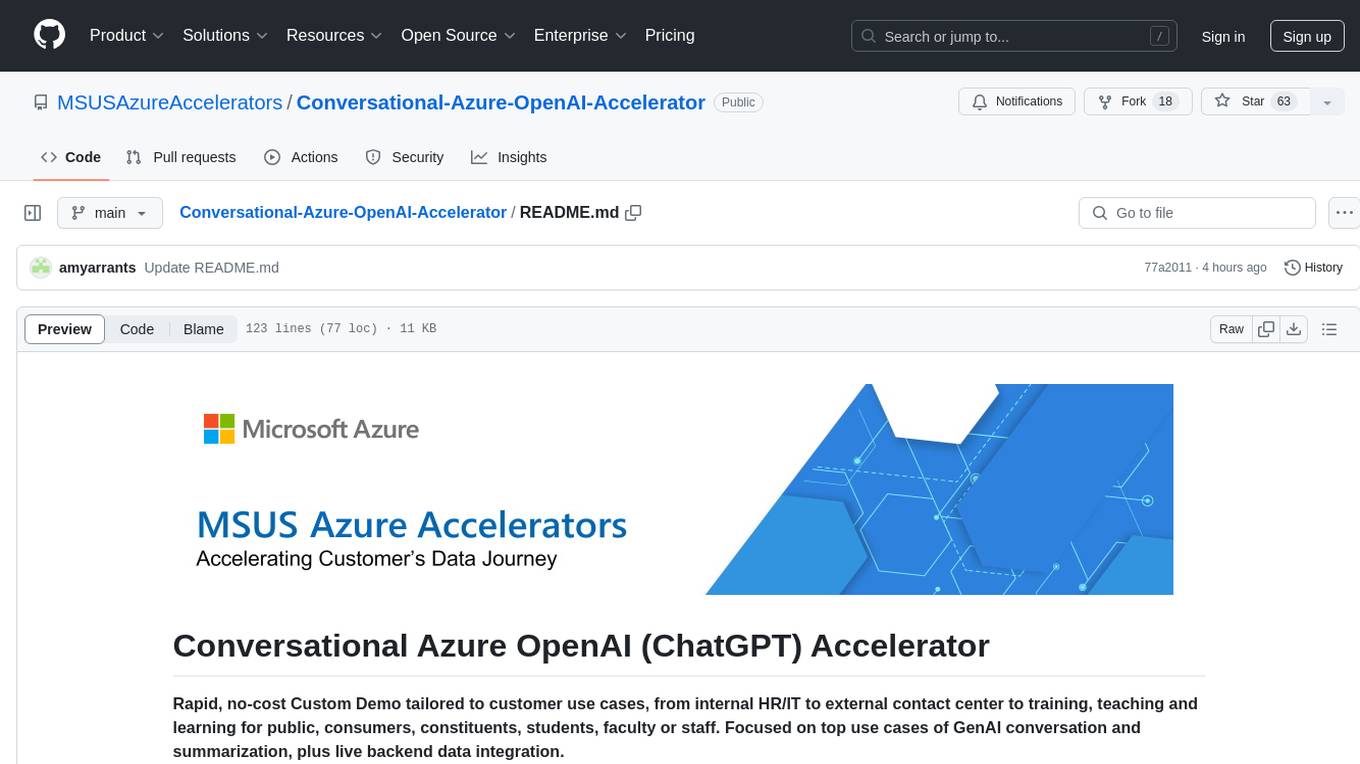
Conversational-Azure-OpenAI-Accelerator
The Conversational Azure OpenAI Accelerator is a tool designed to provide rapid, no-cost custom demos tailored to customer use cases, from internal HR/IT to external contact centers. It focuses on top use cases of GenAI conversation and summarization, plus live backend data integration. The tool automates conversations across voice and text channels, providing a valuable way to save money and improve customer and employee experience. By combining Azure OpenAI + Cognitive Search, users can efficiently deploy a ChatGPT experience using web pages, knowledge base articles, and data sources. The tool enables simultaneous deployment of conversational content to chatbots, IVR, voice assistants, and more in one click, eliminating the need for in-depth IT involvement. It leverages Microsoft's advanced AI technologies, resulting in a conversational experience that can converse in human-like dialogue, respond intelligently, and capture content for omni-channel unified analytics.
For similar tasks
serverless-chat-langchainjs
This sample shows how to build a serverless chat experience with Retrieval-Augmented Generation using LangChain.js and Azure. The application is hosted on Azure Static Web Apps and Azure Functions, with Azure Cosmos DB for MongoDB vCore as the vector database. You can use it as a starting point for building more complex AI applications.
ChatGPT-Telegram-Bot
ChatGPT Telegram Bot is a Telegram bot that provides a smooth AI experience. It supports both Azure OpenAI and native OpenAI, and offers real-time (streaming) response to AI, with a faster and smoother experience. The bot also has 15 preset bot identities that can be quickly switched, and supports custom bot identities to meet personalized needs. Additionally, it supports clearing the contents of the chat with a single click, and restarting the conversation at any time. The bot also supports native Telegram bot button support, making it easy and intuitive to implement required functions. User level division is also supported, with different levels enjoying different single session token numbers, context numbers, and session frequencies. The bot supports English and Chinese on UI, and is containerized for easy deployment.
supersonic
SuperSonic is a next-generation BI platform that integrates Chat BI (powered by LLM) and Headless BI (powered by semantic layer) paradigms. This integration ensures that Chat BI has access to the same curated and governed semantic data models as traditional BI. Furthermore, the implementation of both paradigms benefits from the integration: * Chat BI's Text2SQL gets augmented with context-retrieval from semantic models. * Headless BI's query interface gets extended with natural language API. SuperSonic provides a Chat BI interface that empowers users to query data using natural language and visualize the results with suitable charts. To enable such experience, the only thing necessary is to build logical semantic models (definition of metric/dimension/tag, along with their meaning and relationships) through a Headless BI interface. Meanwhile, SuperSonic is designed to be extensible and composable, allowing custom implementations to be added and configured with Java SPI. The integration of Chat BI and Headless BI has the potential to enhance the Text2SQL generation in two dimensions: 1. Incorporate data semantics (such as business terms, column values, etc.) into the prompt, enabling LLM to better understand the semantics and reduce hallucination. 2. Offload the generation of advanced SQL syntax (such as join, formula, etc.) from LLM to the semantic layer to reduce complexity. With these ideas in mind, we develop SuperSonic as a practical reference implementation and use it to power our real-world products. Additionally, to facilitate further development we decide to open source SuperSonic as an extensible framework.
chat-ollama
ChatOllama is an open-source chatbot based on LLMs (Large Language Models). It supports a wide range of language models, including Ollama served models, OpenAI, Azure OpenAI, and Anthropic. ChatOllama supports multiple types of chat, including free chat with LLMs and chat with LLMs based on a knowledge base. Key features of ChatOllama include Ollama models management, knowledge bases management, chat, and commercial LLMs API keys management.
ChatIDE
ChatIDE is an AI assistant that integrates with your IDE, allowing you to converse with OpenAI's ChatGPT or Anthropic's Claude within your development environment. It provides a seamless way to access AI-powered assistance while coding, enabling you to get real-time help, generate code snippets, debug errors, and brainstorm ideas without leaving your IDE.
azure-search-openai-javascript
This sample demonstrates a few approaches for creating ChatGPT-like experiences over your own data using the Retrieval Augmented Generation pattern. It uses Azure OpenAI Service to access the ChatGPT model (gpt-35-turbo), and Azure AI Search for data indexing and retrieval.
xiaogpt
xiaogpt is a tool that allows you to play ChatGPT and other LLMs with Xiaomi AI Speaker. It supports ChatGPT, New Bing, ChatGLM, Gemini, Doubao, and Tongyi Qianwen. You can use it to ask questions, get answers, and have conversations with AI assistants. xiaogpt is easy to use and can be set up in a few minutes. It is a great way to experience the power of AI and have fun with your Xiaomi AI Speaker.
googlegpt
GoogleGPT is a browser extension that brings the power of ChatGPT to Google Search. With GoogleGPT, you can ask ChatGPT questions and get answers directly in your search results. You can also use GoogleGPT to generate text, translate languages, and more. GoogleGPT is compatible with all major browsers, including Chrome, Firefox, Edge, and Safari.
For similar jobs
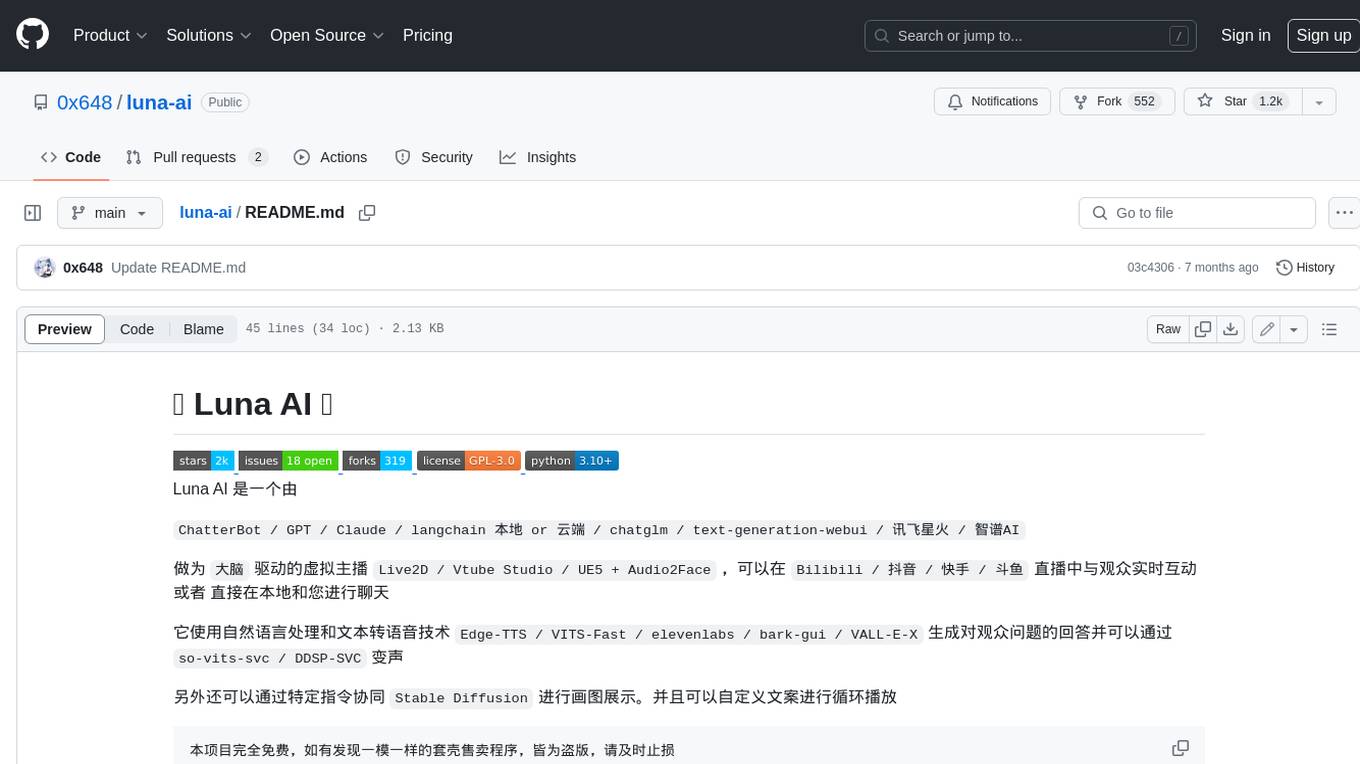
luna-ai
Luna AI is a virtual streamer driven by a 'brain' composed of ChatterBot, GPT, Claude, langchain, chatglm, text-generation-webui, 讯飞星火, 智谱AI. It can interact with viewers in real-time during live streams on platforms like Bilibili, Douyin, Kuaishou, Douyu, or chat with you locally. Luna AI uses natural language processing and text-to-speech technologies like Edge-TTS, VITS-Fast, elevenlabs, bark-gui, VALL-E-X to generate responses to viewer questions and can change voice using so-vits-svc, DDSP-SVC. It can also collaborate with Stable Diffusion for drawing displays and loop custom texts. This project is completely free, and any identical copycat selling programs are pirated, please stop them promptly.
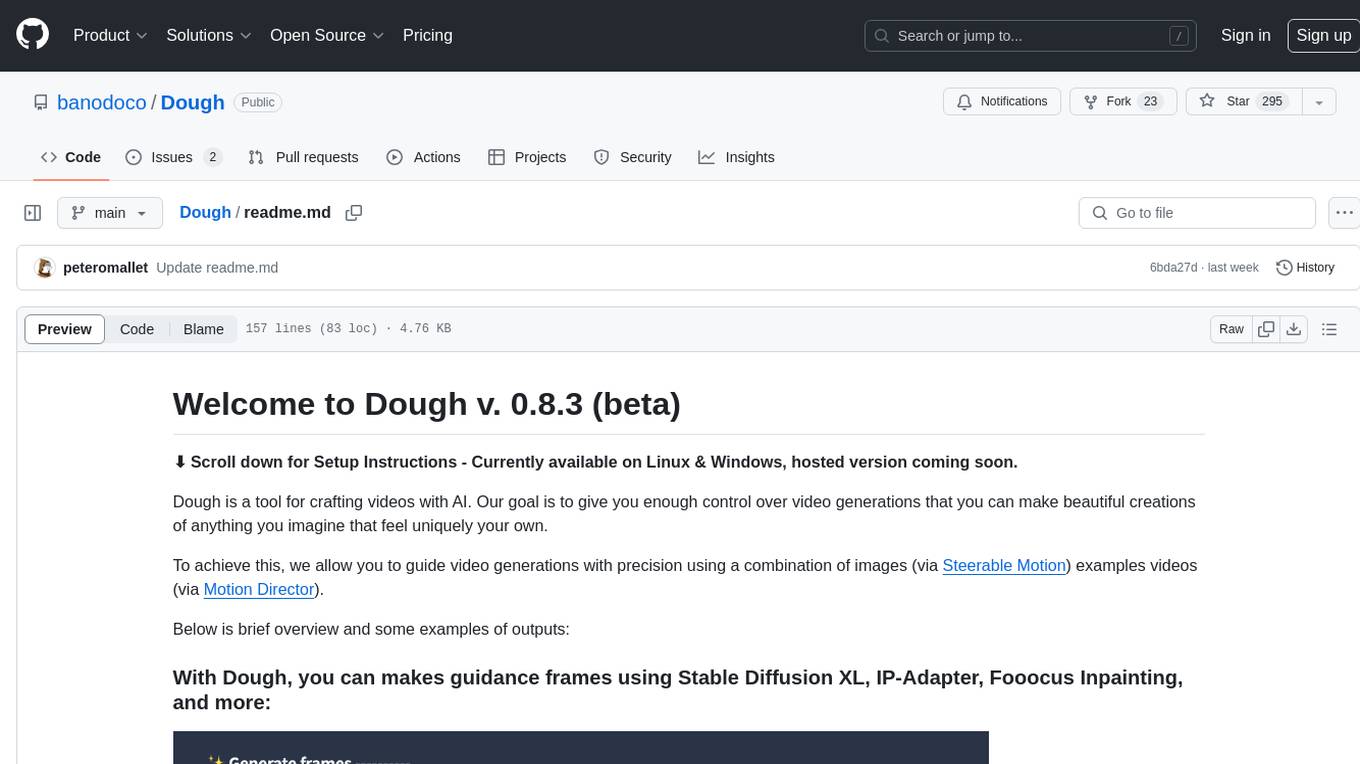
Dough
Dough is a tool for crafting videos with AI, allowing users to guide video generations with precision using images and example videos. Users can create guidance frames, assemble shots, and animate them by defining parameters and selecting guidance videos. The tool aims to help users make beautiful and unique video creations, providing control over the generation process. Setup instructions are available for Linux and Windows platforms, with detailed steps for installation and running the app.
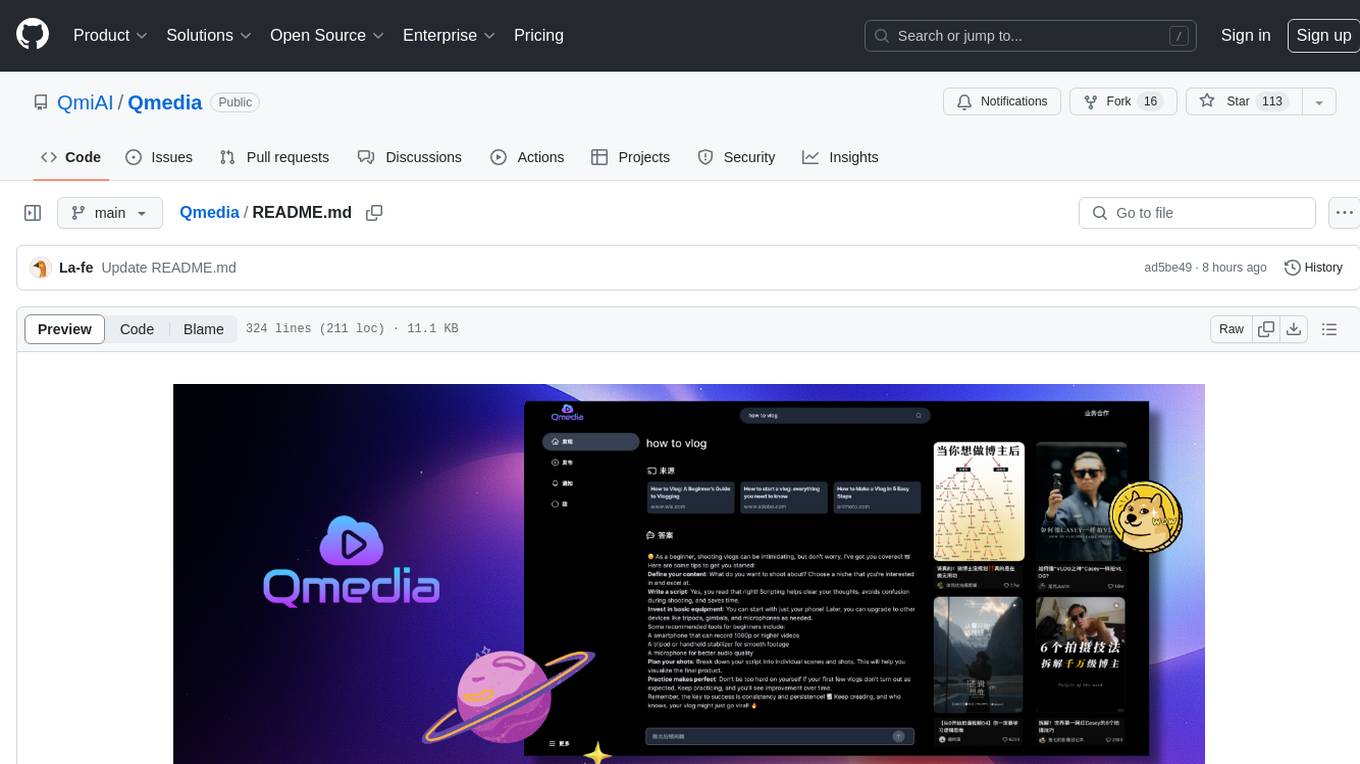
Qmedia
QMedia is an open-source multimedia AI content search engine designed specifically for content creators. It provides rich information extraction methods for text, image, and short video content. The tool integrates unstructured text, image, and short video information to build a multimodal RAG content Q&A system. Users can efficiently search for image/text and short video materials, analyze content, provide content sources, and generate customized search results based on user interests and needs. QMedia supports local deployment for offline content search and Q&A for private data. The tool offers features like content cards display, multimodal content RAG search, and pure local multimodal models deployment. Users can deploy different types of models locally, manage language models, feature embedding models, image models, and video models. QMedia aims to spark new ideas for content creation and share AI content creation concepts in an open-source manner.
ai-shifu
AI-Shifu is an AI-led chat flow tool powered by LLM that provides an interactive and immersive experience for users. It allows users to follow a preset chat flow while being able to ask questions and affect the conversation. The tool can make personalized outputs based on user identity, interests, and preferences, making users feel like they are receiving one-on-one service. It is suitable for education, storytelling, product guides, surveys, and game NPC scenarios.
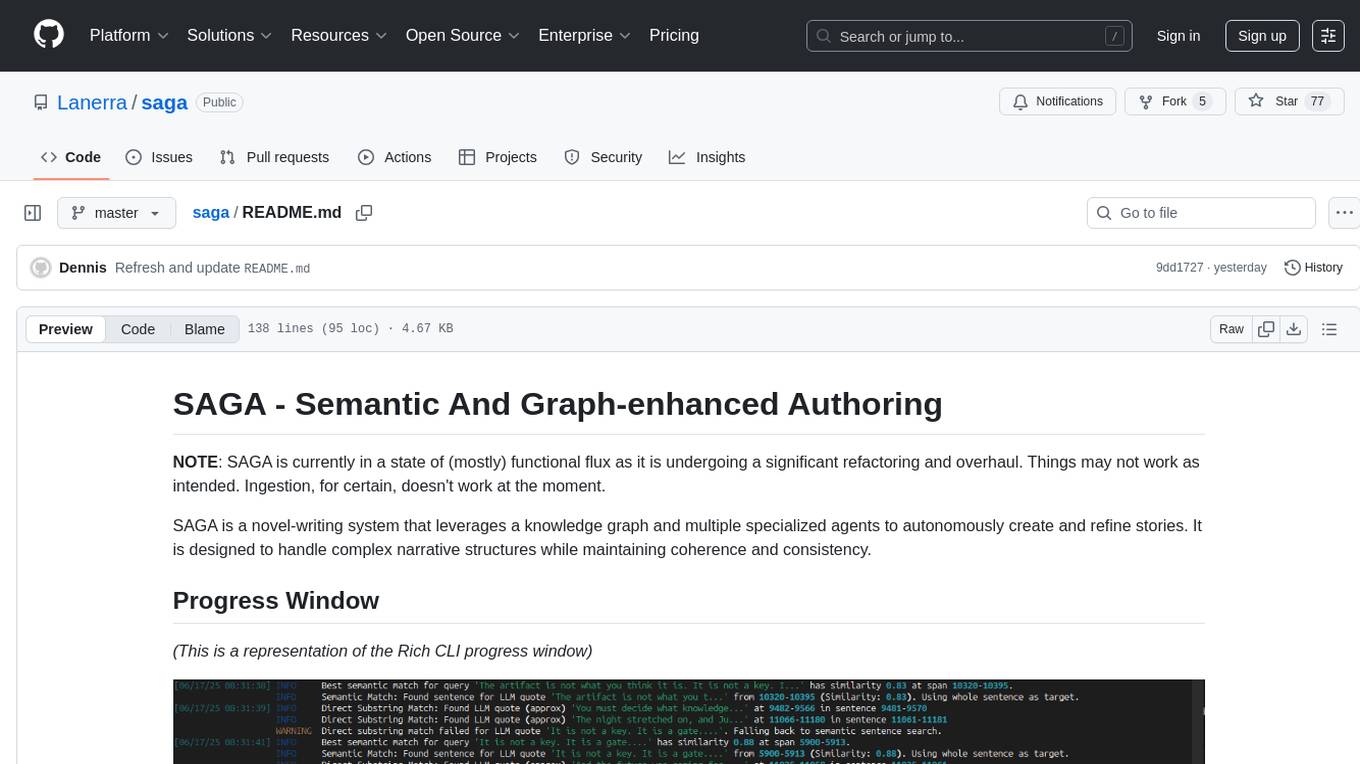
saga
SAGA is a novel-writing system that leverages a knowledge graph and specialized agents to autonomously create and refine stories. It handles complex narrative structures while maintaining coherence and consistency. Features include a Knowledge Graph using Neo4j, Modular Agent Architecture, LLM Integration, Configurable Generation Parameters, Robust Testing Framework, Code Quality enforcement, Vector Search, and Agentic Planning. The system structure includes components for specialized agents, core components, data access, documentation, initialization scripts, Pydantic models, output directory, orchestrator logic, text processing tools, UI components, utility functions, and more.
sora-prompt
Sora Prompt Collection is a repository dedicated to inspiring AI-driven video creation with Sora, an AI model that can create realistic and imaginative scenes from text instructions. The repository provides prompt words and video generation tips to help users quickly start using Sora for text-to-video, animation, video editing, image generation, and more. It offers a variety of examples ranging from stylish urban scenes to fantastical creatures in vibrant settings. Users can find prompt examples based on different video styles and modify them as needed.
ChatFAQ
ChatFAQ is an open-source comprehensive platform for creating a wide variety of chatbots: generic ones, business-trained, or even capable of redirecting requests to human operators. It includes a specialized NLP/NLG engine based on a RAG architecture and customized chat widgets, ensuring a tailored experience for users and avoiding vendor lock-in.

agentcloud
AgentCloud is an open-source platform that enables companies to build and deploy private LLM chat apps, empowering teams to securely interact with their data. It comprises three main components: Agent Backend, Webapp, and Vector Proxy. To run this project locally, clone the repository, install Docker, and start the services. The project is licensed under the GNU Affero General Public License, version 3 only. Contributions and feedback are welcome from the community.