


The-Creator-AI
AI Coding assistant for large and complex codebases.
Stars: 132
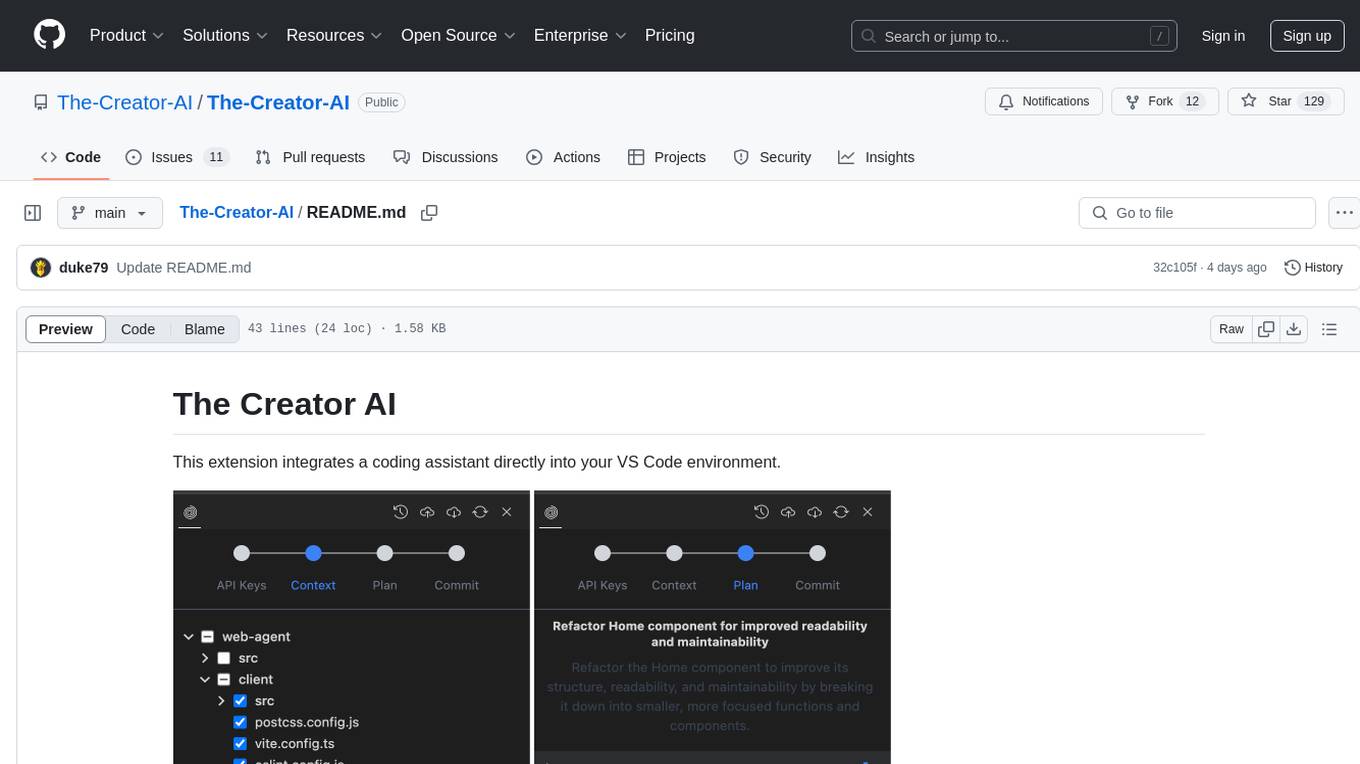
The Creator AI is a VS Code extension that integrates a coding assistant allowing users to choose files/folders through UI and describe code changes for AI-generated implementation plans. It requires an API key for Gemini or OpenAI. The extension follows VS Code guidelines and best practices, providing functionalities like basic chat, change plan, and file explorer. Users can edit the README using Visual Studio Code with useful keyboard shortcuts. Enjoy enhanced coding experience with The Creator AI.
README:
This extension integrates a coding assistant directly into your VS Code environment.
- Context chooser: Choose files/folders through UI which are to be kept in the context.
- Code Change Plan: Describe code changes you'd like to plan, and the AI will generate a plan for implementation.
This extension requires an API key for either Gemini or OpenAI. You'll be prompted to enter your key when you first use the extension.
Initial release of the Creator AI extension with basic chat, change plan, and file explorer functionalities.
This extension adheres to the VS Code extension guidelines and best practices.
You can edit this README using Visual Studio Code. Some useful keyboard shortcuts:
- Split the editor (
Cmd+\on macOS orCtrl+\on Windows and Linux). - Toggle preview (
Shift+Cmd+Von macOS orShift+Ctrl+Von Windows and Linux). - Press
Ctrl+Space(Windows, Linux, macOS) for Markdown snippets.
Enjoy!
For Tasks:
Click tags to check more tools for each tasksFor Jobs:
Alternative AI tools for The-Creator-AI
Similar Open Source Tools
The-Creator-AI
The Creator AI is a VS Code extension that integrates a coding assistant allowing users to choose files/folders through UI and describe code changes for AI-generated implementation plans. It requires an API key for Gemini or OpenAI. The extension follows VS Code guidelines and best practices, providing functionalities like basic chat, change plan, and file explorer. Users can edit the README using Visual Studio Code with useful keyboard shortcuts. Enjoy enhanced coding experience with The Creator AI.
Visual-Code-Space
Visual Code Space is a modern code editor designed specifically for Android devices. It offers a seamless and efficient coding environment with features like blazing fast file explorer, multi-language syntax highlighting, tabbed editor, integrated terminal emulator, ad-free experience, and plugin support. Users can enhance their mobile coding experience with this cutting-edge editor that allows customization through custom plugins written in BeanShell. The tool aims to simplify coding on the go by providing a user-friendly interface and powerful functionalities.
eidos
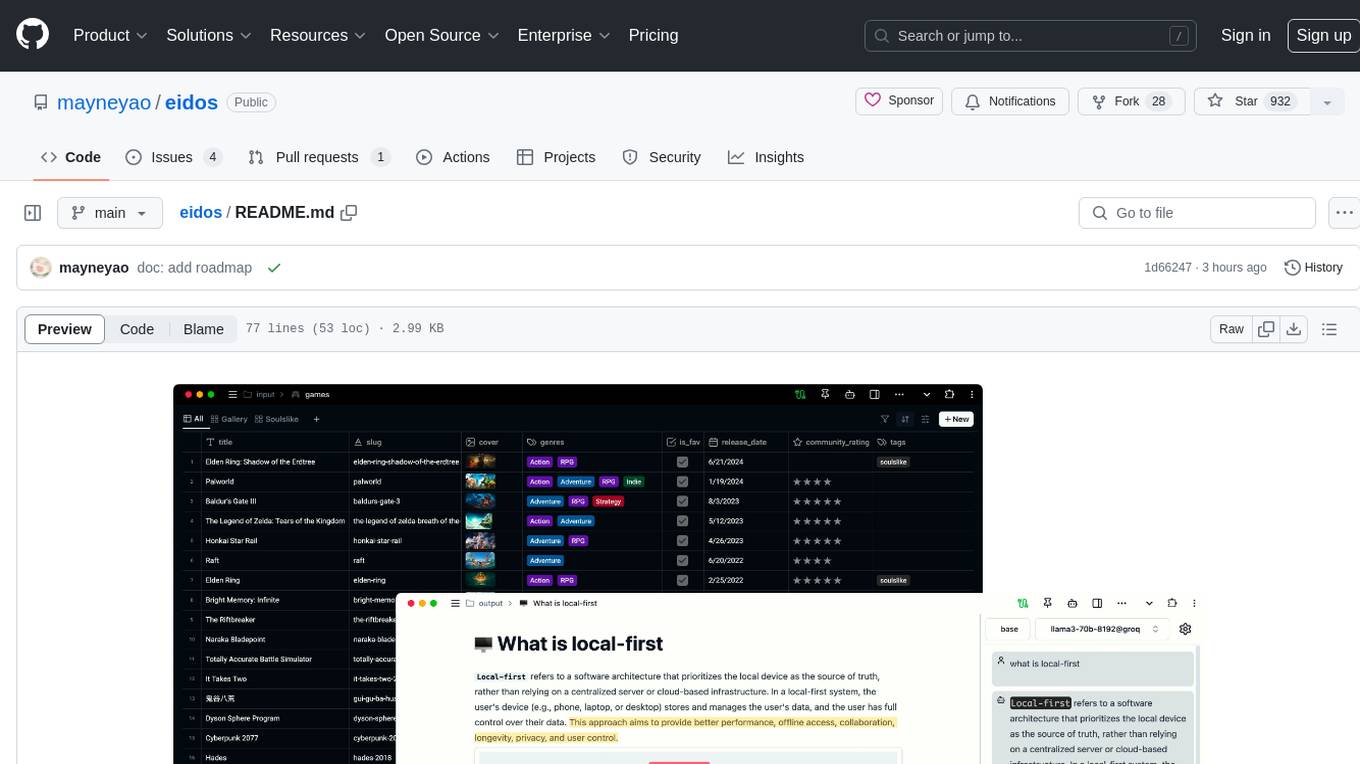
Eidos is an extensible framework for managing personal data in one place. It runs inside the browser as a PWA with offline support. It integrates AI features for translation, summarization, and data interaction. Users can customize Eidos with Prompt extension, JavaScript for Formula functions, TypeScript/JavaScript for data processing logic, and build apps using any framework. Eidos is developer-friendly with API & SDK, and uses SQLite standardization for data tables.
frontman
Frontman is a framework-integrated AI coding agent that allows users to edit their frontend directly in the browser. It enables users to point at any element in their running app, describe the change they want, and Frontman edits the source code for them without the need for copy-pasting or context switching. The tool supports popular frameworks like Next.js, Astro, and Vite, providing features such as point-and-click editing, real-time streaming of AI-generated edits, and framework-aware context. Frontman also offers an open protocol layer for decoupled and extensible client, server, and framework adapters.
twinny
Twinny is a free and open-source AI code completion plugin for Visual Studio Code and compatible editors. It integrates with various tools and frameworks, including Ollama, llama.cpp, oobabooga/text-generation-webui, LM Studio, LiteLLM, and Open WebUI. Twinny offers features such as fill-in-the-middle code completion, chat with AI about your code, customizable API endpoints, and support for single or multiline fill-in-middle completions. It is easy to install via the Visual Studio Code extensions marketplace and provides a range of customization options. Twinny supports both online and offline operation and conforms to the OpenAI API standard.

QodeAssist
QodeAssist is an AI-powered coding assistant plugin for Qt Creator, offering intelligent code completion and suggestions for C++ and QML. It leverages large language models like Ollama to enhance coding productivity with context-aware AI assistance directly in the Qt development environment. The plugin supports multiple LLM providers, extensive model-specific templates, and easy configuration for enhanced coding experience.
ai-chat-android
AI Chat Android demonstrates Google's Generative AI on Android with Firebase Realtime Database. It showcases Gemini API integration, Jetpack Compose UI elements, Android architecture components with Hilt, Kotlin Coroutines for background tasks, and Firebase Realtime Database integration for real-time events. The project follows Google's official architecture guidance with a modularized structure for reusability, parallel building, and decentralized focusing.
AI-Office-Translator
AI-Office-Translator is a free, fully localized, user-friendly translation tool that helps you translate Office files (Word, PowerPoint, and Excel) between different languages. It supports .docx, .pptx, and .xlsx files and allows translation between English, Chinese, and Japanese. Users can run the tool after installing CUDA, downloading Ollama dependencies and models, setting up a virtual environment (optional), and installing requirements. The tool provides a UI where users can select languages, models, upload files for translation, start translation, and download translated files. It also supports an online mode with API key integration. The software is open-source under GPL-3.0 license and only provides AI translation services, with users expected to engage in legal translation activities.
ProxyAI
ProxyAI is an open-source AI copilot for JetBrains, offering advanced code assistance features powered by top-tier language models. Users can customize their coding experience, receive AI-suggested code changes, autocomplete suggestions, and context-aware naming suggestions. The tool also allows users to chat with images, reference project files and folders, web docs, git history, and search the web. ProxyAI prioritizes user privacy by not collecting sensitive information and only gathering anonymous usage data with consent.
wp-autoplugin
WP-Autoplugin is a free WordPress plugin that uses AI to assist in generating, fixing, and extending plugins on-demand. It enables users to quickly create functional plugins from simple descriptions, addressing specific needs without unnecessary bloat. Users can generate plugins using AI, fix and extend existing plugins, have full control over the generation process, view the list of generated plugins for easy management, and auto-detect fatal errors. The plugin offers practical solutions for creating lightweight alternatives, custom solutions, and developer foundations. It supports various AI models like GPT-3.5 Turbo, GPT-4, Claude 3.5 Sonnet, Google Gemini Flash 2.0, xAI Grok-beta, and more. WP-Autoplugin is completely free, open-source, privacy-focused, and allows users to bring their own API key for AI usage.
devchat
DevChat is an open-source workflow engine that enables developers to create intelligent, automated workflows for engaging with users through a chat panel within their IDEs. It combines script writing flexibility, latest AI models, and an intuitive chat GUI to enhance user experience and productivity. DevChat simplifies the integration of AI in software development, unlocking new possibilities for developers.
code-companion
CodeCompanion.AI is an AI coding assistant desktop app that helps with various coding tasks. It features an interactive chat interface, file system operations, web search capabilities, semantic code search, a fully functional terminal, code preview and approval, unlimited context window, dynamic context management, and more. Users can save chat conversations and set custom instructions per project.
CodeGPT
CodeGPT is an extension for JetBrains IDEs that provides access to state-of-the-art large language models (LLMs) for coding assistance. It offers a range of features to enhance the coding experience, including code completions, a ChatGPT-like interface for instant coding advice, commit message generation, reference file support, name suggestions, and offline development support. CodeGPT is designed to keep privacy in mind, ensuring that user data remains secure and private.
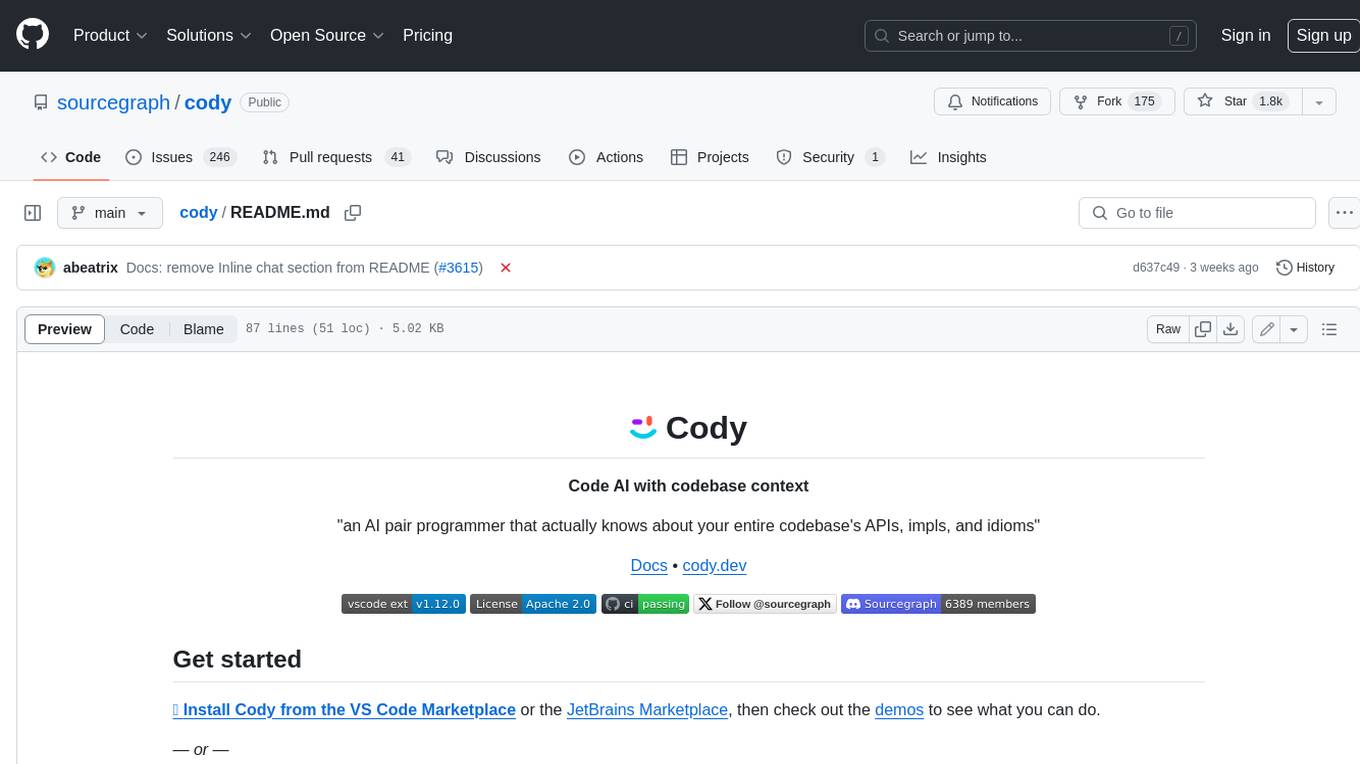
cody
Cody is a free, open-source AI coding assistant that can write and fix code, provide AI-generated autocomplete, and answer your coding questions. Cody fetches relevant code context from across your entire codebase to write better code that uses more of your codebase's APIs, impls, and idioms, with less hallucination.
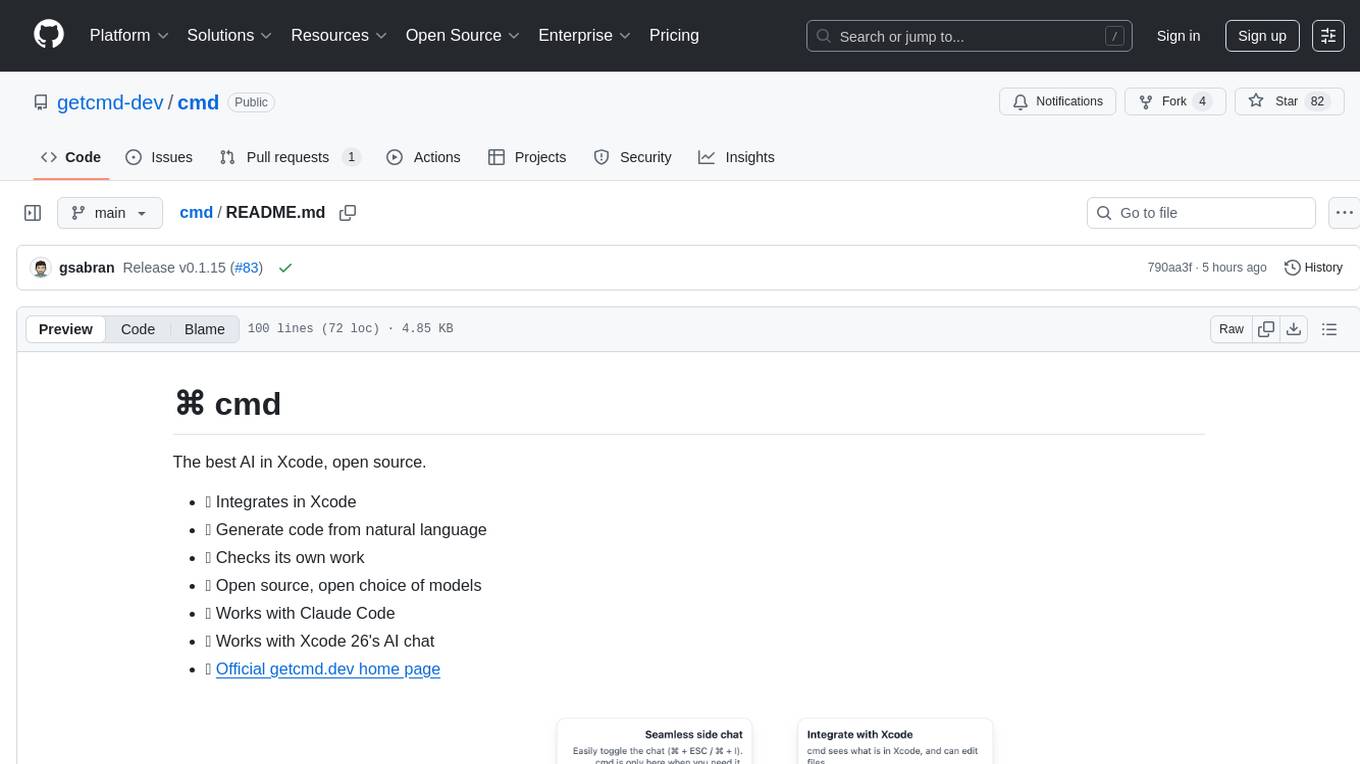
cmd
⌘ cmd is an open-source AI tool that seamlessly integrates into Xcode, allowing users to generate code from natural language, check its own work, and choose from a variety of AI models. It provides an agentic AI experience in Xcode, ensures data privacy by running locally, and supports multiple AI providers. Users can interact with cmd through Xcode or its own UI, and benefit from features like Claude Code integration and autonomous task delegation.
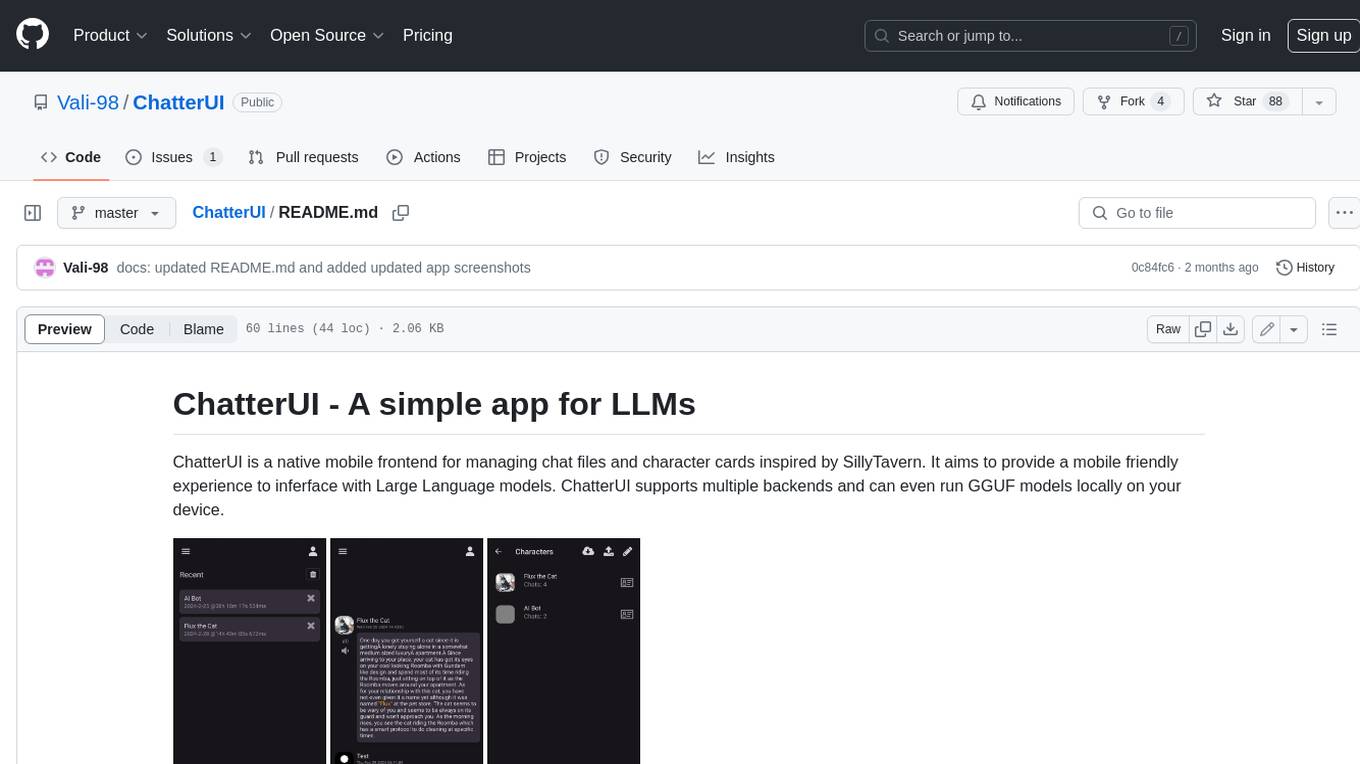
ChatterUI
ChatterUI is a mobile app that allows users to manage chat files and character cards, and to interact with Large Language Models (LLMs). It supports multiple backends, including local, koboldcpp, text-generation-webui, Generic Text Completions, AI Horde, Mancer, Open Router, and OpenAI. ChatterUI provides a mobile-friendly interface for interacting with LLMs, making it easy to use them for a variety of tasks, such as generating text, translating languages, writing code, and answering questions.
For similar tasks
The-Creator-AI
The Creator AI is a VS Code extension that integrates a coding assistant allowing users to choose files/folders through UI and describe code changes for AI-generated implementation plans. It requires an API key for Gemini or OpenAI. The extension follows VS Code guidelines and best practices, providing functionalities like basic chat, change plan, and file explorer. Users can edit the README using Visual Studio Code with useful keyboard shortcuts. Enjoy enhanced coding experience with The Creator AI.
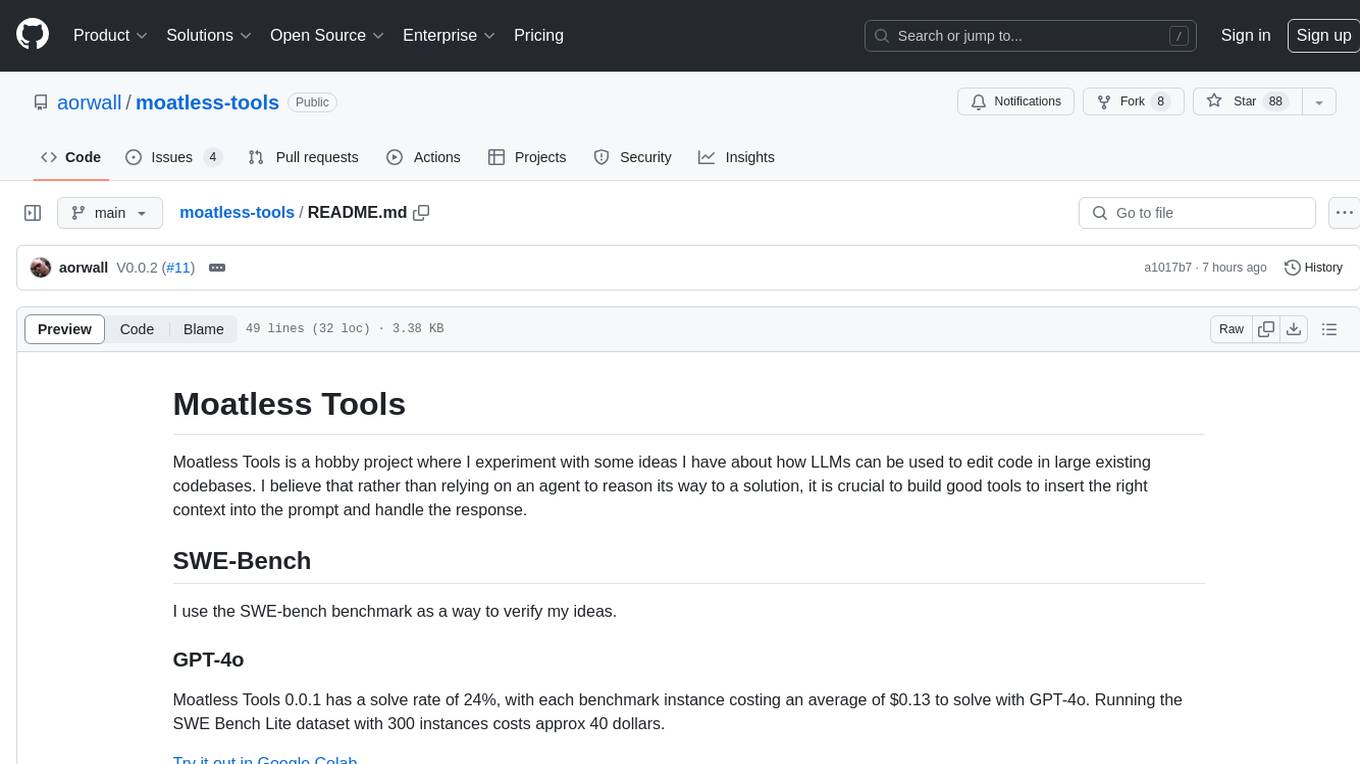
moatless-tools
Moatless Tools is a hobby project focused on experimenting with using Large Language Models (LLMs) to edit code in large existing codebases. The project aims to build tools that insert the right context into prompts and handle responses effectively. It utilizes an agentic loop functioning as a finite state machine to transition between states like Search, Identify, PlanToCode, ClarifyChange, and EditCode for code editing tasks.
RA.Aid
RA.Aid is an AI software development agent powered by `aider` and advanced reasoning models like `o1`. It combines `aider`'s code editing capabilities with LangChain's agent-based task execution framework to provide an intelligent assistant for research, planning, and implementation of multi-step development tasks. It handles complex programming tasks by breaking them down into manageable steps, running shell commands automatically, and leveraging expert reasoning models like OpenAI's o1. RA.Aid is designed for everyday software development, offering features such as multi-step task planning, automated command execution, and the ability to handle complex programming tasks beyond single-shot code edits.
For similar jobs

sweep
Sweep is an AI junior developer that turns bugs and feature requests into code changes. It automatically handles developer experience improvements like adding type hints and improving test coverage.

teams-ai
The Teams AI Library is a software development kit (SDK) that helps developers create bots that can interact with Teams and Microsoft 365 applications. It is built on top of the Bot Framework SDK and simplifies the process of developing bots that interact with Teams' artificial intelligence capabilities. The SDK is available for JavaScript/TypeScript, .NET, and Python.

ai-guide
This guide is dedicated to Large Language Models (LLMs) that you can run on your home computer. It assumes your PC is a lower-end, non-gaming setup.

classifai
Supercharge WordPress Content Workflows and Engagement with Artificial Intelligence. Tap into leading cloud-based services like OpenAI, Microsoft Azure AI, Google Gemini and IBM Watson to augment your WordPress-powered websites. Publish content faster while improving SEO performance and increasing audience engagement. ClassifAI integrates Artificial Intelligence and Machine Learning technologies to lighten your workload and eliminate tedious tasks, giving you more time to create original content that matters.

chatbot-ui
Chatbot UI is an open-source AI chat app that allows users to create and deploy their own AI chatbots. It is easy to use and can be customized to fit any need. Chatbot UI is perfect for businesses, developers, and anyone who wants to create a chatbot.

BricksLLM
BricksLLM is a cloud native AI gateway written in Go. Currently, it provides native support for OpenAI, Anthropic, Azure OpenAI and vLLM. BricksLLM aims to provide enterprise level infrastructure that can power any LLM production use cases. Here are some use cases for BricksLLM: * Set LLM usage limits for users on different pricing tiers * Track LLM usage on a per user and per organization basis * Block or redact requests containing PIIs * Improve LLM reliability with failovers, retries and caching * Distribute API keys with rate limits and cost limits for internal development/production use cases * Distribute API keys with rate limits and cost limits for students

uAgents
uAgents is a Python library developed by Fetch.ai that allows for the creation of autonomous AI agents. These agents can perform various tasks on a schedule or take action on various events. uAgents are easy to create and manage, and they are connected to a fast-growing network of other uAgents. They are also secure, with cryptographically secured messages and wallets.

griptape
Griptape is a modular Python framework for building AI-powered applications that securely connect to your enterprise data and APIs. It offers developers the ability to maintain control and flexibility at every step. Griptape's core components include Structures (Agents, Pipelines, and Workflows), Tasks, Tools, Memory (Conversation Memory, Task Memory, and Meta Memory), Drivers (Prompt and Embedding Drivers, Vector Store Drivers, Image Generation Drivers, Image Query Drivers, SQL Drivers, Web Scraper Drivers, and Conversation Memory Drivers), Engines (Query Engines, Extraction Engines, Summary Engines, Image Generation Engines, and Image Query Engines), and additional components (Rulesets, Loaders, Artifacts, Chunkers, and Tokenizers). Griptape enables developers to create AI-powered applications with ease and efficiency.