


newapi-ai-check-in
基于 NewAPI 的站点签到
Stars: 85
The newapi.ai-check-in repository is designed for automatically signing in with multiple accounts on public welfare websites. It supports various features such as single/multiple account automatic check-ins, multiple robot notifications, Linux.do and GitHub login authentication, and Cloudflare bypass. Users can fork the repository, set up GitHub environment secrets, configure multiple account formats, enable GitHub Actions, and test the check-in process manually. The script runs every 8 hours and users can trigger manual check-ins at any time. Notifications can be enabled through email, DingTalk, Feishu, WeChat Work, PushPlus, ServerChan, and Telegram bots. To prevent automatic disabling of Actions due to inactivity, users can set up a trigger PAT in the GitHub settings. The repository also provides troubleshooting tips for failed check-ins and instructions for setting up a local development environment.
README:
用于公益站多账号每日签到。
Affs:
其它使用 newapi.ai 功能相似, 可自定义环境变量 PROVIDERS 支持或 PR 到仓库。
- ✅ 单个/多账号自动签到
- ✅ 多种机器人通知(可选)
- ✅ linux.do 登录认证
- ✅ github 登录认证 (with OTP)
- ✅ Cloudflare bypass
点击右上角的 "Fork" 按钮,将本仓库 fork 到你的账户。
- 在你 fork 的仓库中,点击 "Settings" 选项卡
- 在左侧菜单中找到 "Environments" -> "New environment"
- 新建一个名为
production的环境 - 点击新建的
production环境进入环境配置页 - 点击 "Add environment secret" 创建 secret:
- Name:
ACCOUNTS - Value: 你的多账号配置数据
- Name:
可以配置全局的 Linux.do 和 GitHub 账号,供多个 provider 共享使用。
在仓库的 Settings -> Environments -> production -> Environment secrets 中添加:
- Name:
ACCOUNTS_LINUX_DO - Value: Linux.do 账号列表
[
  {"username": "用户名1", "password": "密码1"},
  {"username": "用户名2", "password": "密码2"}
]在仓库的 Settings -> Environments -> production -> Environment secrets 中添加:
- Name:
ACCOUNTS_GITHUB - Value: GitHub 账号列表
[
  {"username": "用户名1", "password": "密码1"},
  {"username": "用户名2", "password": "密码2"}
]如果未提供
name字段,会使用{provider.name} 1、{provider.name} 2等默认名称。
配置中cookies、github、linux.do必须至少配置 1 个。
使用cookies设置时,api_user字段必填。
github 和 linux.do 字段支持以下三种配置格式:
1. bool 类型 - 使用全局账号
{"provider": "anyrouter", "linux.do": true}当设置为 true 时,使用 LINUX_DO_ACCOUNTS 或 GITHUB_ACCOUNTS 中配置的所有账号。
2. dict 类型 - 单个账号
{"provider": "anyrouter", "linux.do": {"username": "用户名", "password": "密码"}}3. array 类型 - 多个账号
{"provider": "anyrouter", "linux.do": [
  {"username": "用户名1", "password": "密码1"},
  {"username": "用户名2", "password": "密码2"}
]}[
{
"name": "我的账号",
"cookies": {
"session": "account1_session_value"
},
"api_user": "account1_api_user_id",
"github": {
"username": "myuser",
"password": "mypass"
},
"linux.do": {
"username": "myuser",
"password": "mypass"
},
// --- 额外的配置说明 ---
// 当前账号使用代理
"proxy": {
"server": "http://username:[email protected]:8080"
},
//provider: x666 必须配置
"access_token": "来自 https://qd.x666.me/",
"get_cdk_cookies": {
// provider: runawaytime 必须配置
"session": "来自 https://fuli.hxi.me/",
// provider: b4u 必须配置
"__Secure-authjs.session-token": "来自 https://tw.b4u.qzz.io/"
}
},
{
"name": "使用全局账号",
"provider": "agentrouter",
"linux.do": true,
"github": true
},
{
"name": "多个 OAuth 账号",
"provider": "wong",
"linux.do": [
{"username": "user1", "password": "pass1"},
{"username": "user2", "password": "pass2"}
]
}
]-
name(可选):自定义账号显示名称,用于通知和日志中标识账号 -
provider(可选):供应商,内置anyrouter、agentrouter、wong、huan666、x666、runawaytime、kfc、neb、elysiver、hotaru、b4u、lightllm、takeapi、thatapi、duckcoding、free-duckcoding、taizi、openai-test、chengtx,默认使用anyrouter -
proxy(可选):单个账号代理配置,支持http、socks5代理 -
cookies(可选):用于身份验证的 cookies 数据 -
api_user(cookies 设置时必需):用于请求头的 new-api-user 参数 -
linux.do(可选):用于登录身份验证,支持三种格式:-
true:使用LINUX_DO_ACCOUNTS中的全局账号 -
{"username": "xxx", "password": "xxx"}:单个账号 -
[{"username": "xxx", "password": "xxx"}, ...]:多个账号
-
-
github(可选):用于登录身份验证,支持三种格式:-
true:使用GITHUB_ACCOUNTS中的全局账号 -
{"username": "xxx", "password": "xxx"}:单个账号 -
[{"username": "xxx", "password": "xxx"}, ...]:多个账号
-
在仓库的 Settings -> Environments -> production -> Environment secrets 中添加:
- Name:
PROVIDERS - Value: 供应商
- 说明: 自定义的 provider 会自动添加到账号中执行(在账号配置中没有使用自定义 provider 情况下, 详见 PROVIDERS.json)。
应用到所有的账号,如果单个账号需要使用代理,请在单个账号配置中添加
proxy字段。
打开 webshare 注册账号,获取免费代理
在仓库的 Settings -> Environments -> production -> Environment secrets 中添加:
- Name:
PROXY - Value: 代理服务器地址
{
  "server": "http://username:[email protected]:8080"
}

或者

{
  "server": "http://proxy.example.com:8080",
  "username": "username",
  "password": "password"
}通过 F12 工具,切到 Application 面板,Cookies -> session 的值,最好重新登录下,但有可能提前失效,失效后报 401 错误,到时请再重新获取。

通过 F12 工具,切到 Application 面板,面板,Local storage -> user 对象中的 id 字段。

通过打印日志中链接打开并输入验证码。

- 在你的仓库中,点击 "Actions" 选项卡
- 如果提示启用 Actions,请点击启用
- 找到 "newapi.ai 自动签到" workflow
- 点击 "Enable workflow"
你可以手动触发一次签到来测试:
- 在 "Actions" 选项卡中,点击 "newapi.ai 自动签到"
- 点击 "Run workflow" 按钮
- 确认运行

- 脚本每 8 小时执行一次(1. action 无法准确触发,基本延时 1~1.5h;2. 目前观测到 anyrouter.top 的签到是每 24h 而不是零点就可签到)
- 你也可以随时手动触发签到
- 可以在 Actions 页面查看详细的运行日志
- 支持部分账号失败,只要有账号成功签到,整个任务就不会失败
-
GitHub新设备 OTP 验证,注意日志中的链接或配置了通知注意接收的链接,访问链接进行输入验证码
脚本支持多种通知方式,可以通过配置以下环境变量开启,如果 webhook 有要求安全设置,例如钉钉,可以在新建机器人时选择自定义关键词,填写 newapi.ai。
-
EMAIL_USER: 发件人邮箱地址 -
EMAIL_PASS: 发件人邮箱密码/授权码 -
CUSTOM_SMTP_SERVER: 自定义发件人 SMTP 服务器(可选) -
EMAIL_TO: 收件人邮箱地址
-
DINGDING_WEBHOOK: 钉钉机器人的 Webhook 地址
-
FEISHU_WEBHOOK: 飞书机器人的 Webhook 地址
-
WEIXIN_WEBHOOK: 企业微信机器人的 Webhook 地址
-
PUSHPLUS_TOKEN: PushPlus 的 Token
-
SERVERPUSHKEY: Server 酱的 SendKey
-
TELEGRAM_BOT_TOKEN: Telegram 机器人的 Token -
TELEGRAM_CHAT_ID: 接收消息的 Chat ID
-
ACTIONS_TRIGGER_PAT: 在Github Settings -> Developer Settings -> Personal access tokens -> Tokens(classic) 中新建一个包含repo和workflow的令牌
配置步骤:
- 在仓库的 Settings -> Environments -> production -> Environment secrets 中添加上述环境变量
- 每个通知方式都是独立的,可以只配置你需要的推送方式
- 如果某个通知方式配置不正确或未配置,脚本会自动跳过该通知方式
如果签到失败,请检查:
- 账号配置格式是否正确
- 网站是否更改了签到接口
- 查看 Actions 运行日志获取详细错误信息
如果你需要在本地测试或开发,请按照以下步骤设置:
# 安装所有依赖
uv sync --dev

# 安装 Camoufox 浏览器
python3 -m camoufox fetch

# 按 .env.example 创建 .env
uv run main.pyuv sync --dev
# 安装 Camoufox 浏览器
python3 -m camoufox fetch
# 运行测试
uv run pytest tests/本脚本仅用于学习和研究目的,使用前请确保遵守相关网站的使用条款.
For Tasks:
Click tags to check more tools for each tasksFor Jobs:
Alternative AI tools for newapi-ai-check-in
Similar Open Source Tools
newapi-ai-check-in
The newapi.ai-check-in repository is designed for automatically signing in with multiple accounts on public welfare websites. It supports various features such as single/multiple account automatic check-ins, multiple robot notifications, Linux.do and GitHub login authentication, and Cloudflare bypass. Users can fork the repository, set up GitHub environment secrets, configure multiple account formats, enable GitHub Actions, and test the check-in process manually. The script runs every 8 hours and users can trigger manual check-ins at any time. Notifications can be enabled through email, DingTalk, Feishu, WeChat Work, PushPlus, ServerChan, and Telegram bots. To prevent automatic disabling of Actions due to inactivity, users can set up a trigger PAT in the GitHub settings. The repository also provides troubleshooting tips for failed check-ins and instructions for setting up a local development environment.
step-free-api
The StepChat Free service provides high-speed streaming output, multi-turn dialogue support, online search support, long document interpretation, and image parsing. It offers zero-configuration deployment, multi-token support, and automatic session trace cleaning. It is fully compatible with the ChatGPT interface. Additionally, it provides seven other free APIs for various services. The repository includes a disclaimer about using reverse APIs and encourages users to avoid commercial use to prevent service pressure on the official platform. It offers online testing links, showcases different demos, and provides deployment guides for Docker, Docker-compose, Render, Vercel, and native deployments. The repository also includes information on using multiple accounts, optimizing Nginx reverse proxy, and checking the liveliness of refresh tokens.
qwen-free-api
Qwen AI Free service supports high-speed streaming output, multi-turn dialogue, watermark-free AI drawing, long document interpretation, image parsing, zero-configuration deployment, multi-token support, automatic session trace cleaning. It is fully compatible with the ChatGPT interface. The repository provides various free APIs for different AI services. Users can access the service through different deployment methods like Docker, Docker-compose, Render, Vercel, and native deployment. It offers interfaces for chat completions, AI drawing, document interpretation, image parsing, and token checking. Users need to provide 'login_tongyi_ticket' for authorization. The project emphasizes research, learning, and personal use only, discouraging commercial use to avoid service pressure on the official platform.
spark-free-api
Spark AI Free 服务 provides high-speed streaming output, multi-turn dialogue support, AI drawing support, long document interpretation, and image parsing. It offers zero-configuration deployment, multi-token support, and automatic session trace cleaning. It is fully compatible with the ChatGPT interface. The repository includes multiple free-api projects for various AI services. Users can access the API for tasks such as chat completions, AI drawing, document interpretation, image analysis, and ssoSessionId live checking. The project also provides guidelines for deployment using Docker, Docker-compose, Render, Vercel, and native deployment methods. It recommends using custom clients for faster and simpler access to the free-api series projects.
glm-free-api
GLM AI Free 服务 provides high-speed streaming output, multi-turn dialogue support, intelligent agent dialogue support, AI drawing support, online search support, long document interpretation support, image parsing support. It offers zero-configuration deployment, multi-token support, and automatic session trace cleaning. It is fully compatible with the ChatGPT interface. The repository also includes six other free APIs for various services like Moonshot AI, StepChat, Qwen, Metaso, Spark, and Emohaa. The tool supports tasks such as chat completions, AI drawing, document interpretation, image parsing, and refresh token survival check.
kimi-free-api
KIMI AI Free 服务 支持高速流式输出、支持多轮对话、支持联网搜索、支持长文档解读、支持图像解析,零配置部署,多路token支持,自动清理会话痕迹。 与ChatGPT接口完全兼容。 还有以下五个free-api欢迎关注: 阶跃星辰 (跃问StepChat) 接口转API step-free-api 阿里通义 (Qwen) 接口转API qwen-free-api ZhipuAI (智谱清言) 接口转API glm-free-api 秘塔AI (metaso) 接口转API metaso-free-api 聆心智能 (Emohaa) 接口转API emohaa-free-api
EasyAIVtuber
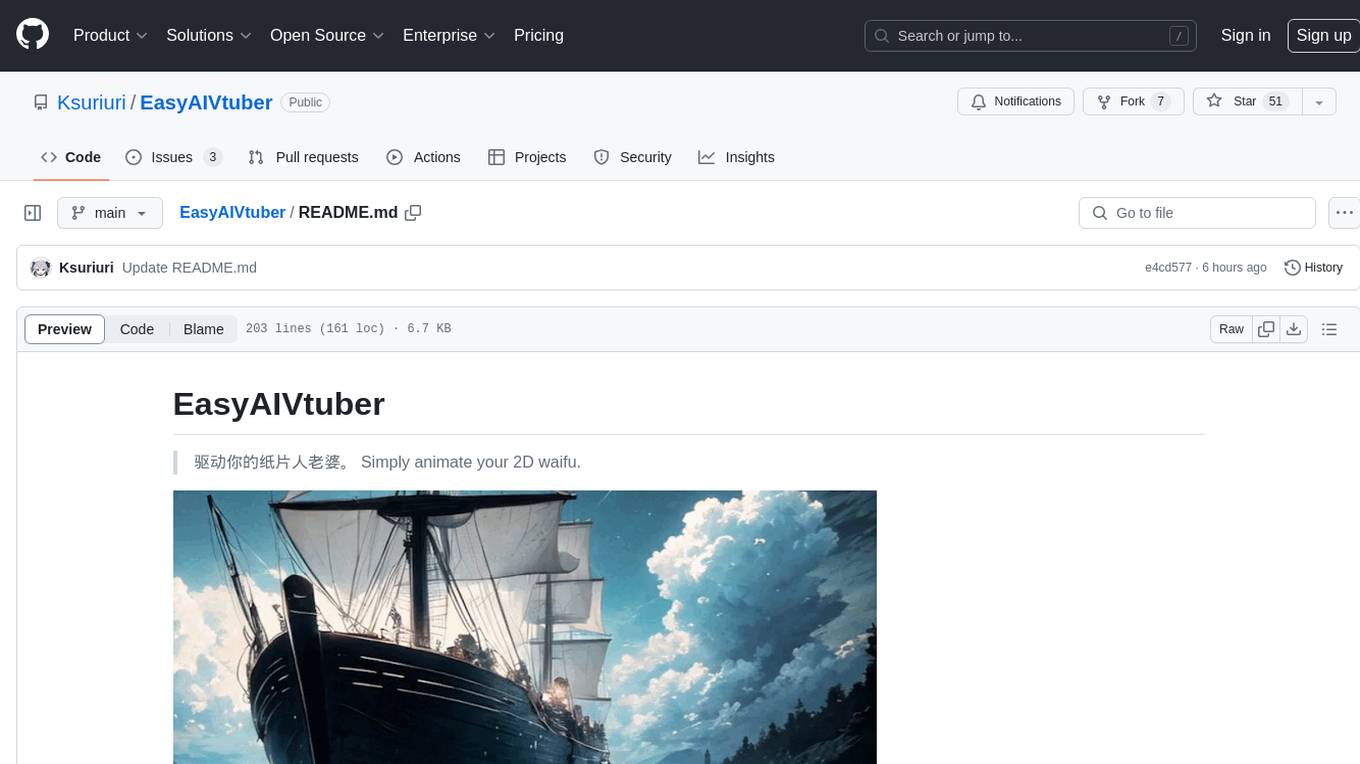
EasyAIVtuber is a tool designed to animate 2D waifus by providing features like automatic idle actions, speaking animations, head nodding, singing animations, and sleeping mode. It also offers API endpoints and a web UI for interaction. The tool requires dependencies like torch and pre-trained models for optimal performance. Users can easily test the tool using OBS and UnityCapture, with options to customize character input, output size, simplification level, webcam output, model selection, port configuration, sleep interval, and movement extension. The tool also provides an API using Flask for actions like speaking based on audio, rhythmic movements, singing based on music and voice, stopping current actions, and changing images.
Chat-Style-Bot
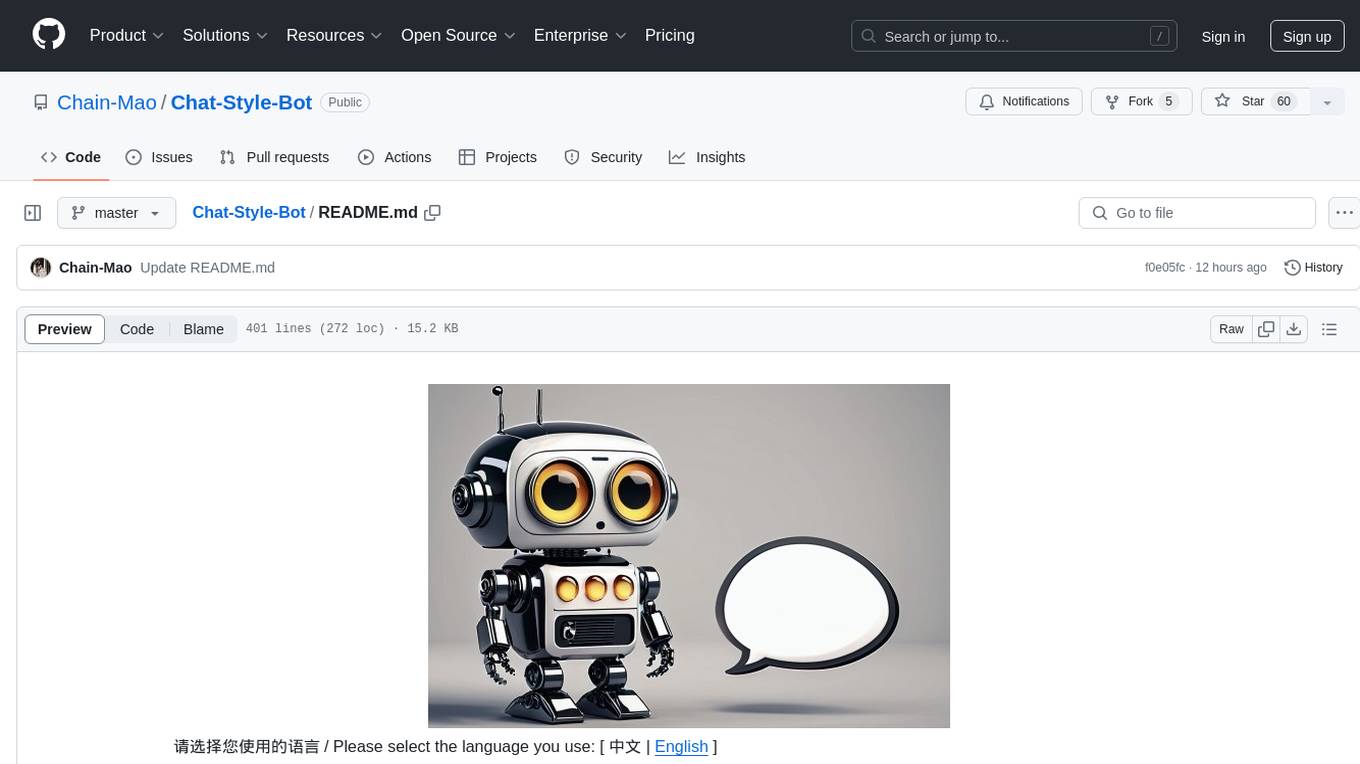
Chat-Style-Bot is an intelligent chatbot designed to mimic the chatting style of a specified individual. By analyzing and learning from WeChat chat records, Chat-Style-Bot can imitate your unique chatting style and become your personal chat assistant. Whether it's communicating with friends or handling daily conversations, Chat-Style-Bot can provide a natural, personalized interactive experience.
context7
Context7 is a powerful tool for analyzing and visualizing data in various formats. It provides a user-friendly interface for exploring datasets, generating insights, and creating interactive visualizations. With advanced features such as data filtering, aggregation, and customization, Context7 is suitable for both beginners and experienced data analysts. The tool supports a wide range of data sources and formats, making it versatile for different use cases. Whether you are working on exploratory data analysis, data visualization, or data storytelling, Context7 can help you uncover valuable insights and communicate your findings effectively.
ai-wechat-bot
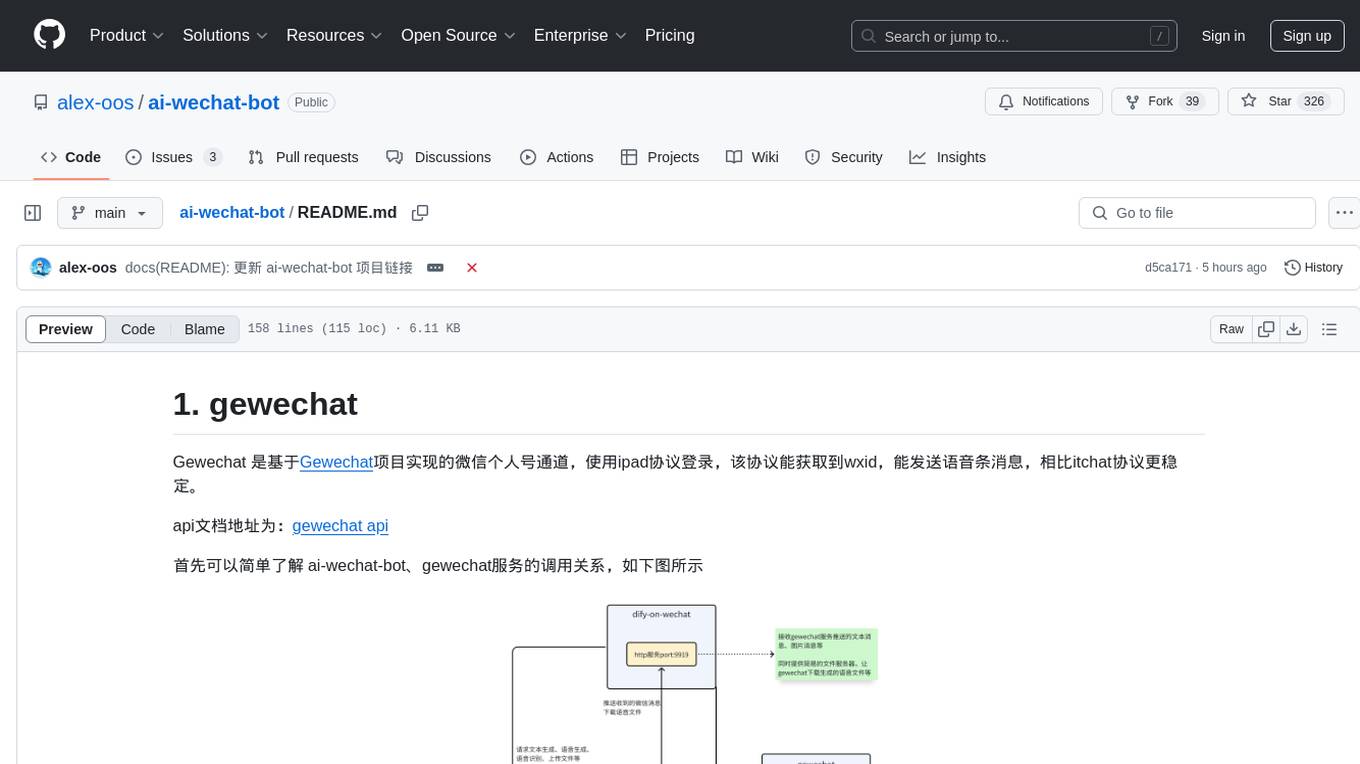
Gewechat is a project based on the Gewechat project to implement a personal WeChat channel, using the iPad protocol for login. It can obtain wxid and send voice messages, which is more stable than the itchat protocol. The project provides documentation for the API. Users can deploy the Gewechat service and use the ai-wechat-bot project to interface with it. Configuration parameters for Gewechat and ai-wechat-bot need to be set in the config.json file. Gewechat supports sending voice messages, with limitations on the duration of received voice messages. The project has restrictions such as requiring the server to be in the same province as the device logging into WeChat, limited file download support, and support only for text and image messages.
mcp-hub
MCP Hub is a centralized manager for Model Context Protocol (MCP) servers, offering dynamic server management and monitoring, REST API for tool execution and resource access, MCP Server marketplace integration, real-time server status tracking, client connection management, and process lifecycle handling. It acts as a central management server connecting to and managing multiple MCP servers, providing unified API endpoints for client access, handling server lifecycle and health monitoring, and routing requests between clients and MCP servers.
sparrow
Sparrow is an innovative open-source solution for efficient data extraction and processing from various documents and images. It seamlessly handles forms, invoices, receipts, and other unstructured data sources. Sparrow stands out with its modular architecture, offering independent services and pipelines all optimized for robust performance. One of the critical functionalities of Sparrow - pluggable architecture. You can easily integrate and run data extraction pipelines using tools and frameworks like LlamaIndex, Haystack, or Unstructured. Sparrow enables local LLM data extraction pipelines through Ollama or Apple MLX. With Sparrow solution you get API, which helps to process and transform your data into structured output, ready to be integrated with custom workflows. Sparrow Agents - with Sparrow you can build independent LLM agents, and use API to invoke them from your system. **List of available agents:** * **llamaindex** - RAG pipeline with LlamaIndex for PDF processing * **vllamaindex** - RAG pipeline with LLamaIndex multimodal for image processing * **vprocessor** - RAG pipeline with OCR and LlamaIndex for image processing * **haystack** - RAG pipeline with Haystack for PDF processing * **fcall** - Function call pipeline * **unstructured-light** - RAG pipeline with Unstructured and LangChain, supports PDF and image processing * **unstructured** - RAG pipeline with Weaviate vector DB query, Unstructured and LangChain, supports PDF and image processing * **instructor** - RAG pipeline with Unstructured and Instructor libraries, supports PDF and image processing. Works great for JSON response generation
emohaa-free-api
Emohaa AI Free API is a free API that allows you to access the Emohaa AI chatbot. Emohaa AI is a powerful chatbot that can understand and respond to a wide range of natural language queries. It can be used for a variety of purposes, such as customer service, information retrieval, and language translation. The Emohaa AI Free API is easy to use and can be integrated into any application. It is a great way to add AI capabilities to your projects without having to build your own chatbot from scratch.
chatgpt-on-wechat
This project is a smart chatbot based on a large model, supporting WeChat, WeChat Official Account, Feishu, and DingTalk access. You can choose from GPT3.5/GPT4.0/Claude/Wenxin Yanyi/Xunfei Xinghuo/Tongyi Qianwen/Gemini/LinkAI/ZhipuAI, which can process text, voice, and images, and access external resources such as operating systems and the Internet through plugins, supporting the development of enterprise AI applications based on proprietary knowledge bases.
python-utcp
The Universal Tool Calling Protocol (UTCP) is a secure and scalable standard for defining and interacting with tools across various communication protocols. UTCP emphasizes scalability, extensibility, interoperability, and ease of use. It offers a modular core with a plugin-based architecture, making it extensible, testable, and easy to package. The repository contains the complete UTCP Python implementation with core components and protocol-specific plugins for HTTP, CLI, Model Context Protocol, file-based tools, and more.
For similar tasks
aio-dynamic-push
Aio-dynamic-push is a tool that integrates multiple platforms for dynamic/live streaming alerts detection and push notifications. It currently supports platforms such as Bilibili, Weibo, Xiaohongshu, and Douyin. Users can configure different tasks and push channels in the config file to receive notifications. The tool is designed to simplify the process of monitoring and receiving alerts from various social media platforms, making it convenient for users to stay updated on their favorite content creators or accounts.
newapi-ai-check-in
The newapi.ai-check-in repository is designed for automatically signing in with multiple accounts on public welfare websites. It supports various features such as single/multiple account automatic check-ins, multiple robot notifications, Linux.do and GitHub login authentication, and Cloudflare bypass. Users can fork the repository, set up GitHub environment secrets, configure multiple account formats, enable GitHub Actions, and test the check-in process manually. The script runs every 8 hours and users can trigger manual check-ins at any time. Notifications can be enabled through email, DingTalk, Feishu, WeChat Work, PushPlus, ServerChan, and Telegram bots. To prevent automatic disabling of Actions due to inactivity, users can set up a trigger PAT in the GitHub settings. The repository also provides troubleshooting tips for failed check-ins and instructions for setting up a local development environment.
For similar jobs

aiscript
AiScript is a lightweight scripting language that runs on JavaScript. It supports arrays, objects, and functions as first-class citizens, and is easy to write without the need for semicolons or commas. AiScript runs in a secure sandbox environment, preventing infinite loops from freezing the host. It also allows for easy provision of variables and functions from the host.
askui
AskUI is a reliable, automated end-to-end automation tool that only depends on what is shown on your screen instead of the technology or platform you are running on.
bots
The 'bots' repository is a collection of guides, tools, and example bots for programming bots to play video games. It provides resources on running bots live, installing the BotLab client, debugging bots, testing bots in simulated environments, and more. The repository also includes example bots for games like EVE Online, Tribal Wars 2, and Elvenar. Users can learn about developing bots for specific games, syntax of the Elm programming language, and tools for memory reading development. Additionally, there are guides on bot programming, contributing to BotLab, and exploring Elm syntax and core library.
ain
Ain is a terminal HTTP API client designed for scripting input and processing output via pipes. It allows flexible organization of APIs using files and folders, supports shell-scripts and executables for common tasks, handles url-encoding, and enables sharing the resulting curl, wget, or httpie command-line. Users can put things that change in environment variables or .env-files, and pipe the API output for further processing. Ain targets users who work with many APIs using a simple file format and uses curl, wget, or httpie to make the actual calls.
LaVague
LaVague is an open-source Large Action Model framework that uses advanced AI techniques to compile natural language instructions into browser automation code. It leverages Selenium or Playwright for browser actions. Users can interact with LaVague through an interactive Gradio interface to automate web interactions. The tool requires an OpenAI API key for default examples and offers a Playwright integration guide. Contributors can help by working on outlined tasks, submitting PRs, and engaging with the community on Discord. The project roadmap is available to track progress, but users should exercise caution when executing LLM-generated code using 'exec'.
robocorp
Robocorp is a platform that allows users to create, deploy, and operate Python automations and AI actions. It provides an easy way to extend the capabilities of AI agents, assistants, and copilots with custom actions written in Python. Users can create and deploy tools, skills, loaders, and plugins that securely connect any AI Assistant platform to their data and applications. The Robocorp Action Server makes Python scripts compatible with ChatGPT and LangChain by automatically creating and exposing an API based on function declaration, type hints, and docstrings. It simplifies the process of developing and deploying AI actions, enabling users to interact with AI frameworks effortlessly.
Open-Interface
Open Interface is a self-driving software that automates computer tasks by sending user requests to a language model backend (e.g., GPT-4V) and simulating keyboard and mouse inputs to execute the steps. It course-corrects by sending current screenshots to the language models. The tool supports MacOS, Linux, and Windows, and requires setting up the OpenAI API key for access to GPT-4V. It can automate tasks like creating meal plans, setting up custom language model backends, and more. Open Interface is currently not efficient in accurate spatial reasoning, tracking itself in tabular contexts, and navigating complex GUI-rich applications. Future improvements aim to enhance the tool's capabilities with better models trained on video walkthroughs. The tool is cost-effective, with user requests priced between $0.05 - $0.20, and offers features like interrupting the app and primary display visibility in multi-monitor setups.
AI-Case-Sorter-CS7.1
AI-Case-Sorter-CS7.1 is a project focused on building a case sorter using machine vision and machine learning AI to sort cases by headstamp. The repository includes Arduino code and 3D models necessary for the project.