


Alpaca
🦙 Local and online AI hub
Stars: 700
Alpaca is an Ollama client for managing and chatting with multiple AI models. It offers a user-friendly way to interact with local AI and third-party providers like Gemini and ChatGPT. The open-source tool supports features such as multiple model conversations, image and document recognition, code highlighting, notifications, import/export chats, and more.
README:

Alpaca is an Ollama client where you can manage and chat with multiple models, Alpaca provides an easy and beginner friendly way of interacting with local AI, everything is open source and powered by Ollama.
You can also use third party AI providers such as Gemini, ChatGPT and more!
[!WARNING] This project is not affiliated at all with Ollama, I'm not responsible for any damages to your device or software caused by running code given by any AI models.
[!IMPORTANT] Please be aware that GNOME Code of Conduct applies to Alpaca before interacting with this repository.
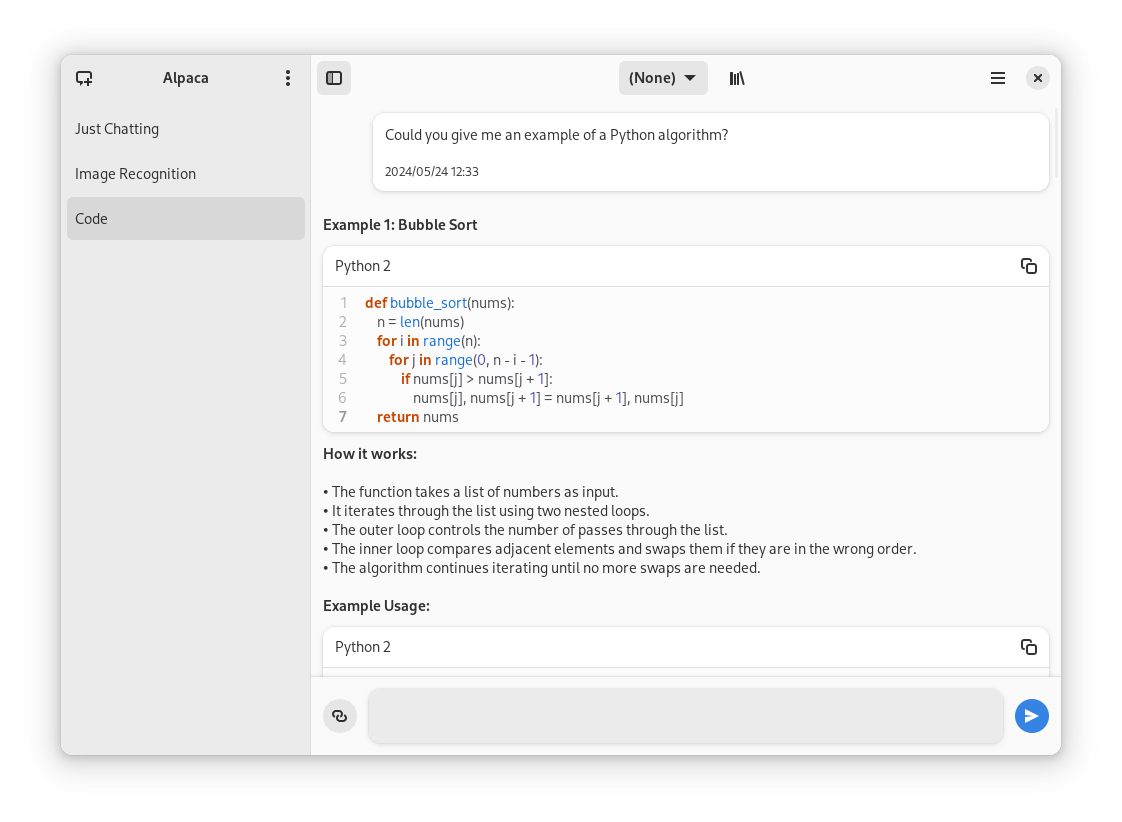
- Talk to multiple models in the same conversation
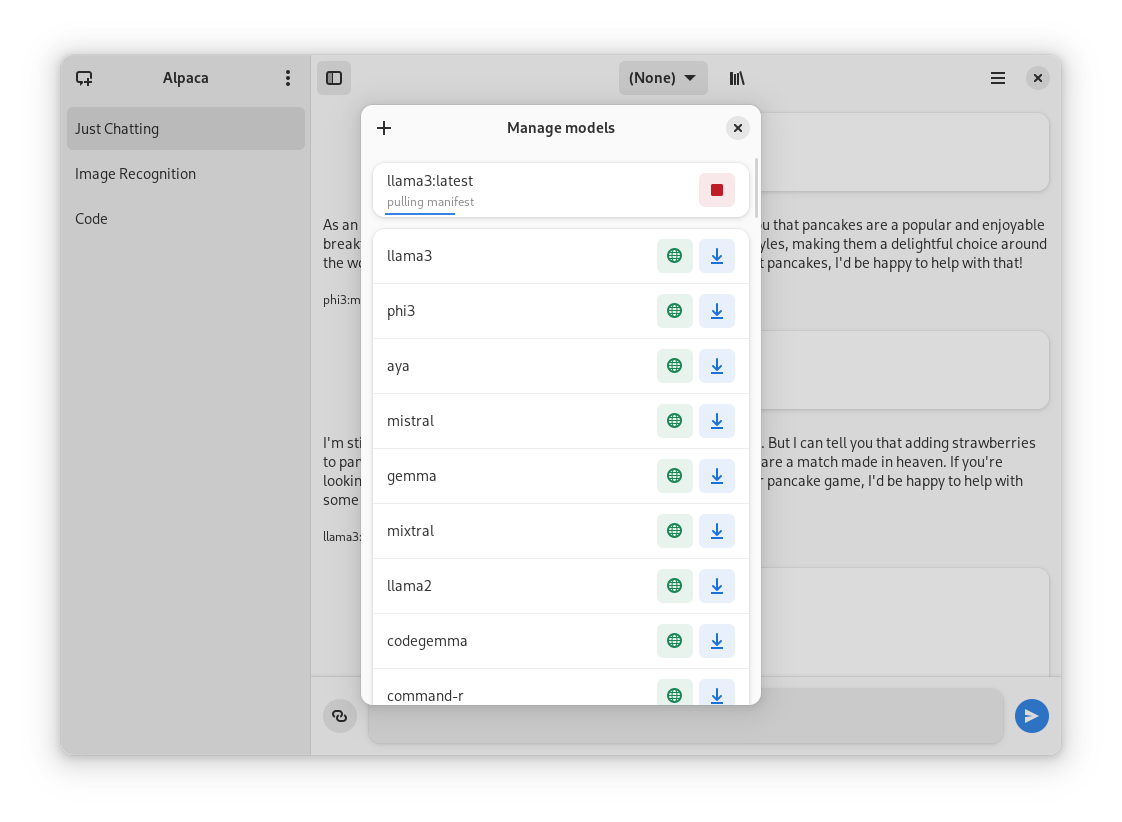
- Pull and delete models from the app
- Image recognition
- Document recognition (plain text files)
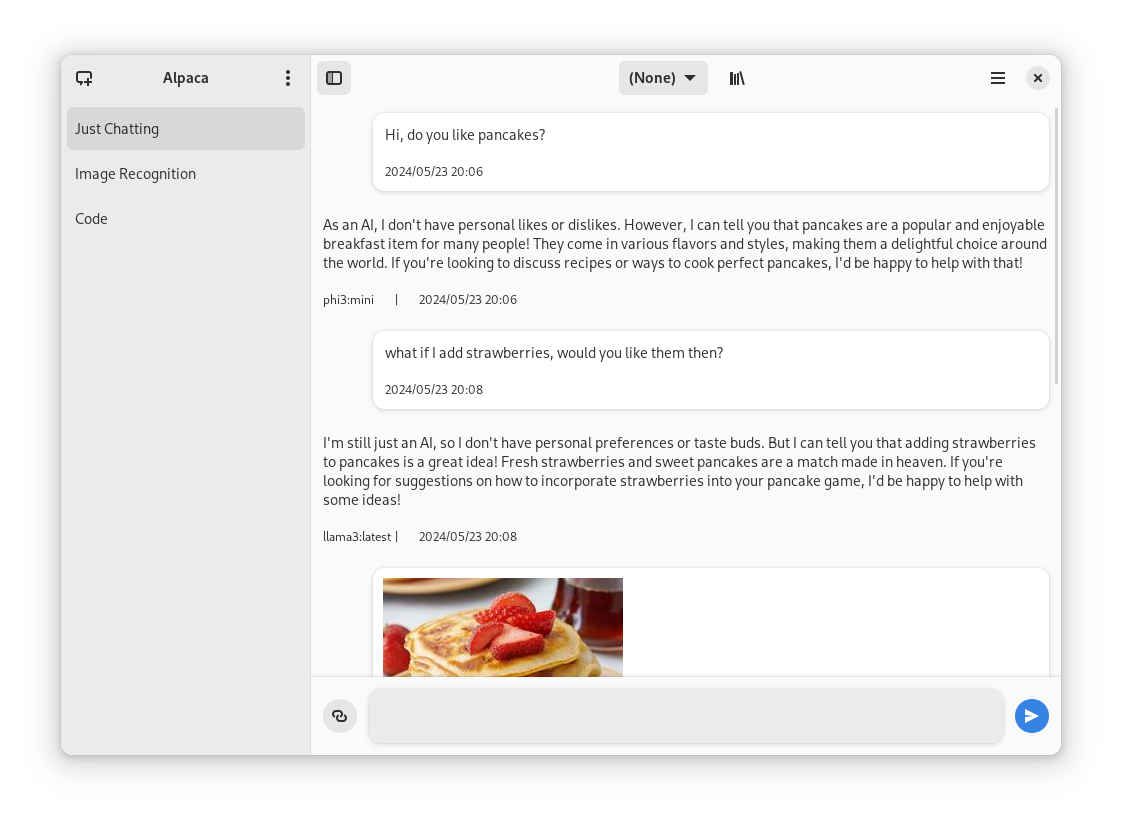
- Code highlighting
- Multiple conversations
- Notifications
- Import / Export chats
- Delete / Edit messages
- Regenerate messages
- YouTube recognition (Ask questions about a YouTube video using the transcript)
- Website recognition (Ask questions about a certain website by parsing the url)
| Normal conversation | Image recognition | Rich text formatting | Integrated script execution | YouTube transcription |
|---|---|---|---|---|
 |
 |
 |
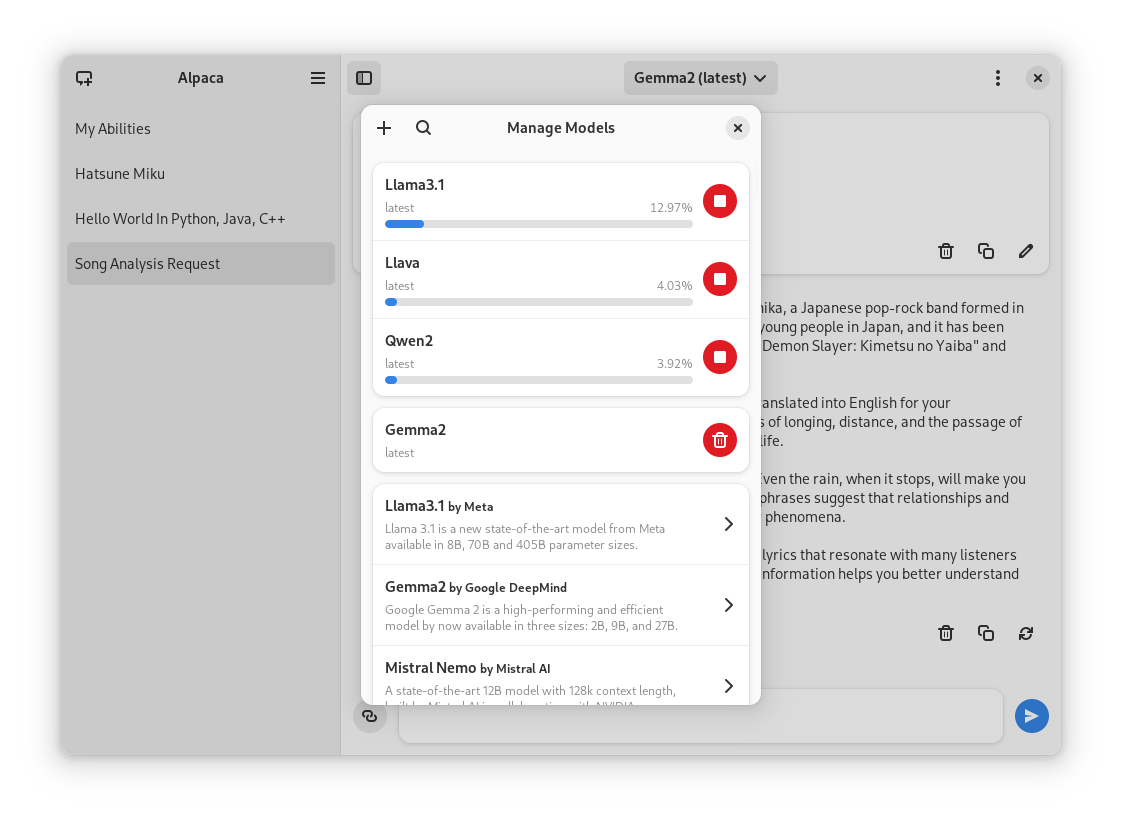 |
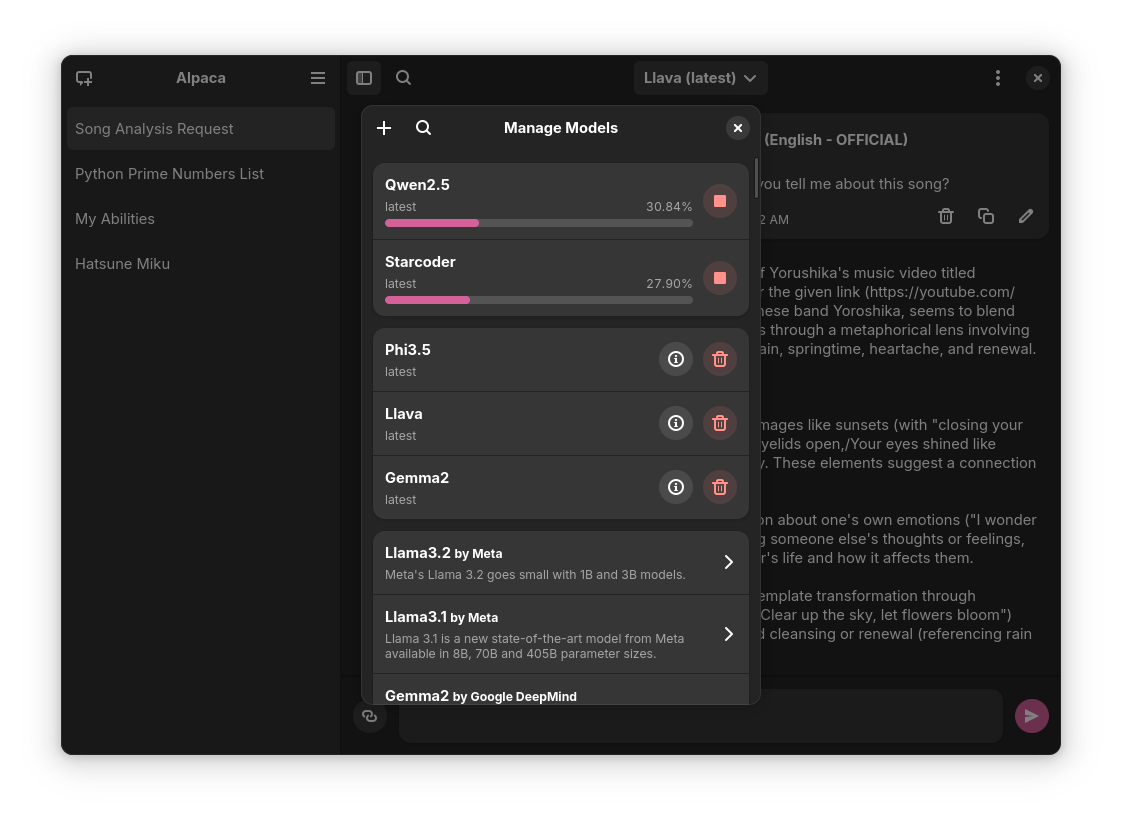 |
You can find the latest stable version of the app on Flathub
Everytime a new version is published they become available on the releases page of the repository
You can also find the Snap package on the releases page, to install it run this command:
sudo snap install ./{package name} --dangerousThe --dangerous comes from the package being installed without any involvement of the SnapStore, I'm working on getting the app there, but for now you can test the app this way.
Please read the wiki page for MacOS.
Alpaca is also available in Nixpkgs. See package info for installation instructions.
Notes:
- The package is not maintained by the author, but by @Aleksanaa, thus any issues uncertain whether related to packaging or not, should be reported to Nixpkgs issues.
- Alpaca is automatically updated in Nixpkgs, but with a delay, and new updates will only be available after testing.
- Alpaca in Nixpkgs does not come with sandboxing by default, which means if you want to directly execute the scripts generated by ollama (without even reviewing them first), we do not provide any isolation to prevent you from shooting yourself in the foot. You can still leverage Nixpak or Firejail for a convenient sandboxing.
Note: This is not recommended since the prerelease versions of the app often present errors and general instability.
- Clone the project
- Open with Gnome Builder
- Press the run button (or export if you want to build a Flatpak package)
| Language | Contributors |
|---|---|
| 🇷🇺 Russian | Alex K |
| 🇪🇸 Spanish | Jeffry Samuel |
| 🇫🇷 French | Louis Chauvet-Villaret , Théo FORTIN |
| 🇧🇷 Brazilian Portuguese | Daimar Stein , Bruno Antunes |
| 🇳🇴 Norwegian | CounterFlow64 |
| 🇮🇳 Bengali | Aritra Saha |
| 🇨🇳 Simplified Chinese | Yuehao Sui , Aleksana |
| 🇮🇳 Hindi | Aritra Saha |
| 🇹🇷 Turkish | YusaBecerikli |
| 🇺🇦 Ukrainian | Simon |
| 🇩🇪 German | Marcel Margenberg |
| 🇮🇱 Hebrew | Yosef Or Boczko |
| 🇮🇳 Telugu | Aryan Karamtoth |
| 🇮🇹 Italian | Edoardo Brogiolo |
| 🇯🇵 Japanese | Shidore |
| 🇳🇱 Dutch | Henk Leerssen |
| 🇮🇩 Indonesian | Nofal Briansah |
| 🌐 Tamil | Harimanish |
Want to add a language? Visit this discussion to get started!
- not-a-dev-stein for their help with requesting a new icon and bug reports
- TylerLaBree for their requests and ideas
- Imbev for their reports and suggestions
- Nokse for their contributions to the UI and table rendering
- Louis Chauvet-Villaret for their suggestions
- Aleksana for her help with better handling of directories
- Gnome Builder Team for the awesome IDE I use to develop Alpaca
- Sponsors for giving me enough money to be able to take a ride to my campus every time I need to <3
- Everyone that has shared kind words of encouragement!
If you want to package Alpaca in a different packaging method please read this wiki page.
For Tasks:
Click tags to check more tools for each tasksFor Jobs:
Alternative AI tools for Alpaca
Similar Open Source Tools
Alpaca
Alpaca is an Ollama client for managing and chatting with multiple AI models. It offers a user-friendly way to interact with local AI and third-party providers like Gemini and ChatGPT. The open-source tool supports features such as multiple model conversations, image and document recognition, code highlighting, notifications, import/export chats, and more.
vertex-ai-mlops
Vertex AI is a platform for end-to-end model development. It consist of core components that make the processes of MLOps possible for design patterns of all types.
wppconnect
WPPConnect is an open source project developed by the JavaScript community with the aim of exporting functions from WhatsApp Web to the node, which can be used to support the creation of any interaction, such as customer service, media sending, intelligence recognition based on phrases artificial and many other things.
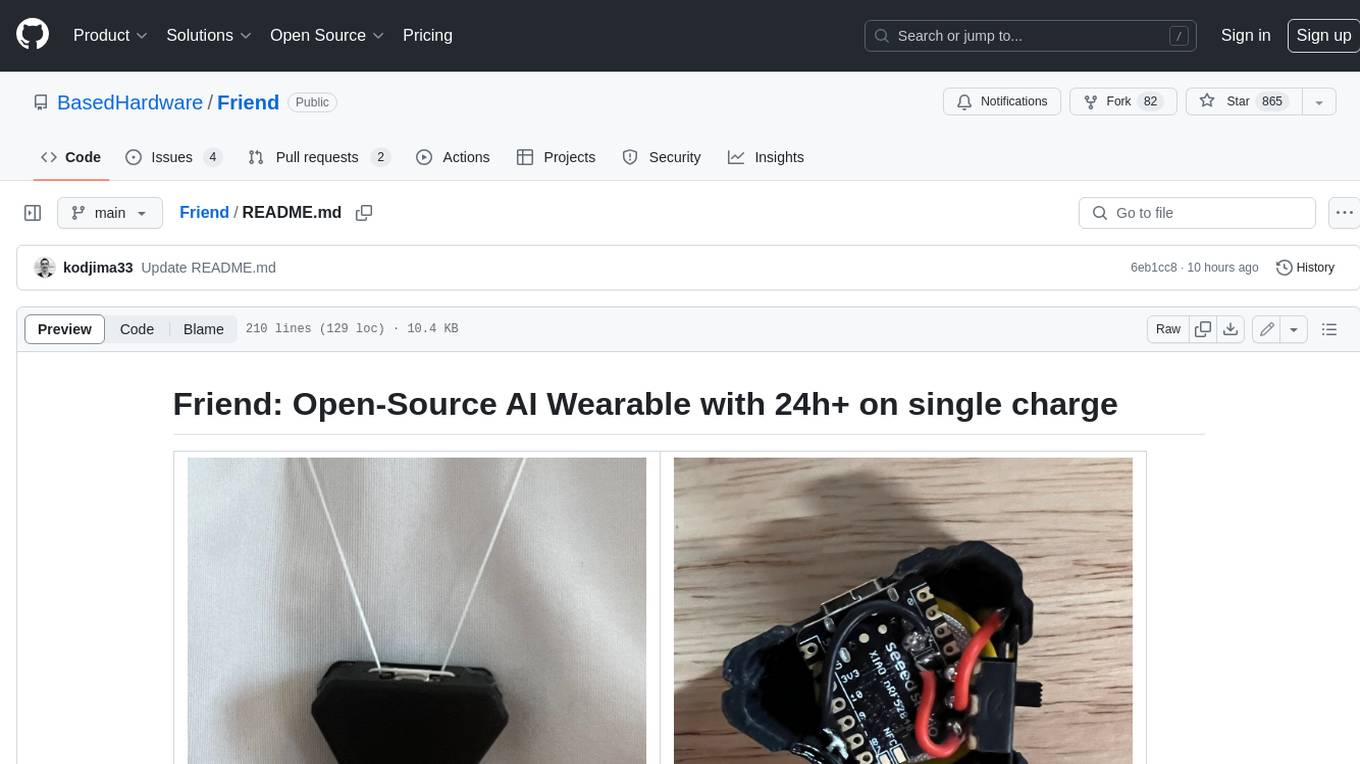
Friend
Friend is an open-source AI wearable device that records everything you say, gives you proactive feedback and advice. It has real-time AI audio processing capabilities, low-powered Bluetooth, open-source software, and a wearable design. The device is designed to be affordable and easy to use, with a total cost of less than $20. To get started, you can clone the repo, choose the version of the app you want to install, and follow the instructions for installing the firmware and assembling the device. Friend is still a prototype project and is provided "as is", without warranty of any kind. Use of the device should comply with all local laws and regulations concerning privacy and data protection.
Ollamac
Ollamac is a macOS app designed for interacting with Ollama models. It is optimized for macOS, allowing users to easily use any model from the Ollama library. The app features a user-friendly interface, chat archive for saving interactions, and real-time communication using HTTP streaming technology. Ollamac is open-source, enabling users to contribute to its development and enhance its capabilities. It requires macOS 14 or later and the Ollama system to be installed on the user's Mac with at least one Ollama model downloaded.
biochatter
Generative AI models have shown tremendous usefulness in increasing accessibility and automation of a wide range of tasks. This repository contains the `biochatter` Python package, a generic backend library for the connection of biomedical applications to conversational AI. It aims to provide a common framework for deploying, testing, and evaluating diverse models and auxiliary technologies in the biomedical domain. BioChatter is part of the BioCypher ecosystem, connecting natively to BioCypher knowledge graphs.
thread
Thread is an AI-powered Jupyter alternative that integrates an AI copilot into your editing experience. It offers a familiar Jupyter Notebook editing experience with features like natural language code edits, generating cells to answer questions, context-aware chat sidebar, and automatic error explanations or fixes. The tool aims to enhance code editing and data exploration by providing a more interactive and intuitive experience for users. Thread can be used for free with Ollama or your own API key, and it runs locally for convenience and privacy.
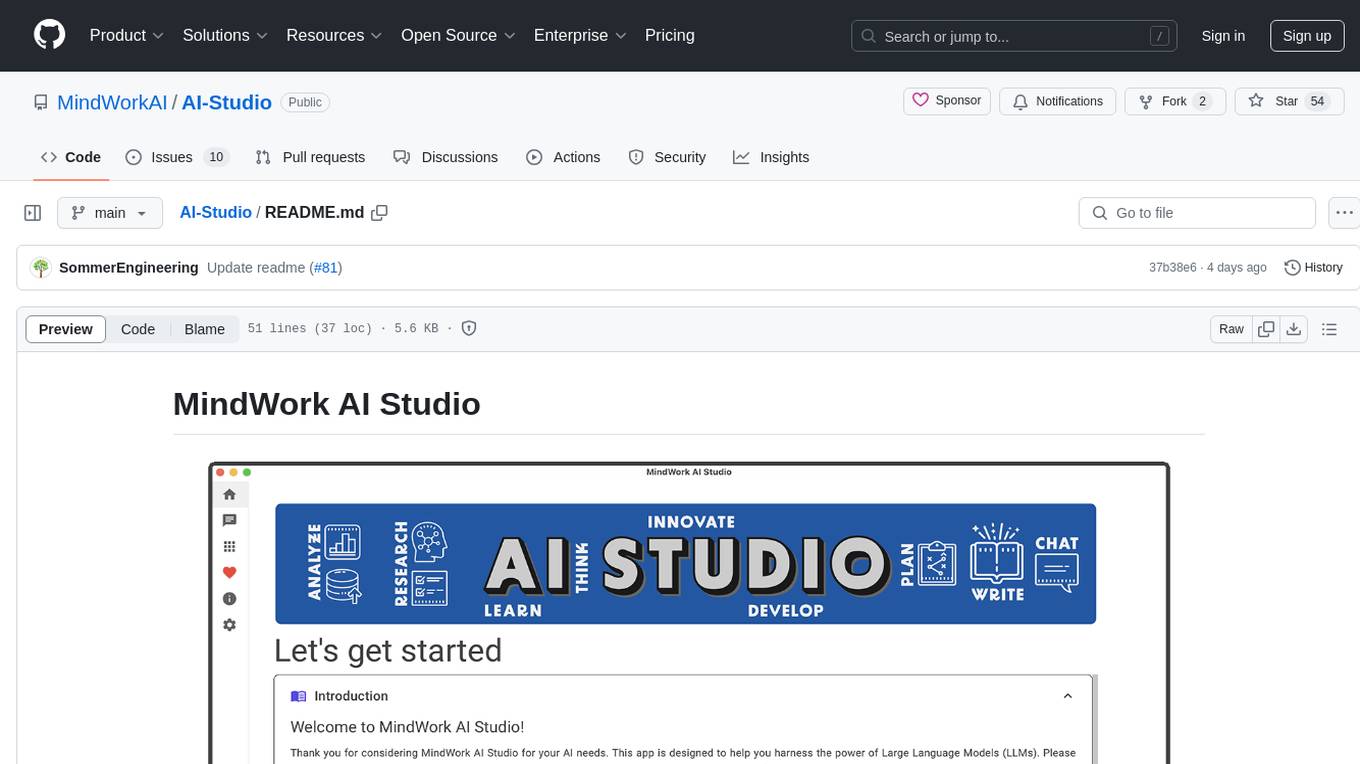
AI-Studio
MindWork AI Studio is a desktop application that provides a unified chat interface for Large Language Models (LLMs). It is free to use for personal and commercial purposes, offers independence in choosing LLM providers, provides unrestricted usage through the providers API, and is cost-effective with pay-as-you-go pricing. The app prioritizes privacy, flexibility, minimal storage and memory usage, and low impact on system resources. Users can support the project through monthly contributions or one-time donations, with opportunities for companies to sponsor the project for public relations and marketing benefits. Planned features include support for more LLM providers, system prompts integration, text replacement for privacy, and advanced interactions tailored for various use cases.
Scrapegraph-demo
ScrapeGraphAI is a web scraping Python library that utilizes LangChain, LLM, and direct graph logic to create scraping pipelines. Users can specify the information they want to extract, and the library will handle the extraction process. This repository contains an official demo/trial for the ScrapeGraphAI library, showcasing its capabilities in web scraping tasks. The tool is designed to simplify the process of extracting data from websites by providing a user-friendly interface and powerful scraping functionalities.
Scrapegraph-LabLabAI-Hackathon
ScrapeGraphAI is a web scraping Python library that utilizes LangChain, LLM, and direct graph logic to create scraping pipelines. Users can specify the information they want to extract, and the library will handle the extraction process. The tool is designed to simplify web scraping tasks by providing a streamlined and efficient approach to data extraction.
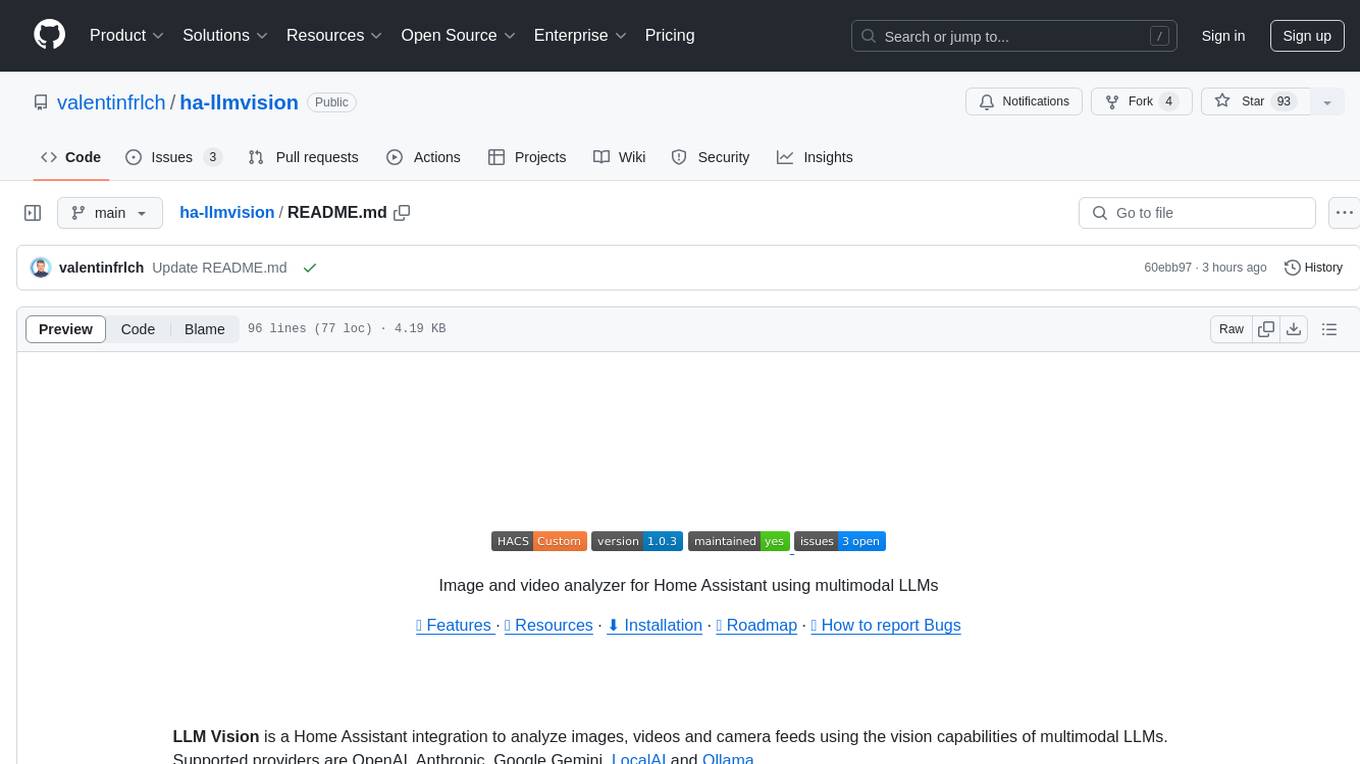
ha-llmvision
LLM Vision is a Home Assistant integration that allows users to analyze images, videos, and camera feeds using multimodal LLMs. It supports providers such as OpenAI, Anthropic, Google Gemini, LocalAI, and Ollama. Users can input images and videos from camera entities or local files, with the option to downscale images for faster processing. The tool provides detailed instructions on setting up LLM Vision and each supported provider, along with usage examples and service call parameters.
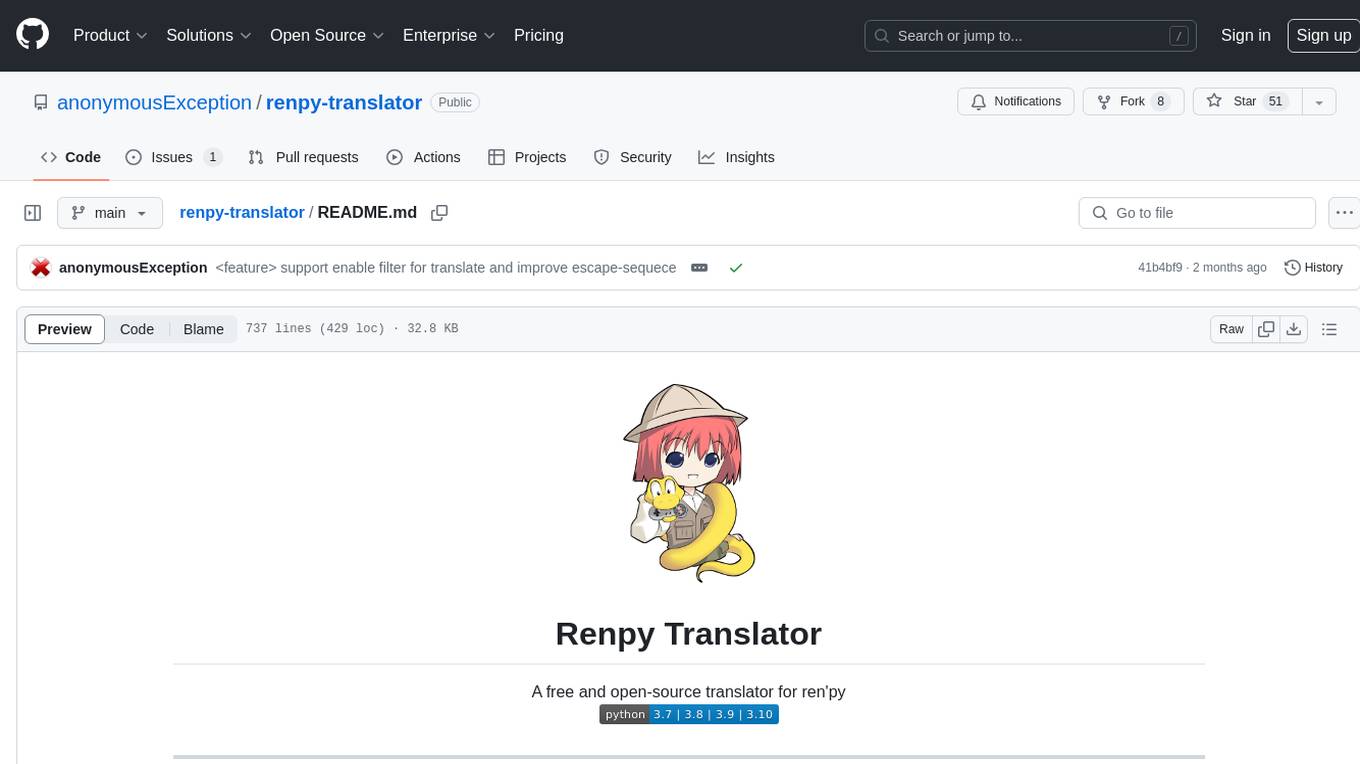
renpy-translator
Renpy Translator is a free and open-source tool designed for translating Ren'py games. It supports various translation services such as Google, Youdao, Deepl, OpenAI, and more. The tool can automatically translate game content, extract untranslated words, replace fonts, and add language preferences. It aims to assist in game translation work by providing a user-friendly interface and supporting multiple languages. The translated contents may not be accurate due to auto-translation, so users are encouraged to review and modify translations as needed.
anubis
Anubis weighs the soul of your connection using a sha256 proof-of-work challenge to protect upstream resources from scraper bots. It may prevent your website from being indexed by some search engines, serving as a nuclear response to aggressive AI scraper bots. Anubis is an alternative to using Cloudflare for origin protection in cases where Cloudflare is not feasible or preferred.
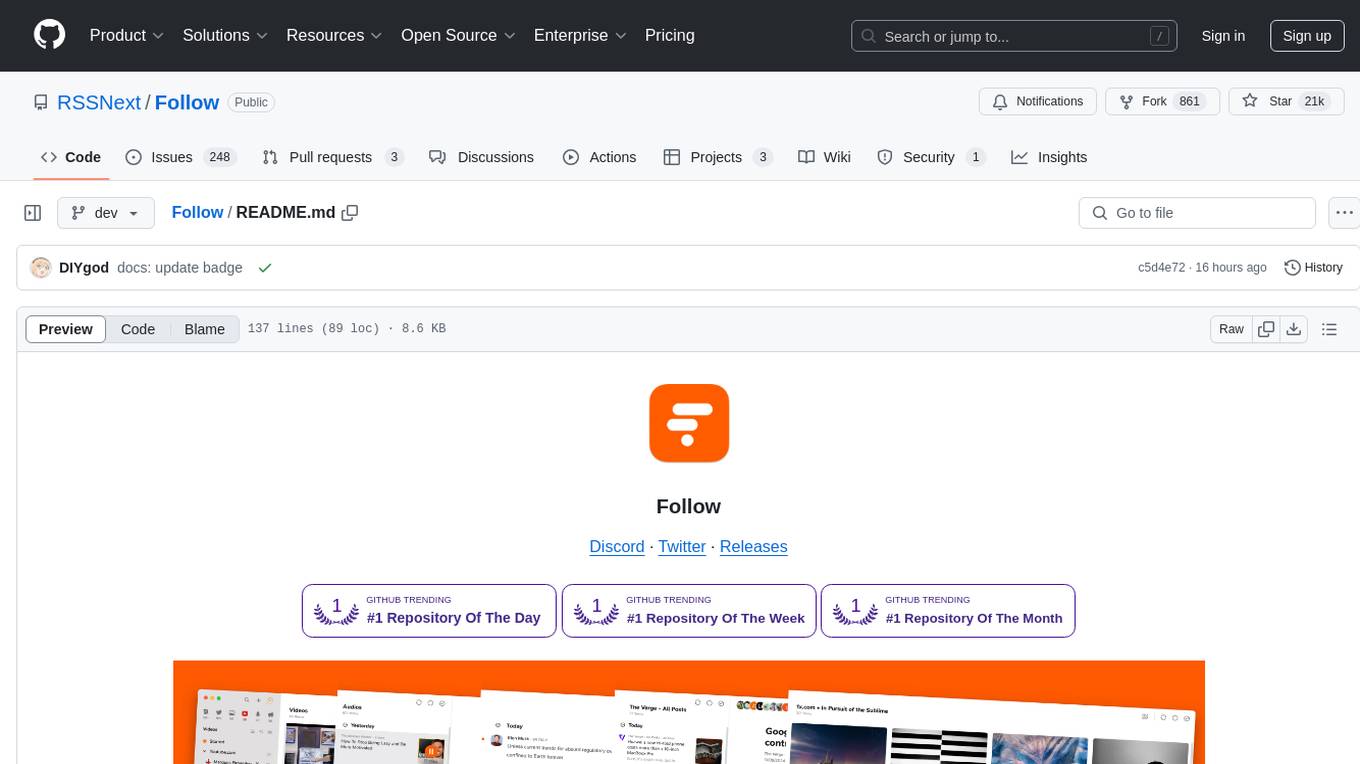
Follow
Follow is a content organization tool that creates a noise-free timeline for users, allowing them to share lists, explore collections, and browse distraction-free. It offers features like subscribing to feeds, AI-powered browsing, dynamic content support, an ownership economy with $POWER tipping, and a community-driven experience. Follow is under active development and welcomes feedback from users and developers. It can be accessed via web app or desktop client and offers installation methods for different operating systems. The tool aims to provide a customized information hub, AI-powered browsing experience, and support for various types of content, while fostering a community-driven and open-source environment.
LLamaSharp
LLamaSharp is a cross-platform library to run 🦙LLaMA/LLaVA model (and others) on your local device. Based on llama.cpp, inference with LLamaSharp is efficient on both CPU and GPU. With the higher-level APIs and RAG support, it's convenient to deploy LLM (Large Language Model) in your application with LLamaSharp.
Mortal
Mortal (凡夫) is a free and open source AI for Japanese mahjong, powered by deep reinforcement learning. It provides a comprehensive solution for playing Japanese mahjong with AI assistance. The project focuses on utilizing deep reinforcement learning techniques to enhance gameplay and decision-making in Japanese mahjong. Mortal offers a user-friendly interface and detailed documentation to assist users in understanding and utilizing the AI effectively. The project is actively maintained and welcomes contributions from the community to further improve the AI's capabilities and performance.
For similar tasks
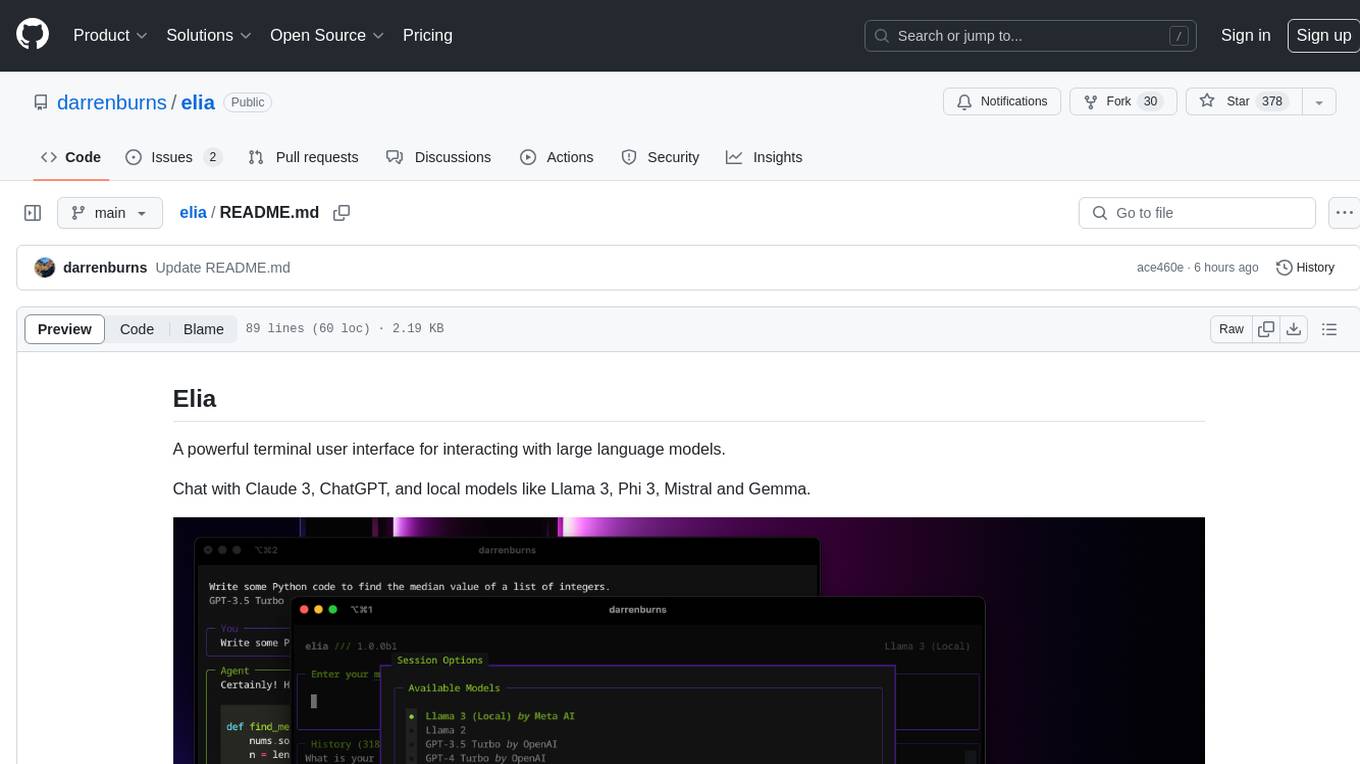
elia
Elia is a powerful terminal user interface designed for interacting with large language models. It allows users to chat with models like Claude 3, ChatGPT, Llama 3, Phi 3, Mistral, and Gemma. Conversations are stored locally in a SQLite database, ensuring privacy. Users can run local models through 'ollama' without data leaving their machine. Elia offers easy installation with pipx and supports various environment variables for different models. It provides a quick start to launch chats and manage local models. Configuration options are available to customize default models, system prompts, and add new models. Users can import conversations from ChatGPT and wipe the database when needed. Elia aims to enhance user experience in interacting with language models through a user-friendly interface.
mistral-inference
Mistral Inference repository contains minimal code to run 7B, 8x7B, and 8x22B models. It provides model download links, installation instructions, and usage guidelines for running models via CLI or Python. The repository also includes information on guardrailing, model platforms, deployment, and references. Users can interact with models through commands like mistral-demo, mistral-chat, and mistral-common. Mistral AI models support function calling and chat interactions for tasks like testing models, chatting with models, and using Codestral as a coding assistant. The repository offers detailed documentation and links to blogs for further information.
LLMFlex
LLMFlex is a python package designed for developing AI applications with local Large Language Models (LLMs). It provides classes to load LLM models, embedding models, and vector databases to create AI-powered solutions with prompt engineering and RAG techniques. The package supports multiple LLMs with different generation configurations, embedding toolkits, vector databases, chat memories, prompt templates, custom tools, and a chatbot frontend interface. Users can easily create LLMs, load embeddings toolkit, use tools, chat with models in a Streamlit web app, and serve an OpenAI API with a GGUF model. LLMFlex aims to offer a simple interface for developers to work with LLMs and build private AI solutions using local resources.
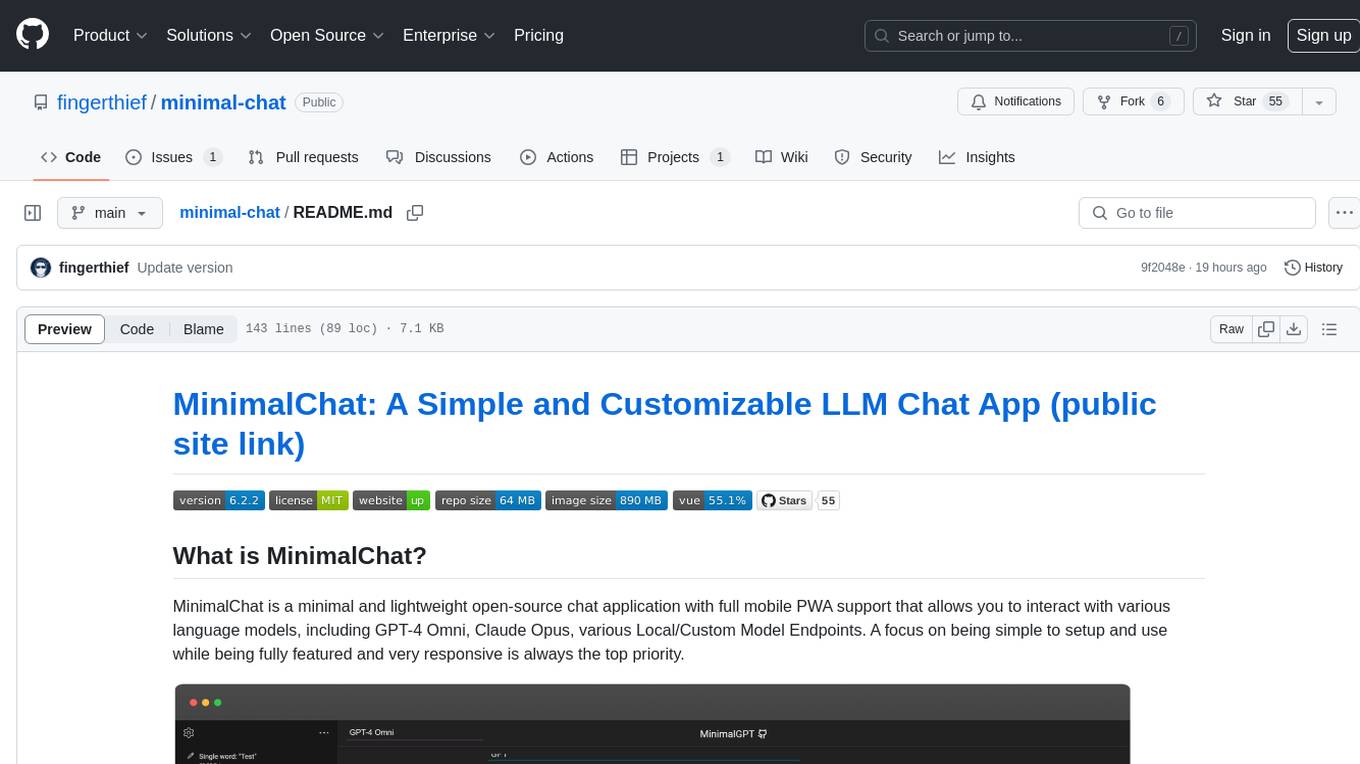
minimal-chat
MinimalChat is a minimal and lightweight open-source chat application with full mobile PWA support that allows users to interact with various language models, including GPT-4 Omni, Claude Opus, and various Local/Custom Model Endpoints. It focuses on simplicity in setup and usage while being fully featured and highly responsive. The application supports features like fully voiced conversational interactions, multiple language models, markdown support, code syntax highlighting, DALL-E 3 integration, conversation importing/exporting, and responsive layout for mobile use.
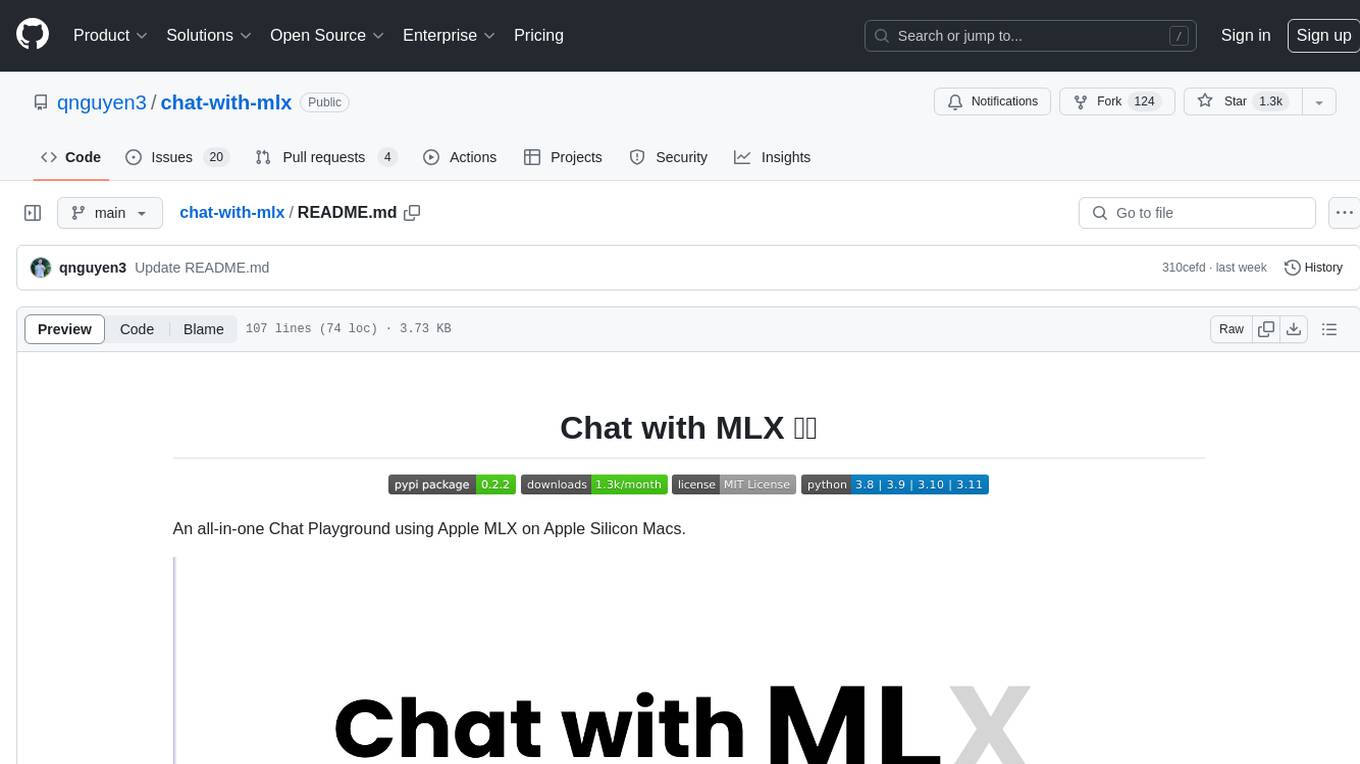
chat-with-mlx
Chat with MLX is an all-in-one Chat Playground using Apple MLX on Apple Silicon Macs. It provides privacy-enhanced AI for secure conversations with various models, easy integration of HuggingFace and MLX Compatible Open-Source Models, and comes with default models like Llama-3, Phi-3, Yi, Qwen, Mistral, Codestral, Mixtral, StableLM. The tool is designed for developers and researchers working with machine learning models on Apple Silicon.
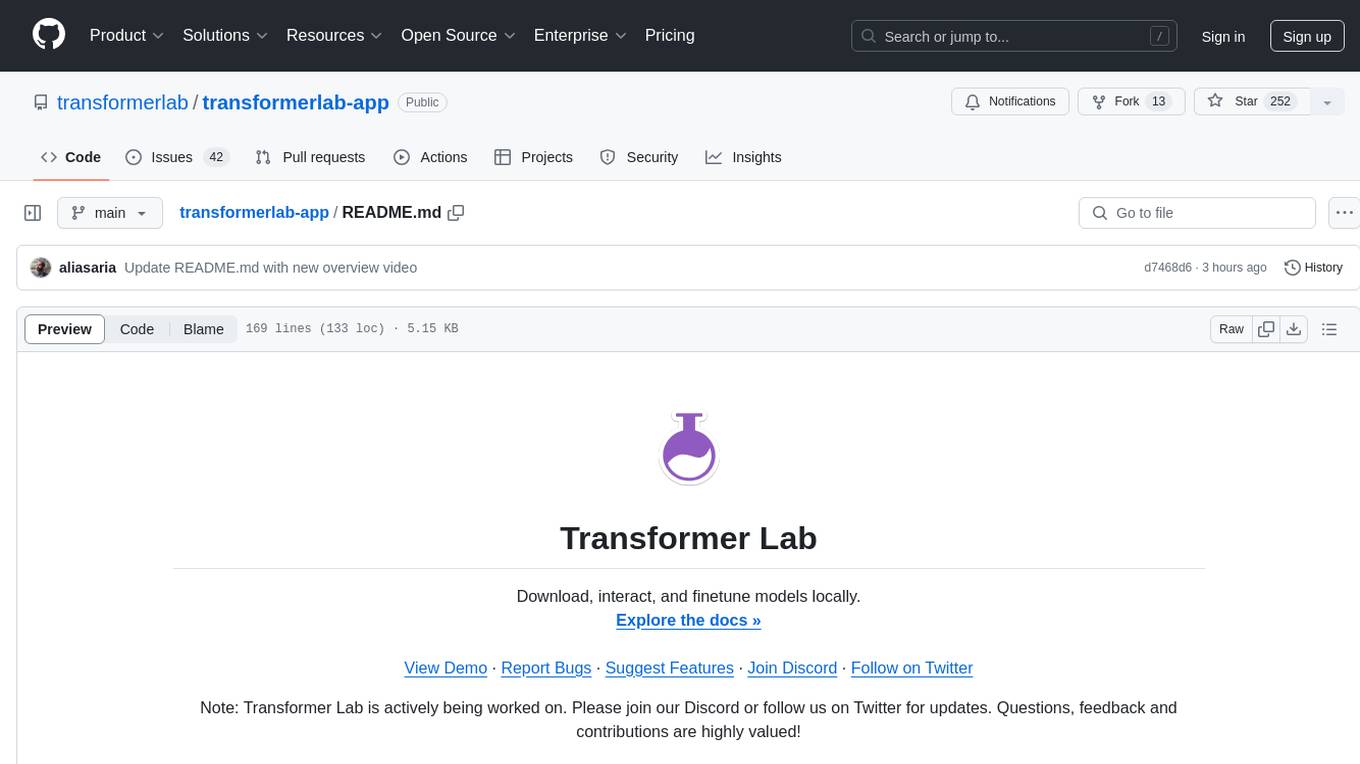
transformerlab-app
Transformer Lab is an app that allows users to experiment with Large Language Models by providing features such as one-click download of popular models, finetuning across different hardware, RLHF and Preference Optimization, working with LLMs across different operating systems, chatting with models, using different inference engines, evaluating models, building datasets for training, calculating embeddings, providing a full REST API, running in the cloud, converting models across platforms, supporting plugins, embedded Monaco code editor, prompt editing, inference logs, all through a simple cross-platform GUI.
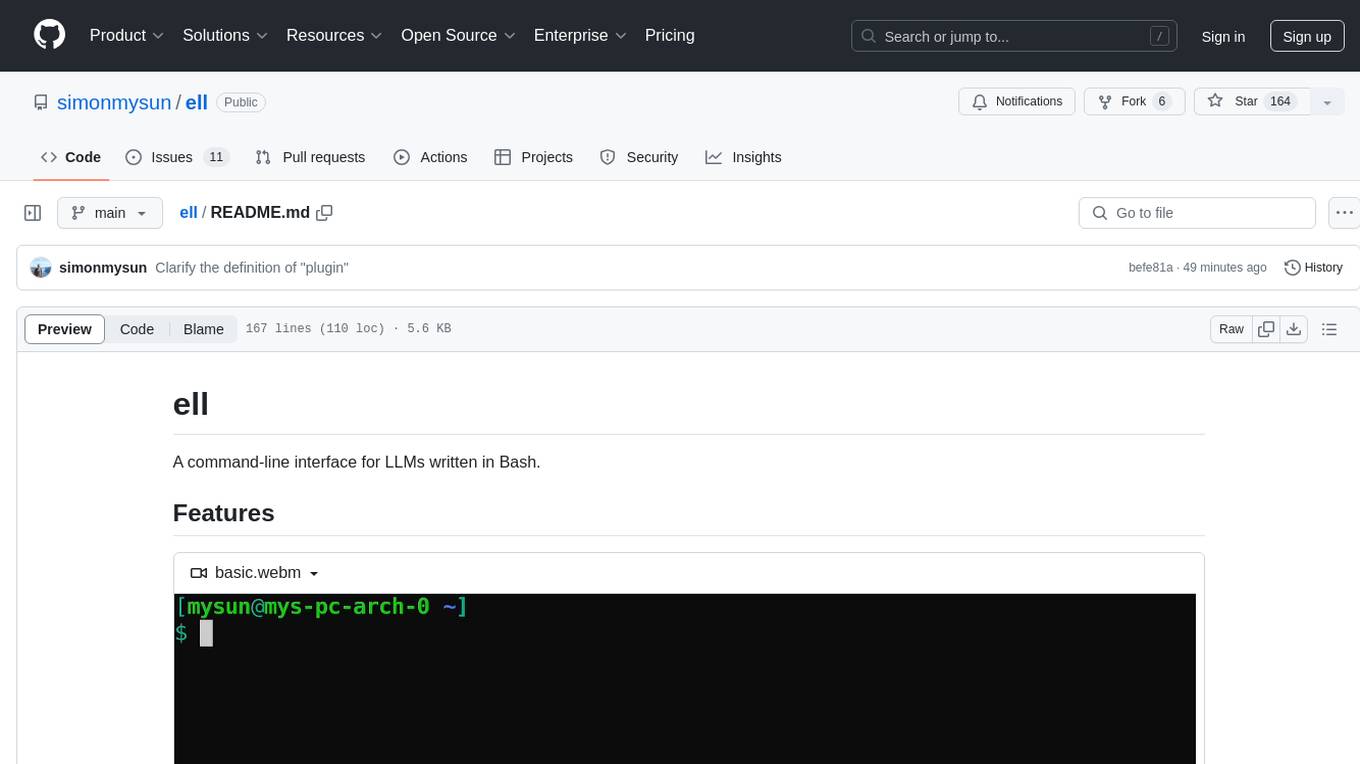
ell
ell is a command-line interface for Language Model Models (LLMs) written in Bash. It allows users to interact with LLMs from the terminal, supports piping, context bringing, and chatting with LLMs. Users can also call functions and use templates. The tool requires bash, jq for JSON parsing, curl for HTTPS requests, and perl for PCRE. Configuration involves setting variables for different LLM models and APIs. Usage examples include asking questions, specifying models, recording input/output, running in interactive mode, and using templates. The tool is lightweight, easy to install, and pipe-friendly, making it suitable for interacting with LLMs in a terminal environment.
Ollama-SwiftUI
Ollama-SwiftUI is a user-friendly interface for Ollama.ai created in Swift. It allows seamless chatting with local Large Language Models on Mac. Users can change models mid-conversation, restart conversations, send system prompts, and use multimodal models with image + text. The app supports managing models, including downloading, deleting, and duplicating them. It offers light and dark mode, multiple conversation tabs, and a localized interface in English and Arabic.
For similar jobs

sweep
Sweep is an AI junior developer that turns bugs and feature requests into code changes. It automatically handles developer experience improvements like adding type hints and improving test coverage.

teams-ai
The Teams AI Library is a software development kit (SDK) that helps developers create bots that can interact with Teams and Microsoft 365 applications. It is built on top of the Bot Framework SDK and simplifies the process of developing bots that interact with Teams' artificial intelligence capabilities. The SDK is available for JavaScript/TypeScript, .NET, and Python.

ai-guide
This guide is dedicated to Large Language Models (LLMs) that you can run on your home computer. It assumes your PC is a lower-end, non-gaming setup.

classifai
Supercharge WordPress Content Workflows and Engagement with Artificial Intelligence. Tap into leading cloud-based services like OpenAI, Microsoft Azure AI, Google Gemini and IBM Watson to augment your WordPress-powered websites. Publish content faster while improving SEO performance and increasing audience engagement. ClassifAI integrates Artificial Intelligence and Machine Learning technologies to lighten your workload and eliminate tedious tasks, giving you more time to create original content that matters.

chatbot-ui
Chatbot UI is an open-source AI chat app that allows users to create and deploy their own AI chatbots. It is easy to use and can be customized to fit any need. Chatbot UI is perfect for businesses, developers, and anyone who wants to create a chatbot.

BricksLLM
BricksLLM is a cloud native AI gateway written in Go. Currently, it provides native support for OpenAI, Anthropic, Azure OpenAI and vLLM. BricksLLM aims to provide enterprise level infrastructure that can power any LLM production use cases. Here are some use cases for BricksLLM: * Set LLM usage limits for users on different pricing tiers * Track LLM usage on a per user and per organization basis * Block or redact requests containing PIIs * Improve LLM reliability with failovers, retries and caching * Distribute API keys with rate limits and cost limits for internal development/production use cases * Distribute API keys with rate limits and cost limits for students

uAgents
uAgents is a Python library developed by Fetch.ai that allows for the creation of autonomous AI agents. These agents can perform various tasks on a schedule or take action on various events. uAgents are easy to create and manage, and they are connected to a fast-growing network of other uAgents. They are also secure, with cryptographically secured messages and wallets.

griptape
Griptape is a modular Python framework for building AI-powered applications that securely connect to your enterprise data and APIs. It offers developers the ability to maintain control and flexibility at every step. Griptape's core components include Structures (Agents, Pipelines, and Workflows), Tasks, Tools, Memory (Conversation Memory, Task Memory, and Meta Memory), Drivers (Prompt and Embedding Drivers, Vector Store Drivers, Image Generation Drivers, Image Query Drivers, SQL Drivers, Web Scraper Drivers, and Conversation Memory Drivers), Engines (Query Engines, Extraction Engines, Summary Engines, Image Generation Engines, and Image Query Engines), and additional components (Rulesets, Loaders, Artifacts, Chunkers, and Tokenizers). Griptape enables developers to create AI-powered applications with ease and efficiency.