


just-the-browser
Remove AI features, telemetry data reporting, sponsored content, product integrations, and other annoyances from web browsers.
Stars: 2259
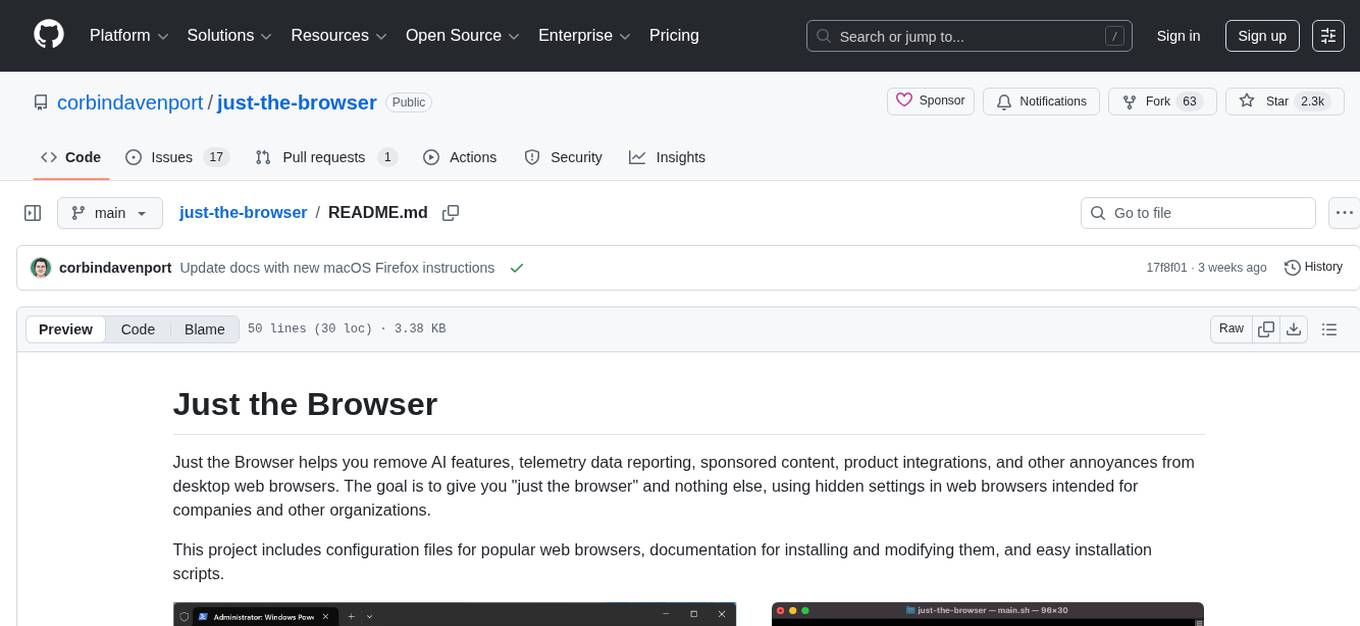
Just the Browser is a tool designed to help users remove AI features, telemetry data reporting, sponsored content, product integrations, and other annoyances from desktop web browsers. The project provides configuration files for popular web browsers, documentation for installation and modification, and easy installation scripts. Additionally, it includes a static site generator for justthebrowser.com, built with Eleventy and Simple.css, with icons from Bootstrap Icons. Users can subscribe to updates via the RSS/Atom releases feed on GitHub.
README:
Just the Browser helps you remove AI features, telemetry data reporting, sponsored content, product integrations, and other annoyances from desktop web browsers. The goal is to give you "just the browser" and nothing else, using hidden settings in web browsers intended for companies and other organizations.
This project includes configuration files for popular web browsers, documentation for installing and modifying them, and easy installation scripts.

The setup script can install the configuration files in a few clicks. You can also follow the guides in the chrome, edge, and firefox directories.
Windows: Open a PowerShell prompt as Administrator. You can do this by right-clicking the Windows button in the taskbar, then selecting the "Terminal (Admin)" or "PowerShell (Admin)" menu option. Next, copy the below command, paste it into the window (Ctrl+V), and press the Enter/Return key:
& ([scriptblock]::Create((irm "https://raw.githubusercontent.com/corbindavenport/just-the-browser/main/main.ps1")))Mac and Linux: Search for the Terminal in your applications list and open it. Next, copy the below command, paste it into the window (Ctrl+V or Cmd+V), and press the Enter/Return key:
/bin/bash -c "$(curl -fsSL https://raw.githubusercontent.com/corbindavenport/just-the-browser/main/main.sh)"See the Google Chrome, Microsoft Edge, and Mozilla Firefox documentation pages for manual installation instructions, and explanations for each setting. The browser directories also contain the configuration files, which are either JSON files, Windows Registry .reg files for Windows, or Profile Manager .mobileconfig files for macOS.
This repository also includes the static site generator for justthebrowser.com, built with Eleventy and Simple.css. The icons are from Bootstrap Icons.
With Node.js and NPM installed, you can test the site like this:
npm install
npx @11ty/eleventy --serve
The site is compiled and deployed with the eleventy_build.yml GitHub Action.
You can subscribe to the RSS/Atom releases feed to know when the configuration files, documentation, and scripts are updated:
https://github.com/corbindavenport/just-the-browser/releases.atom
This feed can be used with Feedly, Inoreader, The Old Reader, Feedbin, or any other reader tool. You can also subscribe to new releases with your GitHub account by clicking the Watch button at the top of the page, then selecting Custom > New releases.
For Tasks:
Click tags to check more tools for each tasksFor Jobs:
Alternative AI tools for just-the-browser
Similar Open Source Tools
just-the-browser
Just the Browser is a tool designed to help users remove AI features, telemetry data reporting, sponsored content, product integrations, and other annoyances from desktop web browsers. The project provides configuration files for popular web browsers, documentation for installation and modification, and easy installation scripts. Additionally, it includes a static site generator for justthebrowser.com, built with Eleventy and Simple.css, with icons from Bootstrap Icons. Users can subscribe to updates via the RSS/Atom releases feed on GitHub.
notesollama
NotesOllama is a tool that allows users to communicate with local LLMs in Apple Notes. It is built using SwiftUI for the user interface, AXSwift to access Notes through macOS's accessibility API, and OllamaKit to interface with Ollama. Users can customize prompts by editing the commands.json file. The tool assumes Ollama is running on the default macOS port. Support the development by checking out the plugin NotesCmdr. Licensed under MIT License by Anders Rex in 2024.
minio
MinIO is a High Performance Object Storage released under GNU Affero General Public License v3.0. It is API compatible with Amazon S3 cloud storage service. Use MinIO to build high performance infrastructure for machine learning, analytics and application data workloads.
csghub-server
CSGHub Server is a part of the open source and reliable large model assets management platform - CSGHub. It focuses on management of models, datasets, and other LLM assets through REST API. Key features include creation and management of users and organizations, auto-tagging of model and dataset labels, search functionality, online preview of dataset files, content moderation for text and image, download of individual files, tracking of model and dataset activity data. The tool is extensible and customizable, supporting different git servers, flexible LFS storage system configuration, and content moderation options. The roadmap includes support for more Git servers, Git LFS, dataset online viewer, model/dataset auto-tag, S3 protocol support, model format conversion, and model one-click deploy. The project is licensed under Apache 2.0 and welcomes contributions.
iris_android
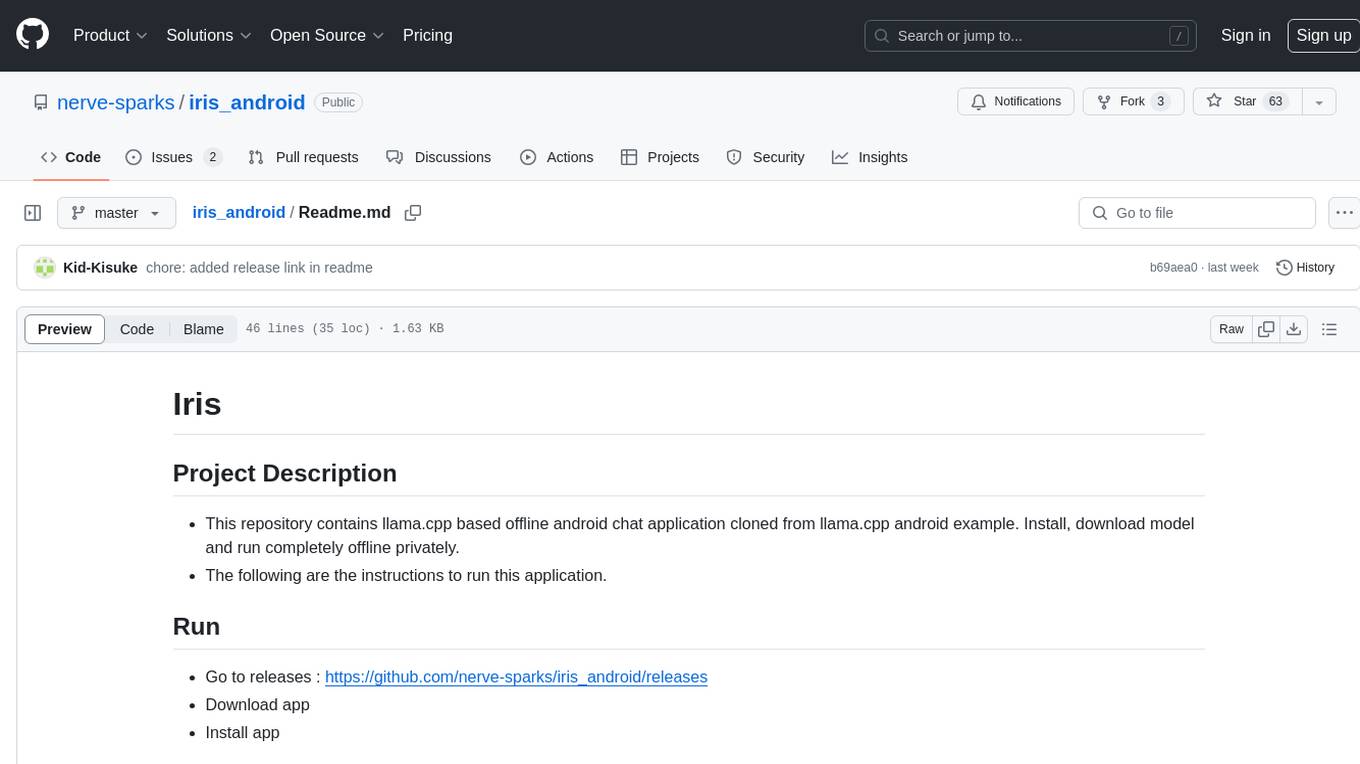
This repository contains an offline Android chat application based on llama.cpp example. Users can install, download models, and run the app completely offline and privately. To use the app, users need to go to the releases page, download and install the app. Building the app requires downloading Android Studio, cloning the repository, and importing it into Android Studio. The app can be run offline by following specific steps such as enabling developer options, wireless debugging, and downloading the stable LM model. The project is maintained by Nerve Sparks and contributions are welcome through creating feature branches and pull requests.
super-agent-party
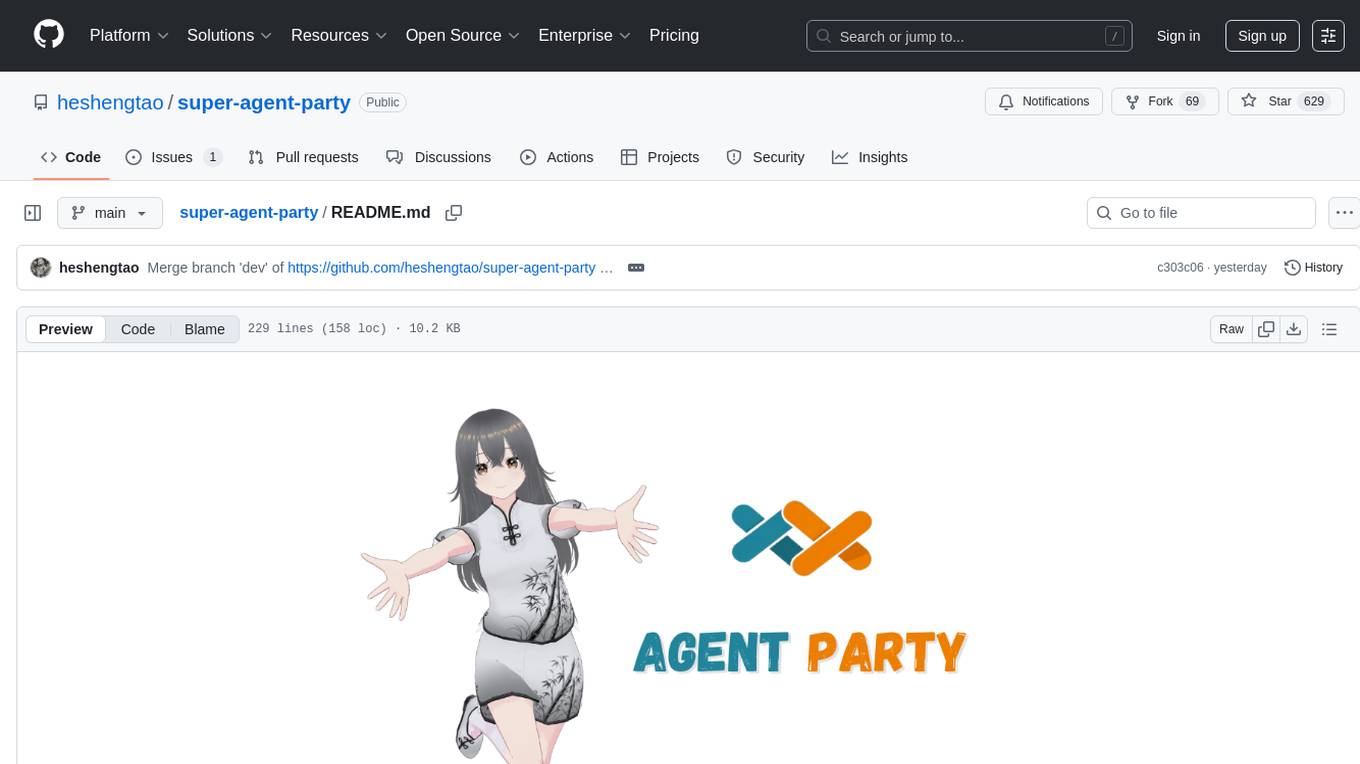
A 3D AI desktop companion with endless possibilities! This repository provides a platform for enhancing the LLM API without code modification, supporting seamless integration of various functionalities such as knowledge bases, real-time networking, multimodal capabilities, automation, and deep thinking control. It offers one-click deployment to multiple terminals, ecological tool interconnection, standardized interface opening, and compatibility across all platforms. Users can deploy the tool on Windows, macOS, Linux, or Docker, and access features like intelligent agent deployment, VRM desktop pets, Tavern character cards, QQ bot deployment, and developer-friendly interfaces. The tool supports multi-service providers, extensive tool integration, and ComfyUI workflows. Hardware requirements are minimal, making it suitable for various deployment scenarios.
bytechef
ByteChef is an open-source, low-code, extendable API integration and workflow automation platform. It provides an intuitive UI Workflow Editor, event-driven & scheduled workflows, multiple flow controls, built-in code editor supporting Java, JavaScript, Python, and Ruby, rich component ecosystem, extendable with custom connectors, AI-ready with built-in AI components, developer-ready to expose workflows as APIs, version control friendly, self-hosted, scalable, and resilient. It allows users to build and visualize workflows, automate tasks across SaaS apps, internal APIs, and databases, and handle millions of workflows with high availability and fault tolerance.
blinkid-react-native
BlinkID SDK wrapper for React Native provides best-in-class ID scanning software for cross-platform apps built with React Native. It offers complete guidance on installing and linking BlinkID library with iOS and Android apps. The SDK requires a valid license key for scanning, with offline data extraction. It supports React Native v0.71.2 and includes installation and linking instructions for iOS and Android. The repository also contains a script to create a sample React Native project and dependencies. Video tutorials demonstrate using documentVerificationOverlay and CombinedRecognizer for scanning various document types.
oterm
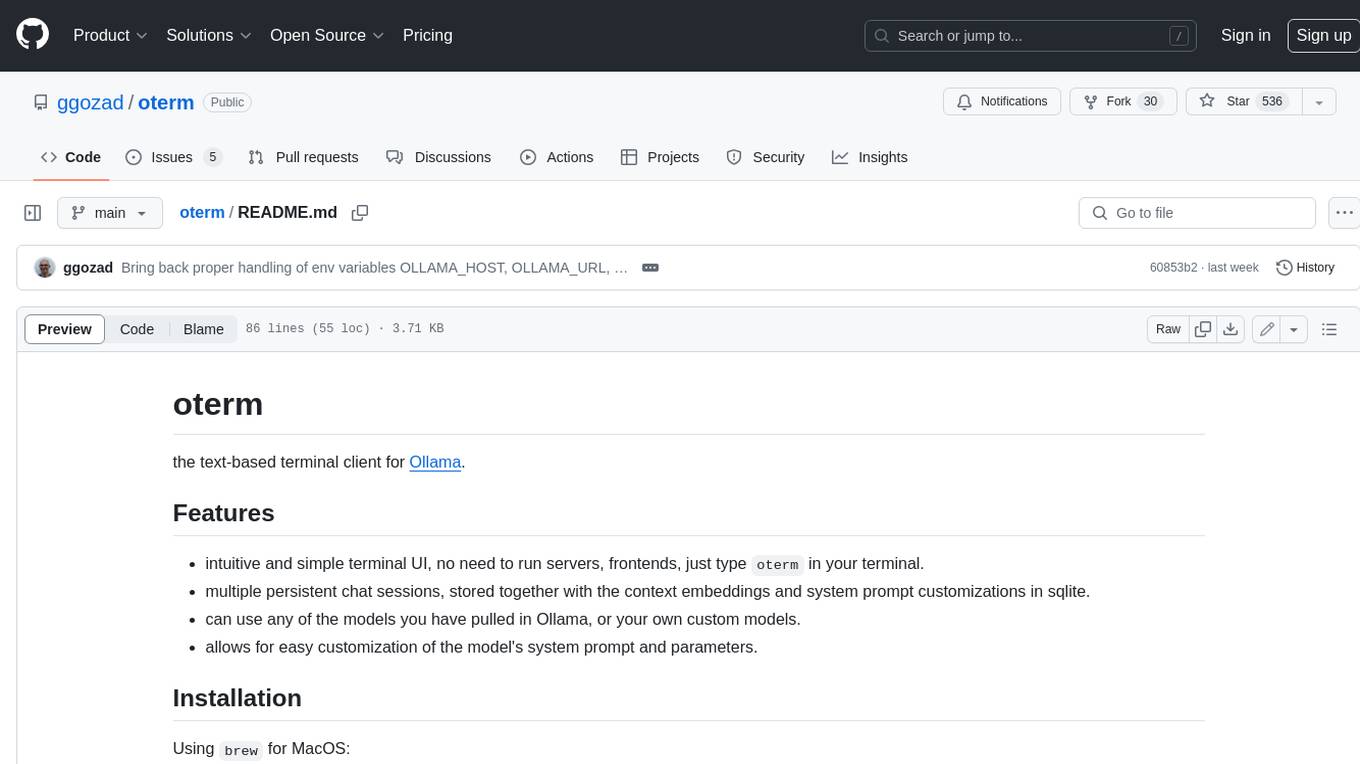
Oterm is a text-based terminal client for Ollama, a large language model. It provides an intuitive and simple terminal UI, allowing users to interact with Ollama without running servers or frontends. Oterm supports multiple persistent chat sessions, which are stored along with context embeddings and system prompt customizations in a SQLite database. Users can easily customize the model's system prompt and parameters, and select from any of the models they have pulled in Ollama or their own custom models. Oterm also supports keyboard shortcuts for creating new chat sessions, editing existing sessions, renaming sessions, exporting sessions as markdown, deleting sessions, toggling between dark and light themes, quitting the application, switching to multiline input mode, selecting images to include with messages, and navigating through the history of previous prompts. Oterm is licensed under the MIT License.
conversational-agent-langchain
This repository contains a Rest-Backend for a Conversational Agent that allows embedding documents, semantic search, QA based on documents, and document processing with Large Language Models. It uses Aleph Alpha and OpenAI Large Language Models to generate responses to user queries, includes a vector database, and provides a REST API built with FastAPI. The project also features semantic search, secret management for API keys, installation instructions, and development guidelines for both backend and frontend components.
open-repo-wiki
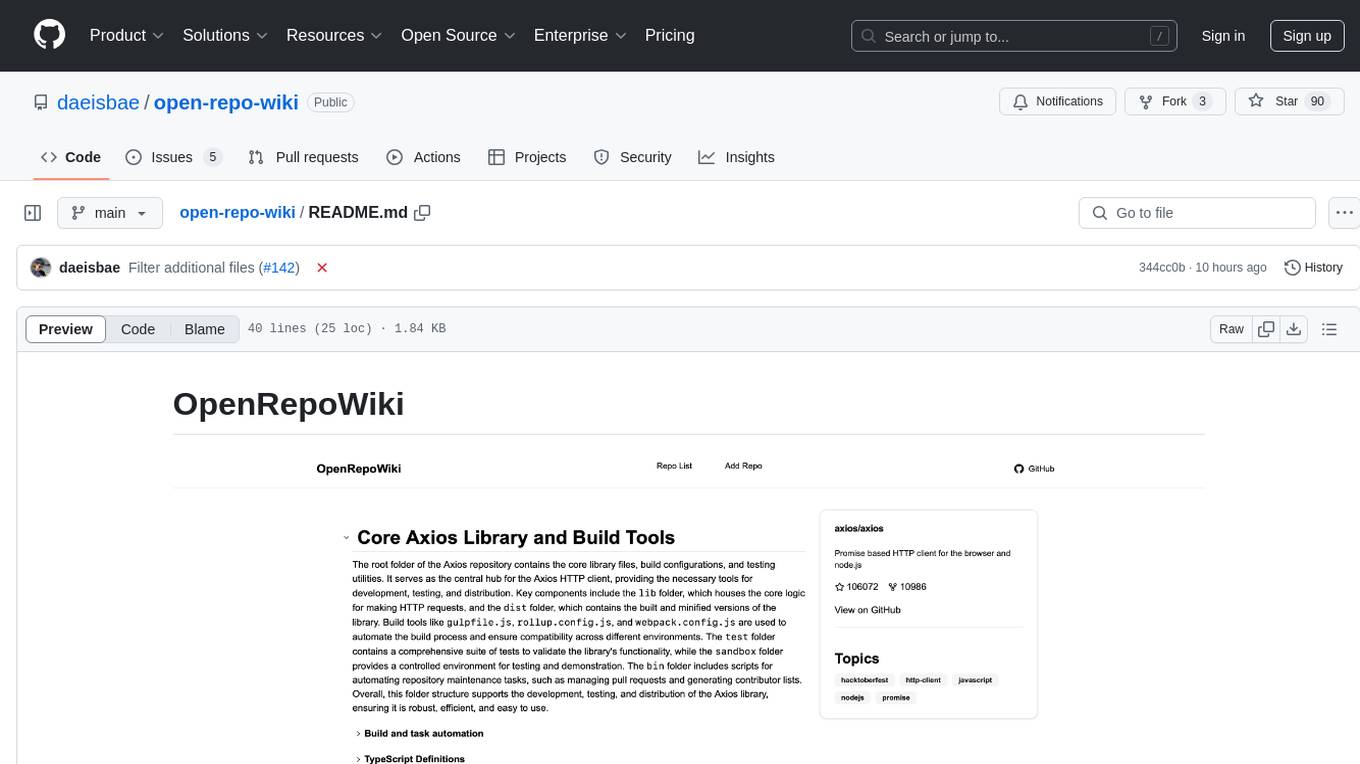
OpenRepoWiki is a tool designed to automatically generate a comprehensive wiki page for any GitHub repository. It simplifies the process of understanding the purpose, functionality, and core components of a repository by analyzing its code structure, identifying key files and functions, and providing explanations. The tool aims to assist individuals who want to learn how to build various projects by providing a summarized overview of the repository's contents. OpenRepoWiki requires certain dependencies such as Google AI Studio or Deepseek API Key, PostgreSQL for storing repository information, Github API Key for accessing repository data, and Amazon S3 for optional usage. Users can configure the tool by setting up environment variables, installing dependencies, building the server, and running the application. It is recommended to consider the token usage and opt for cost-effective options when utilizing the tool.
eShopSupport
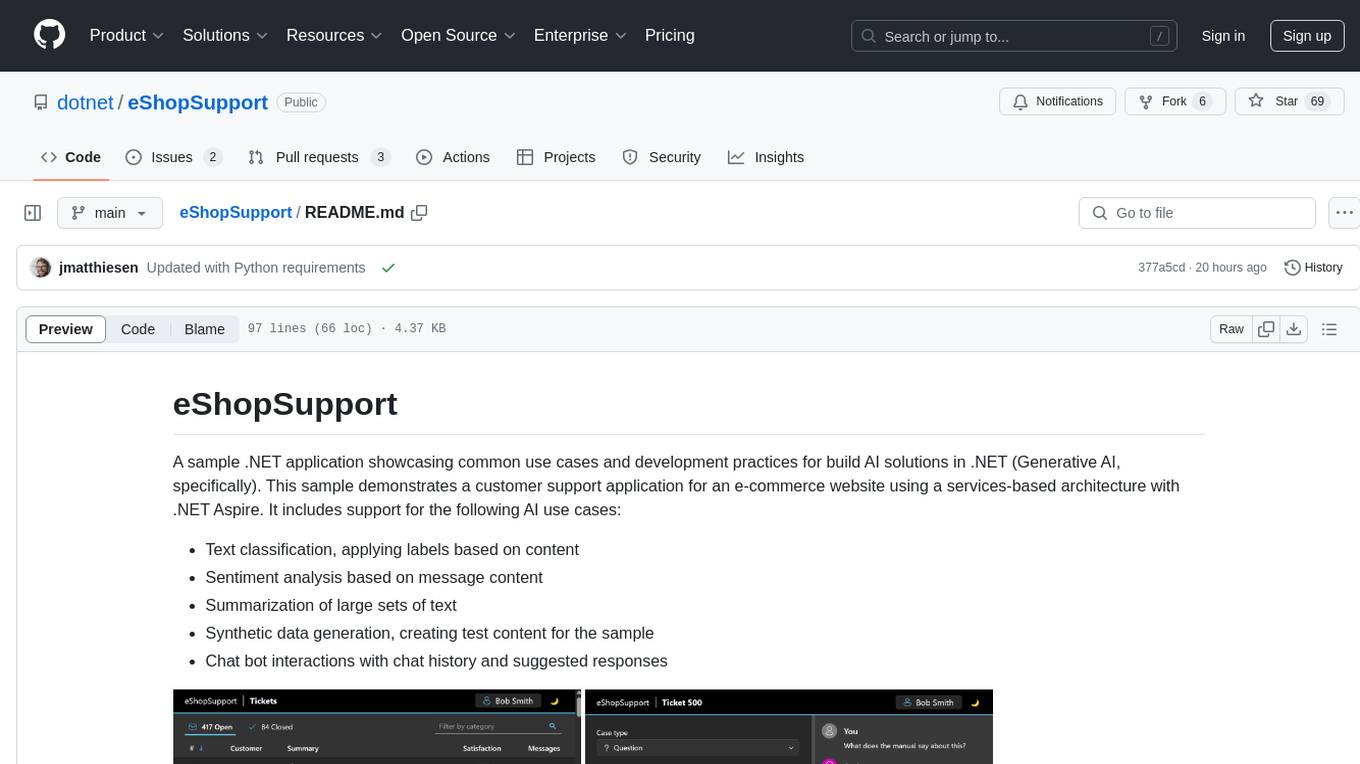
eShopSupport is a sample .NET application showcasing common use cases and development practices for building AI solutions in .NET, specifically Generative AI. It demonstrates a customer support application for an e-commerce website using a services-based architecture with .NET Aspire. The application includes support for text classification, sentiment analysis, text summarization, synthetic data generation, and chat bot interactions. It also showcases development practices such as developing solutions locally, evaluating AI responses, leveraging Python projects, and deploying applications to the Cloud.
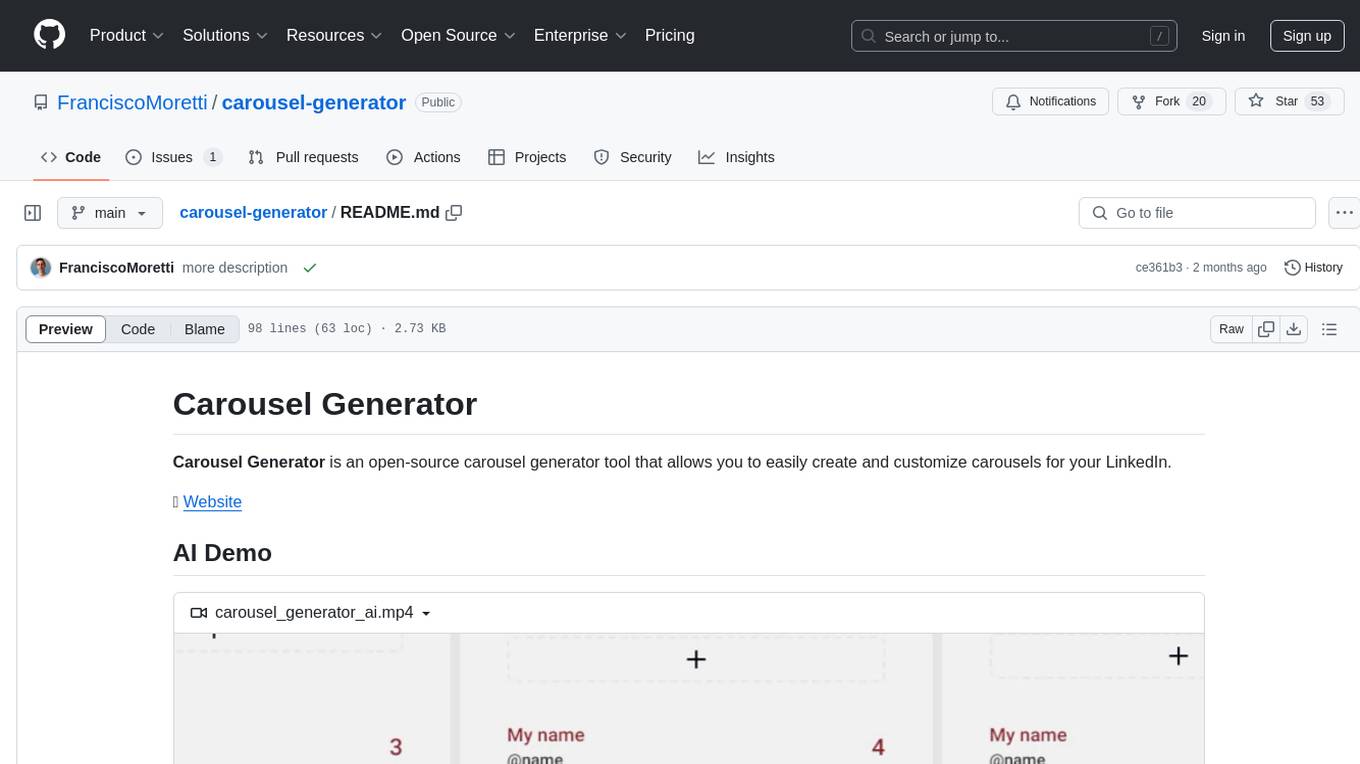
carousel-generator
Carousel Generator is an open-source tool for creating and customizing carousels for LinkedIn. It comes with AI carousel generation, react-hook-form powered forms, sleek UI components, input validation, responsive layout, automatic updates, icons, titles auto-balance, data persistence, various settings configuration, slide management, different slide types, export/import features, emoji support, and font selection.
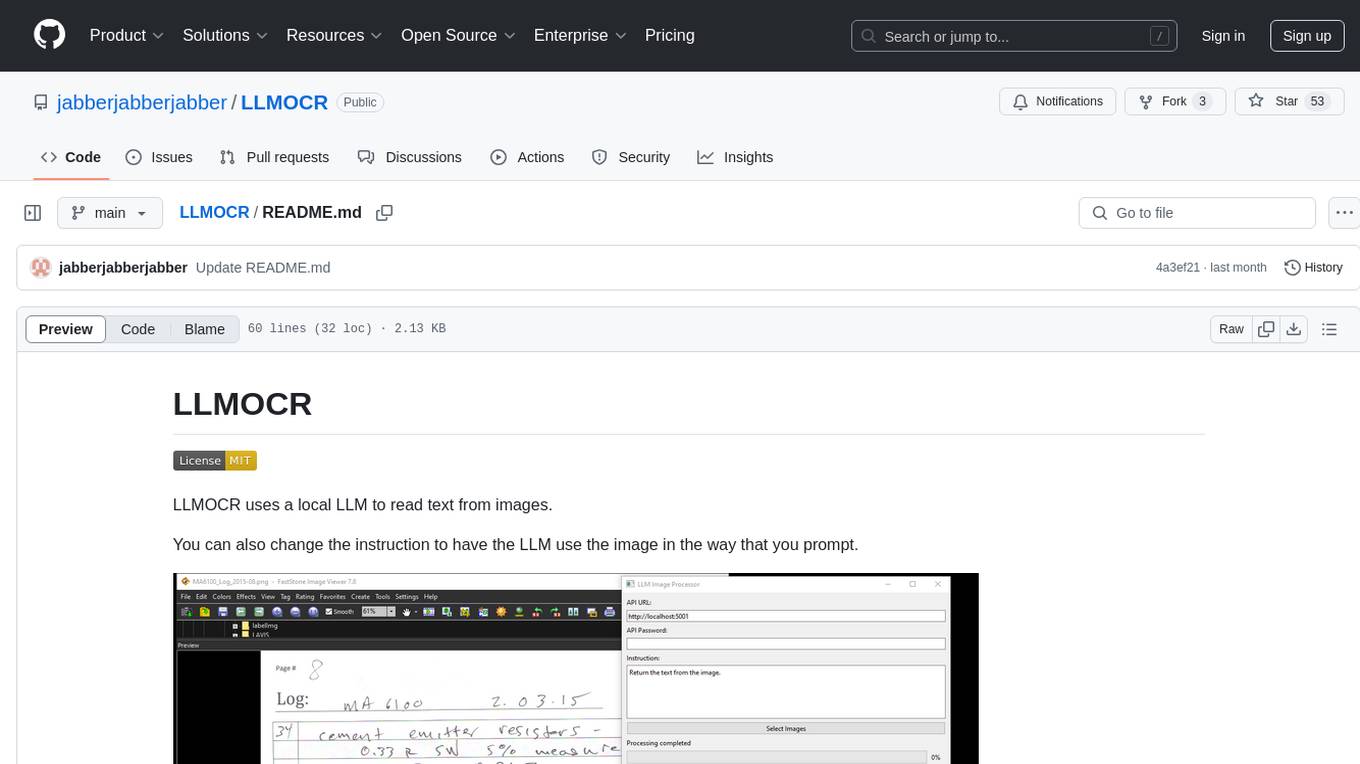
LLMOCR
LLMOCR is a tool that utilizes a local Large Language Model (LLM) to extract text from images. It offers a user-friendly GUI and supports GPU acceleration for faster inference. The tool is cross-platform, compatible with Windows, macOS ARM, and Linux. Users can prompt the LLM to process images in a customized way. The processing is done locally on the user's machine, ensuring data privacy and security. LLMOCR requires Python 3.8 or higher and KoboldCPP for installation and operation.
vulnrepo
VULNRΞPO is a vulnerability report generator and repository tool that prioritizes security by using browser-based encryption and storing data locally. It offers features such as custom templates for pentesters, importing issues from various security scanners, multiple report formats (TXT, HTML, DOCX, PDF), attachment support with checksum verification, changelog tracking, issue export to bugtrackers, AES encryption for report sharing, API integration for backend storage, report template customization, audit tool for research completeness, and local LLM model usage. The tool is designed for efficient vulnerability management and secure report generation.
verbis
Verbis AI is a secure and fully local AI assistant for MacOS that indexes data from various SaaS applications securely on the user's system. It provides a single interface powered by GenAI models to query and manage information. Users can connect Verbis to apps like Google Drive, Outlook, Gmail, and Slack, and use it as a chatbot to search across their data without data leaving their device. The tool is powered by Ollama and Weaviate, utilizing models like Mistral 7B, ms-marco-MiniLM-L-12-v2, and nomic-embed-text. Verbis AI requires Apple Silicon Mac (m1+) and has minimal system resource utilization requirements.
For similar tasks
just-the-browser
Just the Browser is a tool designed to help users remove AI features, telemetry data reporting, sponsored content, product integrations, and other annoyances from desktop web browsers. The project provides configuration files for popular web browsers, documentation for installation and modification, and easy installation scripts. Additionally, it includes a static site generator for justthebrowser.com, built with Eleventy and Simple.css, with icons from Bootstrap Icons. Users can subscribe to updates via the RSS/Atom releases feed on GitHub.
For similar jobs
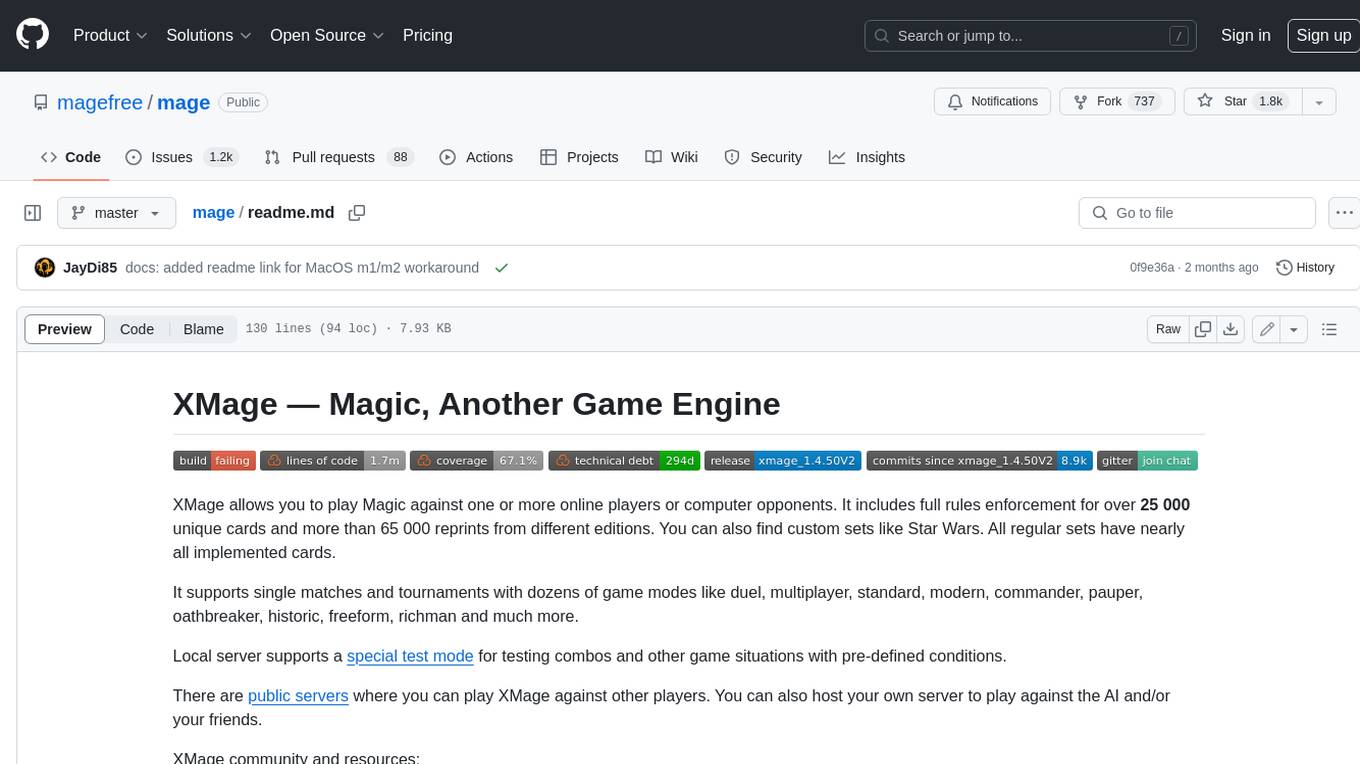
mage
XMage is an open-source, cross-platform application that allows users to play the collectible card game Magic: The Gathering online against other players or computer opponents. It supports over 25,000 unique cards and more than 65,000 reprints from different editions, including custom sets like Star Wars. XMage supports single matches and tournaments with dozens of game modes, including duel, multiplayer, standard, modern, commander, pauper, oathbreaker, historic, freeform, and richman. It also features a deck editor, a player rating system, and support for special formats like Commander, Oathbreaker, Cube, Tiny Leaders, Super Standard, and Historic Standard.
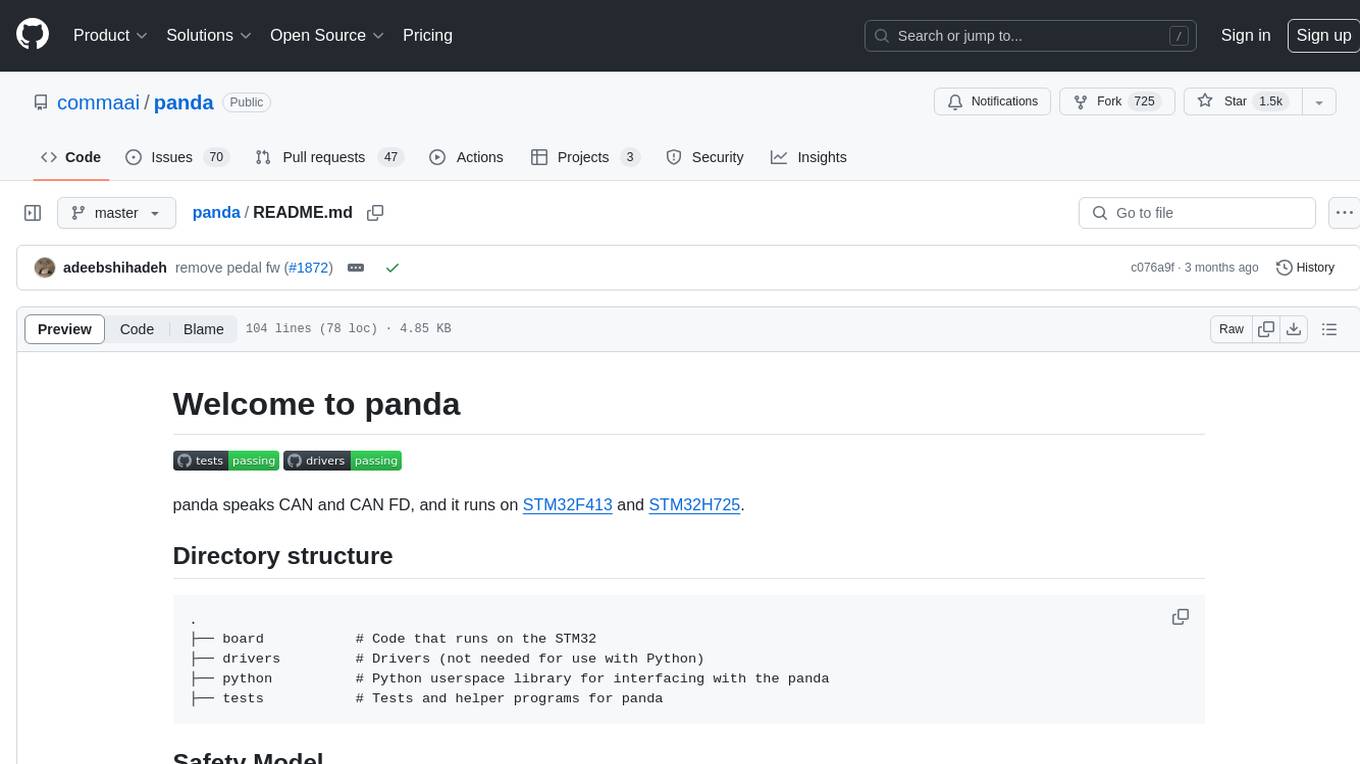
panda
Panda is a car interface tool that speaks CAN and CAN FD, running on STM32F413 and STM32H725. It provides safety modes and controls_allowed feature for message handling. The tool ensures code rigor through CI regression tests, including static code analysis, MISRA C:2012 violations check, unit tests, and hardware-in-the-loop tests. The software interface supports Python library, C++ library, and socketcan in kernel. Panda is licensed under the MIT license.
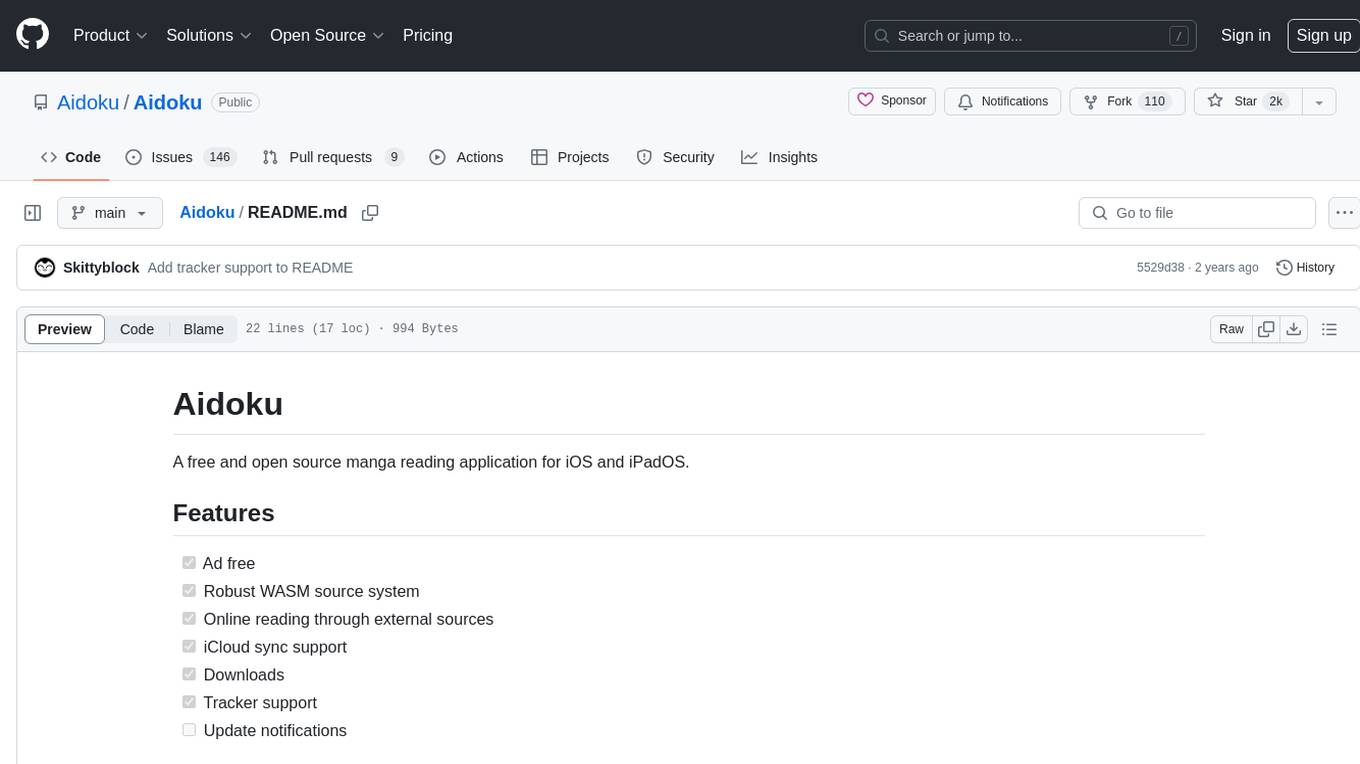
Aidoku
Aidoku is a free and open source manga reading application for iOS and iPadOS. It offers features like ad-free experience, robust WASM source system, online reading through external sources, iCloud sync support, downloads, and tracker support. Users can access the latest ipa from the releases page and join TestFlight via the Aidoku Discord for detailed installation instructions. The project is open to contributions, with planned features and fixes. Translation efforts are welcomed through Weblate for crowd-sourced translations.
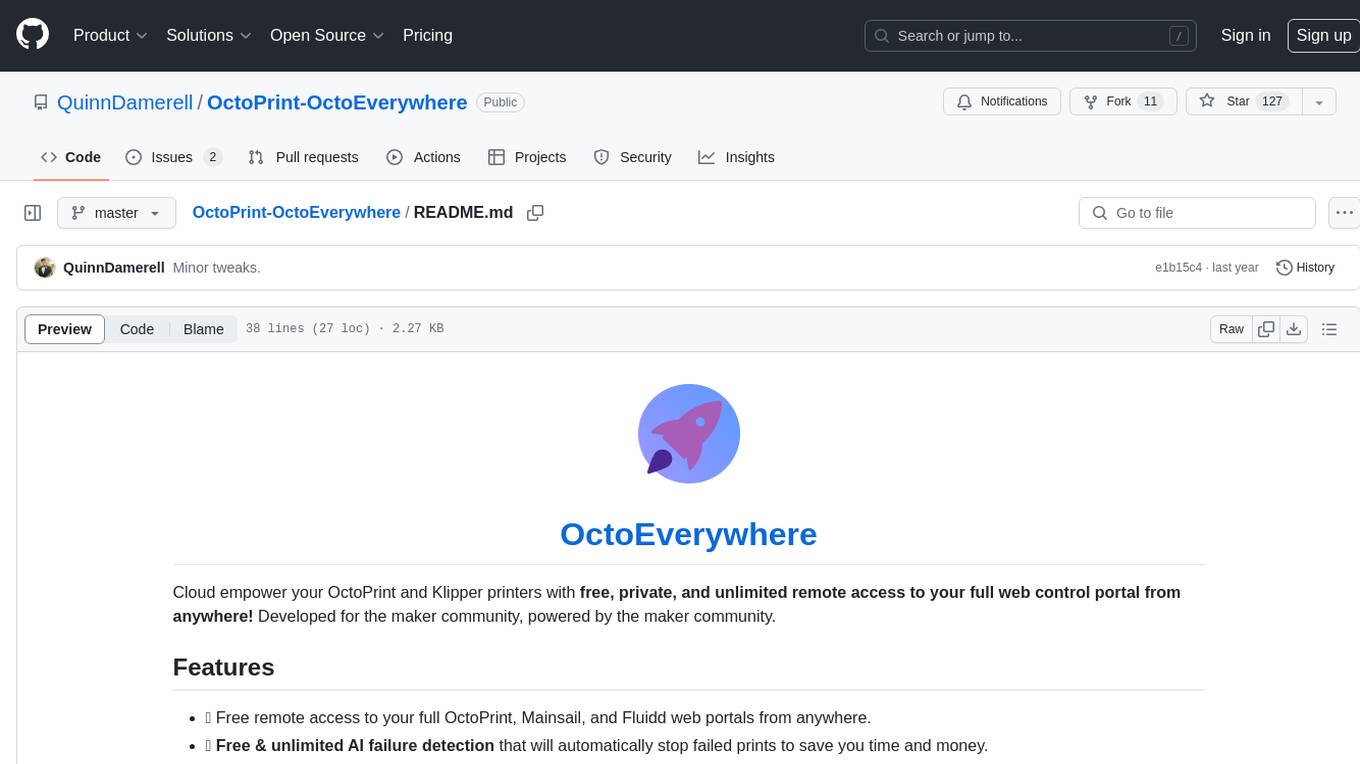
OctoPrint-OctoEverywhere
OctoEverywhere is a cloud-based tool designed to provide free, private, and unlimited remote access to OctoPrint and Klipper printers' web control portals from anywhere. It offers features such as free AI failure detection, webcam streaming, mobile app integration, live streaming, printer notifications, secure portal sharing, plugin functionality, and multicam support. With a high Trustpilot rating and a large user base, OctoEverywhere aims to empower the maker community with easy and efficient printer management.
FlowTest
FlowTestAI is the world’s first GenAI powered OpenSource Integrated Development Environment (IDE) designed for crafting, visualizing, and managing API-first workflows. It operates as a desktop app, interacting with the local file system, ensuring privacy and enabling collaboration via version control systems. The platform offers platform-specific binaries for macOS, with versions for Windows and Linux in development. It also features a CLI for running API workflows from the command line interface, facilitating automation and CI/CD processes.
aid
Aid2 is a tool designed to authorize iOS devices and install apps similar to iTools. After authorizing with Aid2, the IPA files can be installed without entering the app ID and password. This second version of Aid supports both Windows and Mac systems, although the Mac system has not been fully tested yet. Version 2.1 added the functionality to install IPA files. Version 2.5 streamlined the authorization process, executing it on each device using a single thread to reduce code complexity and improve authorization speed. The tool requires a compilation environment with Vcpkg, gRPC, Protobuf, and OpenSSL, and users need to have access to a VPN for successful configuration.
llmperf
LLMPerf is a tool designed for evaluating the performance of Language Model APIs. It provides functionalities for conducting load tests to measure inter-token latency and generation throughput, as well as correctness tests to verify the responses. The tool supports various LLM APIs including OpenAI, Anthropic, TogetherAI, Hugging Face, LiteLLM, Vertex AI, and SageMaker. Users can set different parameters for the tests and analyze the results to assess the performance of the LLM APIs. LLMPerf aims to standardize prompts across different APIs and provide consistent evaluation metrics for comparison.
fuji-web
Fuji-Web is an intelligent AI partner designed for full browser automation. It autonomously navigates websites and performs tasks on behalf of the user while providing explanations for each action step. Users can easily install the extension in their browser, access the Fuji icon to input tasks, and interact with the tool to streamline web browsing tasks. The tool aims to enhance user productivity by automating repetitive web actions and providing a seamless browsing experience.