


jean
Your AI dev team, parallelized.
Stars: 273
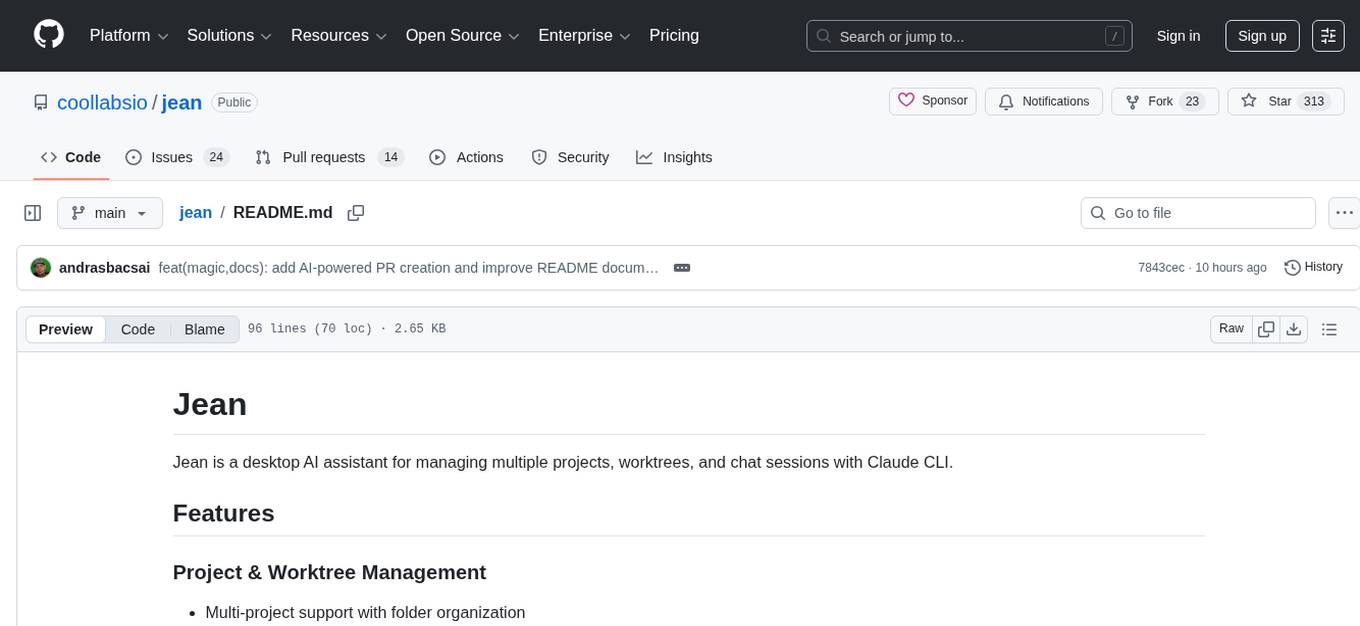
Jean is an AI assistant application that helps manage multiple projects, worktrees, and sessions with Claude CLI. It provides automated worktree management, context loading from sessions and GitHub, magic Git commands/prompts, merge conflict resolution, worktree/archiving, and more. The tool is designed to streamline project management and version control tasks.
README:
Jean is a desktop AI assistant for managing multiple projects, worktrees, and chat sessions with Claude CLI.
- Multi-project support with folder organization
- Git worktree automation (create, archive, restore, delete)
- Base session mode (work on main without worktrees)
- Custom project avatars
- Multiple sessions per worktree
- Execution modes: Plan, Build, Yolo
- Session archiving, recovery, auto-naming
- Canvas views for visual session overview
- Model selection (Opus, Sonnet, Haiku)
- Thinking levels (Think, Megathink, Ultrathink) and effort levels for Opus
- MCP server support
- File mentions, image support, context loading
- Customizable system prompts per project
- Investigate Issue / PR / Workflow
- Code Review with finding tracking
- AI Commit messages, PR content generation
- Merge conflict resolution
- Release notes generation
- Issue & PR investigation
- Checkout PRs as worktrees
- Auto-archive on PR merge
- GitHub Actions workflow investigation
- Integrated terminal (multiple per worktree)
- Open in editor (VS Code, Cursor, Xcode)
- Git status, diff viewer (unified & side-by-side)
- File tree with preview
- Built-in HTTP server with WebSocket support
- Token-based authentication
- Web browser access
- Themes (light/dark/system)
- Custom fonts and font sizes
- Customizable AI prompts
- Configurable keybindings
Tauri v2 · React 19 · Rust · TypeScript · Tailwind CSS v4 · shadcn/ui v4 · Zustand v5 · TanStack Query · CodeMirror 6 · xterm.js


- Node.js
- Rust
-
Windows only: In the Visual Studio Installer, ensure the "Desktop development with C++" workload is selected, which includes:
- MSVC C++ build tools
- Windows SDK (provides
kernel32.liband other system libraries required by Rust)
- macOS: Tested
- Windows: Not fully tested
- Linux: Not tested at all
- Add Opencode support
- Enhance remote web access
See CONTRIBUTING.md for development setup and guidelines.
Learn more about our approach: Philosophy
Made by Andras Bacsai.
For Tasks:
Click tags to check more tools for each tasksFor Jobs:
Alternative AI tools for jean
Similar Open Source Tools
jean
Jean is an AI assistant application that helps manage multiple projects, worktrees, and sessions with Claude CLI. It provides automated worktree management, context loading from sessions and GitHub, magic Git commands/prompts, merge conflict resolution, worktree/archiving, and more. The tool is designed to streamline project management and version control tasks.
codexia
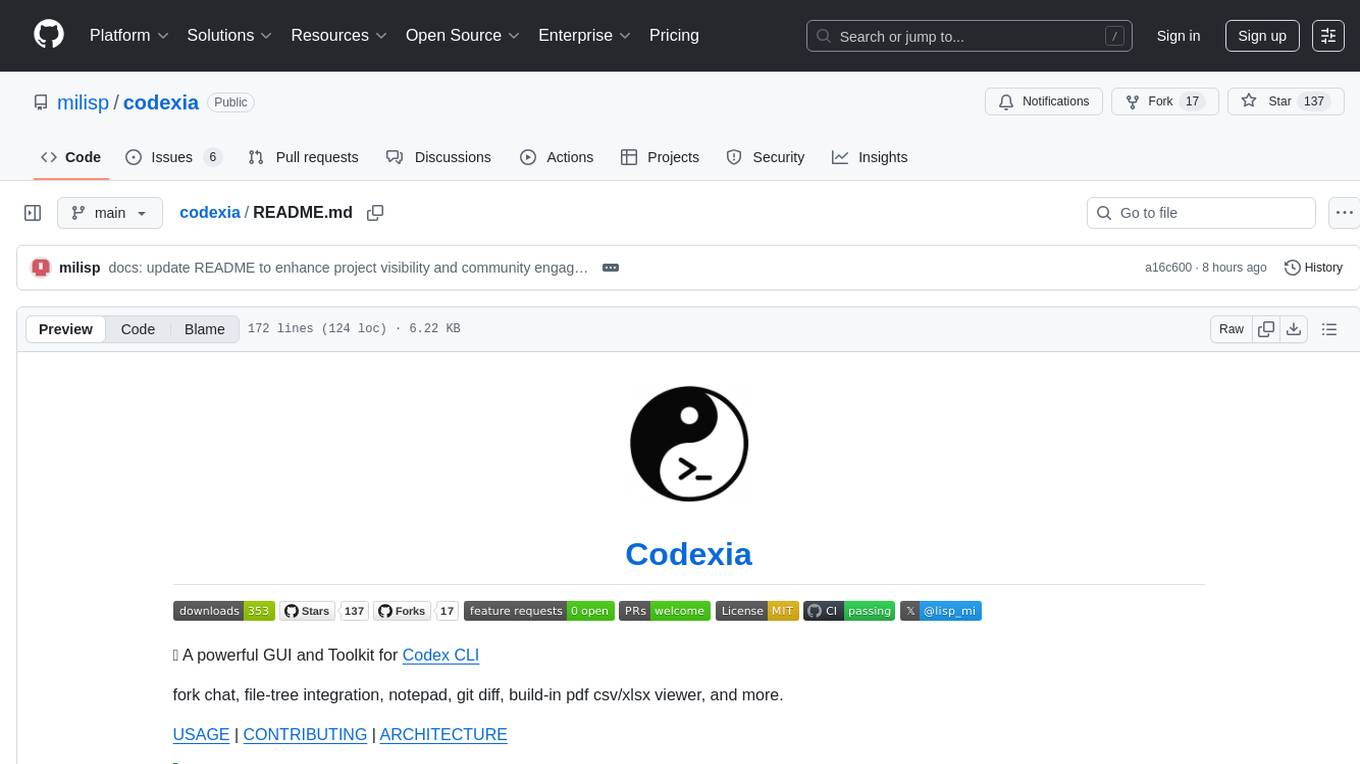
Codexia is a powerful GUI and Toolkit for Codex CLI, offering features like fork chat, file-tree integration, notepad, git diff, built-in pdf/csv/xlsx viewer, and more. It provides multi-file format support, flexible configuration with multiple AI providers, professional UX with responsive UI, security features like sandbox execution modes, and prioritizes privacy. The tool supports interactive chat, code generation/editing, file operations with sandbox, command execution with approval, multiple AI providers, project-aware assistance, streaming responses, and built-in web search. The roadmap includes plans for MCP tool call, more file format support, better UI customization, plugin system, real-time collaboration, performance optimizations, and token count.
astron-rpa
AstronRPA is an enterprise-grade Robotic Process Automation (RPA) desktop application that supports low-code/no-code development. It enables users to rapidly build workflows and automate desktop software and web pages. The tool offers comprehensive automation support for various applications, highly component-based design, enterprise-grade security and collaboration features, developer-friendly experience, native agent empowerment, and multi-channel trigger integration. It follows a frontend-backend separation architecture with components for system operations, browser automation, GUI automation, AI integration, and more. The tool is deployed via Docker and designed for complex RPA scenarios.
neuropilot
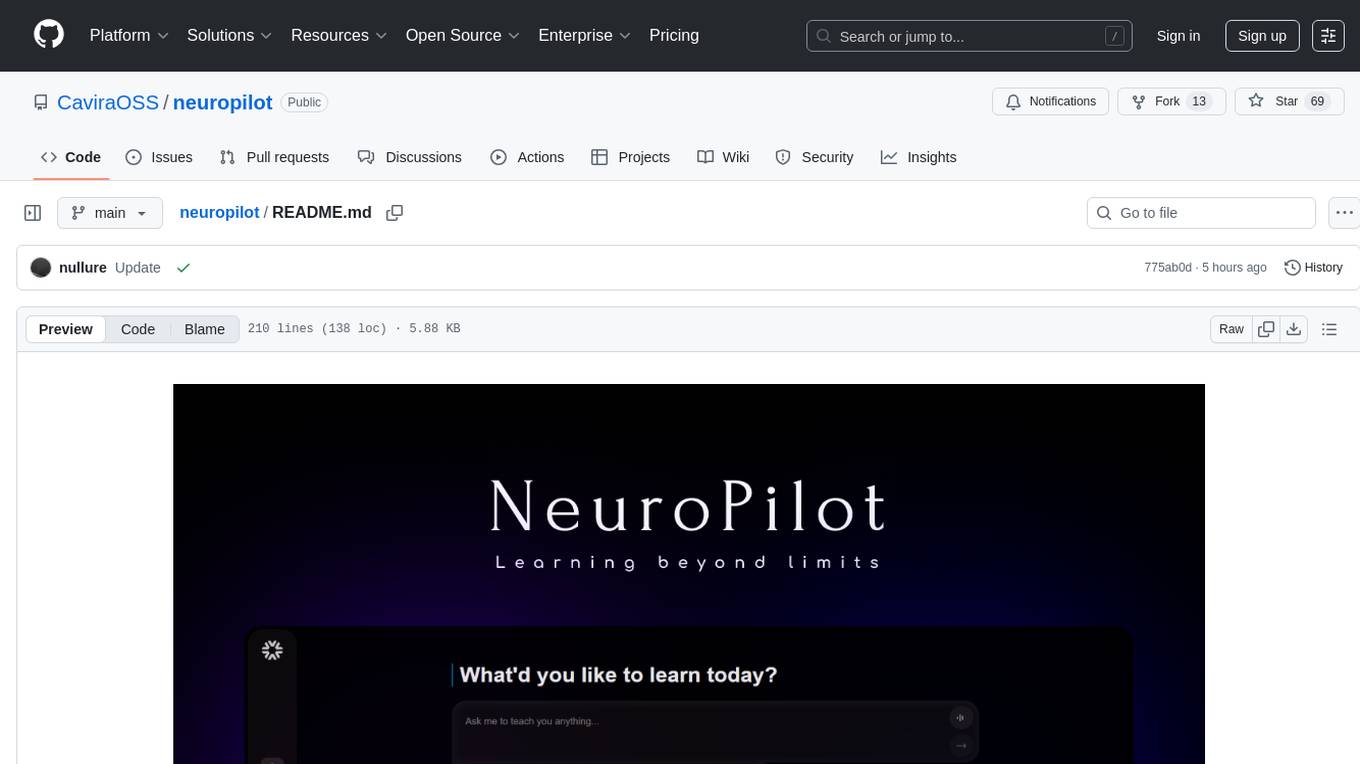
NeuroPilot is an open-source AI-powered education platform that transforms study materials into interactive learning resources. It provides tools like contextual chat, smart notes, flashcards, quizzes, and AI podcasts. Supported by various AI models and embedding providers, it offers features like WebSocket streaming, JSON or vector database support, file-based storage, and configurable multi-provider setup for LLMs and TTS engines. The technology stack includes Node.js, TypeScript, Vite, React, TailwindCSS, JSON database, multiple LLM providers, and Docker for deployment. Users can contribute to the project by integrating AI models, adding mobile app support, improving performance, enhancing accessibility features, and creating documentation and tutorials.
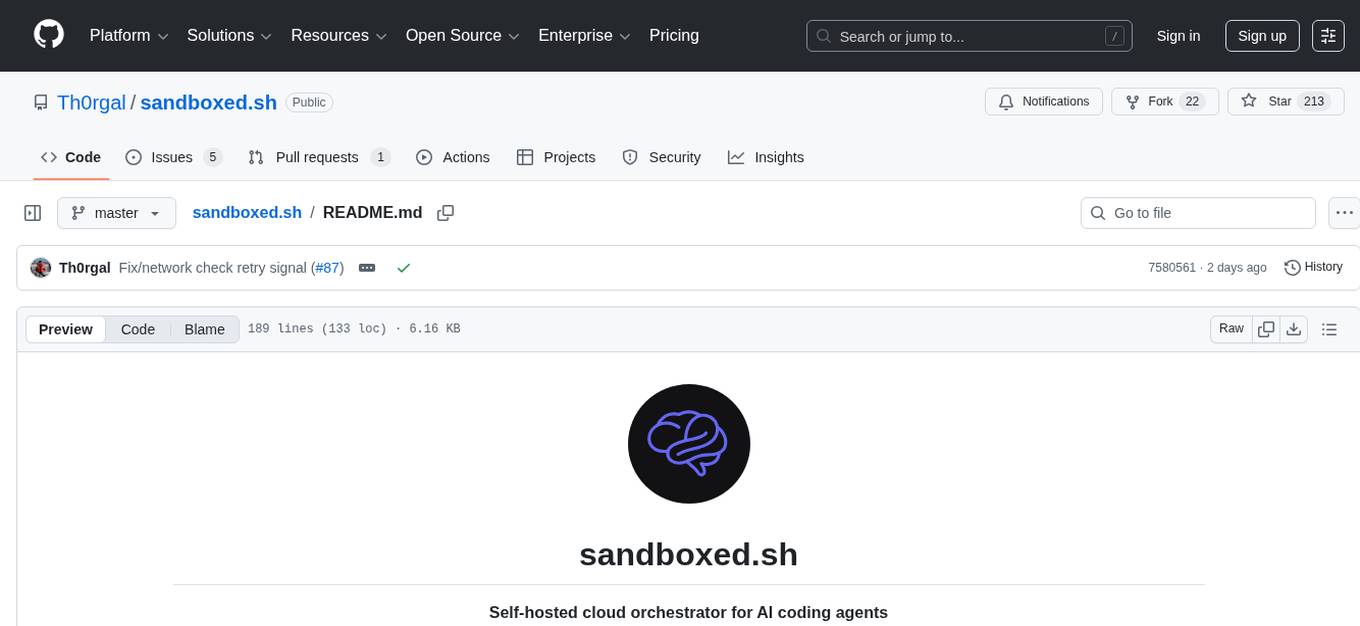
sandboxed.sh
sandboxed.sh is a self-hosted cloud orchestrator for AI coding agents that provides isolated Linux workspaces with Claude Code, OpenCode & Amp runtimes. It allows users to hand off entire development cycles, run multi-day operations unattended, and keep sensitive data local by analyzing data against scientific literature. The tool features dual runtime support, mission control for remote agent management, isolated workspaces, a git-backed library, MCP registry, and multi-platform support with a web dashboard and iOS app.
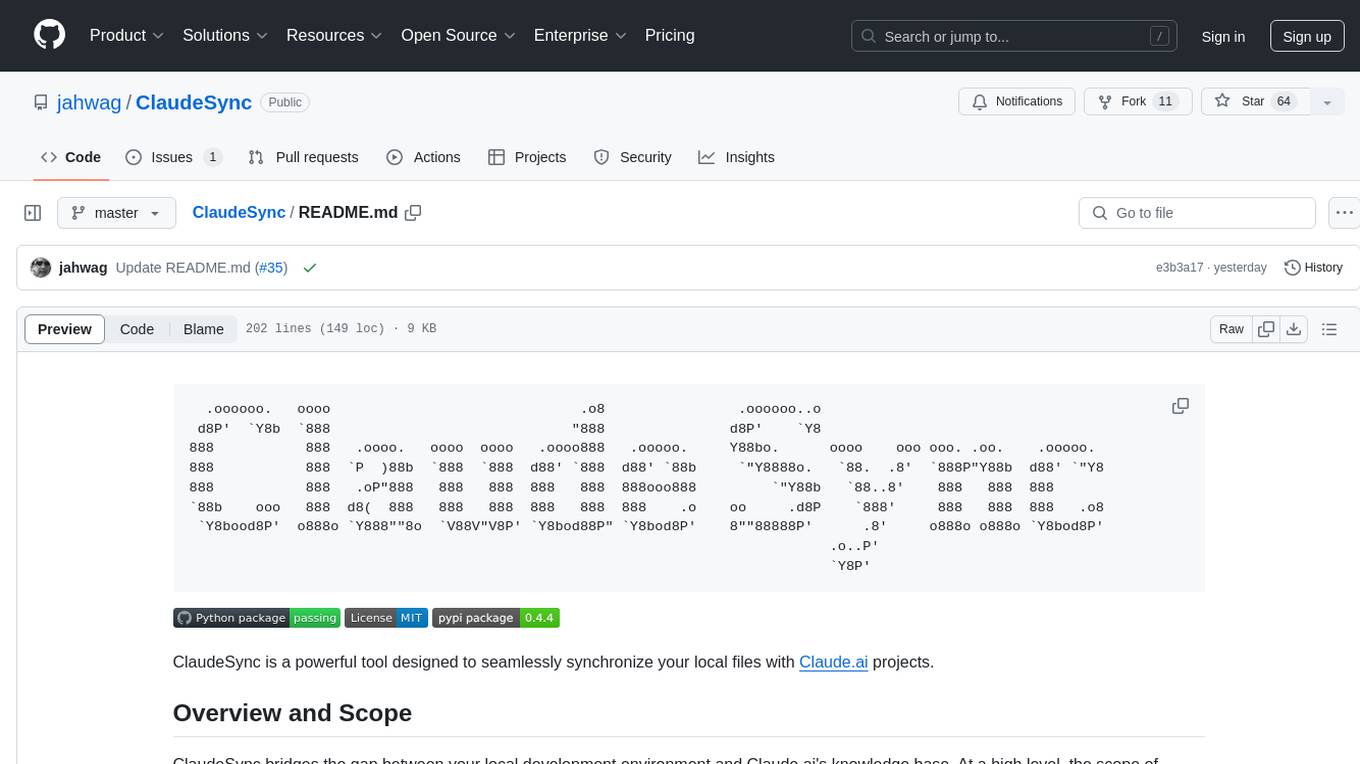
ClaudeSync
ClaudeSync is a powerful tool designed to seamlessly synchronize local files with Claude.ai projects. It bridges the gap between local development environment and Claude.ai's knowledge base, offering real-time synchronization, CLI for easy management, support for multiple organizations and projects, intelligent file filtering, configurable sync interval, two-way synchronization, and more. It ensures data privacy, open source transparency, and comes with disclaimers for use at own risk. Users can quickly start syncing by installing, logging in, selecting organization and project, and running sync. Advanced features include API, organization, project, file, chat management, configuration, synchronization modes, scheduled sync, providers, custom ignore file, and troubleshooting. Contributions are welcome, and communication channels include GitHub Issues and Discord. Licensed under MIT License.
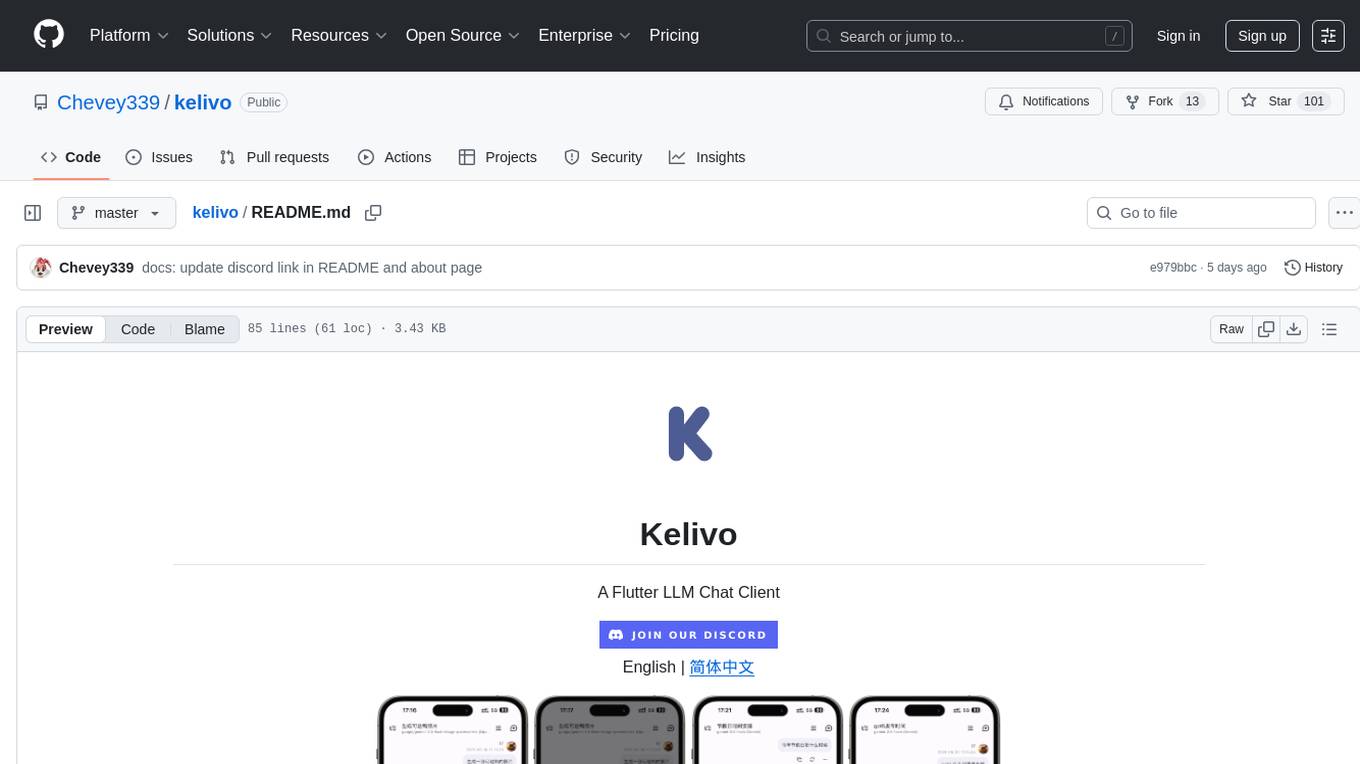
kelivo
Kelivo is a Flutter LLM Chat Client with modern design, dark mode, multi-language support, multi-provider support, custom assistants, multimodal input, markdown rendering, voice functionality, MCP support, web search integration, prompt variables, QR code sharing, data backup, and custom requests. It is built with Flutter and Dart, utilizes Provider for state management, Hive for local data storage, and supports dynamic theming and Markdown rendering. Kelivo is a versatile tool for creating and managing personalized AI assistants, supporting various input formats, and integrating with multiple search engines and AI providers.

llamafarm
LlamaFarm is a comprehensive AI framework that empowers users to build powerful AI applications locally, with full control over costs and deployment options. It provides modular components for RAG systems, vector databases, model management, prompt engineering, and fine-tuning. Users can create differentiated AI products without needing extensive ML expertise, using simple CLI commands and YAML configs. The framework supports local-first development, production-ready components, strategy-based configuration, and deployment anywhere from laptops to the cloud.
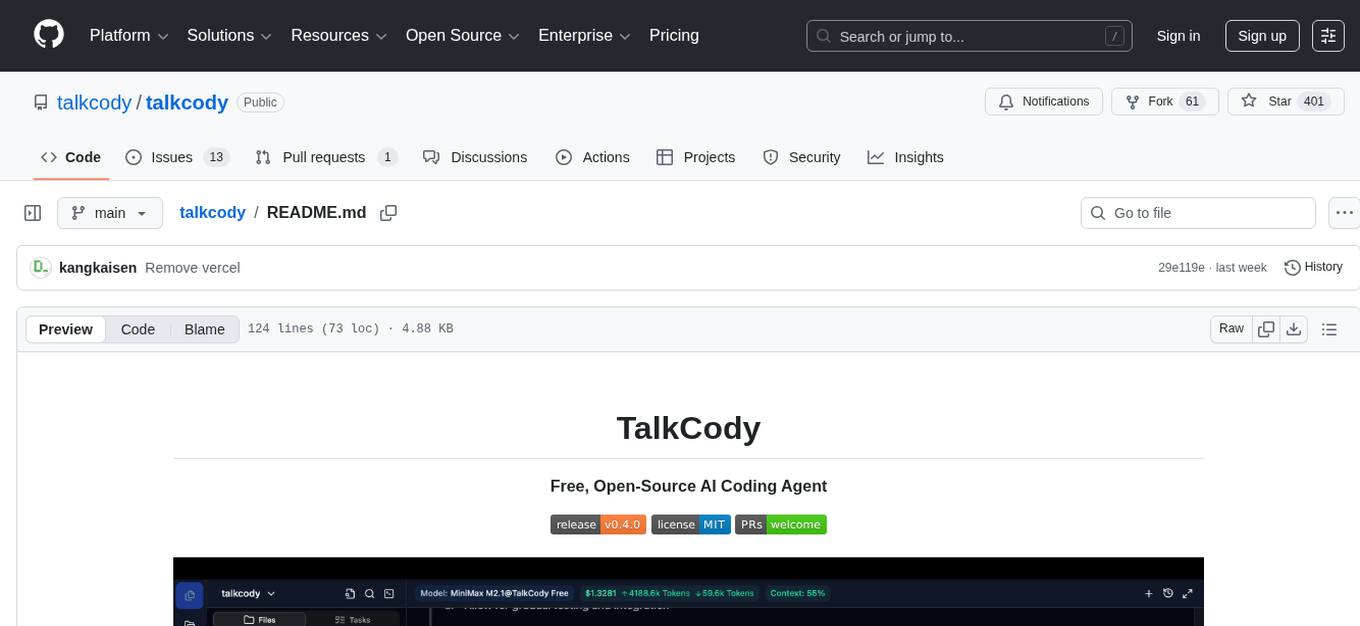
talkcody
TalkCody is a free, open-source AI coding agent designed for developers who value speed, cost, control, and privacy. It offers true freedom to use any AI model without vendor lock-in, maximum speed through unique four-level parallelism, and complete privacy as everything runs locally without leaving the user's machine. With professional-grade features like multimodal input support, MCP server compatibility, and a marketplace for agents and skills, TalkCody aims to enhance development productivity and flexibility.
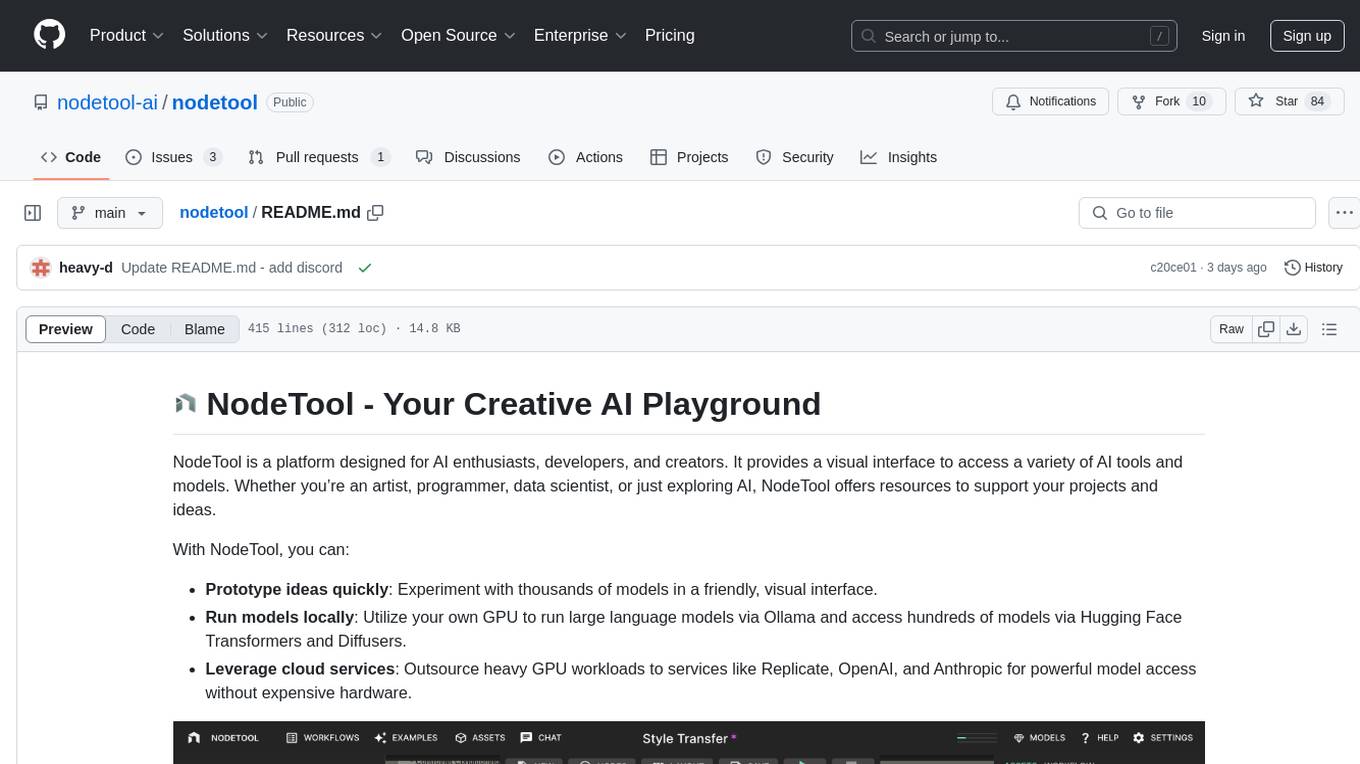
nodetool
NodeTool is a platform designed for AI enthusiasts, developers, and creators, providing a visual interface to access a variety of AI tools and models. It simplifies access to advanced AI technologies, offering resources for content creation, data analysis, automation, and more. With features like a visual editor, seamless integration with leading AI platforms, model manager, and API integration, NodeTool caters to both newcomers and experienced users in the AI field.
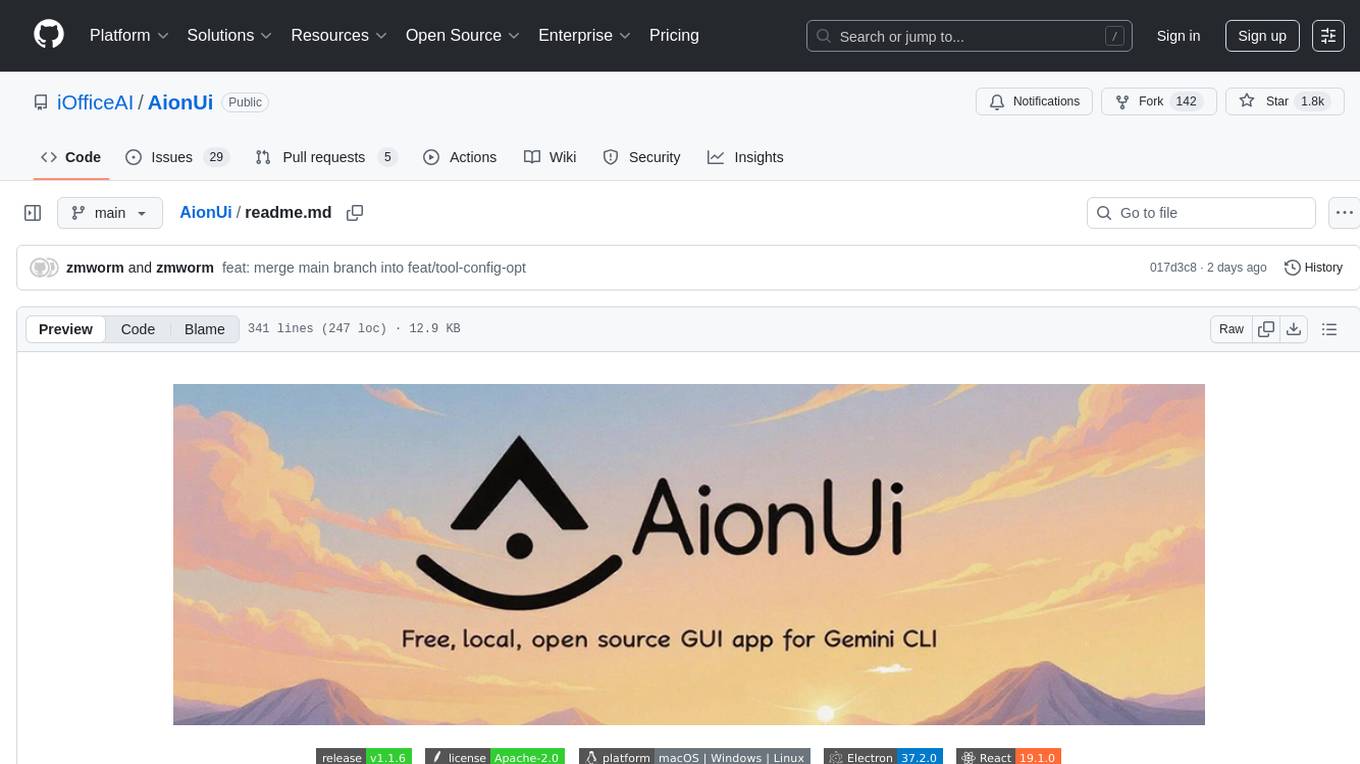
AionUi
AionUi is a user interface library for building modern and responsive web applications. It provides a set of customizable components and styles to create visually appealing user interfaces. With AionUi, developers can easily design and implement interactive web interfaces that are both functional and aesthetically pleasing. The library is built using the latest web technologies and follows best practices for performance and accessibility. Whether you are working on a personal project or a professional application, AionUi can help you streamline the UI development process and deliver a seamless user experience.
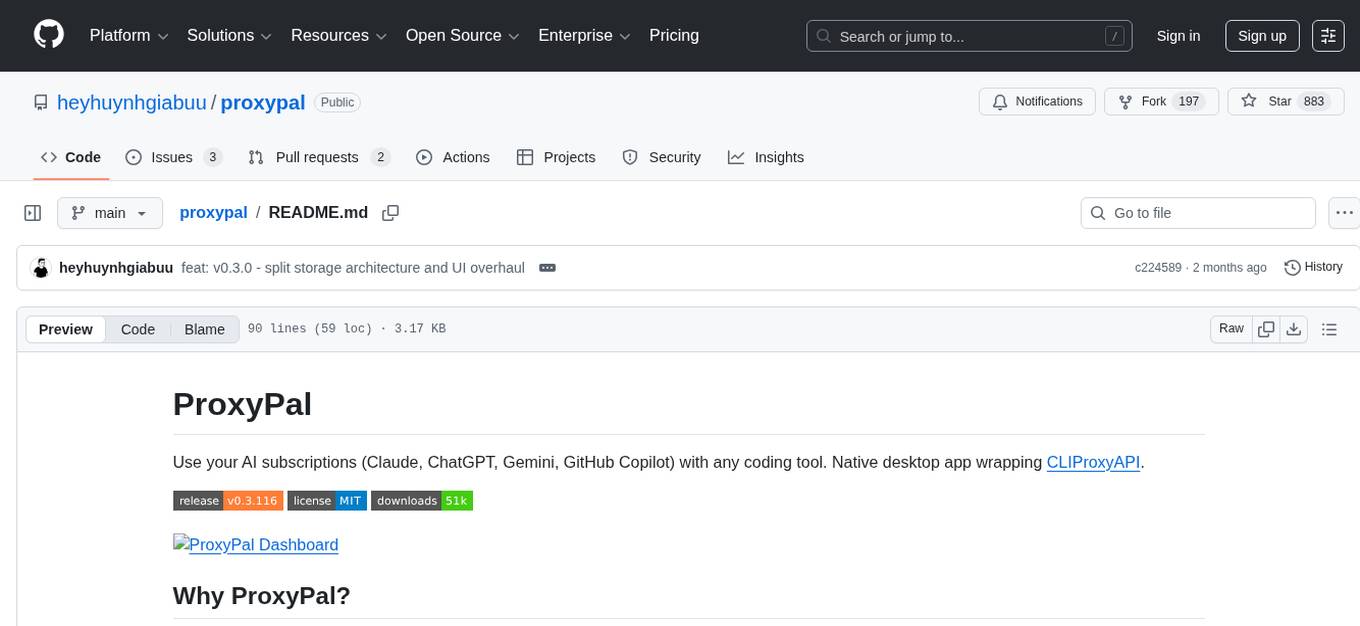
proxypal
ProxyPal is a desktop app that allows users to utilize multiple AI subscriptions (such as Claude, ChatGPT, Gemini, GitHub Copilot) with any coding tool. It acts as a bridge between various AI providers and coding tools, offering features like connecting to different AI services, GitHub Copilot integration, Antigravity support, usage analytics, request monitoring, and auto-configuration. The app supports multiple platforms and clients, providing a seamless experience for developers to leverage AI capabilities in their coding workflow. ProxyPal simplifies the process of using AI models in coding environments, enhancing productivity and efficiency.
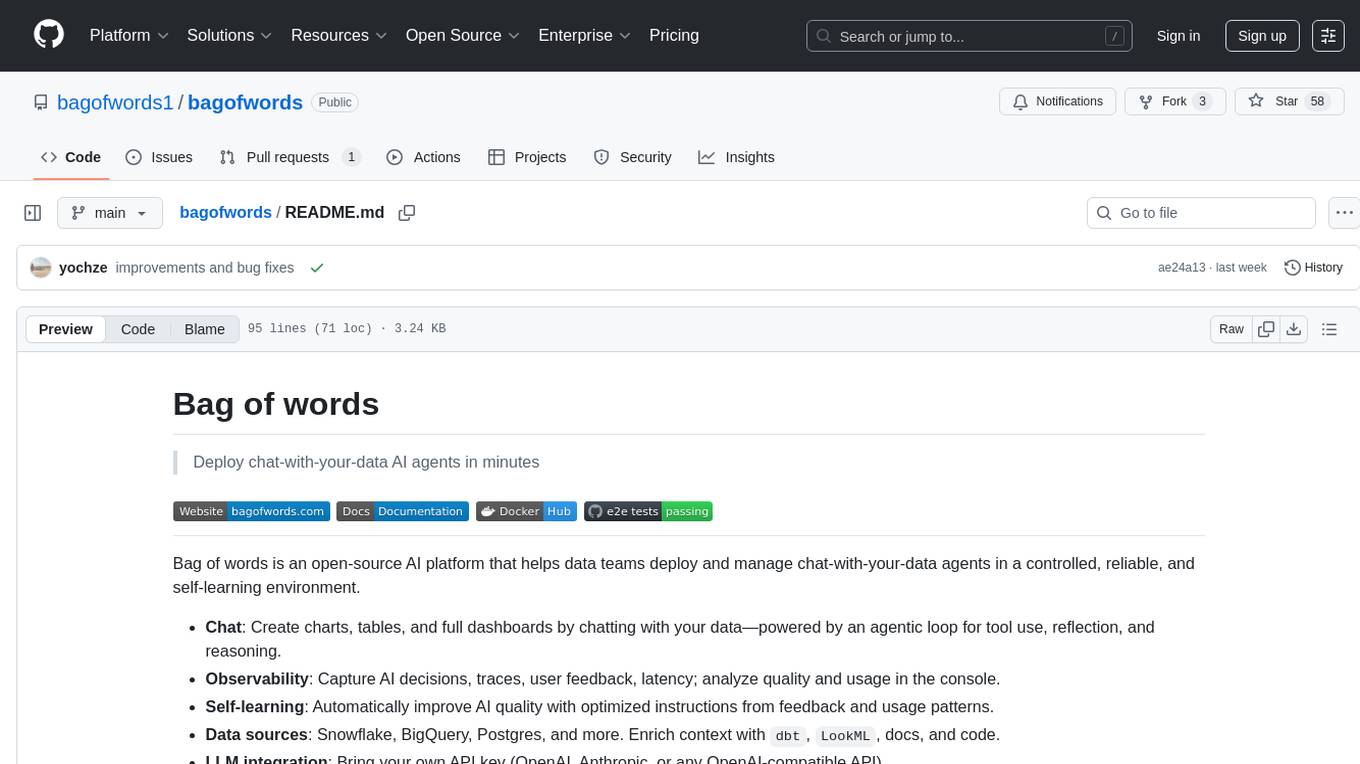
bagofwords
Bag of words is an open-source AI platform that helps data teams deploy and manage chat-with-your-data agents in a controlled, reliable, and self-learning environment. It enables users to create charts, tables, and dashboards by chatting with their data, capture AI decisions and user feedback, automatically improve AI quality, integrate with various data sources and APIs, and ensure governance and integrations. The platform supports self-hosting in VPC via VMs, Docker/Compose, or Kubernetes, and offers additional integrations for AI Analyst in Slack, Excel, Google Sheets, and more. Users can start in minutes and scale to org-wide analytics.
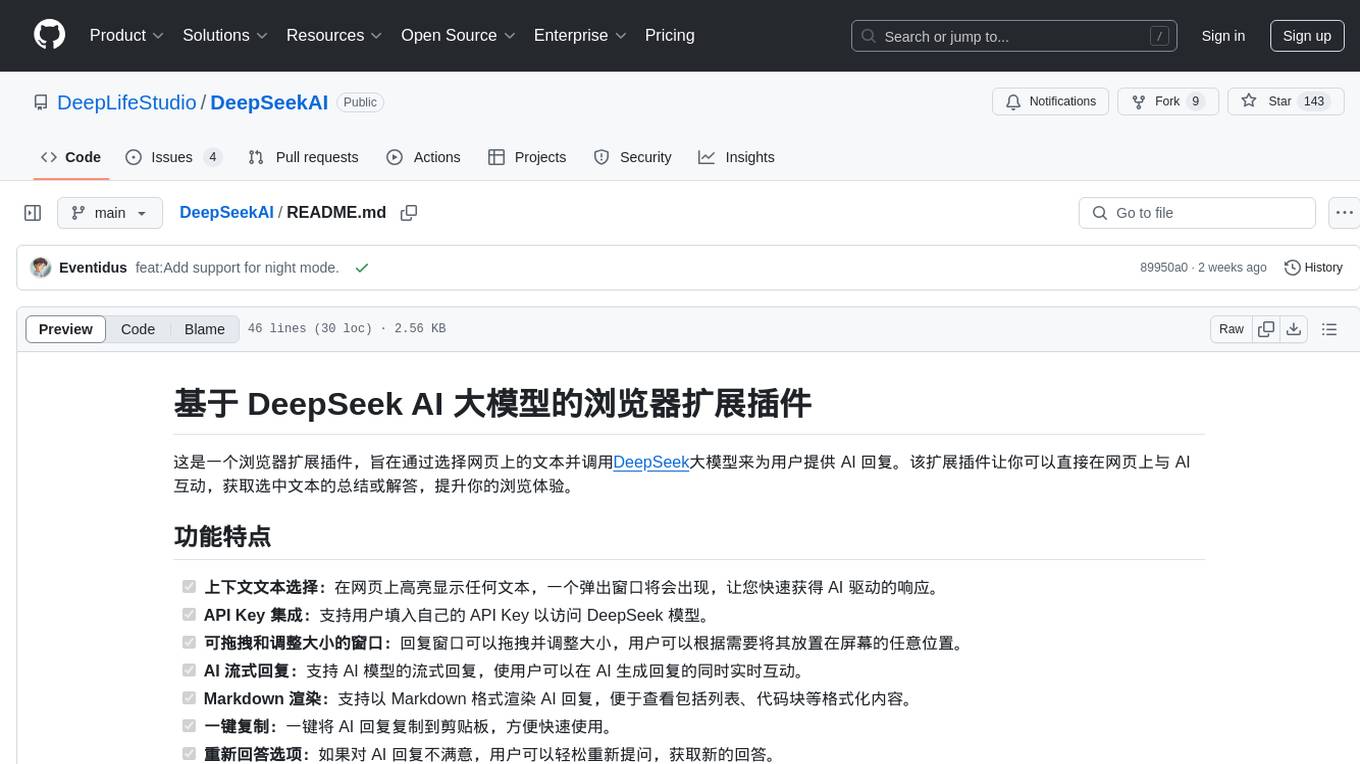
DeepSeekAI
DeepSeekAI is a browser extension plugin that allows users to interact with AI by selecting text on web pages and invoking the DeepSeek large model to provide AI responses. The extension enhances browsing experience by enabling users to get summaries or answers for selected text directly on the webpage. It features context text selection, API key integration, draggable and resizable window, AI streaming replies, Markdown rendering, one-click copy, re-answer option, code copy functionality, language switching, and multi-turn dialogue support. Users can install the extension from Chrome Web Store or Edge Add-ons, or manually clone the repository, install dependencies, and build the extension. Configuration involves entering the DeepSeek API key in the extension popup window to start using the AI-driven responses.
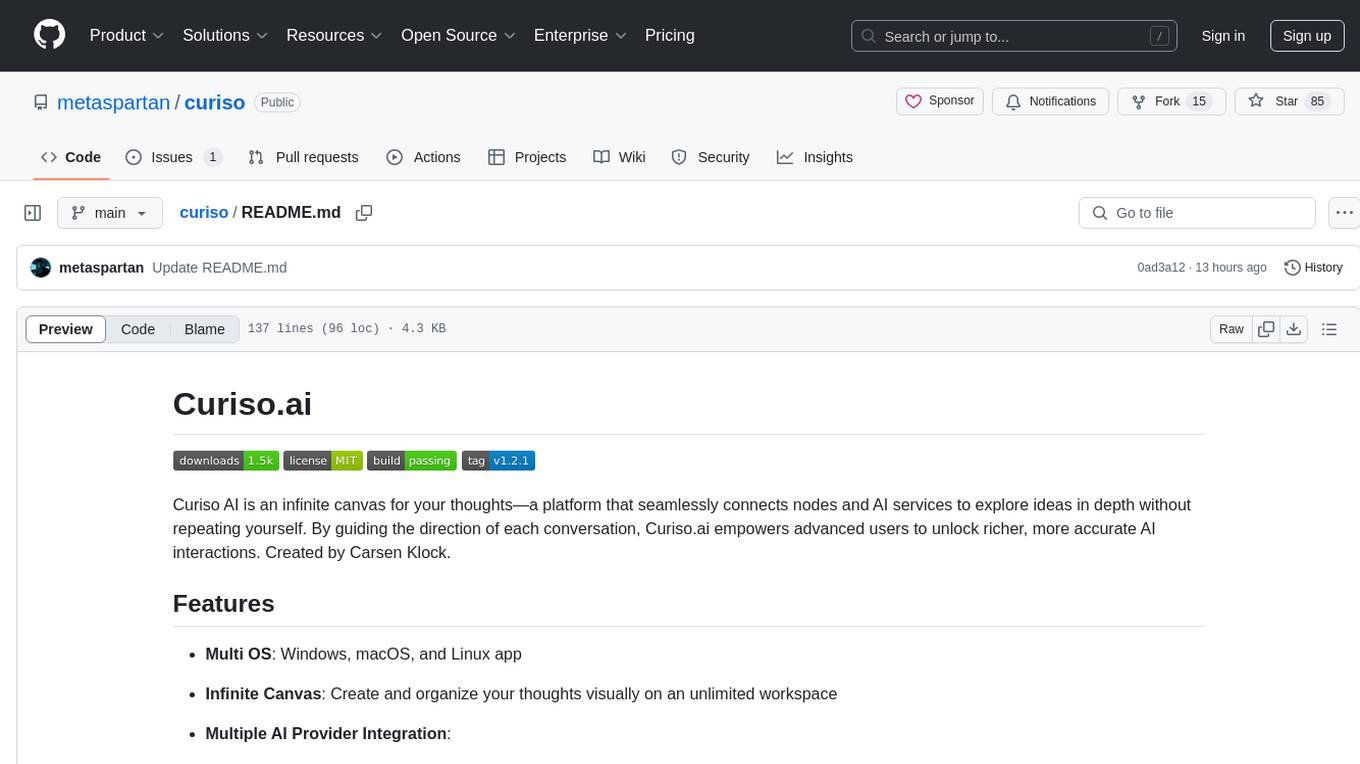
curiso
Curiso AI is an infinite canvas platform that connects nodes and AI services to explore ideas without repetition. It empowers advanced users to unlock richer AI interactions. Features include multi OS support, infinite canvas, multiple AI provider integration, local AI inference provider integration, custom model support, model metrics, RAG support, local Transformers.js embedding models, inference parameters customization, multiple boards, vision model support, customizable interface, node-based conversations, and secure local encrypted storage. Curiso also offers a Solana token for exclusive access to premium features and enhanced AI capabilities.
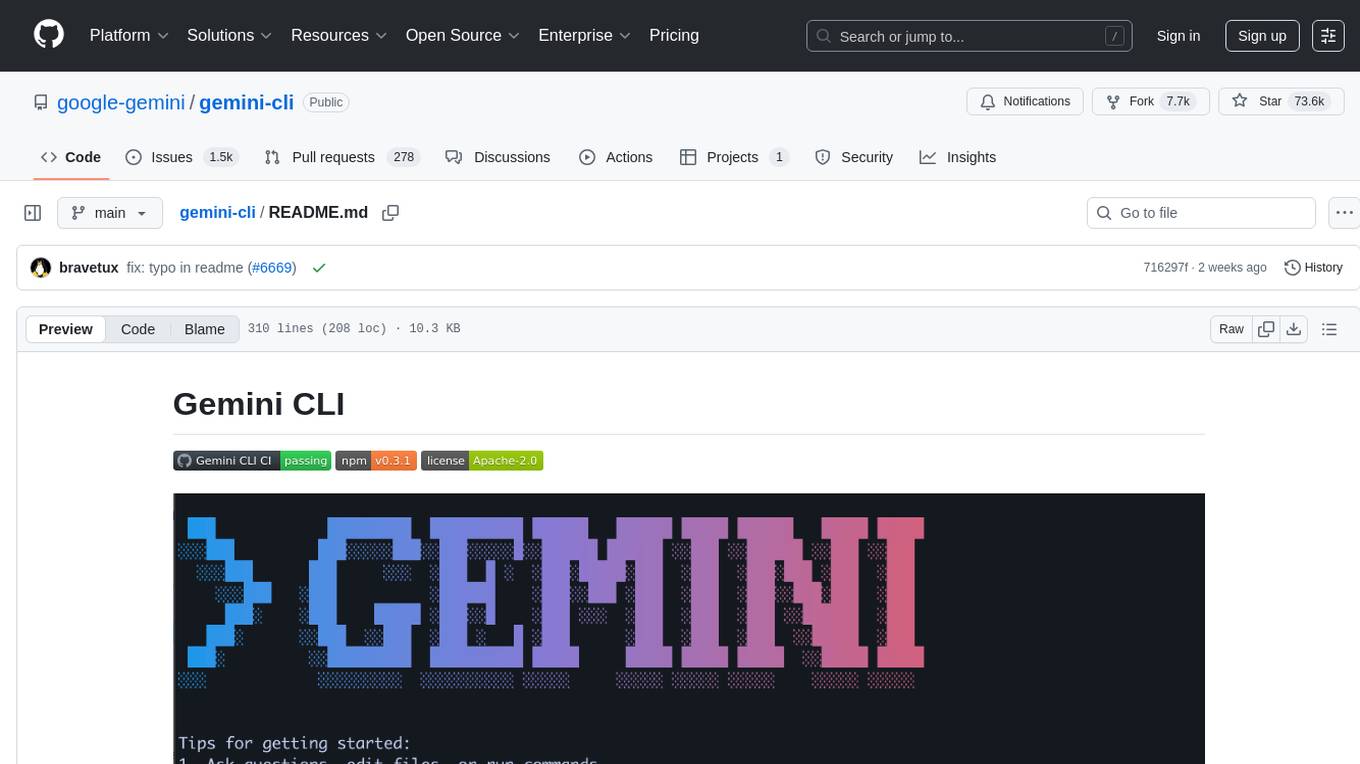
gemini-cli
Gemini CLI is an open-source AI agent that provides lightweight access to Gemini, offering powerful capabilities like code understanding, generation, automation, integration, and advanced features. It is designed for developers who prefer working in the command line and offers extensibility through MCP support. The tool integrates directly into GitHub workflows and offers various authentication options for individual developers, enterprise teams, and production workloads. With features like code querying, editing, app generation, debugging, and GitHub integration, Gemini CLI aims to streamline development workflows and enhance productivity.
For similar tasks
jean
Jean is an AI assistant application that helps manage multiple projects, worktrees, and sessions with Claude CLI. It provides automated worktree management, context loading from sessions and GitHub, magic Git commands/prompts, merge conflict resolution, worktree/archiving, and more. The tool is designed to streamline project management and version control tasks.

Azure-Analytics-and-AI-Engagement
The Azure-Analytics-and-AI-Engagement repository provides packaged Industry Scenario DREAM Demos with ARM templates (Containing a demo web application, Power BI reports, Synapse resources, AML Notebooks etc.) that can be deployed in a customer’s subscription using the CAPE tool within a matter of few hours. Partners can also deploy DREAM Demos in their own subscriptions using DPoC.
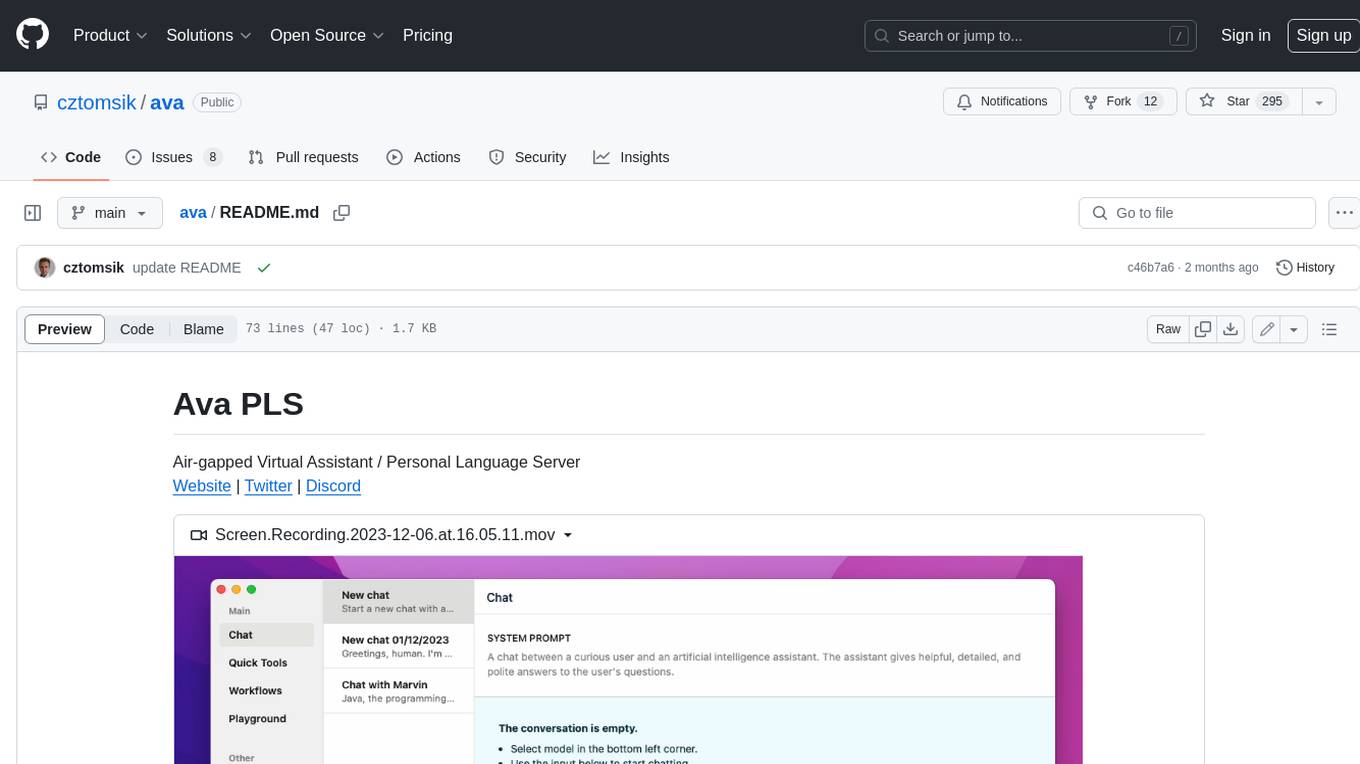
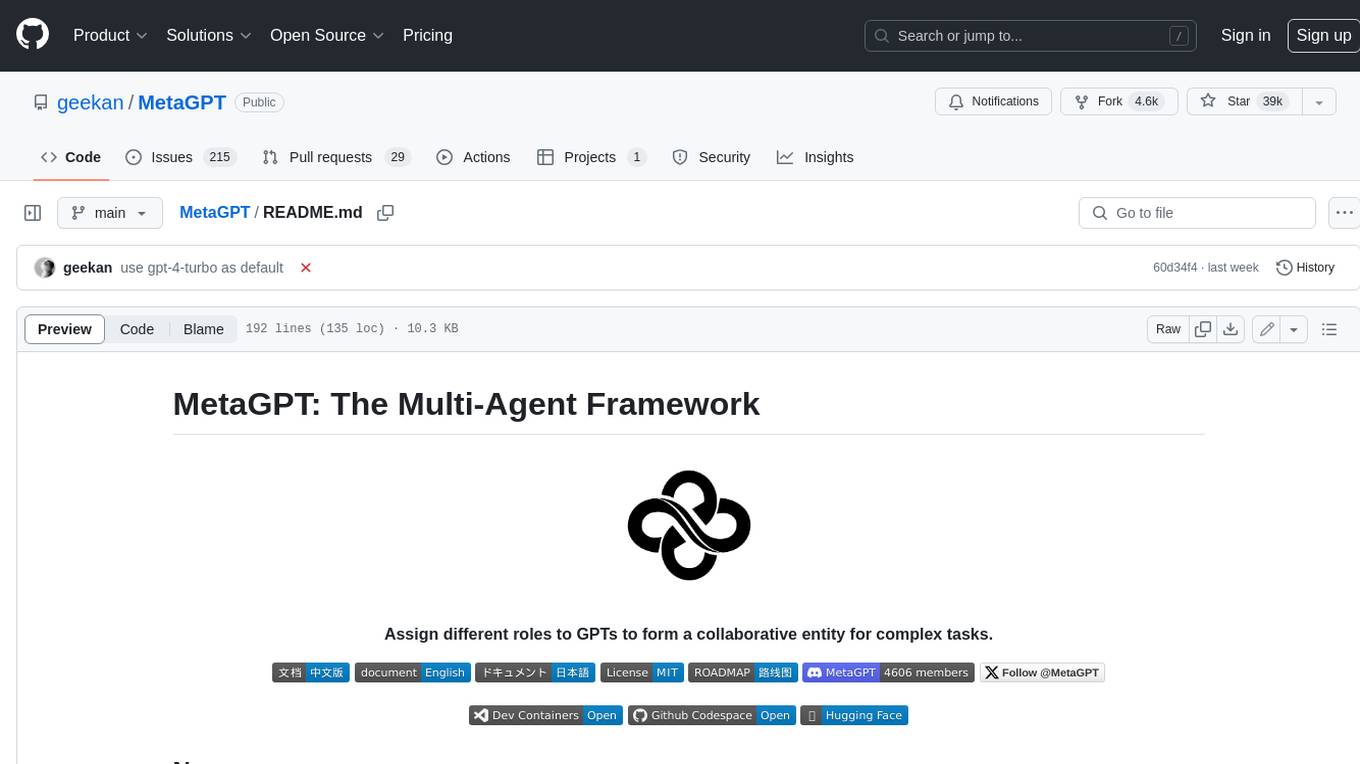
MetaGPT
MetaGPT is a multi-agent framework that enables GPT to work in a software company, collaborating to tackle more complex tasks. It assigns different roles to GPTs to form a collaborative entity for complex tasks. MetaGPT takes a one-line requirement as input and outputs user stories, competitive analysis, requirements, data structures, APIs, documents, etc. Internally, MetaGPT includes product managers, architects, project managers, and engineers. It provides the entire process of a software company along with carefully orchestrated SOPs. MetaGPT's core philosophy is "Code = SOP(Team)", materializing SOP and applying it to teams composed of LLMs.
MateCat
Matecat is an enterprise-level, web-based CAT tool designed to make post-editing and outsourcing easy and to provide a complete set of features to manage and monitor translation projects.
AIlice
AIlice is a fully autonomous, general-purpose AI agent that aims to create a standalone artificial intelligence assistant, similar to JARVIS, based on the open-source LLM. AIlice achieves this goal by building a "text computer" that uses a Large Language Model (LLM) as its core processor. Currently, AIlice demonstrates proficiency in a range of tasks, including thematic research, coding, system management, literature reviews, and complex hybrid tasks that go beyond these basic capabilities. AIlice has reached near-perfect performance in everyday tasks using GPT-4 and is making strides towards practical application with the latest open-source models. We will ultimately achieve self-evolution of AI agents. That is, AI agents will autonomously build their own feature expansions and new types of agents, unleashing LLM's knowledge and reasoning capabilities into the real world seamlessly.

free-for-life
A massive list including a huge amount of products and services that are completely free! ⭐ Star on GitHub • 🤝 Contribute # Table of Contents * APIs, Data & ML * Artificial Intelligence * BaaS * Code Editors * Code Generation * DNS * Databases * Design & UI * Domains * Email * Font * For Students * Forms * Linux Distributions * Messaging & Streaming * PaaS * Payments & Billing * SSL
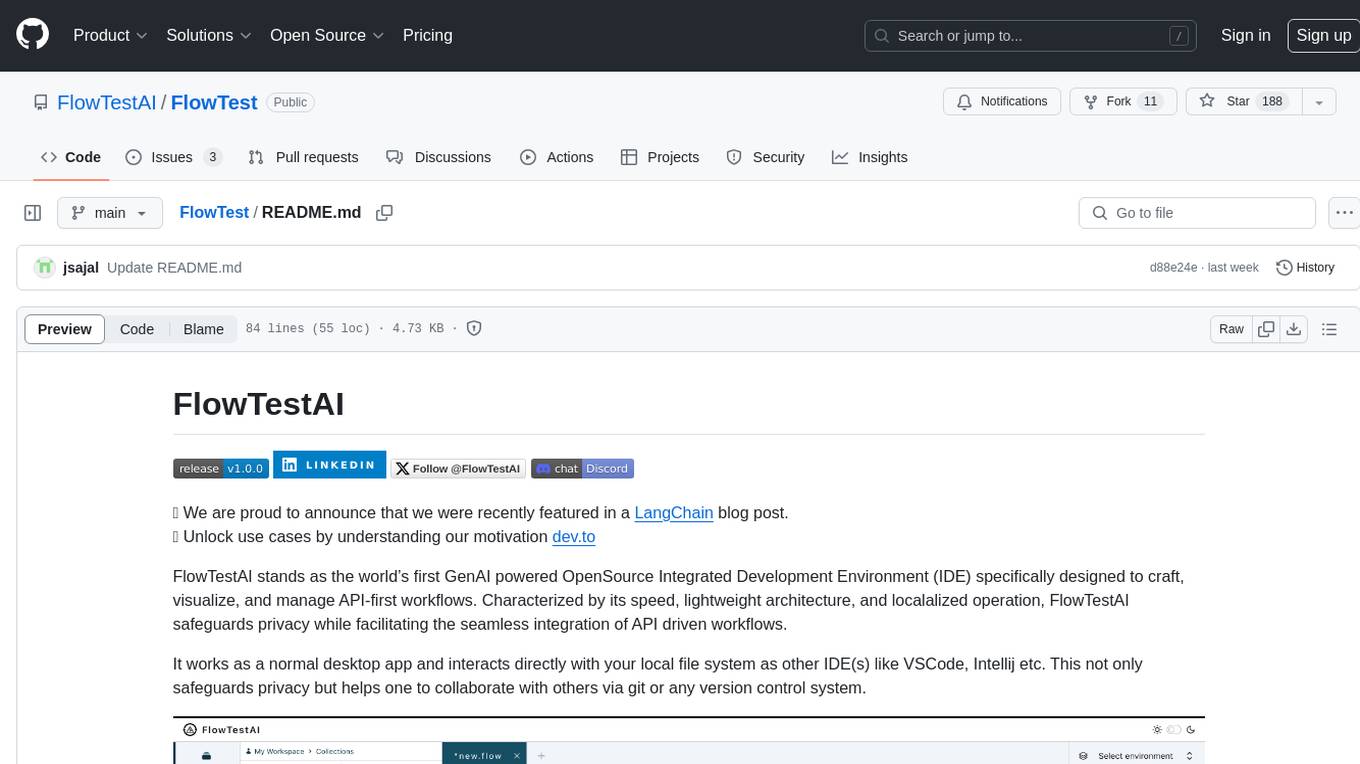
FlowTest
FlowTestAI is the world’s first GenAI powered OpenSource Integrated Development Environment (IDE) designed for crafting, visualizing, and managing API-first workflows. It operates as a desktop app, interacting with the local file system, ensuring privacy and enabling collaboration via version control systems. The platform offers platform-specific binaries for macOS, with versions for Windows and Linux in development. It also features a CLI for running API workflows from the command line interface, facilitating automation and CI/CD processes.
For similar jobs

sweep
Sweep is an AI junior developer that turns bugs and feature requests into code changes. It automatically handles developer experience improvements like adding type hints and improving test coverage.

teams-ai
The Teams AI Library is a software development kit (SDK) that helps developers create bots that can interact with Teams and Microsoft 365 applications. It is built on top of the Bot Framework SDK and simplifies the process of developing bots that interact with Teams' artificial intelligence capabilities. The SDK is available for JavaScript/TypeScript, .NET, and Python.

ai-guide
This guide is dedicated to Large Language Models (LLMs) that you can run on your home computer. It assumes your PC is a lower-end, non-gaming setup.

classifai
Supercharge WordPress Content Workflows and Engagement with Artificial Intelligence. Tap into leading cloud-based services like OpenAI, Microsoft Azure AI, Google Gemini and IBM Watson to augment your WordPress-powered websites. Publish content faster while improving SEO performance and increasing audience engagement. ClassifAI integrates Artificial Intelligence and Machine Learning technologies to lighten your workload and eliminate tedious tasks, giving you more time to create original content that matters.

chatbot-ui
Chatbot UI is an open-source AI chat app that allows users to create and deploy their own AI chatbots. It is easy to use and can be customized to fit any need. Chatbot UI is perfect for businesses, developers, and anyone who wants to create a chatbot.

BricksLLM
BricksLLM is a cloud native AI gateway written in Go. Currently, it provides native support for OpenAI, Anthropic, Azure OpenAI and vLLM. BricksLLM aims to provide enterprise level infrastructure that can power any LLM production use cases. Here are some use cases for BricksLLM: * Set LLM usage limits for users on different pricing tiers * Track LLM usage on a per user and per organization basis * Block or redact requests containing PIIs * Improve LLM reliability with failovers, retries and caching * Distribute API keys with rate limits and cost limits for internal development/production use cases * Distribute API keys with rate limits and cost limits for students

uAgents
uAgents is a Python library developed by Fetch.ai that allows for the creation of autonomous AI agents. These agents can perform various tasks on a schedule or take action on various events. uAgents are easy to create and manage, and they are connected to a fast-growing network of other uAgents. They are also secure, with cryptographically secured messages and wallets.

griptape
Griptape is a modular Python framework for building AI-powered applications that securely connect to your enterprise data and APIs. It offers developers the ability to maintain control and flexibility at every step. Griptape's core components include Structures (Agents, Pipelines, and Workflows), Tasks, Tools, Memory (Conversation Memory, Task Memory, and Meta Memory), Drivers (Prompt and Embedding Drivers, Vector Store Drivers, Image Generation Drivers, Image Query Drivers, SQL Drivers, Web Scraper Drivers, and Conversation Memory Drivers), Engines (Query Engines, Extraction Engines, Summary Engines, Image Generation Engines, and Image Query Engines), and additional components (Rulesets, Loaders, Artifacts, Chunkers, and Tokenizers). Griptape enables developers to create AI-powered applications with ease and efficiency.