


Airports
Custom location files for Endless ATC · By startgrid
Stars: 97
This repository contains raw airport files intended as a starting point to create new airport files for the game Endless ATC. Users can contribute by customizing airport files and submitting pull requests. The repository also welcomes markdown files with gameplay and development tips. Contributors are encouraged to join the Discord server for assistance and information.
README:
The use of this repository has drastically slowed down and, last I knew, most airport files were just being shared directly on Discord. Therefore, I intend to archive this repository October 2024 unless someone else wants to take over maintenance.
startgrid is the developer of the game Endless ATC (also available on Steam and Android).
This github is managed by moderators of the discord server. Please join here.
You can find "raw" airport files here. These are automatically generated files with only the basics. They're not intended as ready-to-play airports, but as a starting point to create a new airport file. You'll have to fix issues with the raw file as well add properties (like SIDs, STARs and runway configurations) yourself. We recommend starting with a simple airport - single runway airports with simple airspace are a good starting point.
Use a text editor, together with the included example.txt file as a guide, to create a working file in the locations folder of the game. In theory, just a runway and an airport code is enough data to create a minimal, playable file. You can always decide to add more detail later. First thing to do is to make sure the '#code = ' item in the [airport1] section is un-commented to make the airport appear in-game at the bottom of the airport menu. So just remove the # at the beginning of that line. Carefully put each item in the correct section, in the same format as the example. Start the game every now and then to make sure it still works as expected.
- Open an issue describing the work you want to do (or want done, but it will be faster if you participate!)
- Fork this repository
- Clone your fork to your computer so you can work on it
- Set this repository to be the upstream repository of your fork
- Ensure your repository has the most recent changes from upstream
- Create a branch in your repository:
git checkout -b iss#/descwhere the open issue and description are both included - Make local changes until your repository contains all completed work
- Commit your changes:
git commit -am 'iss#/desc - closes iss#'Use keywords to assist with linking issues and pull requests - Push to your branch:
git push origin iss#/desc - Submit a pull request from your fork to the upstream repository
Note, many editors and GUI git clients will help and even combine many of these commands. Refer to the documentation for whichever application you are using as well as this guide with any questions. If you are connected to our Discord server, feel free to ask for help in #github-help
We are thrilled to accept new and updated airports. We also would welcome markdown files in the GitHub wiki with gameplay tips - especially for more advanced usage (such as STAR) - and development tips/guidelines. Those who wish to volunteer to test updates before they are finalized should open an issue to volunteer.
Finally, all players, testers, and developers are encouraged to join our Discord server for extra assistance and information.
- All files that have been customized should be placed in the final folder.
- The directory structure below that follows the continent abbreviation found here
- The directory structure should have the four character ICAO code
- The file should have the four character ICAO code, with a .txt extension.
- Alternate configurations should be differentiated by adding "_description", such as IACO_27s.txt
- "Fantasy" or other airports that cannot be placed in this structure should go into final/custom
For example, Zurich airport is placed in
final/EU/LSZH/LSZH.txt. Hong Kong has bothfinal/AS/VHHH/VHHH_mobile.txtandfinal/AS/VHHH/VHHH_PC.txt
It is highly encourage to remove the first seven lines of comments, since we are no longer using an "automatically generated airport file" at this point.
Is it encouraged to cite any references that you used while creating your file, including the airchart, airliner data, and even airport website.
If you wish to include personal information (such as your contact information), this is allowed, although not necessary.
It may be best to add a readme file in markdown format with the same airport code in the same directory with references, information, and a change log (e.g. final/EU/LSZH/LSZH_readme.md)
For Tasks:
Click tags to check more tools for each tasksFor Jobs:
Alternative AI tools for Airports
Similar Open Source Tools
Airports
This repository contains raw airport files intended as a starting point to create new airport files for the game Endless ATC. Users can contribute by customizing airport files and submitting pull requests. The repository also welcomes markdown files with gameplay and development tips. Contributors are encouraged to join the Discord server for assistance and information.
lfai-landscape
LF AI & Data Landscape is a map to explore open source projects in the AI & Data domains, highlighting companies that are members of LF AI & Data. It showcases members of the Foundation and is modelled after the Cloud Native Computing Foundation landscape. The landscape includes current version, interactive version, new entries, logos, proper SVGs, corrections, external data, best practices badge, non-updated items, license, formats, installation, vulnerability reporting, and adjusting the landscape view.
gpdb
Greenplum Database (GPDB) is an advanced, fully featured, open source data warehouse, based on PostgreSQL. It provides powerful and rapid analytics on petabyte scale data volumes. Uniquely geared toward big data analytics, Greenplum Database is powered by the world’s most advanced cost-based query optimizer delivering high analytical query performance on large data volumes.
modelbench
ModelBench is a tool for running safety benchmarks against AI models and generating detailed reports. It is part of the MLCommons project and is designed as a proof of concept to aggregate measures, relate them to specific harms, create benchmarks, and produce reports. The tool requires LlamaGuard for evaluating responses and a TogetherAI account for running benchmarks. Users can install ModelBench from GitHub or PyPI, run tests using Poetry, and create benchmarks by providing necessary API keys. The tool generates static HTML pages displaying benchmark scores and allows users to dump raw scores and manage cache for faster runs. ModelBench is aimed at enabling users to test their own models and create tests and benchmarks.
pearai-master
PearAI is an inventory that curates cutting-edge AI tools in one place, offering a unified interface for seamless tool integration. The repository serves as the conglomeration of all PearAI project repositories, including VSCode fork, AI chat functionalities, landing page, documentation, and server. Contributions are welcome through quests and issue tackling, with the project stack including TypeScript/Electron.js, Next.js/React, Python FastAPI, and Axiom for logging/telemetry.
aicodeguide
AI Code Guide is a comprehensive guide that covers everything you need to know about using AI to help you code or even code for you. It provides insights into the changing landscape of coding with AI, new tools, editors, and practices. The guide aims to consolidate information on AI coding and AI-assisted code generation in one accessible place. It caters to both experienced coders looking to leverage AI tools and beginners interested in 'vibe coding' to build software products. The guide covers various topics such as AI coding practices, different ways to use AI in coding, recommended resources, tools for AI coding, best practices for structuring prompts, and tips for using specific tools like Claude Code.
trackmania_rl_public
This repository contains the reinforcement learning training code for Trackmania AI with Reinforcement Learning. It is a research work-in-progress project that aims to apply reinforcement learning principles to play Trackmania. The code is constantly evolving and may not be clean or easily usable. The training hyperparameters are intentionally changed in the public repository to encourage understanding of reinforcement learning principles. The project may not receive active support for setup or usage at the moment.
LLocalSearch
LLocalSearch is a completely locally running search aggregator using LLM Agents. The user can ask a question and the system will use a chain of LLMs to find the answer. The user can see the progress of the agents and the final answer. No OpenAI or Google API keys are needed.
WilmerAI
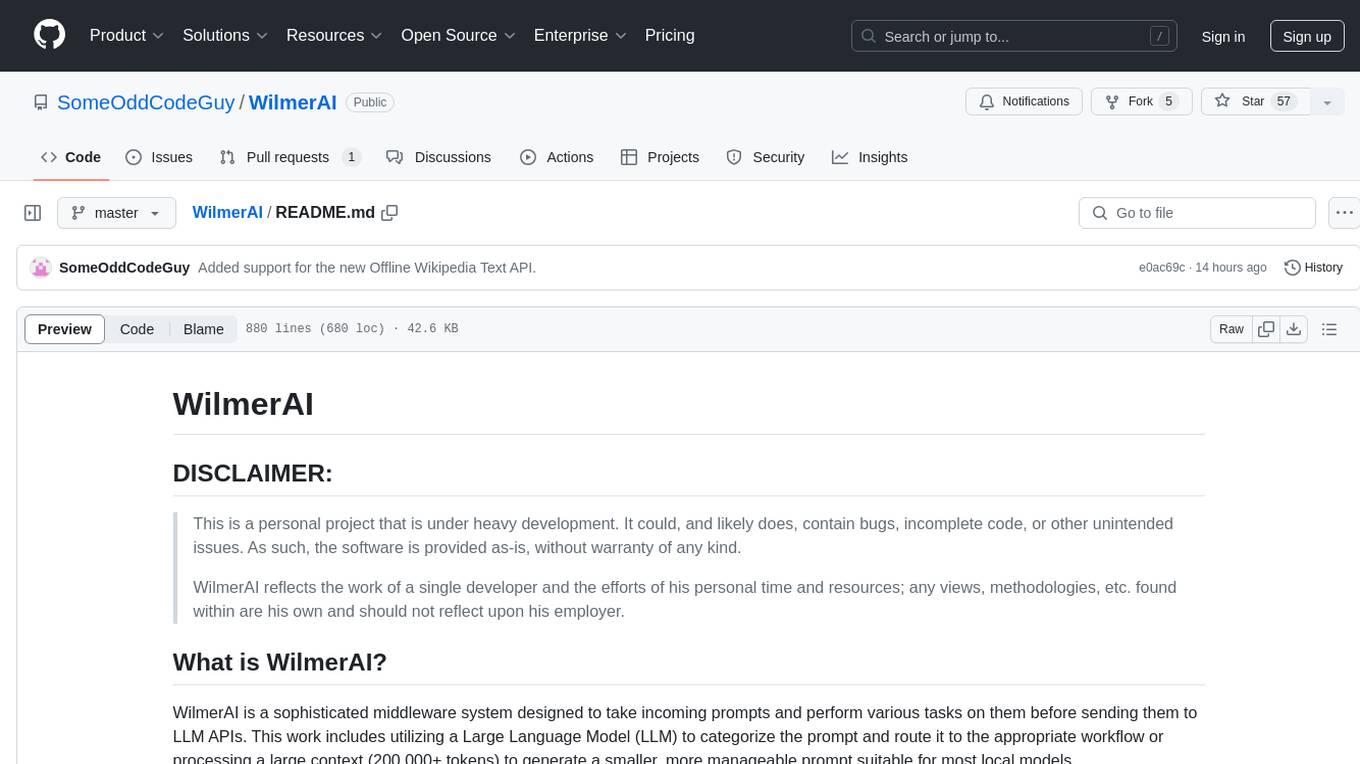
WilmerAI is a middleware system designed to process prompts before sending them to Large Language Models (LLMs). It categorizes prompts, routes them to appropriate workflows, and generates manageable prompts for local models. It acts as an intermediary between the user interface and LLM APIs, supporting multiple backend LLMs simultaneously. WilmerAI provides API endpoints compatible with OpenAI API, supports prompt templates, and offers flexible connections to various LLM APIs. The project is under heavy development and may contain bugs or incomplete code.
Web-LLM-Assistant-Llama-cpp
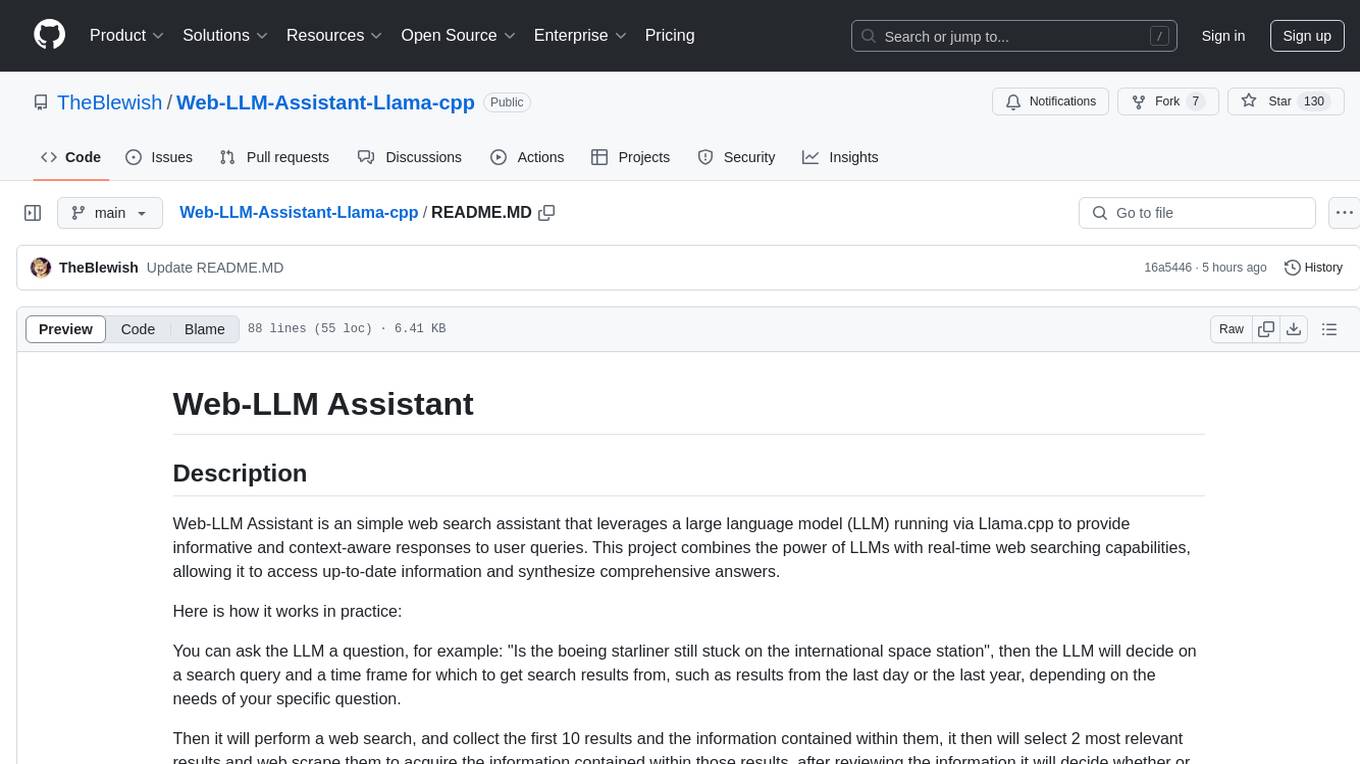
Web-LLM Assistant is a simple web search assistant that leverages a large language model (LLM) running via Llama.cpp to provide informative and context-aware responses to user queries. It combines the power of LLMs with real-time web searching capabilities, allowing it to access up-to-date information and synthesize comprehensive answers. The tool performs web searches, collects and scrapes information from search results, refines search queries, and provides answers based on the acquired information. Users can interact with the tool by asking questions or requesting web searches, making it a valuable resource for obtaining information beyond the LLM's training data.
aiohomekit
aiohomekit is a Python library that implements the HomeKit protocol for controlling HomeKit accessories using asyncio. It is primarily used with Home Assistant, targeting the same versions of Python and following their code standards. The library is still under development and does not offer API guarantees yet. It aims to match the behavior of real HAP controllers, even when not strictly specified, and works around issues like JSON formatting, boolean encoding, header sensitivity, and TCP packet splitting. aiohomekit is primarily tested with Phillips Hue and Eve Extend bridges via Home Assistant, but is known to work with many more devices. It does not support BLE accessories and is intended for client-side use only.
discourse-chatbot
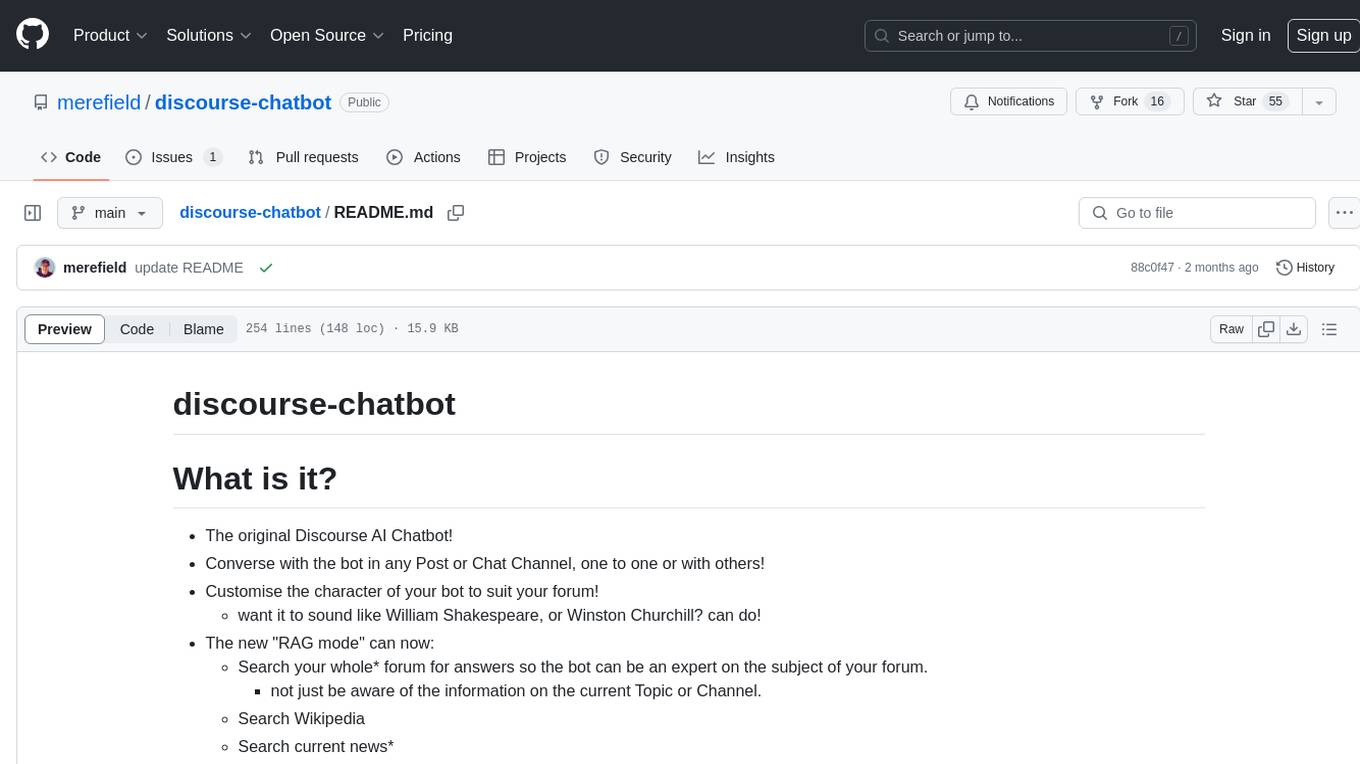
The discourse-chatbot is an original AI chatbot for Discourse forums that allows users to converse with the bot in posts or chat channels. Users can customize the character of the bot, enable RAG mode for expert answers, search Wikipedia, news, and Google, provide market data, perform accurate math calculations, and experiment with vision support. The bot uses cutting-edge Open AI API and supports Azure and proxy server connections. It includes a quota system for access management and can be used in RAG mode or basic bot mode. The setup involves creating embeddings to make the bot aware of forum content and setting up bot access permissions based on trust levels. Users must obtain an API token from Open AI and configure group quotas to interact with the bot. The plugin is extensible to support other cloud bots and content search beyond the provided set.
clippinator
Clippinator is a code assistant tool that helps users develop code autonomously by planning, writing, debugging, and testing projects. It consists of agents based on GPT-4 that work together to assist the user in coding tasks. The main agent, Taskmaster, delegates tasks to specialized subagents like Architect, Writer, Frontender, Editor, QA, and Devops. The tool provides project architecture, tools for file and terminal operations, browser automation with Selenium, linting capabilities, CI integration, and memory management. Users can interact with the tool to provide feedback and guide the coding process, making it a powerful tool when combined with human intervention.
AIG-ModelMatching-For-MSFS
This tool is an AIG install for MSFS ONLY EXCLUDING offline AI flight plans. It provides a solution to model matching for online networks along with providing a tool to inject live traffic to your simulator, directly from Flightradar24. The tool is designed for use with online virtual traffic networks like VATSIM, but it will also work for offline traffic. A VMR File for VATSIM usage has been included in the folder.
examor
Examor is a website application that allows you to take exams based on your knowledge notes. It helps you to remember what you have learned and written. The application generates a set of questions from the documents you upload, and you can answer them to test your knowledge. Examor also uses GPT to score and validate your answers, and provides you with feedback. The application is still in its early stages of development, but it has the potential to be a valuable tool for learners.
chaiNNer
ChaiNNer is a node-based image processing GUI aimed at making chaining image processing tasks easy and customizable. It gives users a high level of control over their processing pipeline and allows them to perform complex tasks by connecting nodes together. ChaiNNer is cross-platform, supporting Windows, MacOS, and Linux. It features an intuitive drag-and-drop interface, making it easy to create and modify processing chains. Additionally, ChaiNNer offers a wide range of nodes for various image processing tasks, including upscaling, denoising, sharpening, and color correction. It also supports batch processing, allowing users to process multiple images or videos at once.
For similar tasks
Airports
This repository contains raw airport files intended as a starting point to create new airport files for the game Endless ATC. Users can contribute by customizing airport files and submitting pull requests. The repository also welcomes markdown files with gameplay and development tips. Contributors are encouraged to join the Discord server for assistance and information.
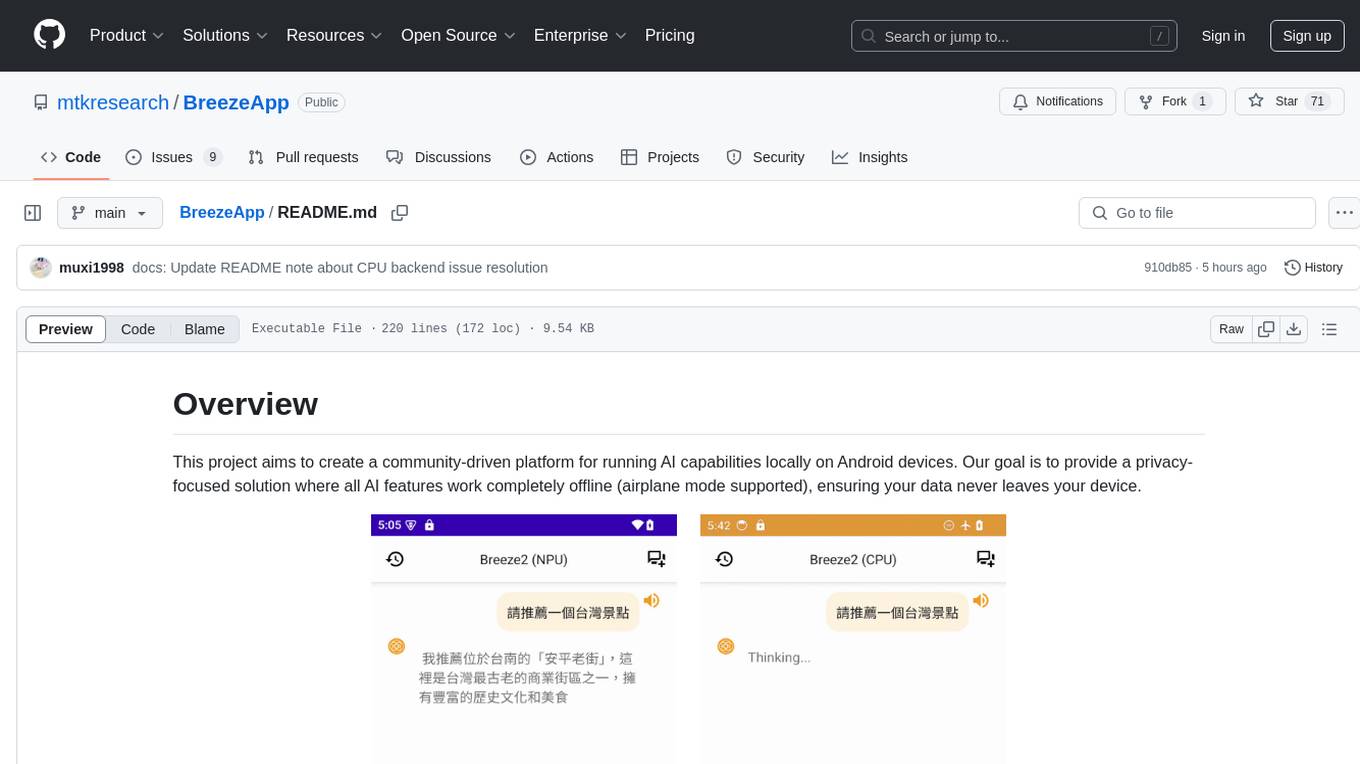
BreezeApp
BreezeApp is a community-driven platform for running AI capabilities locally on Android devices. It offers a privacy-focused solution where all AI features work offline, showcasing text-based chat interface, voice input/output support, and image understanding capabilities. The app supports multiple backends for different components and aims to make powerful AI models accessible to users. Users can contribute to the project by reporting issues, suggesting features, submitting pull requests, and sharing feedback. The architecture follows a service-based approach with service implementations for each AI capability. BreezeApp is a research project that may require specific hardware support or proprietary components, providing open-source alternatives where possible.
For similar jobs

spear
SPEAR (Simulator for Photorealistic Embodied AI Research) is a powerful tool for training embodied agents. It features 300 unique virtual indoor environments with 2,566 unique rooms and 17,234 unique objects that can be manipulated individually. Each environment is designed by a professional artist and features detailed geometry, photorealistic materials, and a unique floor plan and object layout. SPEAR is implemented as Unreal Engine assets and provides an OpenAI Gym interface for interacting with the environments via Python.

Magick
Magick is a groundbreaking visual AIDE (Artificial Intelligence Development Environment) for no-code data pipelines and multimodal agents. Magick can connect to other services and comes with nodes and templates well-suited for intelligent agents, chatbots, complex reasoning systems and realistic characters.
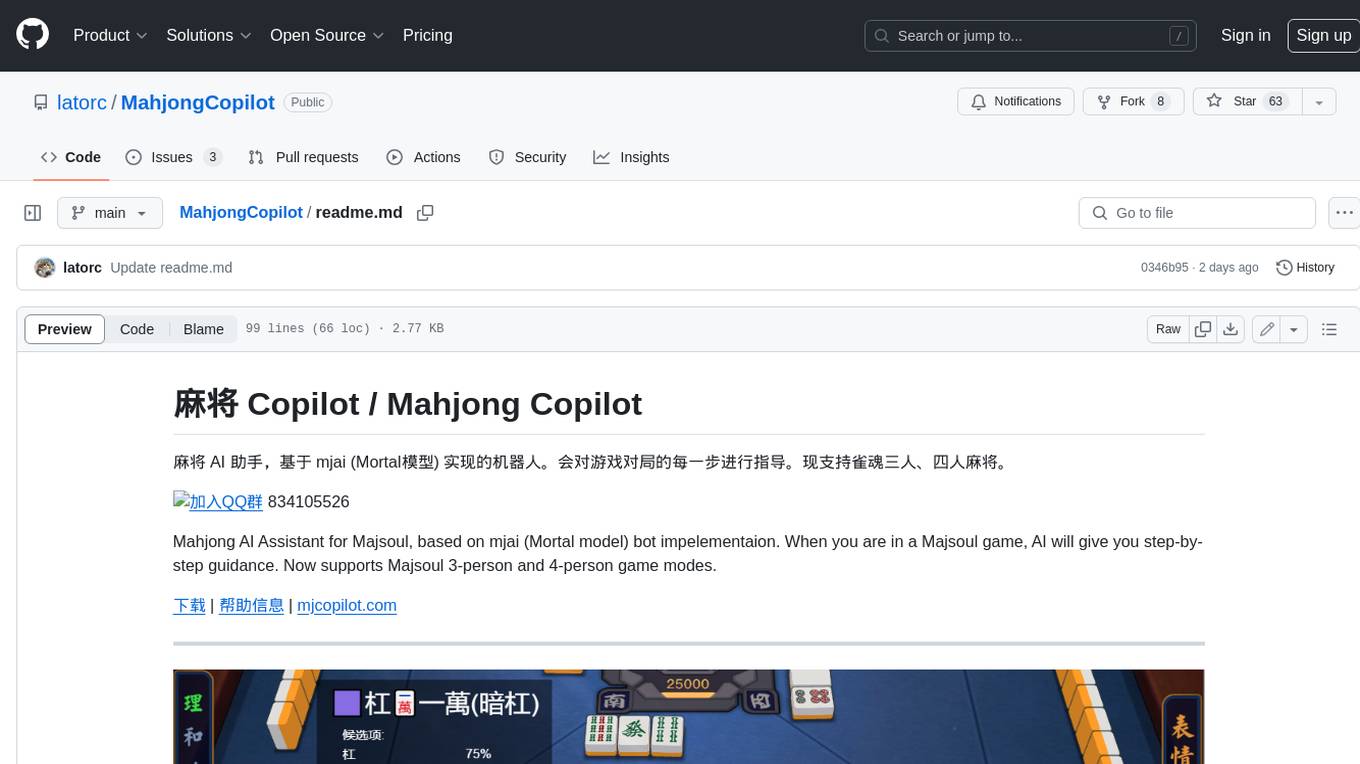
MahjongCopilot
Mahjong Copilot is an AI assistant for the game Mahjong, based on the mjai (Mortal model) bot implementation. It provides step-by-step guidance for each move in the game, and can also be used to automatically play and join games. Mahjong Copilot supports both 3-person and 4-person Mahjong games, and is available in multiple languages.
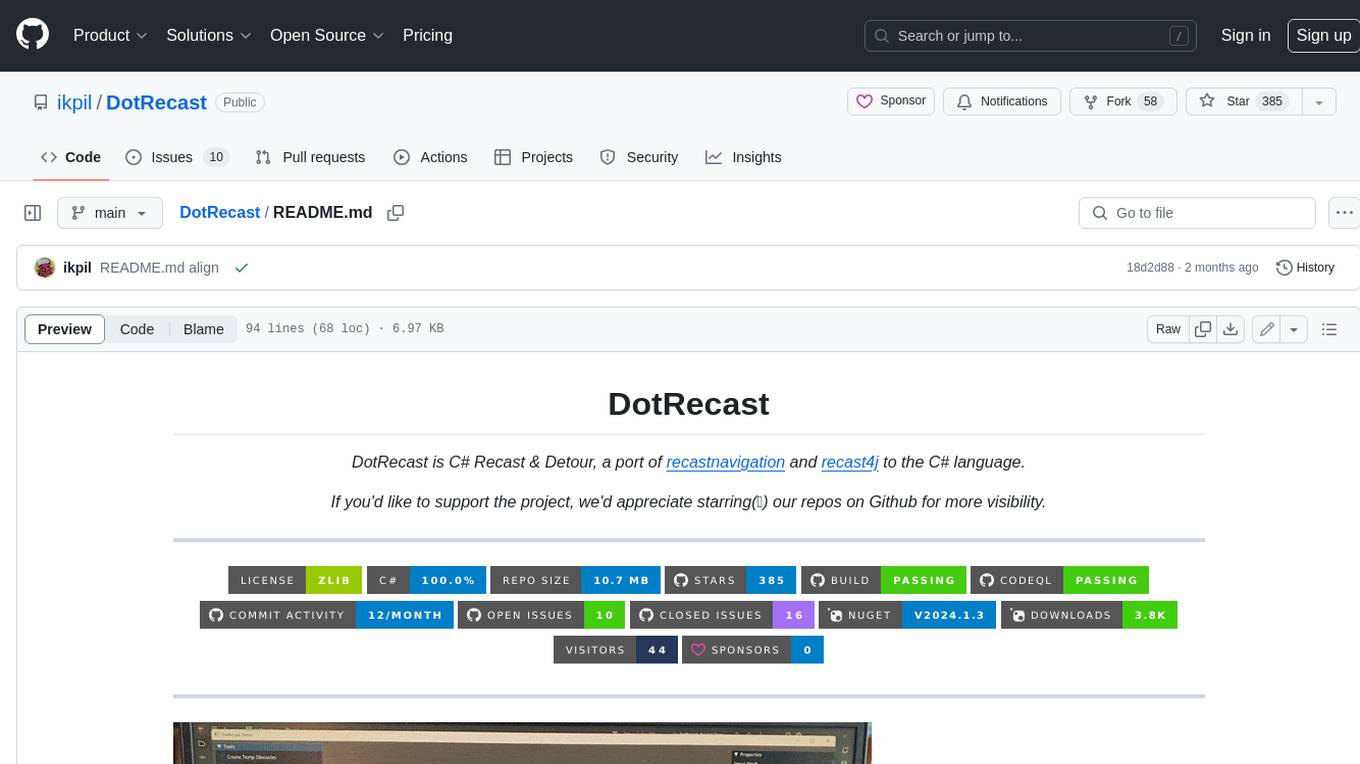
DotRecast
DotRecast is a C# port of Recast & Detour, a navigation library used in many AAA and indie games and engines. It provides automatic navmesh generation, fast turnaround times, detailed customization options, and is dependency-free. Recast Navigation is divided into multiple modules, each contained in its own folder: - DotRecast.Core: Core utils - DotRecast.Recast: Navmesh generation - DotRecast.Detour: Runtime loading of navmesh data, pathfinding, navmesh queries - DotRecast.Detour.TileCache: Navmesh streaming. Useful for large levels and open-world games - DotRecast.Detour.Crowd: Agent movement, collision avoidance, and crowd simulation - DotRecast.Detour.Dynamic: Robust support for dynamic nav meshes combining pre-built voxels with dynamic objects which can be freely added and removed - DotRecast.Detour.Extras: Simple tool to import navmeshes created with A* Pathfinding Project - DotRecast.Recast.Toolset: All modules - DotRecast.Recast.Demo: Standalone, comprehensive demo app showcasing all aspects of Recast & Detour's functionality - Tests: Unit tests Recast constructs a navmesh through a multi-step mesh rasterization process: 1. First Recast rasterizes the input triangle meshes into voxels. 2. Voxels in areas where agents would not be able to move are filtered and removed. 3. The walkable areas described by the voxel grid are then divided into sets of polygonal regions. 4. The navigation polygons are generated by re-triangulating the generated polygonal regions into a navmesh. You can use Recast to build a single navmesh, or a tiled navmesh. Single meshes are suitable for many simple, static cases and are easy to work with. Tiled navmeshes are more complex to work with but better support larger, more dynamic environments. Tiled meshes enable advanced Detour features like re-baking, hierarchical path-planning, and navmesh data-streaming.
better-genshin-impact
BetterGI is a project based on computer vision technology, which aims to make Genshin Impact better. It can automatically pick up items, skip dialogues, automatically select options, automatically submit items, close pop-up pages, etc. When talking to Katherine, it can automatically receive the "Daily Commission" rewards and automatically re-dispatch. When the automatic plot function is turned on, this function will take effect, and the invitation options will be automatically selected. AI recognizes automatic casting, automatically reels in when the fish is hooked, and automatically completes the fishing progress. Help you easily complete the Seven Saint Summoning character invitation, weekly visitor challenge and other PVE content. Automatically use the "King Tree Blessing" with the `Z` key, and use the principle of refreshing wood by going online and offline to hang up a backpack full of wood. Write combat scripts to let the team fight automatically according to your strategy. Fully automatic secret realm hangs up to restore physical strength, automatically enters the secret realm to open the key, fight, walk to the ancient tree and receive rewards. Click the teleportation point on the map, or if there is a teleportation point in the list that appears after clicking, it will automatically click the teleportation point and teleport. Set a shortcut key, and long press to continuously rotate the perspective horizontally (of course you can also use it to rotate the grass god). Quickly switch between "Details" and "Enhance" pages to skip the display of holy relic enhancement results and quickly +20. You can quickly purchase items in the store in full quantity, which is suitable for quickly clearing event redemptions,塵歌壺 store redemptions, etc.
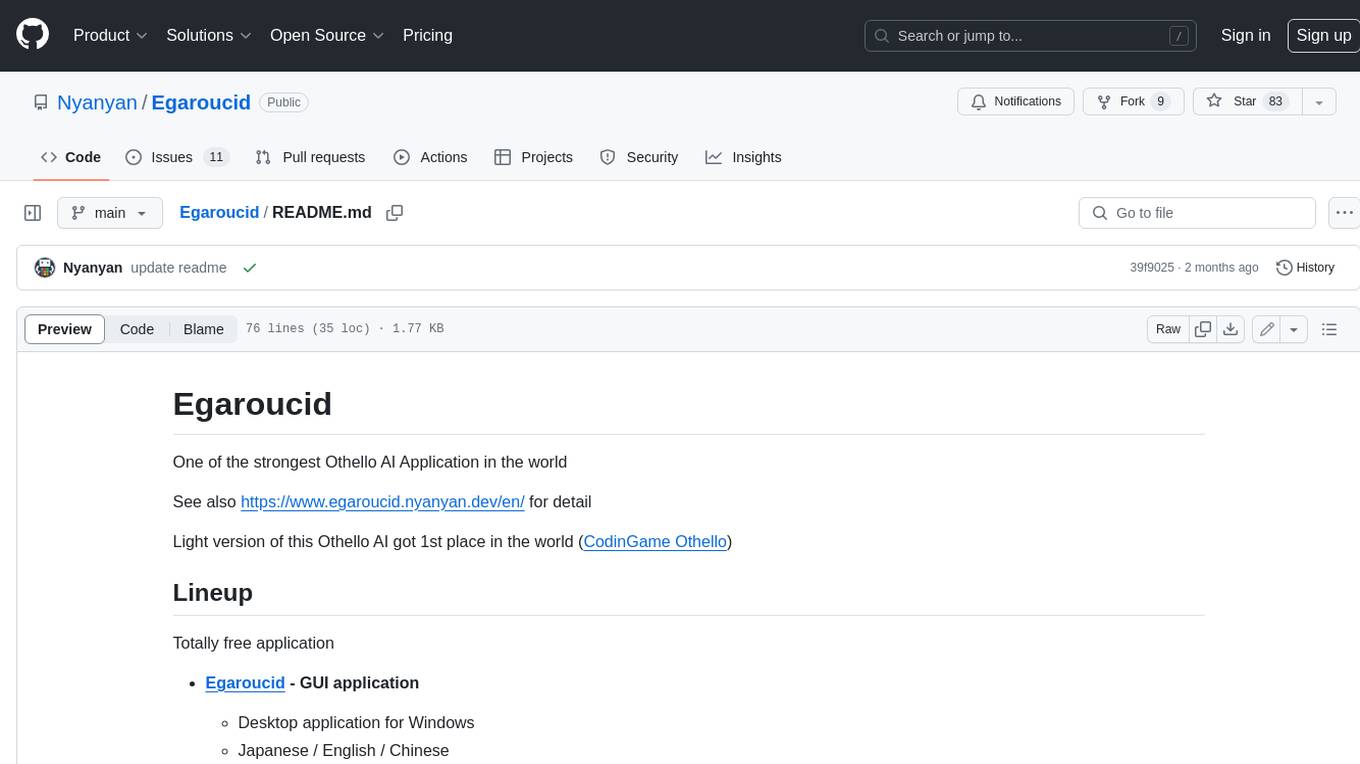
Egaroucid
Egaroucid is one of the strongest Othello AI applications in the world. It is available as a GUI application for Windows, a console application for Windows, MacOS, and Linux, and a web application. Egaroucid is free to use and open source under the GPL 3.0 license. It is highly customizable and can be used for a variety of purposes, including playing Othello against a computer opponent, analyzing Othello games, and developing Othello AI algorithms.
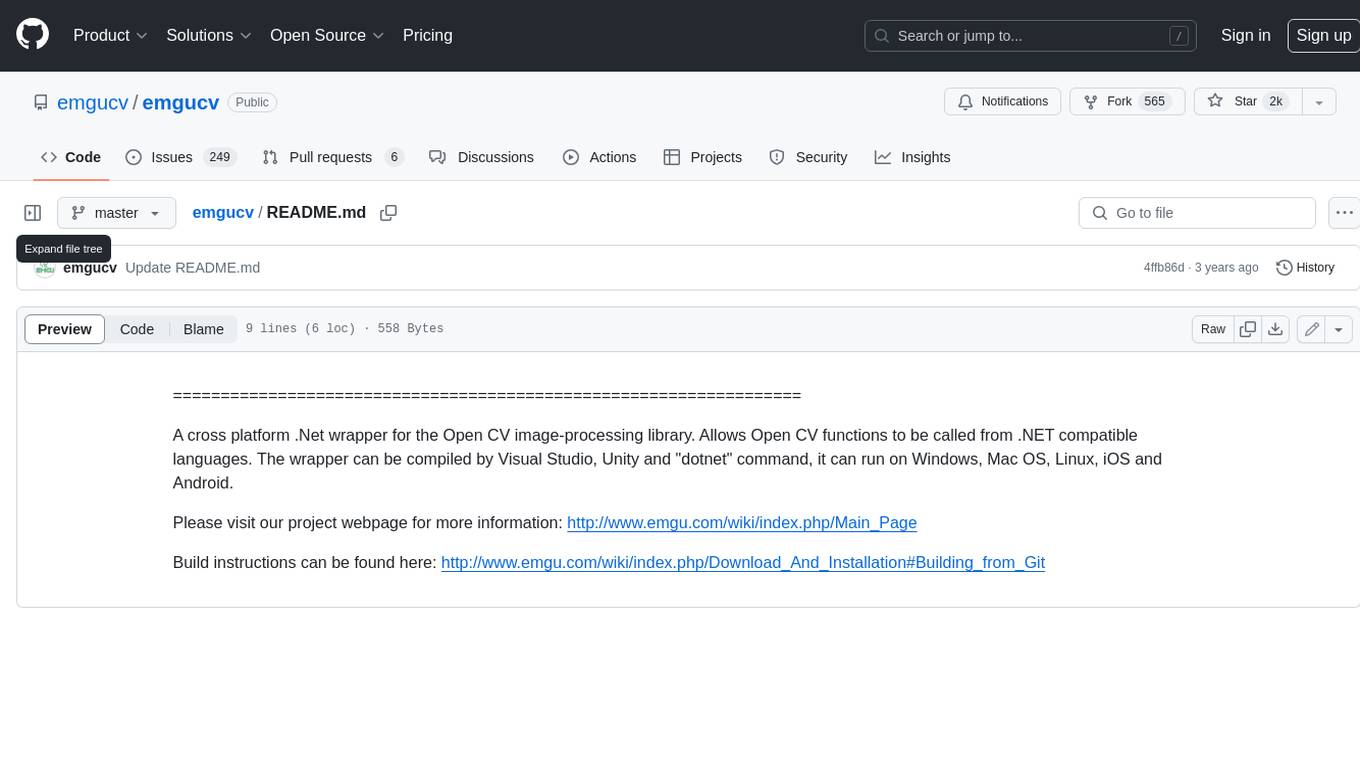
emgucv
Emgu CV is a cross-platform .Net wrapper for the OpenCV image-processing library. It allows OpenCV functions to be called from .NET compatible languages. The wrapper can be compiled by Visual Studio, Unity, and "dotnet" command, and it can run on Windows, Mac OS, Linux, iOS, and Android.
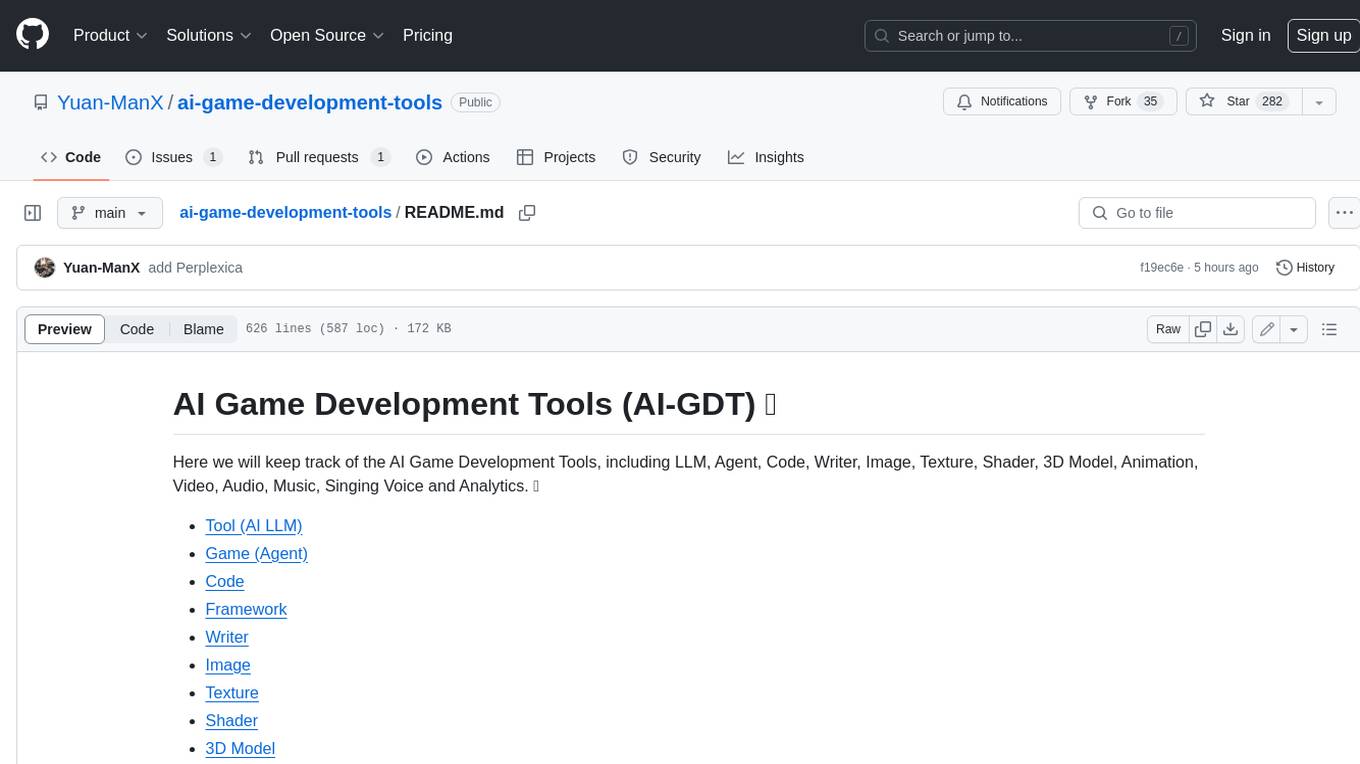
ai-game-development-tools
Here we will keep track of the AI Game Development Tools, including LLM, Agent, Code, Writer, Image, Texture, Shader, 3D Model, Animation, Video, Audio, Music, Singing Voice and Analytics. 🔥 * Tool (AI LLM) * Game (Agent) * Code * Framework * Writer * Image * Texture * Shader * 3D Model * Avatar * Animation * Video * Audio * Music * Singing Voice * Speech * Analytics * Video Tool