


ai-real-estate-assistant
Advanced AI Real Estate Assistant using RAG, LLMs, and Python. Features market analysis, property valuation, and intelligent search.
Stars: 108
AI Real Estate Assistant is a modern platform that uses AI to assist real estate agencies in helping buyers and renters find their ideal properties. It features multiple AI model providers, intelligent query processing, advanced search and retrieval capabilities, and enhanced user experience. The tool is built with a FastAPI backend and Next.js frontend, offering semantic search, hybrid agent routing, and real-time analytics.
README:
AI-powered assistant for real estate agencies that helps buyers and renters find their ideal property.



We follow a structured branching strategy. Active development happens in dev.
| Branch | Status | Description |
|---|---|---|
dev |
🔥 Active | Current Development. All new features and fixes land here. |
main |
🟢 Stable | Production-ready releases. |
ver4 |
🟡 Legacy | Previous V4 development branch (Frozen). |
ver3 |
❄️ Archived | Legacy Streamlit version. |
ver2 |
❄️ Archived | Early prototype. |
Releases are tracked with tags (SemVer), e.g. v1.0.0.
The AI Real Estate Assistant is a modern, conversational AI platform helping users find properties through natural language. Built with a FastAPI backend and Next.js frontend, it features semantic search, hybrid agent routing, and real-time analytics.
Docs | User Guide | Backend API | Developer Notes | Troubleshooting | Testing | Contributing
- OpenAI: GPT-4o, GPT-4o-mini, O1, O1-mini
- Anthropic: Claude 3.5 Sonnet, Claude 3.5 Haiku, Claude 3 Opus
- Google: Gemini 1.5 Pro, Gemini 1.5 Flash, Gemini 2.0 Flash
- Grok (xAI): Grok 2, Grok 2 Vision
- DeepSeek: DeepSeek Chat, DeepSeek Coder, R1
- Ollama: Local models (Llama 3, Mistral, Qwen, Phi-3)
- Query Analyzer: Automatically classifies intent and complexity
- Hybrid Agent: Routes queries to RAG or specialized tools
- Smart Routing: Simple queries → RAG (fast), Complex → Agent+Tools
- Multi-Tool Support: Mortgage calculator, property comparison, price analysis
- Persistent ChromaDB Vector Store: Fast, persistent semantic search
- Hybrid Retrieval: Semantic + keyword search with MMR diversity
- Result Reranking: 30-40% improvement in relevance
- Filter Extraction: Automatic extraction of price, rooms, location, amenities
- Modern UI: Next.js App Router with Tailwind CSS
- Real-time: Streaming responses from backend
- Interactive: Dynamic property cards and map views
flowchart TB
  subgraph Session["Chat Session (V4)"]
    Client["Next.js Frontend"] --> Req["POST /api/v1/chat"]
    Req --> DB["SQLite Persistence"]
    DB --> Agent["Hybrid Agent"]
    Agent --> VS["ChromaDB Vector Store"]
    Agent --> Tools["Tools (Calculator, Search)"]
endThe easiest way to run the full stack locally.
Requires: At least one external API key (OpenAI, Anthropic, Google, etc.)
# 1. Prepare environment
Copy-Item .env.example .env
# Edit .env to add your API keys (OPENAI_API_KEY, ANTHROPIC_API_KEY, etc.)

# 2. Run with Docker Compose (external AI models)
docker compose -f deploy/compose/docker-compose.yml up --build

# 3. Access
# Frontend: http://localhost:3000
# Backend API: http://localhost:8000/docsNote: Local LLM with Ollama requires GPU for good performance.
# Run with Ollama for local models
docker compose -f deploy/compose/docker-compose.yml --profile local-llm up --buildgit clone https://github.com/AleksNeStu/ai-real-estate-assistant.git
cd ai-real-estate-assistant
# Install uv (fast Python package manager)
pip install uv
# Create virtual environment and install dependencies
uv venv .venv
.\.venv\Scripts\Activate.ps1
uv pip install -e .[dev]
Copy-Item .env.example .env
# Edit .env and set provider API keys and ENVIRONMENT
# Set ENVIRONMENT="local"
python -m uvicorn api.main:app --reload --host 0.0.0.0 --port 8000git clone https://github.com/AleksNeStu/ai-real-estate-assistant.git
cd ai-real-estate-assistant
# Install uv (fast Python package manager)
pip install uv
# Create virtual environment and install dependencies
uv venv .venv
source .venv/bin/activate
uv pip install -e .[dev]
cp .env.example .env
# Edit .env and set provider API keys and ENVIRONMENT
# Set ENVIRONMENT="local"
python -m uvicorn api.main:app --reload --host 0.0.0.0 --port 8000cd frontend
npm install
npm run devOpen http://localhost:3000 (frontend). The backend runs at http://localhost:8000.
We use pytest for backend testing and jest for frontend testing.
# Backend Tests
python -m pytest tests/unit          # Unit tests
python -m pytest tests/integration   # Integration tests

# Frontend Tests
cd frontend
npm test| Component | Platform | Status |
|---|---|---|
| Frontend | Vercel | Automated from GitHub |
| Backend | Render, Railway, Fly.io | Manual deployment |
| Environment | NEXT_PUBLIC_API_URL |
BACKEND_API_URL |
|---|---|---|
| Local |
/api/v1 (uses Next.js proxy) |
http://localhost:8000/api/v1 |
| Production |
/api/v1 (uses Next.js proxy) |
https://your-backend.com/api/v1 |
- API Access Key: Set in Vercel dashboard (server-side only), never exposed to browser
-
API Proxy: Frontend calls
/api/v1/*which proxies to backend, injectingX-API-Keyserver-side -
No Public Secrets:
NEXT_PUBLIC_*variables never contain sensitive data
For complete deployment instructions, see DEPLOYMENT.md.
The project uses ruff for Python linting and formatting.
python -m ruff check .This project includes a 3-layer pre-commit security system that runs automatically before each commit:
- Gitleaks - Secret scanning (API keys, passwords, tokens)
- Semgrep - SAST for Python security vulnerabilities (CI/CD only)
- Lint-staged - Frontend code quality (Prettier + ESLint)
# After cloning, install the hooks
pre-commit install

# Install required tools
scoop install gitleaks  # Windows (or use choco)
pip install semgrep     # Optional: for local SAST
npm install # For lint-staged and prettier# Test all files
pre-commit run --all-files
# Run on staged files (automatic before commit)
git commit
# Skip temporarily if needed
git commit --no-verify-
.gitleaks.toml- Secret detection rules -
semgrep.yml- Security scanning rules -
.pre-commit-config.yaml- Hook configuration -
.prettierrc- Code formatting config -
package.json- lint-staged configuration
For full CI/CD security parity, you can run all security checks locally:
# Run all security scans (Gitleaks, Semgrep, Bandit, pip-audit)
python security-scan.py

# Or use the direct path
python scripts/ci/security_local.py

# Run specific scan only
python security-scan.py --scan-only=secrets    # Gitleaks
python security-scan.py --scan-only=semgrep    # Semgrep SAST
python security-scan.py --scan-only=bandit     # Bandit Python security
python security-scan.py --scan-only=pip-audit  # Dependency vulnerabilities

# Quick mode (skip slower pip-audit scan)
python security-scan.py --quick

# Verbose output
python security-scan.py --verbose
Docker Fallback: On Windows, if Gitleaks or Semgrep binaries aren't installed, the script automatically uses Docker containers.
Tool Installation:
# Optional: Install tools locally for faster execution
scoop install gitleaks   # Windows (or brew install gitleaks on macOS)
pip install semgrep       # SAST scanning
pip install bandit        # Python security (already in dev dependencies)
pip install pip-audit # Dependency auditing (already in dev dependencies)Core configuration is controlled via environment variables and .env:
# Required (at least one provider)
OPENAI_API_KEY="<OPENAI_API_KEY>"
ANTHROPIC_API_KEY="<ANTHROPIC_API_KEY>"
GOOGLE_API_KEY="<GOOGLE_API_KEY>"

# Backend
ENVIRONMENT="local"
CORS_ALLOW_ORIGINS="http://localhost:3000"

# Optional
OLLAMA_BASE_URL="http://localhost:11434"
SMTP_USERNAME="..."
SMTP_PASSWORD="..."
SMTP_PROVIDER="sendgrid"
Frontend-specific variables (optional) go into frontend/.env.local.
- Install Ollama: ollama.com
-
Pull Model:
ollama pull llama3.3 -
Configure: Set
OLLAMA_BASE_URL="http://localhost:11434"in.env - Select: Choose "Ollama" in the frontend provider selector.
-
Backend Tests:
pytest -
Frontend Tests:
cd frontend; npm test -
Linting:
ruff check .(Python),npm run lint(Frontend)
See docs/testing/TESTING_GUIDE.md for details.
# CPU
.\scripts\dev\run-docker-cpu.ps1

# GPU (if available)
.\scripts\dev\run-docker-gpu.ps1

# GPU + Internet web research (starts the `internet` compose profile)
.\scripts\dev\run-docker-gpu-internet.ps1
If you prefer a single entrypoint:
.\scripts\dev\start.ps1 --mode docker --docker-mode auto
.\scripts\dev\start.ps1 --mode docker --docker-mode gpu --internetFor MCP tooling or future caching/session features, a local Redis service is included in Docker Compose.
# Start only Redis
docker compose up -d redis

# Or start all services (backend, frontend, redis)
docker compose up -d --build
Configure clients via:
REDIS_URL="redis://localhost:6379"Contributions are welcome. See CONTRIBUTING.md for the full workflow.
- Fork the repository
- Create a feature branch (
git checkout -b feature/short-description) - Run checks locally
- Commit using the format
type(scope): message [IP-XXX] - Open a Pull Request against
main
See docs/development/TROUBLESHOOTING.md for detailed help.
Port already in use (8000):
netstat -ano | findstr :8000
taskkill /PID <PID> /F
API Key not recognized:
- Ensure
.envfile is in project root - Restart the application after editing
.env
This project is licensed under the MIT License — see the LICENSE file for details.
Alex Nesterovich
- GitHub: @AleksNeStu
- Repository: ai-real-estate-assistant
- LangChain for the AI framework
- FastAPI for the backend
- Next.js for the frontend
- OpenAI, Anthropic, Google for AI models
- ChromaDB for vector storage
For questions or issues:
- Create an Issue
- Check existing Discussions
- Review the PRD for detailed specifications
⭐ Star this repo if you find it helpful!
Made with ❤️ using Python, FastAPI, and Next.js
Copyright © 2026 Alex Nesterovich
For Tasks:
Click tags to check more tools for each tasksFor Jobs:
Alternative AI tools for ai-real-estate-assistant
Similar Open Source Tools
ai-real-estate-assistant
AI Real Estate Assistant is a modern platform that uses AI to assist real estate agencies in helping buyers and renters find their ideal properties. It features multiple AI model providers, intelligent query processing, advanced search and retrieval capabilities, and enhanced user experience. The tool is built with a FastAPI backend and Next.js frontend, offering semantic search, hybrid agent routing, and real-time analytics.
botserver
General Bots is a self-hosted AI automation platform and LLM conversational platform focused on convention over configuration and code-less approaches. It serves as the core API server handling LLM orchestration, business logic, database operations, and multi-channel communication. The platform offers features like multi-vendor LLM API, MCP + LLM Tools Generation, Semantic Caching, Web Automation Engine, Enterprise Data Connectors, and Git-like Version Control. It enforces a ZERO TOLERANCE POLICY for code quality and security, with strict guidelines for error handling, performance optimization, and code patterns. The project structure includes modules for core functionalities like Rhai BASIC interpreter, security, shared types, tasks, auto task system, file operations, learning system, and LLM assistance.
opcode
opcode is a powerful desktop application built with Tauri 2 that serves as a command center for interacting with Claude Code. It offers a visual GUI for managing Claude Code sessions, creating custom agents, tracking usage, and more. Users can navigate projects, create specialized AI agents, monitor usage analytics, manage MCP servers, create session checkpoints, edit CLAUDE.md files, and more. The tool bridges the gap between command-line tools and visual experiences, making AI-assisted development more intuitive and productive.
aegra
Aegra is a self-hosted AI agent backend platform that provides LangGraph power without vendor lock-in. Built with FastAPI + PostgreSQL, it offers complete control over agent orchestration for teams looking to escape vendor lock-in, meet data sovereignty requirements, enable custom deployments, and optimize costs. Aegra is Agent Protocol compliant and perfect for teams seeking a free, self-hosted alternative to LangGraph Platform with zero lock-in, full control, and compatibility with existing LangGraph Client SDK.
alphora
Alphora is a full-stack framework for building production AI agents, providing agent orchestration, prompt engineering, tool execution, memory management, streaming, and deployment with an async-first, OpenAI-compatible design. It offers features like agent derivation, reasoning-action loop, async streaming, visual debugger, OpenAI compatibility, multimodal support, tool system with zero-config tools and type safety, prompt engine with dynamic prompts, memory and storage management, sandbox for secure execution, deployment as API, and more. Alphora allows users to build sophisticated AI agents easily and efficiently.
oh-my-pi
oh-my-pi is an AI coding agent for the terminal, providing tools for interactive coding, AI-powered git commits, Python code execution, LSP integration, time-traveling streamed rules, interactive code review, task management, interactive questioning, custom TypeScript slash commands, universal config discovery, MCP & plugin system, web search & fetch, SSH tool, Cursor provider integration, multi-credential support, image generation, TUI overhaul, edit fuzzy matching, and more. It offers a modern terminal interface with smart session management, supports multiple AI providers, and includes various tools for coding, task management, code review, and interactive questioning.

dexto
Dexto is a lightweight runtime for creating and running AI agents that turn natural language into real-world actions. It serves as the missing intelligence layer for building AI applications, standalone chatbots, or as the reasoning engine inside larger products. Dexto features a powerful CLI and Web UI for running AI agents, supports multiple interfaces, allows hot-swapping of LLMs from various providers, connects to remote tool servers via the Model Context Protocol, is config-driven with version-controlled YAML, offers production-ready core features, extensibility for custom services, and enables multi-agent collaboration via MCP and A2A.
ChordMiniApp
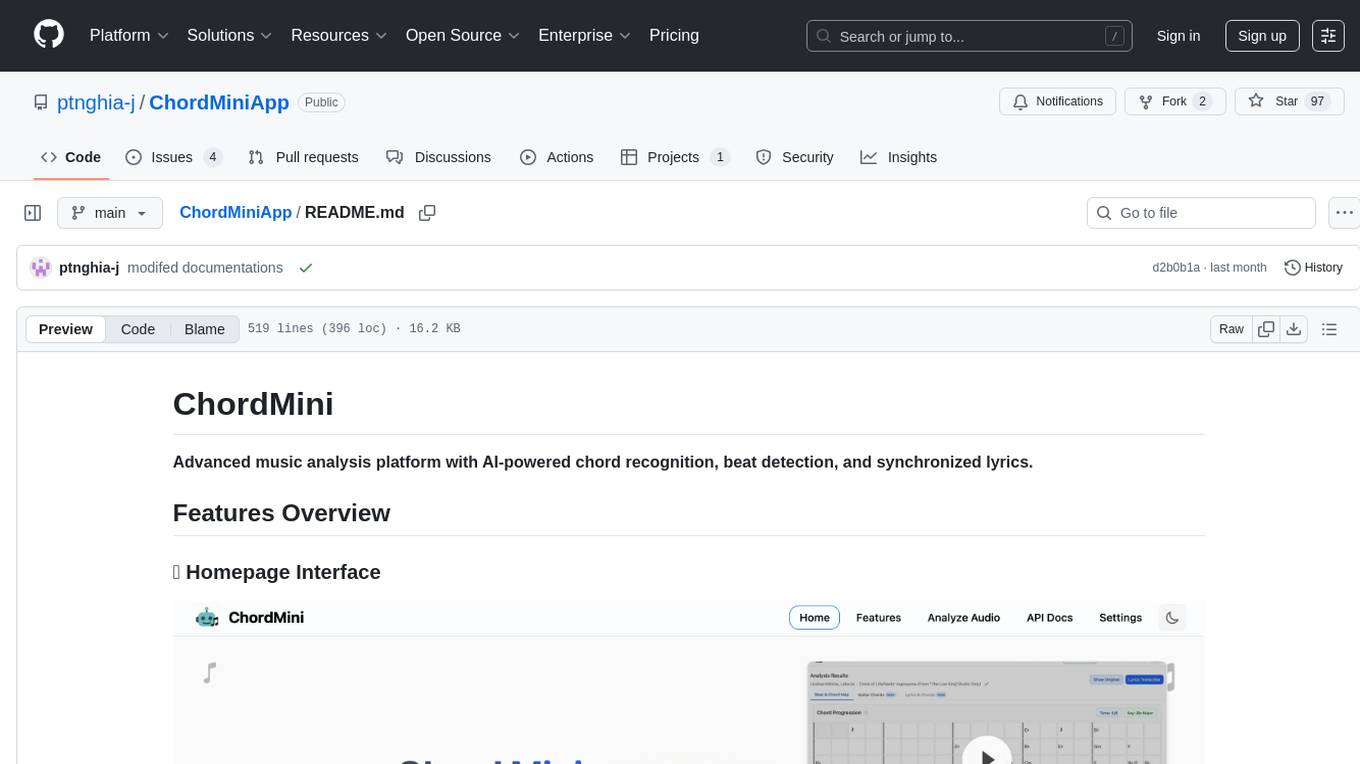
ChordMini is an advanced music analysis platform with AI-powered chord recognition, beat detection, and synchronized lyrics. It features a clean and intuitive interface for YouTube search, chord progression visualization, interactive guitar diagrams with accurate fingering patterns, lead sheet with AI assistant for synchronized lyrics transcription, and various add-on features like Roman Numeral Analysis, Key Modulation Signals, Simplified Chord Notation, and Enhanced Chord Correction. The tool requires Node.js, Python 3.9+, and a Firebase account for setup. It offers a hybrid backend architecture for local development and production deployments, with features like beat detection, chord recognition, lyrics processing, rate limiting, and audio processing supporting MP3, WAV, and FLAC formats. ChordMini provides a comprehensive music analysis workflow from user input to visualization, including dual input support, environment-aware processing, intelligent caching, advanced ML pipeline, and rich visualization options.
mcp-context-forge
MCP Context Forge is a powerful tool for generating context-aware data for machine learning models. It provides functionalities to create diverse datasets with contextual information, enhancing the performance of AI algorithms. The tool supports various data formats and allows users to customize the context generation process easily. With MCP Context Forge, users can efficiently prepare training data for tasks requiring contextual understanding, such as sentiment analysis, recommendation systems, and natural language processing.
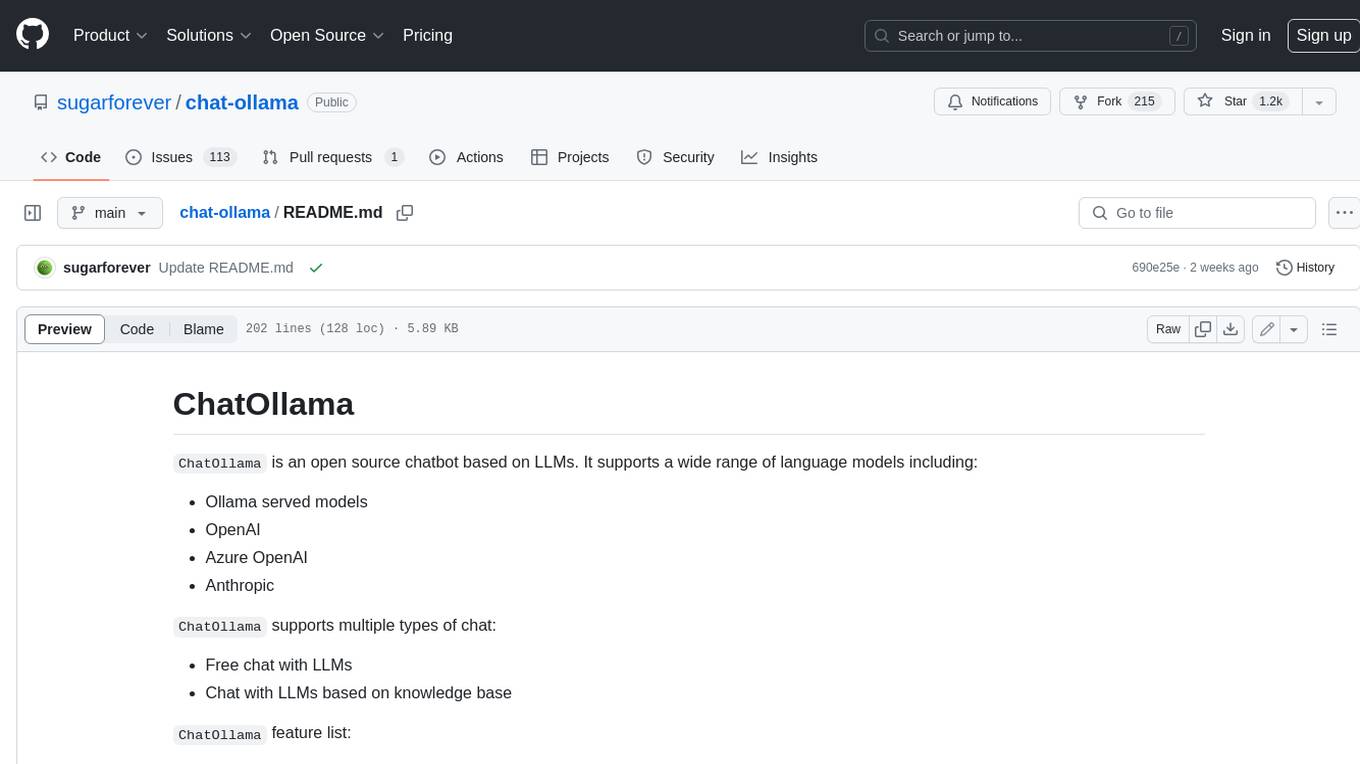
chat-ollama
ChatOllama is an open-source chatbot based on LLMs (Large Language Models). It supports a wide range of language models, including Ollama served models, OpenAI, Azure OpenAI, and Anthropic. ChatOllama supports multiple types of chat, including free chat with LLMs and chat with LLMs based on a knowledge base. Key features of ChatOllama include Ollama models management, knowledge bases management, chat, and commercial LLMs API keys management.
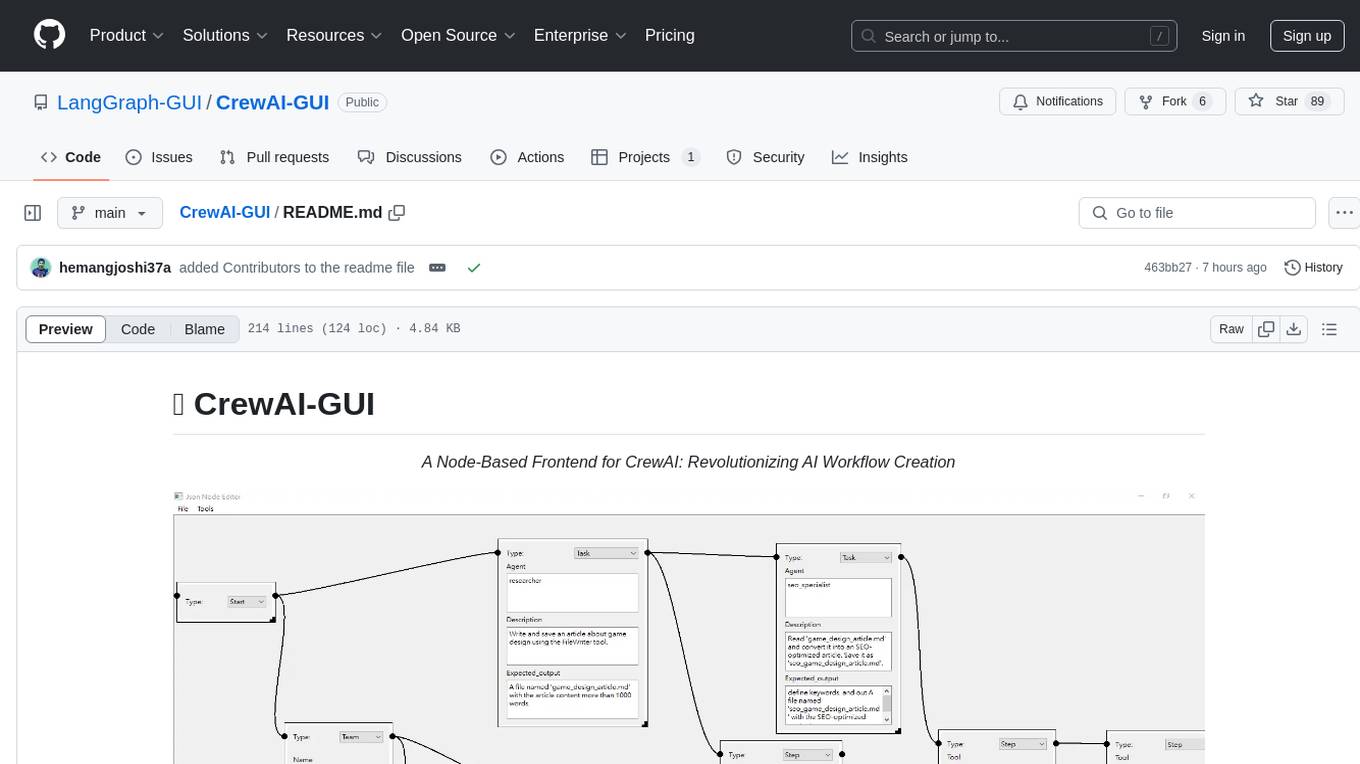
CrewAI-GUI
CrewAI-GUI is a Node-Based Frontend tool designed to revolutionize AI workflow creation. It empowers users to design complex AI agent interactions through an intuitive drag-and-drop interface, export designs to JSON for modularity and reusability, and supports both GPT-4 API and Ollama for flexible AI backend. The tool ensures cross-platform compatibility, allowing users to create AI workflows on Windows, Linux, or macOS efficiently.
z-ai-sdk-python
Z.ai Open Platform Python SDK is the official Python SDK for Z.ai's large model open interface, providing developers with easy access to Z.ai's open APIs. The SDK offers core features like chat completions, embeddings, video generation, audio processing, assistant API, and advanced tools. It supports various functionalities such as speech transcription, text-to-video generation, image understanding, and structured conversation handling. Developers can customize client behavior, configure API keys, and handle errors efficiently. The SDK is designed to simplify AI interactions and enhance AI capabilities for developers.
auto-engineer
Auto Engineer is a tool designed to automate the Software Development Life Cycle (SDLC) by building production-grade applications with a combination of human and AI agents. It offers a plugin-based architecture that allows users to install only the necessary functionality for their projects. The tool guides users through key stages including Flow Modeling, IA Generation, Deterministic Scaffolding, AI Coding & Testing Loop, and Comprehensive Quality Checks. Auto Engineer follows a command/event-driven architecture and provides a modular plugin system for specific functionalities. It supports TypeScript with strict typing throughout and includes a built-in message bus server with a web dashboard for monitoring commands and events.
flashinfer
FlashInfer is a library for Language Languages Models that provides high-performance implementation of LLM GPU kernels such as FlashAttention, PageAttention and LoRA. FlashInfer focus on LLM serving and inference, and delivers state-the-art performance across diverse scenarios.
shimmy
Shimmy is a 5.1MB single-binary local inference server providing OpenAI-compatible endpoints for GGUF models. It offers fast, reliable AI inference with sub-second responses, zero configuration, and automatic port management. Perfect for developers seeking privacy, cost-effectiveness, speed, and easy integration with popular tools like VSCode and Cursor. Shimmy is designed to be invisible infrastructure that simplifies local AI development and deployment.
agentfield
AgentField is an open-source control plane designed for autonomous AI agents, providing infrastructure for agents to make decisions beyond chatbots. It offers features like scaling infrastructure, routing & discovery, async execution, durable state, observability, trust infrastructure with cryptographic identity, verifiable credentials, and policy enforcement. Users can write agents in Python, Go, TypeScript, or interact via REST APIs. The tool enables the creation of AI backends that reason autonomously within defined boundaries, offering predictability and flexibility. AgentField aims to bridge the gap between AI frameworks and production-ready infrastructure for AI agents.
For similar tasks
ai-real-estate-assistant
AI Real Estate Assistant is a modern platform that uses AI to assist real estate agencies in helping buyers and renters find their ideal properties. It features multiple AI model providers, intelligent query processing, advanced search and retrieval capabilities, and enhanced user experience. The tool is built with a FastAPI backend and Next.js frontend, offering semantic search, hybrid agent routing, and real-time analytics.
pi-browser
Pi-Browser is a CLI tool for automating browsers based on multiple AI models. It supports various AI models like Google Gemini, OpenAI, Anthropic Claude, and Ollama. Users can control the browser using natural language commands and perform tasks such as web UI management, Telegram bot integration, Notion integration, extension mode for maintaining Chrome login status, parallel processing with multiple browsers, and offline execution with the local AI model Ollama.
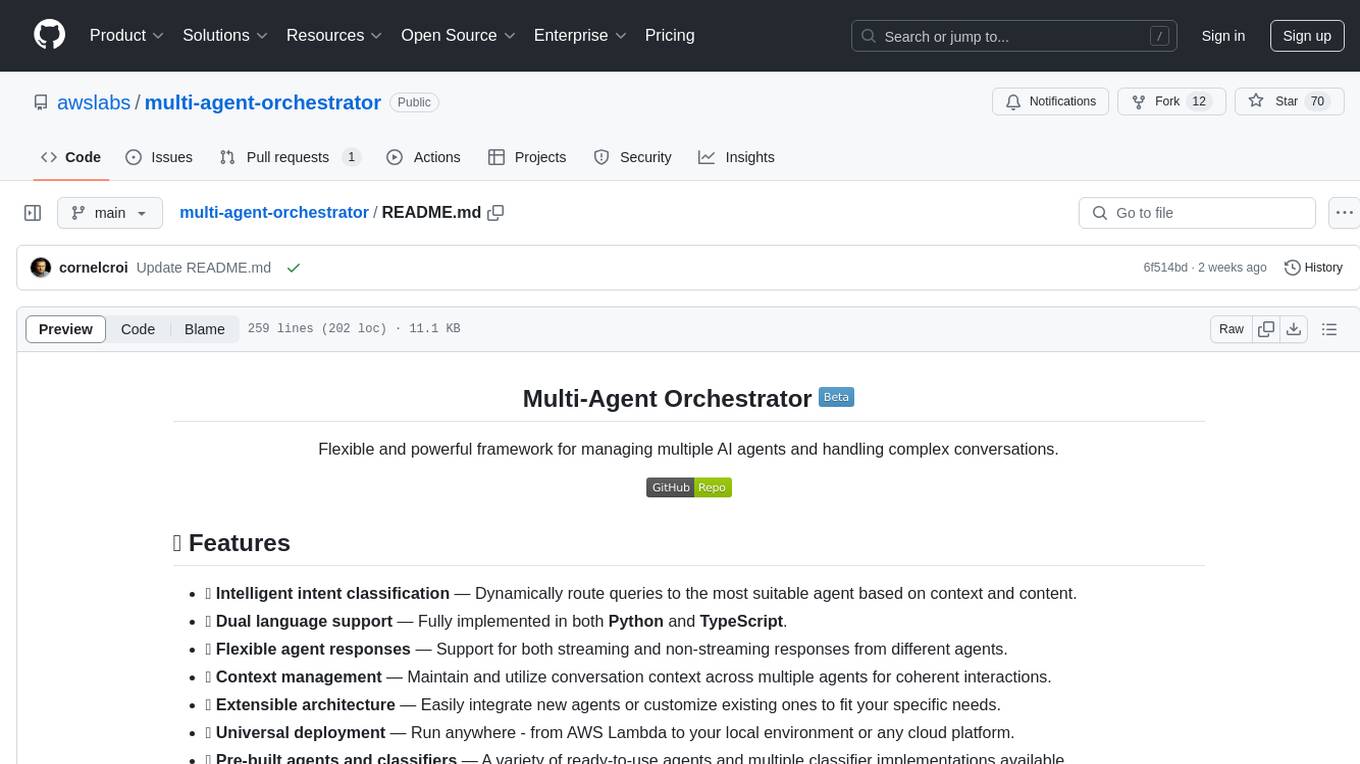
multi-agent-orchestrator
Multi-Agent Orchestrator is a flexible and powerful framework for managing multiple AI agents and handling complex conversations. It intelligently routes queries to the most suitable agent based on context and content, supports dual language implementation in Python and TypeScript, offers flexible agent responses, context management across agents, extensible architecture for customization, universal deployment options, and pre-built agents and classifiers. It is suitable for various applications, from simple chatbots to sophisticated AI systems, accommodating diverse requirements and scaling efficiently.
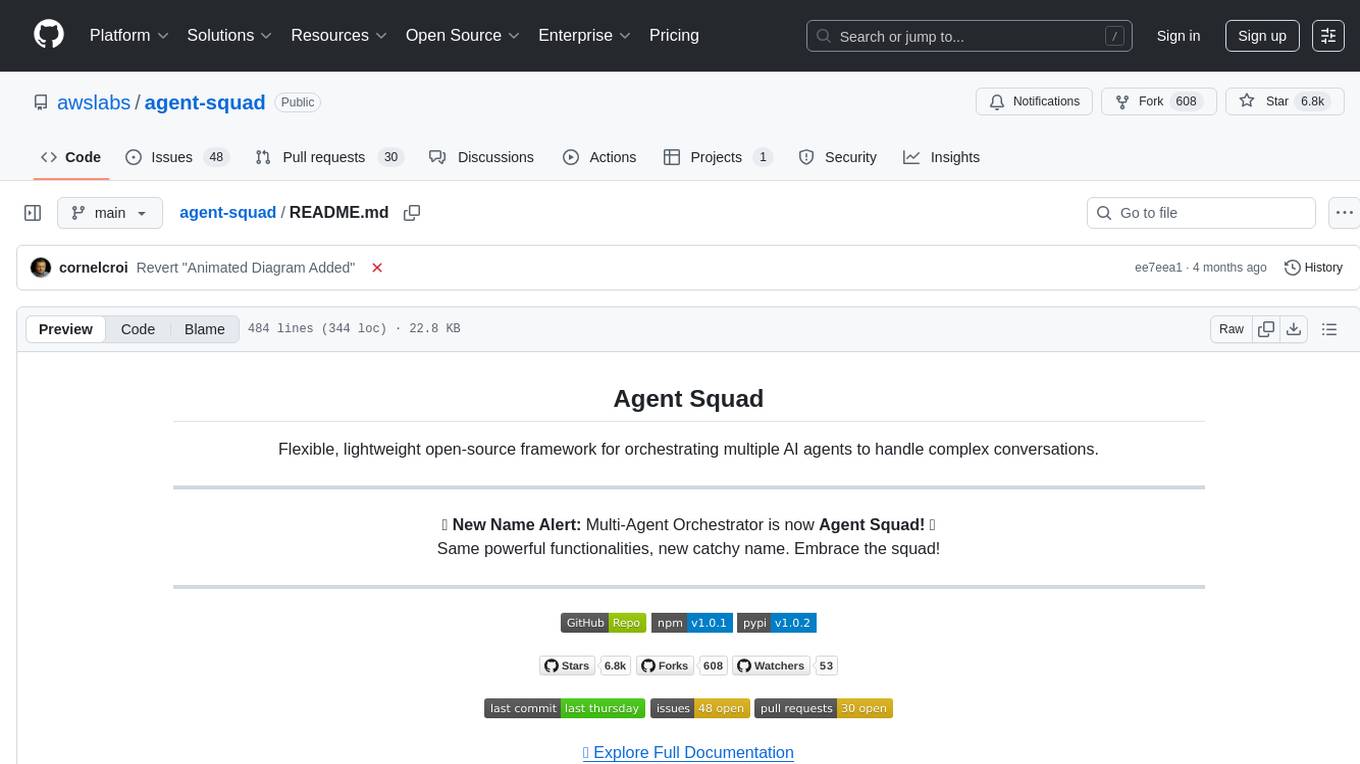
agent-squad
Agent Squad is a flexible, lightweight open-source framework for orchestrating multiple AI agents to handle complex conversations. It intelligently routes queries, maintains context across interactions, and offers pre-built components for quick deployment. The system allows easy integration of custom agents and conversation messages storage solutions, making it suitable for various applications from simple chatbots to sophisticated AI systems, scaling efficiently.
For similar jobs
ai-real-estate-assistant
AI Real Estate Assistant is a modern platform that uses AI to assist real estate agencies in helping buyers and renters find their ideal properties. It features multiple AI model providers, intelligent query processing, advanced search and retrieval capabilities, and enhanced user experience. The tool is built with a FastAPI backend and Next.js frontend, offering semantic search, hybrid agent routing, and real-time analytics.