


squirrelscan
Website auditing tool built for your agent and llm workflow.
Stars: 113
Squirrelscan is a website audit tool designed for SEO, performance, and security audits. It offers 230+ rules across 21 categories, AI-native design for Claude Code and AI workflows, smart incremental crawling, and multiple output formats. It provides E-E-A-T auditing, crawl history tracking, and is developer-friendly with a CLI. Users can run audits in the terminal, integrate with AI coding agents, or pipe output to AI assistants. The tool is available for macOS, Linux, Windows, npm, and npx installations, and is suitable for autonomous AI workflows.
README:

Website audit tool built for your coding agent
Free CLI for SEO, performance & security audits. Built for Claude Code, Cursor, and AI workflows. 230+ rules, LLM-optimized reports, single binary install.
- 230+ Rules, 21 Categories - Comprehensive coverage across SEO, accessibility, performance, and security
- AI-Native Design - LLM-optimised output for Claude Code, Cursor, and any AI assistant
- Smart Incremental Crawling - ETag, Last-Modified, content hashing. Resume from checkpoints.
- Developer-First CLI - Single binary, zero dependencies, shell completions, self-update
- E-E-A-T Auditing - Dedicated rules for Experience, Expertise, Authority, Trust
- Crawl History & Changes - Track site evolution, compare crawls, spot regressions
- Multiple Output Formats - Console, JSON, HTML, Markdown, Text, LLM, XML
Run audits directly in your terminal:
squirrel audit example.comInstall the skill for autonomous workflows:
npx skills install squirrelscan/skillsUse the slash command:
/audit-website
Or prompt your AI agent more specifically:
Use the audit-website skill to audit this site and fix all issues but only crawl 10 pages
More information in the skills repository and our Getting started with AI Agents documentation.
Pipe clean output to any AI assistant:
squirrel audit example.com --format llm | claudemacOS / Linux:
curl -fsSL https://squirrelscan.com/install | bashWindows:
iwr -useb https://squirrelscan.com/install.ps1 | iexnpm (all platforms):
npm install -g squirrelscannpx (run without installing):
npx squirrelscan audit example.com# Audit a website
squirrel audit https://example.com
# Generate HTML report
squirrel audit https://example.com -f html -o report.html
# Pipe to Claude for AI analysis
squirrel audit https://example.com --format llm | claude
# Limit pages for faster results
squirrel audit https://example.com -m 10- Website: squirrelscan.com
- Documentation: docs.squirrelscan.com
- AI Agent Skills: github.com/squirrelscan/skills
| Category | Rules | Focus |
|---|---|---|
| Accessibility | 56 | ARIA, button/input names, landmarks, lists, tables, focus |
| Performance | 24 | Core Web Vitals, compression, caching, JS optimization |
| Crawlability | 15 | Robots.txt, sitemaps, indexability |
| Security | 15 | HTTPS, CSP, cookies, leaked secrets (96 patterns) |
| Links | 15 | Broken links, redirects, anchor text |
| Images | 15 | Alt text, formats, lazy loading, optimization |
| Content | 15 | Readability, freshness, word count |
| E-E-A-T | 14 | Authority, trust, expertise signals |
| Core | 13 | Meta tags, canonical, doctype, charset |
| Structured Data | 11 | JSON-LD, schema validation |
| URL Structure | 8 | Length, format, parameters |
| Mobile | 6 | Viewport, tap targets, responsive |
| Social Media | 4 | Open Graph, Twitter Cards |
| SEO | 4 | Meta robots, indexability |
| Video | 3 | Schema, captions, thumbnails |
| Local SEO | 3 | NAP, geo tags, service areas |
| Legal | 3 | Privacy policy, cookie consent |
| Internationalization | 2 | Hreflang, lang attribute |
| Analytics | 2 | GTM, consent mode |
| AI Detection | 2 | AI content signals |
| Adblock Detection | 2 | Blocked elements, tracking |
Total: 230+ rules across 21 categories
See the rules reference for full details.
squirrelscan is designed for autonomous AI workflows:
# Install the skill for Claude Code, Cursor, etc.
npx skills install squirrelscan/skills
Example AI prompts:
- "Audit example.com and fix all critical issues"
- "Check for SEO regressions after my recent changes"
- "Generate a comprehensive audit report and enter plan mode to fix issues"
- "Audit only the /blog section and focus on E-E-A-T signals"
- "Run a security-focused audit and check for leaked secrets"
See AI Agent Integration docs for advanced workflows.
| Format | Flag | Use Case |
|---|---|---|
| Console | (default) | Human-readable terminal output |
| JSON | -f json |
CI/CD, programmatic processing |
| HTML | -f html |
Visual reports for sharing |
| Markdown | -f markdown |
Documentation, GitHub |
| Text | -f text |
Clean output for piping to LLMs |
| LLM | -f llm |
LLM optimized output |
squirrelscan is in active beta. Expect rapid iteration and breaking changes. Feedback and issue reports welcome!
For Tasks:
Click tags to check more tools for each tasksFor Jobs:
Alternative AI tools for squirrelscan
Similar Open Source Tools
For similar tasks
squirrelscan
Squirrelscan is a website audit tool designed for SEO, performance, and security audits. It offers 230+ rules across 21 categories, AI-native design for Claude Code and AI workflows, smart incremental crawling, and multiple output formats. It provides E-E-A-T auditing, crawl history tracking, and is developer-friendly with a CLI. Users can run audits in the terminal, integrate with AI coding agents, or pipe output to AI assistants. The tool is available for macOS, Linux, Windows, npm, and npx installations, and is suitable for autonomous AI workflows.
tt-metal
TT-NN is a python & C++ Neural Network OP library. It provides a low-level programming model, TT-Metalium, enabling kernel development for Tenstorrent hardware.
mscclpp
MSCCL++ is a GPU-driven communication stack for scalable AI applications. It provides a highly efficient and customizable communication stack for distributed GPU applications. MSCCL++ redefines inter-GPU communication interfaces, delivering a highly efficient and customizable communication stack for distributed GPU applications. Its design is specifically tailored to accommodate diverse performance optimization scenarios often encountered in state-of-the-art AI applications. MSCCL++ provides communication abstractions at the lowest level close to hardware and at the highest level close to application API. The lowest level of abstraction is ultra light weight which enables a user to implement logics of data movement for a collective operation such as AllReduce inside a GPU kernel extremely efficiently without worrying about memory ordering of different ops. The modularity of MSCCL++ enables a user to construct the building blocks of MSCCL++ in a high level abstraction in Python and feed them to a CUDA kernel in order to facilitate the user's productivity. MSCCL++ provides fine-grained synchronous and asynchronous 0-copy 1-sided abstracts for communication primitives such as `put()`, `get()`, `signal()`, `flush()`, and `wait()`. The 1-sided abstractions allows a user to asynchronously `put()` their data on the remote GPU as soon as it is ready without requiring the remote side to issue any receive instruction. This enables users to easily implement flexible communication logics, such as overlapping communication with computation, or implementing customized collective communication algorithms without worrying about potential deadlocks. Additionally, the 0-copy capability enables MSCCL++ to directly transfer data between user's buffers without using intermediate internal buffers which saves GPU bandwidth and memory capacity. MSCCL++ provides consistent abstractions regardless of the location of the remote GPU (either on the local node or on a remote node) or the underlying link (either NVLink/xGMI or InfiniBand). This simplifies the code for inter-GPU communication, which is often complex due to memory ordering of GPU/CPU read/writes and therefore, is error-prone.
mlir-air
This repository contains tools and libraries for building AIR platforms, runtimes and compilers.

free-for-life
A massive list including a huge amount of products and services that are completely free! ⭐ Star on GitHub • 🤝 Contribute # Table of Contents * APIs, Data & ML * Artificial Intelligence * BaaS * Code Editors * Code Generation * DNS * Databases * Design & UI * Domains * Email * Font * For Students * Forms * Linux Distributions * Messaging & Streaming * PaaS * Payments & Billing * SSL
AIMr
AIMr is an AI aimbot tool written in Python that leverages modern technologies to achieve an undetected system with a pleasing appearance. It works on any game that uses human-shaped models. To optimize its performance, users should build OpenCV with CUDA. For Valorant, additional perks in the Discord and an Arduino Leonardo R3 are required.
aika
AIKA (Artificial Intelligence for Knowledge Acquisition) is a new type of artificial neural network designed to mimic the behavior of a biological brain more closely and bridge the gap to classical AI. The network conceptually separates activations from neurons, creating two separate graphs to represent acquired knowledge and inferred information. It uses different types of neurons and synapses to propagate activation values, binding signals, causal relations, and training gradients. The network structure allows for flexible topology and supports the gradual population of neurons and synapses during training.
nextpy
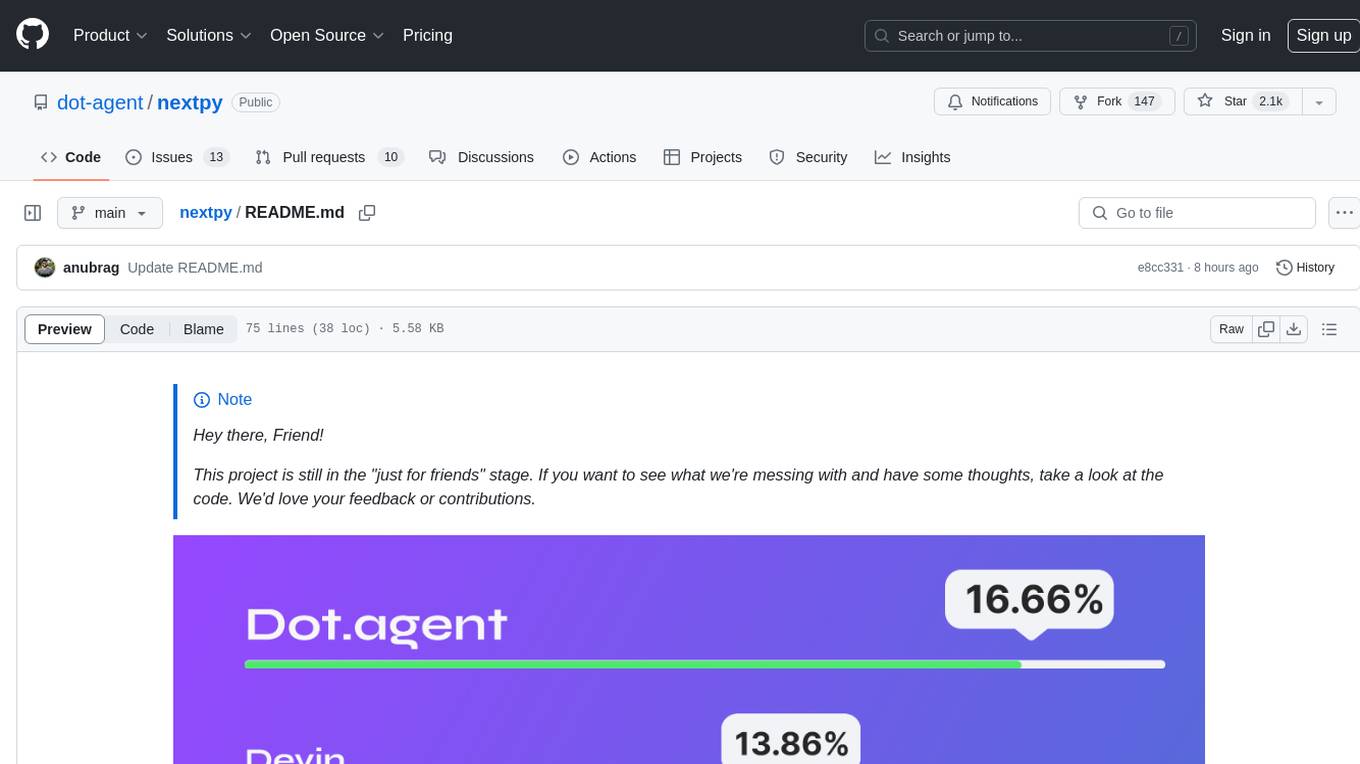
Nextpy is a cutting-edge software development framework optimized for AI-based code generation. It provides guardrails for defining AI system boundaries, structured outputs for prompt engineering, a powerful prompt engine for efficient processing, better AI generations with precise output control, modularity for multiplatform and extensible usage, developer-first approach for transferable knowledge, and containerized & scalable deployment options. It offers 4-10x faster performance compared to Streamlit apps, with a focus on cooperation within the open-source community and integration of key components from various projects.
For similar jobs

promptflow
**Prompt flow** is a suite of development tools designed to streamline the end-to-end development cycle of LLM-based AI applications, from ideation, prototyping, testing, evaluation to production deployment and monitoring. It makes prompt engineering much easier and enables you to build LLM apps with production quality.

deepeval
DeepEval is a simple-to-use, open-source LLM evaluation framework specialized for unit testing LLM outputs. It incorporates various metrics such as G-Eval, hallucination, answer relevancy, RAGAS, etc., and runs locally on your machine for evaluation. It provides a wide range of ready-to-use evaluation metrics, allows for creating custom metrics, integrates with any CI/CD environment, and enables benchmarking LLMs on popular benchmarks. DeepEval is designed for evaluating RAG and fine-tuning applications, helping users optimize hyperparameters, prevent prompt drifting, and transition from OpenAI to hosting their own Llama2 with confidence.

MegaDetector
MegaDetector is an AI model that identifies animals, people, and vehicles in camera trap images (which also makes it useful for eliminating blank images). This model is trained on several million images from a variety of ecosystems. MegaDetector is just one of many tools that aims to make conservation biologists more efficient with AI. If you want to learn about other ways to use AI to accelerate camera trap workflows, check out our of the field, affectionately titled "Everything I know about machine learning and camera traps".

leapfrogai
LeapfrogAI is a self-hosted AI platform designed to be deployed in air-gapped resource-constrained environments. It brings sophisticated AI solutions to these environments by hosting all the necessary components of an AI stack, including vector databases, model backends, API, and UI. LeapfrogAI's API closely matches that of OpenAI, allowing tools built for OpenAI/ChatGPT to function seamlessly with a LeapfrogAI backend. It provides several backends for various use cases, including llama-cpp-python, whisper, text-embeddings, and vllm. LeapfrogAI leverages Chainguard's apko to harden base python images, ensuring the latest supported Python versions are used by the other components of the stack. The LeapfrogAI SDK provides a standard set of protobuffs and python utilities for implementing backends and gRPC. LeapfrogAI offers UI options for common use-cases like chat, summarization, and transcription. It can be deployed and run locally via UDS and Kubernetes, built out using Zarf packages. LeapfrogAI is supported by a community of users and contributors, including Defense Unicorns, Beast Code, Chainguard, Exovera, Hypergiant, Pulze, SOSi, United States Navy, United States Air Force, and United States Space Force.

llava-docker
This Docker image for LLaVA (Large Language and Vision Assistant) provides a convenient way to run LLaVA locally or on RunPod. LLaVA is a powerful AI tool that combines natural language processing and computer vision capabilities. With this Docker image, you can easily access LLaVA's functionalities for various tasks, including image captioning, visual question answering, text summarization, and more. The image comes pre-installed with LLaVA v1.2.0, Torch 2.1.2, xformers 0.0.23.post1, and other necessary dependencies. You can customize the model used by setting the MODEL environment variable. The image also includes a Jupyter Lab environment for interactive development and exploration. Overall, this Docker image offers a comprehensive and user-friendly platform for leveraging LLaVA's capabilities.

carrot
The 'carrot' repository on GitHub provides a list of free and user-friendly ChatGPT mirror sites for easy access. The repository includes sponsored sites offering various GPT models and services. Users can find and share sites, report errors, and access stable and recommended sites for ChatGPT usage. The repository also includes a detailed list of ChatGPT sites, their features, and accessibility options, making it a valuable resource for ChatGPT users seeking free and unlimited GPT services.

TrustLLM
TrustLLM is a comprehensive study of trustworthiness in LLMs, including principles for different dimensions of trustworthiness, established benchmark, evaluation, and analysis of trustworthiness for mainstream LLMs, and discussion of open challenges and future directions. Specifically, we first propose a set of principles for trustworthy LLMs that span eight different dimensions. Based on these principles, we further establish a benchmark across six dimensions including truthfulness, safety, fairness, robustness, privacy, and machine ethics. We then present a study evaluating 16 mainstream LLMs in TrustLLM, consisting of over 30 datasets. The document explains how to use the trustllm python package to help you assess the performance of your LLM in trustworthiness more quickly. For more details about TrustLLM, please refer to project website.

AI-YinMei
AI-YinMei is an AI virtual anchor Vtuber development tool (N card version). It supports fastgpt knowledge base chat dialogue, a complete set of solutions for LLM large language models: [fastgpt] + [one-api] + [Xinference], supports docking bilibili live broadcast barrage reply and entering live broadcast welcome speech, supports Microsoft edge-tts speech synthesis, supports Bert-VITS2 speech synthesis, supports GPT-SoVITS speech synthesis, supports expression control Vtuber Studio, supports painting stable-diffusion-webui output OBS live broadcast room, supports painting picture pornography public-NSFW-y-distinguish, supports search and image search service duckduckgo (requires magic Internet access), supports image search service Baidu image search (no magic Internet access), supports AI reply chat box [html plug-in], supports AI singing Auto-Convert-Music, supports playlist [html plug-in], supports dancing function, supports expression video playback, supports head touching action, supports gift smashing action, supports singing automatic start dancing function, chat and singing automatic cycle swing action, supports multi scene switching, background music switching, day and night automatic switching scene, supports open singing and painting, let AI automatically judge the content.