


100-days-of-code
100 Days of Code | Daily Challenges | Beautifully Crafted Designs | Created for Full-stack/Frontend/Web Developers - Vibe Code with AI.
Stars: 60
100 Days of Code is a repository containing 100 frontend challenges with professional designs, user stories, and acceptance criteria. It provides a platform for developers to practice coding daily, from beginner-friendly cards to advanced dashboards. The challenges are structured for AI collaboration, allowing users to work with coding agents like Claude, Cursor, and GitHub Copilot. The repository also includes an AI Collaboration Log template to document the use of AI tools and showcase effective collaboration. Developers can replicate design mockups, add interactivity with JavaScript, and share their solutions on social media platforms.
README:
Star this repo to support the community and stay updated with new content.
100 frontend challenges with professional designs, user stories, and acceptance criteria. Build them your way - code from scratch, vibe code with AI, or use BigDevSoon with Merlin AI for the full experience.
Each challenge includes:
- Professional design mockup (screenshot)
- User story explaining the context
- Acceptance criteria to validate your solution
- Tips for clean implementation
Perfect for the #100DaysOfCode movement - one challenge per day, from beginner-friendly cards to advanced dashboards.
Try it free - Jump into the Demo Editor and start coding instantly, no sign-up needed.
Full platform - BigDevSoon comes with a 7-day free trial that includes:
- Merlin AI - your built-in coding companion for vibe coding
- Cloud saves, npm packages, asset libraries, and Figma designs
- Track progress across all 100 challenges
Code locally - Clone this repo and build with your favorite tools.
These challenges are structured for AI collaboration. Each has clear specs that work great with coding agents like Claude, Cursor, GitHub Copilot, and others. Feed the user story + acceptance criteria to your AI assistant and iterate together.
See AGENTS.md for a detailed guide on using AI coding agents with these challenges.
In 2026, knowing how to code isn't enough - you need to show you can effectively collaborate with AI tools. Each challenge includes an AI Collaboration Log template. Think of it as your prompt engineering portfolio - document which AI tools you used, what prompts worked, what you had to fix manually, and what you learned.
Why this matters:
- Companies want to see you can direct AI tools effectively, not just use them blindly
- Interview talking points: "Here's how I used Claude to build this component in 2 hours instead of 8"
- Project Operator mindset - modern developers architect solutions and delegate to the best tool for the job
The log is optional but recommended. Fill it out as you complete each challenge while your prompts are fresh. You'll build a unique portfolio asset that shows not just what you built, but how you work.
Template preview:
AI Tool Used: Claude Code, Cursor, Copilot, Merlin AI, etc.
Prompts That Worked: What you asked the AI that produced good results
Manual Fixes: What the AI got wrong that you had to correct
Key Learnings: What you learned about effective AI collaboration
Time Estimate: X hours with AI vs ~Y hours without- Read the requirements - Each challenge has a user story and acceptance criteria. Understand what you're building first.
- Design to code - Replicate the design mockup. Match it closely, but add your own flair.
- Add interactivity - Designs are static, your code shouldn't be. Bring it to life with JavaScript.
- Log your AI workflow - Fill out the AI Collaboration Log to build your prompt engineering portfolio.
- Share your work - Post your solution with #100DaysOfCode and #BigDevSoon.
- Star this repo and share it with fellow developers
- Join BigDevSoon - complete challenges with Merlin AI and track your progress
- Share your solutions on Twitter/X, LinkedIn, or Discord
- Tag #100DaysOfCode and #BigDevSoon to connect with other builders
Day 1: Profile Card

Day 2: Add to Bag

Day 3: Mobile Navigation

Day 4: Contact Us

Day 5: Recipe

Day 6: Image Carousel

Day 7: Create Account

Day 8: Music Events

Day 9: Password Generator

Day 10: Sign Up Page

Day 11: Hotel Booking

Day 12: Restaurant Reservation

Day 13: Task Board

Day 14: Shopping List

Day 15: Notifications

Day 16: Fur Friends

Day 17: Article Slider

Day 18: Images Preview

Day 19: Upload Images

Day 20: Card Wallet

Day 21: Pricing Plans

Day 22: Messages

Day 23: Home Page

Day 24: Movie Ticket

Day 25: Meeting Schedule

Day 26: Job Board

Day 27: Leaderboards

Day 28: Playlist

Day 29: Video Player

Day 30: Invoices

Day 31: Dashboard

Day 32: Newsletter

Day 33: Brand Visualizer

Day 34: User Profile

Day 35: Rate Us

Day 36: Sleep App

Day 37: Explore Flights

Day 38: Music Festival

Day 39: QR Code Scanner

Day 40: FAQ

Day 41: Create Workspace

Day 42: Settings Appearance

Day 43: Player Profile

Day 44: Website Launch

Day 45: Hosting Features

Day 46: Customer List

Day 47: Export File

Day 48: Markdown Post

Day 49: App Navigation

Day 50: Friend Request

Day 51: Download App

Day 52: Language App

Day 53: Billing Page

Day 54: Article Summary

Day 55: Progress Bars

Day 56: Project Roadmap

Day 57: Game Profile

Day 58: Create Task

Day 59: Calculate Tip

Day 60: Code Verification

Day 61: Flight Ticket

Day 62: Testimonials

Day 63: Weather App

Day 64: Document Manager

Day 65: Interests

Day 66: Navigation UI

Day 67: Select Account

Day 68: User Satisfaction

Day 69: Profile Settings

Day 70: Cookies Banner

Day 71: Email Client

Day 72: Image Collections

Day 73: Push Notification

Day 74: Manage Accounts

Day 75: Add Shot

Day 76: E-book Store

Day 77: App Integrations

Day 78: Audio Player

Day 79: Payment Plan

Day 80: Articles Grid

Day 81: Delivery Details

Day 82: Color Palette

Day 83: Socials Share

Day 84: Buy a Coffee

Day 85: Customer Reviews

Day 86: ChatBot

Day 87: Charts

Day 88: Fingerprint

Day 89: Voice Call

Day 90: My Devices

Day 91: QuizApp

Day 92: Search Filters

Day 93: Task Manager

Day 94: Time Widget

Day 95: 404

Day 96: Subscribe Card

Day 97: Design Assets

Day 98: Voice Recording

Day 99: Columns Card

Day 100: Footer

For Tasks:
Click tags to check more tools for each tasksFor Jobs:
Alternative AI tools for 100-days-of-code
Similar Open Source Tools
100-days-of-code
100 Days of Code is a repository containing 100 frontend challenges with professional designs, user stories, and acceptance criteria. It provides a platform for developers to practice coding daily, from beginner-friendly cards to advanced dashboards. The challenges are structured for AI collaboration, allowing users to work with coding agents like Claude, Cursor, and GitHub Copilot. The repository also includes an AI Collaboration Log template to document the use of AI tools and showcase effective collaboration. Developers can replicate design mockups, add interactivity with JavaScript, and share their solutions on social media platforms.
AIHub
AIHub is a client that integrates the capabilities of multiple large models, allowing users to quickly and easily build their own personalized AI assistants. It supports custom plugins for endless possibilities. The tool provides powerful AI capabilities, rich configuration options, customization of AI assistants for text and image conversations, AI drawing, installation of custom plugins, personal knowledge base building, AI calendar generation, support for AI mini programs, and ongoing development of additional features. Users can download the application package from the release section, resolve issues related to macOS app installation, and contribute ideas by submitting issues. The project development involves installation, development, and building processes for different operating systems.
ChatGPT-Next-Web
ChatGPT Next Web is a well-designed cross-platform ChatGPT web UI tool that supports Claude, GPT4, and Gemini Pro models. It allows users to deploy their private ChatGPT applications with ease. The tool offers features like one-click deployment, compact client for Linux/Windows/MacOS, compatibility with self-deployed LLMs, privacy-first approach with local data storage, markdown support, responsive design, fast loading speed, prompt templates, awesome prompts, chat history compression, multilingual support, and more.
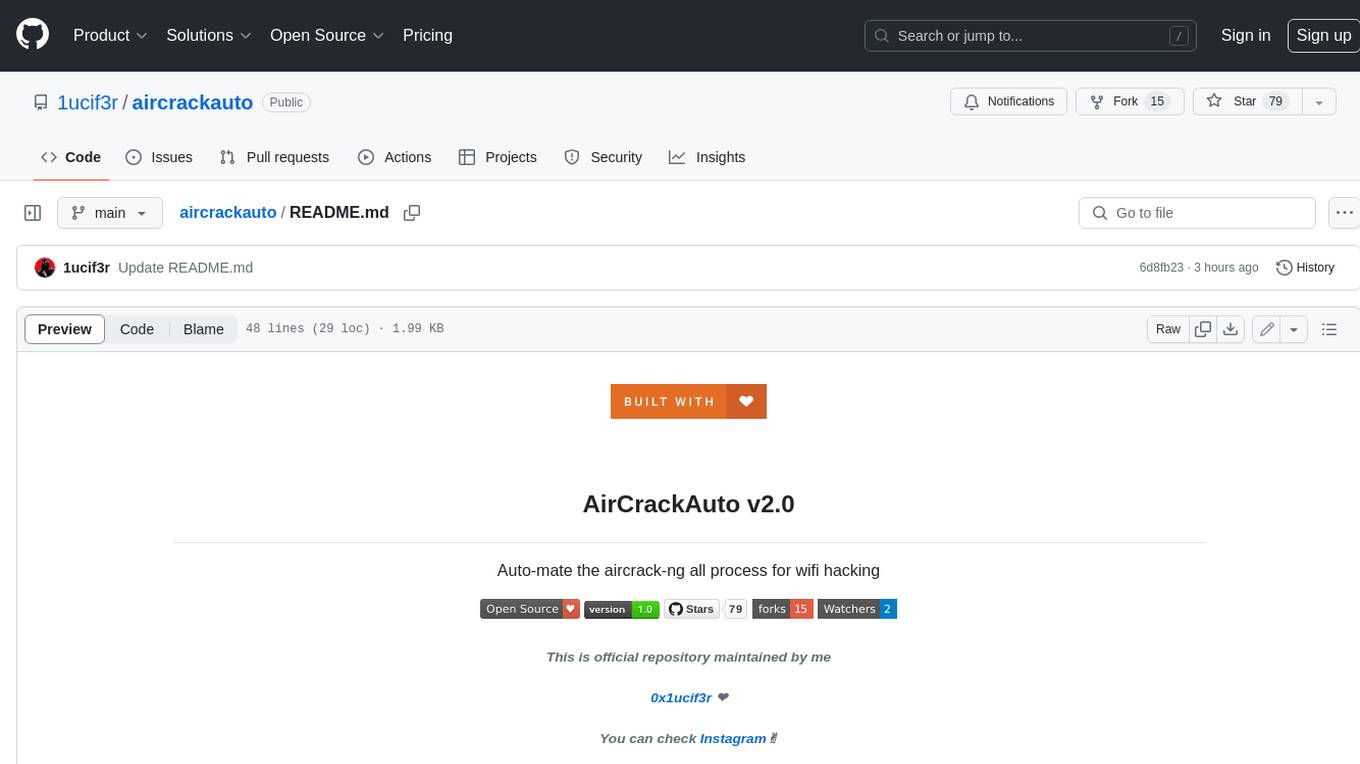
aircrackauto
AirCrackAuto is a tool that automates the aircrack-ng process for Wi-Fi hacking. It is designed to make it easier for users to crack Wi-Fi passwords by automating the process of capturing packets, generating wordlists, and launching attacks. AirCrackAuto is a powerful tool that can be used to crack Wi-Fi passwords in a matter of minutes.
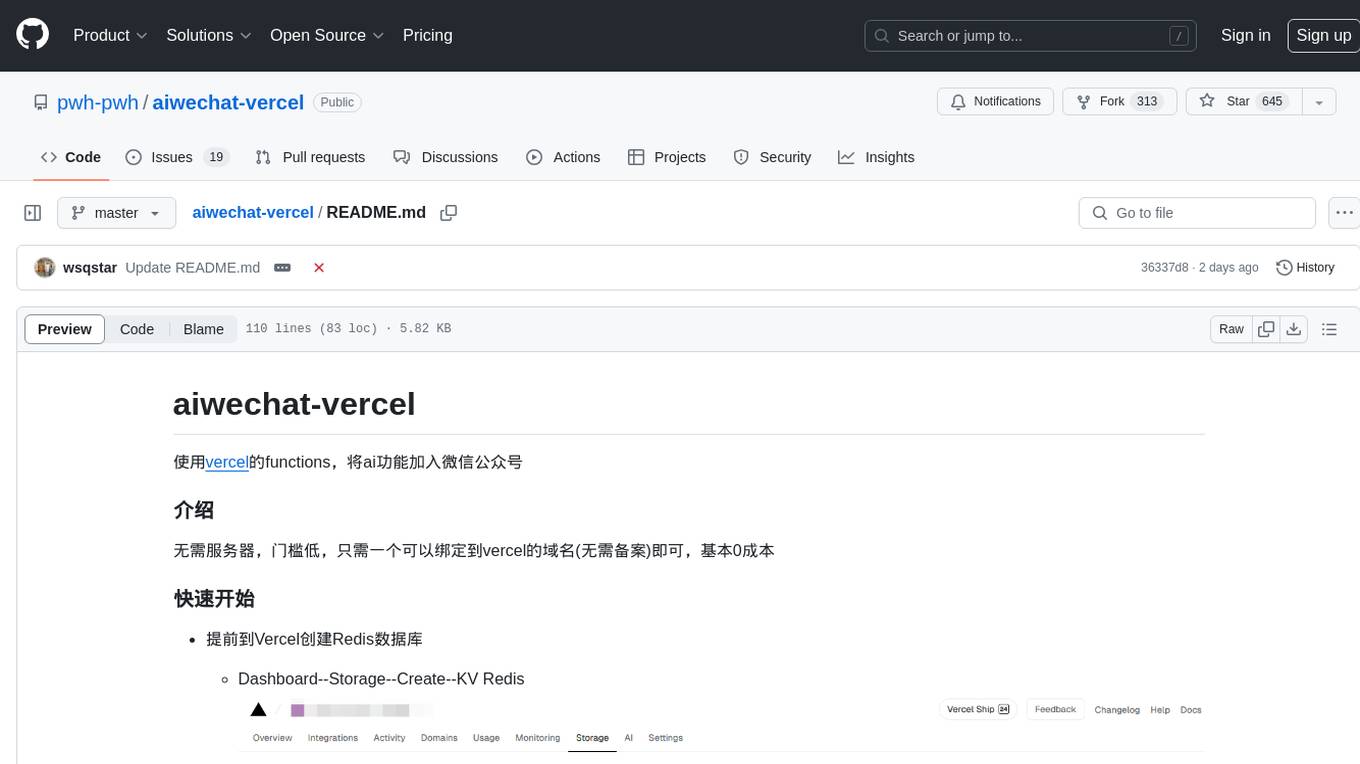
aiwechat-vercel
aiwechat-vercel is a tool that integrates AI capabilities into WeChat public accounts using Vercel functions. It requires minimal server setup, low entry barriers, and only needs a domain name that can be bound to Vercel, with almost zero cost. The tool supports various AI models, continuous Q&A sessions, chat functionality, system prompts, and custom commands. It aims to provide a platform for learning and experimentation with AI integration in WeChat public accounts.

ai-enablement-stack
The AI Enablement Stack is a curated collection of venture-backed companies, tools, and technologies that enable developers to build, deploy, and manage AI applications. It provides a structured view of the AI development ecosystem across five key layers: Agent Consumer Layer, Observability and Governance Layer, Engineering Layer, Intelligence Layer, and Infrastructure Layer. Each layer focuses on specific aspects of AI development, from end-user interaction to model training and deployment. The stack aims to help developers find the right tools for building AI applications faster and more efficiently, assist engineering leaders in making informed decisions about AI infrastructure and tooling, and help organizations understand the AI development landscape to plan technology adoption.
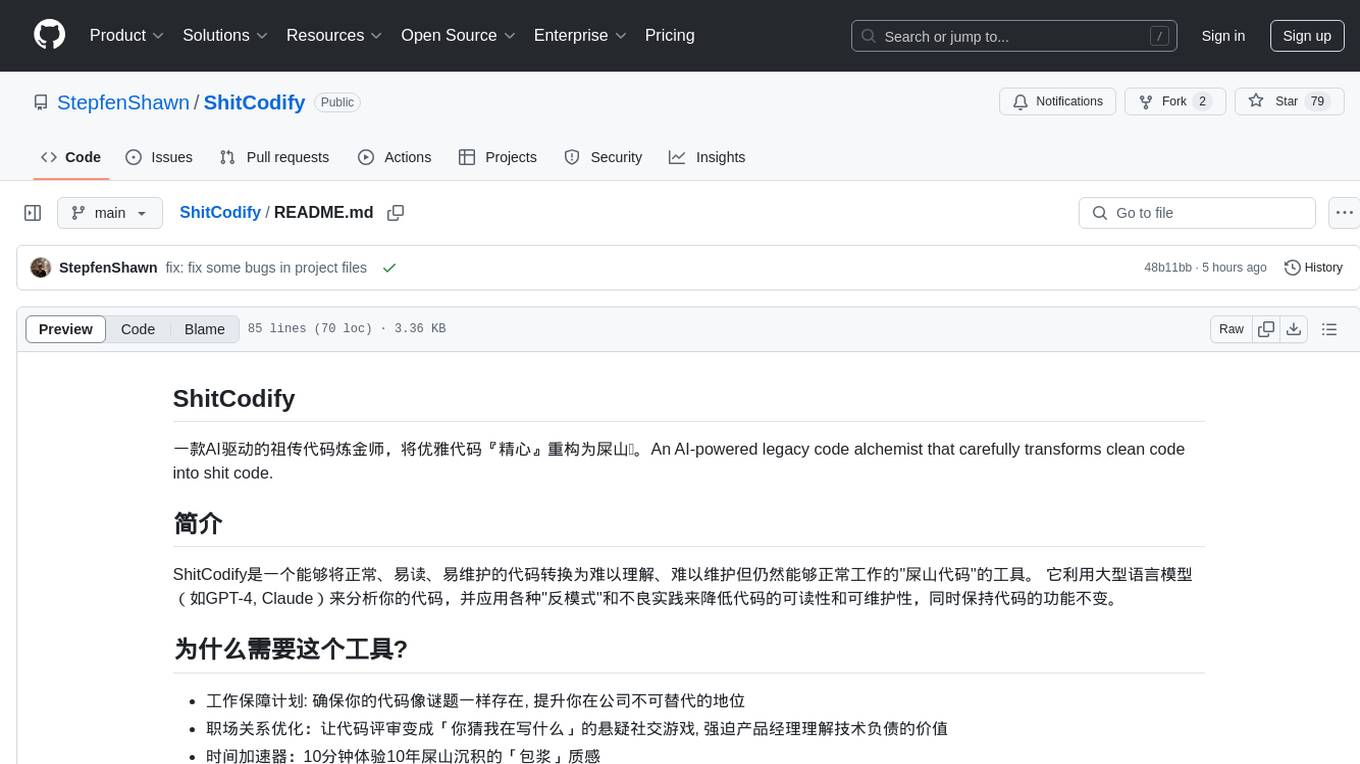
ShitCodify
ShitCodify is an AI-powered tool that transforms normal, readable, and maintainable code into hard-to-understand, hard-to-maintain 'shit code'. It uses large language models like GPT-4 to analyze code and apply various 'anti-patterns' and bad practices to reduce code readability and maintainability while keeping the code functional.
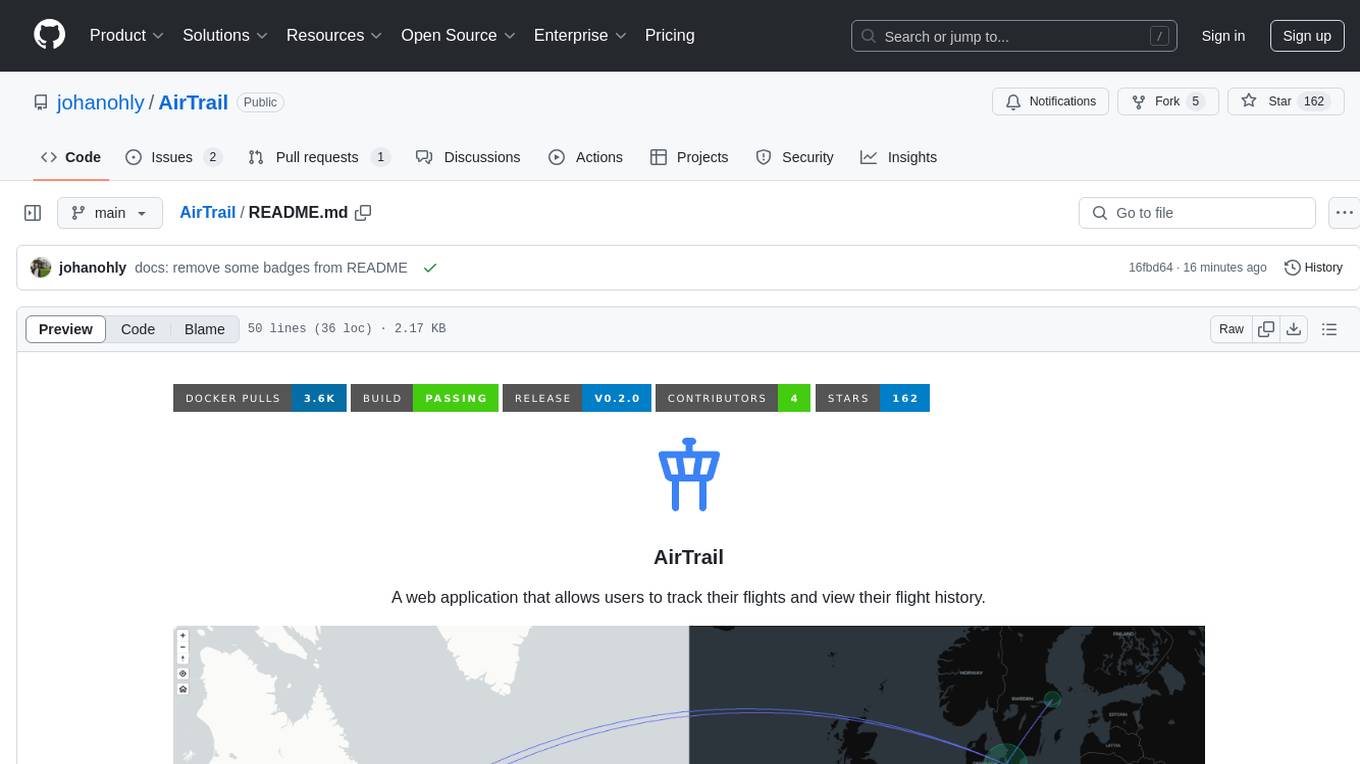
AirTrail
AirTrail is a web application that allows users to track their flights and view their flight history. It features an interactive world map to view flights, flight history tracking, statistics insights, multiple user management with user authentication, responsive design, dark mode, and flight import from various sources.

magic-resume
Magic Resume is a modern online resume editor that makes creating professional resumes simple and fun. Built on Next.js and Framer Motion, it supports real-time preview and custom themes. Features include Next.js 14+ based construction, smooth animation effects (Framer Motion), custom theme support, responsive design, dark mode, export to PDF, real-time preview, auto-save, and local storage. The technology stack includes Next.js 14+, TypeScript, Framer Motion, Tailwind CSS, Shadcn/ui, and Lucide Icons.
ai-paint-today-BE
AI Paint Today is an API server repository that allows users to record their emotions and daily experiences, and based on that, AI generates a beautiful picture diary of their day. The project includes features such as generating picture diaries from written entries, utilizing DALL-E 2 model for image generation, and deploying on AWS and Cloudflare. The project also follows specific conventions and collaboration strategies for development.
MathModelAgent
MathModelAgent is an agent designed specifically for mathematical modeling tasks. It automates the process of mathematical modeling and generates a complete paper that can be directly submitted. The tool features automatic problem analysis, code writing, error correction, and paper writing. It supports various models, offers low costs, and allows customization through prompt inject. The tool is ideal for individuals or teams working on mathematical modeling projects.
chocolate-factory
Chocolate Factory is an open-source LLM application development framework designed to help you easily create powerful software development SDLC + LLM assistants. It provides a set of modules for integration into JVM projects and offers RAGScript for querying and local deployment examples. The tool follows a domain-driven problem-solving approach with key concepts like ProblemClarifier, ProblemAnalyzer, SolutionDesigner, SolutionReviewer, and SolutionExecutor. It supports use cases in desktop/IDE, server, and Android development, with a focus on AI-powered coding assistance and semantic search capabilities.
ai-resources
AI Resources by DRIX10 is a comprehensive collection of top AI resources curated by experts. It provides daily updates, expert insights, and trending topics across various categories such as AI Developer Tools, AI Education, AI Artists and Creators, AI Companies and Ventures, and more. Users can explore resources related to different aspects of AI, including healthcare, music generation, real estate, content creation, climate technology, cybersecurity, and more.
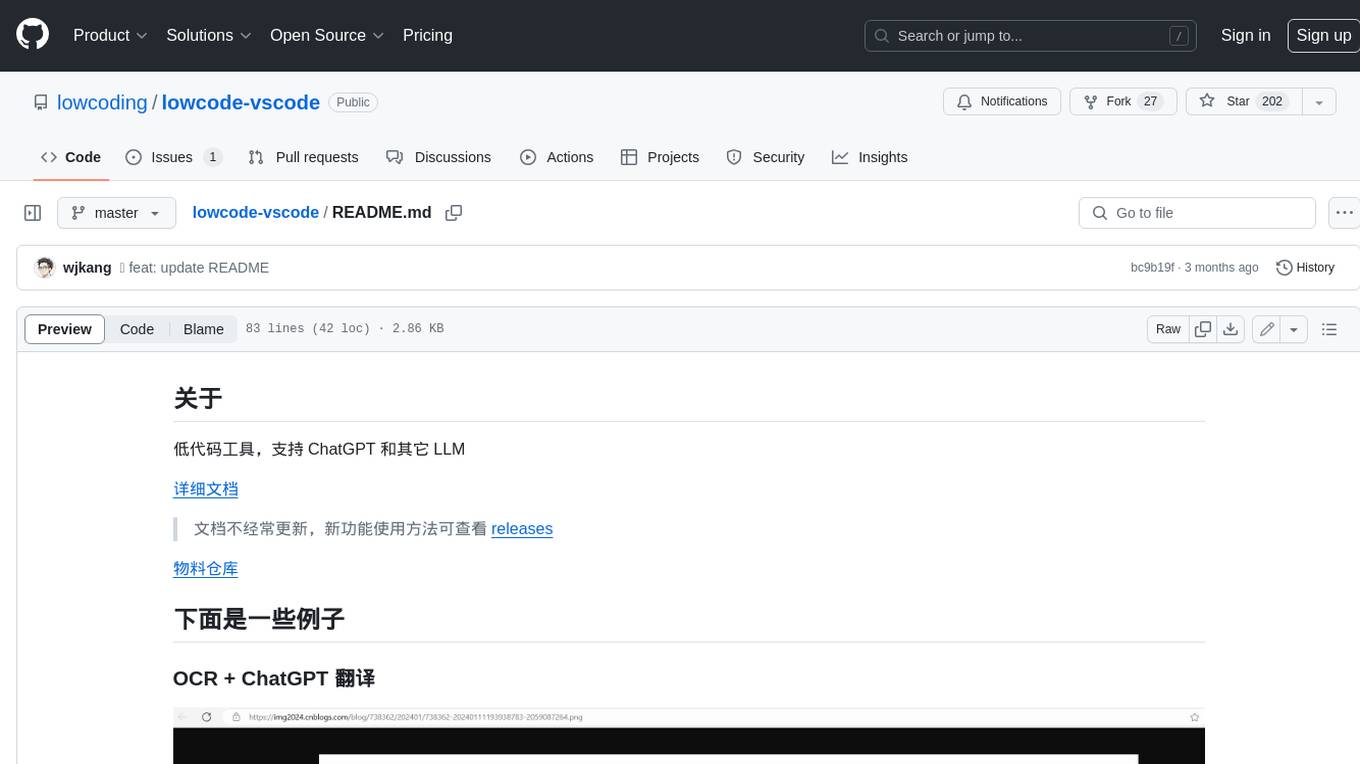
lowcode-vscode
This repository is a low-code tool that supports ChatGPT and other LLM models. It provides functionalities such as OCR translation, generating specified format JSON, translating Chinese to camel case, translating current directory to English, and quickly creating code templates. Users can also generate CURD operations for managing backend list pages. The tool allows users to select templates, initialize query form configurations using OCR, initialize table configurations using OCR, translate Chinese fields using ChatGPT, and generate code without writing a single line. It aims to enhance productivity by simplifying code generation and development processes.
oba-live-tool
The oba live tool is a small tool for Douyin small shops and Kuaishou Baiying live broadcasts. It features multiple account management, intelligent message assistant, automatic product explanation, AI automatic reply, and AI intelligent assistant. The tool requires Windows 10 or above, Chrome or Edge browser, and a valid account for Douyin small shops or Kuaishou Baiying. Users can download the tool from the Releases page, connect to the control panel, set API keys for AI functions, and configure auto-reply prompts. The tool is licensed under the MIT license.
For similar tasks
100-days-of-code
100 Days of Code is a repository containing 100 frontend challenges with professional designs, user stories, and acceptance criteria. It provides a platform for developers to practice coding daily, from beginner-friendly cards to advanced dashboards. The challenges are structured for AI collaboration, allowing users to work with coding agents like Claude, Cursor, and GitHub Copilot. The repository also includes an AI Collaboration Log template to document the use of AI tools and showcase effective collaboration. Developers can replicate design mockups, add interactivity with JavaScript, and share their solutions on social media platforms.
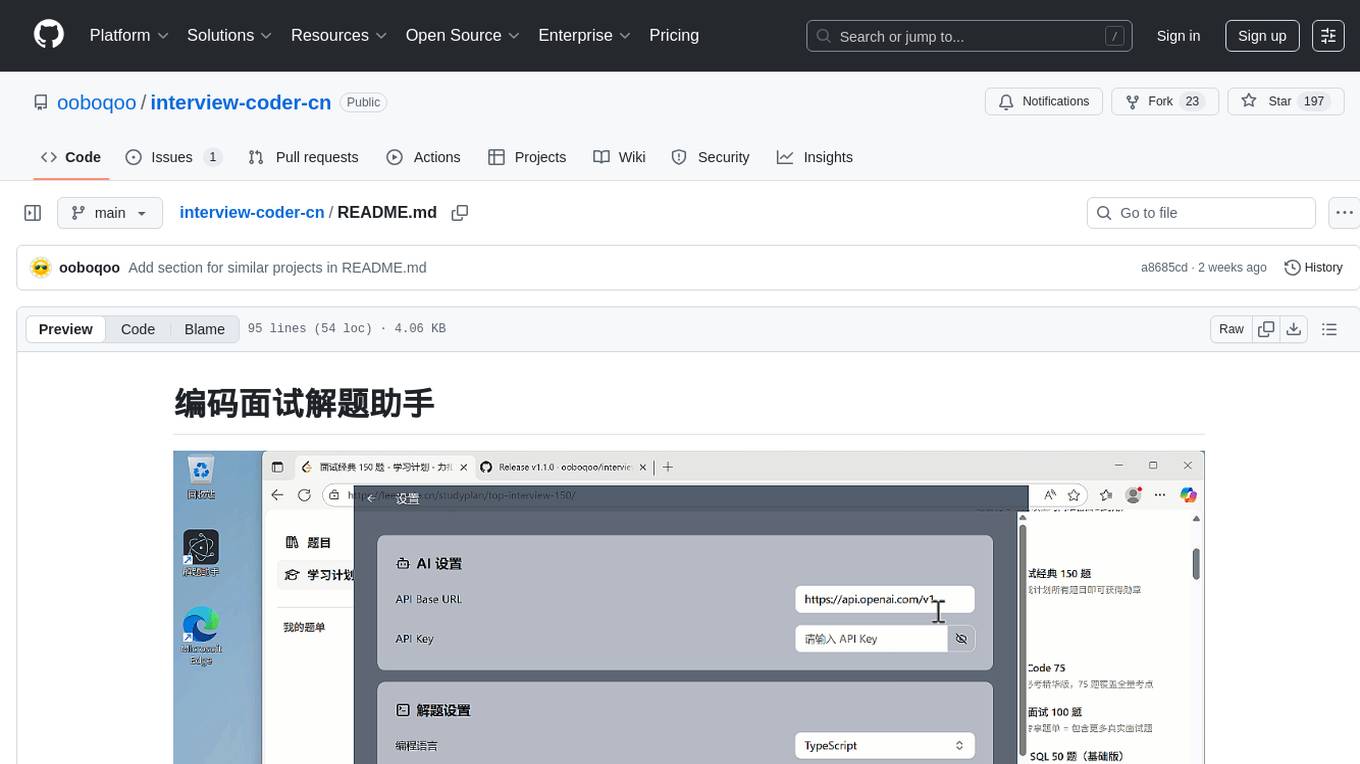
interview-coder-cn
This is a coding problem-solving assistant for Chinese users, tailored to the domestic AI ecosystem, simple and easy to use. It provides real-time problem-solving ideas and code analysis for coding interviews, avoiding detection during screen sharing. Users can also extend its functionality for other scenarios by customizing prompt words. The tool supports various programming languages and has stealth capabilities to hide its interface from interviewers even when screen sharing.
For similar jobs

sweep
Sweep is an AI junior developer that turns bugs and feature requests into code changes. It automatically handles developer experience improvements like adding type hints and improving test coverage.

teams-ai
The Teams AI Library is a software development kit (SDK) that helps developers create bots that can interact with Teams and Microsoft 365 applications. It is built on top of the Bot Framework SDK and simplifies the process of developing bots that interact with Teams' artificial intelligence capabilities. The SDK is available for JavaScript/TypeScript, .NET, and Python.

ai-guide
This guide is dedicated to Large Language Models (LLMs) that you can run on your home computer. It assumes your PC is a lower-end, non-gaming setup.

classifai
Supercharge WordPress Content Workflows and Engagement with Artificial Intelligence. Tap into leading cloud-based services like OpenAI, Microsoft Azure AI, Google Gemini and IBM Watson to augment your WordPress-powered websites. Publish content faster while improving SEO performance and increasing audience engagement. ClassifAI integrates Artificial Intelligence and Machine Learning technologies to lighten your workload and eliminate tedious tasks, giving you more time to create original content that matters.

chatbot-ui
Chatbot UI is an open-source AI chat app that allows users to create and deploy their own AI chatbots. It is easy to use and can be customized to fit any need. Chatbot UI is perfect for businesses, developers, and anyone who wants to create a chatbot.

BricksLLM
BricksLLM is a cloud native AI gateway written in Go. Currently, it provides native support for OpenAI, Anthropic, Azure OpenAI and vLLM. BricksLLM aims to provide enterprise level infrastructure that can power any LLM production use cases. Here are some use cases for BricksLLM: * Set LLM usage limits for users on different pricing tiers * Track LLM usage on a per user and per organization basis * Block or redact requests containing PIIs * Improve LLM reliability with failovers, retries and caching * Distribute API keys with rate limits and cost limits for internal development/production use cases * Distribute API keys with rate limits and cost limits for students

uAgents
uAgents is a Python library developed by Fetch.ai that allows for the creation of autonomous AI agents. These agents can perform various tasks on a schedule or take action on various events. uAgents are easy to create and manage, and they are connected to a fast-growing network of other uAgents. They are also secure, with cryptographically secured messages and wallets.

griptape
Griptape is a modular Python framework for building AI-powered applications that securely connect to your enterprise data and APIs. It offers developers the ability to maintain control and flexibility at every step. Griptape's core components include Structures (Agents, Pipelines, and Workflows), Tasks, Tools, Memory (Conversation Memory, Task Memory, and Meta Memory), Drivers (Prompt and Embedding Drivers, Vector Store Drivers, Image Generation Drivers, Image Query Drivers, SQL Drivers, Web Scraper Drivers, and Conversation Memory Drivers), Engines (Query Engines, Extraction Engines, Summary Engines, Image Generation Engines, and Image Query Engines), and additional components (Rulesets, Loaders, Artifacts, Chunkers, and Tokenizers). Griptape enables developers to create AI-powered applications with ease and efficiency.