


AICoverGen
A WebUI to create song covers with any RVC v2 trained AI voice from YouTube videos or audio files.
Stars: 1031
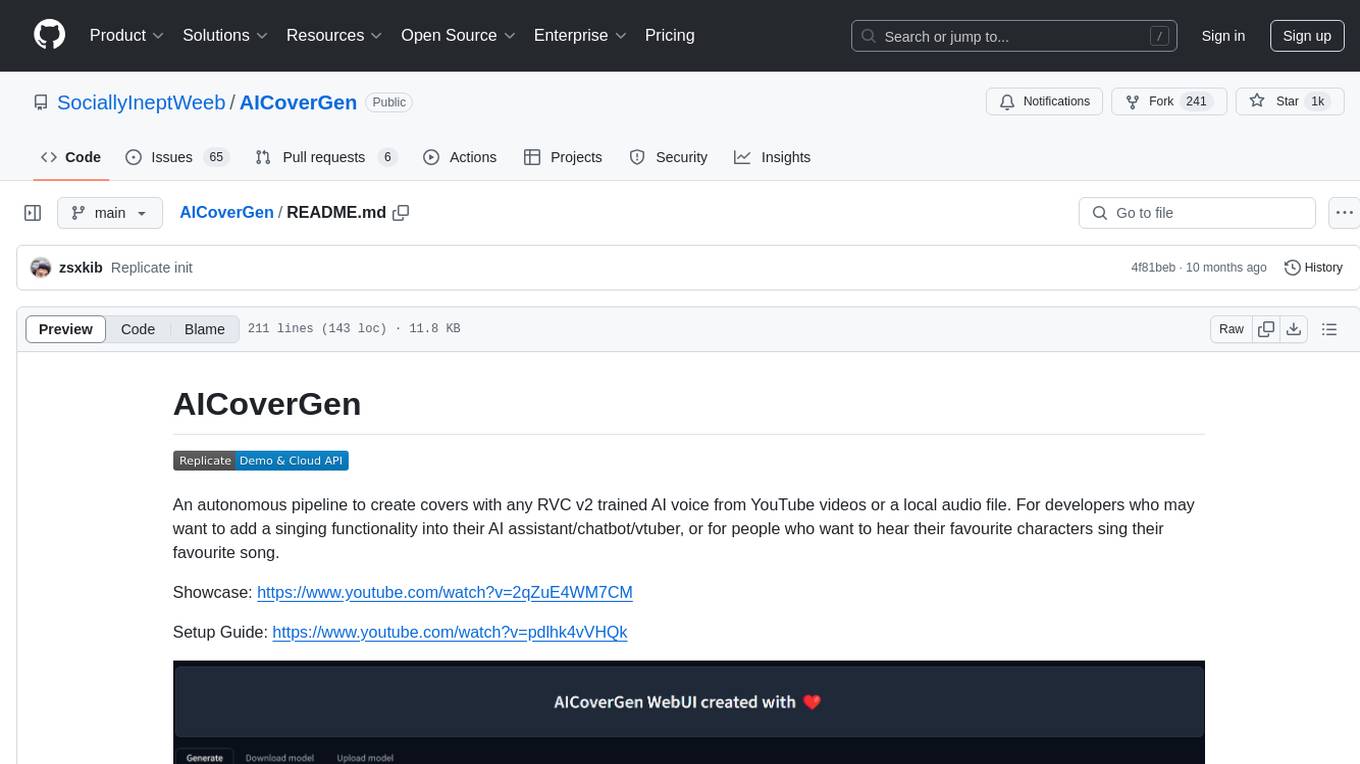
AICoverGen is an autonomous pipeline designed to create covers using any RVC v2 trained AI voice from YouTube videos or local audio files. It caters to developers looking to incorporate singing functionality into AI assistants/chatbots/vtubers, as well as individuals interested in hearing their favorite characters sing. The tool offers a WebUI for easy conversions, cover generation from local audio files, volume control for vocals and instrumentals, pitch detection method control, pitch change for vocals and instrumentals, and audio output format options. Users can also download and upload RVC models via the WebUI, run the pipeline using CLI, and access various advanced options for voice conversion and audio mixing.
README:
An autonomous pipeline to create covers with any RVC v2 trained AI voice from YouTube videos or a local audio file. For developers who may want to add a singing functionality into their AI assistant/chatbot/vtuber, or for people who want to hear their favourite characters sing their favourite song.
Showcase: https://www.youtube.com/watch?v=2qZuE4WM7CM
Setup Guide: https://www.youtube.com/watch?v=pdlhk4vVHQk

WebUI is under constant development and testing, but you can try it out right now on both local and colab!
- WebUI for easier conversions and downloading of voice models
- Support for cover generations from a local audio file
- Option to keep intermediate files generated. e.g. Isolated vocals/instrumentals
- Download suggested public voice models from table with search/tag filters
- Support for Pixeldrain download links for voice models
- Implement new rmvpe pitch extraction technique for faster and higher quality vocal conversions
- Volume control for AI main vocals, backup vocals and instrumentals
- Index Rate for Voice conversion
- Reverb Control for AI main vocals
- Local network sharing option for webui
- Extra RVC options - filter_radius, rms_mix_rate, protect
- Local file upload via file browser option
- Upload of locally trained RVC v2 models via WebUI
- Pitch detection method control, e.g. rmvpe/mangio-crepe
- Pitch change for vocals and instrumentals together. Same effect as changing key of song in Karaoke.
- Audio output format option: wav or mp3.
Install and pull any new requirements and changes by opening a command line window in the AICoverGen directory and running the following commands.
pip install -r requirements.txt
git pull
For colab users, simply click Runtime in the top navigation bar of the colab notebook and Disconnect and delete runtime in the dropdown menu.
Then follow the instructions in the notebook to run the webui.
For those without a powerful enough NVIDIA GPU, you may try AICoverGen out using Google Colab.

For those who face issues with Google Colab notebook disconnecting after a few minutes, here's an alternative that doesn't use the WebUI.
For those who want to run this locally, follow the setup guide below.
Follow the instructions here to install Git on your computer. Also follow this guide to install Python VERSION 3.9 if you haven't already. Using other versions of Python may result in dependency conflicts.
Follow the instructions here to install ffmpeg on your computer.
Follow the instructions here to install sox and add it to your Windows path environment.
Open a command line window and run these commands to clone this entire repository and install the additional dependencies required.
git clone https://github.com/SociallyIneptWeeb/AICoverGen
cd AICoverGen
pip install -r requirements.txt
Run the following command to download the required MDXNET vocal separation models and hubert base model.
python src/download_models.py
To run the AICoverGen WebUI, run the following command.
python src/webui.py
| Flag | Description |
|---|---|
-h, --help
|
Show this help message and exit. |
--share |
Create a public URL. This is useful for running the web UI on Google Colab. |
--listen |
Make the web UI reachable from your local network. |
--listen-host LISTEN_HOST |
The hostname that the server will use. |
--listen-port LISTEN_PORT |
The listening port that the server will use. |
Once the following output message Running on local URL: http://127.0.0.1:7860 appears, you can click on the link to open a tab with the WebUI.

Navigate to the Download model tab, and paste the download link to the RVC model and give it a unique name.
You may search the AI Hub Discord where already trained voice models are available for download. You may refer to the examples for how the download link should look like.
The downloaded zip file should contain the .pth model file and an optional .index file.
Once the 2 input fields are filled in, simply click Download! Once the output message says [NAME] Model successfully downloaded!, you should be able to use it in the Generate tab after clicking the refresh models button!

For people who have trained RVC v2 models locally and would like to use them for AI Cover generations.
Navigate to the Upload model tab, and follow the instructions.
Once the output message says [NAME] Model successfully uploaded!, you should be able to use it in the Generate tab after clicking the refresh models button!
- From the Voice Models dropdown menu, select the voice model to use. Click
Updateif you added the files manually to the rvc_models directory to refresh the list. - In the song input field, copy and paste the link to any song on YouTube or the full path to a local audio file.
- Pitch should be set to either -12, 0, or 12 depending on the original vocals and the RVC AI modal. This ensures the voice is not out of tune.
- Other advanced options for Voice conversion and audio mixing can be viewed by clicking the accordion arrow to expand.
Once all Main Options are filled in, click Generate and the AI generated cover should appear in a less than a few minutes depending on your GPU.
Unzip (if needed) and transfer the .pth and .index files to a new folder in the rvc_models directory. Each folder should only contain one .pth and one .index file.
The directory structure should look something like this:
├── rvc_models
│   ├── John
│   │   ├── JohnV2.pth
│   │   └── added_IVF2237_Flat_nprobe_1_v2.index
│   ├── May
│   │   ├── May.pth
│   │   └── added_IVF2237_Flat_nprobe_1_v2.index
│   ├── MODELS.txt
│   └── hubert_base.pt
├── mdxnet_models
├── song_output
└── src
To run the AI cover generation pipeline using the command line, run the following command.
python src/main.py [-h] -i SONG_INPUT -dir RVC_DIRNAME -p PITCH_CHANGE [-k | --keep-files | --no-keep-files] [-ir INDEX_RATE] [-fr FILTER_RADIUS] [-rms RMS_MIX_RATE] [-palgo PITCH_DETECTION_ALGO] [-hop CREPE_HOP_LENGTH] [-pro PROTECT] [-mv MAIN_VOL] [-bv BACKUP_VOL] [-iv INST_VOL] [-pall PITCH_CHANGE_ALL] [-rsize REVERB_SIZE] [-rwet REVERB_WETNESS] [-rdry REVERB_DRYNESS] [-rdamp REVERB_DAMPING] [-oformat OUTPUT_FORMAT]
| Flag | Description |
|---|---|
-h, --help
|
Show this help message and exit. |
-i SONG_INPUT |
Link to a song on YouTube or path to a local audio file. Should be enclosed in double quotes for Windows and single quotes for Unix-like systems. |
-dir MODEL_DIR_NAME |
Name of folder in rvc_models directory containing your .pth and .index files for a specific voice. |
-p PITCH_CHANGE |
Change pitch of AI vocals in octaves. Set to 0 for no change. Generally, use 1 for male to female conversions and -1 for vice-versa. |
-k |
Optional. Can be added to keep all intermediate audio files generated. e.g. Isolated AI vocals/instrumentals. Leave out to save space. |
-ir INDEX_RATE |
Optional. Default 0.5. Control how much of the AI's accent to leave in the vocals. 0 <= INDEX_RATE <= 1. |
-fr FILTER_RADIUS |
Optional. Default 3. If >=3: apply median filtering median filtering to the harvested pitch results. 0 <= FILTER_RADIUS <= 7. |
-rms RMS_MIX_RATE |
Optional. Default 0.25. Control how much to use the original vocal's loudness (0) or a fixed loudness (1). 0 <= RMS_MIX_RATE <= 1. |
-palgo PITCH_DETECTION_ALGO |
Optional. Default rmvpe. Best option is rmvpe (clarity in vocals), then mangio-crepe (smoother vocals). |
-hop CREPE_HOP_LENGTH |
Optional. Default 128. Controls how often it checks for pitch changes in milliseconds when using mangio-crepe algo specifically. Lower values leads to longer conversions and higher risk of voice cracks, but better pitch accuracy. |
-pro PROTECT |
Optional. Default 0.33. Control how much of the original vocals' breath and voiceless consonants to leave in the AI vocals. Set 0.5 to disable. 0 <= PROTECT <= 0.5. |
-mv MAIN_VOCALS_VOLUME_CHANGE |
Optional. Default 0. Control volume of main AI vocals. Use -3 to decrease the volume by 3 decibels, or 3 to increase the volume by 3 decibels. |
-bv BACKUP_VOCALS_VOLUME_CHANGE |
Optional. Default 0. Control volume of backup AI vocals. |
-iv INSTRUMENTAL_VOLUME_CHANGE |
Optional. Default 0. Control volume of the background music/instrumentals. |
-pall PITCH_CHANGE_ALL |
Optional. Default 0. Change pitch/key of background music, backup vocals and AI vocals in semitones. Reduces sound quality slightly. |
-rsize REVERB_SIZE |
Optional. Default 0.15. The larger the room, the longer the reverb time. 0 <= REVERB_SIZE <= 1. |
-rwet REVERB_WETNESS |
Optional. Default 0.2. Level of AI vocals with reverb. 0 <= REVERB_WETNESS <= 1. |
-rdry REVERB_DRYNESS |
Optional. Default 0.8. Level of AI vocals without reverb. 0 <= REVERB_DRYNESS <= 1. |
-rdamp REVERB_DAMPING |
Optional. Default 0.7. Absorption of high frequencies in the reverb. 0 <= REVERB_DAMPING <= 1. |
-oformat OUTPUT_FORMAT |
Optional. Default mp3. wav for best quality and large file size, mp3 for decent quality and small file size. |
The use of the converted voice for the following purposes is prohibited.
-
Criticizing or attacking individuals.
-
Advocating for or opposing specific political positions, religions, or ideologies.
-
Publicly displaying strongly stimulating expressions without proper zoning.
-
Selling of voice models and generated voice clips.
-
Impersonation of the original owner of the voice with malicious intentions to harm/hurt others.
-
Fraudulent purposes that lead to identity theft or fraudulent phone calls.
I am not liable for any direct, indirect, consequential, incidental, or special damages arising out of or in any way connected with the use/misuse or inability to use this software.
For Tasks:
Click tags to check more tools for each tasksFor Jobs:
Alternative AI tools for AICoverGen
Similar Open Source Tools
AICoverGen
AICoverGen is an autonomous pipeline designed to create covers using any RVC v2 trained AI voice from YouTube videos or local audio files. It caters to developers looking to incorporate singing functionality into AI assistants/chatbots/vtubers, as well as individuals interested in hearing their favorite characters sing. The tool offers a WebUI for easy conversions, cover generation from local audio files, volume control for vocals and instrumentals, pitch detection method control, pitch change for vocals and instrumentals, and audio output format options. Users can also download and upload RVC models via the WebUI, run the pipeline using CLI, and access various advanced options for voice conversion and audio mixing.
ComfyUI
ComfyUI is a powerful and modular visual AI engine and application that allows users to design and execute advanced stable diffusion pipelines using a graph/nodes/flowchart based interface. It provides a user-friendly environment for creating complex Stable Diffusion workflows without the need for coding. ComfyUI supports various models for image editing, video processing, audio manipulation, 3D modeling, and more. It offers features like smart memory management, support for different GPU types, loading and saving workflows as JSON files, and offline functionality. Users can also use API nodes to access paid models from external providers through the online Comfy API.
ComfyUI
ComfyUI is a powerful and modular visual AI engine and application that allows users to design and execute advanced stable diffusion pipelines using a graph/nodes/flowchart based interface. It provides a user-friendly environment for creating complex Stable Diffusion workflows without the need for coding. ComfyUI supports various models for image, video, audio, and 3D processing, along with features like smart memory management, model loading, embeddings/textual inversion, and offline usage. Users can experiment with different models, create complex workflows, and optimize their processes efficiently.
UltraSinger
UltraSinger is a tool under development that automatically creates UltraStar.txt, midi, and notes from music. It pitches UltraStar files, adds text and tapping, creates separate UltraStar karaoke files, re-pitches current UltraStar files, and calculates in-game score. It uses multiple AI models to extract text from voice and determine pitch. Users should mention UltraSinger in UltraStar.txt files and only use it on Creative Commons licensed songs.
KlicStudio
Klic Studio is a versatile audio and video localization and enhancement solution developed by Krillin AI. This minimalist yet powerful tool integrates video translation, dubbing, and voice cloning, supporting both landscape and portrait formats. With an end-to-end workflow, users can transform raw materials into beautifully ready-to-use cross-platform content with just a few clicks. The tool offers features like video acquisition, accurate speech recognition, intelligent segmentation, terminology replacement, professional translation, voice cloning, video composition, and cross-platform support. It also supports various speech recognition services, large language models, and TTS text-to-speech services. Users can easily deploy the tool using Docker and configure it for different tasks like subtitle translation, large model translation, and optional voice services.
KrillinAI
KrillinAI is a video subtitle translation and dubbing tool based on AI large models, featuring speech recognition, intelligent sentence segmentation, professional translation, and one-click deployment of the entire process. It provides a one-stop workflow from video downloading to the final product, empowering cross-language cultural communication with AI. The tool supports multiple languages for input and translation, integrates features like automatic dependency installation, video downloading from platforms like YouTube and Bilibili, high-speed subtitle recognition, intelligent subtitle segmentation and alignment, custom vocabulary replacement, professional-level translation engine, and diverse external service selection for speech and large model services.
Upscaler
Holloway's Upscaler is a consolidation of various compiled open-source AI image/video upscaling products for a CLI-friendly image and video upscaling program. It provides low-cost AI upscaling software that can run locally on a laptop, programmable for albums and videos, reliable for large video files, and works without GUI overheads. The repository supports hardware testing on various systems and provides important notes on GPU compatibility, video types, and image decoding bugs. Dependencies include ffmpeg and ffprobe for video processing. The user manual covers installation, setup pathing, calling for help, upscaling images and videos, and contributing back to the project. Benchmarks are provided for performance evaluation on different hardware setups.
GPTModels.nvim
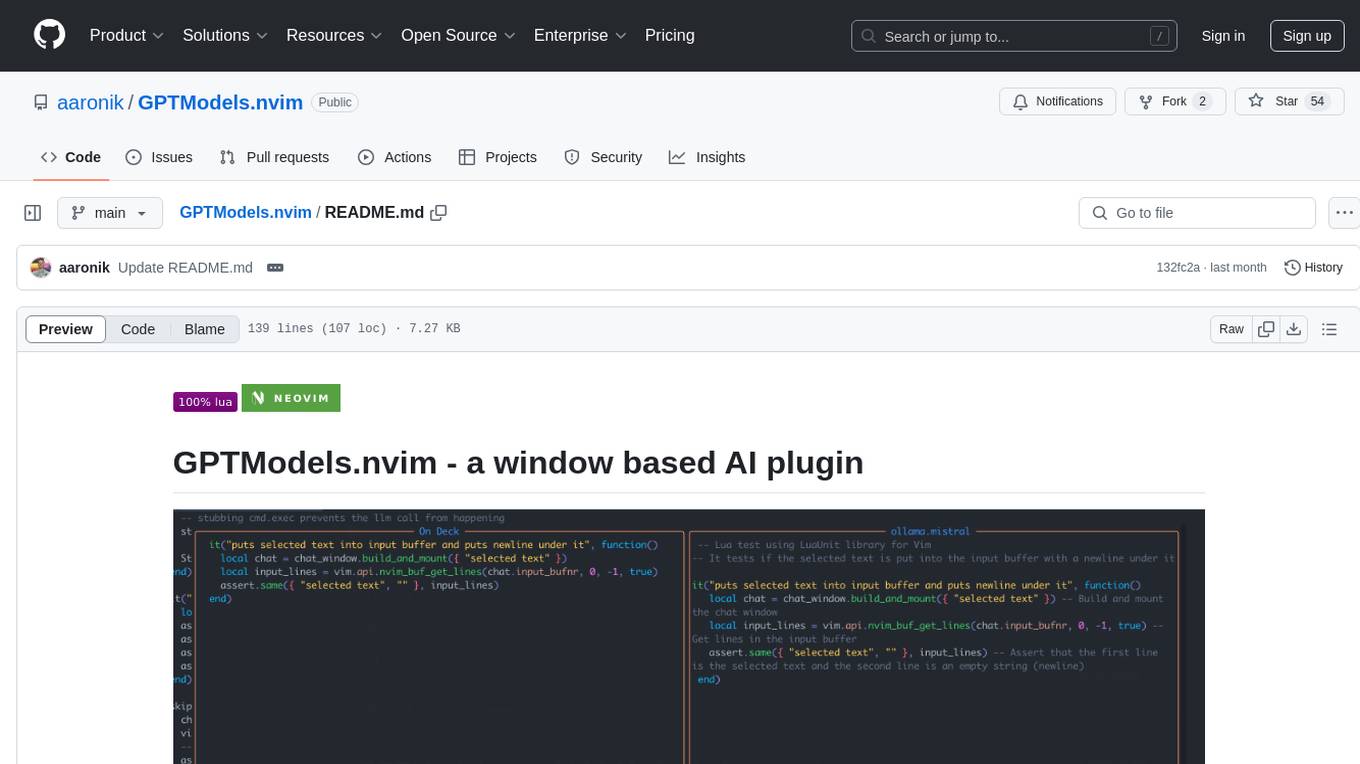
GPTModels.nvim is a window-based AI plugin for Neovim that enhances workflow with AI LLMs. It provides two popup windows for chat and code editing, focusing on stability and user experience. The plugin supports OpenAI and Ollama, includes LSP diagnostics, file inclusion, background processing, request cancellation, selection inclusion, and filetype inclusion. Developed with stability in mind, the plugin offers a seamless user experience with various features to streamline AI integration in Neovim.
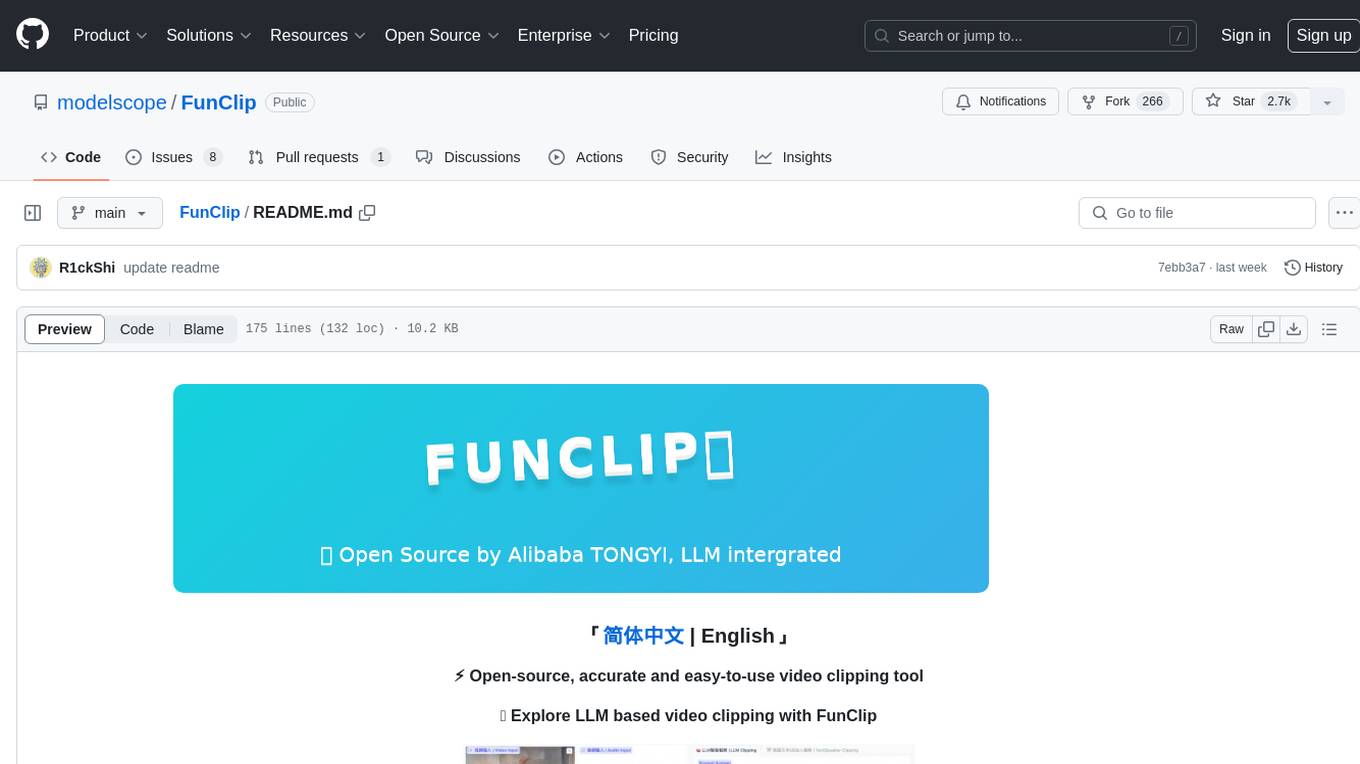
FunClip
FunClip is an open-source, locally deployed automated video clipping tool that leverages Alibaba TONGYI speech lab's FunASR Paraformer series models for speech recognition on videos. Users can select text segments or speakers from recognition results to obtain corresponding video clips. It integrates industrial-grade models for accurate predictions and offers hotword customization and speaker recognition features. The tool is user-friendly with Gradio interaction, supporting multi-segment clipping and providing full video and target segment subtitles. FunClip is suitable for users looking to automate video clipping tasks with advanced AI capabilities.
llm-foundry
LLM Foundry is a codebase for training, finetuning, evaluating, and deploying LLMs for inference with Composer and the MosaicML platform. It is designed to be easy-to-use, efficient _and_ flexible, enabling rapid experimentation with the latest techniques. You'll find in this repo: * `llmfoundry/` - source code for models, datasets, callbacks, utilities, etc. * `scripts/` - scripts to run LLM workloads * `data_prep/` - convert text data from original sources to StreamingDataset format * `train/` - train or finetune HuggingFace and MPT models from 125M - 70B parameters * `train/benchmarking` - profile training throughput and MFU * `inference/` - convert models to HuggingFace or ONNX format, and generate responses * `inference/benchmarking` - profile inference latency and throughput * `eval/` - evaluate LLMs on academic (or custom) in-context-learning tasks * `mcli/` - launch any of these workloads using MCLI and the MosaicML platform * `TUTORIAL.md` - a deeper dive into the repo, example workflows, and FAQs
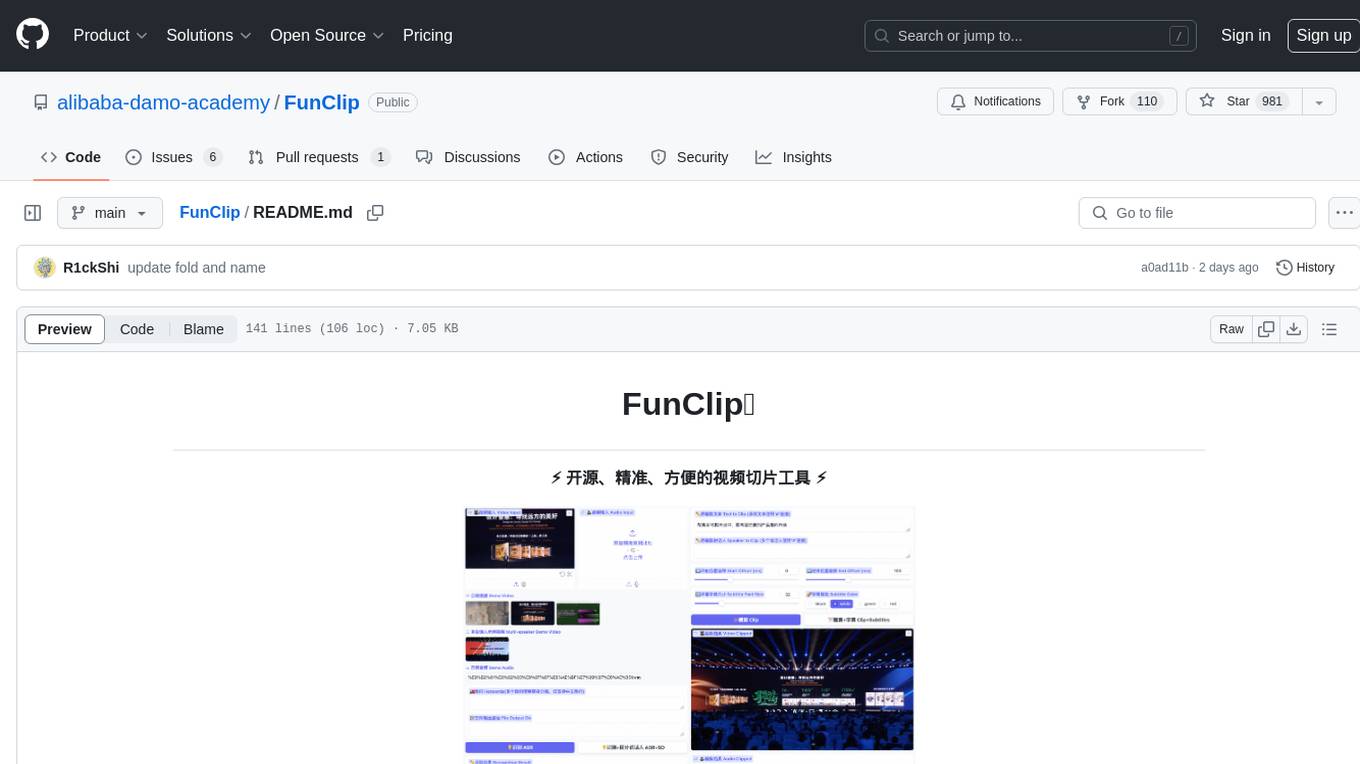
FunClip
FunClip is an open-source, locally deployable automated video editing tool that utilizes the FunASR Paraformer series models from Alibaba DAMO Academy for speech recognition in videos. Users can select text segments or speakers from the recognition results and click the clip button to obtain the corresponding video segments. FunClip integrates advanced features such as the Paraformer-Large model for accurate Chinese ASR, SeACo-Paraformer for customized hotword recognition, CAM++ speaker recognition model, Gradio interactive interface for easy usage, support for multiple free edits with automatic SRT subtitles generation, and segment-specific SRT subtitles.
llm2sh
llm2sh is a command-line utility that leverages Large Language Models (LLMs) to translate plain-language requests into shell commands. It provides a convenient way to interact with your system using natural language. The tool supports multiple LLMs for command generation, offers a customizable configuration file, YOLO mode for running commands without confirmation, and is easily extensible with new LLMs and system prompts. Users can set up API keys for OpenAI, Claude, Groq, and Cerebras to use the tool effectively. llm2sh does not store user data or command history, and it does not record or send telemetry by itself, but the LLM APIs may collect and store requests and responses for their purposes.
QuestCameraKit
QuestCameraKit is a collection of template and reference projects demonstrating how to use Meta Quest’s new Passthrough Camera API (PCA) for advanced AR/VR vision, tracking, and shader effects. It includes samples like Color Picker, Object Detection with Unity Sentis, QR Code Tracking with ZXing, Frosted Glass Shader, OpenAI vision model, and WebRTC video streaming. The repository provides detailed instructions on how to run each sample and troubleshoot known issues. Users can explore various functionalities such as converting 3D points to 2D image pixels, detecting objects, tracking QR codes, applying custom shader effects, interacting with OpenAI's vision model, and streaming camera feed over WebRTC.
workbench-example-hybrid-rag
This NVIDIA AI Workbench project is designed for developing a Retrieval Augmented Generation application with a customizable Gradio Chat app. It allows users to embed documents into a locally running vector database and run inference locally on a Hugging Face TGI server, in the cloud using NVIDIA inference endpoints, or using microservices via NVIDIA Inference Microservices (NIMs). The project supports various models with different quantization options and provides tutorials for using different inference modes. Users can troubleshoot issues, customize the Gradio app, and access advanced tutorials for specific tasks.
voice-chat-ai
Voice Chat AI is a project that allows users to interact with different AI characters using speech. Users can choose from various characters with unique personalities and voices, and have conversations or role play with them. The project supports OpenAI, xAI, or Ollama language models for chat, and provides text-to-speech synthesis using XTTS, OpenAI TTS, or ElevenLabs. Users can seamlessly integrate visual context into conversations by having the AI analyze their screen. The project offers easy configuration through environment variables and can be run via WebUI or Terminal. It also includes a huge selection of built-in characters for engaging conversations.
torchchat
torchchat is a codebase showcasing the ability to run large language models (LLMs) seamlessly. It allows running LLMs using Python in various environments such as desktop, server, iOS, and Android. The tool supports running models via PyTorch, chatting, generating text, running chat in the browser, and running models on desktop/server without Python. It also provides features like AOT Inductor for faster execution, running in C++ using the runner, and deploying and running on iOS and Android. The tool supports popular hardware and OS including Linux, Mac OS, Android, and iOS, with various data types and execution modes available.
For similar tasks
AICoverGen
AICoverGen is an autonomous pipeline designed to create covers using any RVC v2 trained AI voice from YouTube videos or local audio files. It caters to developers looking to incorporate singing functionality into AI assistants/chatbots/vtubers, as well as individuals interested in hearing their favorite characters sing. The tool offers a WebUI for easy conversions, cover generation from local audio files, volume control for vocals and instrumentals, pitch detection method control, pitch change for vocals and instrumentals, and audio output format options. Users can also download and upload RVC models via the WebUI, run the pipeline using CLI, and access various advanced options for voice conversion and audio mixing.
For similar jobs

sweep
Sweep is an AI junior developer that turns bugs and feature requests into code changes. It automatically handles developer experience improvements like adding type hints and improving test coverage.

teams-ai
The Teams AI Library is a software development kit (SDK) that helps developers create bots that can interact with Teams and Microsoft 365 applications. It is built on top of the Bot Framework SDK and simplifies the process of developing bots that interact with Teams' artificial intelligence capabilities. The SDK is available for JavaScript/TypeScript, .NET, and Python.

ai-guide
This guide is dedicated to Large Language Models (LLMs) that you can run on your home computer. It assumes your PC is a lower-end, non-gaming setup.

classifai
Supercharge WordPress Content Workflows and Engagement with Artificial Intelligence. Tap into leading cloud-based services like OpenAI, Microsoft Azure AI, Google Gemini and IBM Watson to augment your WordPress-powered websites. Publish content faster while improving SEO performance and increasing audience engagement. ClassifAI integrates Artificial Intelligence and Machine Learning technologies to lighten your workload and eliminate tedious tasks, giving you more time to create original content that matters.

chatbot-ui
Chatbot UI is an open-source AI chat app that allows users to create and deploy their own AI chatbots. It is easy to use and can be customized to fit any need. Chatbot UI is perfect for businesses, developers, and anyone who wants to create a chatbot.

BricksLLM
BricksLLM is a cloud native AI gateway written in Go. Currently, it provides native support for OpenAI, Anthropic, Azure OpenAI and vLLM. BricksLLM aims to provide enterprise level infrastructure that can power any LLM production use cases. Here are some use cases for BricksLLM: * Set LLM usage limits for users on different pricing tiers * Track LLM usage on a per user and per organization basis * Block or redact requests containing PIIs * Improve LLM reliability with failovers, retries and caching * Distribute API keys with rate limits and cost limits for internal development/production use cases * Distribute API keys with rate limits and cost limits for students

uAgents
uAgents is a Python library developed by Fetch.ai that allows for the creation of autonomous AI agents. These agents can perform various tasks on a schedule or take action on various events. uAgents are easy to create and manage, and they are connected to a fast-growing network of other uAgents. They are also secure, with cryptographically secured messages and wallets.

griptape
Griptape is a modular Python framework for building AI-powered applications that securely connect to your enterprise data and APIs. It offers developers the ability to maintain control and flexibility at every step. Griptape's core components include Structures (Agents, Pipelines, and Workflows), Tasks, Tools, Memory (Conversation Memory, Task Memory, and Meta Memory), Drivers (Prompt and Embedding Drivers, Vector Store Drivers, Image Generation Drivers, Image Query Drivers, SQL Drivers, Web Scraper Drivers, and Conversation Memory Drivers), Engines (Query Engines, Extraction Engines, Summary Engines, Image Generation Engines, and Image Query Engines), and additional components (Rulesets, Loaders, Artifacts, Chunkers, and Tokenizers). Griptape enables developers to create AI-powered applications with ease and efficiency.