


CapsWriter-Offline
CapsWriter 的离线版,一个好用的 PC 端的语音输入工具,支持热词、LLM处理。
Stars: 4715
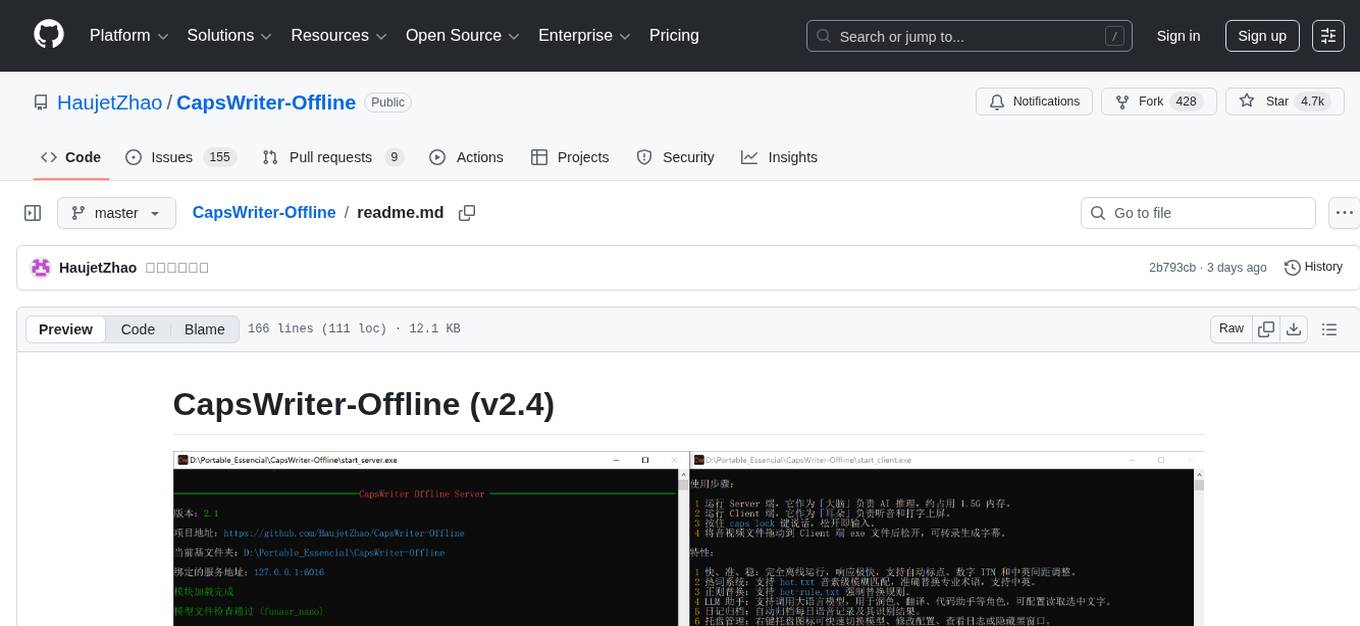
CapsWriter-Offline is a completely offline voice input tool designed for Windows. It allows users to speak while holding the CapsLock key and the text will be inputted when the key is released. The tool offers features such as voice input, file transcription, automatic conversion of complex numbers, context-enhanced recognition using hot words, forced word replacement based on phonetic similarity, regular expression-based replacement, error correction recording, customizable LLM roles, tray menu options, client-server architecture, log archiving, and more. The tool aims to provide fast, accurate, highly customizable, and completely offline voice input experience.
README:

按住 CapsLock 说话,松开就上屏。就这么简单。
CapsWriter-Offline 是一个专为 Windows 打造的完全离线语音输入工具。
v2.4新增:
- 改进 Fun-ASR-Nano-GGUF 模型,使 Encoder 支持通过 DML 用显卡(独显、集显均可)加速推理,Encoder 和 CTC 默认改为 FP16 精度,以便更好利用显卡算力,短音频延迟最低可降至 200ms 以内。
- 服务端 Fun-ASR-Nano 使用单独的热词文件 hot-server.txt ,只具备建议替换性,而客户端的热词具有强制替换性,二者不再混用
- Fun-ASR-Nano 加入采样温度,避免极端情况下的因贪婪采样导致的无限复读
- 服务端字母拼写合并处理
v2.3新增:
- 引入 Fun-ASR-Nano-GGUF 模型支持,推理更轻快
- 重构了大文件转录逻辑,采用异步流式处理
- 优化中英混排空格
- 增强了服务端对异常断连的清理逻辑
v2.2 新增:
- 改进热词检索:将每个热词的前两个音素作为索引进行匹配,而非只用首音素索引。
- UDP广播和控制:支持将结果 UDP 广播,也可以通过 UDP 控制客户端,便于做扩展。
- Toast窗口编辑:支持对角色输出的 Toast 窗口内容进行编辑。
- 多快捷键:支持设置多个听写键,以及鼠标快捷键,通过 pynput 实现。
- 繁体转换:支持输出繁体中文,通过 zhconv 实现。
v2.1 新增:
- 更强的模型:内置多种模型可选,速度与准确率大幅提升。
- 更准的 ITN:重新编写了数字 ITN 逻辑,日期、分数、大写转换更智能。
- RAG 检索增强:热词识别不再死板,支持音素级的 fuzzy 匹配,就算发音稍有偏差也能认出。
- LLM 角色系统:集成大模型,支持润色、翻译、写作等多种自定义角色。
- 纠错检索:可记录纠错历史,辅助LLM润色。
- 托盘化运行:新增托盘图标,可以完全隐藏前台窗口。
- 完善的日志:全链路日志记录,排查问题不再抓瞎。
这个项目鸽了整整两年,真不是因为我懒。在这段时间里,我一直在等一个足够惊艳的离线语音模型。Whisper 虽然名气大,但它实际的延迟和准确率始终没法让我完全满意。直到 FunASR-Nano 开源发布,它那惊人的识别表现让我瞬间心动,它的 LLM Decoder 能识别我讲话的意图进而调整输出,甚至通过我的语速决定在何时添加顿号,就是它了!必须快马加鞭,做出这个全新版本。
-
语音输入:按住
CapsLock键说话,松开即输入,默认去除末尾逗句号。支持对讲机模式和单击录音模式。 -
文件转录:音视频文件往客户端一丢,字幕 (
.srt)、文本 (.txt)、时间戳 (.json) 统统都有。 - 数字 ITN:自动将「十五六个」转为「15~16个」,支持各种复杂数字格式。
-
热词语境:在
hot-server.txt记下专业术语,经音素筛选后,用作 Fun-ASR-Nano 的语境增强识别 -
热词替换:在
hot.txt记下偏僻词,通过音素模糊匹配,相似度大于阈值则强制替换。 -
正则替换:在
hot-rule.txt用正则或简单等号规则,精准强制替换。 -
纠错记录:在
hot-rectify.txt记录对识别结果的纠错,可辅助LLM润色。 - LLM 角色:预置了润色、翻译、代码助手等角色,当识别结果的开头匹配任一角色名字时,将交由该角色处理。
- 托盘菜单:右键托盘图标即可添加热词、复制结果、清除LLM记忆。
- C/S 架构:服务端与客户端分离,虽然 Win7 老电脑跑不了服务端模型,但最少能用客户端输入。
- 日记归档:按日期保存你的每一句语音及其识别结果。
- 录音保存:所有语音均保存为本地音频文件,隐私安全,永不丢失。
CapsWriter-Offline 的精髓在于:完全离线(不受网络限制)、响应极快、高准确率 且 高度自定义。我追求的是一种「如臂使指」的流畅感,让它成为一个专属的一体化输入利器。无需安装,一个U盘就能带走,随插随用,保密电脑也能用。
LLM 角色既可以使用 Ollama 运行的本地模型,又可以用 API 访问在线模型。
目前仅能保证在 Windows 10/11 (64位) 下完美运行。
- Linux:暂无环境进行测试和打包,无法保证兼容性。
-
MacOS:由于底层的
keyboard库已放弃支持 MacOS,且系统权限限制极多,暂时无法支持。
- 准备环境:确保安装了 VC++ 运行库。
-
下载解压:下载 Latest Release 里的软件本体,再到 Models Release 下载模型压缩包,将模型解压,放入
models文件夹中对应模型的文件夹里。 -
启动服务:双击
start_server.exe,它会自动最小化到托盘菜单。 -
启动听写:双击
start_client.exe,它会自动最小化到托盘菜单。 -
开始录音:按住
CapsLock就可以说话了!
你可以在 config_server.py 的 model_type 中切换:
- funasr_nano(默认推荐):目前的旗舰模型,速度较快,准确率最高。
- sensevoice:阿里新一代大模型,速度超快,准确率稍逊。
- paraformer:v1 版本的主导模型,现主要作为兼容备份。
所有的设置都在根目录的 config_server.py 和 config_client.py 里:
- 修改
shortcut可以更换快捷键(如right shift)。 - 修改
hold_mode = False可以切换为“点一下录音,再点一下停止”。 - 修改
llm_enabled来开启或关闭 AI 助手功能。
Q: 为什么按了没反应?
A: 请确认 start_client.exe 的黑窗口还在运行。若想在管理员权限运行的程序中输入,也需以管理员权限运行客户端。
Q: 为什么识别结果没字?
A: 到 年/月/assets 文件夹中检查录音文件,看是不是没有录到音;听听录音效果,是不是麦克风太差,建议使用桌面 USB 麦克风;检查麦克风权限。
Q: 我可以用显卡加速吗?
A: 目前 Fun-ASR-Nano 模型支持显卡加速,且默认开启,Encoder 使用 DirectML 加速,Decoder 使用 Vulkan 加速。但是对于高U低显的集显用户,显卡加速的效果可能还不如CPU,可以到 config_server.py 中把 dml_enable 或 vulkan_enable 设为 False 以禁用显卡加速。Paraformer 和 SenseVoice 本身在 CPU 上就已经超快,用 DirectML 加速反而每次识别会有 200ms 启动开销,因此对它们没有开启显卡加速。
Q: 低性能电脑转录太慢?
A:
- 对于短音频,
Fun-ASR-Nano在独显上可以 200~300ms 左右转录完毕,sensevoice或paraformer在 CPU 上可以 100ms 左右转录完毕,这是参考延迟。 - 如果
Fun-ASR-Nano太慢,尝试到config_server.py中把dml_enable或vulkan_enable设为 False 以禁用显卡加速。 - 如果性能较差,还是慢,就更改
config_server.py中的model_type,切换模型为sensevoice或paraformer。 - 如果性能太差,连
sensevoice或paraformer都还是慢,就把num_threads降低。
Q: Fun-ASR-Nano 模型几乎不能用?
A: Fun-ASR-Nano 的 LLM Decoder 使用 llama.cpp 默认通过 Vulkan 实现显卡加速,部分集显在 FP16 矩阵计算时没有用 FP32 对加和缓存,可能导致数值溢出,影响识别效果,如果遇到了,可以到 config_server.py 中将 vulkan_enable 设为 False ,用 CPU 进行解码。
Q: 需要热词替换?
A: 服务端 Fun-ASR-Nano 会参考 hot-server.txt 进行语境增强识别;客户端则会根据 hot.txt 的相似度匹配或 hot-rule.txt 的正则规则,执行强制替换。若启用了润色,LLM 角色可参考 hot-rectify.txt 中的纠错历史。
Q: 如何使用 LLM 角色?
A: 只需要在语音的开头说出角色名。例如,你配置了一个名为「翻译」的角色,录音时说「翻译,今天天气好」,翻译角色就会接手识别结果,在翻译后输出。它就像是一个随时待命的插件,你喊它名字,它就干活。你可以配置它们直接打字输出,或者在 TOAST 弹窗中显示。ESC 可以中断 LLM 的流式输出。
Q: LLM 角色模型怎么选?
A: 你可以在 LLM 文件夹里为每个角色配置后端。既可以用 Ollama 部署本地轻量模型(如 gemma3:4b, qwen3:4b 等),也可以填写 DeepSeek 等在线大模型的 API Key。
Q: LLM 角色可以读取屏幕内容?
A: 是的。如果你的 AI 角色开启了 enable_read_selection,你可以先用鼠标选中屏幕上的一段文字,然后按住快捷键说:“翻译一下”,LLM 就会识别你的指令,将选中文字进行翻译。但当所选文字与上一次的角色输出完全相同时,则不会提供给角色,以避免浪费 token。
Q: 想要隐藏黑窗口?
A: 点击托盘菜单即可隐藏黑窗口。
Q: 如何开机启动?
A: Win+R 输入 shell:startup 打开启动文件夹,将服务端、客户端的快捷方式放进去即可。
| 项目名称 | 说明 | 体验地址 |
|---|---|---|
| IME_Indicator | Windows 输入法中英状态指示器 | 下载即用 |
| Rust-Tray | 将控制台最小化到托盘图标的工具 | 下载即用 |
| Gallery-Viewer | 网页端图库查看器,纯 HTML 实现 | 点击即用 |
| 全景图片查看器 | 单个网页实现全景照片、视频查看 | 点击即用 |
| 图标生成器 | 使用 Font-Awesome 生成网站 Icon | 点击即用 |
| 五笔编码反查 | 86 五笔编码在线反查 | 点击即用 |
| 快捷键映射图 | 可视化、交互式的快捷键映射图 (中文版) | 点击即用 |
本项目基于以下优秀的开源项目:
感谢 Google Antigravity、Anthropic Claude、GLM,如果不是这些编程助手,许多功能(例如基于音素的热词检索算法)我是无力实现的。
特别感谢那些慷慨解囊的捐助者,你们的捐助让我用在了购买这些优质的 AI 编程助手服务,并最终将这些成果反馈到了软件的更新里。
如果觉得好用,欢迎点个 Star 或者打赏支持:

For Tasks:
Click tags to check more tools for each tasksFor Jobs:
Alternative AI tools for CapsWriter-Offline
Similar Open Source Tools
CapsWriter-Offline
CapsWriter-Offline is a completely offline voice input tool designed for Windows. It allows users to speak while holding the CapsLock key and the text will be inputted when the key is released. The tool offers features such as voice input, file transcription, automatic conversion of complex numbers, context-enhanced recognition using hot words, forced word replacement based on phonetic similarity, regular expression-based replacement, error correction recording, customizable LLM roles, tray menu options, client-server architecture, log archiving, and more. The tool aims to provide fast, accurate, highly customizable, and completely offline voice input experience.
InterPilot
InterPilot is an AI-based assistant tool that captures audio from Windows input/output devices, transcribes it into text, and then calls the Large Language Model (LLM) API to provide answers. The project includes recording, transcription, and AI response modules, aiming to provide support for personal legitimate learning, work, and research. It may assist in scenarios like interviews, meetings, and learning, but it is strictly for learning and communication purposes only. The tool can hide its interface using third-party tools to prevent screen recording or screen sharing, but it does not have this feature built-in. Users bear the risk of using third-party tools independently.
rime_wanxiang
Rime Wanxiang is a pinyin input method based on deep optimized lexicon and language model. It features a lexicon with tones, AI and large corpus filtering, and frequency addition to provide more accurate sentence output. The tool supports various input methods and customization options, aiming to enhance user experience through lexicon and transcription. Users can also refresh the lexicon with different types of auxiliary codes using the LMDG toolkit package. Wanxiang offers core features like tone-marked pinyin annotations, phrase composition, and word frequency, with customizable functionalities. The tool is designed to provide a seamless input experience based on lexicon and transcription.
Nano
Nano is a Transformer-based autoregressive language model for personal enjoyment, research, modification, and alchemy. It aims to implement a specific and lightweight Transformer language model based on PyTorch, without relying on Hugging Face. Nano provides pre-training and supervised fine-tuning processes for models with 56M and 168M parameters, along with LoRA plugins. It supports inference on various computing devices and explores the potential of Transformer models in various non-NLP tasks. The repository also includes instructions for experiencing inference effects, installing dependencies, downloading and preprocessing data, pre-training, supervised fine-tuning, model conversion, and various other experiments.
Flux-AI-Pro
Flux AI Pro - NanoBanana Edition is a high-performance, single-file AI image generation solution built on Cloudflare Workers. It integrates top AI providers like Pollinations.ai, Infip/Ghostbot, Aqua Server, Kinai API, and Airforce API to offer a serverless, fast, and feature-rich creative experience. It provides seamless interface for generating high-quality AI art without complex server setups. The tool supports multiple languages, smart language detection, RTL support, AI prompt generator, high-definition image generation, and local history storage with export/import functionality.
AutoGLM-GUI
AutoGLM-GUI is an AI-driven Android automation productivity tool that supports scheduled tasks, remote deployment, and 24/7 AI assistance. It features core functionalities such as deploying to servers, scheduling tasks, and creating an AI automation assistant. The tool enhances productivity by automating repetitive tasks, managing multiple devices, and providing a layered agent mode for complex task planning and execution. It also supports real-time screen preview, direct device control, and zero-configuration deployment. Users can easily download the tool for Windows, macOS, and Linux systems, and can also install it via Python package. The tool is suitable for various use cases such as server automation, batch device management, development testing, and personal productivity enhancement.
siteproxy
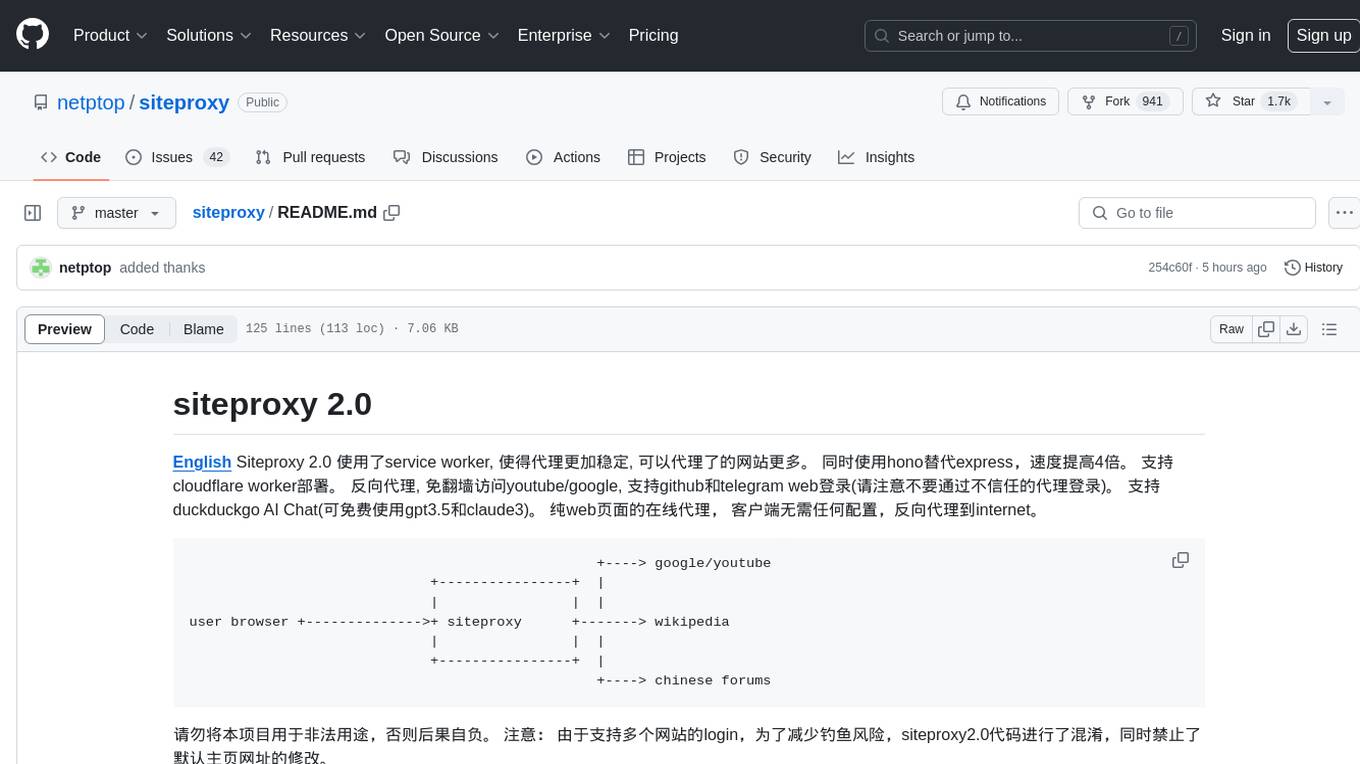
Siteproxy 2.0 is a web proxy tool that utilizes service worker for enhanced stability and increased website coverage. It replaces express with hono for a 4x speed boost and supports deployment on Cloudflare worker. It enables reverse proxying, allowing access to YouTube/Google without VPN, and supports login for GitHub and Telegram web. The tool also features DuckDuckGo AI Chat with free access to GPT3.5 and Claude3. It offers a pure web-based online proxy with no client configuration required, facilitating reverse proxying to the internet.
MouseTooltipTranslator
MouseTooltipTranslator is a Chrome extension that allows users to translate any text on a webpage by simply hovering over it. It supports both Google Translate and Bing Translate, and can also be used to listen to the pronunciation of words and phrases. Additionally, the extension can be used to translate text in input boxes and highlighted text, and to display translated tooltips for PDFs and YouTube videos. It also supports OCR, allowing users to translate text in images by holding down the left shift key and hovering over the image.
aio-hub
AIO Hub is a cross-platform AI hub built on Tauri + Vue 3 + TypeScript, aiming to provide developers and creators with precise LLM control experience and efficient toolchain. It features a chat function designed for complex tasks and deep exploration, a unified context pipeline for controlling every token sent to the model, interactive AI buttons, dual-view management for non-linear conversation mapping, open ecosystem compatibility with various AI models, and a rich text renderer for LLM output. The tool also includes features for media workstation, developer productivity, system and asset management, regex applier, collaboration enhancement between developers and AI, and more.
bailing
Bailing is an open-source voice assistant designed for natural conversations with users. It combines Automatic Speech Recognition (ASR), Voice Activity Detection (VAD), Large Language Model (LLM), and Text-to-Speech (TTS) technologies to provide a high-quality voice interaction experience similar to GPT-4o. Bailing aims to achieve GPT-4o-like conversation effects without the need for GPU, making it suitable for various edge devices and low-resource environments. The project features efficient open-source models, modular design allowing for module replacement and upgrades, support for memory function, tool integration for information retrieval and task execution via voice commands, and efficient task management with progress tracking and reminders.
NovelForge
NovelForge is an AI-assisted writing tool with the potential for creating long-form content of millions of words. It offers a solution that combines world-building, structured content generation, and consistency maintenance. The tool is built around four core concepts: modular 'cards', customizable 'dynamic output models', flexible 'context injection', and consistency assurance through a 'knowledge graph'. It provides a highly structured and configurable writing environment, inspired by the Snowflake Method, allowing users to create and organize their content in a tree-like structure. NovelForge is highly customizable and extensible, allowing users to tailor their writing workflow to their specific needs.
vscode-antigravity-cockpit
VS Code extension for monitoring Google Antigravity AI model quotas. It provides a webview dashboard, QuickPick mode, quota grouping, automatic grouping, renaming, card view, drag-and-drop sorting, status bar monitoring, threshold notifications, and privacy mode. Users can monitor quota status, remaining percentage, countdown, reset time, progress bar, and model capabilities. The extension supports local and authorized quota monitoring, multiple account authorization, and model wake-up scheduling. It also offers settings customization, user profile display, notifications, and group functionalities. Users can install the extension from the Open VSX Marketplace or via VSIX file. The source code can be built using Node.js and npm. The project is open-source under the MIT license.
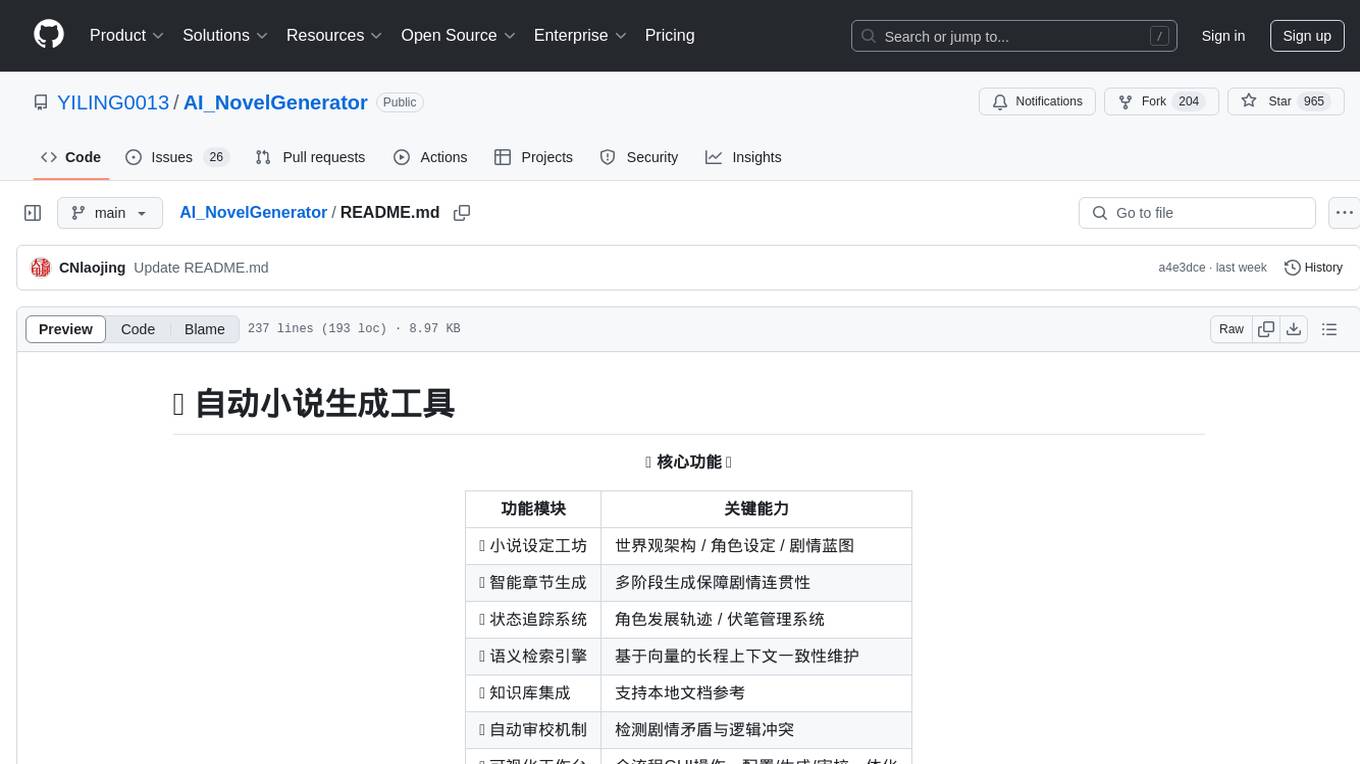
AI_NovelGenerator
AI_NovelGenerator is a versatile novel generation tool based on large language models. It features a novel setting workshop for world-building, character development, and plot blueprinting, intelligent chapter generation for coherent storytelling, a status tracking system for character arcs and foreshadowing management, a semantic retrieval engine for maintaining long-range context consistency, integration with knowledge bases for local document references, an automatic proofreading mechanism for detecting plot contradictions and logic conflicts, and a visual workspace for GUI operations encompassing configuration, generation, and proofreading. The tool aims to assist users in efficiently creating logically rigorous and thematically consistent long-form stories.
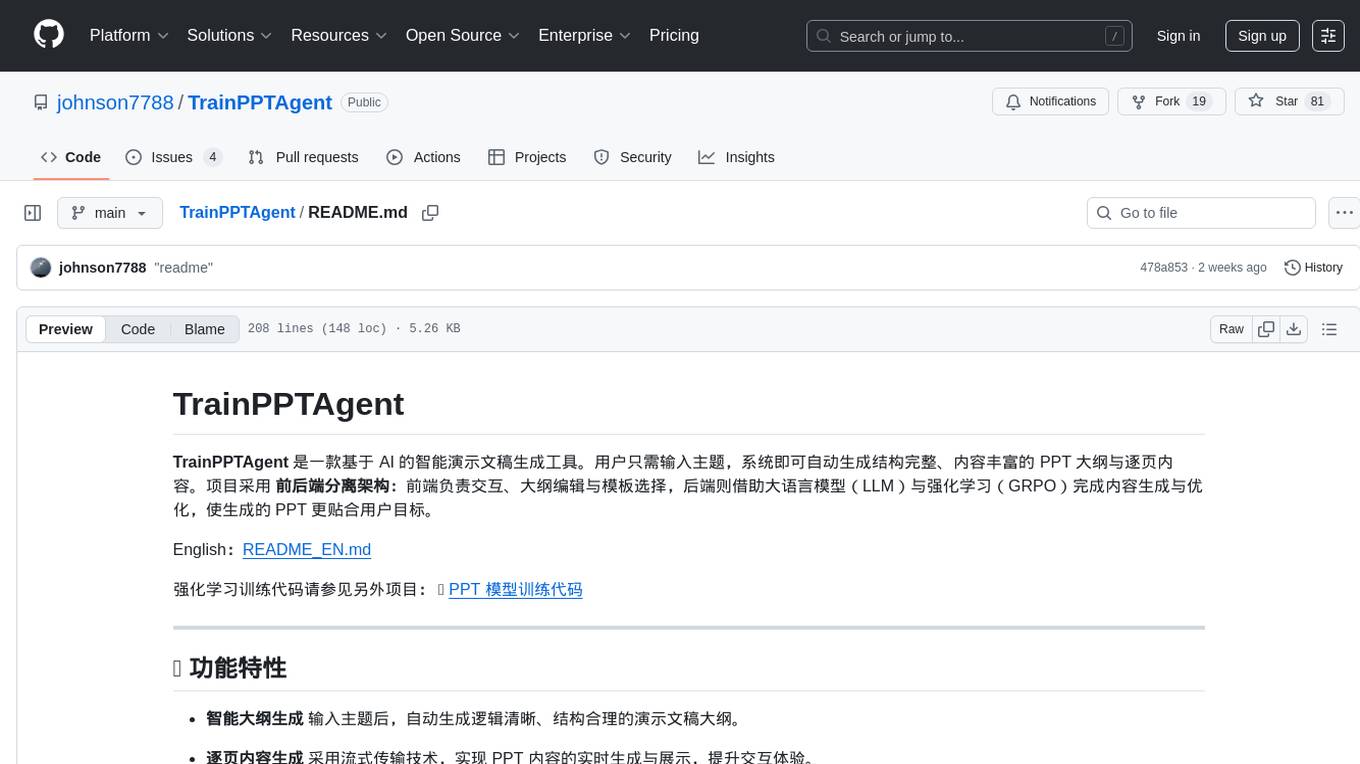
TrainPPTAgent
TrainPPTAgent is an AI-based intelligent presentation generation tool. Users can input a topic and the system will automatically generate a well-structured and content-rich PPT outline and page-by-page content. The project adopts a front-end and back-end separation architecture: the front-end is responsible for interaction, outline editing, and template selection, while the back-end leverages large language models (LLM) and reinforcement learning (GRPO) to complete content generation and optimization, making the generated PPT more tailored to user goals.
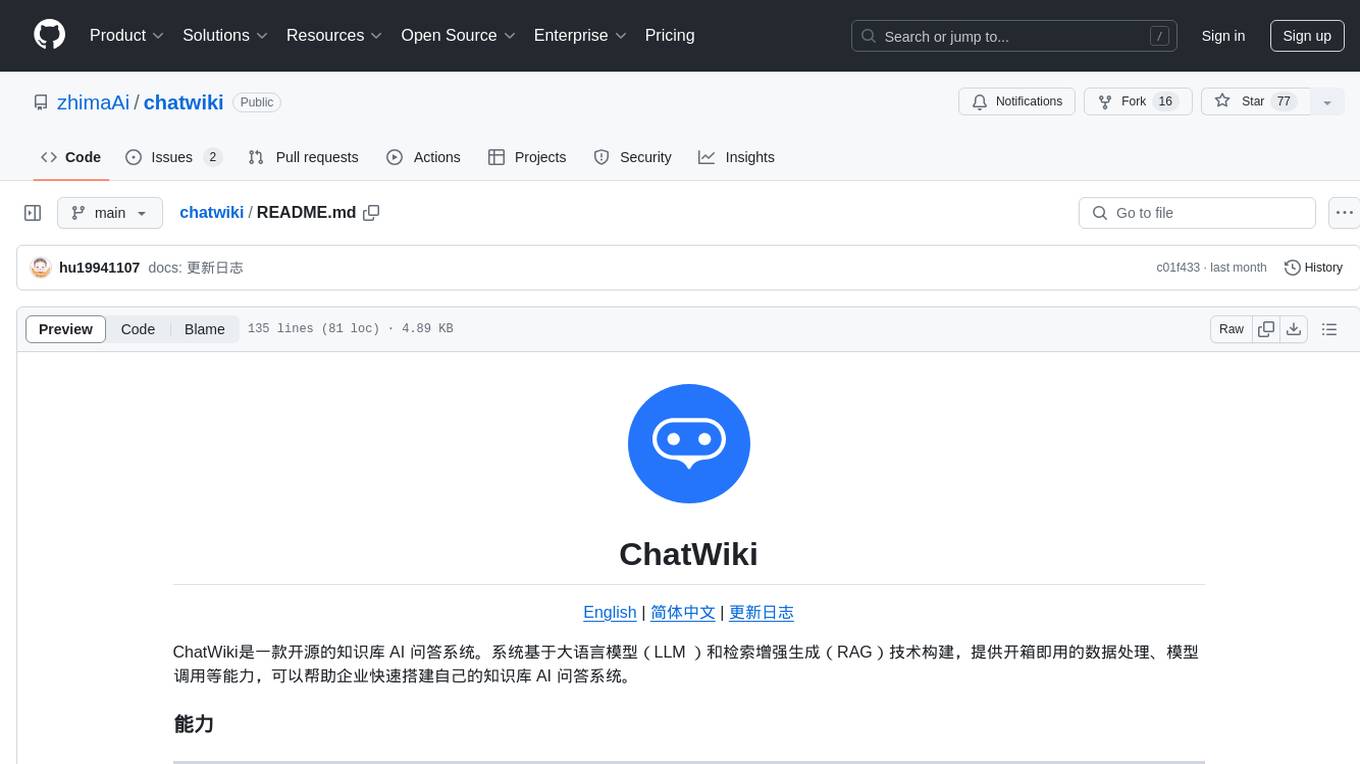
chatwiki
ChatWiki is an open-source knowledge base AI question-answering system. It is built on large language models (LLM) and retrieval-augmented generation (RAG) technologies, providing out-of-the-box data processing, model invocation capabilities, and helping enterprises quickly build their own knowledge base AI question-answering systems. It offers exclusive AI question-answering system, easy integration of models, data preprocessing, simple user interface design, and adaptability to different business scenarios.
vocotype-cli
VocoType is a free desktop voice input method designed for professionals who value privacy and efficiency. All recognition is done locally, ensuring offline operation and no data upload. The CLI open-source version of the VocoType core engine on GitHub is mainly targeted at developers.
For similar tasks
CapsWriter-Offline
CapsWriter-Offline is a completely offline voice input tool designed for Windows. It allows users to speak while holding the CapsLock key and the text will be inputted when the key is released. The tool offers features such as voice input, file transcription, automatic conversion of complex numbers, context-enhanced recognition using hot words, forced word replacement based on phonetic similarity, regular expression-based replacement, error correction recording, customizable LLM roles, tray menu options, client-server architecture, log archiving, and more. The tool aims to provide fast, accurate, highly customizable, and completely offline voice input experience.
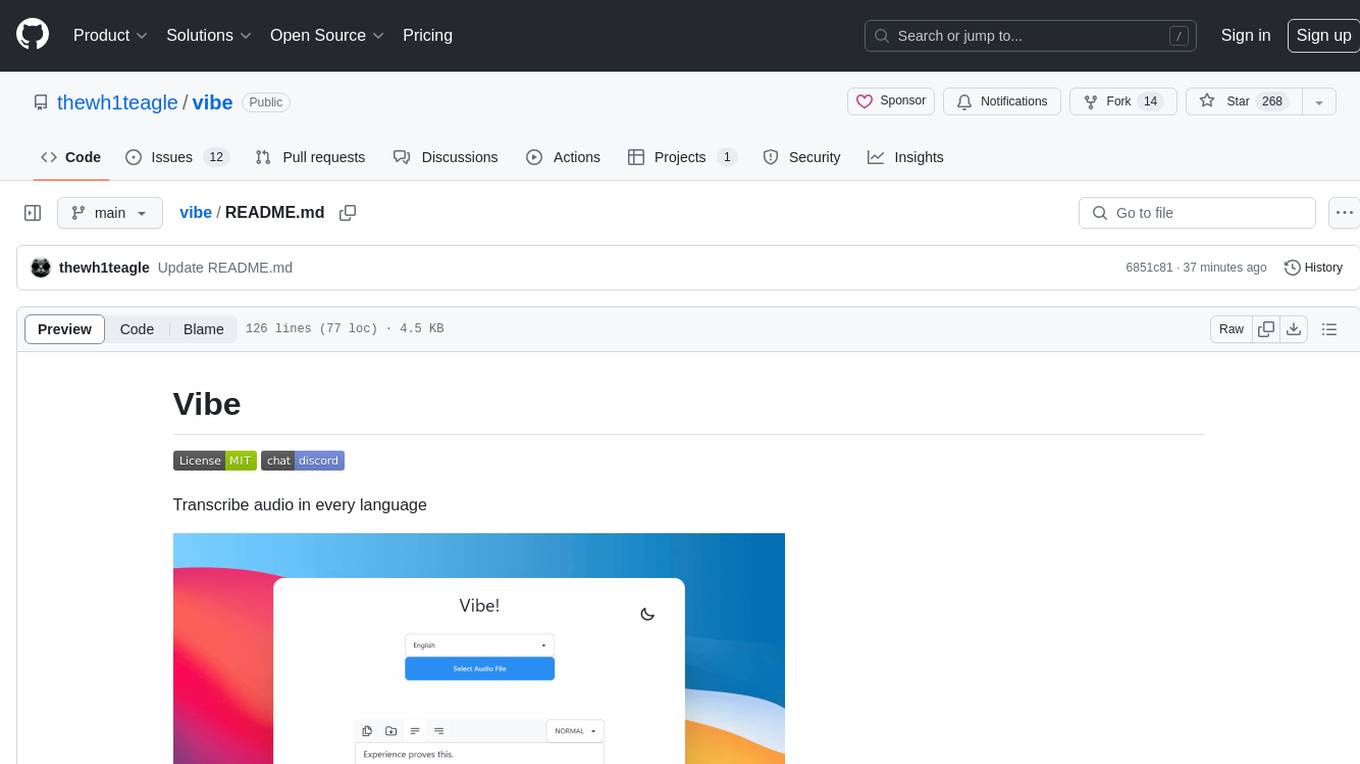
vibe
Vibe is a tool designed to transcribe audio in multiple languages with features such as offline functionality, user-friendly design, support for various file formats, automatic updates, and translation. It is optimized for different platforms and hardware, offering total freedom to customize models easily. The tool is ideal for transcribing audio and video files, with upcoming features like transcribing system audio and audio from microphone. Vibe is a versatile and efficient transcription tool suitable for various users.
Customer-Service-Conversational-Insights-with-Azure-OpenAI-Services
This solution accelerator is built on Azure Cognitive Search Service and Azure OpenAI Service to synthesize post-contact center transcripts for intelligent contact center scenarios. It converts raw transcripts into customer call summaries to extract insights around product and service performance. Key features include conversation summarization, key phrase extraction, speech-to-text transcription, sensitive information extraction, sentiment analysis, and opinion mining. The tool enables data professionals to quickly analyze call logs for improvement in contact center operations.
whetstone.chatgpt
Whetstone.ChatGPT is a simple light-weight library that wraps the Open AI API with support for dependency injection. It supports features like GPT 4, GPT 3.5 Turbo, chat completions, audio transcription and translation, vision completions, files, fine tunes, images, embeddings, moderations, and response streaming. The library provides a video walkthrough of a Blazor web app built on it and includes examples such as a command line bot. It offers quickstarts for dependency injection, chat completions, completions, file handling, fine tuning, image generation, and audio transcription.
chipper
Chipper provides a web interface, CLI, and architecture for pipelines, document chunking, web scraping, and query workflows. It is built with Haystack, Ollama, Hugging Face, Docker, Tailwind, and ElasticSearch, running locally or as a Dockerized service. Originally created to assist in creative writing, it now offers features like local Ollama and Hugging Face API, ElasticSearch embeddings, document splitting, web scraping, audio transcription, user-friendly CLI, and Docker deployment. The project aims to be educational, beginner-friendly, and a playground for AI exploration and innovation.
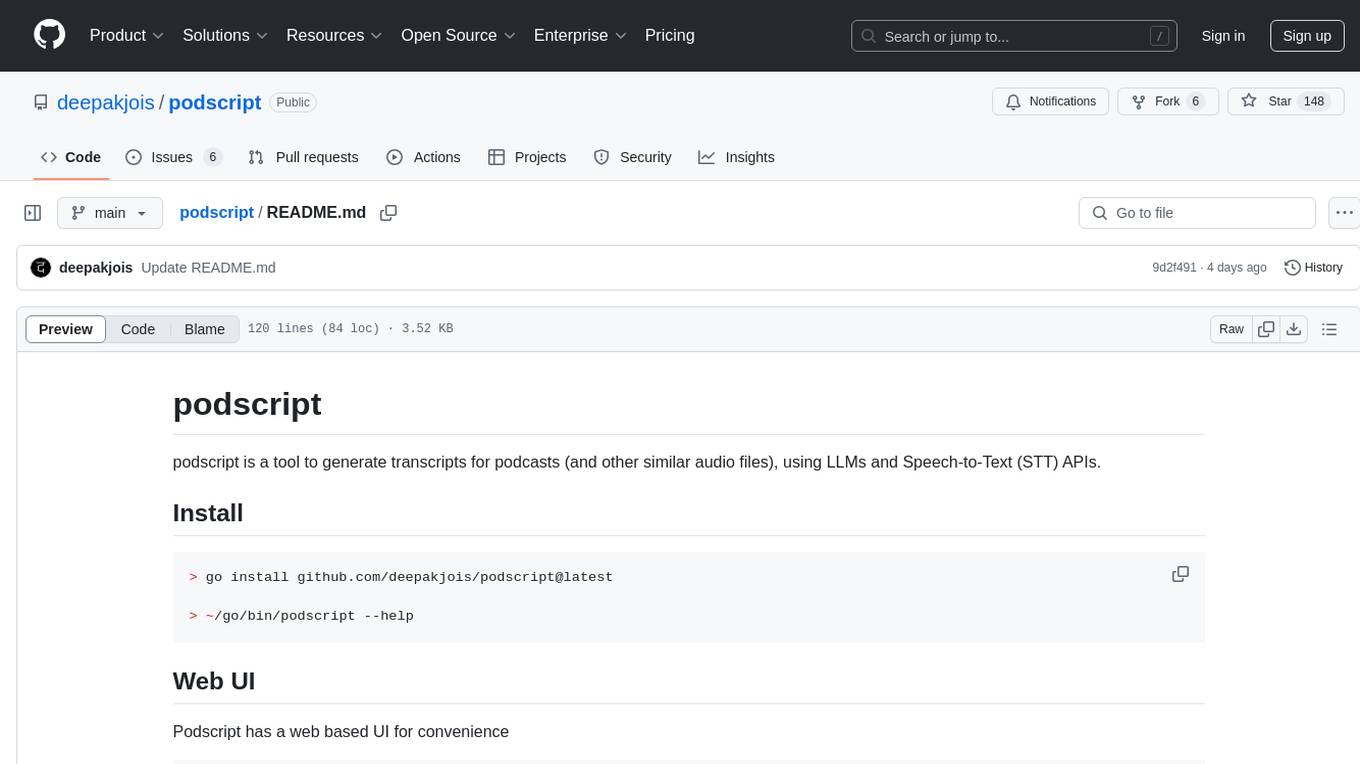
podscript
Podscript is a tool designed to generate transcripts for podcasts and similar audio files using Language Model Models (LLMs) and Speech-to-Text (STT) APIs. It provides a command-line interface (CLI) for transcribing audio from various sources, including YouTube videos and audio files, using different speech-to-text services like Deepgram, Assembly AI, and Groq. Additionally, Podscript offers a web-based user interface for convenience. Users can configure keys for supported services, transcribe audio, and customize the transcription models. The tool aims to simplify the process of creating accurate transcripts for audio content.
For similar jobs
CapsWriter-Offline
CapsWriter-Offline is a completely offline voice input tool designed for Windows. It allows users to speak while holding the CapsLock key and the text will be inputted when the key is released. The tool offers features such as voice input, file transcription, automatic conversion of complex numbers, context-enhanced recognition using hot words, forced word replacement based on phonetic similarity, regular expression-based replacement, error correction recording, customizable LLM roles, tray menu options, client-server architecture, log archiving, and more. The tool aims to provide fast, accurate, highly customizable, and completely offline voice input experience.
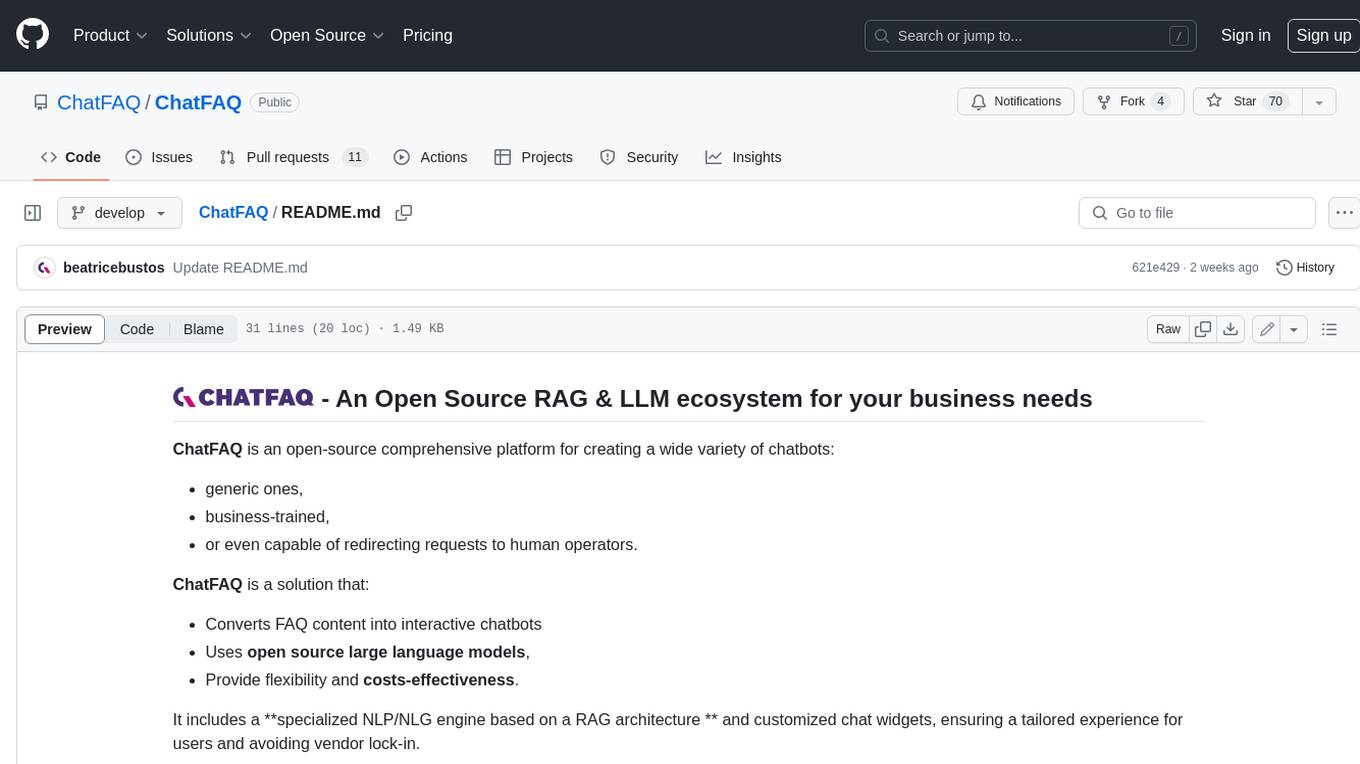
ChatFAQ
ChatFAQ is an open-source comprehensive platform for creating a wide variety of chatbots: generic ones, business-trained, or even capable of redirecting requests to human operators. It includes a specialized NLP/NLG engine based on a RAG architecture and customized chat widgets, ensuring a tailored experience for users and avoiding vendor lock-in.
anything-llm
AnythingLLM is a full-stack application that enables you to turn any document, resource, or piece of content into context that any LLM can use as references during chatting. This application allows you to pick and choose which LLM or Vector Database you want to use as well as supporting multi-user management and permissions.

ai-guide
This guide is dedicated to Large Language Models (LLMs) that you can run on your home computer. It assumes your PC is a lower-end, non-gaming setup.

classifai
Supercharge WordPress Content Workflows and Engagement with Artificial Intelligence. Tap into leading cloud-based services like OpenAI, Microsoft Azure AI, Google Gemini and IBM Watson to augment your WordPress-powered websites. Publish content faster while improving SEO performance and increasing audience engagement. ClassifAI integrates Artificial Intelligence and Machine Learning technologies to lighten your workload and eliminate tedious tasks, giving you more time to create original content that matters.
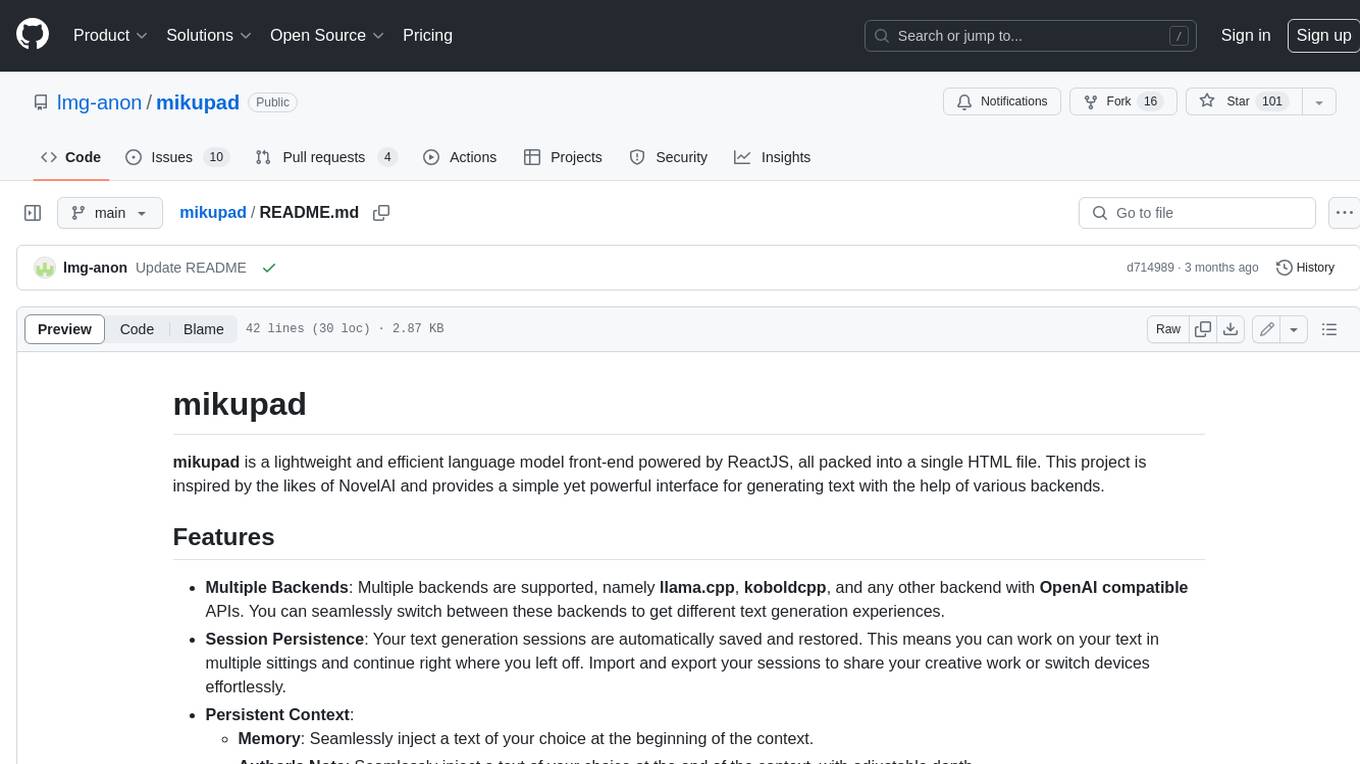
mikupad
mikupad is a lightweight and efficient language model front-end powered by ReactJS, all packed into a single HTML file. Inspired by the likes of NovelAI, it provides a simple yet powerful interface for generating text with the help of various backends.
glide
Glide is a cloud-native LLM gateway that provides a unified REST API for accessing various large language models (LLMs) from different providers. It handles LLMOps tasks such as model failover, caching, key management, and more, making it easy to integrate LLMs into applications. Glide supports popular LLM providers like OpenAI, Anthropic, Azure OpenAI, AWS Bedrock (Titan), Cohere, Google Gemini, OctoML, and Ollama. It offers high availability, performance, and observability, and provides SDKs for Python and NodeJS to simplify integration.

onnxruntime-genai
ONNX Runtime Generative AI is a library that provides the generative AI loop for ONNX models, including inference with ONNX Runtime, logits processing, search and sampling, and KV cache management. Users can call a high level `generate()` method, or run each iteration of the model in a loop. It supports greedy/beam search and TopP, TopK sampling to generate token sequences, has built in logits processing like repetition penalties, and allows for easy custom scoring.