


XRAG
XRAG: eXamining the Core - Benchmarking Foundational Component Modules in Advanced Retrieval-Augmented Generation
Stars: 117
XRAG is a powerful open-source tool for analyzing and visualizing data. It provides a user-friendly interface for data exploration, manipulation, and interpretation. With XRAG, users can easily import, clean, and transform data to uncover insights and trends. The tool supports various data formats and offers a wide range of statistical and machine learning algorithms for advanced analysis. XRAG is suitable for data scientists, analysts, researchers, and students looking to gain valuable insights from their data.
README:







- 📣 Updates
- 📖 Introduction
- ✨ Features
- 🌐 WebUI Demo
- 🛠️ Installation
- 🚀 Quick Start
- ⚙️ Configuration
⚠️ Troubleshooting- 📋 Changelog
- 💬 Feedback and Support
- 📍 Acknowledgement
- 📚 Citation
- 2026-02.24: Paper accepted by ICDE 2026. 🎉🎉🎉🎉🎉
- 2025-11.18: Add orchestrators: SIM-rag.
- 2025-11.05: Add orchestrators: self-rag, adaptive-rag.
- 2025-07.18: Add Text Splitters, including SemanticSplitterNodeParser, SentenceSplitterNodeParser, and SentenceWindowNodeParser.
- 2025-06.23: Update configuration file,parameters appear clearer.
- 2025-01.09: Add API support. Now you can use XRAG as a backend service.
- 2025-01.06: Add ollama LLM support.
- 2025-01.05: Add generate command. Now you can generate your own QA pairs from a folder which contains your documents.
- 2024-12.23: XRAG Documentation is released🌈.
- 2024-12.20: XRAG is released🎉.
Welcome developers, researchers, and enthusiasts to join the XRAG open-source project!
- [ ] Semantic Perplexity (SePer)
- [ ] Entropy & Semantic Entropy
- [ ] Auto-J
- [ ] Prometheus
- [ ] PGE/GTE/M3E embeddings
- [ ] 30B/more-parameter models via OpenAI API or Ollama
- [ ] Adaptive Retrieval
- [ ] Multi-step Approach
- [ ] Self-RAG
- [ ] FLARE
- [ ] Adaptive-RAG
- [ ] Late Chunking
🙌 Your contributions—code, data, ideas, or feedback—are the heartbeat of XRAG!
Repository: https://github.com/DocAILab/XRAG

-
🔍 Comprehensive Evaluation Framework:
- Multiple evaluation dimensions: LLM-based evaluation, Deep evaluation, and traditional metrics
- Support for evaluating retrieval quality, response faithfulness, and answer correctness
- Built-in evaluation models including LlamaIndex, DeepEval, and custom metrics
-
⚙️ Flexible Architecture:
- Modular design with pluggable components for retrievers, embeddings, and LLMs
- Support for various retrieval methods: Vector, BM25, Hybrid, and Tree-based
- Easy integration with custom retrieval and evaluation strategies
-
🤖 Multiple LLM Support:
- Seamless integration with OpenAI models
- Support for local models (Qwen, LLaMA, etc.)
- Configurable model parameters and API settings
-
📊 Rich Evaluation Metrics:
- Traditional metrics: F1, EM, MRR, Hit@K, MAP, NDCG
- LLM-based metrics: Faithfulness, Relevancy, Correctness
- Deep evaluation metrics: Contextual Precision/Recall, Hallucination, Bias
-
🎯 Advanced Retrieval Methods:
- BM25-based retrieval
- Vector-based semantic search
- Tree-structured retrieval
- Keyword-based retrieval
- Document summary retrieval
- Custom retrieval strategies
-
💻 User-Friendly Interface:
- Command-line interface with rich options
- Web UI for interactive evaluation
- Detailed evaluation reports and visualizations

XRAG provides an intuitive web interface for interactive evaluation and visualization. Launch it with:
xrag-cli webuiThe WebUI guides you through the following workflow:

Upload and configure your datasets:
- Support for benchmark datasets (HotpotQA, DropQA, NaturalQA)
- Custom dataset integration
- Automatic format conversion and preprocessing

Configure system parameters and build indices:
- API key configuration
- Parameter settings
- Vector database index construction
- Chunk size optimization

Define your RAG pipeline components:
- Pre-retrieval methods
- Retriever selection
- Post-processor configuration
- Custom prompt template creation

Test your RAG system interactively:
- Real-time query testing
- Retrieval result inspection
- Response generation review
- Performance analysis

Before installing XRAG, ensure that you have Python 3.11 or later installed.
# Create a new conda environment
conda create -n xrag python=3.11

# Activate the environment
conda activate xragYou can install XRAG directly using pip:
# Install XRAG
pip install examinationrag

# Install 'jury' without dependencies to avoid conflicts
pip install jury --no-deps

# Adjust some package versions
pip install requests==2.27.1
pip install urllib3==1.25.11
pip install jiwer<4.0.0Here's how you can get started with XRAG:
Modify the config.toml file to set up your desired configurations.
After installing XRAG, the xrag-cli command becomes available in your environment. This command provides a convenient way to interact with XRAG without needing to call Python scripts directly.
xrag-cli [command] [options]-
run: Runs the benchmarking process.
xrag-cli run [--override key=value ...] -
webui: Launches the web-based user interface.
xrag-cli webui
-
ver: Displays the current version of XRAG.
xrag-cli version
-
help: Displays help information.
xrag-cli help -
generate: Generate QA pairs from a folder.
xrag-cli generate -i <input_file> -o <output_file> -n <num_questions> -s <sentence_length>
-
api: Launch the API server for XRAG services.
xrag-cli api [--host <host>] [--port <port>] [--json_path <json_path>] [--dataset_folder <dataset_folder>]
Options:
-
--host: API server host address (default: 0.0.0.0) -
--port: API server port number (default: 8000) -
--json_path: Path to the JSON configuration file -
--dataset_folder: Path to the dataset folder
-
Once the API server is running, you can interact with it using HTTP requests. Here are the available endpoints:
Send a POST request to /query to get answers based on your documents:
curl -X POST "http://localhost:8000/query" \
     -H "Content-Type: application/json" \
     -d '{
           "query": "your question here",
           "top_k": 3
         }'
Response format:
{
    "answer": "Generated answer to your question",
    "sources": [
        {
            "content": "Source document content",
            "id": "document_id",
            "score": 0.85
        }
    ]
}Check the API server status with a GET request to /health:
curl "http://localhost:8000/health"Response format:
{
    "status": "healthy",
    "engine_status": "initialized"
}
The API service supports both custom JSON datasets and folder-based documents:
- Use
--json_pathfor JSON format QA datasets - Use
--dataset_folderfor document folders - Do not set
--json_pathand--dataset_folderat the same time.
Use the --override flag followed by key-value pairs to override configuration settings:
xrag-cli run --override embeddings="new-embedding-model"xrag-cli generate -i <input_file> -o <output_file> -n <num_questions> -s <sentence_length>Automatically generate QA pairs from a folder.
XRAG uses a config.toml file for configuration management. Here's a detailed explanation of the configuration options:
[api_keys]
api_key = "sk-xxxx"          # Your API key for LLM service
api_base = "https://xxx"     # API base URL
api_name = "gpt-4o"     # Model name
auth_token = "hf_xxx"        # Hugging Face auth token

[settings]
llm = "openai" # openai, huggingface, ollama
ollama_model = "llama2:7b" # ollama model name
huggingface_model = "llama" # huggingface model name
embeddings = "BAAI/bge-large-en-v1.5"
split_type = "sentence"
chunk_size = 128
dataset = "hotpot_qa"
persist_dir = "storage"
# ... additional settings ...-
Dependency Conflicts: If you encounter dependency issues, ensure that you have the correct versions specified in
requirements.txtand consider using a virtual environment. -
Invalid Configuration Keys: Ensure that the keys you override match exactly with those in the
config.tomlfile. -
Data Type Mismatches: When overriding configurations, make sure the values are of the correct data type (e.g., integers, booleans).
- Add API support. Now you can use XRAG as a backend service.
- Add ollama LLM support.
- Add generate command. Now you can generate your own QA pairs from a folder which contains your documents.
- Initial release with core benchmarking functionality.
- Support for HotpotQA dataset.
- Command-line configuration overrides.
- Introduction of the
xrag-clicommand-line tool.
We value feedback from our users. If you have suggestions, feature requests, or encounter issues:
- Open an Issue: Submit an issue on our GitHub repository.
- Email Us: Reach out at [email protected].
- Join the Discussion: Participate in discussions and share your insights.
-
Organizers: Qianren Mao, Yangyifei Luo (罗杨一飞), Qili Zhang (张启立), Yashuo Luo (罗亚硕), Zhilong Cao(曹之龙), Jinlong Zhang (张金龙), Hanwen Hao (郝瀚文), Zhenting Huang (黄振庭), Feng Yan(闫丰), Weifeng Jiang (蒋为峰).
-
This project is inspired by RAGLAB, FlashRAG, FastRAG, AutoRAG, LocalRAG.
-
We are deeply grateful for the following external libraries, which have been pivotal to the development and functionality of our project: LlamaIndex, Hugging Face Transformers.
If you find this work helpful, please cite our paper:
@article{mao2025xragexaminingcore,
      title={XRAG: eXamining the Core -- Benchmarking Foundational Components in Advanced Retrieval-Augmented Generation},
      author={Qianren Mao and Yangyifei Luo and Qili Zhang and Yashuo Luo and Zhilong Cao and Jinlong Zhang and HanWen Hao and Zhijun Chen and Weifeng Jiang and Junnan Liu and Xiaolong Wang and Zhenting Huang and Zhixing Tan and Sun Jie and Bo Li and Xudong Liu and Richong Zhang and Jianxin Li},
      year={2025},
      eprint={2412.15529},
      archivePrefix={arXiv},
      primaryClass={cs.CL},
      url={https://arxiv.org/abs/2412.15529},
}Thank you for using XRAG! We hope it proves valuable in your research and development efforts in the field of Retrieval-Augmented Generation.
For Tasks:
Click tags to check more tools for each tasksFor Jobs:
Alternative AI tools for XRAG
Similar Open Source Tools
XRAG
XRAG is a powerful open-source tool for analyzing and visualizing data. It provides a user-friendly interface for data exploration, manipulation, and interpretation. With XRAG, users can easily import, clean, and transform data to uncover insights and trends. The tool supports various data formats and offers a wide range of statistical and machine learning algorithms for advanced analysis. XRAG is suitable for data scientists, analysts, researchers, and students looking to gain valuable insights from their data.
ROGRAG
ROGRAG is a powerful open-source tool designed for data analysis and visualization. It provides a user-friendly interface for exploring and manipulating datasets, making it ideal for researchers, data scientists, and analysts. With ROGRAG, users can easily import, clean, analyze, and visualize data to gain valuable insights and make informed decisions. The tool supports a wide range of data formats and offers a variety of statistical and visualization tools to help users uncover patterns, trends, and relationships in their data. Whether you are working on exploratory data analysis, statistical modeling, or data visualization, ROGRAG is a versatile tool that can streamline your workflow and enhance your data analysis capabilities.
datatune
Datatune is a data analysis tool designed to help users explore and analyze datasets efficiently. It provides a user-friendly interface for importing, cleaning, visualizing, and modeling data. With Datatune, users can easily perform tasks such as data preprocessing, feature engineering, model selection, and evaluation. The tool offers a variety of statistical and machine learning algorithms to support data analysis tasks. Whether you are a data scientist, analyst, or researcher, Datatune can streamline your data analysis workflow and help you derive valuable insights from your data.
Daft
Daft is a lightweight and efficient tool for data analysis and visualization. It provides a user-friendly interface for exploring and manipulating datasets, making it ideal for both beginners and experienced data analysts. With Daft, you can easily import data from various sources, clean and preprocess it, perform statistical analysis, create insightful visualizations, and export your results in multiple formats. Whether you are a student, researcher, or business professional, Daft simplifies the process of analyzing data and deriving meaningful insights.
arconia
Arconia is a powerful open-source tool for managing and visualizing data in a user-friendly way. It provides a seamless experience for data analysts and scientists to explore, clean, and analyze datasets efficiently. With its intuitive interface and robust features, Arconia simplifies the process of data manipulation and visualization, making it an essential tool for anyone working with data.
datasets
Datasets is a repository that provides a collection of various datasets for machine learning and data analysis projects. It includes datasets in different formats such as CSV, JSON, and Excel, covering a wide range of topics including finance, healthcare, marketing, and more. The repository aims to help data scientists, researchers, and students access high-quality datasets for training models, conducting experiments, and exploring data analysis techniques.
ciana-parrot
Ciana Parrot is a lightweight and user-friendly tool for analyzing and visualizing data. It provides a simple interface for users to upload their datasets and generate insightful visualizations to gain valuable insights. With Ciana Parrot, users can easily explore their data, identify patterns, trends, and outliers, and communicate their findings effectively. The tool supports various data formats and offers a range of visualization options to suit different analysis needs. Whether you are a data analyst, researcher, or student, Ciana Parrot can help you streamline your data analysis process and make data-driven decisions with confidence.
catwalk
Catwalk is a lightweight and user-friendly tool for visualizing and analyzing data. It provides a simple interface for users to explore and understand their datasets through interactive charts and graphs. With Catwalk, users can easily upload their data, customize visualizations, and gain insights from their data without the need for complex coding or technical skills.
CrossIntelligence
CrossIntelligence is a powerful tool for data analysis and visualization. It allows users to easily connect and analyze data from multiple sources, providing valuable insights and trends. With a user-friendly interface and customizable features, CrossIntelligence is suitable for both beginners and advanced users in various industries such as marketing, finance, and research.
atlas
Atlas is a powerful data visualization tool that allows users to create interactive charts and graphs from their datasets. It provides a user-friendly interface for exploring and analyzing data, making it ideal for both beginners and experienced data analysts. With Atlas, users can easily customize the appearance of their visualizations, add filters and drill-down capabilities, and share their insights with others. The tool supports a wide range of data formats and offers various chart types to suit different data visualization needs. Whether you are looking to create simple bar charts or complex interactive dashboards, Atlas has you covered.
turftopic
Turftopic is a Python library that provides tools for sentiment analysis and topic modeling of text data. It allows users to analyze large volumes of text data to extract insights on sentiment and topics. The library includes functions for preprocessing text data, performing sentiment analysis using machine learning models, and conducting topic modeling using algorithms such as Latent Dirichlet Allocation (LDA). Turftopic is designed to be user-friendly and efficient, making it suitable for both beginners and experienced data analysts.
vizra-adk
Vizra-ADK is a data visualization tool that allows users to create interactive and customizable visualizations for their data. With a user-friendly interface and a wide range of customization options, Vizra-ADK makes it easy for users to explore and analyze their data in a visually appealing way. Whether you're a data scientist looking to create informative charts and graphs, or a business analyst wanting to present your findings in a compelling way, Vizra-ADK has you covered. The tool supports various data formats and provides features like filtering, sorting, and grouping to help users make sense of their data quickly and efficiently.
ST-Raptor
ST-Raptor is a powerful open-source tool for analyzing and visualizing spatial-temporal data. It provides a user-friendly interface for exploring complex datasets and generating insightful visualizations. With ST-Raptor, users can easily identify patterns, trends, and anomalies in their spatial-temporal data, making it ideal for researchers, analysts, and data scientists working with geospatial and time-series data.
dranet
Dranet is a Python library for analyzing and visualizing data from neural networks. It provides tools for interpreting model predictions, understanding feature importance, and evaluating model performance. With Dranet, users can gain insights into how neural networks make decisions and improve model transparency and interpretability.
datahub
DataHub is an open-source data catalog designed for the modern data stack. It provides a platform for managing metadata, enabling users to discover, understand, and collaborate on data assets within their organization. DataHub offers features such as data lineage tracking, data quality monitoring, and integration with various data sources. It is built with contributions from Acryl Data and LinkedIn, aiming to streamline data management processes and enhance data discoverability across different teams and departments.
NadirClaw
NadirClaw is a powerful open-source tool designed for web scraping and data extraction. It provides a user-friendly interface for extracting data from websites with ease. With NadirClaw, users can easily scrape text, images, and other content from web pages for various purposes such as data analysis, research, and automation. The tool offers flexibility and customization options to cater to different scraping needs, making it a versatile solution for extracting data from the web. Whether you are a data scientist, researcher, or developer, NadirClaw can streamline your data extraction process and help you gather valuable insights from online sources.
For similar tasks

Azure-Analytics-and-AI-Engagement
The Azure-Analytics-and-AI-Engagement repository provides packaged Industry Scenario DREAM Demos with ARM templates (Containing a demo web application, Power BI reports, Synapse resources, AML Notebooks etc.) that can be deployed in a customer’s subscription using the CAPE tool within a matter of few hours. Partners can also deploy DREAM Demos in their own subscriptions using DPoC.
sorrentum
Sorrentum is an open-source project that aims to combine open-source development, startups, and brilliant students to build machine learning, AI, and Web3 / DeFi protocols geared towards finance and economics. The project provides opportunities for internships, research assistantships, and development grants, as well as the chance to work on cutting-edge problems, learn about startups, write academic papers, and get internships and full-time positions at companies working on Sorrentum applications.

tidb
TiDB is an open-source distributed SQL database that supports Hybrid Transactional and Analytical Processing (HTAP) workloads. It is MySQL compatible and features horizontal scalability, strong consistency, and high availability.

zep-python
Zep is an open-source platform for building and deploying large language model (LLM) applications. It provides a suite of tools and services that make it easy to integrate LLMs into your applications, including chat history memory, embedding, vector search, and data enrichment. Zep is designed to be scalable, reliable, and easy to use, making it a great choice for developers who want to build LLM-powered applications quickly and easily.
telemetry-airflow
This repository codifies the Airflow cluster that is deployed at workflow.telemetry.mozilla.org (behind SSO) and commonly referred to as "WTMO" or simply "Airflow". Some links relevant to users and developers of WTMO: * The `dags` directory in this repository contains some custom DAG definitions * Many of the DAGs registered with WTMO don't live in this repository, but are instead generated from ETL task definitions in bigquery-etl * The Data SRE team maintains a WTMO Developer Guide (behind SSO)
mojo
Mojo is a new programming language that bridges the gap between research and production by combining Python syntax and ecosystem with systems programming and metaprogramming features. Mojo is still young, but it is designed to become a superset of Python over time.

pandas-ai
PandasAI is a Python library that makes it easy to ask questions to your data in natural language. It helps you to explore, clean, and analyze your data using generative AI.

databend
Databend is an open-source cloud data warehouse that serves as a cost-effective alternative to Snowflake. With its focus on fast query execution and data ingestion, it's designed for complex analysis of the world's largest datasets.
For similar jobs
Azure-Analytics-and-AI-Engagement
The Azure-Analytics-and-AI-Engagement repository provides packaged Industry Scenario DREAM Demos with ARM templates (Containing a demo web application, Power BI reports, Synapse resources, AML Notebooks etc.) that can be deployed in a customer’s subscription using the CAPE tool within a matter of few hours. Partners can also deploy DREAM Demos in their own subscriptions using DPoC.
skyvern
Skyvern automates browser-based workflows using LLMs and computer vision. It provides a simple API endpoint to fully automate manual workflows, replacing brittle or unreliable automation solutions. Traditional approaches to browser automations required writing custom scripts for websites, often relying on DOM parsing and XPath-based interactions which would break whenever the website layouts changed. Instead of only relying on code-defined XPath interactions, Skyvern adds computer vision and LLMs to the mix to parse items in the viewport in real-time, create a plan for interaction and interact with them. This approach gives us a few advantages: 1. Skyvern can operate on websites it’s never seen before, as it’s able to map visual elements to actions necessary to complete a workflow, without any customized code 2. Skyvern is resistant to website layout changes, as there are no pre-determined XPaths or other selectors our system is looking for while trying to navigate 3. Skyvern leverages LLMs to reason through interactions to ensure we can cover complex situations. Examples include: 1. If you wanted to get an auto insurance quote from Geico, the answer to a common question “Were you eligible to drive at 18?” could be inferred from the driver receiving their license at age 16 2. If you were doing competitor analysis, it’s understanding that an Arnold Palmer 22 oz can at 7/11 is almost definitely the same product as a 23 oz can at Gopuff (even though the sizes are slightly different, which could be a rounding error!) Want to see examples of Skyvern in action? Jump to #real-world-examples-of- skyvern
pandas-ai
PandasAI is a Python library that makes it easy to ask questions to your data in natural language. It helps you to explore, clean, and analyze your data using generative AI.
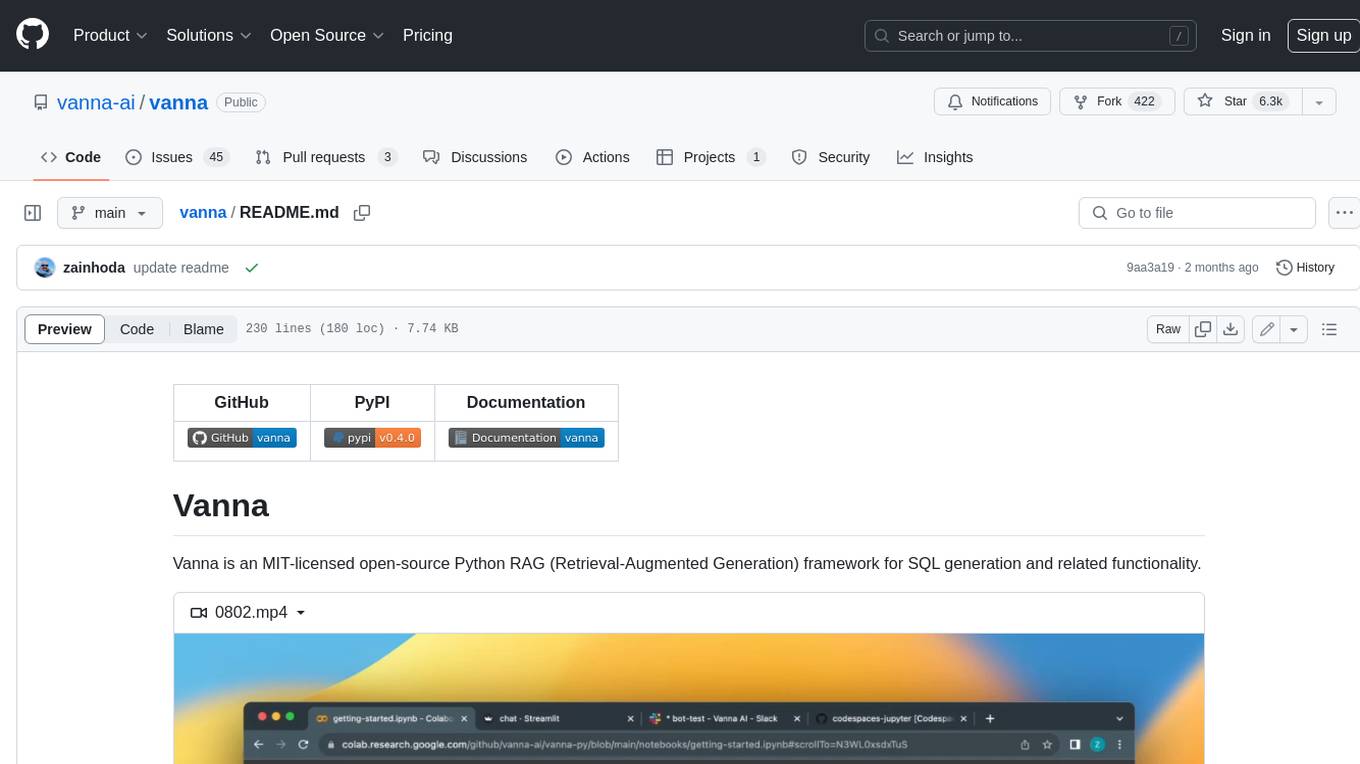
vanna
Vanna is an open-source Python framework for SQL generation and related functionality. It uses Retrieval-Augmented Generation (RAG) to train a model on your data, which can then be used to ask questions and get back SQL queries. Vanna is designed to be portable across different LLMs and vector databases, and it supports any SQL database. It is also secure and private, as your database contents are never sent to the LLM or the vector database.
databend
Databend is an open-source cloud data warehouse that serves as a cost-effective alternative to Snowflake. With its focus on fast query execution and data ingestion, it's designed for complex analysis of the world's largest datasets.
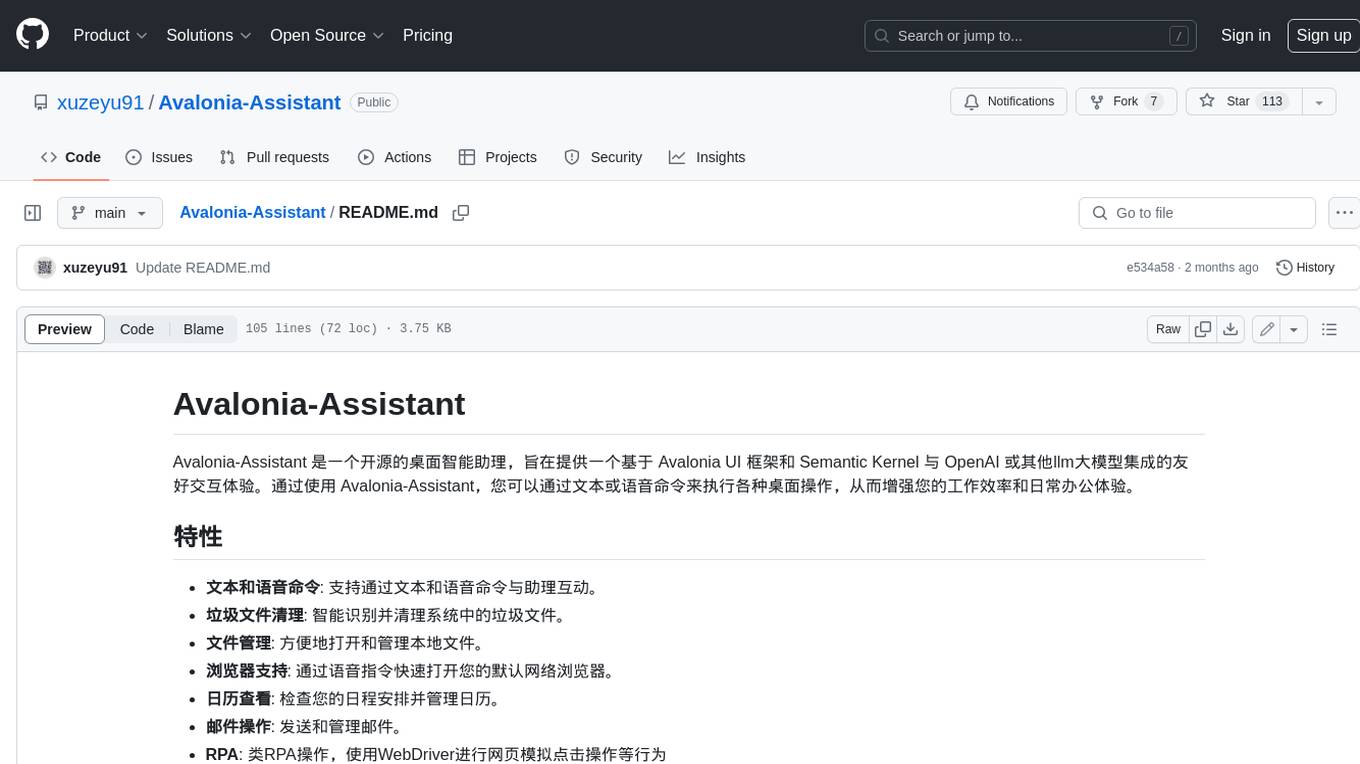
Avalonia-Assistant
Avalonia-Assistant is an open-source desktop intelligent assistant that aims to provide a user-friendly interactive experience based on the Avalonia UI framework and the integration of Semantic Kernel with OpenAI or other large LLM models. By utilizing Avalonia-Assistant, you can perform various desktop operations through text or voice commands, enhancing your productivity and daily office experience.
marvin
Marvin is a lightweight AI toolkit for building natural language interfaces that are reliable, scalable, and easy to trust. Each of Marvin's tools is simple and self-documenting, using AI to solve common but complex challenges like entity extraction, classification, and generating synthetic data. Each tool is independent and incrementally adoptable, so you can use them on their own or in combination with any other library. Marvin is also multi-modal, supporting both image and audio generation as well using images as inputs for extraction and classification. Marvin is for developers who care more about _using_ AI than _building_ AI, and we are focused on creating an exceptional developer experience. Marvin users should feel empowered to bring tightly-scoped "AI magic" into any traditional software project with just a few extra lines of code. Marvin aims to merge the best practices for building dependable, observable software with the best practices for building with generative AI into a single, easy-to-use library. It's a serious tool, but we hope you have fun with it. Marvin is open-source, free to use, and made with 💙 by the team at Prefect.

activepieces
Activepieces is an open source replacement for Zapier, designed to be extensible through a type-safe pieces framework written in Typescript. It features a user-friendly Workflow Builder with support for Branches, Loops, and Drag and Drop. Activepieces integrates with Google Sheets, OpenAI, Discord, and RSS, along with 80+ other integrations. The list of supported integrations continues to grow rapidly, thanks to valuable contributions from the community. Activepieces is an open ecosystem; all piece source code is available in the repository, and they are versioned and published directly to npmjs.com upon contributions. If you cannot find a specific piece on the pieces roadmap, please submit a request by visiting the following link: Request Piece Alternatively, if you are a developer, you can quickly build your own piece using our TypeScript framework. For guidance, please refer to the following guide: Contributor's Guide