


banana-slides
一个基于nano banana pro🍌的原生AI PPT生成应用,迈向真正的"Vibe PPT"; 支持上传任意模板图片;上传任意素材&智能解析;一句话/大纲/页面描述自动生成PPT;口头修改指定区域、一键导出可编辑ppt - An AI-native PPT generator based on nano banana pro🍌
Stars: 11966
Banana-slides is a native AI-powered PPT generation application based on the nano banana pro model. It supports generating complete PPT presentations from ideas, outlines, and page descriptions. The app automatically extracts attachment charts, uploads any materials, and allows verbal modifications, aiming to truly 'Vibe PPT'. It lowers the threshold for creating PPTs, enabling everyone to quickly create visually appealing and professional presentations.
README:
Vibe your PPT like vibing code.
中文 | English





一个基于nano banana pro🍌的原生AI PPT生成应用,支持想法/大纲/页面描述生成完整PPT演示文稿,
自动提取附件图表、上传任意素材、口头提出修改,迈向真正的"Vibe PPT"
🎯 降低PPT制作门槛,让每个人都能快速创作出美观专业的演示文稿
如果该项目对你有用, 欢迎star🌟 & fork🍴
你是否也曾陷入这样的困境:明天就要汇报,但PPT还是一片空白;脑中有无数精彩的想法,却被繁琐的排版和设计消磨掉所有热情?
我(们)渴望能快速创作出既专业又具设计感的演示文稿,传统的AI PPT生成app,虽然大体满足“快”这一需求,却还存在以下问题:
- 1️⃣只能选择预设模版,无法灵活调整风格
- 2️⃣自由度低,多轮改动难以进行
- 3️⃣成品观感相似,同质化严重
- 4️⃣素材质量较低,缺乏针对性
- 5️⃣图文排版割裂,设计感差
以上这些缺陷,让传统的AI ppt生成器难以同时满足我们“快”和“美”的两大PPT制作需求。即使自称Vibe PPT,但是在我的眼中还远不够“Vibe”。
但是,nano banana🍌模型的出现让一切有了转机。我尝试使用🍌pro进行ppt页面生成,发现生成的结果无论是质量、美感还是一致性,都做的非常好,且几乎能精确渲染prompt要求的所有文字+遵循参考图的风格。那为什么不基于🍌pro,做一个原生的"Vibe PPT"应用呢?
- 小白:零门槛快速生成美观PPT,无需设计经验,减少模板选择烦恼
- PPT专业人士:参考AI生成的布局和图文元素组合,快速获取设计灵感
- 教育工作者:将教学内容快速转换为配图教案PPT,提升课堂效果
- 学生:快速完成作业Pre,把精力专注于内容而非排版美化
- 职场人士:商业提案、产品介绍快速可视化,多场景快速适配
| 软件开发最佳实践 | DeepSeek-V3.2技术展示 |
| 预制菜智能产线装备研发和产业化 | 钱的演变:从贝壳到纸币的旅程 |
更多可见 使用案例
支持想法、大纲、页面描述三种起步方式,满足不同创作习惯。
- 一句话生成:输入一个主题,AI 自动生成结构清晰的大纲和逐页内容描述。
- 自然语言编辑:支持以 Vibe 形式口头修改大纲或描述(如"把第三页改成案例分析"),AI 实时响应调整。
- 大纲/描述模式:既可一键批量生成,也可手动调整细节。
- 多格式支持:上传 PDF/Docx/MD/Txt 等文件,后台自动解析内容。
- 智能提取:自动识别文本中的关键点、图片链接和图表信息,为生成提供丰富素材。
- 风格参考:支持上传参考图片或模板,定制 PPT 风格。
不再受限于复杂的菜单按钮,直接通过自然语言下达修改指令。
- 局部重绘:对不满意的区域进行口头式修改(如"把这个图换成饼图")。
- 整页优化:基于 nano banana pro🍌 生成高清、风格统一的页面。
- 多格式支持:一键导出标准 PPTX 或 PDF 文件。
- 完美适配:默认 16:9 比例,排版无需二次调整,直接演示。
- 导出图像为高还原度、背景干净的、可自由编辑图像和文字的PPT页面
- 相关更新见 https://github.com/Anionex/banana-slides/issues/121
🌟和notebooklm slide deck功能对比
| 功能 | notebooklm | 本项目 |
|---|---|---|
| 页数上限 | 15页 | 无限制 |
| 二次编辑 | 不支持 | 框选编辑+口头编辑 |
| 素材添加 | 生成后无法添加 | 生成后自由添加 |
| 导出格式 | 仅支持导出为 PDF | 导出为PDF、(可编辑)pptx |
| 水印 | 免费版有水印 | 无水印,自由增删元素 |
注:随着新功能添加,对比可能过时
-
【2-9】:
- 新功能
- 支持在首页、大纲、描述卡片里面粘贴图片并立即识别,并提供更好的交互体验
- 大纲章节手动编辑:支持手动调整页面所属章节(part)。
- Docker 多架构:镜像支持 amd64 / arm64 构建。
- 国际化 + 暗黑模式:新增中英文切换;支持亮色/暗色/跟随系统主题;全组件适配暗黑模式。
- 修复与体验优化
- 修复导出相关 500、参考文件关联时序、outline/page 数据错位、任务轮询错误项目、描述生成无限轮询、图片预览内存泄漏、批量删除部分失败处理。
- 优化格式示例提示、HTTP 错误提示文案、Modal 关闭体验、清理旧项目 localStorage、移除首次创建项目冗余提示。
- 若干其他优化和修复
- 新功能
-
【1-4】 : v0.3.0发布:可编辑pptx导出全面升级:
- 支持最大程度还原图片中文字的字号、颜色、加粗等样式;
- 支持了识别表格中的文字内容;
- 更精确的文字大小和文字位置还原逻辑
- 优化导出工作流,大大减少了导出后背景图残留文字的现象;
- 支持页面多选逻辑,灵活选择需要生成和导出的具体页面。
- 详细效果和使用方法见 https://github.com/Anionex/banana-slides/issues/121
-
【12-27】: 加入了对无图片模板模式的支持和较高质量的文字预设,现在可以通过纯文字描述的方式来控制ppt页面风格
| 状态 | 里程碑 |
|---|---|
| ✅ 已完成 | 从想法、大纲、页面描述三种路径创建 PPT |
| ✅ 已完成 | 解析文本中的 Markdown 格式图片 |
| ✅ 已完成 | PPT 单页添加更多素材 |
| ✅ 已完成 | PPT 单页框选区域Vibe口头编辑 |
| ✅ 已完成 | 素材模块: 素材生成、上传等 |
| ✅ 已完成 | 支持多种文件的上传+解析 |
| ✅ 已完成 | 支持Vibe口头调整大纲和描述 |
| ✅ 已完成 | 初步支持可编辑版本pptx文件导出 |
| 🔄 进行中 | 支持多层次、精确抠图的可编辑pptx导出 |
| 🔄 进行中 | 网络搜索 |
| 🔄 进行中 | Agent 模式 |
| 🚍 部分 | 优化前端加载速度 |
| 🧭 规划中 | 在线播放功能 |
| 🧭 规划中 | 简单的动画和页面切换效果 |
| 🚍 部分 | 多语种支持 |
| 🏢商业版功能 | 用户系统 |
这是最简单的部署方式,可以一键启动前后端服务。
📒Windows用户说明
如果你使用 Windows, 请先安装 Windows Docker Desktop,检查系统托盘中的 Docker 图标,确保 Docker 正在运行,然后使用相同的步骤操作。
提示:如果遇到问题,确保在 Docker Desktop 设置中启用了 WSL 2 后端(推荐),并确保端口 3000 和 5000 未被占用。
- 克隆代码仓库
git clone https://github.com/Anionex/banana-slides
cd banana-slides- 配置环境变量
创建 .env 文件(参考 .env.example):
cp .env.example .env编辑 .env 文件,配置必要的环境变量:
项目中大模型接口以AIHubMix平台格式为标准,推荐使用 AIHubMix 获取API密钥,减小迁移成本
友情提示:谷歌nano banana pro模型接口费用较高,请注意调用成本
# AI Provider格式配置 (gemini / openai / vertex)
AI_PROVIDER_FORMAT=gemini

# Gemini 格式配置(当 AI_PROVIDER_FORMAT=gemini 时使用)
GOOGLE_API_KEY=your-api-key-here
GOOGLE_API_BASE=https://generativelanguage.googleapis.com
# 代理示例: https://aihubmix.com/gemini

# OpenAI 格式配置(当 AI_PROVIDER_FORMAT=openai 时使用)
OPENAI_API_KEY=your-api-key-here
OPENAI_API_BASE=https://api.openai.com/v1
# 代理示例: https://aihubmix.com/v1

# Vertex AI 格式配置(当 AI_PROVIDER_FORMAT=vertex 时使用)
# 需要 GCP 服务账户,可使用 GCP 免费额度
# VERTEX_PROJECT_ID=your-gcp-project-id
# VERTEX_LOCATION=global
# GOOGLE_APPLICATION_CREDENTIALS=./gcp-service-account.json

# Lazyllm 格式配置(当 AI_PROVIDER_FORMAT=lazyllm 时使用)
# 选择文本生成和图片生成使用的厂商
TEXT_MODEL_SOURCE=deepseek        # 文本生成模型厂商
IMAGE_MODEL_SOURCE=doubao         # 图片编辑模型厂商
IMAGE_CAPTION_MODEL_SOURCE=qwen   # 图片描述模型厂商

# 各厂商 API Key(只需配置你要使用的厂商)
DOUBAO_API_KEY=your-doubao-api-key            # 火山引擎/豆包
DEEPSEEK_API_KEY=your-deepseek-api-key        # DeepSeek
QWEN_API_KEY=your-qwen-api-key                # 阿里云/通义千问
GLM_API_KEY=your-glm-api-key                  # 智谱 GLM
SILICONFLOW_API_KEY=your-siliconflow-api-key  # 硅基流动
SENSENOVA_API_KEY=your-sensenova-api-key      # 商汤日日新
MINIMAX_API_KEY=your-minimax-api-key          # MiniMax
...使用新版可编辑导出配置方法,获得更好的可编辑导出效果: 需在百度智能云平台(点击此处进入)中获取API KEY,填写在.env文件中的BAIDU_OCR_API_KEY字段(有充足的免费使用额度)。详见https://github.com/Anionex/banana-slides/issues/121 中的说明
📒 使用 Vertex AI(GCP 免费额度)
如果你想使用 Google Cloud Vertex AI(可使用 GCP 新用户赠金),需要额外配置:
- 在 GCP Console 创建服务账户并下载 JSON 密钥文件
- 将密钥文件重命名为
gcp-service-account.json放在项目根目录 - 编辑
.env文件:AI_PROVIDER_FORMAT=vertex VERTEX_PROJECT_ID=your-gcp-project-id VERTEX_LOCATION=global
- 编辑
docker-compose.yml,取消以下注释:# environment: # - GOOGLE_APPLICATION_CREDENTIALS=/app/gcp-service-account.json # ... # - ./gcp-service-account.json:/app/gcp-service-account.json:ro
注意:
gemini-3-*系列模型需要设置VERTEX_LOCATION=global
- 启动服务
docker compose up -d更新:项目也在dockerhub提供了构建好的前端和后端镜像(同步主分支最新版本),名字分别为:
- anoinex/banana-slides-frontend
- anoinex/banana-slides-backend
[!TIP] 如遇网络问题,可在
.env文件中取消镜像源配置的注释, 再重新运行启动命令:# 在 .env 文件中取消以下注释即可使用国内镜像源 DOCKER_REGISTRY=docker.1ms.run/ GHCR_REGISTRY=ghcr.nju.edu.cn/ APT_MIRROR=mirrors.aliyun.com PYPI_INDEX_URL=https://mirrors.cloud.tencent.com/pypi/simple NPM_REGISTRY=https://registry.npmmirror.com/
- 访问应用
- 前端:http://localhost:3000
- 后端 API:http://localhost:5000
- 查看日志
# 查看后端日志(实时查看最后50行)
sudo docker compose logs -f --tail 50 backend

# 查看所有服务日志(后200行)
sudo docker compose logs -f --tail 200

# 查看前端日志
sudo docker compose logs -f --tail 50 frontend- 停止服务
docker compose down- 更新项目
拉取最新代码并重新构建和启动服务:
git pull
docker compose down
docker compose build --no-cache
docker compose up -d
注:感谢优秀开发者朋友 @ShellMonster 提供了新人部署教程,专为没有任何服务器部署经验的新手设计,可点击链接查看。
- Python 3.10 或更高版本
- uv - Python 包管理器
- Node.js 16+ 和 npm
- 有效的 Google Gemini API 密钥
- 克隆代码仓库
git clone https://github.com/Anionex/banana-slides
cd banana-slides- 安装 uv(如果尚未安装)
curl -LsSf https://astral.sh/uv/install.sh | sh- 安装依赖
在项目根目录下运行:
uv sync这将根据 pyproject.toml 自动安装所有依赖。
- 配置环境变量
复制环境变量模板:
cp .env.example .env编辑 .env 文件,配置你的 API 密钥:
项目中大模型接口以AIHubMix平台格式为标准,推荐使用 AIHubMix 获取API密钥,减小迁移成本
# AI Provider格式配置 (gemini / openai / vertex)
AI_PROVIDER_FORMAT=gemini

# Gemini 格式配置(当 AI_PROVIDER_FORMAT=gemini 时使用)
GOOGLE_API_KEY=your-api-key-here
GOOGLE_API_BASE=https://generativelanguage.googleapis.com
# 代理示例: https://aihubmix.com/gemini

# OpenAI 格式配置(当 AI_PROVIDER_FORMAT=openai 时使用)
OPENAI_API_KEY=your-api-key-here
OPENAI_API_BASE=https://api.openai.com/v1
# 代理示例: https://aihubmix.com/v1

# Vertex AI 格式配置(当 AI_PROVIDER_FORMAT=vertex 时使用)
# 需要 GCP 服务账户,可使用 GCP 免费额度
# VERTEX_PROJECT_ID=your-gcp-project-id
# VERTEX_LOCATION=global
# GOOGLE_APPLICATION_CREDENTIALS=./gcp-service-account.json

# 可修改此变量来控制后端服务端口
BACKEND_PORT=5000
...- 进入前端目录
cd frontend- 安装依赖
npm install- 配置API地址
前端会自动连接到 http://localhost:5000 的后端服务。如需修改,请编辑 src/api/client.ts。
(可选)如果本地已有重要数据,升级前建议先备份数据库:
cp backend/instance/database.db backend/instance/database.db.bak
cd backend
uv run alembic upgrade head && uv run python app.py
后端服务将在 http://localhost:5000 启动。
访问 http://localhost:5000/health 验证服务是否正常运行。
cd frontend
npm run dev
前端开发服务器将在 http://localhost:3000 启动。
打开浏览器访问即可使用应用。
- 框架:React 18 + TypeScript
- 构建工具:Vite 5
- 状态管理:Zustand
- 路由:React Router v6
- UI组件:Tailwind CSS
- 拖拽功能:@dnd-kit
- 图标:Lucide React
- HTTP客户端:Axios
- 语言:Python 3.10+
- 框架:Flask 3.0
- 包管理:uv
- 数据库:SQLite + Flask-SQLAlchemy
- AI能力:Google Gemini API
- PPT处理:python-pptx
- 图片处理:Pillow
- 并发处理:ThreadPoolExecutor
- 跨域支持:Flask-CORS
banana-slides/
├── frontend/                    # React前端应用
│   ├── src/
│   │   ├── pages/              # 页面组件
│   │   │   ├── Home.tsx        # 首页(创建项目)
│   │   │   ├── OutlineEditor.tsx    # 大纲编辑页
│   │   │   ├── DetailEditor.tsx     # 详细描述编辑页
│   │   │   ├── SlidePreview.tsx     # 幻灯片预览页
│   │   │   └── History.tsx          # 历史版本管理页
│   │   ├── components/         # UI组件
│   │   │   ├── outline/        # 大纲相关组件
│   │   │   │   └── OutlineCard.tsx
│   │   │   ├── preview/        # 预览相关组件
│   │   │   │   ├── SlideCard.tsx
│   │   │   │   └── DescriptionCard.tsx
│   │   │   ├── shared/         # 共享组件
│   │   │   │   ├── Button.tsx
│   │   │   │   ├── Card.tsx
│   │   │   │   ├── Input.tsx
│   │   │   │   ├── Textarea.tsx
│   │   │   │   ├── Modal.tsx
│   │   │   │   ├── Loading.tsx
│   │   │   │   ├── Toast.tsx
│   │   │   │   ├── Markdown.tsx
│   │   │   │   ├── MaterialSelector.tsx
│   │   │   │   ├── MaterialGeneratorModal.tsx
│   │   │   │   ├── TemplateSelector.tsx
│   │   │   │   ├── ReferenceFileSelector.tsx
│   │   │   │   └── ...
│   │   │   ├── layout/         # 布局组件
│   │   │   └── history/        # 历史版本组件
│   │   ├── store/              # Zustand状态管理
│   │   │   └── useProjectStore.ts
│   │   ├── api/                # API接口
│   │   │   ├── client.ts       # Axios客户端配置
│   │   │   └── endpoints.ts    # API端点定义
│   │   ├── types/              # TypeScript类型定义
│   │   ├── utils/              # 工具函数
│   │   ├── constants/          # 常量定义
│   │   └── styles/             # 样式文件
│   ├── public/                 # 静态资源
│   ├── package.json
│   ├── vite.config.ts
│   ├── tailwind.config.js      # Tailwind CSS配置
│   ├── Dockerfile
│   └── nginx.conf              # Nginx配置
│
├── backend/                    # Flask后端应用
│   ├── app.py                  # Flask应用入口
│   ├── config.py               # 配置文件
│   ├── models/                 # 数据库模型
│   │   ├── project.py          # Project模型
│   │   ├── page.py             # Page模型(幻灯片页)
│   │   ├── task.py             # Task模型(异步任务)
│   │   ├── material.py         # Material模型(参考素材)
│   │   ├── user_template.py    # UserTemplate模型(用户模板)
│   │   ├── reference_file.py   # ReferenceFile模型(参考文件)
│   │   ├── page_image_version.py # PageImageVersion模型(页面版本)
│   ├── services/               # 服务层
│   │   ├── ai_service.py       # AI生成服务(Gemini集成)
│   │   ├── file_service.py     # 文件管理服务
│   │   ├── file_parser_service.py # 文件解析服务
│   │   ├── export_service.py   # PPTX/PDF导出服务
│   │   ├── task_manager.py     # 异步任务管理
│   │   ├── prompts.py          # AI提示词模板
│   ├── controllers/            # API控制器
│   │   ├── project_controller.py      # 项目管理
│   │   ├── page_controller.py         # 页面管理
│   │   ├── material_controller.py     # 素材管理
│   │   ├── template_controller.py     # 模板管理
│   │   ├── reference_file_controller.py # 参考文件管理
│   │   ├── export_controller.py       # 导出功能
│   │   └── file_controller.py         # 文件上传
│   ├── utils/                  # 工具函数
│   │   ├── response.py         # 统一响应格式
│   │   ├── validators.py       # 数据验证
│   │   └── path_utils.py       # 路径处理
│   ├── instance/               # SQLite数据库(自动生成)
│   ├── exports/                # 导出文件目录
│   ├── Dockerfile
│   └── README.md
│
├── tests/                      # 测试文件目录
├── v0_demo/                    # 早期演示版本
├── output/                     # 输出文件目录
│
├── pyproject.toml              # Python项目配置(uv管理)
├── uv.lock                     # uv依赖锁定文件
├── docker-compose.yml          # Docker Compose配置
├── .env.example                 # 环境变量示例
├── LICENSE                     # 许可证
└── README.md                   # 本文件
为了方便大家沟通互助,建此微信交流群.
欢迎提出新功能建议或反馈,本人也会佛系回答大家问题
常见问题
-
支持免费层级的 Gemini API Key 吗?
- 免费层级只支持文本生成,不支持图片生成。
-
生成内容时提示 503 错误或 Retry Error
- 可以根据 README 中的命令查看 Docker 内部日志,定位 503 问题的详细报错,一般是模型配置不正确导致。
-
.env 中设置了 API Key 之后,为什么不生效?
- 运行时编辑.env需要重启 Docker 容器以应用更改。
- 如果曾在网页设置页中设置,会覆盖
.env中参数,可通过“还原默认设置”还原到.env。
-
生成页面文字有乱码
- 可以尝试更高分辨率的输出(openai格式可能不支持调高分辨率)
- 确保在页面描述中包含具体要渲染的文字内容
欢迎通过 Issue 和 Pull Request 为本项目贡献力量!

感谢AIHubMix对本项目的赞助
- 项目贡献者们:
- Linux.do: 新的理想型社区
开源不易🙏如果本项目对你有价值,欢迎请开发者喝杯咖啡☕️
感谢以下朋友对项目的无偿赞助支持:
@雅俗共赏、@曹峥、@以年观日、@John、@azazo1、@刘聪NLP、@🍟、@苍何、@biubiu
如对赞助列表有疑问(如赞赏后没看到您的名字),可联系作者
For Tasks:
Click tags to check more tools for each tasksFor Jobs:
Alternative AI tools for banana-slides
Similar Open Source Tools
banana-slides
Banana-slides is a native AI-powered PPT generation application based on the nano banana pro model. It supports generating complete PPT presentations from ideas, outlines, and page descriptions. The app automatically extracts attachment charts, uploads any materials, and allows verbal modifications, aiming to truly 'Vibe PPT'. It lowers the threshold for creating PPTs, enabling everyone to quickly create visually appealing and professional presentations.
AI-CloudOps
AI+CloudOps is a cloud-native operations management platform designed for enterprises. It aims to integrate artificial intelligence technology with cloud-native practices to significantly improve the efficiency and level of operations work. The platform offers features such as AIOps for monitoring data analysis and alerts, multi-dimensional permission management, visual CMDB for resource management, efficient ticketing system, deep integration with Prometheus for real-time monitoring, and unified Kubernetes management for cluster optimization.
adnify
Adnify is an advanced code editor with ultimate visual experience and deep integration of AI Agent. It goes beyond traditional IDEs, featuring Cyberpunk glass morphism design style and a powerful AI Agent supporting full automation from code generation to file operations.
py-xiaozhi
py-xiaozhi is a Python-based XiaoZhi voice client designed for learning code and experiencing AI XiaoZhi's voice functions without hardware conditions. It features voice interaction, graphical interface, volume control, session management, encrypted audio transmission, CLI mode, and automatic copying of verification codes and opening browsers for first-time users. The project aims to optimize and add new features to zhh827's py-xiaozhi based on the original hardware project xiaozhi-esp32 and the Python implementation py-xiaozhi.

resume-design
Resume-design is an open-source and free resume design and template download website, built with Vue3 + TypeScript + Vite + Element-plus + pinia. It provides two design tools for creating beautiful resumes and a complete backend management system. The project has released two frontend versions and will integrate with a backend system in the future. Users can learn frontend by downloading the released versions or learn design tools by pulling the latest frontend code.
ai-toolbox
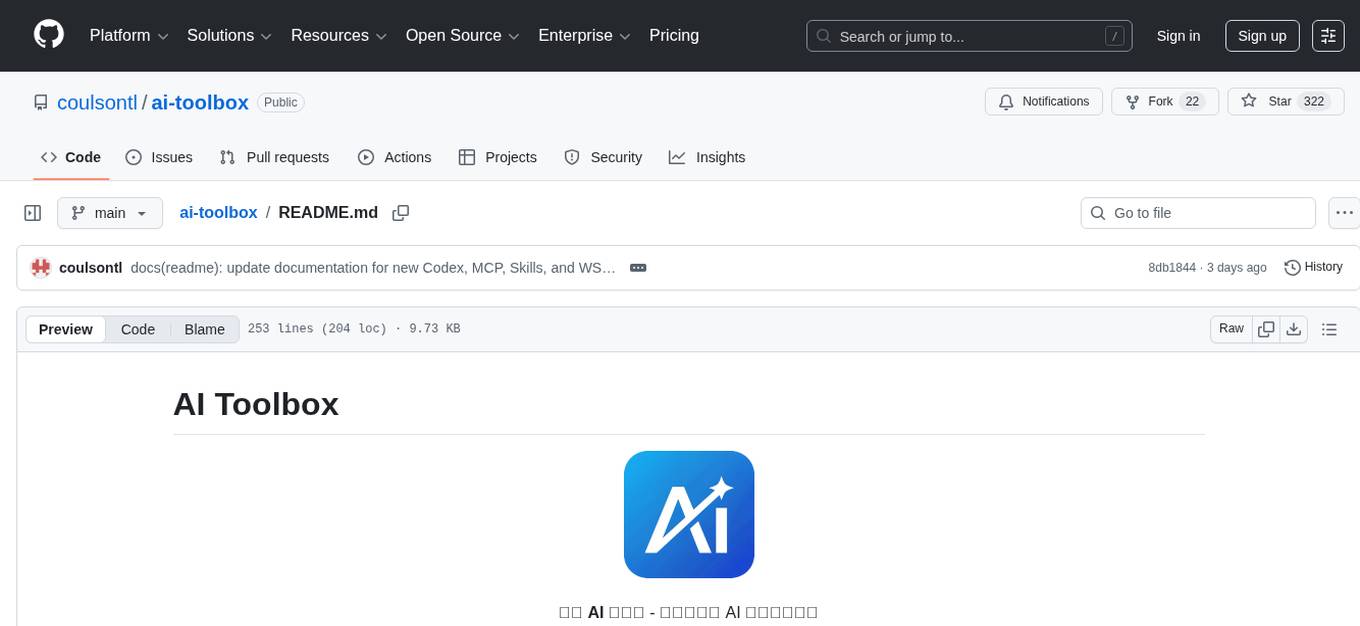
AI Toolbox is a cross-platform desktop application designed to efficiently manage various AI programming assistant configurations. It supports Windows, macOS, and Linux. The tool provides visual management of OpenCode, Oh-My-OpenCode, Slim plugin configurations, Claude Code API supplier configurations, Codex CLI configurations, MCP server management, Skills management, WSL synchronization, AI supplier management, system tray for quick configuration switching, data backup, theme switching, multilingual support, and automatic update checks.
JeecgBoot
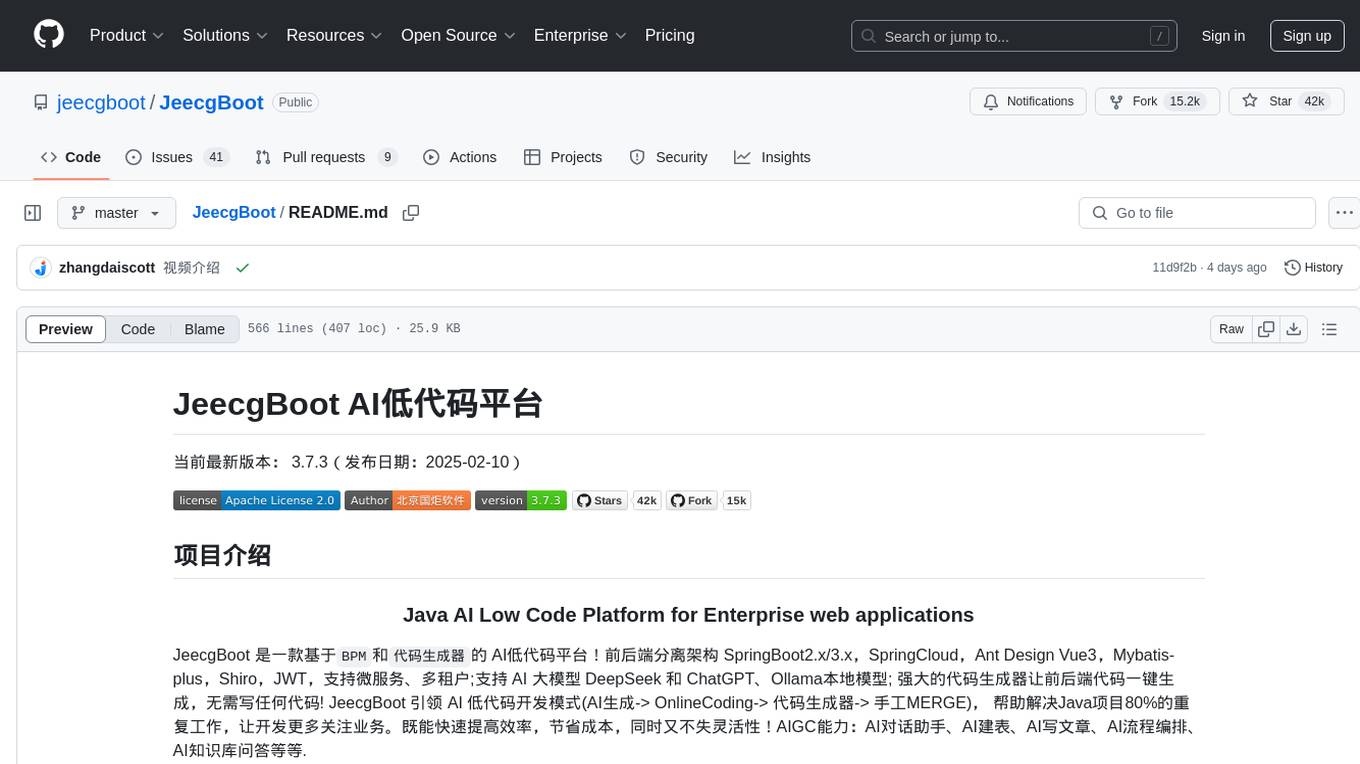
JeecgBoot is a Java AI Low Code Platform for Enterprise web applications, based on BPM and code generator. It features a SpringBoot2.x/3.x backend, SpringCloud, Ant Design Vue3, Mybatis-plus, Shiro, JWT, supporting microservices, multi-tenancy, and AI capabilities like DeepSeek and ChatGPT. The powerful code generator allows for one-click generation of frontend and backend code without writing any code. JeecgBoot leads the way in AI low-code development mode, helping to solve 80% of repetitive work in Java projects and allowing developers to focus more on business logic.
py-xiaozhi
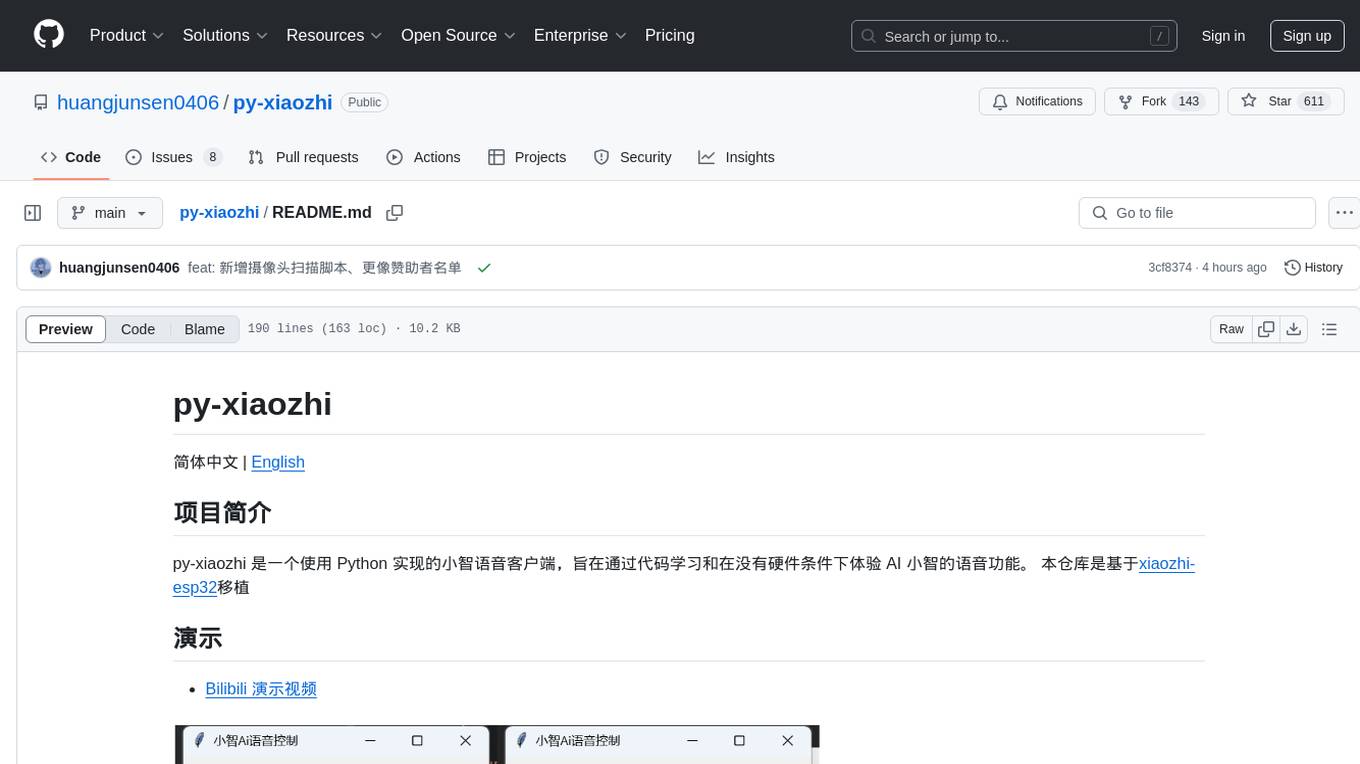
py-xiaozhi is a Python-based XiaoZhi voice client designed for learning through code and experiencing AI XiaoZhi's voice functions without hardware conditions. The repository is based on the xiaozhi-esp32 port. It supports AI voice interaction, visual multimodal capabilities, IoT device integration, online music playback, voice wake-up, automatic conversation mode, graphical user interface, command-line mode, cross-platform support, volume control, session management, encrypted audio transmission, automatic captcha handling, automatic MAC address retrieval, code modularization, and stability optimization.
z.ai2api_python
Z.AI2API Python is a lightweight OpenAI API proxy service that integrates seamlessly with existing applications. It supports the full functionality of GLM-4.5 series models and features high-performance streaming responses, enhanced tool invocation, support for thinking mode, integration with search models, Docker deployment, session isolation for privacy protection, flexible configuration via environment variables, and intelligent upstream model routing.
Y2A-Auto
Y2A-Auto is an automation tool that transfers YouTube videos to AcFun. It automates the entire process from downloading, translating subtitles, content moderation, intelligent tagging, to partition recommendation and upload. It also includes a web management interface and YouTube monitoring feature. The tool supports features such as downloading videos and covers using yt-dlp, AI translation and embedding of subtitles, AI generation of titles/descriptions/tags, content moderation using Aliyun Green, uploading to AcFun, task management, manual review, and forced upload. It also offers settings for automatic mode, concurrency, proxies, subtitles, login protection, brute force lock, YouTube monitoring, channel/trend capturing, scheduled tasks, history records, optional GPU/hardware acceleration, and Docker deployment or local execution.
AIxVuln
AIxVuln is an automated vulnerability discovery and verification system based on large models (LLM) + function calling + Docker sandbox. The system manages 'projects' through a web UI/desktop client, automatically organizing multiple 'digital humans' for environment setup, code auditing, vulnerability verification, and report generation. It utilizes an isolated Docker environment for dependency installation, service startup, PoC verification, and evidence collection, ultimately producing downloadable vulnerability reports. The system has already discovered dozens of vulnerabilities in real open-source projects.
gin-vue-admin
Gin-vue-admin is a full-stack development platform based on Vue and Gin, integrating features like JWT authentication, dynamic routing, dynamic menus, Casbin authorization, form generator, code generator, etc. It provides various example files to help users focus more on business development. The project offers detailed documentation, video tutorials for setup and deployment, and a community for support and contributions. Users need a certain level of knowledge in Golang and Vue to work with this project. It is recommended to follow the Apache2.0 license if using the project for commercial purposes.
private-llm-qa-bot
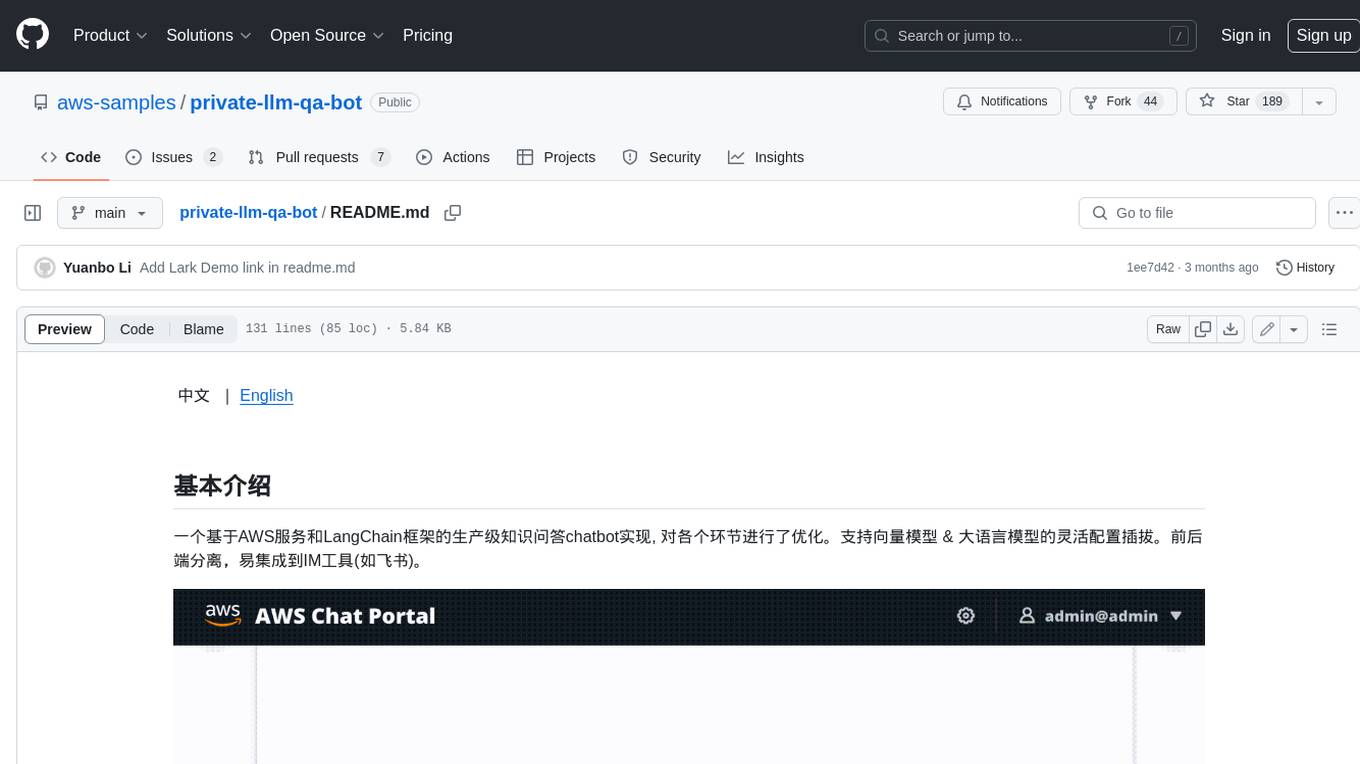
This is a production-grade knowledge Q&A chatbot implementation based on AWS services and the LangChain framework, with optimizations at various stages. It supports flexible configuration and plugging of vector models and large language models. The front and back ends are separated, making it easy to integrate with IM tools (such as Feishu).
tradecat
TradeCat is a comprehensive data analysis and trading platform designed for cryptocurrency, stock, and macroeconomic data. It offers a wide range of features including multi-market data collection, technical indicator modules, AI analysis, signal detection engine, Telegram bot integration, and more. The platform utilizes technologies like Python, TimescaleDB, TA-Lib, Pandas, NumPy, and various APIs to provide users with valuable insights and tools for trading decisions. With a modular architecture and detailed documentation, TradeCat aims to empower users in making informed trading decisions across different markets.
MahoShojo-Generator
MahoShojo-Generator is a web-based AI structured generation tool that allows players to create personalized and evolving magical girls (or quirky characters) and related roles. It offers exciting cyber battles, storytelling activities, and even a ranking feature. The project also includes AI multi-channel polling, user system, public data card sharing, and sensitive word detection. It supports various functionalities such as character generation, arena system, growth and social interaction, cloud and sharing, and other features like scenario generation, tavern ecosystem linkage, and content safety measures.
For similar tasks
banana-slides
Banana-slides is a native AI-powered PPT generation application based on the nano banana pro model. It supports generating complete PPT presentations from ideas, outlines, and page descriptions. The app automatically extracts attachment charts, uploads any materials, and allows verbal modifications, aiming to truly 'Vibe PPT'. It lowers the threshold for creating PPTs, enabling everyone to quickly create visually appealing and professional presentations.
For similar jobs
Everywhere
Everywhere is an interactive AI assistant with context-aware capabilities, featuring a sleek, modern UI and powerful integrated functionality. It instantly perceives and understands anything on your screen, providing seamless AI assistant support without the need for screenshots or app switching. The tool offers troubleshooting expertise, quick web summarization, instant translation, and email draft assistance. It supports LLM from various providers, integrates with web browsers, file systems, terminals, and more, and provides an interactive experience with a modern UI, context-aware invocation, keyboard shortcuts, and markdown rendering. Everywhere is available on Windows and macOS, with Linux support coming soon. Language support includes Simplified Chinese, English, German, Spanish, French, Italian, Japanese, Korean, Russian, Turkish, Traditional Chinese, and Traditional Chinese (Hong Kong).
banana-slides
Banana-slides is a native AI-powered PPT generation application based on the nano banana pro model. It supports generating complete PPT presentations from ideas, outlines, and page descriptions. The app automatically extracts attachment charts, uploads any materials, and allows verbal modifications, aiming to truly 'Vibe PPT'. It lowers the threshold for creating PPTs, enabling everyone to quickly create visually appealing and professional presentations.
learnhouse
LearnHouse is an open-source platform that allows anyone to easily provide world-class educational content. It supports various content types, including dynamic pages, videos, and documents. The platform is still in early development and should not be used in production environments. However, it offers several features, such as dynamic Notion-like pages, ease of use, multi-organization support, support for uploading videos and documents, course collections, user management, quizzes, course progress tracking, and an AI-powered assistant for teachers and students. LearnHouse is built using various open-source projects, including Next.js, TailwindCSS, Radix UI, Tiptap, FastAPI, YJS, PostgreSQL, LangChain, and React.
languagemodels
Language Models is a Python package that provides building blocks to explore large language models with as little as 512MB of RAM. It simplifies the usage of large language models from Python, ensuring all inference is performed locally to keep data private. The package includes features such as text completions, chat capabilities, code completions, external text retrieval, semantic search, and more. It outperforms Hugging Face transformers for CPU inference and offers sensible default models with varying parameters based on memory constraints. The package is suitable for learners and educators exploring the intersection of large language models with modern software development.
curriculum
The 'curriculum' repository is an open-source content repository by Enki, providing a community-driven curriculum for education. It follows a contributor covenant code of conduct to ensure a safe and engaging learning environment. The content is licensed under Creative Commons, allowing free use for non-commercial purposes with attribution to Enki and the author.
obsidian-arcana
Arcana is a plugin for Obsidian that offers a collection of AI-powered tools inspired by famous historical figures to enhance creativity and productivity. It includes tools for conversation, text-to-speech transcription, speech-to-text replies, metadata markup, text generation, file moving, flashcard generation, auto tagging, and note naming. Users can interact with these tools using the command palette and sidebar views, with an OpenAI API key required for usage. The plugin aims to assist users in various note-taking and knowledge management tasks within the Obsidian vault environment.
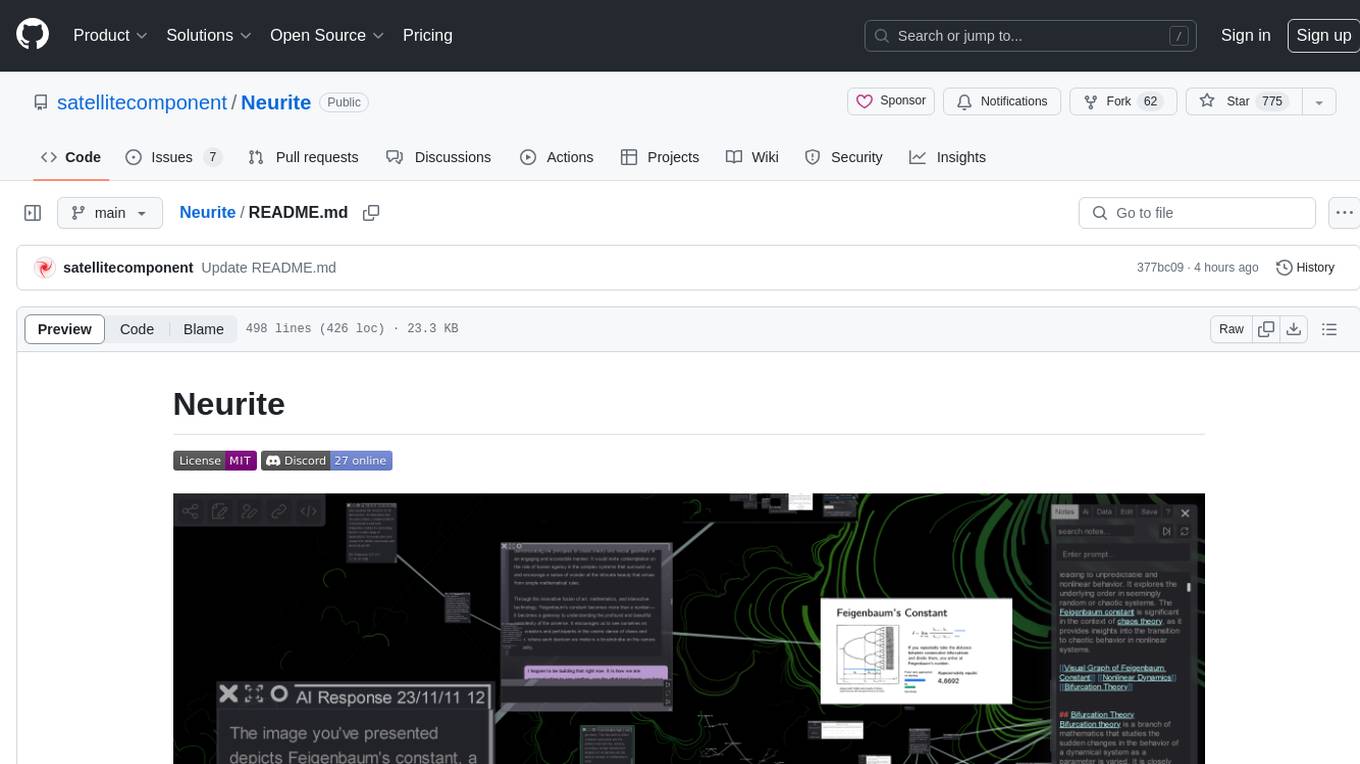
Neurite
Neurite is an innovative project that combines chaos theory and graph theory to create a digital interface that explores hidden patterns and connections for creative thinking. It offers a unique workspace blending fractals with mind mapping techniques, allowing users to navigate the Mandelbrot set in real-time. Nodes in Neurite represent various content types like text, images, videos, code, and AI agents, enabling users to create personalized microcosms of thoughts and inspirations. The tool supports synchronized knowledge management through bi-directional synchronization between mind-mapping and text-based hyperlinking. Neurite also features FractalGPT for modular conversation with AI, local AI capabilities for multi-agent chat networks, and a Neural API for executing code and sequencing animations. The project is actively developed with plans for deeper fractal zoom, advanced control over node placement, and experimental features.
commonplace-bot
Commonplace Bot is a modern representation of the commonplace book, leveraging modern technological advancements in computation, data storage, machine learning, and networking. It aims to capture, engage, and share knowledge by providing a platform for users to collect ideas, quotes, and information, organize them efficiently, engage with the data through various strategies and triggers, and transform the data into new mediums for sharing. The tool utilizes embeddings and cached transformations for efficient data storage and retrieval, flips traditional engagement rules by engaging with the user, and enables users to alchemize raw data into new forms like art prompts. Commonplace Bot offers a unique approach to knowledge management and creative expression.