


flyto-core
The open-source execution engine for AI agents. 300+ atomic modules, MCP-native, secure by default.
Stars: 58
Flyto-core is a powerful Python library for geospatial analysis and visualization. It provides a wide range of tools for working with geographic data, including support for various file formats, spatial operations, and interactive mapping. With Flyto-core, users can easily load, manipulate, and visualize spatial data to gain insights and make informed decisions. Whether you are a GIS professional, a data scientist, or a developer, Flyto-core offers a versatile and user-friendly solution for geospatial tasks.
README:



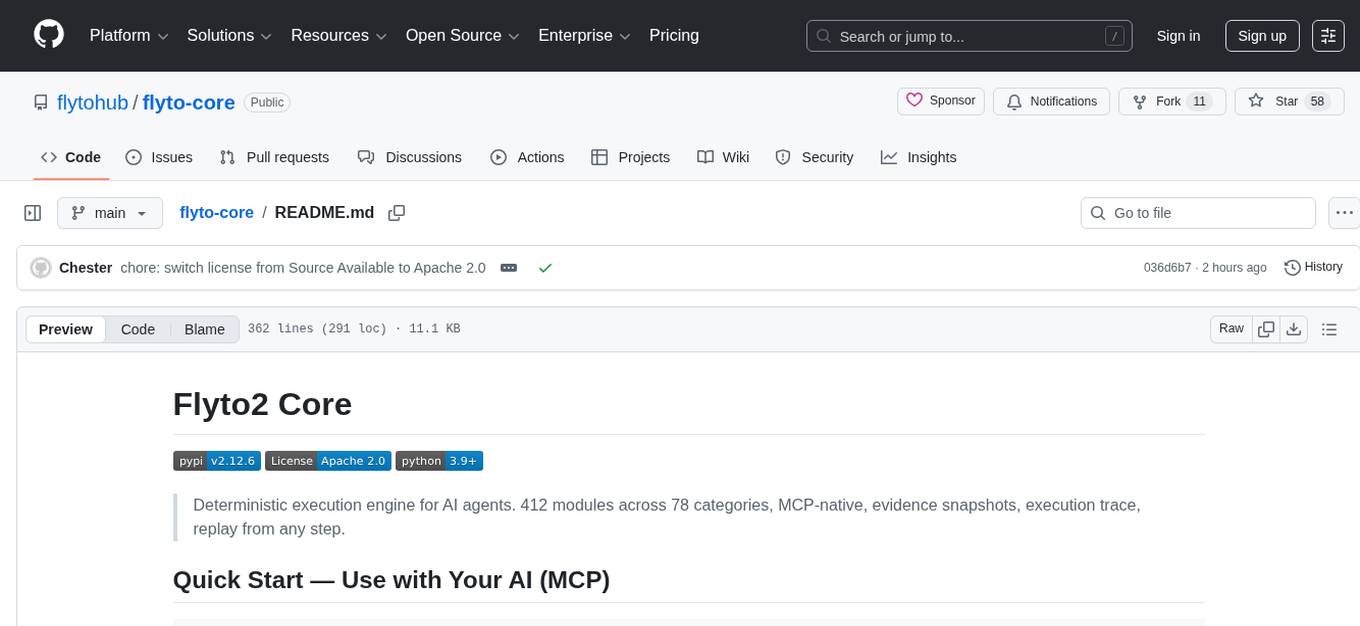
Deterministic execution engine for AI agents. 412 modules across 78 categories, MCP-native, evidence snapshots, execution trace, replay from any step.
pip install flyto-coreAdd to your MCP client config:
Claude Code
Run:
claude mcp add flyto-core -- python -m core.mcp_serverOr add to ~/.claude/settings.json:
{
  "mcpServers": {
    "flyto-core": {
      "command": "python",
      "args": ["-m", "core.mcp_server"]
    }
  }
}
Cursor
Add to .cursor/mcp.json:
{
  "mcpServers": {
    "flyto-core": {
      "command": "python",
      "args": ["-m", "core.mcp_server"]
    }
  }
}
Windsurf
Add to ~/.codeium/windsurf/mcp_config.json:
{
  "mcpServers": {
    "flyto-core": {
      "command": "python",
      "args": ["-m", "core.mcp_server"]
    }
  }
}
Remote MCP Server (HTTP)
Run the server:
pip install flyto-core[api]
flyto serve
# ✓ flyto-core running on 127.0.0.1:8333
Then point any MCP client to the HTTP endpoint:
{
  "mcpServers": {
    "flyto-core": {
      "url": "http://localhost:8333/mcp"
    }
  }
}
Supports MCP Streamable HTTP transport — works with Cursor, Windsurf, and any standard MCP client that connects over HTTP.
Done. Your AI now has 412 tools — browser automation, Docker, file I/O, data parsing, crypto, scheduling, APIs, and more.
Claude ──┐
Cursor ──┤                    ┌─ browser.launch, .click, .extract (38 tools)
Windsurf ┼── MCP Protocol ──→ ├─ file.read, .write, .copy (8 tools)
Any AI ──┘                    ├─ data.csv.read, .json.parse, .xml.parse, .yaml.parse
                              └─ ... 412 modules across 78 categories
See the Full Tool Catalog for every module, parameter, and description.
pip install flyto-core[api]
flyto serve
# ✓ flyto-core running on 127.0.0.1:8333
curl -X POST localhost:8333/v1/workflow/run \
-H 'Content-Type: application/json' \
-d '{
"workflow": {
"name": "example",
"steps": [
{"id": "step1", "module": "string.uppercase", "params": {"text": "hello"}},
{"id": "step2", "module": "string.reverse", "params": {"text": "world"}}
]
},
"enable_evidence": true,
"enable_trace": true
}'| Endpoint | Purpose |
|---|---|
POST /mcp |
MCP Streamable HTTP transport (remote MCP server) |
POST /v1/workflow/run |
Execute workflow with evidence + trace |
GET /v1/workflow/{id}/evidence |
Get step-by-step state snapshots |
POST /v1/workflow/{id}/replay/{step} |
Replay from any step |
POST /v1/execute |
Execute a single module |
GET /v1/modules |
Discover all modules |
pip install flyto-core[api]
python -m core.quickstart
Runs a 5-step data pipeline (file → JSON parse → template → format → export), shows the execution trace, evidence snapshots, and replays from step 3 — all in 30 seconds.
AI agents are running multi-step tasks — browsing, calling APIs, moving data. But after they finish, all you have is a chat log.
Flyto2 Core gives you:
- 412 Modules — composable building blocks across 78 categories (full catalog)
- Execution Trace — structured record of every step: input, output, timing, status
- Evidence Snapshots — full context_before and context_after at every step boundary
- Replay — re-execute from any step with the original (or modified) context
- Triggers — webhook (HMAC-verified) and cron scheduling for automated workflows
- Execution Queue — priority-based queue with concurrency control
- Workflow Versioning — semantic versioning, diff, and rollback
- Usage Metering — built-in billing hooks for step/workflow tracking
- Timeout Guard — configurable workflow and step-level timeout protection
| Category | Count | Examples |
|---|---|---|
browser.* |
38 | launch, goto, click, extract, screenshot, fill forms, wait |
flow.* |
24 | switch, loop, branch, parallel, retry, circuit breaker, rate limit, debounce |
array.* |
15 | filter, sort, map, reduce, unique, chunk, flatten |
string.* |
11 | reverse, uppercase, split, replace, trim, slugify, template |
api.* |
11 | OpenAI, Anthropic, Gemini, Notion, Slack, Telegram |
object.* |
10 | keys, values, merge, pick, omit, get, set, flatten |
image.* |
9 | resize, convert, crop, rotate, watermark, OCR, compress |
data.* |
8 | json/xml/yaml/csv parse and generate |
file.* |
8 | read, write, copy, move, delete, exists, edit, diff |
stats.* |
8 | mean, median, percentile, correlation, standard deviation |
validate.* |
7 | email, url, json, phone, credit card |
docker.* |
6 | run, ps, logs, stop, build, inspect |
archive.* |
6 | zip create/extract, tar create/extract, gzip, gunzip |
math.* |
6 | calculate, round, ceil, floor, power, abs |
k8s.* |
5 | get_pods, apply, logs, scale, describe |
crypto.* |
4 | AES encrypt/decrypt, JWT create/verify |
network.* |
4 | ping, traceroute, whois, port scan |
pdf.* |
4 | parse, extract text, merge, compress |
aws.s3.* |
4 | upload, download, list, delete |
google.* |
4 | Gmail send/search, Calendar create/list events |
cache.* |
4 | get, set, delete, clear (memory + Redis) |
ai.* |
3 | vision analyze, structured extraction, text embeddings |
env.* |
3 | get, set, load .env file |
git.* |
3 | clone, commit, diff |
markdown.* |
3 | to HTML, parse frontmatter, table of contents |
queue.* |
3 | enqueue, dequeue, size (memory + Redis) |
sandbox.* |
3 | execute Python, Shell, JavaScript |
scheduler.* |
3 | cron parse, interval, delay |
ssh.* |
3 | remote exec, SFTP upload, SFTP download |
graphql.* |
2 | query, mutation |
dns.* |
1 | DNS lookup (A, AAAA, MX, CNAME, TXT, NS) |
monitor.* |
1 | HTTP health check with SSL cert verification |
412 modules across 78 categories. See Full Tool Catalog for every module with parameters and descriptions.
Beyond atomic modules, flyto-core provides production-grade engine infrastructure:
| Feature | Tier | Description |
|---|---|---|
| Execution Trace | Free | Structured record of every step: input, output, timing, status |
| Evidence Snapshots | Free | Full context_before and context_after at every step boundary |
| Replay | Free | Re-execute from any step with original or modified context |
| Breakpoints | Free | Pause execution at any step, inspect state, resume |
| Data Lineage | Free | Track data flow across steps, build dependency graphs |
| Timeout Guard | Free | Configurable workflow/step-level timeout protection |
| Webhook Triggers | Pro | HMAC-SHA256 verified webhooks with payload mapping |
| Cron Triggers | Pro | 5-field cron scheduling with async scheduler loop |
| Execution Queue | Pro | Priority-based queue (LOW→CRITICAL) with concurrency control |
| Workflow Versioning | Pro | Semantic versioning, diff between versions, rollback |
| Usage Metering | Pro | Built-in billing hooks for step/workflow/module tracking |
name: Hello World
steps:
  - id: reverse
    module: string.reverse
    params:
      text: "Hello Flyto"

  - id: shout
    module: string.uppercase
    params:
      text: "${reverse.result}"
flyto run workflow.yaml
# Output: "OTYLF OLLEH"import asyncio
from core.modules.registry import ModuleRegistry
async def main():
result = await ModuleRegistry.execute(
"string.reverse",
params={"text": "Hello"},
context={}
)
print(result) # {"ok": True, "data": {"result": "olleH", ...}}
asyncio.run(main())# Step 3 failed? Replay from there.
curl -X POST localhost:8333/v1/workflow/{execution_id}/replay/step3 \
-H 'Content-Type: application/json' \
-d '{}'The engine loads the context snapshot at step 3 and re-executes from that point. No wasted computation.
# Core engine (includes MCP server)
pip install flyto-core

# With HTTP API server
pip install flyto-core[api]

# With browser automation
pip install flyto-core[browser]
playwright install chromium

# Everything
pip install flyto-core[all]from core.modules.registry import register_module
from core.modules.schema import compose, presets
@register_module(
module_id='string.reverse',
version='1.0.0',
category='string',
label='Reverse String',
description='Reverse the characters in a string',
params_schema=compose(
presets.INPUT_TEXT(required=True),
),
output_schema={
'result': {'type': 'string', 'description': 'Reversed string'}
},
)
async def string_reverse(context):
params = context['params']
text = str(params['text'])
return {
'ok': True,
'data': {'result': text[::-1], 'original': params['text']}
}See Module Specification for the complete guide.
flyto-core/
├── src/core/
│   ├── api/              # HTTP Execution API + MCP HTTP transport (FastAPI)
│   ├── mcp_handler.py    # Shared MCP logic (tools, dispatch)
│   ├── mcp_server.py     # MCP STDIO transport (Claude Code, local)
│   ├── modules/
│   │   ├── atomic/       # 412 atomic modules
│   │   ├── composite/    # High-level composite modules
│   │   ├── patterns/     # Advanced resilience patterns
│   │   └── third_party/  # External integrations
│   └── engine/
│       ├── workflow/     # Workflow execution engine
│       ├── evidence/     # Evidence collection & storage
│       └── replay/       # Replay manager
├── workflows/            # Example workflows
└── docs/                 # Documentation
We welcome contributions! See CONTRIBUTING.md for guidelines.
Report security vulnerabilities via [email protected]. See SECURITY.md for our security policy.
Source Available License — Free for non-commercial use.
| Use Case | License Required |
|---|---|
| Personal projects | Free |
| Education & research | Free |
| Internal business tools | Free |
| Commercial products/services | Commercial License |
See LICENSE for complete terms. For commercial licensing: [email protected]
Deterministic execution engine for AI agents.
Evidence. Trace. Replay.
For Tasks:
Click tags to check more tools for each tasksFor Jobs:
Alternative AI tools for flyto-core
Similar Open Source Tools
flyto-core
Flyto-core is a powerful Python library for geospatial analysis and visualization. It provides a wide range of tools for working with geographic data, including support for various file formats, spatial operations, and interactive mapping. With Flyto-core, users can easily load, manipulate, and visualize spatial data to gain insights and make informed decisions. Whether you are a GIS professional, a data scientist, or a developer, Flyto-core offers a versatile and user-friendly solution for geospatial tasks.
arconia
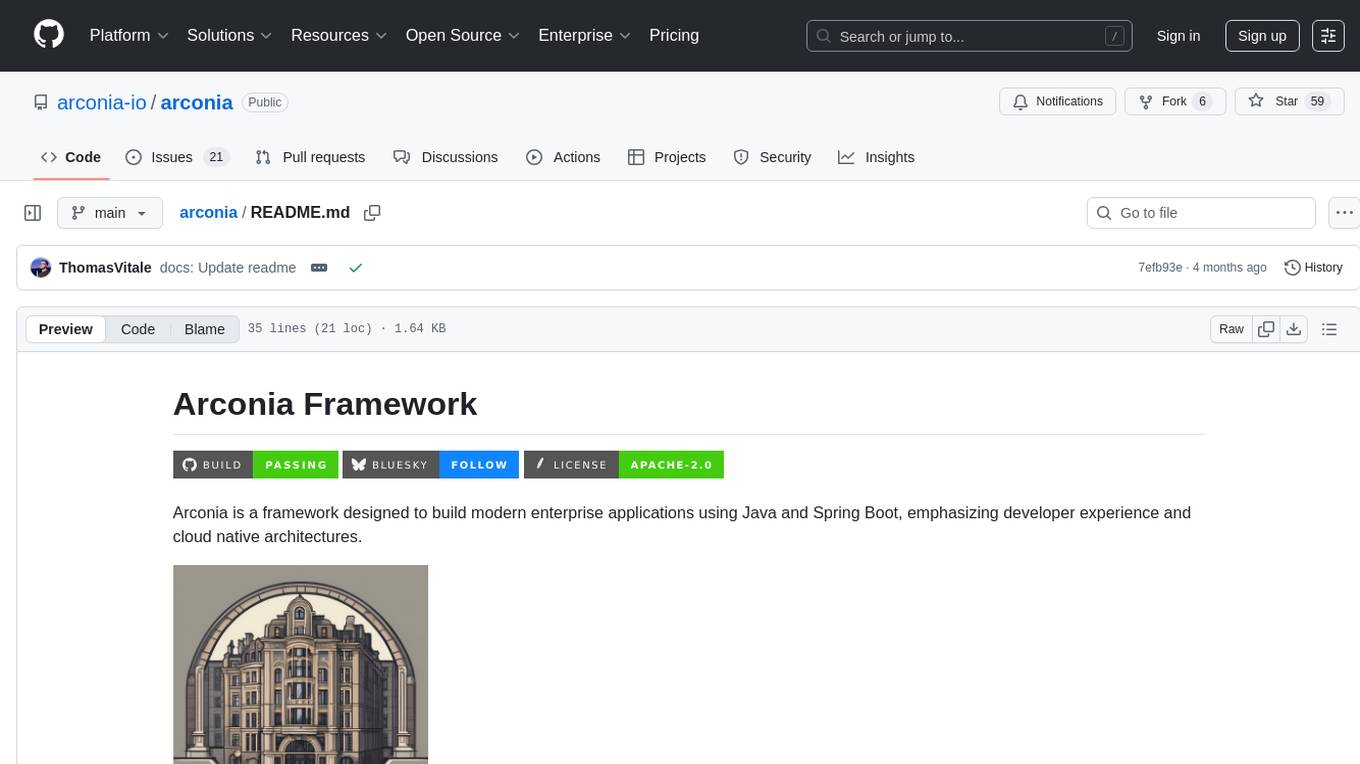
Arconia is a powerful open-source tool for managing and visualizing data in a user-friendly way. It provides a seamless experience for data analysts and scientists to explore, clean, and analyze datasets efficiently. With its intuitive interface and robust features, Arconia simplifies the process of data manipulation and visualization, making it an essential tool for anyone working with data.
context7
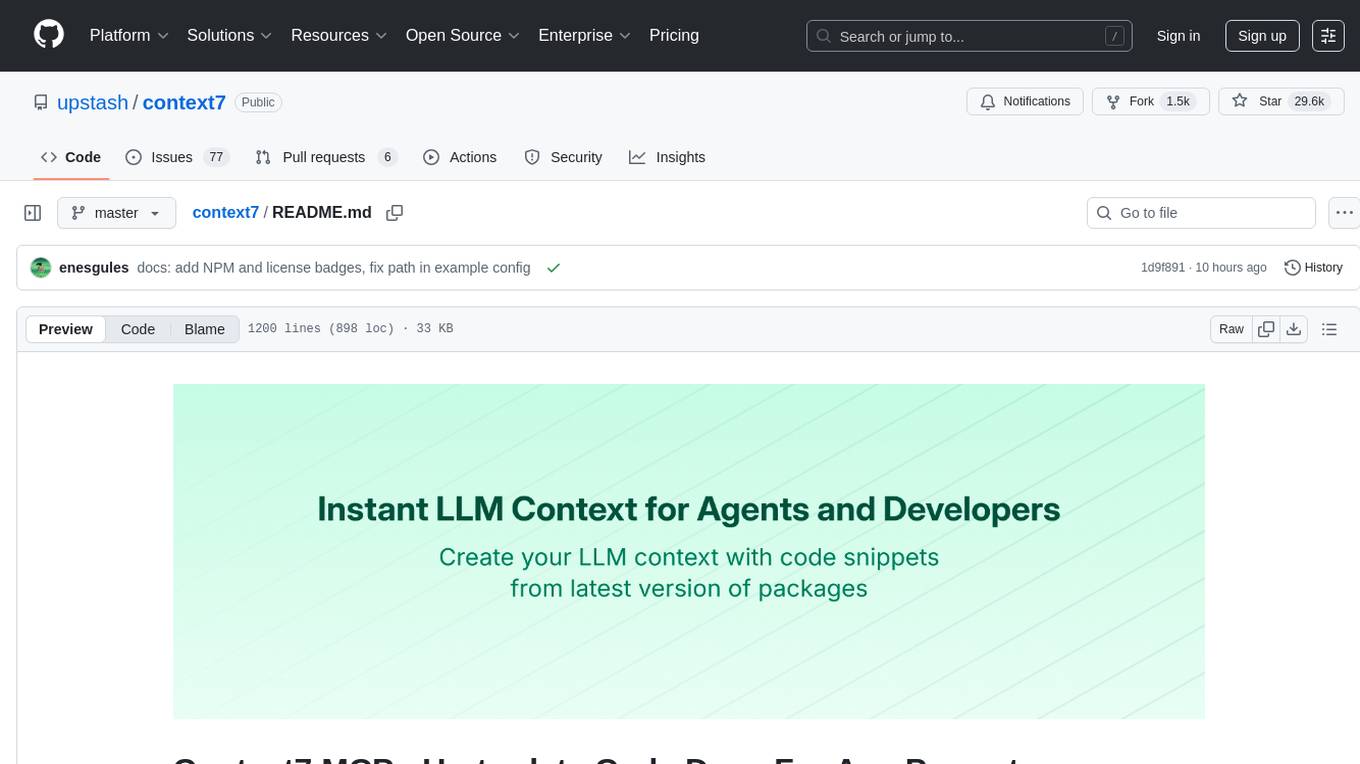
Context7 is a powerful tool for analyzing and visualizing data in various formats. It provides a user-friendly interface for exploring datasets, generating insights, and creating interactive visualizations. With advanced features such as data filtering, aggregation, and customization, Context7 is suitable for both beginners and experienced data analysts. The tool supports a wide range of data sources and formats, making it versatile for different use cases. Whether you are working on exploratory data analysis, data visualization, or data storytelling, Context7 can help you uncover valuable insights and communicate your findings effectively.
llama_index
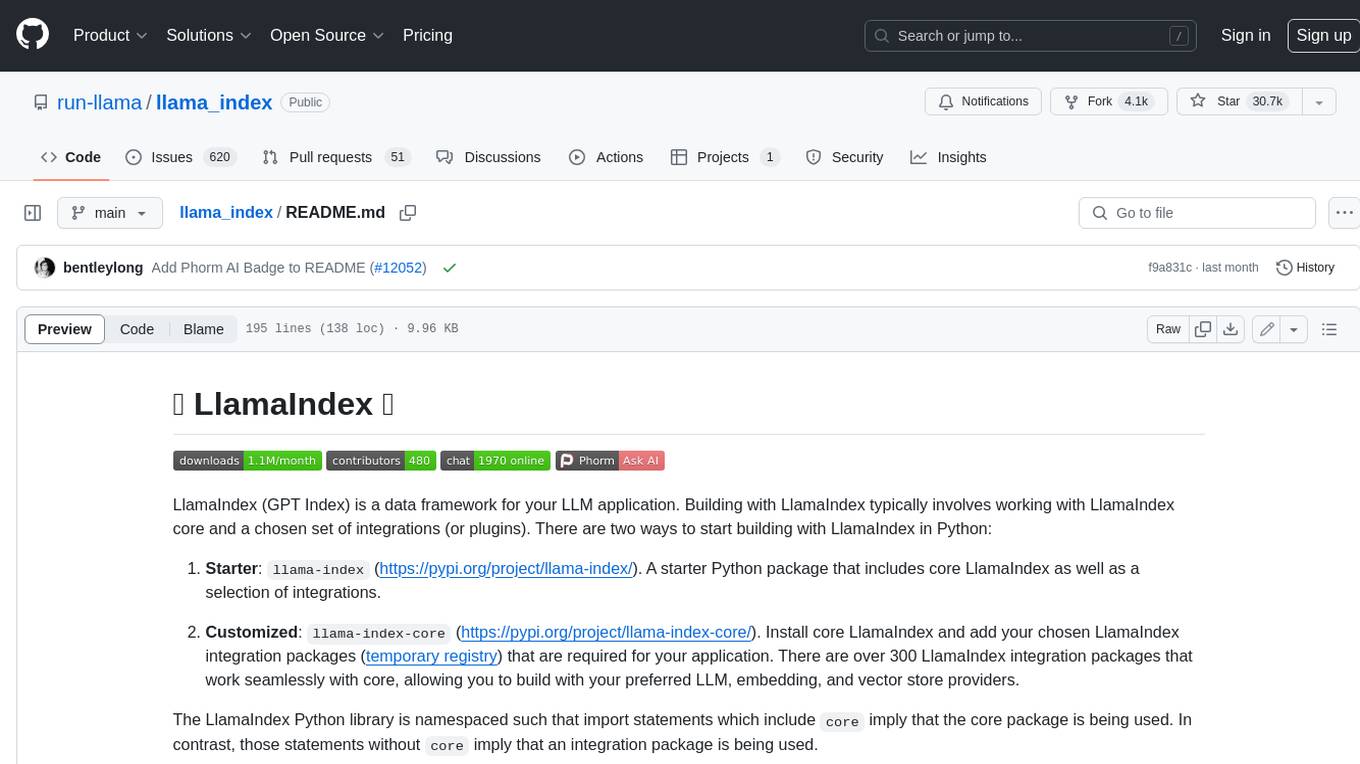
LlamaIndex is a data framework for building LLM applications. It provides tools for ingesting, structuring, and querying data, as well as integrating with LLMs and other tools. LlamaIndex is designed to be easy to use for both beginner and advanced users, and it provides a comprehensive set of features for building LLM applications.
ROGRAG
ROGRAG is a powerful open-source tool designed for data analysis and visualization. It provides a user-friendly interface for exploring and manipulating datasets, making it ideal for researchers, data scientists, and analysts. With ROGRAG, users can easily import, clean, analyze, and visualize data to gain valuable insights and make informed decisions. The tool supports a wide range of data formats and offers a variety of statistical and visualization tools to help users uncover patterns, trends, and relationships in their data. Whether you are working on exploratory data analysis, statistical modeling, or data visualization, ROGRAG is a versatile tool that can streamline your workflow and enhance your data analysis capabilities.
datatune
Datatune is a data analysis tool designed to help users explore and analyze datasets efficiently. It provides a user-friendly interface for importing, cleaning, visualizing, and modeling data. With Datatune, users can easily perform tasks such as data preprocessing, feature engineering, model selection, and evaluation. The tool offers a variety of statistical and machine learning algorithms to support data analysis tasks. Whether you are a data scientist, analyst, or researcher, Datatune can streamline your data analysis workflow and help you derive valuable insights from your data.
Daft
Daft is a lightweight and efficient tool for data analysis and visualization. It provides a user-friendly interface for exploring and manipulating datasets, making it ideal for both beginners and experienced data analysts. With Daft, you can easily import data from various sources, clean and preprocess it, perform statistical analysis, create insightful visualizations, and export your results in multiple formats. Whether you are a student, researcher, or business professional, Daft simplifies the process of analyzing data and deriving meaningful insights.
GhidrAssist
GhidrAssist is an advanced LLM-powered plugin for interactive reverse engineering assistance in Ghidra. It integrates Large Language Models (LLMs) to provide intelligent assistance for binary exploration and reverse engineering. The tool supports various OpenAI v1-compatible APIs, including local models and cloud providers. Key features include code explanation, interactive chat, custom queries, Graph-RAG knowledge system with semantic knowledge graph, community detection, security feature extraction, semantic graph tab, extended thinking/reasoning control, ReAct agentic mode, MCP integration, function calling, actions tab, RAG (Retrieval Augmented Generation), and RLHF dataset generation. The plugin uses a modular, service-oriented architecture with core services, Graph-RAG backend, data layer, and UI components.
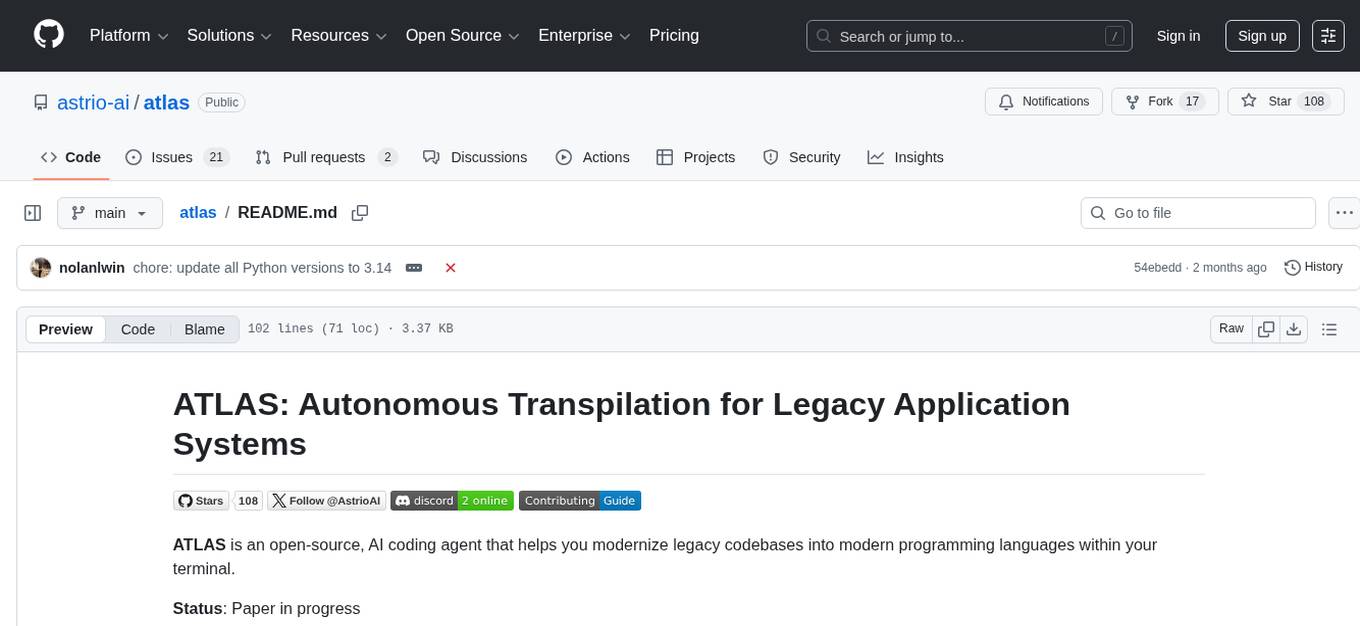
atlas
Atlas is a powerful data visualization tool that allows users to create interactive charts and graphs from their datasets. It provides a user-friendly interface for exploring and analyzing data, making it ideal for both beginners and experienced data analysts. With Atlas, users can easily customize the appearance of their visualizations, add filters and drill-down capabilities, and share their insights with others. The tool supports a wide range of data formats and offers various chart types to suit different data visualization needs. Whether you are looking to create simple bar charts or complex interactive dashboards, Atlas has you covered.
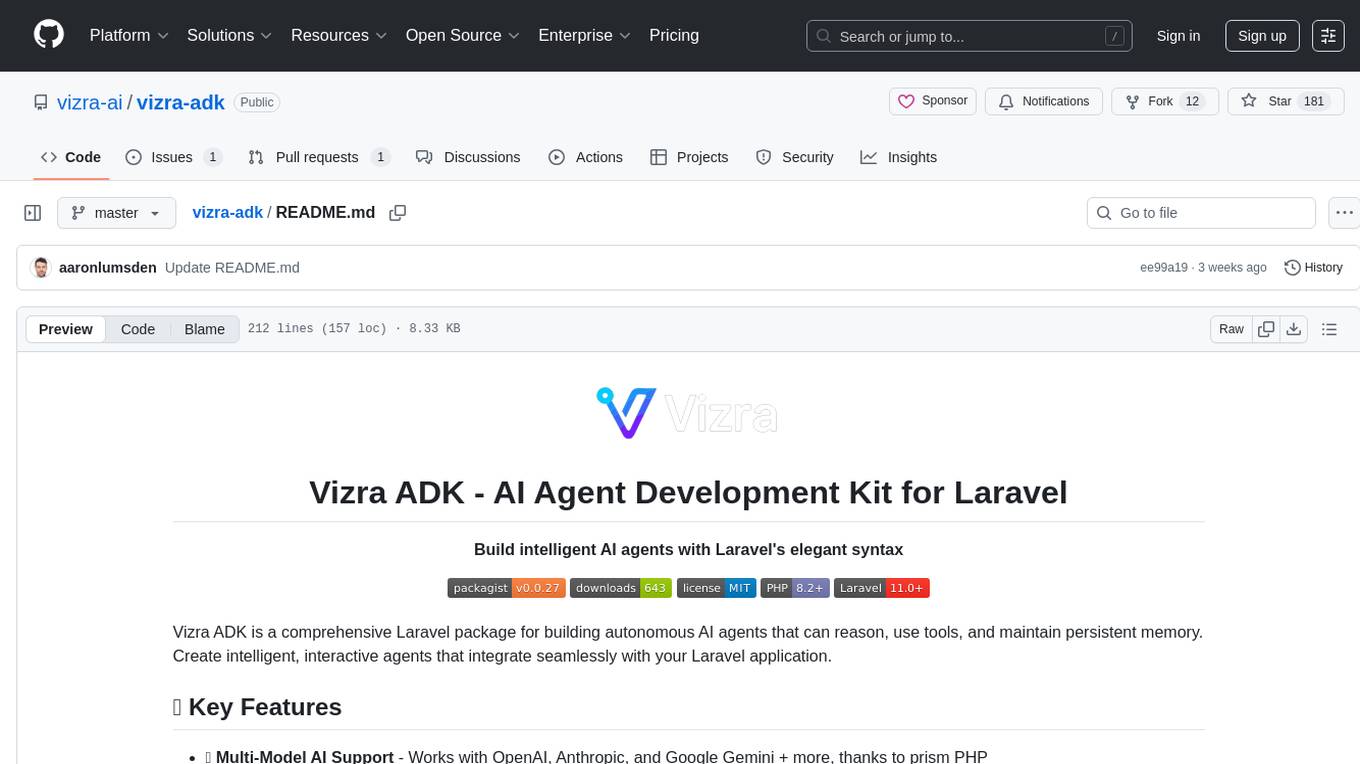
vizra-adk
Vizra-ADK is a data visualization tool that allows users to create interactive and customizable visualizations for their data. With a user-friendly interface and a wide range of customization options, Vizra-ADK makes it easy for users to explore and analyze their data in a visually appealing way. Whether you're a data scientist looking to create informative charts and graphs, or a business analyst wanting to present your findings in a compelling way, Vizra-ADK has you covered. The tool supports various data formats and provides features like filtering, sorting, and grouping to help users make sense of their data quickly and efficiently.
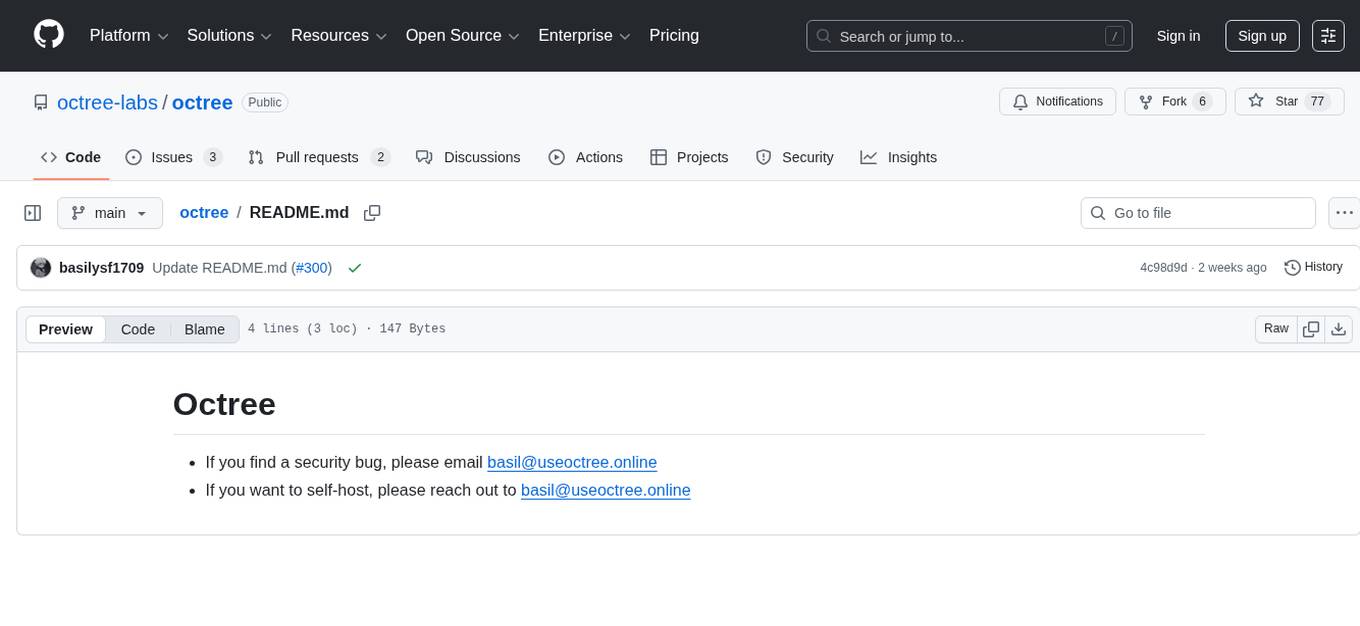
octree
Octree is a tool designed for managing and visualizing large 3D datasets efficiently. It uses an octree data structure to partition space and organize data, enabling faster spatial queries and rendering. Octree is particularly useful for applications in computer graphics, virtual reality, and geographic information systems. With Octree, users can easily navigate through complex 3D environments, analyze spatial relationships, and optimize rendering performance. The tool provides a user-friendly interface for importing, manipulating, and visualizing 3D data, making it a valuable asset for researchers, developers, and designers working with large-scale 3D datasets.
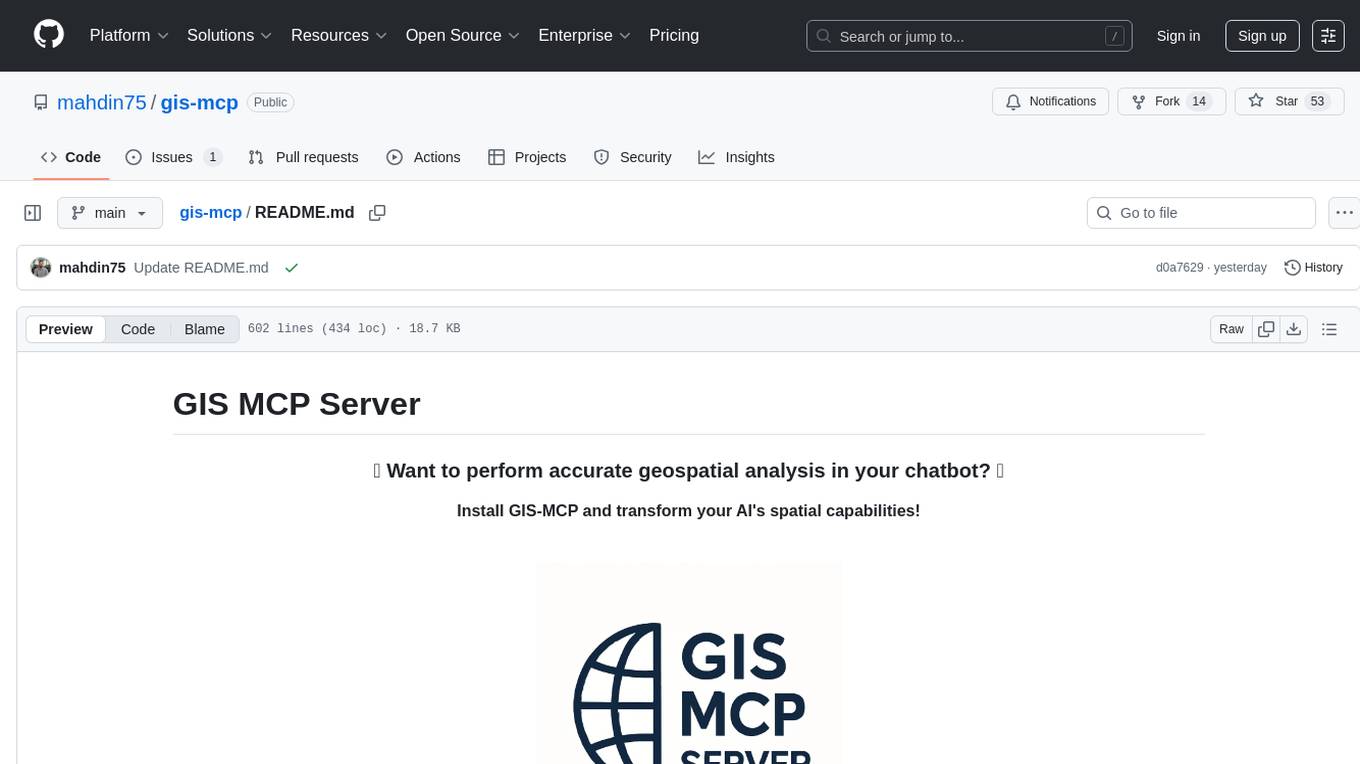
gis-mcp
This repository contains a Geographic Information System (GIS) tool for performing Minimum Cumulative Path (MCP) analysis. The tool allows users to calculate the optimal path that minimizes cumulative cost between multiple locations on a map. It is particularly useful for urban planning, transportation route optimization, and environmental impact assessment. The tool supports various cost functions such as distance, travel time, and resource consumption, providing flexibility for different applications. Users can visualize the results on interactive maps and export the analysis outputs for further processing. The tool is implemented in Python and leverages popular GIS libraries such as GeoPandas and NetworkX for efficient spatial analysis.
DB-GPT
DB-GPT is an open source AI native data app development framework with AWEL(Agentic Workflow Expression Language) and agents. It aims to build infrastructure in the field of large models, through the development of multiple technical capabilities such as multi-model management (SMMF), Text2SQL effect optimization, RAG framework and optimization, Multi-Agents framework collaboration, AWEL (agent workflow orchestration), etc. Which makes large model applications with data simpler and more convenient.
ST-Raptor
ST-Raptor is a powerful open-source tool for analyzing and visualizing spatial-temporal data. It provides a user-friendly interface for exploring complex datasets and generating insightful visualizations. With ST-Raptor, users can easily identify patterns, trends, and anomalies in their spatial-temporal data, making it ideal for researchers, analysts, and data scientists working with geospatial and time-series data.
pdr_ai_v2
pdr_ai_v2 is a Python library for implementing machine learning algorithms and models. It provides a wide range of tools and functionalities for data preprocessing, model training, evaluation, and deployment. The library is designed to be user-friendly and efficient, making it suitable for both beginners and experienced data scientists. With pdr_ai_v2, users can easily build and deploy machine learning models for various applications, such as classification, regression, clustering, and more.
graphrag
The GraphRAG project is a data pipeline and transformation suite designed to extract meaningful, structured data from unstructured text using LLMs. It enhances LLMs' ability to reason about private data. The repository provides guidance on using knowledge graph memory structures to enhance LLM outputs, with a warning about the potential costs of GraphRAG indexing. It offers contribution guidelines, development resources, and encourages prompt tuning for optimal results. The Responsible AI FAQ addresses GraphRAG's capabilities, intended uses, evaluation metrics, limitations, and operational factors for effective and responsible use.
For similar tasks

Azure-Analytics-and-AI-Engagement
The Azure-Analytics-and-AI-Engagement repository provides packaged Industry Scenario DREAM Demos with ARM templates (Containing a demo web application, Power BI reports, Synapse resources, AML Notebooks etc.) that can be deployed in a customer’s subscription using the CAPE tool within a matter of few hours. Partners can also deploy DREAM Demos in their own subscriptions using DPoC.
sorrentum
Sorrentum is an open-source project that aims to combine open-source development, startups, and brilliant students to build machine learning, AI, and Web3 / DeFi protocols geared towards finance and economics. The project provides opportunities for internships, research assistantships, and development grants, as well as the chance to work on cutting-edge problems, learn about startups, write academic papers, and get internships and full-time positions at companies working on Sorrentum applications.

tidb
TiDB is an open-source distributed SQL database that supports Hybrid Transactional and Analytical Processing (HTAP) workloads. It is MySQL compatible and features horizontal scalability, strong consistency, and high availability.

zep-python
Zep is an open-source platform for building and deploying large language model (LLM) applications. It provides a suite of tools and services that make it easy to integrate LLMs into your applications, including chat history memory, embedding, vector search, and data enrichment. Zep is designed to be scalable, reliable, and easy to use, making it a great choice for developers who want to build LLM-powered applications quickly and easily.
telemetry-airflow
This repository codifies the Airflow cluster that is deployed at workflow.telemetry.mozilla.org (behind SSO) and commonly referred to as "WTMO" or simply "Airflow". Some links relevant to users and developers of WTMO: * The `dags` directory in this repository contains some custom DAG definitions * Many of the DAGs registered with WTMO don't live in this repository, but are instead generated from ETL task definitions in bigquery-etl * The Data SRE team maintains a WTMO Developer Guide (behind SSO)
mojo
Mojo is a new programming language that bridges the gap between research and production by combining Python syntax and ecosystem with systems programming and metaprogramming features. Mojo is still young, but it is designed to become a superset of Python over time.

pandas-ai
PandasAI is a Python library that makes it easy to ask questions to your data in natural language. It helps you to explore, clean, and analyze your data using generative AI.

databend
Databend is an open-source cloud data warehouse that serves as a cost-effective alternative to Snowflake. With its focus on fast query execution and data ingestion, it's designed for complex analysis of the world's largest datasets.
For similar jobs

weave
Weave is a toolkit for developing Generative AI applications, built by Weights & Biases. With Weave, you can log and debug language model inputs, outputs, and traces; build rigorous, apples-to-apples evaluations for language model use cases; and organize all the information generated across the LLM workflow, from experimentation to evaluations to production. Weave aims to bring rigor, best-practices, and composability to the inherently experimental process of developing Generative AI software, without introducing cognitive overhead.

agentcloud
AgentCloud is an open-source platform that enables companies to build and deploy private LLM chat apps, empowering teams to securely interact with their data. It comprises three main components: Agent Backend, Webapp, and Vector Proxy. To run this project locally, clone the repository, install Docker, and start the services. The project is licensed under the GNU Affero General Public License, version 3 only. Contributions and feedback are welcome from the community.
oss-fuzz-gen
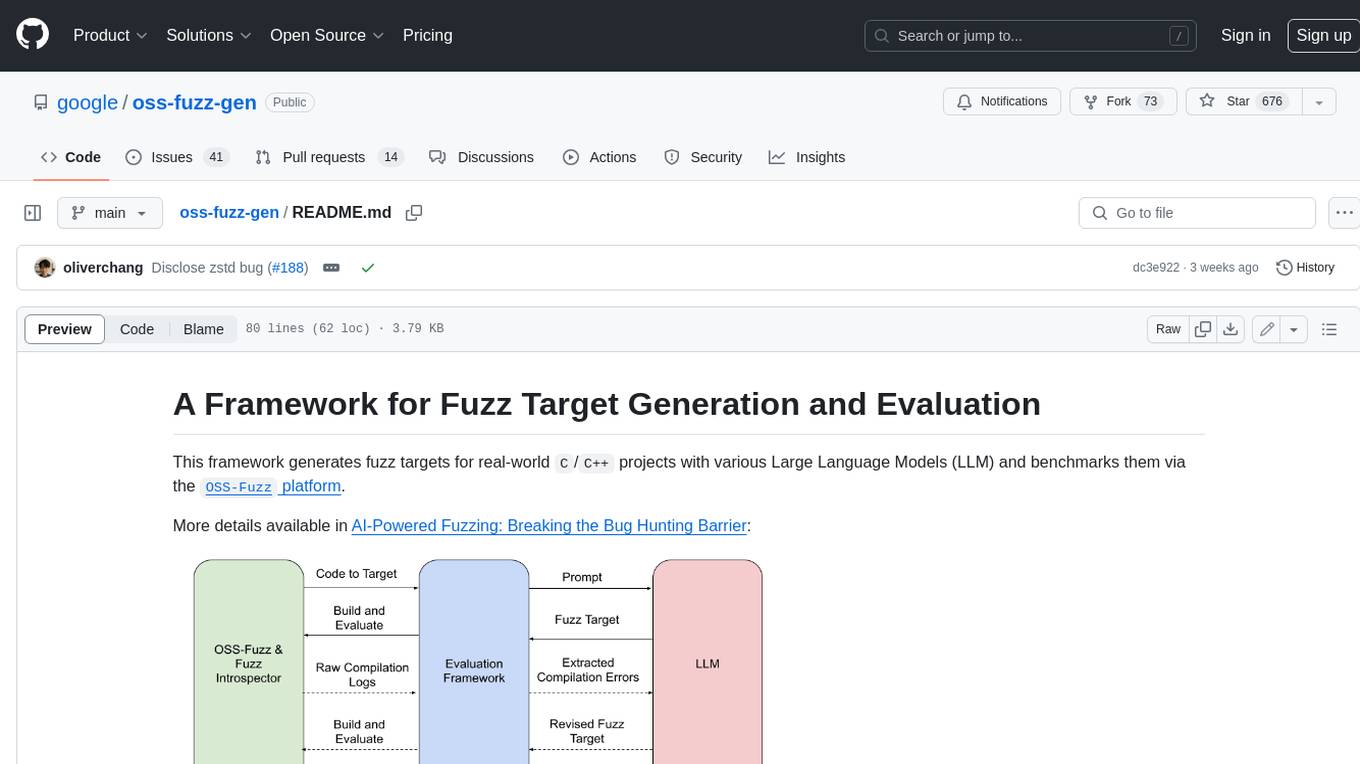
This framework generates fuzz targets for real-world `C`/`C++` projects with various Large Language Models (LLM) and benchmarks them via the `OSS-Fuzz` platform. It manages to successfully leverage LLMs to generate valid fuzz targets (which generate non-zero coverage increase) for 160 C/C++ projects. The maximum line coverage increase is 29% from the existing human-written targets.

LLMStack
LLMStack is a no-code platform for building generative AI agents, workflows, and chatbots. It allows users to connect their own data, internal tools, and GPT-powered models without any coding experience. LLMStack can be deployed to the cloud or on-premise and can be accessed via HTTP API or triggered from Slack or Discord.

VisionCraft
The VisionCraft API is a free API for using over 100 different AI models. From images to sound.

kaito
Kaito is an operator that automates the AI/ML inference model deployment in a Kubernetes cluster. It manages large model files using container images, avoids tuning deployment parameters to fit GPU hardware by providing preset configurations, auto-provisions GPU nodes based on model requirements, and hosts large model images in the public Microsoft Container Registry (MCR) if the license allows. Using Kaito, the workflow of onboarding large AI inference models in Kubernetes is largely simplified.

PyRIT
PyRIT is an open access automation framework designed to empower security professionals and ML engineers to red team foundation models and their applications. It automates AI Red Teaming tasks to allow operators to focus on more complicated and time-consuming tasks and can also identify security harms such as misuse (e.g., malware generation, jailbreaking), and privacy harms (e.g., identity theft). The goal is to allow researchers to have a baseline of how well their model and entire inference pipeline is doing against different harm categories and to be able to compare that baseline to future iterations of their model. This allows them to have empirical data on how well their model is doing today, and detect any degradation of performance based on future improvements.
Azure-Analytics-and-AI-Engagement
The Azure-Analytics-and-AI-Engagement repository provides packaged Industry Scenario DREAM Demos with ARM templates (Containing a demo web application, Power BI reports, Synapse resources, AML Notebooks etc.) that can be deployed in a customer’s subscription using the CAPE tool within a matter of few hours. Partners can also deploy DREAM Demos in their own subscriptions using DPoC.