


HMusic
HMusic - 智能音乐播放器,支持小米 AI 音箱直连模式
Stars: 66
HMusic is an intelligent music player that supports Xiaomi AI speakers. It offers dual modes: xiaomusic server mode and Xiaomi IoT direct connection mode. Users can choose between these modes based on their preferences and needs. The direct connection mode is suitable for regular users who want a plug-and-play experience, while the xiaomusic mode is ideal for users with NAS/servers who require advanced features like a local music library, playlists, and progress control. The tool provides functionalities such as music search, playback, and volume control, catering to a wide range of music enthusiasts.
README:
一款支持小米 AI 音箱的音乐播放器,双模式支持:xiaomusic 服务端模式 + 小米 IoT 直连模式

从 Releases 下载最新版本:
| 平台 | 文件 | 说明 |
|---|---|---|
| 🤖 Android 通用版 | HMusic-v2.2.1-android-universal.apk |
推荐,兼容所有设备 |
| 🤖 Android arm64 | HMusic-v2.2.1-android-arm64-v8a.apk |
现代手机,体积更小 |
| 🤖 Android arm32 | HMusic-v2.2.1-android-armeabi-v7a.apk |
老旧设备 |
| 🍎 iOS | HMusic-v2.2.1-ios-unsigned.ipa |
需自签名安装 |
| 📱 直连模式 | 🖥️ xiaomusic 模式 | |
|---|---|---|
| 适合人群 | 普通用户,开箱即用 | 有 NAS/服务器的用户 |
| 需要 | 小米账号 | 部署 xiaomusic |
| 功能 | 音乐搜索、播放、音量控制 | 完整功能(本地音乐库、播放列表、进度控制) |
- 打开应用 → 选择 直连模式
- 登录小米账号 → 选择音箱设备
- 搜索音乐 → 播放!
⚠️ 移动数据用户:需配置音频代理,详见 代理部署指南
- 先部署 xiaomusic 服务端
- 打开应用 → 选择 xiaomusic 模式
- 输入服务器地址和认证信息
感谢 xiaomusic 项目及其开发者 @hanxi,HMusic 的 xiaomusic 模式基于该项目实现,直连模式的小米 IoT API 也参考了相关实现。
欢迎加入 HMusic 用户交流群,一起讨论使用问题和功能建议~

如果 HMusic 对你有帮助,欢迎请作者喝杯咖啡~ 你的支持是我持续开发的动力!


微信赞赏 支付宝
AGPL-3.0 - 开源免费,商业使用需授权
For Tasks:
Click tags to check more tools for each tasksFor Jobs:
Alternative AI tools for HMusic
Similar Open Source Tools
For similar tasks
py-xiaozhi
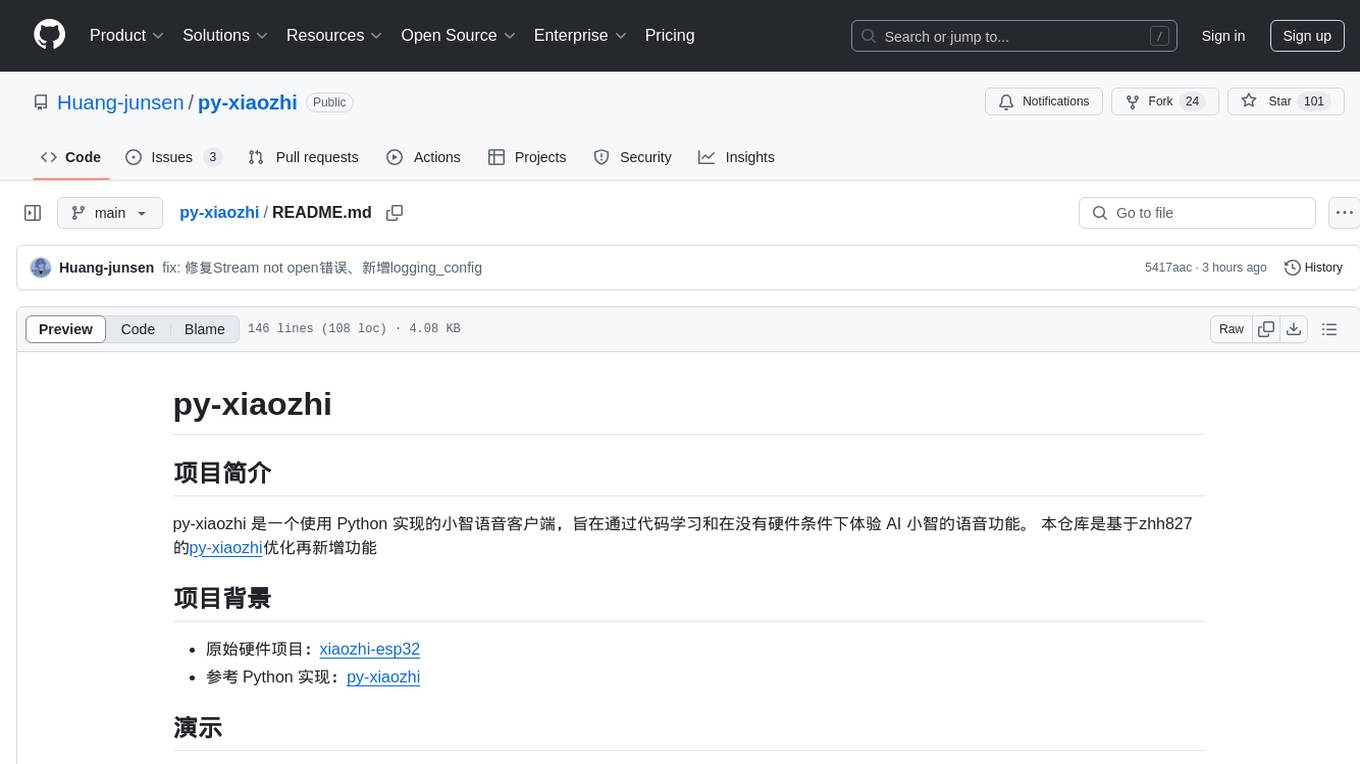
py-xiaozhi is a Python-based XiaoZhi voice client designed for learning code and experiencing AI XiaoZhi's voice functions without hardware conditions. It features voice interaction, graphical interface, volume control, session management, encrypted audio transmission, CLI mode, and automatic copying of verification codes and opening browsers for first-time users. The project aims to optimize and add new features to zhh827's py-xiaozhi based on the original hardware project xiaozhi-esp32 and the Python implementation py-xiaozhi.
HMusic
HMusic is an intelligent music player that supports Xiaomi AI speakers. It offers dual modes: xiaomusic server mode and Xiaomi IoT direct connection mode. Users can choose between these modes based on their preferences and needs. The direct connection mode is suitable for regular users who want a plug-and-play experience, while the xiaomusic mode is ideal for users with NAS/servers who require advanced features like a local music library, playlists, and progress control. The tool provides functionalities such as music search, playback, and volume control, catering to a wide range of music enthusiasts.
AppFlowy-Cloud
AppFlowy Cloud is a secure user authentication, file storage, and real-time WebSocket communication tool written in Rust. It is part of the AppFlowy ecosystem, providing an efficient and collaborative user experience. The tool offers deployment guides, development setup with Rust and Docker, debugging tips for components like PostgreSQL, Redis, Minio, and Portainer, and guidelines for contributing to the project.
toolhive
ToolHive is a tool designed to simplify and secure Model Context Protocol (MCP) servers. It allows users to easily discover, deploy, and manage MCP servers by launching them in isolated containers with minimal setup and security concerns. The tool offers instant deployment, secure default settings, compatibility with Docker and Kubernetes, seamless integration with popular clients, and availability as a GUI desktop app, CLI, and Kubernetes Operator.
mcp-server-chart
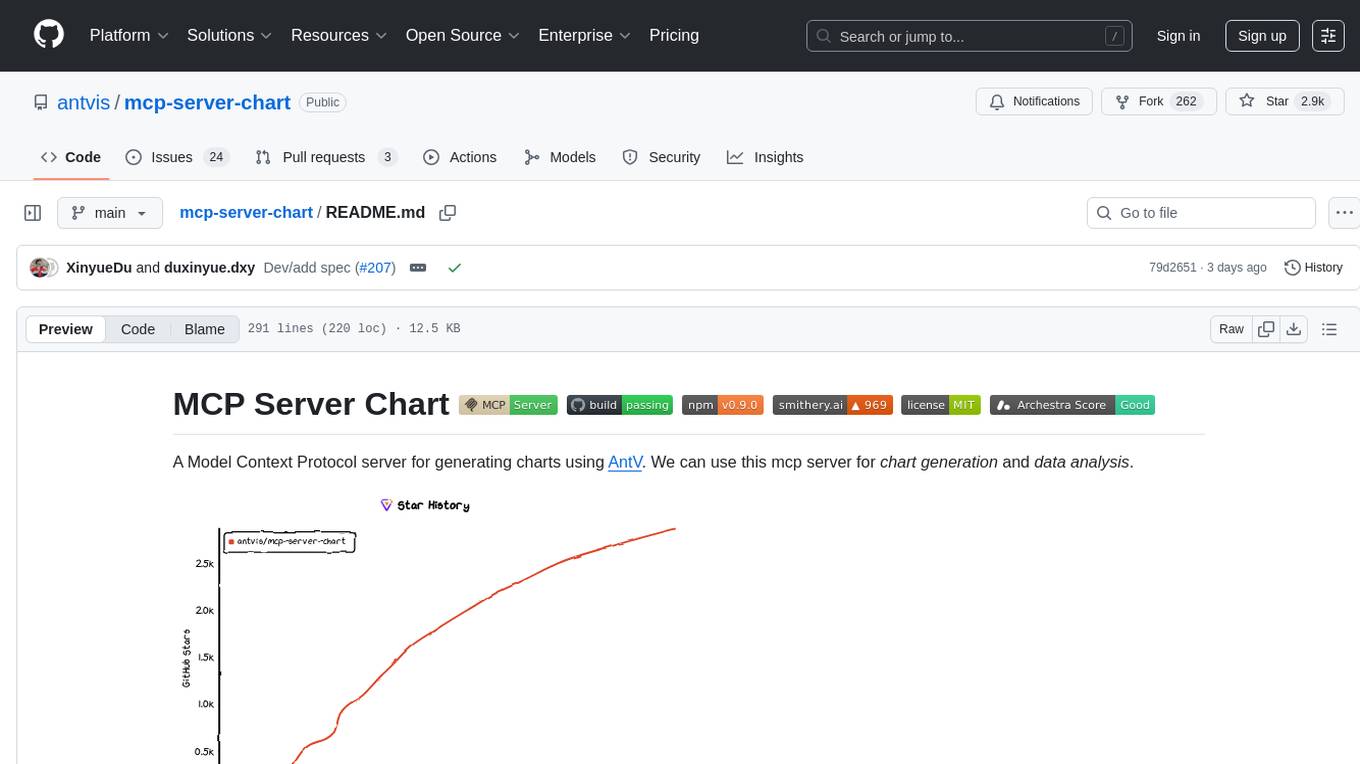
mcp-server-chart is a Helm chart for deploying a Minecraft server on Kubernetes. It simplifies the process of setting up and managing a Minecraft server in a Kubernetes environment. The chart includes configurations for specifying server settings, resource limits, and persistent storage options. With mcp-server-chart, users can easily deploy and scale Minecraft servers on Kubernetes clusters, ensuring high availability and performance for multiplayer gaming experiences.
toolhive-studio
ToolHive Studio is an experimental project under active development and testing, providing an easy way to discover, deploy, and manage Model Context Protocol (MCP) servers securely. Users can launch any MCP server in a locked-down container with just a few clicks, eliminating manual setup, security concerns, and runtime issues. The tool ensures instant deployment, default security measures, cross-platform compatibility, and seamless integration with popular clients like GitHub Copilot, Cursor, and Claude Code.
melodisco
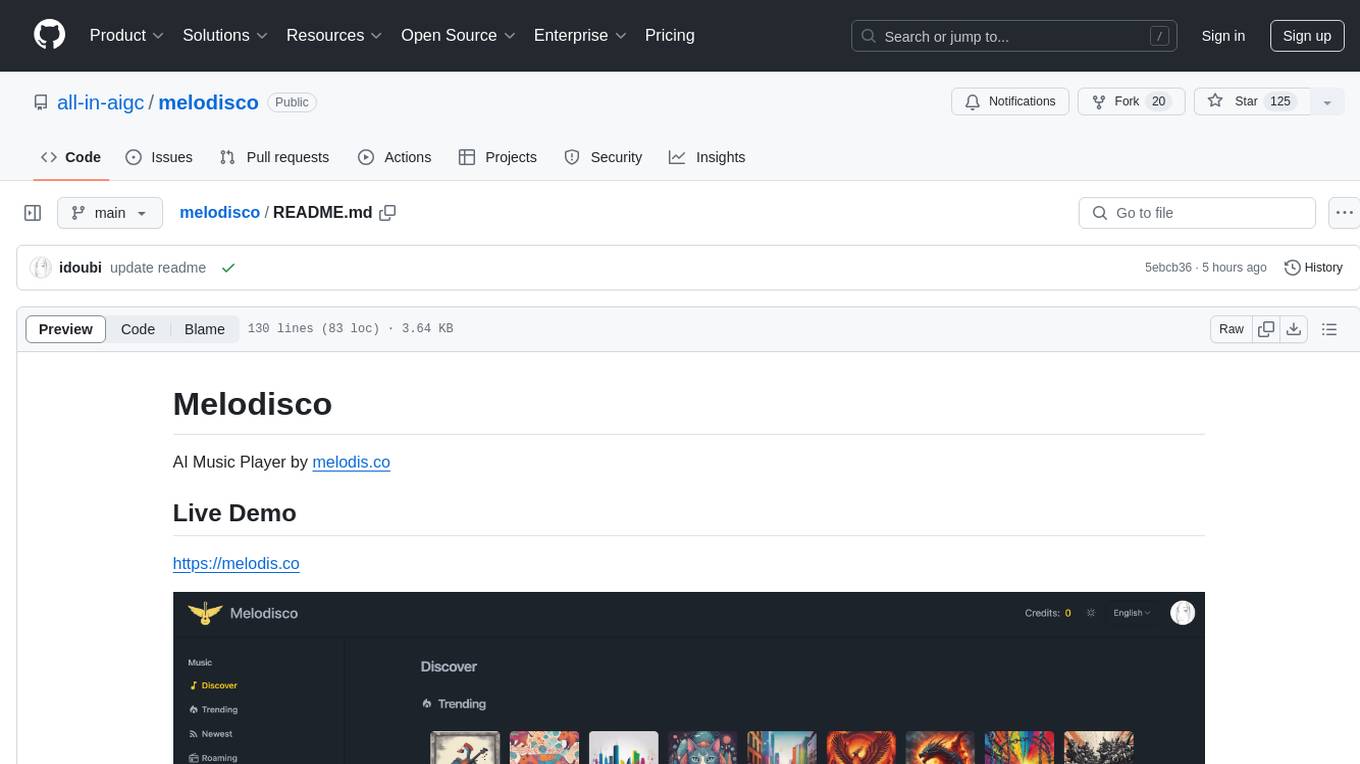
Melodisco is an AI music player that allows users to listen to music and manage playlists. It provides a user-friendly interface for music playback and organization. Users can deploy Melodisco with Vercel or Docker for easy setup. Local development instructions are provided for setting up the project environment. The project credits various tools and libraries used in its development, such as Next.js, Tailwind CSS, and Stripe. Melodisco is a versatile tool for music enthusiasts looking for an AI-powered music player with features like authentication, payment integration, and multi-language support.
airsonic-refix
Airsonic (refix) UI is a modern responsive web frontend designed for airsonic-advanced, navidrome, gonic, and other subsonic compatible music servers. It offers features such as responsive UI for desktop and mobile, browsing library for albums, artists, genres, playback with persistent queue, repeat & shuffle, MediaSession integration, playlist management with drag and drop, search, favorites, internet radio, and podcasts.
For similar jobs
Protofy
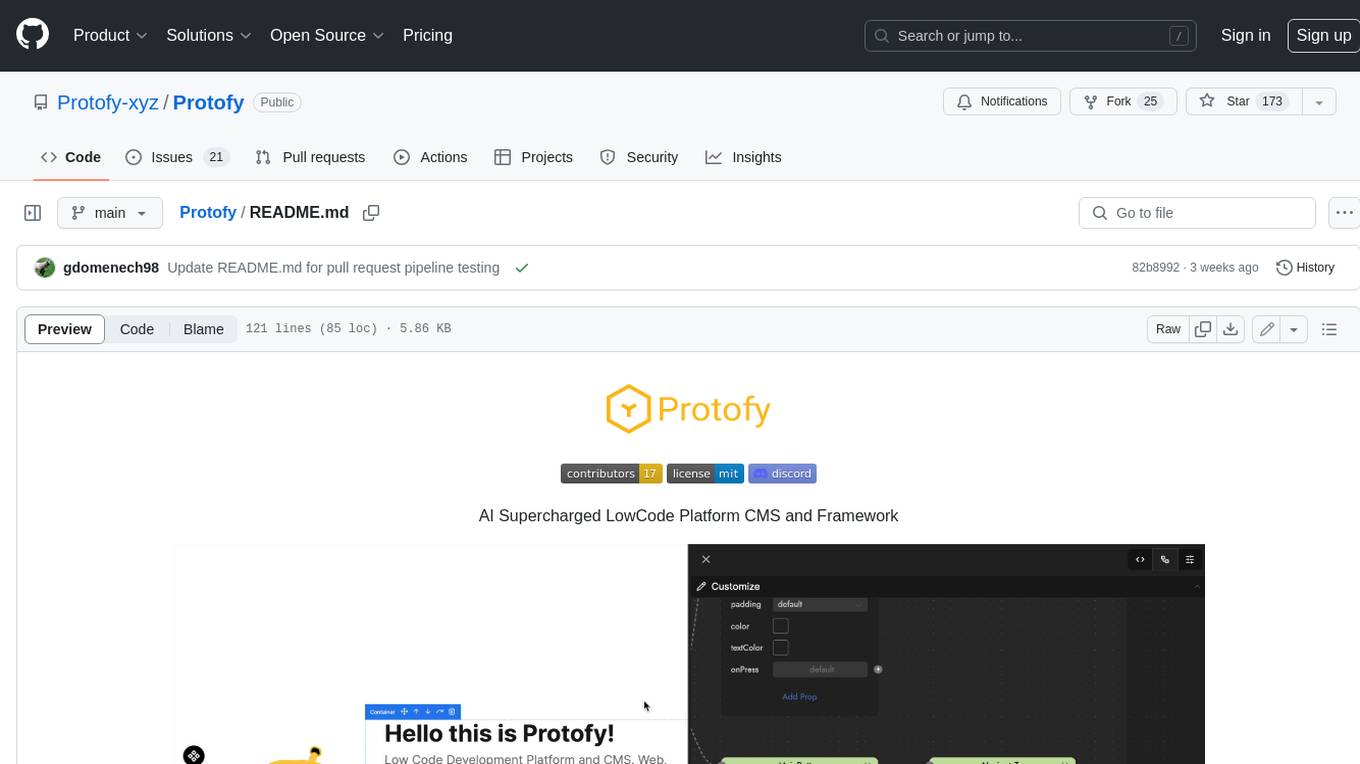
Protofy is a full-stack, batteries-included low-code enabled web/app and IoT system with an API system and real-time messaging. It is based on Protofy (protoflow + visualui + protolib + protodevices) + Expo + Next.js + Tamagui + Solito + Express + Aedes + Redbird + Many other amazing packages. Protofy can be used to fast prototype Apps, webs, IoT systems, automations, or APIs. It is a ultra-extensible CMS with supercharged capabilities, mobile support, and IoT support (esp32 thanks to esphome).
generative-ai-dart
The Google Generative AI SDK for Dart enables developers to utilize cutting-edge Large Language Models (LLMs) for creating language applications. It provides access to the Gemini API for generating content using state-of-the-art models. Developers can integrate the SDK into their Dart or Flutter applications to leverage powerful AI capabilities. It is recommended to use the SDK for server-side API calls to ensure the security of API keys and protect against potential key exposure in mobile or web apps.
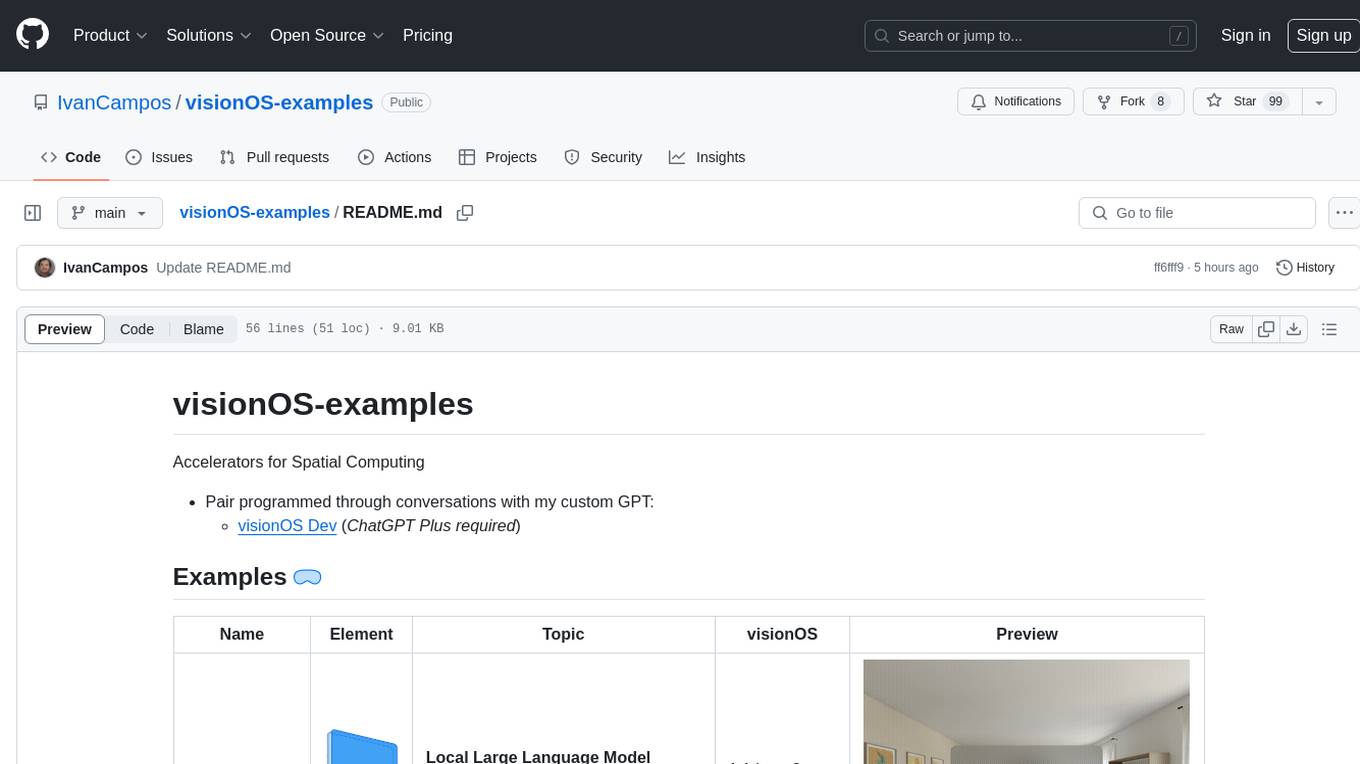
visionOS-examples
visionOS-examples is a repository containing accelerators for Spatial Computing. It includes examples such as Local Large Language Model, Chat Apple Vision Pro, WebSockets, Anchor To Head, Hand Tracking, Battery Life, Countdown, Plane Detection, Timer Vision, and PencilKit for visionOS. The repository showcases various functionalities and features for Apple Vision Pro, offering tools for developers to enhance their visionOS apps with capabilities like hand tracking, plane detection, and real-time cryptocurrency prices.
gemini-pro-vision-playground
Gemini Pro Vision Playground is a simple project aimed at assisting developers in utilizing the Gemini Pro Vision and Gemini Pro AI models for building applications. It provides a playground environment for experimenting with these models and integrating them into apps. The project includes instructions for setting up the Google AI API key and running the development server to visualize the results. Developers can learn more about the Gemini API documentation and Next.js framework through the provided resources. The project encourages contributions and feedback from the community.
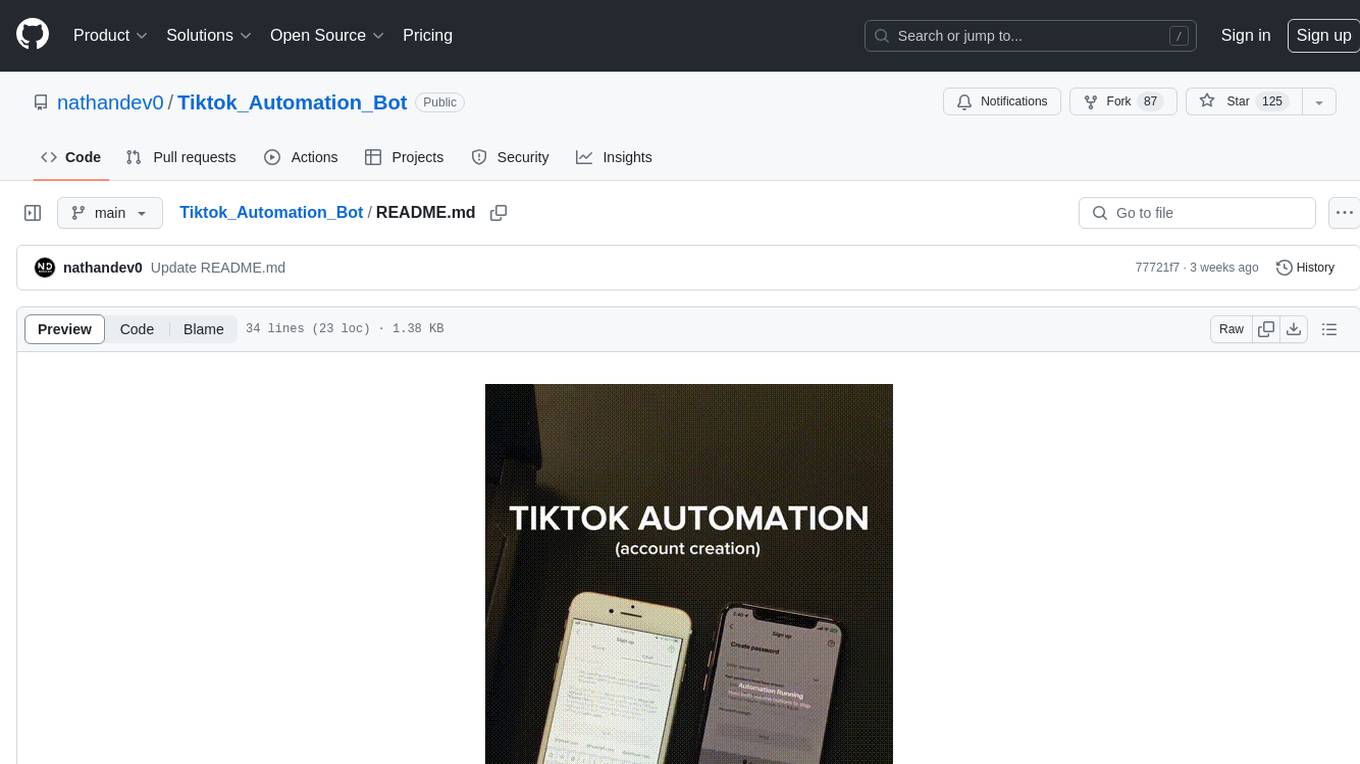
Tiktok_Automation_Bot
TikTok Automation Bot is an Appium-based tool for automating TikTok account creation and video posting on real devices. It offers functionalities such as automated account creation and video posting, along with integrations like Crane tweak, SMSActivate service, and IPQualityScore service. The tool also provides device and automation management system, anti-bot system for human behavior modeling, and IP rotation system for different IP addresses. It is designed to simplify the process of managing TikTok accounts and posting videos efficiently.
general
General is a DART & Flutter library created by AZKADEV to speed up development on various platforms and CLI easily. It allows access to features such as camera, fingerprint, SMS, and MMS. The library is designed for Dart language and provides functionalities for app background, text to speech, speech to text, and more.
shards
Shards is a high-performance, multi-platform, type-safe programming language designed for visual development. It is a dataflow visual programming language that enables building full-fledged apps and games without traditional coding. Shards features automatic type checking, optimized shard implementations for high performance, and an intuitive visual workflow for beginners. The language allows seamless round-trip engineering between code and visual models, empowering users to create multi-platform apps easily. Shards also powers an upcoming AI-powered game creation system, enabling real-time collaboration and game development in a low to no-code environment.
AppFlowy
AppFlowy.IO is an open-source alternative to Notion, providing users with control over their data and customizations. It aims to offer functionality, data security, and cross-platform native experience to individuals, as well as building blocks and collaboration infra services to enterprises and hackers. The tool is built with Flutter and Rust, supporting multiple platforms and emphasizing long-term maintainability. AppFlowy prioritizes data privacy, reliable native experience, and community-driven extensibility, aiming to democratize the creation of complex workplace management tools.