


RepoAgent
An LLM-powered repository agent designed to assist developers and teams in generating documentation and understanding repositories quickly.
Stars: 425
RepoAgent is an LLM-powered framework designed for repository-level code documentation generation. It automates the process of detecting changes in Git repositories, analyzing code structure through AST, identifying inter-object relationships, replacing Markdown content, and executing multi-threaded operations. The tool aims to assist developers in understanding and maintaining codebases by providing comprehensive documentation, ultimately improving efficiency and saving time.
README:







In the realm of computer programming, the significance of comprehensive project documentation, including detailed explanations for each Python file, cannot be overstated. Such documentation serves as the cornerstone for understanding, maintaining, and enhancing the codebase. It provides essential context and rationale for the code, making it easier for current and future developers to comprehend the purpose, functionality, and structure of the software. It not only facilitates current and future developers in grasping the project's purpose and structure but also ensures that the project remains accessible and modifiable over time, significantly easing the learning curve for new team members.
Traditionally, creating and maintaining software documentation demanded significant human effort and expertise, a challenge for small teams without dedicated personnel. The introduction of Large Language Models (LLMs) like GPT has transformed this, enabling AI to handle much of the documentation process. This shift allows human developers to focus on verification and fine-tuning, greatly reducing the manual burden of documentation.
🏆 Our goal is to create an intelligent document assistant that helps people read and understand repositories and generate documents, ultimately helping people improve efficiency and save time.
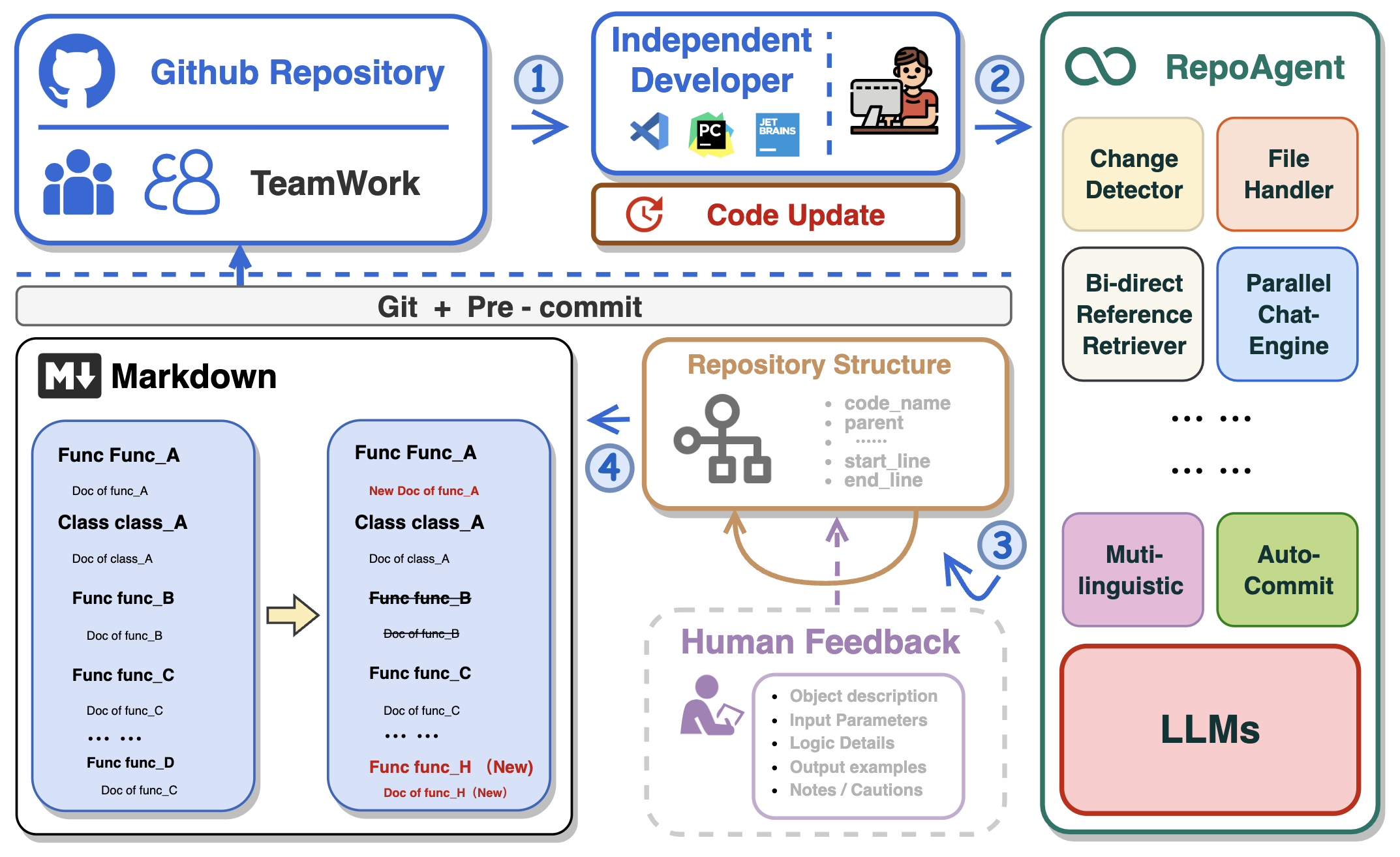
- 🤖 Automatically detects changes in Git repositories, tracking additions, deletions, and modifications of files.
- 📝 Independently analyzes the code structure through AST, generating documents for individual objects.
- 🔍 Accurate identification of inter-object bidirectional invocation relationships, enriching the global perspective of document content.
- 📚 Seamlessly replaces Markdown content based on changes, maintaining consistency in documentation.
- 🕙 Executes multi-threaded concurrent operations, enhancing the efficiency of document generation.
- 👭 Offer a sustainable, automated documentation update method for team collaboration.
- 😍 Display Code Documentation in an amazing way. (with document book per project powered by Gitbook)
This repository supports GitHub Actions for automating workflows such as building, testing, and deploying. For detailed instructions on setting up and using GitHub Actions with this repository, please refer to the actions/run-repoagent.
Install the repoagent package directly using pip:
pip install repoagentIf you're looking to contribute or set up a development environment:
-
Install PDM: If you haven't already, install PDM.
-
Use CodeSpace, or Clone the Repository:
- Use CodeSpace The easiest way to get RepoAgent enviornment. Click below to use the GitHub Codespace, then go to the next step.

- Clone the Repository
git clone https://github.com/LOGIC-10/RepoAgent.git cd RepoAgent -
Setup with PDM
-
Initialize the Python virtual environment. Make sure to run the below cmd in
/RepoAgentdirectory:pdm venv create --name repoagent
-
Install dependencies using PDM
pdm install
-
Before configuring specific parameters for RepoAgent, please ensure that the OpenAI API is configured as an environment variable in the command line:
export OPENAI_API_KEY=YOUR_API_KEY # on Linux/Mac
set OPENAI_API_KEY=YOUR_API_KEY # on Windows
$Env:OPENAI_API_KEY = "YOUR_API_KEY" # on Windows (PowerShell)Enter the root directory of RepoAgent and try the following command in the terminal:
repoagent run #this command will generate doc, or update docs(pre-commit-hook will automatically call this)
repoagent run --print-hierarchy # Print how repo-agent parse the target repo
The run command supports the following optional flags (if set, will override config defaults):
-
-m,--modelTEXT: Specifies the model to use for completion. Default:gpt-3.5-turbo -
-t,--temperatureFLOAT: Sets the generation temperature for the model. Lower values make the model more deterministic. Default:0.2 -
-r,--request-timeoutINTEGER: Defines the timeout in seconds for the API request. Default:60 -
-b,--base-urlTEXT: The base URL for the API calls. Default:https://api.openai.com/v1 -
-tp,--target-repo-pathPATH: The file system path to the target repository. Used as the root for documentation generation. Default:path/to/your/target/repository -
-hp,--hierarchy-pathTEXT: The name or path for the project hierarchy file, used to organize documentation structure. Default:.project_doc_record -
-mdp,--markdown-docs-pathTEXT: The folder path where Markdown documentation will be stored or generated. Default:markdown_docs -
-i,--ignore-listTEXT: A list of files or directories to ignore during documentation generation, separated by commas. -
-l,--languageTEXT: The ISO 639 code or language name for the documentation. Default:Chinese -
-ll,--log-level[DEBUG|INFO|WARNING|ERROR|CRITICAL]: Sets the logging level for the application. Default:INFO
You can also try the following feature
repoagent clean # Remove repoagent-related cache
repoagent diff # Check what docs will be updated/generated based on current code change
If it's your first time generating documentation for the target repository, RepoAgent will automatically create a JSON file maintaining the global structure information and a folder named Markdown_Docs in the root directory of the target repository for storing documents.
Once you have initially generated the global documentation for the target repository, or if the project you cloned already contains global documentation information, you can then seamlessly and automatically maintain internal project documentation with your team by configuring the pre-commit hook in the target repository!
RepoAgent currently supports generating documentation for projects, which requires some configuration in the target repository.
First, ensure that the target repository is a git repository and has been initialized.
git initInstall pre-commit in the target repository to detect changes in the git repository.
pip install pre-commitCreate a file named .pre-commit-config.yaml in the root directory of the target repository. An example is as follows:
repos:
  - repo: local
    hooks:
    - id: repo-agent
      name: RepoAgent
      entry: repoagent
      language: system
      pass_filenames: false # prevent from passing filenames to the hook
      # You can specify the file types that trigger the hook, but currently only python is supported.
      types: [python]
For specific configuration methods of hooks, please refer to pre-commit. After configuring the yaml file, execute the following command to install the hook.
pre-commit installIn this way, each git commit will trigger the RepoAgent's hook, automatically detecting changes in the target repository and generating corresponding documents. Next, you can make some modifications to the target repository, such as adding a new file to the target repository, or modifying an existing file. You just need to follow the normal git workflow: git add, git commit -m "your commit message", git push The RepoAgent hook will automatically trigger at git commit, detect the files you added in the previous step, and generate corresponding documents.
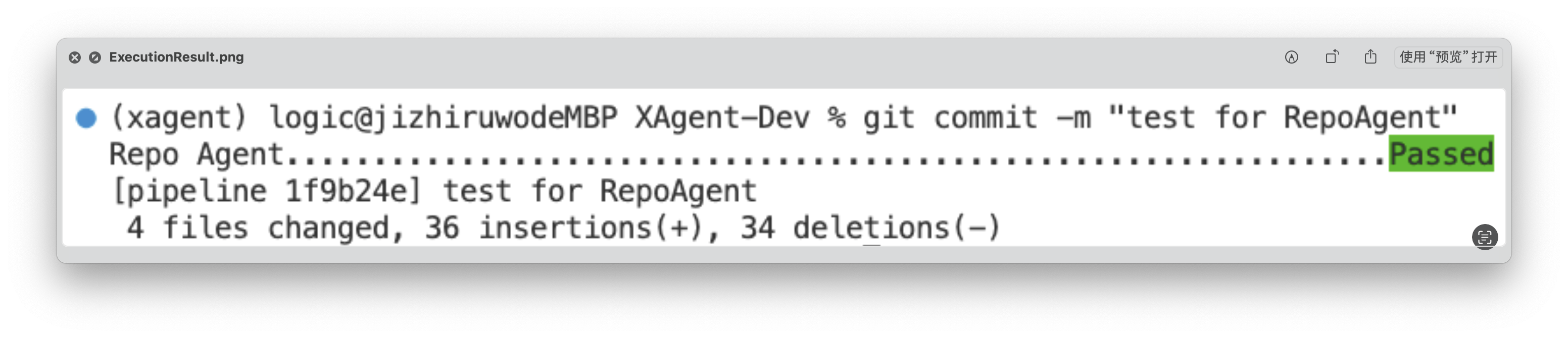
After execution, RepoAgent will automatically modify the staged files in the target repository and formally submit the commit. After the execution is completed, the green "Passed" will be displayed, as shown in the figure below:
The generated document will be stored in the specified folder in the root directory of the target warehouse. The rendering of the generated document is as shown below:
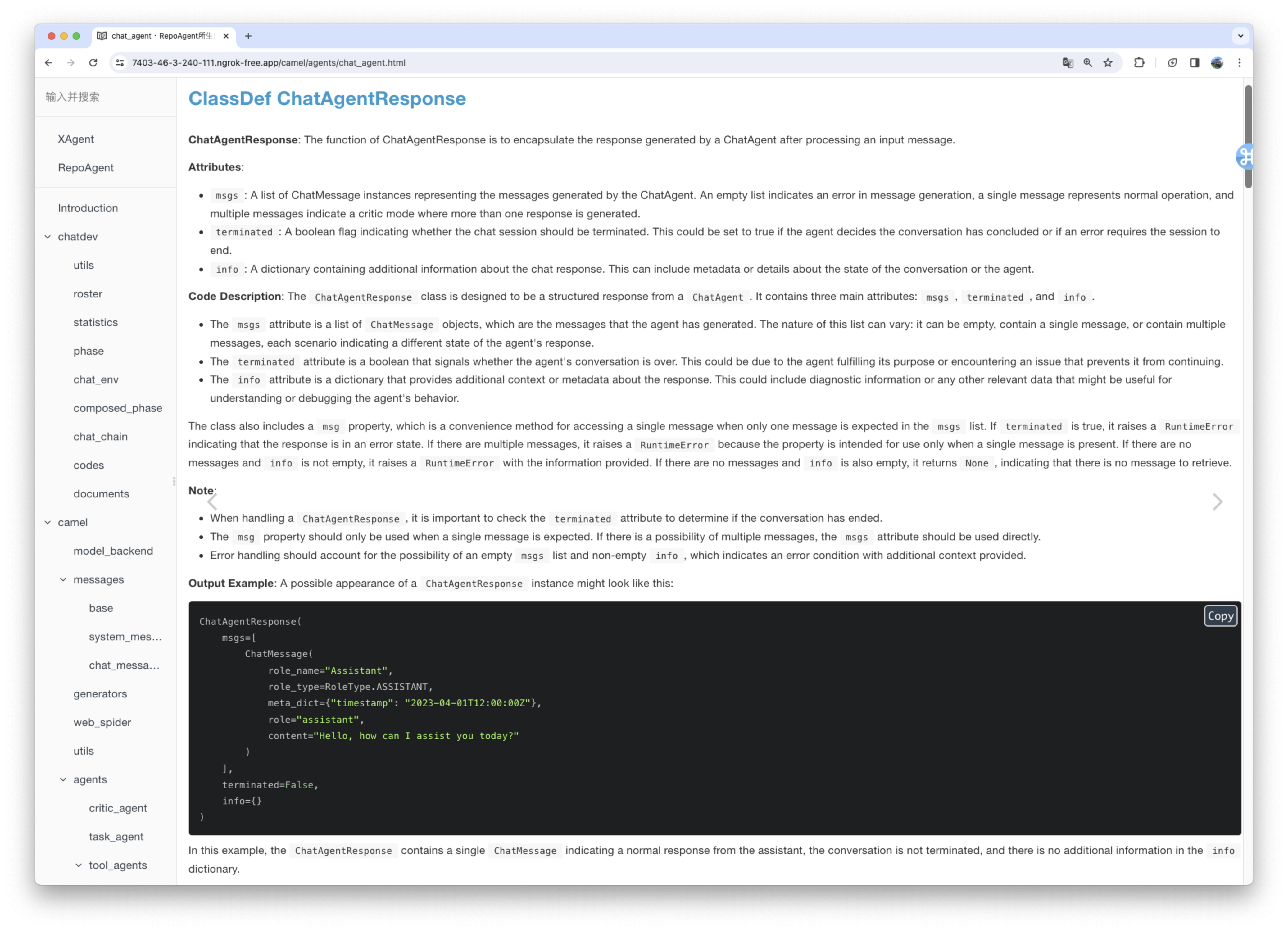
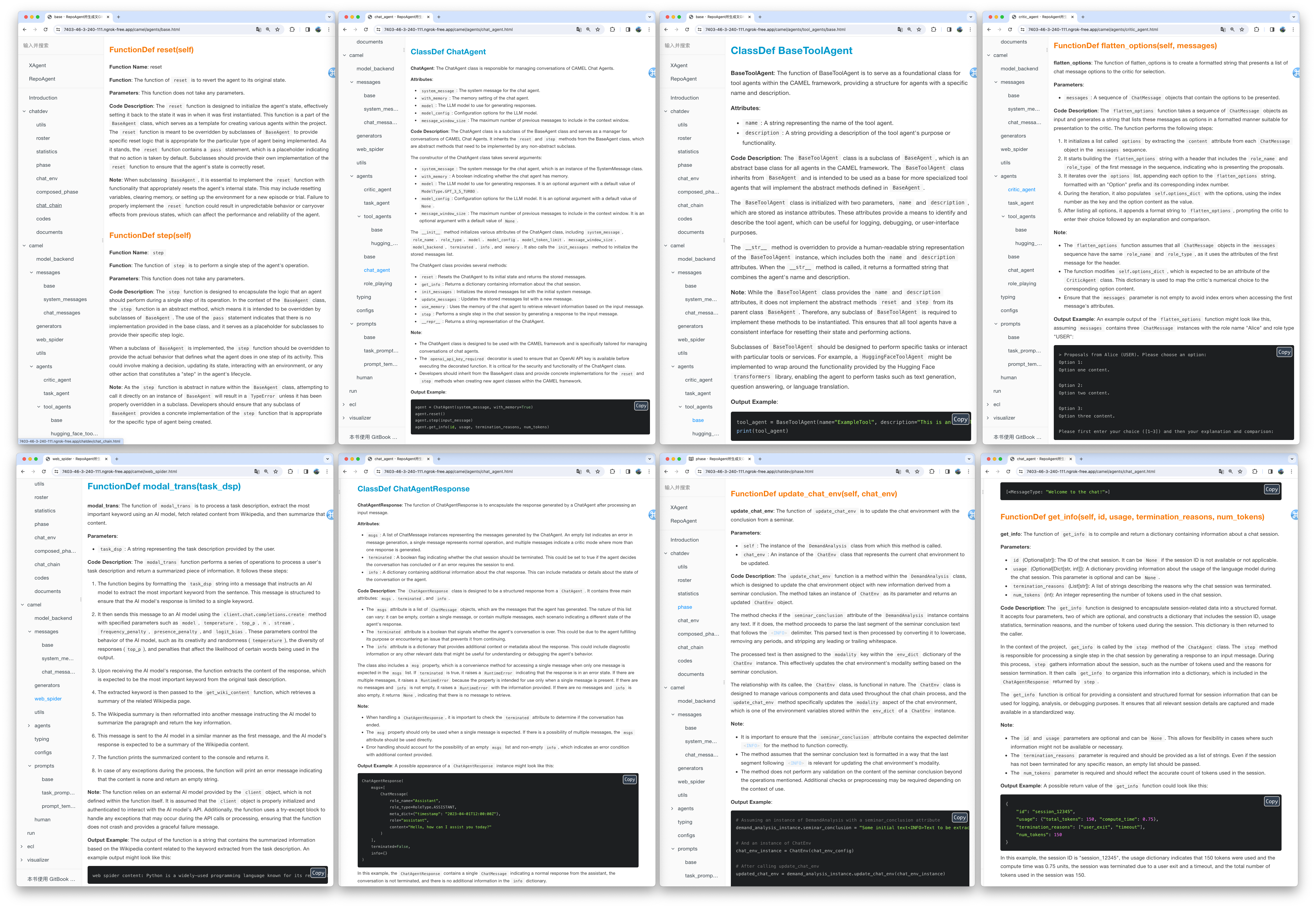
We utilized the default model gpt-3.5-turbo to generate documentation for the XAgent project, which comprises approximately 270,000 lines of code. You can view the results of this generation in the Markdown_Docs directory of the XAgent project on GitHub. For enhanced documentation quality, we suggest considering more advanced models like gpt-4-1106 or gpt-4-0125-preview.
In the end, you can flexibly adjust the output format, template, and other aspects of the document by customizing the prompt. We are excited about your exploration of a more scientific approach to Automated Technical Writing and your contributions to the community.
We conceptualize Chat With Repo as a unified gateway for these downstream applications, acting as a connector that links RepoAgent to human users and other AI agents. Our future research will focus on adapting the interface to various downstream applications and customizing it to meet their unique characteristics and implementation requirements.
Here we demonstrate a preliminary prototype of one of our downstream tasks: Automatic Q&A for Issues and Code Explanation. You can start the server by running the following code.
pip install repoagent[chat-with-repo]
repoagent chat-with-repo- [ ] Generate README.md automatically combining with the global documentation
- [ ] Multi-programming-language support Support more programming languages like Java, C or C++, etc.
- [x] Local model support like Llama, chatGLM, Qwen, GLM4, etc.
Here are featured cases that have adopted RepoAgent.
- MiniCPM: An edge-side LLM of 2B size, comparable to 7B model.
- ChatDev: Collaborative AI agents for software development.
- XAgent: An Autonomous LLM Agent for Complex Task Solving.
- EasyRL4Rec: A user-friendly RL library for recommender systems.
@misc{luo2024repoagent,
      title={RepoAgent: An LLM-Powered Open-Source Framework for Repository-level Code Documentation Generation},
      author={Qinyu Luo and Yining Ye and Shihao Liang and Zhong Zhang and Yujia Qin and Yaxi Lu and Yesai Wu and Xin Cong and Yankai Lin and Yingli Zhang and Xiaoyin Che and Zhiyuan Liu and Maosong Sun},
      year={2024},
      eprint={2402.16667},
      archivePrefix={arXiv},
      primaryClass={cs.CL}
}
For Tasks:
Click tags to check more tools for each tasksFor Jobs:
Alternative AI tools for RepoAgent
Similar Open Source Tools
RepoAgent
RepoAgent is an LLM-powered framework designed for repository-level code documentation generation. It automates the process of detecting changes in Git repositories, analyzing code structure through AST, identifying inter-object relationships, replacing Markdown content, and executing multi-threaded operations. The tool aims to assist developers in understanding and maintaining codebases by providing comprehensive documentation, ultimately improving efficiency and saving time.
guidellm
GuideLLM is a powerful tool for evaluating and optimizing the deployment of large language models (LLMs). By simulating real-world inference workloads, GuideLLM helps users gauge the performance, resource needs, and cost implications of deploying LLMs on various hardware configurations. This approach ensures efficient, scalable, and cost-effective LLM inference serving while maintaining high service quality. Key features include performance evaluation, resource optimization, cost estimation, and scalability testing.
VoiceStreamAI
VoiceStreamAI is a Python 3-based server and JavaScript client solution for near-realtime audio streaming and transcription using WebSocket. It employs Huggingface's Voice Activity Detection (VAD) and OpenAI's Whisper model for accurate speech recognition. The system features real-time audio streaming, modular design for easy integration of VAD and ASR technologies, customizable audio chunk processing strategies, support for multilingual transcription, and secure sockets support. It uses a factory and strategy pattern implementation for flexible component management and provides a unit testing framework for robust development.
rosa
ROSA is an AI Agent designed to interact with ROS-based robotics systems using natural language queries. It can generate system reports, read and parse ROS log files, adapt to new robots, and run various ROS commands using natural language. The tool is versatile for robotics research and development, providing an easy way to interact with robots and the ROS environment.
agentok
Agentok Studio is a tool built upon AG2, a powerful agent framework from Microsoft, offering intuitive visual tools to streamline the creation and management of complex agent-based workflows. It simplifies the process for creators and developers by generating native Python code with minimal dependencies, enabling users to create self-contained code that can be executed anywhere. The tool is currently under development and not recommended for production use, but contributions are welcome from the community to enhance its capabilities and functionalities.
storm
STORM is a LLM system that writes Wikipedia-like articles from scratch based on Internet search. While the system cannot produce publication-ready articles that often require a significant number of edits, experienced Wikipedia editors have found it helpful in their pre-writing stage. **Try out our [live research preview](https://storm.genie.stanford.edu/) to see how STORM can help your knowledge exploration journey and please provide feedback to help us improve the system 🙏!**
giskard
Giskard is an open-source Python library that automatically detects performance, bias & security issues in AI applications. The library covers LLM-based applications such as RAG agents, all the way to traditional ML models for tabular data.
agents
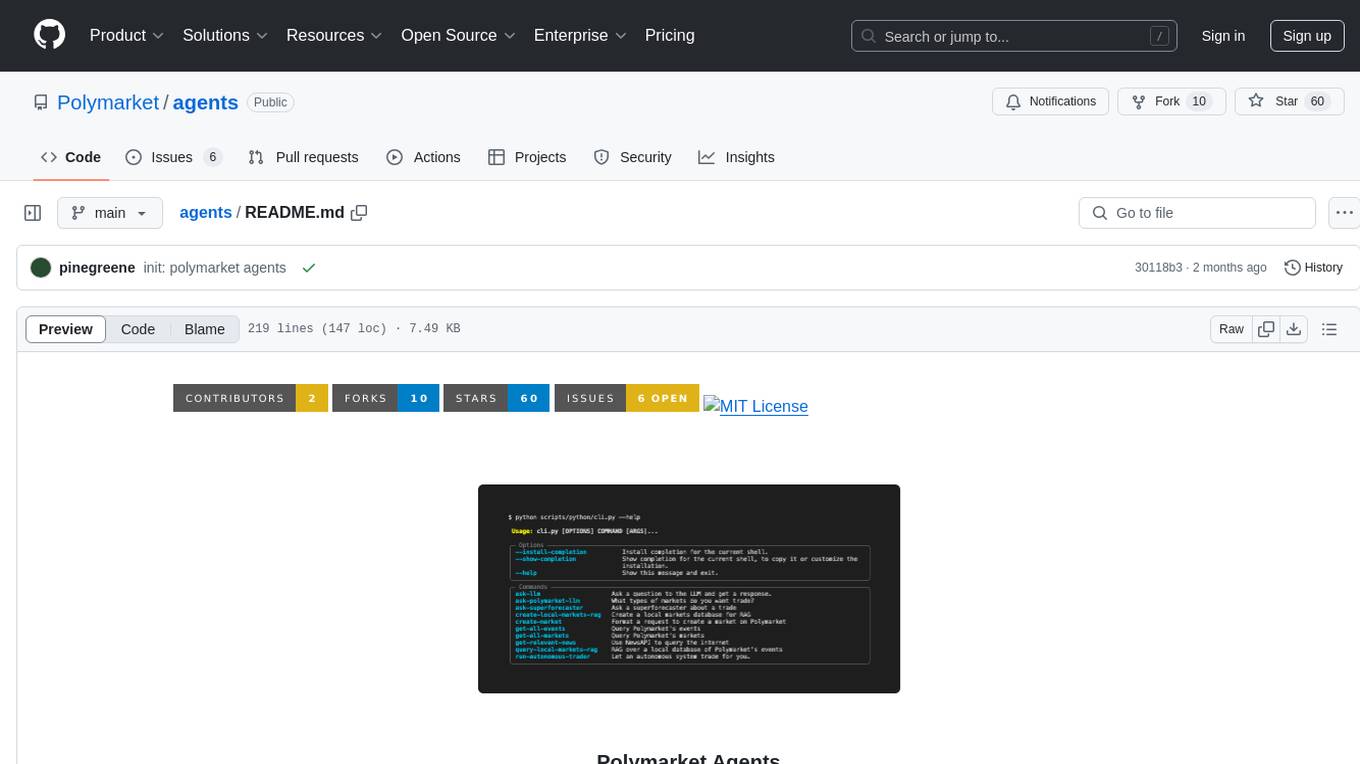
Polymarket Agents is a developer framework and set of utilities for building AI agents to trade autonomously on Polymarket. It integrates with Polymarket API, provides AI agent utilities for prediction markets, supports local and remote RAG, sources data from various services, and offers comprehensive LLM tools for prompt engineering. The architecture features modular components like APIs and scripts for managing local environments, server set-up, and CLI for end-user commands.
SheetCopilot
SheetCopilot is an assistant agent that manipulates spreadsheets by following user commands. It leverages Large Language Models (LLMs) to interact with spreadsheets like a human expert, enabling non-expert users to complete tasks on complex software such as Google Sheets and Excel via a language interface. The tool observes spreadsheet states, polishes generated solutions based on external action documents and error feedback, and aims to improve success rate and efficiency. SheetCopilot offers a dataset with diverse task categories and operations, supporting operations like entry & manipulation, management, formatting, charts, and pivot tables. Users can interact with SheetCopilot in Excel or Google Sheets, executing tasks like calculating revenue, creating pivot tables, and plotting charts. The tool's evaluation includes performance comparisons with leading LLMs and VBA-based methods on specific datasets, showcasing its capabilities in controlling various aspects of a spreadsheet.
KnowAgent
KnowAgent is a tool designed for Knowledge-Augmented Planning for LLM-Based Agents. It involves creating an action knowledge base, converting action knowledge into text for model understanding, and a knowledgeable self-learning phase to continually improve the model's planning abilities. The tool aims to enhance agents' potential for application in complex situations by leveraging external reservoirs of information and iterative processes.
VideoTree
VideoTree is an official implementation for a query-adaptive and hierarchical framework for understanding long videos with LLMs. It dynamically extracts query-related information from input videos and builds a tree-based video representation for LLM reasoning. The tool requires Python 3.8 or above and leverages models like LaViLa and EVA-CLIP-8B for feature extraction. It also provides scripts for tasks like Adaptive Breath Expansion, Relevance-based Depth Expansion, and LLM Reasoning. The codebase is being updated to incorporate scripts/captions for NeXT-QA and IntentQA in the future.
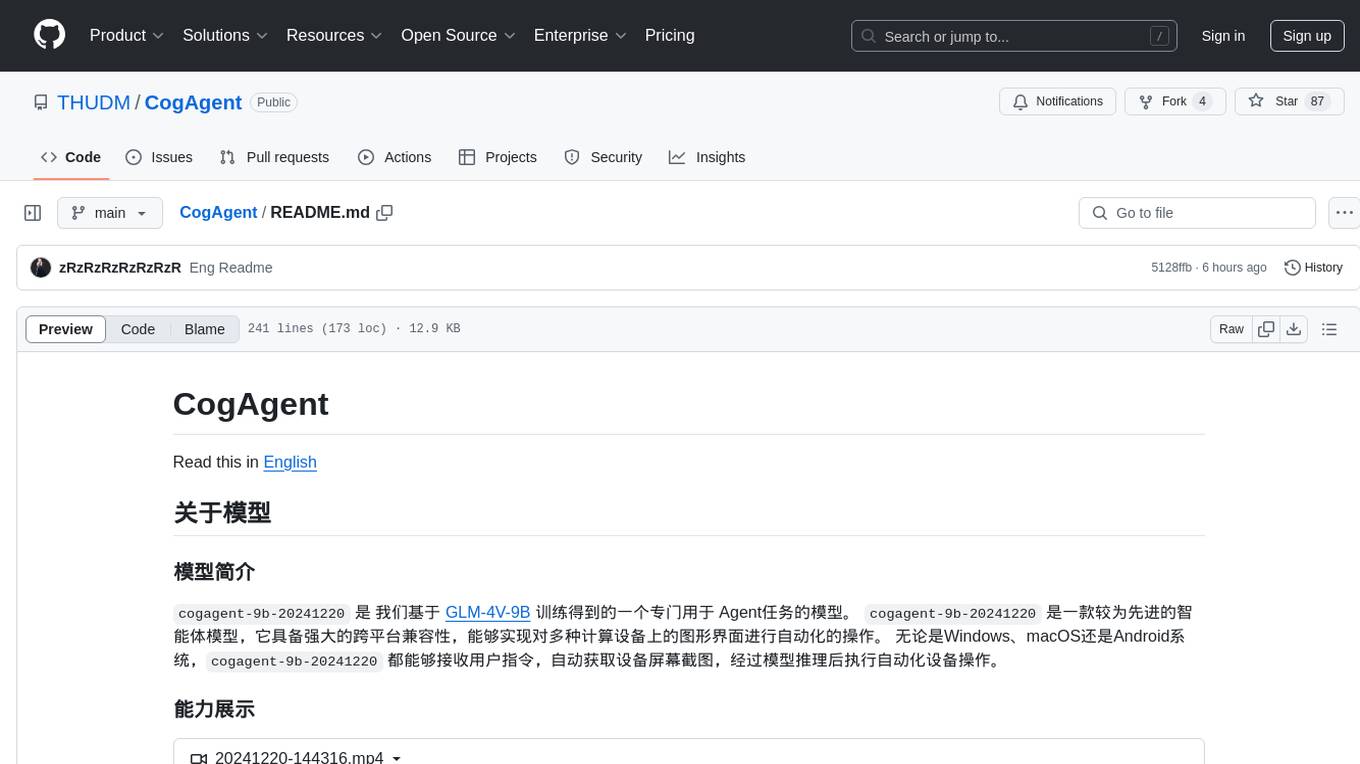
CogAgent
CogAgent is an advanced intelligent agent model designed for automating operations on graphical interfaces across various computing devices. It supports platforms like Windows, macOS, and Android, enabling users to issue commands, capture device screenshots, and perform automated operations. The model requires a minimum of 29GB of GPU memory for inference at BF16 precision and offers capabilities for executing tasks like sending Christmas greetings and sending emails. Users can interact with the model by providing task descriptions, platform specifications, and desired output formats.
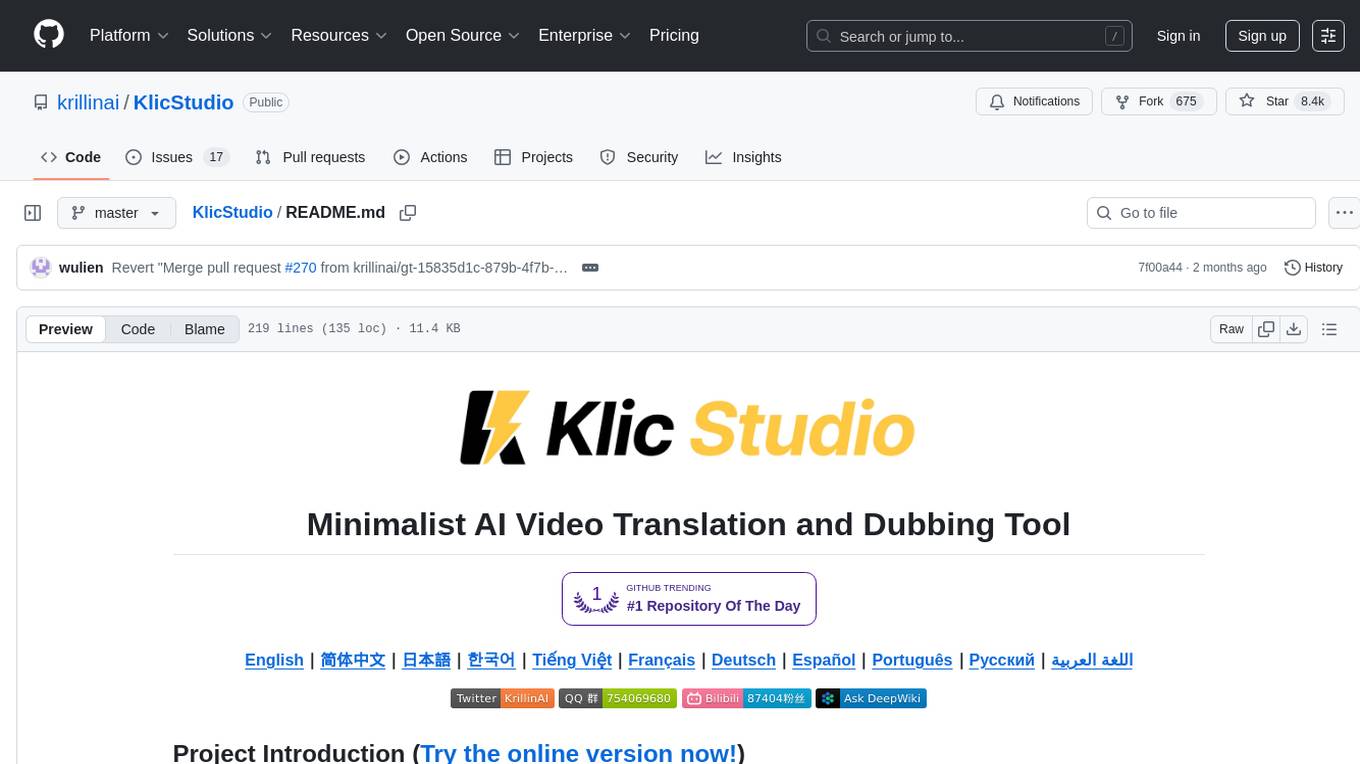
KlicStudio
Klic Studio is a versatile audio and video localization and enhancement solution developed by Krillin AI. This minimalist yet powerful tool integrates video translation, dubbing, and voice cloning, supporting both landscape and portrait formats. With an end-to-end workflow, users can transform raw materials into beautifully ready-to-use cross-platform content with just a few clicks. The tool offers features like video acquisition, accurate speech recognition, intelligent segmentation, terminology replacement, professional translation, voice cloning, video composition, and cross-platform support. It also supports various speech recognition services, large language models, and TTS text-to-speech services. Users can easily deploy the tool using Docker and configure it for different tasks like subtitle translation, large model translation, and optional voice services.
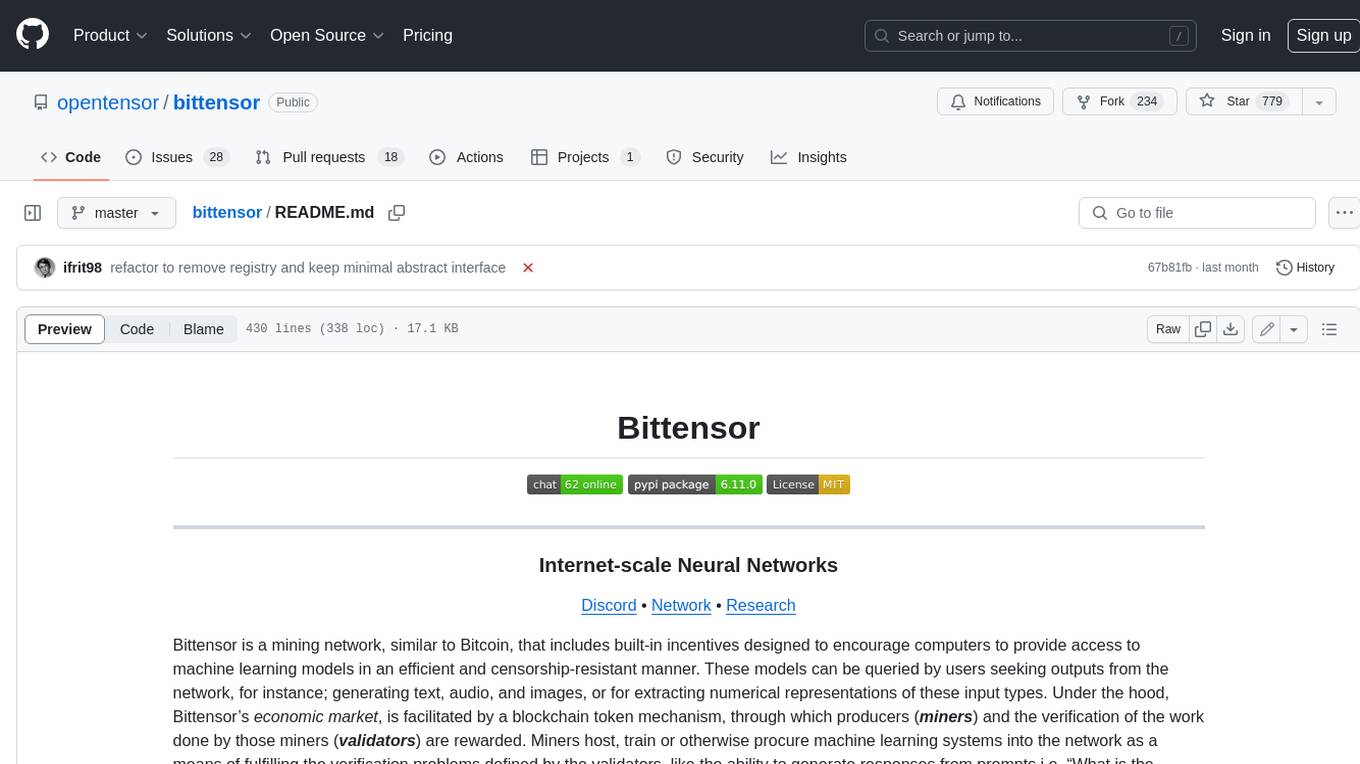
bittensor
Bittensor is an internet-scale neural network that incentivizes computers to provide access to machine learning models in a decentralized and censorship-resistant manner. It operates through a token-based mechanism where miners host, train, and procure machine learning systems to fulfill verification problems defined by validators. The network rewards miners and validators for their contributions, ensuring continuous improvement in knowledge output. Bittensor allows anyone to participate, extract value, and govern the network without centralized control. It supports tasks such as generating text, audio, images, and extracting numerical representations.
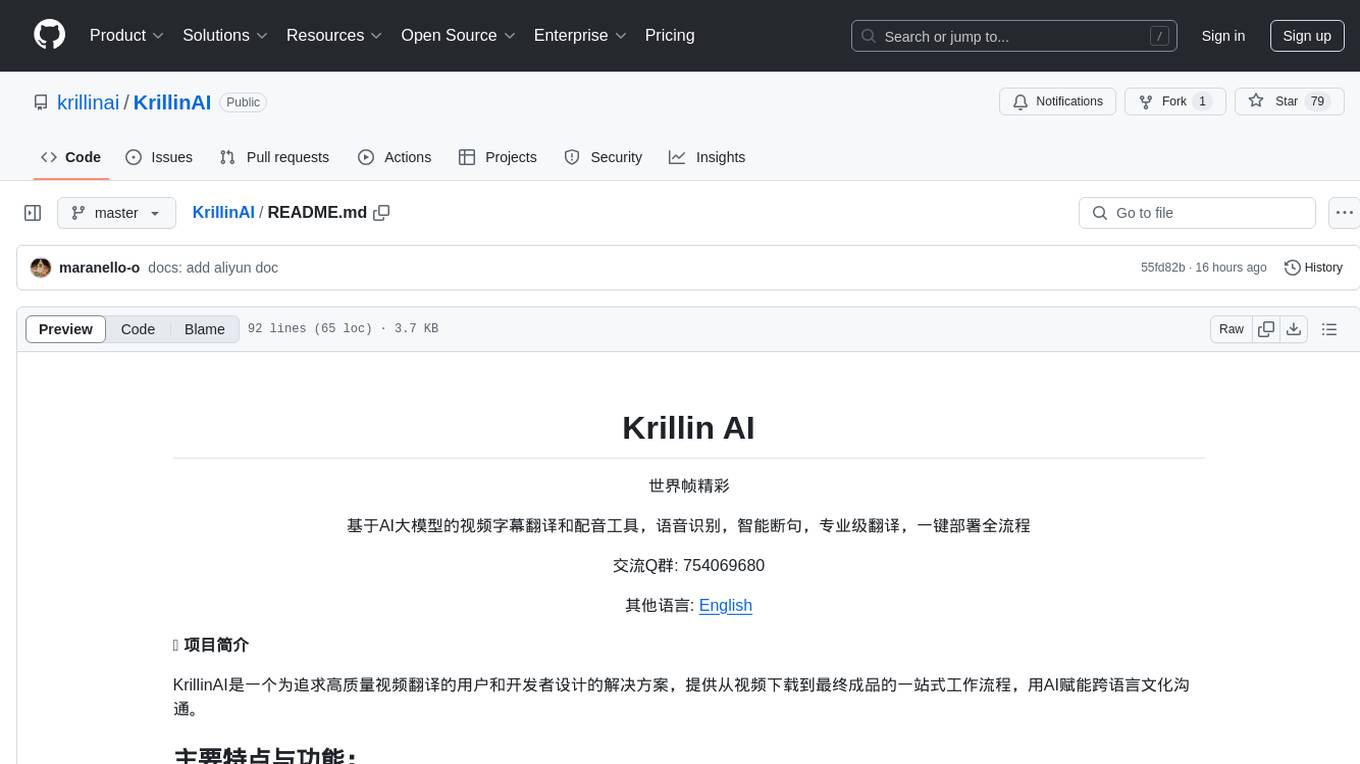
KrillinAI
KrillinAI is a video subtitle translation and dubbing tool based on AI large models, featuring speech recognition, intelligent sentence segmentation, professional translation, and one-click deployment of the entire process. It provides a one-stop workflow from video downloading to the final product, empowering cross-language cultural communication with AI. The tool supports multiple languages for input and translation, integrates features like automatic dependency installation, video downloading from platforms like YouTube and Bilibili, high-speed subtitle recognition, intelligent subtitle segmentation and alignment, custom vocabulary replacement, professional-level translation engine, and diverse external service selection for speech and large model services.
Tiger
Tiger is a community-driven project developing a reusable and integrated tool ecosystem for LLM Agent Revolution. It utilizes Upsonic for isolated tool storage, profiling, and automatic document generation. With Tiger, you can create a customized environment for your agents or leverage the robust and publicly maintained Tiger curated by the community itself.
For similar tasks
RepoAgent
RepoAgent is an LLM-powered framework designed for repository-level code documentation generation. It automates the process of detecting changes in Git repositories, analyzing code structure through AST, identifying inter-object relationships, replacing Markdown content, and executing multi-threaded operations. The tool aims to assist developers in understanding and maintaining codebases by providing comprehensive documentation, ultimately improving efficiency and saving time.
brokk
Brokk is a code assistant tool named after the Norse god of the forge. It is designed to understand code semantically, enabling LLMs to work effectively on large codebases. Users can sign up at Brokk.ai, install jbang, and follow instructions to run Brokk. The tool uses Gradle with Scala support and requires JDK 21 or newer for building. Brokk aims to enhance code comprehension and productivity by providing semantic understanding of code.
awesome-ai-coding
Awesome-AI-Coding is a curated list of AI coding topics, projects, datasets, LLM models, embedding models, papers, blogs, products, startups, and peer awesome lists related to artificial intelligence in coding. It includes tools for code completion, code generation, code documentation, and code search, as well as AI models and techniques for improving developer productivity. The repository also features information on various AI-powered developer tools, copilots, and related resources in the AI coding domain.
gitmesh
GitMesh is an AI-powered Git collaboration network designed to address contributor dropout in open source projects. It offers real-time branch-level insights, intelligent contributor-task matching, and automated workflows. The platform transforms complex codebases into clear contribution journeys, fostering engagement through gamified rewards and integration with open source support programs. GitMesh's mascot, Meshy/Mesh Wolf, symbolizes agility, resilience, and teamwork, reflecting the platform's ethos of efficiency and power through collaboration.
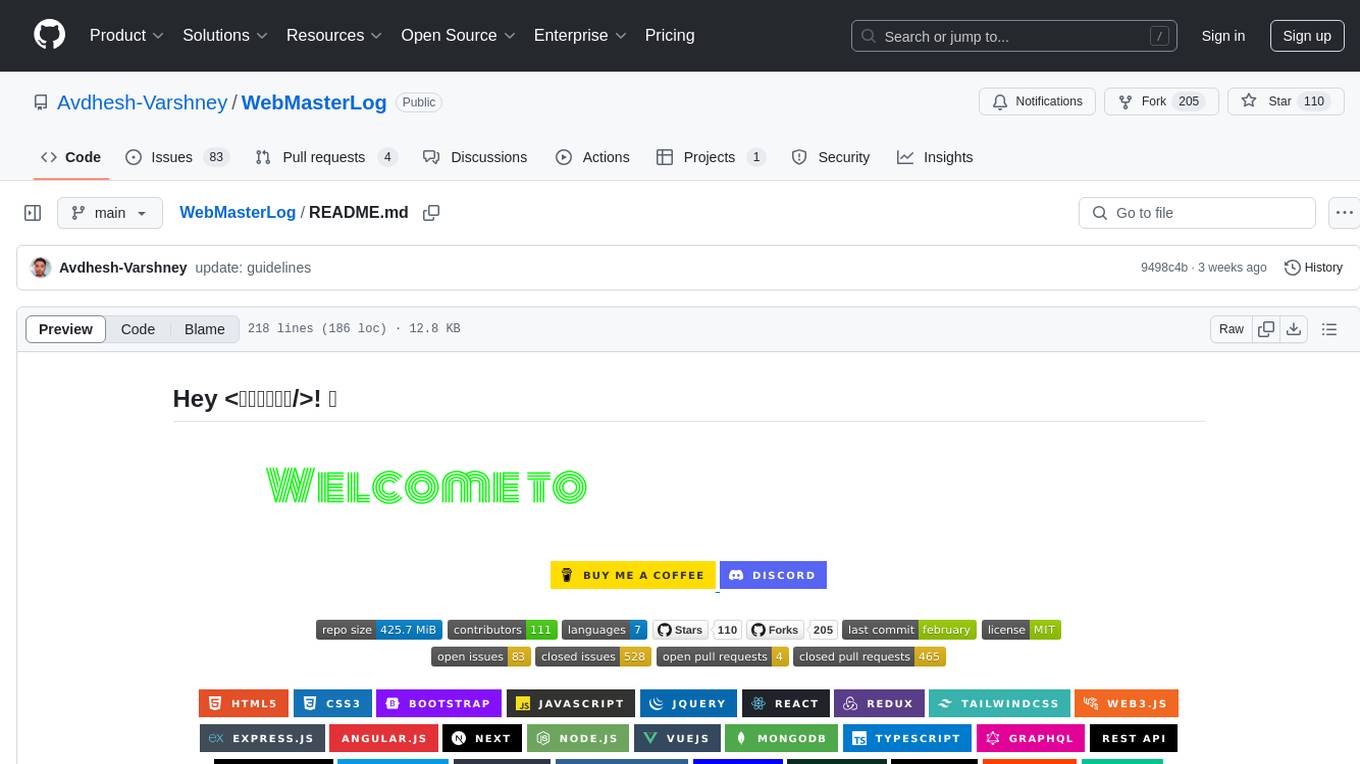
WebMasterLog
WebMasterLog is a comprehensive repository showcasing various web development projects built with front-end and back-end technologies. It highlights interactive user interfaces, dynamic web applications, and a spectrum of web development solutions. The repository encourages contributions in areas such as adding new projects, improving existing projects, updating documentation, fixing bugs, implementing responsive design, enhancing code readability, and optimizing project functionalities. Contributors are guided to follow specific guidelines for project submissions, including directory naming conventions, README file inclusion, project screenshots, and commit practices. Pull requests are reviewed based on criteria such as proper PR template completion, originality of work, code comments for clarity, and sharing screenshots for frontend updates. The repository also participates in various open-source programs like JWOC, GSSoC, Hacktoberfest, KWOC, 24 Pull Requests, IWOC, SWOC, and DWOC, welcoming valuable contributors.
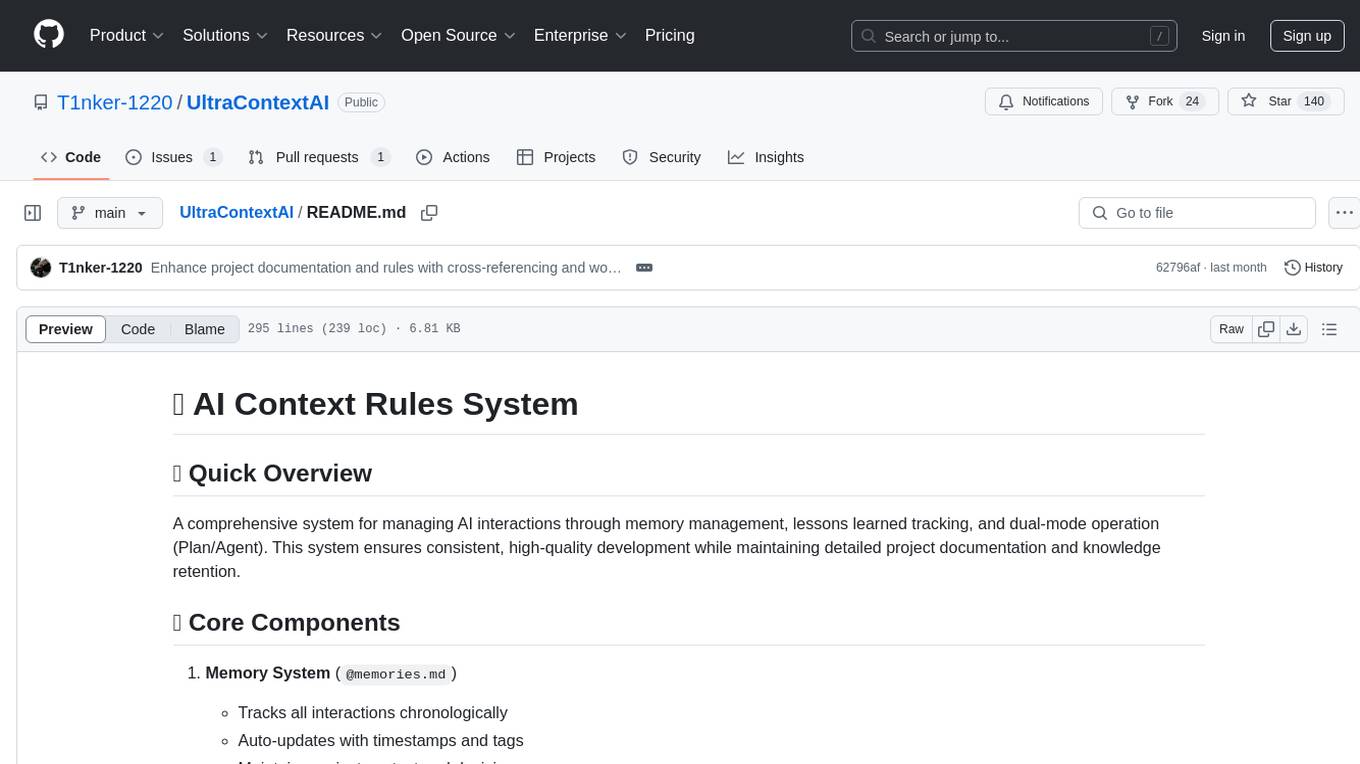
UltraContextAI
UltraContextAI is a comprehensive system for managing AI interactions through memory management, lessons learned tracking, and dual-mode operation (Plan/Agent). It ensures consistent, high-quality development while maintaining detailed project documentation and knowledge retention. The system includes core components like Memory System, Lessons Learned, and Scratchpad. It operates in Plan Mode for information gathering and planning, and Agent Mode for execution. Users can create new features, fix bugs, set up projects, and update documentation using the system. Real-time updates, version control, and cross-referencing are key aspects of the system. Best practices include memory management, task tracking, and documentation standards. Tips and tricks are provided for handling AI and Cursor issues. Contributions to the system are welcome, and it is licensed under MIT License.
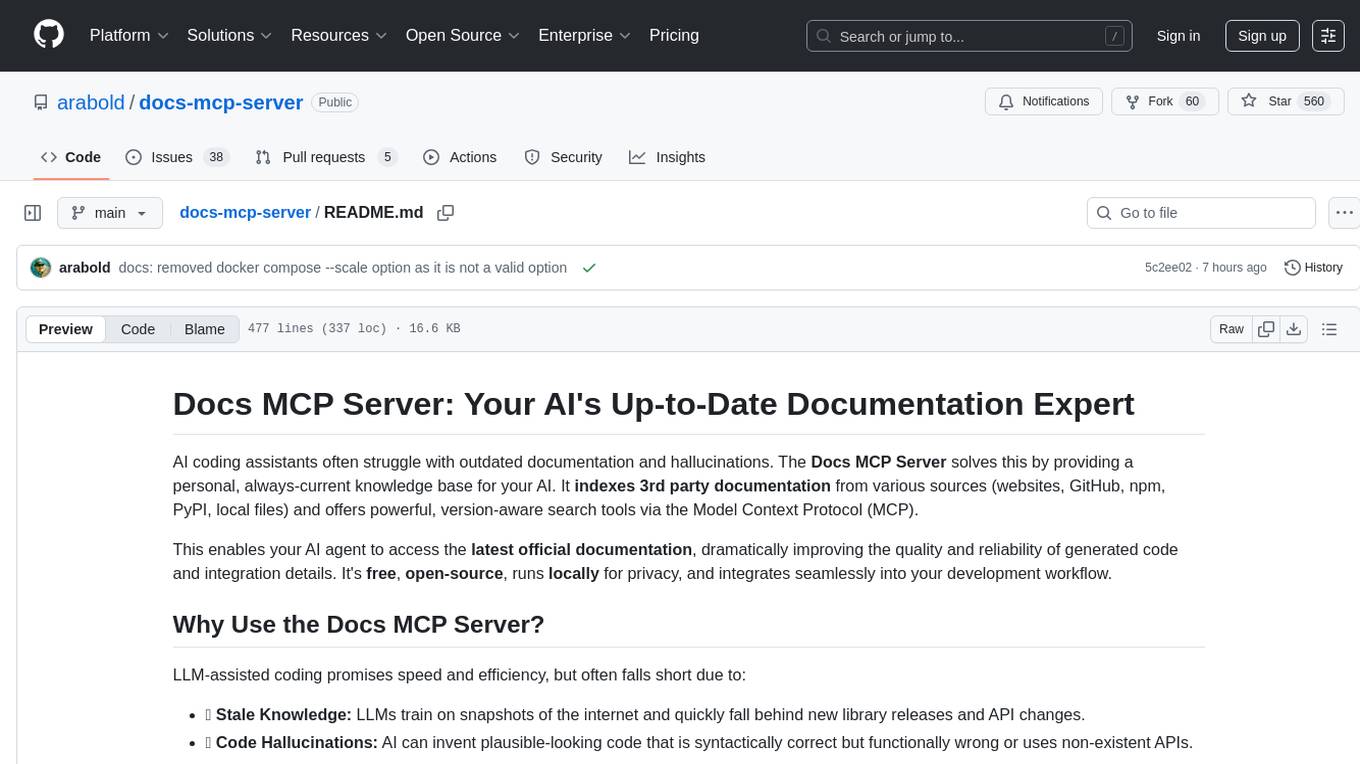
docs-mcp-server
The docs-mcp-server repository contains the server-side code for the documentation management system. It provides functionalities for managing, storing, and retrieving documentation files. Users can upload, update, and delete documents through the server. The server also supports user authentication and authorization to ensure secure access to the documentation system. Additionally, the server includes APIs for integrating with other systems and tools, making it a versatile solution for managing documentation in various projects and organizations.
For similar jobs

sweep
Sweep is an AI junior developer that turns bugs and feature requests into code changes. It automatically handles developer experience improvements like adding type hints and improving test coverage.

teams-ai
The Teams AI Library is a software development kit (SDK) that helps developers create bots that can interact with Teams and Microsoft 365 applications. It is built on top of the Bot Framework SDK and simplifies the process of developing bots that interact with Teams' artificial intelligence capabilities. The SDK is available for JavaScript/TypeScript, .NET, and Python.

ai-guide
This guide is dedicated to Large Language Models (LLMs) that you can run on your home computer. It assumes your PC is a lower-end, non-gaming setup.

classifai
Supercharge WordPress Content Workflows and Engagement with Artificial Intelligence. Tap into leading cloud-based services like OpenAI, Microsoft Azure AI, Google Gemini and IBM Watson to augment your WordPress-powered websites. Publish content faster while improving SEO performance and increasing audience engagement. ClassifAI integrates Artificial Intelligence and Machine Learning technologies to lighten your workload and eliminate tedious tasks, giving you more time to create original content that matters.

chatbot-ui
Chatbot UI is an open-source AI chat app that allows users to create and deploy their own AI chatbots. It is easy to use and can be customized to fit any need. Chatbot UI is perfect for businesses, developers, and anyone who wants to create a chatbot.

BricksLLM
BricksLLM is a cloud native AI gateway written in Go. Currently, it provides native support for OpenAI, Anthropic, Azure OpenAI and vLLM. BricksLLM aims to provide enterprise level infrastructure that can power any LLM production use cases. Here are some use cases for BricksLLM: * Set LLM usage limits for users on different pricing tiers * Track LLM usage on a per user and per organization basis * Block or redact requests containing PIIs * Improve LLM reliability with failovers, retries and caching * Distribute API keys with rate limits and cost limits for internal development/production use cases * Distribute API keys with rate limits and cost limits for students

uAgents
uAgents is a Python library developed by Fetch.ai that allows for the creation of autonomous AI agents. These agents can perform various tasks on a schedule or take action on various events. uAgents are easy to create and manage, and they are connected to a fast-growing network of other uAgents. They are also secure, with cryptographically secured messages and wallets.

griptape
Griptape is a modular Python framework for building AI-powered applications that securely connect to your enterprise data and APIs. It offers developers the ability to maintain control and flexibility at every step. Griptape's core components include Structures (Agents, Pipelines, and Workflows), Tasks, Tools, Memory (Conversation Memory, Task Memory, and Meta Memory), Drivers (Prompt and Embedding Drivers, Vector Store Drivers, Image Generation Drivers, Image Query Drivers, SQL Drivers, Web Scraper Drivers, and Conversation Memory Drivers), Engines (Query Engines, Extraction Engines, Summary Engines, Image Generation Engines, and Image Query Engines), and additional components (Rulesets, Loaders, Artifacts, Chunkers, and Tokenizers). Griptape enables developers to create AI-powered applications with ease and efficiency.