


uAgents
A fast and lightweight framework for creating decentralized agents with ease.
Stars: 1301

uAgents is a Python library developed by Fetch.ai that allows for the creation of autonomous AI agents. These agents can perform various tasks on a schedule or take action on various events. uAgents are easy to create and manage, and they are connected to a fast-growing network of other uAgents. They are also secure, with cryptographically secured messages and wallets.
README:






uAgents is a library developed by Fetch.ai that allows for creating autonomous AI agents in Python. With simple and expressive decorators, you can have an agent that performs various tasks on a schedule or takes action on various events.
- 🤖 Easy creation and management: Create any type of agent you can think of and implement it in code.
- 🔗 Connected: On startup, each agent automatically joins the fast-growing network of uAgents by registering on the Almanac, a smart contract deployed on the Fetch.ai blockchain.
- 🔒 Secure: uAgent messages and wallets are cryptographically secured, so their identities and assets are protected.
Get started with uAgents by installing it for Python 3.10 to 3.13:
pip install uagents
Build your first uAgent using the following script:
from uagents import Agent, Context
alice = Agent(name="alice", seed="alice recovery phrase")
Include a seed parameter when creating an agent to set fixed addresses, or leave it out to generate a new random address each time.
Give it a simple task, such as a greeting:
@alice.on_interval(period=2.0)
async def say_hello(ctx: Context):
    ctx.logger.info(f'hello, my name is {ctx.agent.name}')

if __name__ == "__main__":
alice.run()So far, your code should look like this:
from uagents import Agent, Context

alice = Agent(name="alice", seed="alice recovery phrase")

@alice.on_interval(period=2.0)
async def say_hello(ctx: Context):
    ctx.logger.info(f'hello, my name is {ctx.agent.name}')

if __name__ == "__main__":
    alice.run()
Run it using:
python agent.pyYou should see the results in your terminal.
Please see the official documentation for full setup instructions and advanced features.
- 👋 Introduction
- 💻 Installation
- Tutorials
- Key Concepts:
The uAgent-Examples repository contains several examples of how to create and run various types of agents as well as more intricate integrations. This is the official place for internal and community open source applications built on uAgents.
Go to the python folder for details on the Python uAgents library.
The uagents-core folder contains core definitions and functionalities to build 'agent' like software which can interact and integrate with Fetch.ai ecosystem and agent marketplace.
All contributions are welcome! Remember, contribution includes not only code, but any help with docs or issues raised by other developers. See our contribution guidelines for more details.
Read our development guidelines to learn some useful tips related to development.
We use GitHub Issues for tracking requests and bugs, and GitHub Discussions for general questions and discussion.
This project, uAgents, is provided "as-is" without any warranty, express or implied. By using this software, you agree to assume all risks associated with its use, including but not limited to unexpected behavior, data loss, or any other issues that may arise. The developers and contributors of this project do not accept any responsibility or liability for any losses, damages, or other consequences that may occur as a result of using this software.
The uAgents project is licensed under Apache License 2.0.
For Tasks:
Click tags to check more tools for each tasksFor Jobs:
Alternative AI tools for uAgents
Similar Open Source Tools
uAgents
uAgents is a Python library developed by Fetch.ai that allows for the creation of autonomous AI agents. These agents can perform various tasks on a schedule or take action on various events. uAgents are easy to create and manage, and they are connected to a fast-growing network of other uAgents. They are also secure, with cryptographically secured messages and wallets.
crewAI
CrewAI is a cutting-edge framework designed to orchestrate role-playing autonomous AI agents. By fostering collaborative intelligence, CrewAI empowers agents to work together seamlessly, tackling complex tasks. It enables AI agents to assume roles, share goals, and operate in a cohesive unit, much like a well-oiled crew. Whether you're building a smart assistant platform, an automated customer service ensemble, or a multi-agent research team, CrewAI provides the backbone for sophisticated multi-agent interactions. With features like role-based agent design, autonomous inter-agent delegation, flexible task management, and support for various LLMs, CrewAI offers a dynamic and adaptable solution for both development and production workflows.
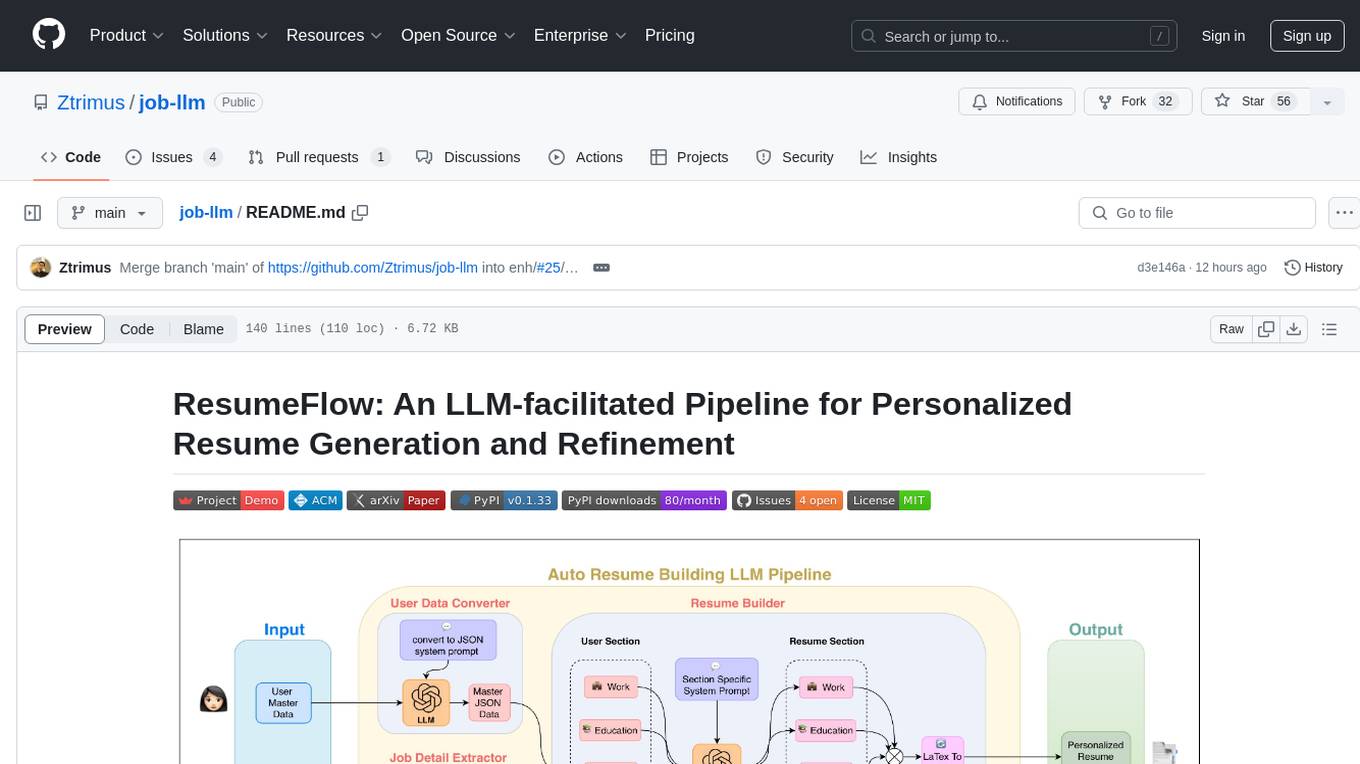
job-llm
ResumeFlow is an automated system utilizing Large Language Models (LLMs) to streamline the job application process. It aims to reduce human effort in various steps of job hunting by integrating LLM technology. Users can access ResumeFlow as a web tool, install it as a Python package, or download the source code. The project focuses on leveraging LLMs to automate tasks such as resume generation and refinement, making job applications smoother and more efficient.
open-parse
Open Parse is a Python library for visually discerning document layouts and chunking them effectively. It is designed to fill the gap in open-source libraries for handling complex documents. Unlike text splitting, which converts a file to raw text and slices it up, Open Parse visually analyzes documents for superior LLM input. It also supports basic markdown for parsing headings, bold, and italics, and has high-precision table support, extracting tables into clean Markdown formats with accuracy that surpasses traditional tools. Open Parse is extensible, allowing users to easily implement their own post-processing steps. It is also intuitive, with great editor support and completion everywhere, making it easy to use and learn.
deep-research
Deep Research is a lightning-fast tool that uses powerful AI models to generate comprehensive research reports in just a few minutes. It leverages advanced 'Thinking' and 'Task' models, combined with an internet connection, to provide fast and insightful analysis on various topics. The tool ensures privacy by processing and storing all data locally. It supports multi-platform deployment, offers support for various large language models, web search functionality, knowledge graph generation, research history preservation, local and server API support, PWA technology, multi-key payload support, multi-language support, and is built with modern technologies like Next.js and Shadcn UI. Deep Research is open-source under the MIT License.
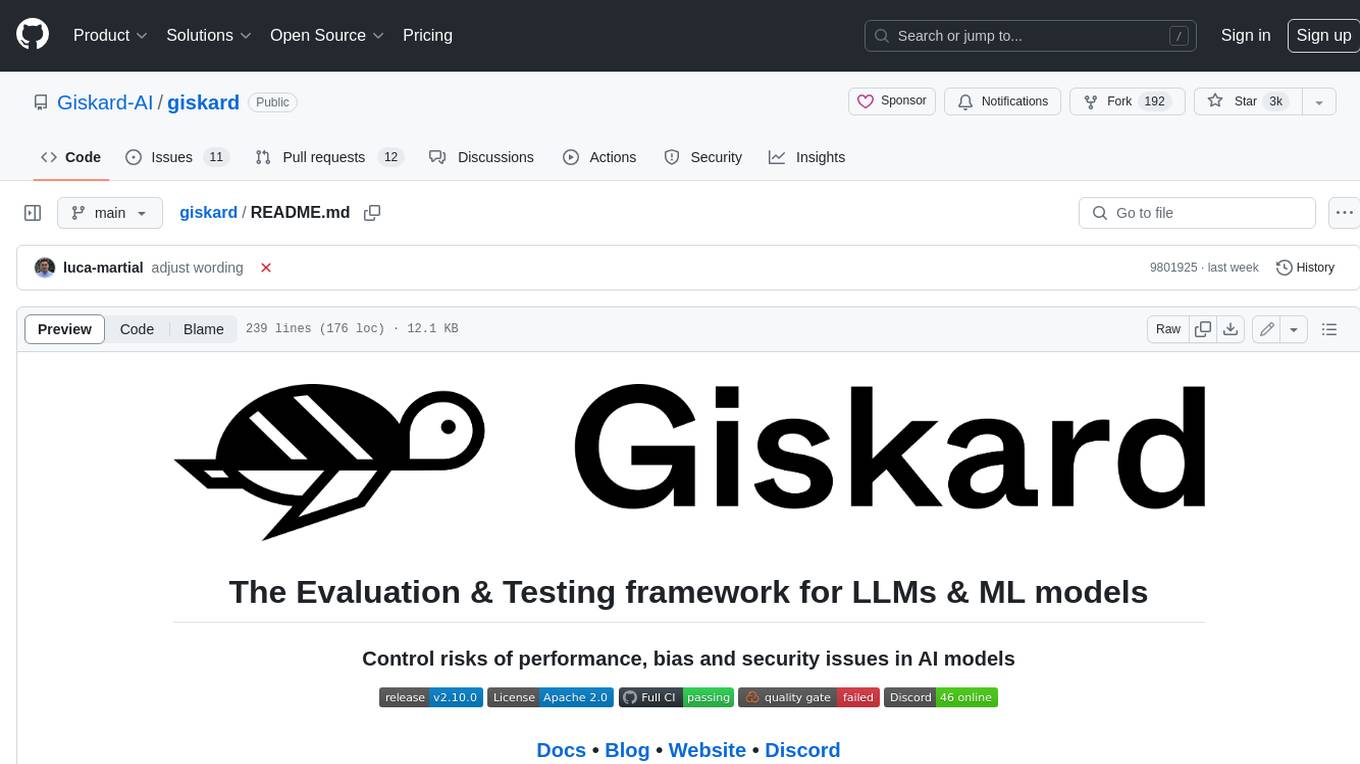
giskard
Giskard is an open-source Python library that automatically detects performance, bias & security issues in AI applications. The library covers LLM-based applications such as RAG agents, all the way to traditional ML models for tabular data.
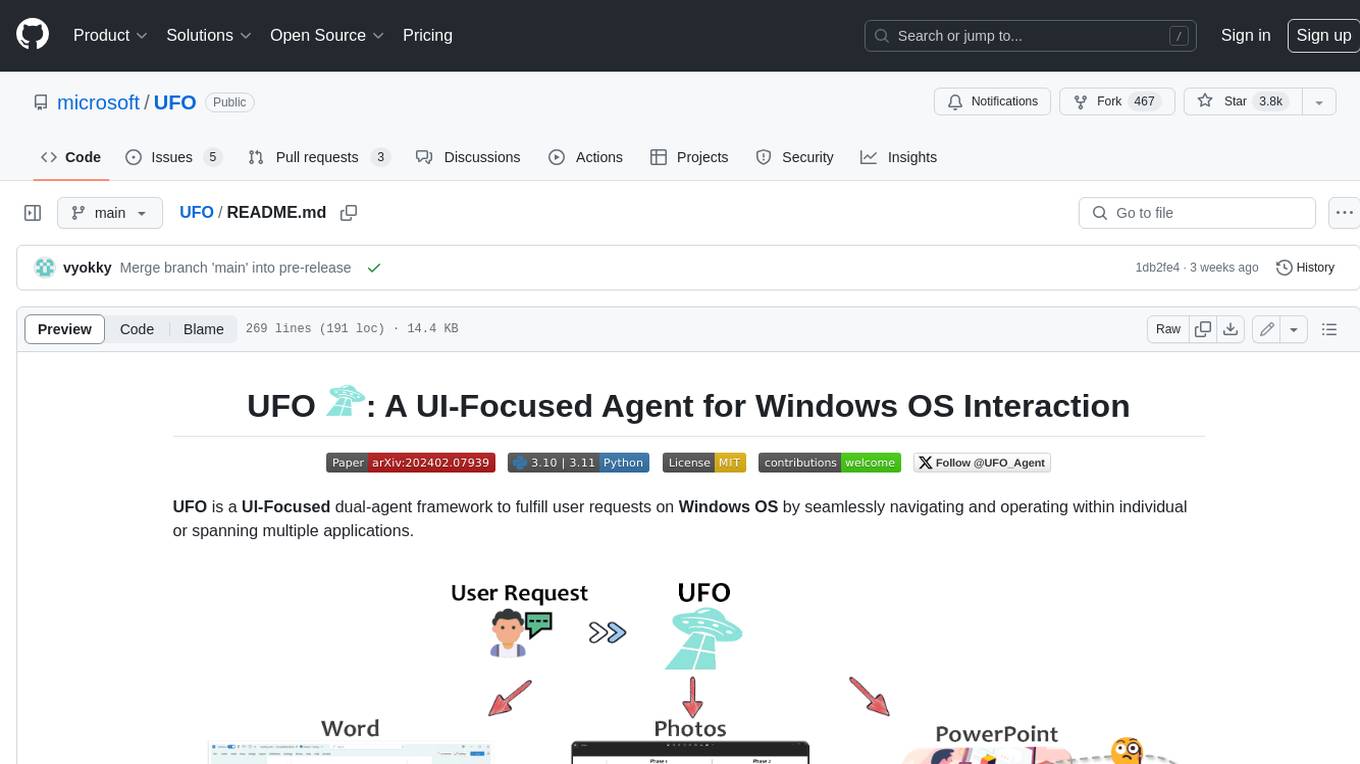
UFO
UFO is a UI-focused dual-agent framework to fulfill user requests on Windows OS by seamlessly navigating and operating within individual or spanning multiple applications.
patchwork
PatchWork is an open-source framework designed for automating development tasks using large language models. It enables users to automate workflows such as PR reviews, bug fixing, security patching, and more through a self-hosted CLI agent and preferred LLMs. The framework consists of reusable atomic actions called Steps, customizable LLM prompts known as Prompt Templates, and LLM-assisted automations called Patchflows. Users can run Patchflows locally in their CLI/IDE or as part of CI/CD pipelines. PatchWork offers predefined patchflows like AutoFix, PRReview, GenerateREADME, DependencyUpgrade, and ResolveIssue, with the flexibility to create custom patchflows. Prompt templates are used to pass queries to LLMs and can be customized. Contributions to new patchflows, steps, and the core framework are encouraged, with chat assistants available to aid in the process. The roadmap includes expanding the patchflow library, introducing a debugger and validation module, supporting large-scale code embeddings, parallelization, fine-tuned models, and an open-source GUI. PatchWork is licensed under AGPL-3.0 terms, while custom patchflows and steps can be shared using the Apache-2.0 licensed patchwork template repository.
sd-webui-agent-scheduler
AgentScheduler is an Automatic/Vladmandic Stable Diffusion Web UI extension designed to enhance image generation workflows. It allows users to enqueue prompts, settings, and controlnets, manage queued tasks, prioritize, pause, resume, and delete tasks, view generation results, and more. The extension offers hidden features like queuing checkpoints, editing queued tasks, and custom checkpoint selection. Users can access the functionality through HTTP APIs and API callbacks. Troubleshooting steps are provided for common errors. The extension is compatible with latest versions of A1111 and Vladmandic. It is licensed under Apache License 2.0.
Upsonic
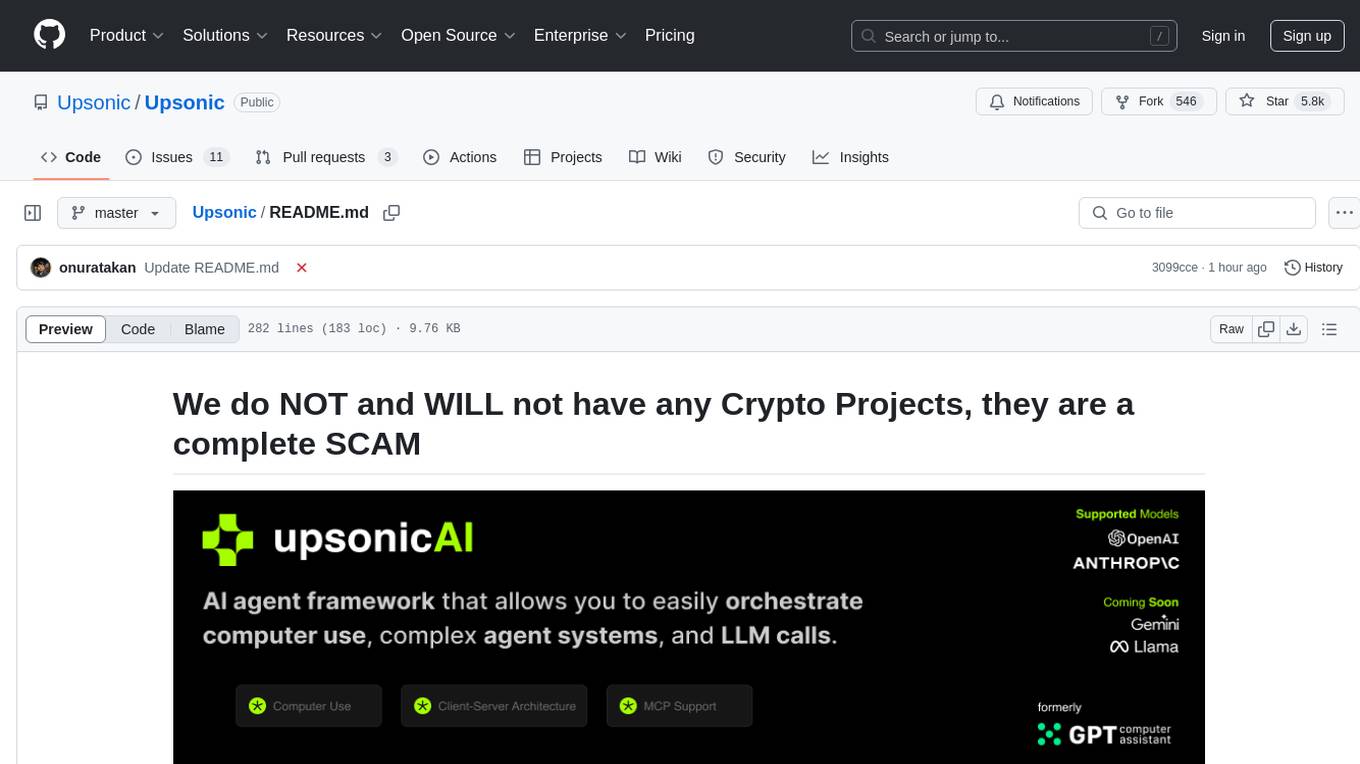
Upsonic offers a cutting-edge enterprise-ready framework for orchestrating LLM calls, agents, and computer use to complete tasks cost-effectively. It provides reliable systems, scalability, and a task-oriented structure for real-world cases. Key features include production-ready scalability, task-centric design, MCP server support, tool-calling server, computer use integration, and easy addition of custom tools. The framework supports client-server architecture and allows seamless deployment on AWS, GCP, or locally using Docker.
chainlit
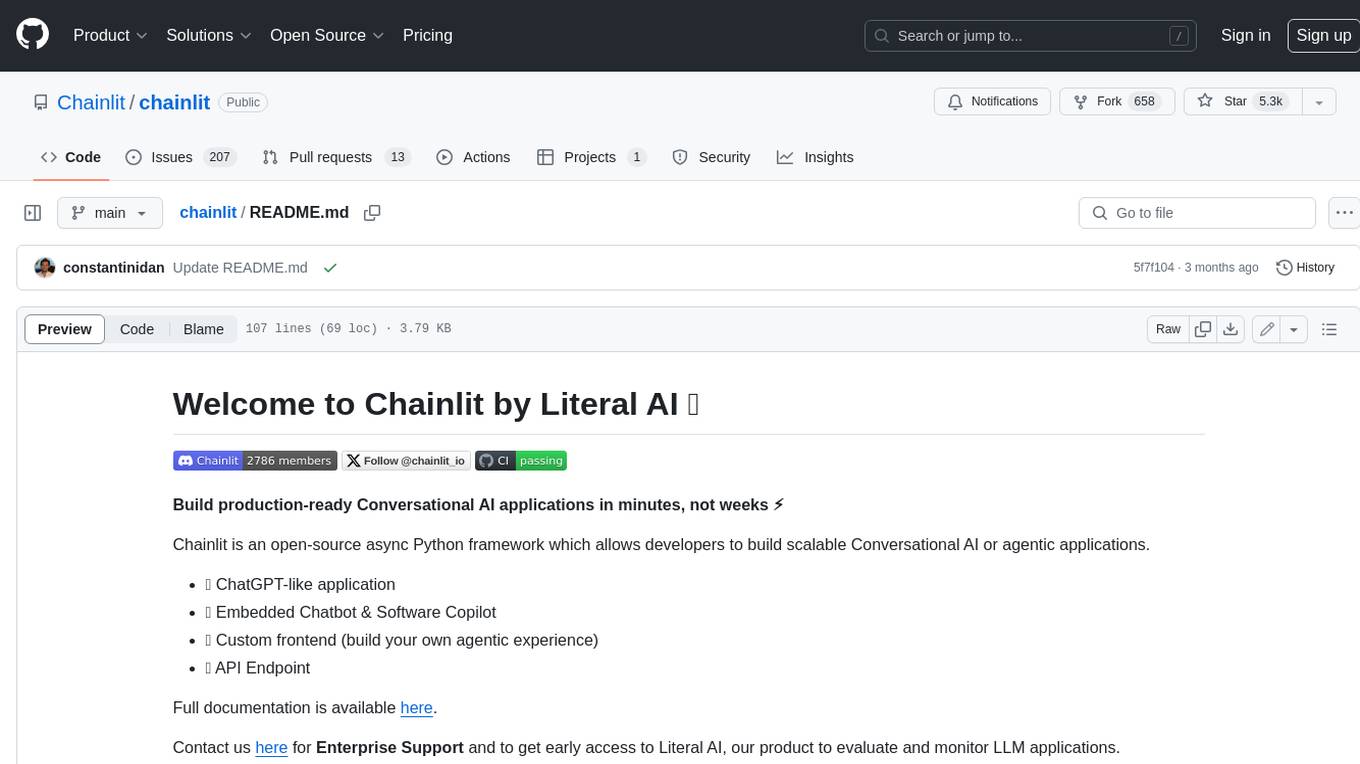
Chainlit is an open-source async Python framework which allows developers to build scalable Conversational AI or agentic applications. It enables users to create ChatGPT-like applications, embedded chatbots, custom frontends, and API endpoints. The framework provides features such as multi-modal chats, chain of thought visualization, data persistence, human feedback, and an in-context prompt playground. Chainlit is compatible with various Python programs and libraries, including LangChain, Llama Index, Autogen, OpenAI Assistant, and Haystack. It offers a range of examples and a cookbook to showcase its capabilities and inspire users. Chainlit welcomes contributions and is licensed under the Apache 2.0 license.
metta
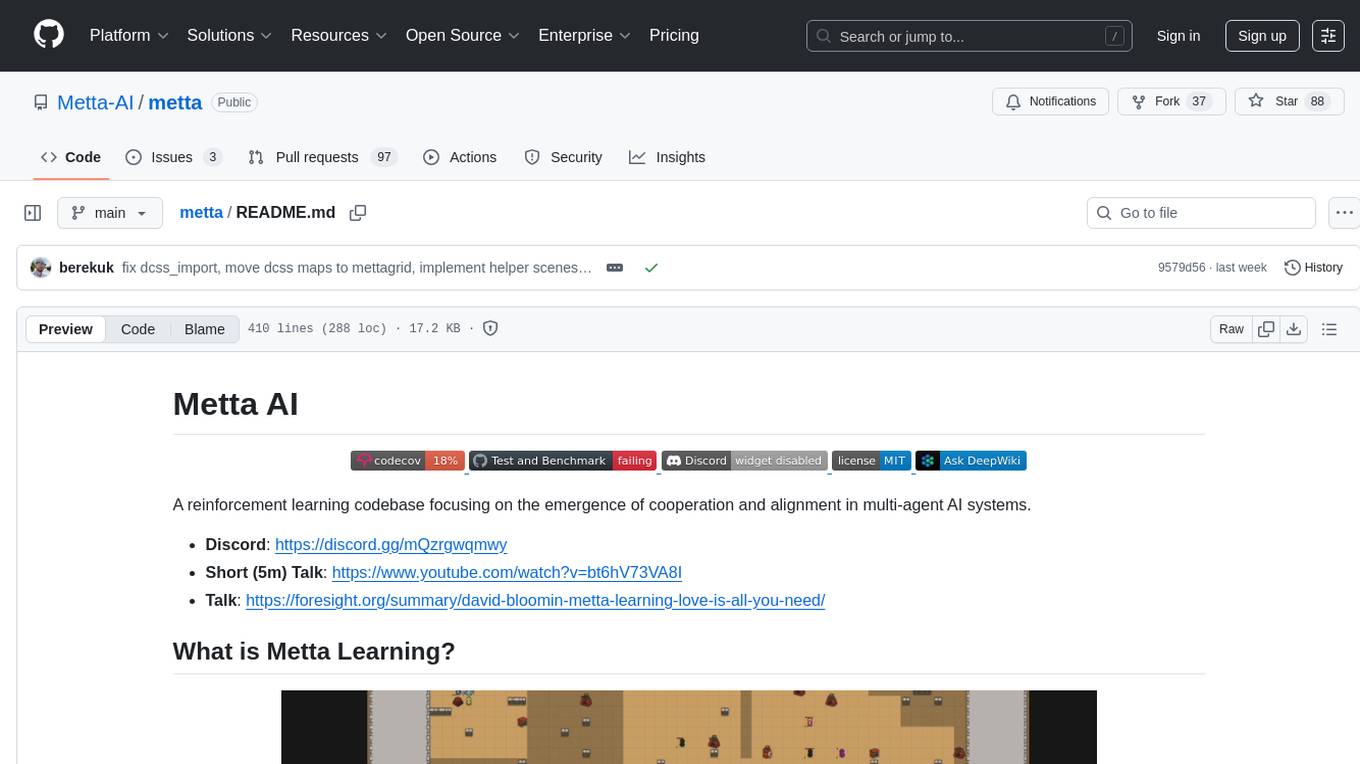
Metta AI is an open-source research project focusing on the emergence of cooperation and alignment in multi-agent AI systems. It explores the impact of social dynamics like kinship and mate selection on learning and cooperative behaviors of AI agents. The project introduces a reward-sharing mechanism mimicking familial bonds and mate selection to observe the evolution of complex social behaviors among AI agents. Metta aims to contribute to the discussion on safe and beneficial AGI by creating an environment where AI agents can develop general intelligence through continuous learning and adaptation.
rosa
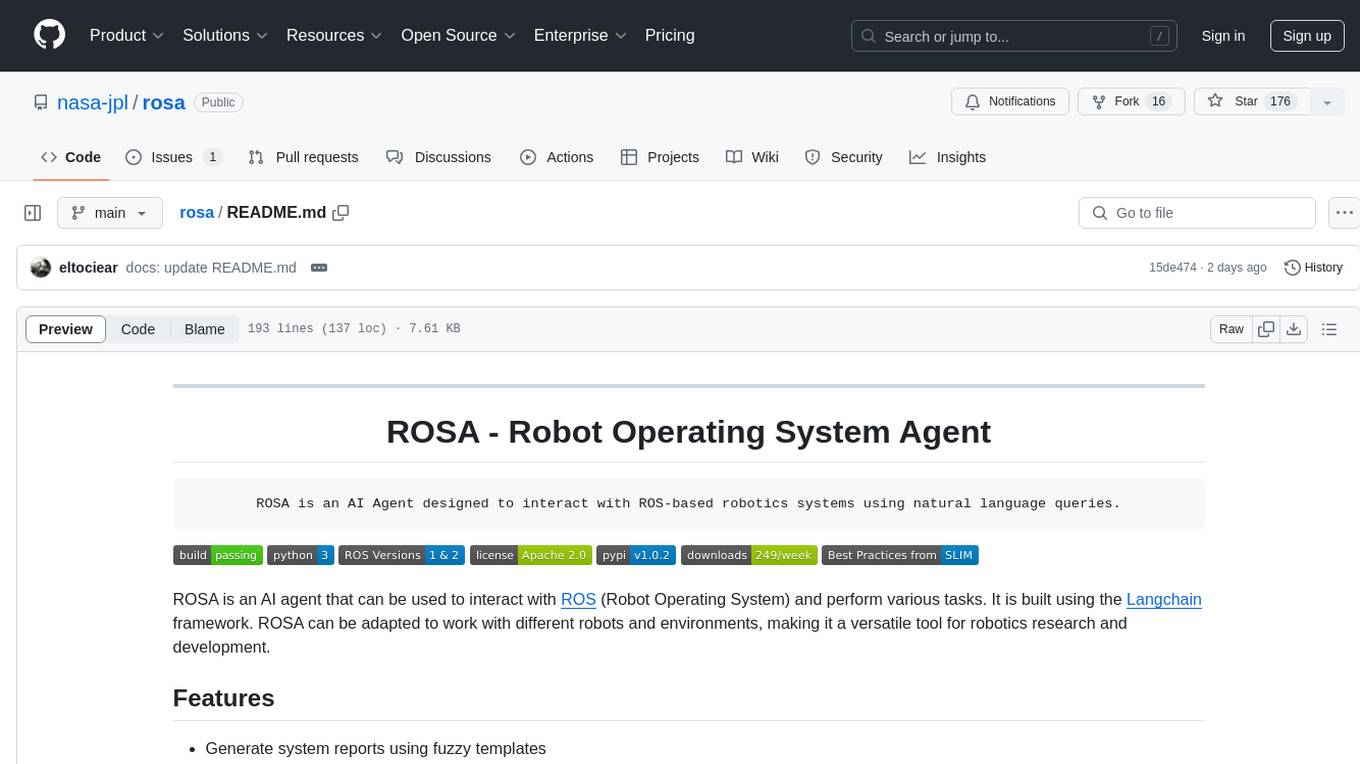
ROSA is an AI Agent designed to interact with ROS-based robotics systems using natural language queries. It can generate system reports, read and parse ROS log files, adapt to new robots, and run various ROS commands using natural language. The tool is versatile for robotics research and development, providing an easy way to interact with robots and the ROS environment.
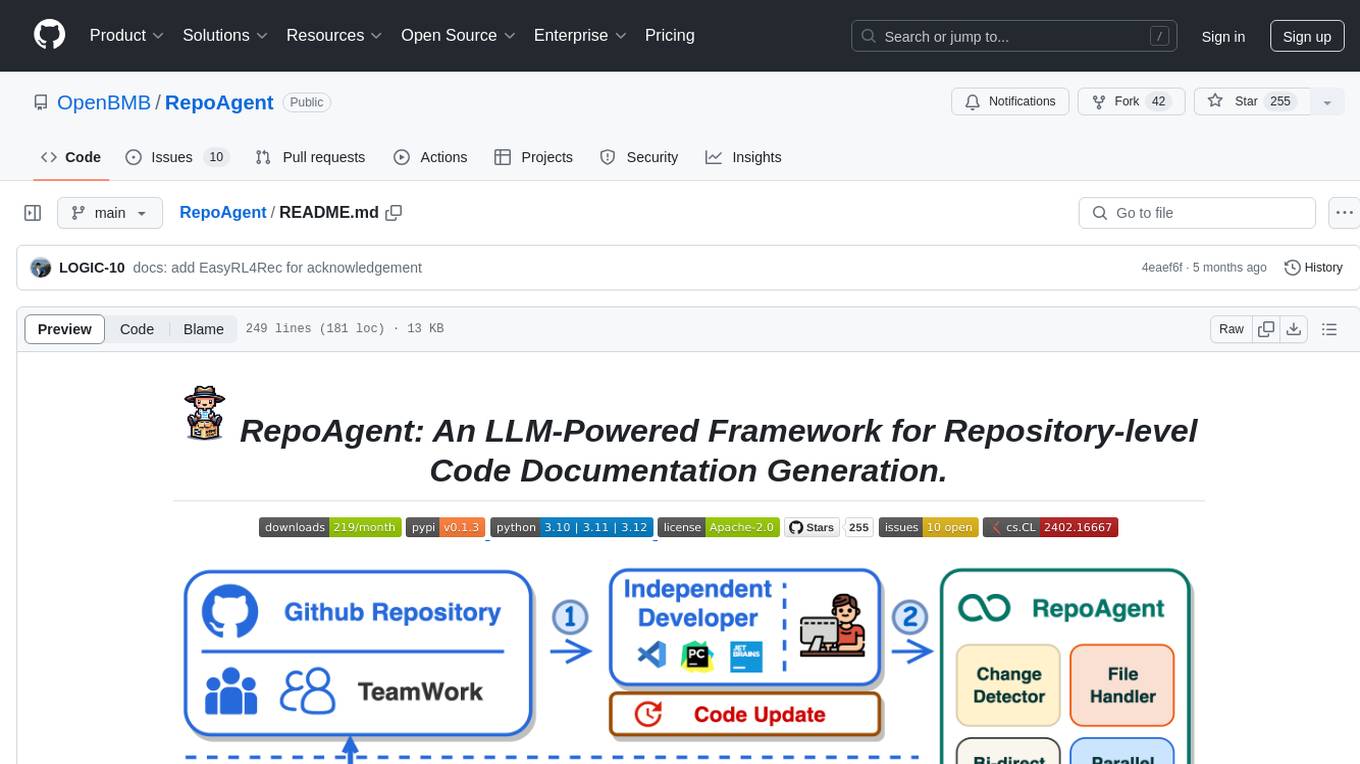
RepoAgent
RepoAgent is an LLM-powered framework designed for repository-level code documentation generation. It automates the process of detecting changes in Git repositories, analyzing code structure through AST, identifying inter-object relationships, replacing Markdown content, and executing multi-threaded operations. The tool aims to assist developers in understanding and maintaining codebases by providing comprehensive documentation, ultimately improving efficiency and saving time.
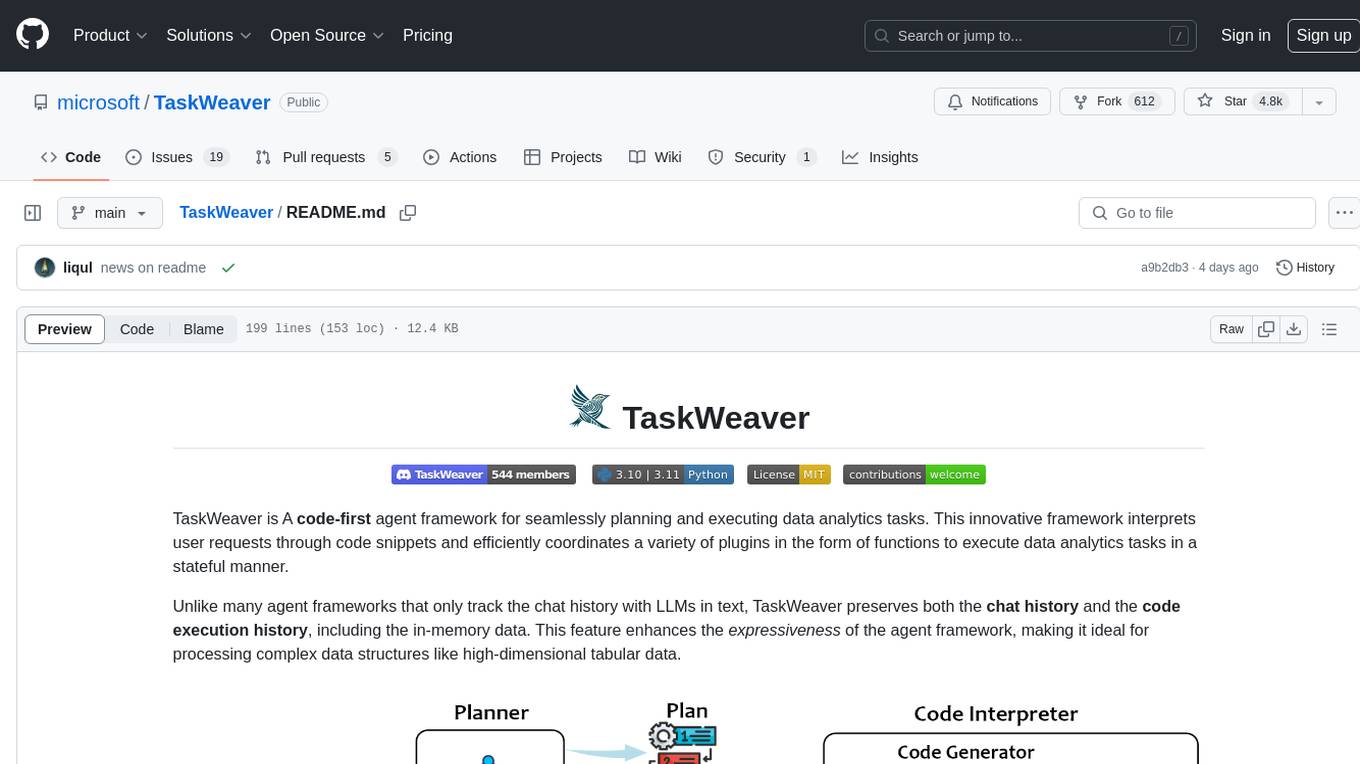
TaskWeaver
TaskWeaver is a code-first agent framework designed for planning and executing data analytics tasks. It interprets user requests through code snippets, coordinates various plugins to execute tasks in a stateful manner, and preserves both chat history and code execution history. It supports rich data structures, customized algorithms, domain-specific knowledge incorporation, stateful execution, code verification, easy debugging, security considerations, and easy extension. TaskWeaver is easy to use with CLI and WebUI support, and it can be integrated as a library. It offers detailed documentation, demo examples, and citation guidelines.
fuse-med-ml
FuseMedML is a Python framework designed to accelerate machine learning-based discovery in the medical field by promoting code reuse. It provides a flexible design concept where data is stored in a nested dictionary, allowing easy handling of multi-modality information. The framework includes components for creating custom models, loss functions, metrics, and data processing operators. Additionally, FuseMedML offers 'batteries included' key components such as fuse.data for data processing, fuse.eval for model evaluation, and fuse.dl for reusable deep learning components. It supports PyTorch and PyTorch Lightning libraries and encourages the creation of domain extensions for specific medical domains.
For similar tasks
uAgents
uAgents is a Python library developed by Fetch.ai that allows for the creation of autonomous AI agents. These agents can perform various tasks on a schedule or take action on various events. uAgents are easy to create and manage, and they are connected to a fast-growing network of other uAgents. They are also secure, with cryptographically secured messages and wallets.

airflow
Apache Airflow (or simply Airflow) is a platform to programmatically author, schedule, and monitor workflows. When workflows are defined as code, they become more maintainable, versionable, testable, and collaborative. Use Airflow to author workflows as directed acyclic graphs (DAGs) of tasks. The Airflow scheduler executes your tasks on an array of workers while following the specified dependencies. Rich command line utilities make performing complex surgeries on DAGs a snap. The rich user interface makes it easy to visualize pipelines running in production, monitor progress, and troubleshoot issues when needed.
airflow-chart
This Helm chart bootstraps an Airflow deployment on a Kubernetes cluster using the Helm package manager. The version of this chart does not correlate to any other component. Users should not expect feature parity between OSS airflow chart and the Astronomer airflow-chart for identical version numbers. To install this helm chart remotely (using helm 3) kubectl create namespace airflow helm repo add astronomer https://helm.astronomer.io helm install airflow --namespace airflow astronomer/airflow To install this repository from source sh kubectl create namespace airflow helm install --namespace airflow . Prerequisites: Kubernetes 1.12+ Helm 3.6+ PV provisioner support in the underlying infrastructure Installing the Chart: sh helm install --name my-release . The command deploys Airflow on the Kubernetes cluster in the default configuration. The Parameters section lists the parameters that can be configured during installation. Upgrading the Chart: First, look at the updating documentation to identify any backwards-incompatible changes. To upgrade the chart with the release name `my-release`: sh helm upgrade --name my-release . Uninstalling the Chart: To uninstall/delete the `my-release` deployment: sh helm delete my-release The command removes all the Kubernetes components associated with the chart and deletes the release. Updating DAGs: Bake DAGs in Docker image The recommended way to update your DAGs with this chart is to build a new docker image with the latest code (`docker build -t my-company/airflow:8a0da78 .`), push it to an accessible registry (`docker push my-company/airflow:8a0da78`), then update the Airflow pods with that image: sh helm upgrade my-release . --set images.airflow.repository=my-company/airflow --set images.airflow.tag=8a0da78 Docker Images: The Airflow image that are referenced as the default values in this chart are generated from this repository: https://github.com/astronomer/ap-airflow. Other non-airflow images used in this chart are generated from this repository: https://github.com/astronomer/ap-vendor. Parameters: The complete list of parameters supported by the community chart can be found on the Parameteres Reference page, and can be set under the `airflow` key in this chart. The following tables lists the configurable parameters of the Astronomer chart and their default values. | Parameter | Description | Default | | :----------------------------- | :-------------------------------------------------------------------------------------------------------- | :---------------------------- | | `ingress.enabled` | Enable Kubernetes Ingress support | `false` | | `ingress.acme` | Add acme annotations to Ingress object | `false` | | `ingress.tlsSecretName` | Name of secret that contains a TLS secret | `~` | | `ingress.webserverAnnotations` | Annotations added to Webserver Ingress object | `{}` | | `ingress.flowerAnnotations` | Annotations added to Flower Ingress object | `{}` | | `ingress.baseDomain` | Base domain for VHOSTs | `~` | | `ingress.auth.enabled` | Enable auth with Astronomer Platform | `true` | | `extraObjects` | Extra K8s Objects to deploy (these are passed through `tpl`). More about Extra Objects. | `[]` | | `sccEnabled` | Enable security context constraints required for OpenShift | `false` | | `authSidecar.enabled` | Enable authSidecar | `false` | | `authSidecar.repository` | The image for the auth sidecar proxy | `nginxinc/nginx-unprivileged` | | `authSidecar.tag` | The image tag for the auth sidecar proxy | `stable` | | `authSidecar.pullPolicy` | The K8s pullPolicy for the the auth sidecar proxy image | `IfNotPresent` | | `authSidecar.port` | The port the auth sidecar exposes | `8084` | | `gitSyncRelay.enabled` | Enables git sync relay feature. | `False` | | `gitSyncRelay.repo.url` | Upstream URL to the git repo to clone. | `~` | | `gitSyncRelay.repo.branch` | Branch of the upstream git repo to checkout. | `main` | | `gitSyncRelay.repo.depth` | How many revisions to check out. Leave as default `1` except in dev where history is needed. | `1` | | `gitSyncRelay.repo.wait` | Seconds to wait before pulling from the upstream remote. | `60` | | `gitSyncRelay.repo.subPath` | Path to the dags directory within the git repository. | `~` | Specify each parameter using the `--set key=value[,key=value]` argument to `helm install`. For example, sh helm install --name my-release --set executor=CeleryExecutor --set enablePodLaunching=false . Walkthrough using kind: Install kind, and create a cluster We recommend testing with Kubernetes 1.25+, example: sh kind create cluster --image kindest/node:v1.25.11 Confirm it's up: sh kubectl cluster-info --context kind-kind Add Astronomer's Helm repo sh helm repo add astronomer https://helm.astronomer.io helm repo update Create namespace + install the chart sh kubectl create namespace airflow helm install airflow -n airflow astronomer/airflow It may take a few minutes. Confirm the pods are up: sh kubectl get pods --all-namespaces helm list -n airflow Run `kubectl port-forward svc/airflow-webserver 8080:8080 -n airflow` to port-forward the Airflow UI to http://localhost:8080/ to confirm Airflow is working. Login as _admin_ and password _admin_. Build a Docker image from your DAGs: 1. Start a project using astro-cli, which will generate a Dockerfile, and load your DAGs in. You can test locally before pushing to kind with `astro airflow start`. `sh mkdir my-airflow-project && cd my-airflow-project astro dev init` 2. Then build the image: `sh docker build -t my-dags:0.0.1 .` 3. Load the image into kind: `sh kind load docker-image my-dags:0.0.1` 4. Upgrade Helm deployment: sh helm upgrade airflow -n airflow --set images.airflow.repository=my-dags --set images.airflow.tag=0.0.1 astronomer/airflow Extra Objects: This chart can deploy extra Kubernetes objects (assuming the role used by Helm can manage them). For Astronomer Cloud and Enterprise, the role permissions can be found in the Commander role. yaml extraObjects: - apiVersion: batch/v1beta1 kind: CronJob metadata: name: "{{ .Release.Name }}-somejob" spec: schedule: "*/10 * * * *" concurrencyPolicy: Forbid jobTemplate: spec: template: spec: containers: - name: myjob image: ubuntu command: - echo args: - hello restartPolicy: OnFailure Contributing: Check out our contributing guide! License: Apache 2.0 with Commons Clause
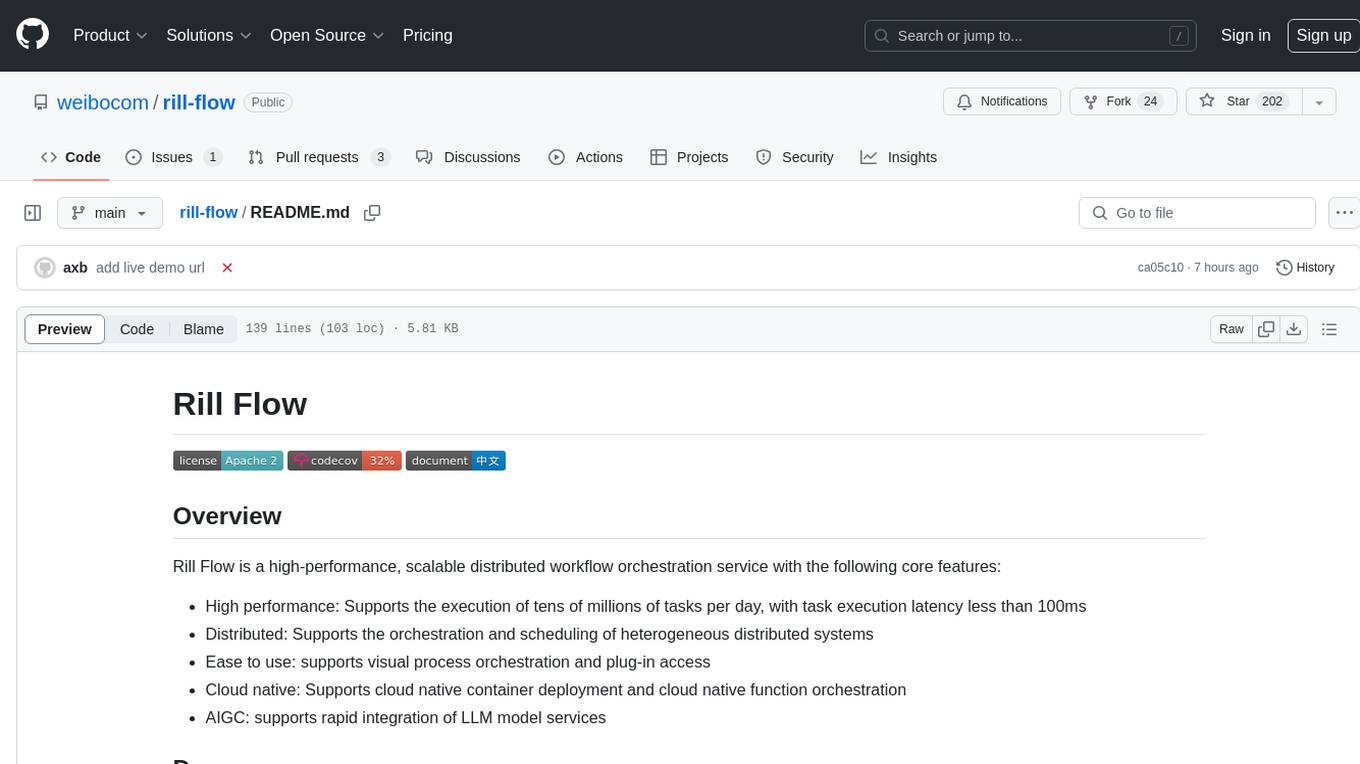
rill-flow
Rill Flow is a high-performance, scalable distributed workflow orchestration service that supports the execution of tens of millions of tasks per day with task execution latency less than 100ms. It is distributed and supports the orchestration and scheduling of heterogeneous distributed systems. Rill Flow is easy to use, supporting visual process orchestration and plug-in access. It is cloud native, allowing for cloud native container deployment and cloud native function orchestration. Additionally, Rill Flow supports rapid integration of LLM model services.
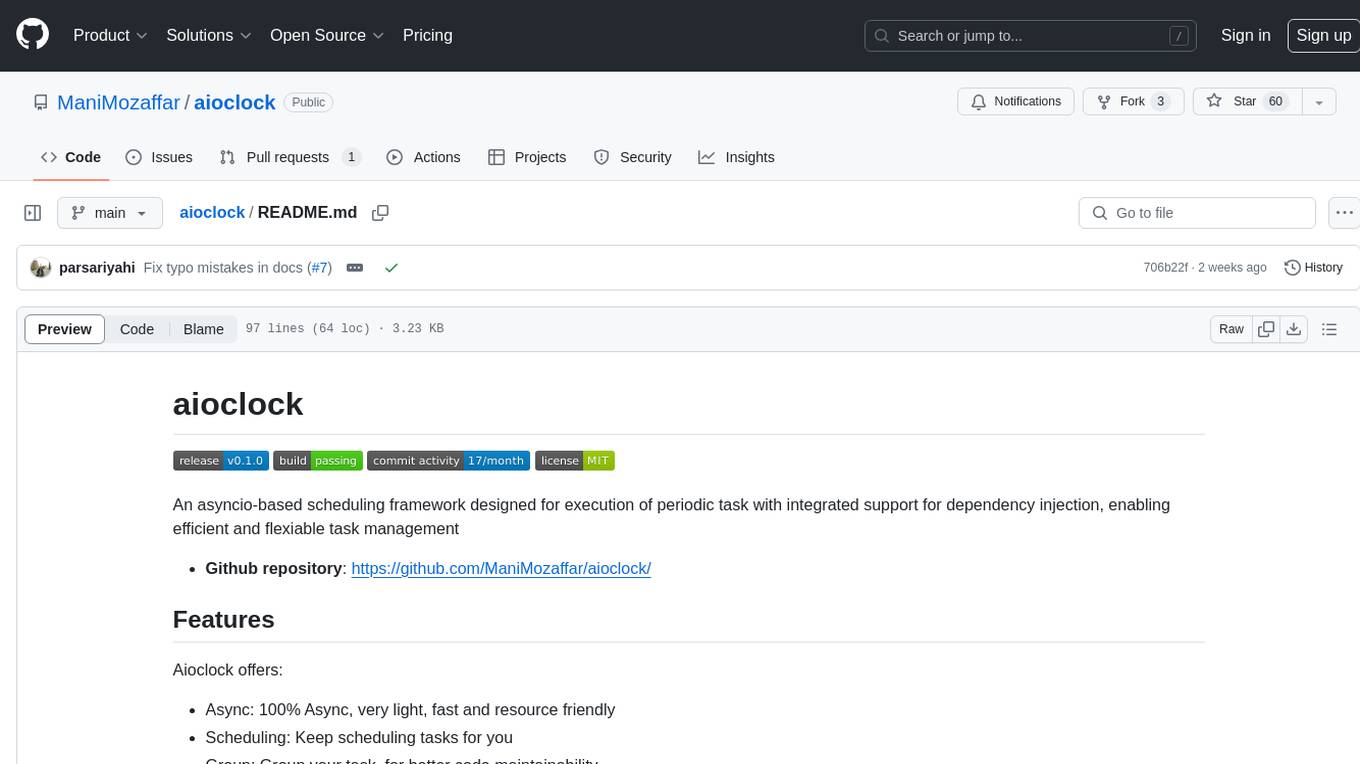
aioclock
An asyncio-based scheduling framework designed for execution of periodic tasks with integrated support for dependency injection, enabling efficient and flexible task management. Aioclock is 100% async, light, fast, and resource-friendly. It offers features like task scheduling, grouping, trigger definition, easy syntax, Pydantic v2 validation, and upcoming support for running the task dispatcher on a different process and backend support for horizontal scaling.
naas
Naas (Notebooks as a service) is an open source platform that enables users to create powerful data engines combining automation, analytics, and AI from Jupyter notebooks. It offers features like templates for automated data jobs and reports, drivers for data connectivity, and production-ready environment with scheduling and notifications. Naas aims to provide an alternative to Google Colab with enhanced low-code layers.
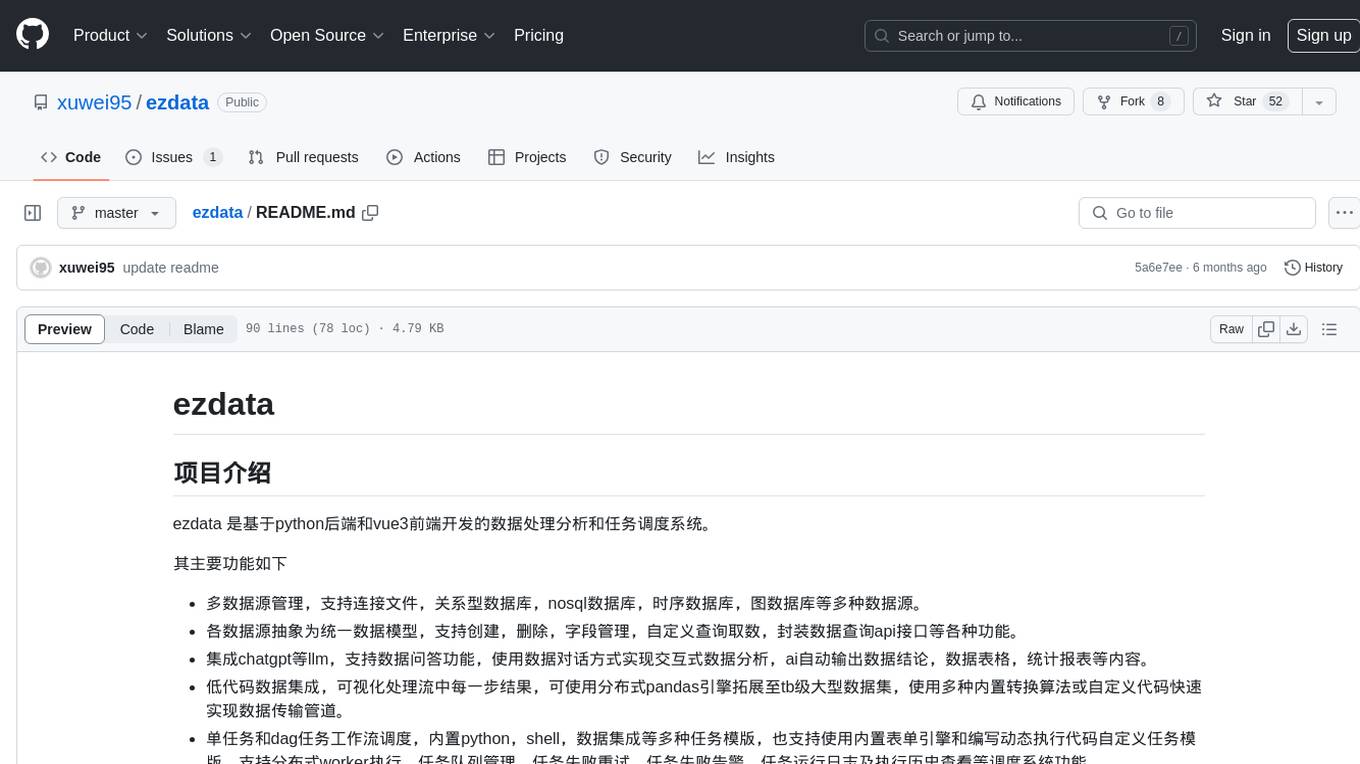
ezdata
Ezdata is a data processing and task scheduling system developed based on Python backend and Vue3 frontend. It supports managing multiple data sources, abstracting various data sources into a unified data model, integrating chatgpt for data question and answer functionality, enabling low-code data integration and visualization processing, scheduling single and dag tasks, and integrating a low-code data visualization dashboard system.
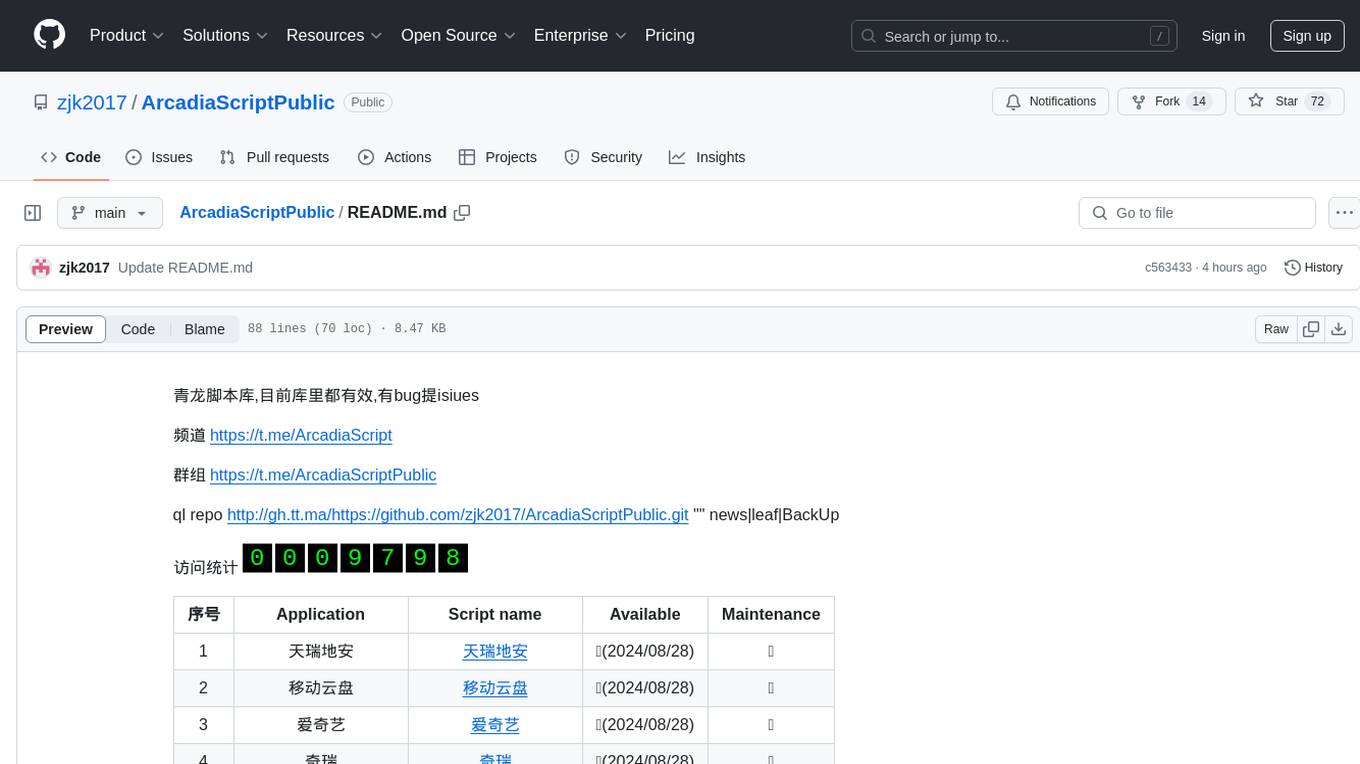
ArcadiaScriptPublic
ArcadiaScriptPublic is a repository containing various scripts for learning and practicing JavaScript, Python, and Shell scripting. It is intended for testing and educational purposes only, and not for commercial use. The repository does not guarantee the legality, accuracy, completeness, or effectiveness of the scripts, and users are advised to use them at their own discretion. No resources from the repository are allowed to be republished or redistributed by any public account or self-media. The repository owner disclaims any responsibility for script-related issues, including losses or damages resulting from script errors. Users indirectly utilizing the scripts, such as setting up VPS or engaging in activities that violate national/regional laws or regulations, are solely responsible for any privacy leaks or consequences. If any entity or individual believes that the scripts in the project may infringe upon their rights, they should promptly notify and provide proof of identity and ownership, upon which the relevant scripts will be removed after verification. Anyone viewing or using the scripts in this project should carefully read and accept the disclaimer provided by zjk2017/ArcadiaScriptPublic, as the repository reserves the right to change or supplement the disclaimer at any time. Users must completely delete the downloaded content from their computers or phones within 24 hours of downloading, and any form of profit chain generation is strictly prohibited.
For similar jobs

sweep
Sweep is an AI junior developer that turns bugs and feature requests into code changes. It automatically handles developer experience improvements like adding type hints and improving test coverage.

teams-ai
The Teams AI Library is a software development kit (SDK) that helps developers create bots that can interact with Teams and Microsoft 365 applications. It is built on top of the Bot Framework SDK and simplifies the process of developing bots that interact with Teams' artificial intelligence capabilities. The SDK is available for JavaScript/TypeScript, .NET, and Python.

ai-guide
This guide is dedicated to Large Language Models (LLMs) that you can run on your home computer. It assumes your PC is a lower-end, non-gaming setup.

classifai
Supercharge WordPress Content Workflows and Engagement with Artificial Intelligence. Tap into leading cloud-based services like OpenAI, Microsoft Azure AI, Google Gemini and IBM Watson to augment your WordPress-powered websites. Publish content faster while improving SEO performance and increasing audience engagement. ClassifAI integrates Artificial Intelligence and Machine Learning technologies to lighten your workload and eliminate tedious tasks, giving you more time to create original content that matters.

chatbot-ui
Chatbot UI is an open-source AI chat app that allows users to create and deploy their own AI chatbots. It is easy to use and can be customized to fit any need. Chatbot UI is perfect for businesses, developers, and anyone who wants to create a chatbot.

BricksLLM
BricksLLM is a cloud native AI gateway written in Go. Currently, it provides native support for OpenAI, Anthropic, Azure OpenAI and vLLM. BricksLLM aims to provide enterprise level infrastructure that can power any LLM production use cases. Here are some use cases for BricksLLM: * Set LLM usage limits for users on different pricing tiers * Track LLM usage on a per user and per organization basis * Block or redact requests containing PIIs * Improve LLM reliability with failovers, retries and caching * Distribute API keys with rate limits and cost limits for internal development/production use cases * Distribute API keys with rate limits and cost limits for students
uAgents
uAgents is a Python library developed by Fetch.ai that allows for the creation of autonomous AI agents. These agents can perform various tasks on a schedule or take action on various events. uAgents are easy to create and manage, and they are connected to a fast-growing network of other uAgents. They are also secure, with cryptographically secured messages and wallets.

griptape
Griptape is a modular Python framework for building AI-powered applications that securely connect to your enterprise data and APIs. It offers developers the ability to maintain control and flexibility at every step. Griptape's core components include Structures (Agents, Pipelines, and Workflows), Tasks, Tools, Memory (Conversation Memory, Task Memory, and Meta Memory), Drivers (Prompt and Embedding Drivers, Vector Store Drivers, Image Generation Drivers, Image Query Drivers, SQL Drivers, Web Scraper Drivers, and Conversation Memory Drivers), Engines (Query Engines, Extraction Engines, Summary Engines, Image Generation Engines, and Image Query Engines), and additional components (Rulesets, Loaders, Artifacts, Chunkers, and Tokenizers). Griptape enables developers to create AI-powered applications with ease and efficiency.