


promptMinder
一个开源的,专注于提示词管理的平台 / An open-source platform focused on prompt management
Stars: 89
PromptMinder is a professional prompt word management platform that simplifies and enhances AI prompt word management. It features prompt word version control with support for version tracking and history viewing, diff comparison similar to Git for quick identification of prompt word updates, customizable tagging for quick categorization and retrieval, support for private and public prompt words, integration of AI models for intelligent prompt word generation, team collaboration with team creation, member management, and permission control, community contribution feature with audit and publishing process. The platform also offers a responsive design for mobile devices, internationalization support for Chinese and English languages, modern interface based on Shadcn UI, intelligent search and filtering functionality, and convenient copy and share features. It is built for high performance using Next.js 16 + React 19, with security authentication provided by Clerk, reliable storage using Supabase + PostgreSQL database, and easy deployment supporting Vercel and Zeabur one-click deployment.
README:
一个专业的提示词管理平台,让 AI 提示词管理更简单、更高效

- ✅ 提示词版本管理 - 支持版本回溯和历史记录查看
- ✅ 版本差异对比 - 类似 Git diff 的并排对比视图,快速识别提示词更新变化
- ✅ 标签化管理 - 自定义标签,快速分类和检索
- ✅ 公私有模式 - 支持私有提示词和公共分享
- ✅ AI 智能生成 - 集成 AI 模型,智能生成优质提示词
- ✅ 团队协作 - 支持团队创建、成员管理与权限控制
- ✅ 提示词贡献 - 社区贡献功能,审核发布流程
- 📱 移动端适配 - 响应式设计,完美支持移动设备
- 🌍 国际化支持 - 支持中文和英文双语
- 🎨 现代化界面 - 基于 Shadcn UI 的精美设计
- 🔍 智能搜索 - 快速搜索和过滤功能
- 📋 一键复制 - 方便的复制和分享功能
- ⚡ 高性能 - Next.js 16 + React 19,极速加载
- 🔐 安全认证 - Clerk 提供企业级用户认证
- 💾 可靠存储 - Supabase + PostgreSQL 数据库
- 🚀 易部署 - 支持 Vercel、Zeabur 一键部署
- Node.js 20.0 或更高版本
- npm 或 pnpm 包管理器
- Git
- 克隆项目
git clone https://github.com/your-username/promptMinder.git
cd promptMinder- 安装依赖
# 推荐使用 pnpm
pnpm install-
配置环境变量
创建
.env.local文件并配置以下变量:
# Supabase 配置
SUPABASE_URL=your_supabase_project_url
SUPABASE_ANON_KEY=your_supabase_anon_key

# Clerk 认证配置
NEXT_PUBLIC_CLERK_PUBLISHABLE_KEY=your_clerk_publishable_key
CLERK_SECRET_KEY=your_clerk_secret_key
NEXT_PUBLIC_CLERK_SIGN_IN_URL=/sign-in
NEXT_PUBLIC_CLERK_SIGN_UP_URL=/sign-up

# NextAuth 配置
AUTH_SECRET=your_auth_secret

# AI API 配置
ZHIPU_API_KEY=your_zhipu_api_key

# GitHub OAuth (可选)
GITHUB_ID=your_github_app_id
GITHUB_SECRET=your_github_app_secret

# 基础 URL
NEXT_PUBLIC_BASE_URL=http://localhost:3000- 启动开发服务器
npm run dev
# 或者使用 pnpm
pnpm dev
访问 http://localhost:3000 查看应用。
-
准备工作
- Fork 本项目到你的 GitHub 账户
- 注册并登录 Vercel
-
部署步骤
- 在 Vercel 中点击
New Project - 选择
Import Git Repository - 选择你 fork 的项目
- 配置环境变量(见上方环境变量说明)
- 点击
Deploy
- 在 Vercel 中点击
-
自动部署
- 部署完成后,每次推送到主分支都会自动重新部署
-
访问 Zeabur 并登录
-
创建新项目并连接 GitHub 仓库
-
配置环境变量
-
部署并获取访问地址

-
创建项目
- 注册 Supabase 账户
- 创建新项目
- 获取项目 URL 和匿名密钥
-
创建数据表 执行以下 SQL 语句创建所需的数据表:
-- 创建 teams 表
CREATE TABLE teams (
    id UUID PRIMARY KEY DEFAULT gen_random_uuid(),
    name TEXT NOT NULL,
    description TEXT,
    avatar_url TEXT,
    is_personal BOOLEAN NOT NULL DEFAULT false,
    created_by TEXT NOT NULL,
    owner_id TEXT NOT NULL,
    created_at TIMESTAMPTZ NOT NULL DEFAULT NOW(),
    updated_at TIMESTAMPTZ NOT NULL DEFAULT NOW()
);

-- 创建团队成员表
CREATE TABLE team_members (
    id UUID PRIMARY KEY DEFAULT gen_random_uuid(),
    team_id UUID NOT NULL REFERENCES teams(id) ON DELETE CASCADE,
    user_id TEXT NOT NULL,
    email TEXT,
    role TEXT NOT NULL CHECK (role IN ('owner', 'admin', 'member')),
    status TEXT NOT NULL DEFAULT 'active' CHECK (status IN ('pending', 'active', 'left', 'removed', 'blocked')),
    invited_by TEXT,
    invited_at TIMESTAMPTZ,
    joined_at TIMESTAMPTZ,
    left_at TIMESTAMPTZ,
    created_at TIMESTAMPTZ NOT NULL DEFAULT NOW(),
    updated_at TIMESTAMPTZ NOT NULL DEFAULT NOW(),
    created_by TEXT,
    UNIQUE(team_id, user_id)
);

-- 创建项目表
CREATE TABLE projects (
    id UUID PRIMARY KEY DEFAULT gen_random_uuid(),
    team_id UUID NOT NULL REFERENCES teams(id) ON DELETE CASCADE,
    name TEXT NOT NULL,
    description TEXT,
    created_by TEXT NOT NULL,
    created_at TIMESTAMPTZ NOT NULL DEFAULT NOW(),
    updated_at TIMESTAMPTZ NOT NULL DEFAULT NOW()
);

-- 创建 prompts 表
CREATE TABLE prompts (
    id UUID PRIMARY KEY DEFAULT gen_random_uuid(),
    team_id UUID REFERENCES teams(id) ON DELETE CASCADE,
    project_id UUID REFERENCES projects(id) ON DELETE SET NULL,
    title TEXT NOT NULL,
    content TEXT NOT NULL,
    description TEXT,
    created_by TEXT NOT NULL,
    user_id TEXT,
    version TEXT,
    tags TEXT,
    is_public BOOLEAN NOT NULL DEFAULT false,
    cover_img TEXT,
    created_at TIMESTAMPTZ NOT NULL DEFAULT NOW(),
    updated_at TIMESTAMPTZ NOT NULL DEFAULT NOW()
);

-- 创建 tags 表
CREATE TABLE tags (
    id UUID PRIMARY KEY DEFAULT gen_random_uuid(),
    team_id UUID REFERENCES teams(id) ON DELETE CASCADE,
    name TEXT NOT NULL,
    user_id TEXT,
    created_by TEXT NOT NULL,
    created_at TIMESTAMPTZ NOT NULL DEFAULT NOW(),
    updated_at TIMESTAMPTZ NOT NULL DEFAULT NOW(),
    UNIQUE(name, team_id, user_id)
);

-- 创建收藏表
CREATE TABLE favorites (
    id UUID PRIMARY KEY DEFAULT gen_random_uuid(),
    user_id TEXT NOT NULL,
    prompt_id UUID NOT NULL REFERENCES prompts(id) ON DELETE CASCADE,
    created_at TIMESTAMPTZ NOT NULL DEFAULT NOW(),
    CONSTRAINT unique_user_prompt_favorite UNIQUE (user_id, prompt_id)
);

-- 创建公开提示词表
CREATE TABLE public_prompts (
    id UUID PRIMARY KEY DEFAULT gen_random_uuid(),
    title TEXT NOT NULL,
    role_category TEXT NOT NULL,
    content TEXT NOT NULL,
    category TEXT DEFAULT '通用',
    language TEXT DEFAULT 'zh',
    created_by TEXT,
    created_at TIMESTAMPTZ NOT NULL DEFAULT NOW(),
    updated_at TIMESTAMPTZ NOT NULL DEFAULT NOW(),
    likes INTEGER DEFAULT 0
);

-- 创建用户点赞表
CREATE TABLE prompt_likes (
    id UUID PRIMARY KEY DEFAULT gen_random_uuid(),
    prompt_id UUID NOT NULL REFERENCES public_prompts(id) ON DELETE CASCADE,
    user_id TEXT NOT NULL,
    created_at TIMESTAMPTZ NOT NULL DEFAULT NOW(),
    CONSTRAINT prompt_likes_unique UNIQUE(prompt_id, user_id)
);

-- 创建贡献表
CREATE TABLE prompt_contributions (
    id UUID PRIMARY KEY DEFAULT gen_random_uuid(),
    title TEXT NOT NULL,
    role_category TEXT NOT NULL,
    content TEXT NOT NULL,
    language TEXT DEFAULT 'zh',
    contributor_email TEXT,
    contributor_name TEXT,
    status TEXT NOT NULL DEFAULT 'pending',
    admin_notes TEXT,
    created_at TIMESTAMPTZ NOT NULL DEFAULT NOW(),
    updated_at TIMESTAMPTZ NOT NULL DEFAULT NOW(),
    reviewed_at TIMESTAMPTZ,
    reviewed_by TEXT,
    published_prompt_id UUID,
    CONSTRAINT valid_status CHECK (status IN ('pending', 'approved', 'rejected'))
);

-- 创建 API 密钥表
CREATE TABLE provider_keys (
    id uuid PRIMARY KEY DEFAULT gen_random_uuid(),
    user_id text NOT NULL,
    provider text NOT NULL,
    api_key text NOT NULL,
    created_at timestamptz NOT NULL DEFAULT timezone('utc', now()),
    updated_at timestamptz NOT NULL DEFAULT timezone('utc', now())
);
更多 SQL 文件可以在 /sql 目录中找到。
现有用户升级到团队协作版本时,需要按顺序执行以下步骤:
-
应用最新数据库结构
- 依次运行
sql/teams.sql,sql/project.sql,sql/prompts.sql,sql/tags.sql,确保新增的外键、检查约束和索引落地。
- 依次运行
-
回填历史数据
- 执行
sql/backfill_team_data.sql,它会为每位用户创建个人团队并将既有提示词、项目、标签挂接到对应团队。 - 迁移后可通过脚本末尾的查询检查是否仍存在缺失
team_id的记录。
- 执行
-
发布前校验
- 确认
team_members表中每个团队仅保留一个owner,同时teams.owner_id与对应成员一致。 - 为生产环境配置
SUPABASE_URL/SUPABASE_ANON_KEY,并在部署前运行npm run lint && npm test。
- 确认
建议先在测试环境导入生产快照验证迁移脚本,确认无数据丢失后再在生产执行。
-
创建 Clerk 应用
- 访问 Clerk
- 创建新应用
- 选择认证方式(邮箱、社交登录等)
-
配置 OAuth 提供商
- 在 Clerk 控制台中启用 GitHub、Google 等登录方式
- 配置回调 URL
-
获取密钥
- 复制 Publishable Key 和 Secret Key
- 添加到环境变量中
详细配置请参考 Clerk 官方文档
项目支持多语言,目前支持:
- 🇨🇳 简体中文
- 🇺🇸 English
语言文件位于 /messages 目录:
-
zh.json- 中文翻译 -
en.json- 英文翻译
- 在
/messages目录创建新的语言文件 - 复制现有翻译文件的结构
- 在
LanguageContext中添加新语言支持
promptMinder/
├── app/                    # Next.js App Router
│   ├── api/               # API 路由
│   ├── prompts/           # 提示词相关页面
│   ├── tags/              # 标签管理页面
│   └── ...
├── components/            # React 组件
│   ├── ui/                # 基础 UI 组件
│   ├── prompt/            # 提示词相关组件
│   └── ...
├── contexts/              # React Context
├── hooks/                 # 自定义 Hooks
├── lib/                   # 工具库和配置
├── messages/              # 国际化文件
├── public/                # 静态资源
└── sql/                   # 数据库脚本
- 使用 ESLint 进行代码检查
- 遵循 React Hooks 最佳实践
- 组件使用 TypeScript (推荐)
- CSS 使用 Tailwind CSS
- Fork 本项目
- 创建特性分支 (
git checkout -b feature/amazing-feature) - 提交变更 (
git commit -m 'Add some amazing feature') - 推送到分支 (
git push origin feature/amazing-feature) - 创建 Pull Request
使用 Canny 收集用户反馈和功能请求。
- 注册 Canny 账号并创建项目
- 获取 Canny URL
- 在应用的 Footer 组件中配置链接
本项目采用 MIT 许可证。
如果这个项目对你有帮助,欢迎:
- ⭐ 给项目点个星
- 🍴 Fork 并改进
- 🐛 提交 Bug 报告
- 💡 提出新功能建议

PromptMinder - 让 AI 提示词管理更简单 ✨
For Tasks:
Click tags to check more tools for each tasksFor Jobs:
Alternative AI tools for promptMinder
Similar Open Source Tools
For similar tasks
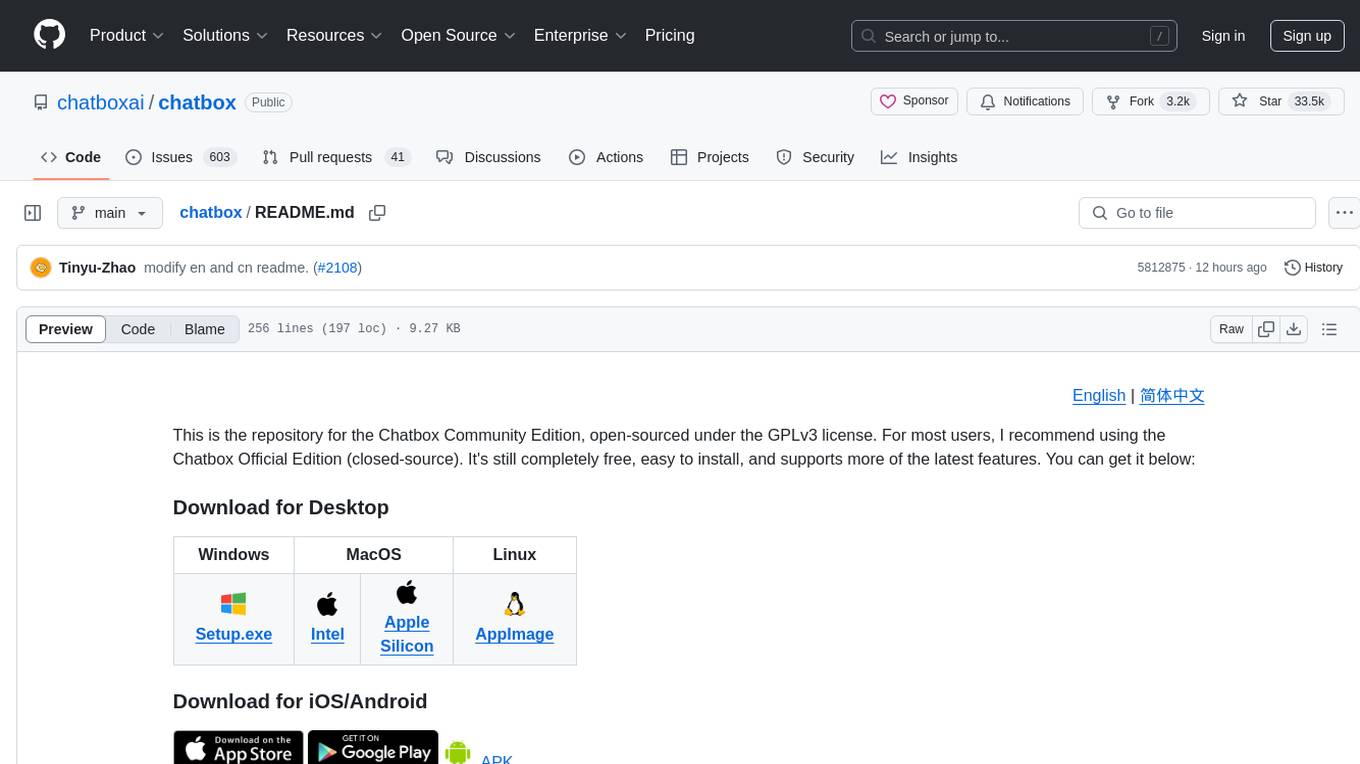
chatbox
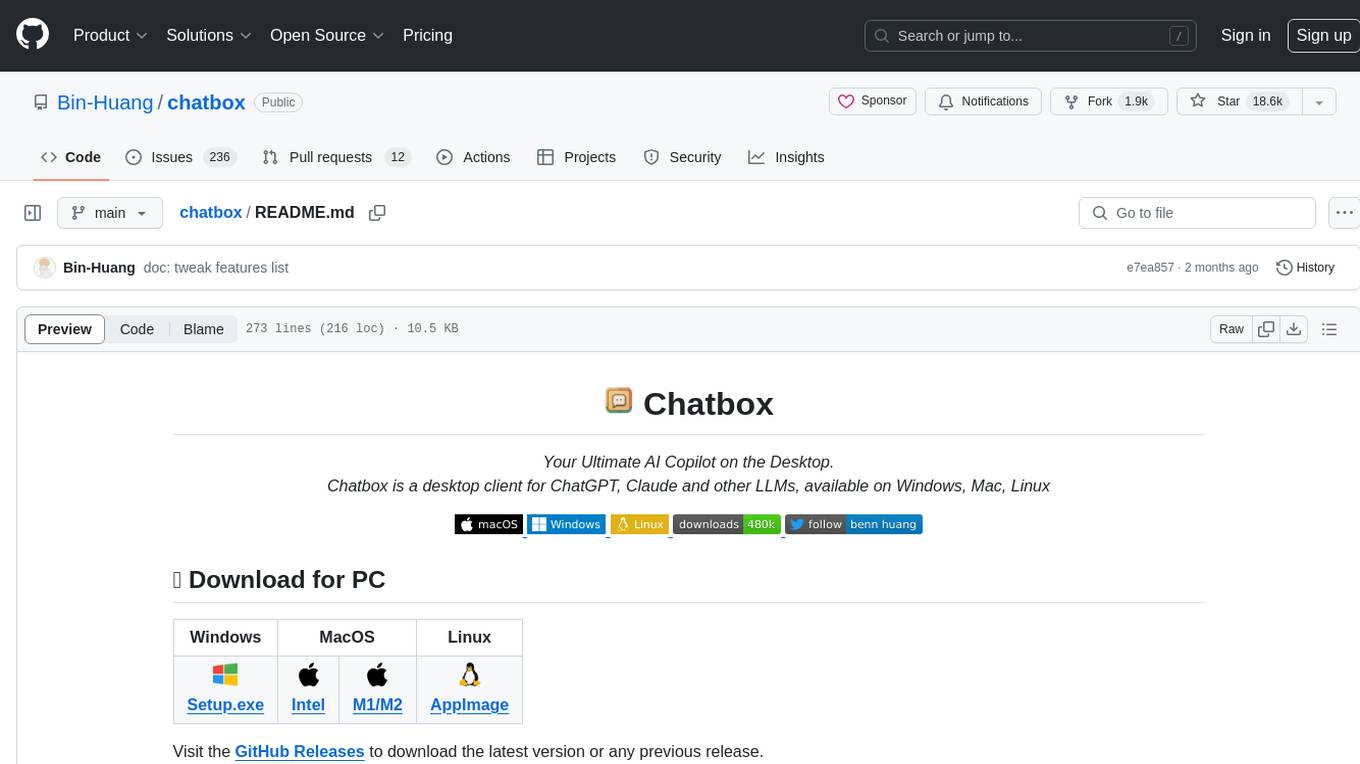
Chatbox is a desktop client for ChatGPT, Claude, and other LLMs, providing a user-friendly interface for AI copilot assistance on Windows, Mac, and Linux. It offers features like local data storage, multiple LLM provider support, image generation with Dall-E-3, enhanced prompting, keyboard shortcuts, and more. Users can collaborate, access the tool on various platforms, and enjoy multilingual support. Chatbox is constantly evolving with new features to enhance the user experience.
singulatron
Singulatron is an AI Superplatform that runs on your computer(s) and server(s) without using third party APIs, providing complete control over data and privacy. It offers AI functionality, user management, supports different database backends, collaboration, and mini-apps. It aims to be a desktop app for local usage and a distributed daemon for servers, with a web app frontend client. The tool is stack-based on Electron, Angular, and Go, and currently dual-licensed under AGPL-3.0-or-later and a commercial license.
helicone
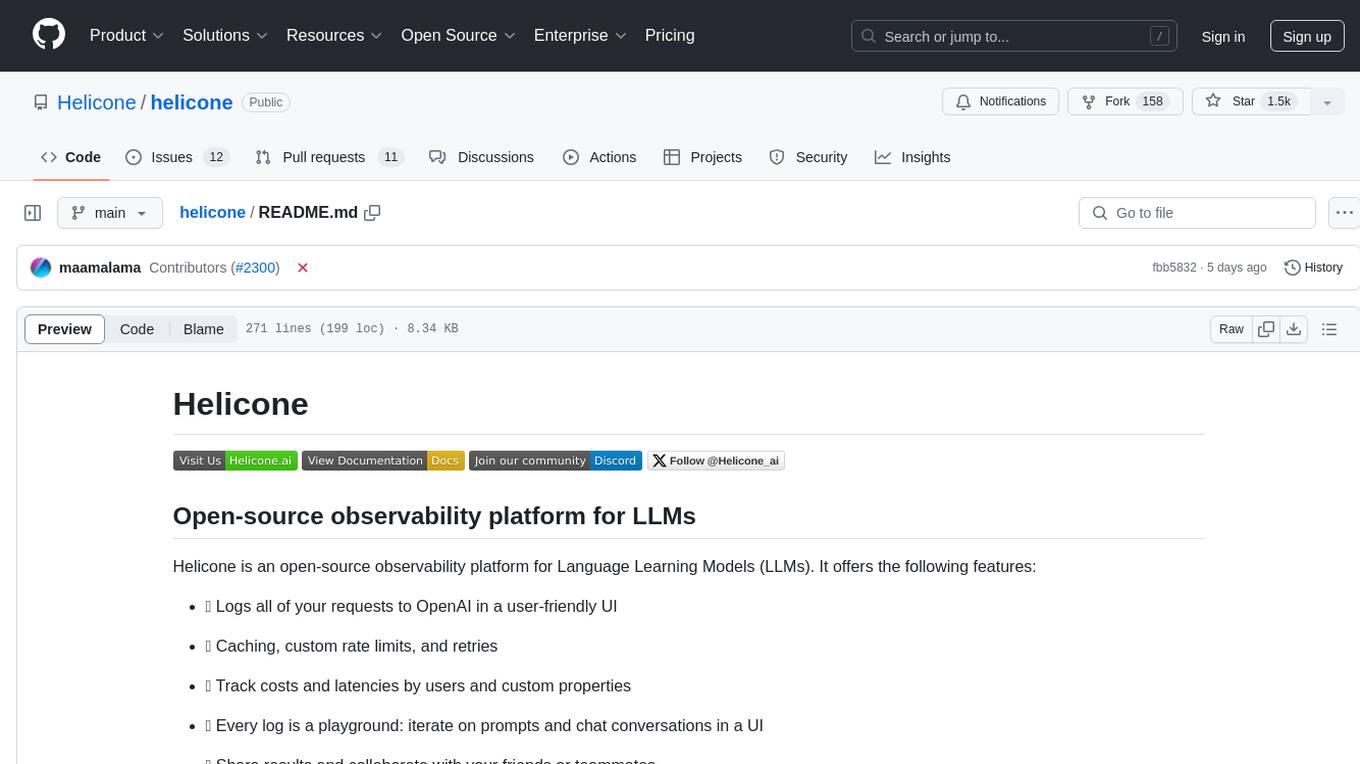
Helicone is an open-source observability platform designed for Language Learning Models (LLMs). It logs requests to OpenAI in a user-friendly UI, offers caching, rate limits, and retries, tracks costs and latencies, provides a playground for iterating on prompts and chat conversations, supports collaboration, and will soon have APIs for feedback and evaluation. The platform is deployed on Cloudflare and consists of services like Web (NextJs), Worker (Cloudflare Workers), Jawn (Express), Supabase, and ClickHouse. Users can interact with Helicone locally by setting up the required services and environment variables. The platform encourages contributions and provides resources for learning, documentation, and integrations.
vidur
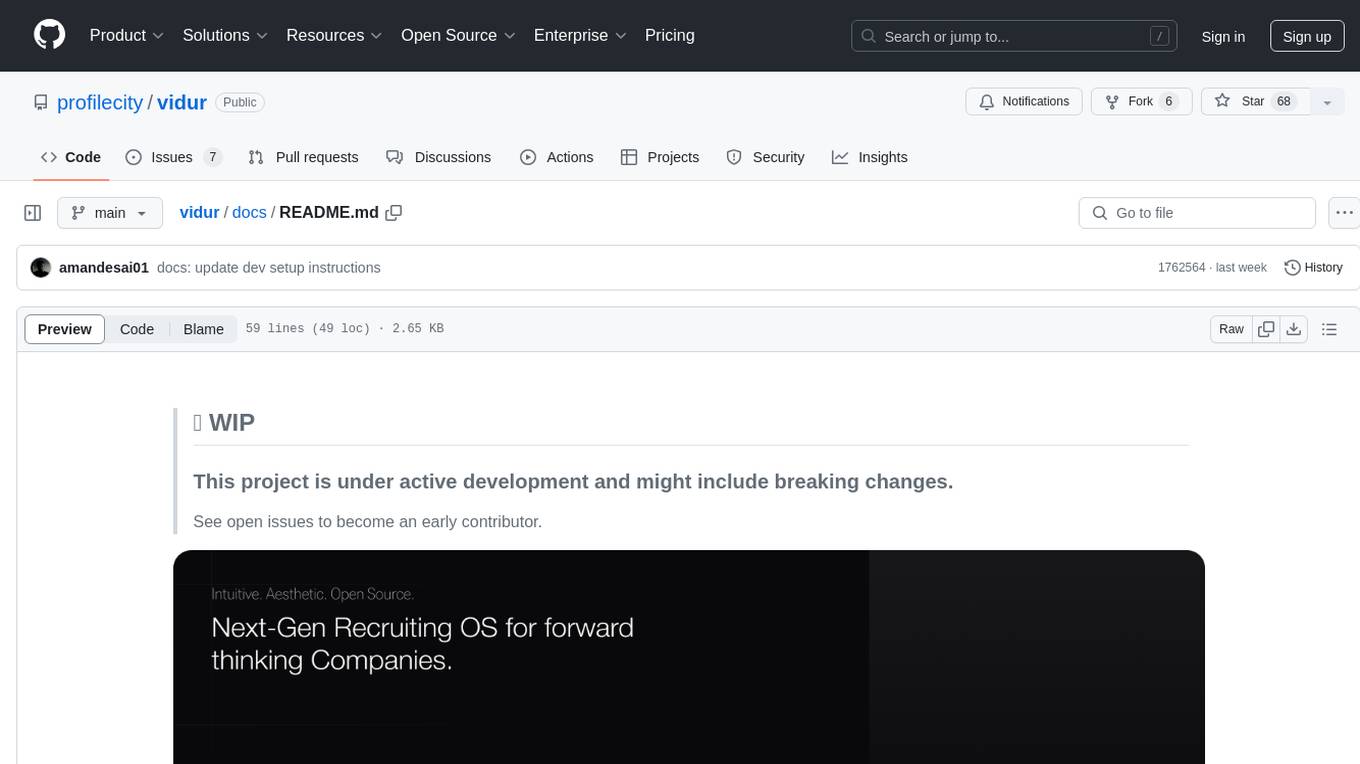
Vidur is an open-source next-gen Recruiting OS that offers an intuitive and modern interface for forward-thinking companies to efficiently manage their recruitment processes. It combines advanced candidate profiles, team workspace, plugins, and one-click apply features. The project is under active development, and contributors are welcome to join by addressing open issues. To ensure privacy, security issues should be reported via email to [email protected].

postiz-app
Postiz is an ultimate AI social media scheduling tool that offers everything you need to manage your social media posts, build an audience, capture leads, and grow your business. It allows you to schedule posts with AI features, measure work with analytics, collaborate with team members, and invite others to comment and schedule posts. The tech stack includes NX (Monorepo), NextJS (React), NestJS, Prisma, Redis, and Resend for email notifications.
chatbox
Chatbox is a desktop client for ChatGPT, Claude, and other LLMs, providing features like local data storage, multiple LLM provider support, image generation, enhanced prompting, keyboard shortcuts, and more. It offers a user-friendly interface with dark theme, team collaboration, cross-platform availability, web version access, iOS & Android apps, multilingual support, and ongoing feature enhancements. Developed for prompt and API debugging, it has gained popularity for daily chatting and professional role-playing with AI assistance.
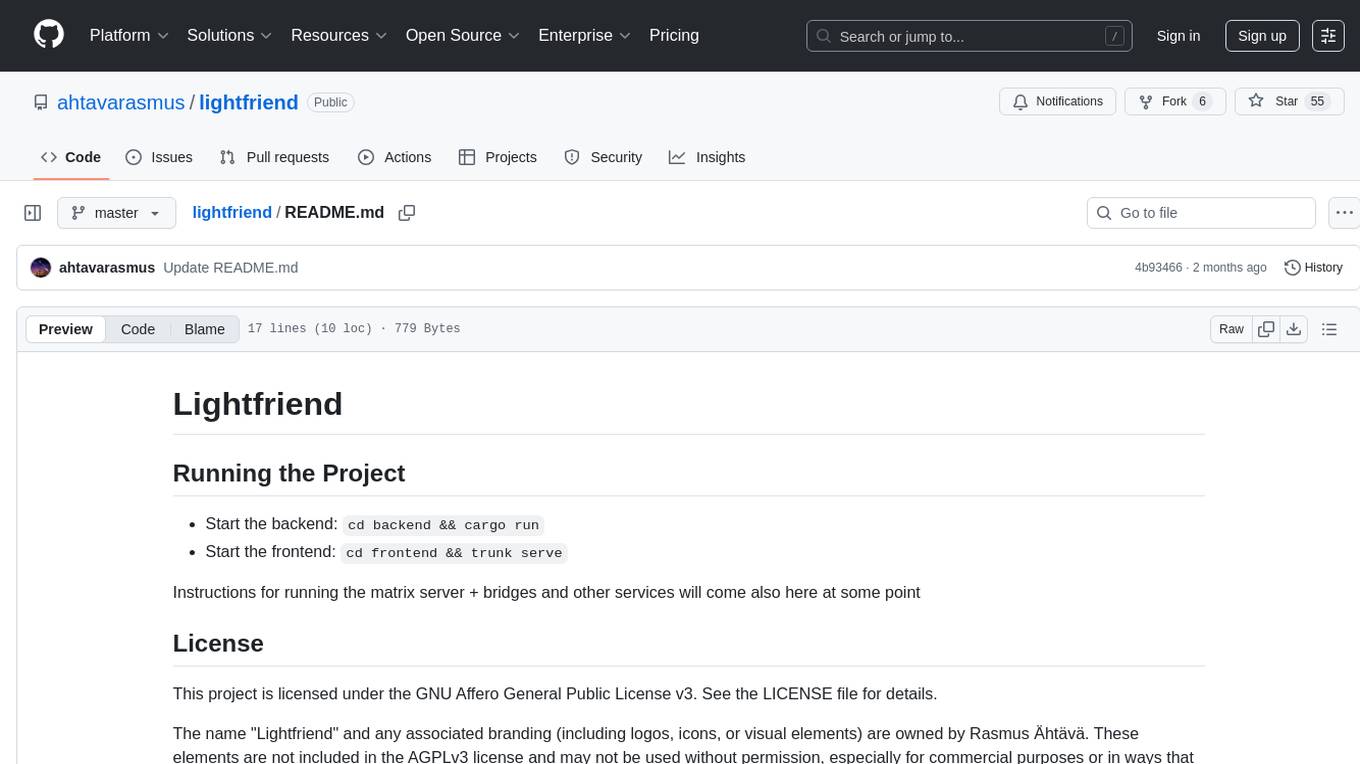
lightfriend
Lightfriend is a lightweight and user-friendly tool designed to assist developers in managing their GitHub repositories efficiently. It provides a simple and intuitive interface for users to perform various repository-related tasks, such as creating new repositories, managing branches, and reviewing pull requests. With Lightfriend, developers can streamline their workflow and collaborate more effectively with team members. The tool is designed to be easy to use and requires minimal setup, making it ideal for developers of all skill levels. Whether you are a beginner looking to get started with GitHub or an experienced developer seeking a more efficient way to manage your repositories, Lightfriend is the perfect companion for your GitHub workflow.
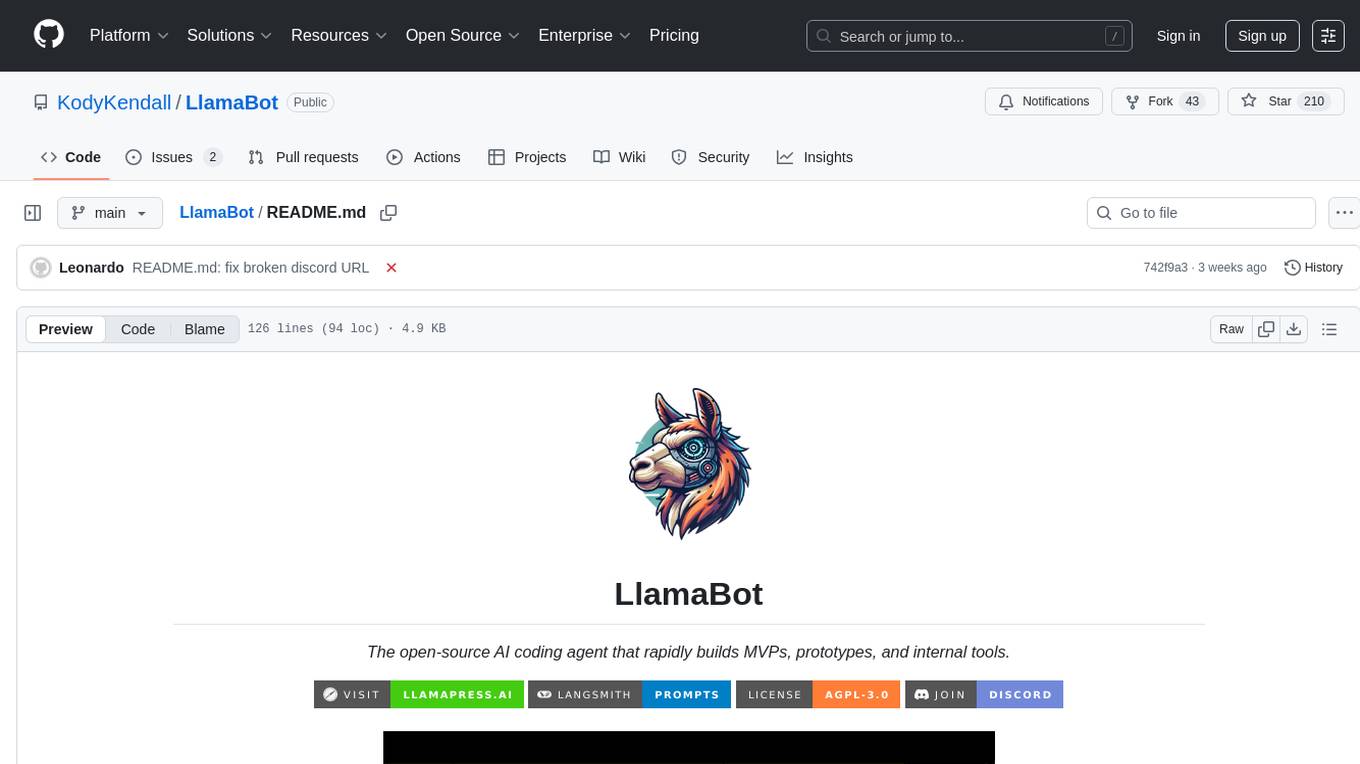
LlamaBot
LlamaBot is an open-source AI coding agent that rapidly builds MVPs, prototypes, and internal tools. It works for non-technical founders, product teams, and engineers by generating working prototypes, embedding AI directly into the app, and running real workflows. Unlike typical codegen tools, LlamaBot can embed directly in your app and run real workflows, making it ideal for collaborative software building where founders guide the vision, engineers stay in control, and AI fills the gap. LlamaBot is built for moving ideas fast, allowing users to prototype an AI MVP in a weekend, experiment with workflows, and collaborate with teammates to bridge the gap between non-technical founders and engineering teams.
For similar jobs
promptMinder
PromptMinder is a professional prompt word management platform that simplifies and enhances AI prompt word management. It features prompt word version control with support for version tracking and history viewing, diff comparison similar to Git for quick identification of prompt word updates, customizable tagging for quick categorization and retrieval, support for private and public prompt words, integration of AI models for intelligent prompt word generation, team collaboration with team creation, member management, and permission control, community contribution feature with audit and publishing process. The platform also offers a responsive design for mobile devices, internationalization support for Chinese and English languages, modern interface based on Shadcn UI, intelligent search and filtering functionality, and convenient copy and share features. It is built for high performance using Next.js 16 + React 19, with security authentication provided by Clerk, reliable storage using Supabase + PostgreSQL database, and easy deployment supporting Vercel and Zeabur one-click deployment.
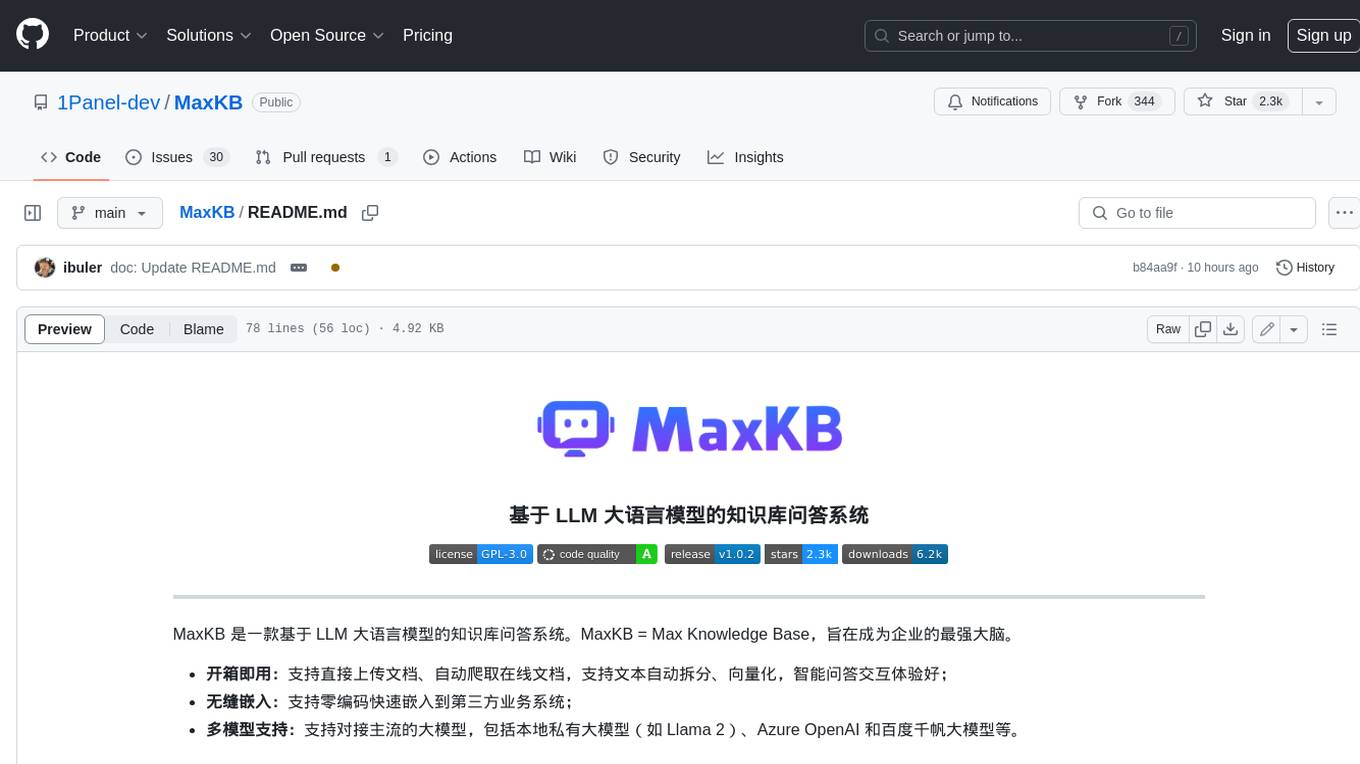
MaxKB
MaxKB is a knowledge base Q&A system based on the LLM large language model. MaxKB = Max Knowledge Base, which aims to become the most powerful brain of the enterprise.
crewAI
crewAI is a cutting-edge framework for orchestrating role-playing, autonomous AI agents. By fostering collaborative intelligence, CrewAI empowers agents to work together seamlessly, tackling complex tasks. It provides a flexible and structured approach to AI collaboration, enabling users to define agents with specific roles, goals, and tools, and assign them tasks within a customizable process. crewAI supports integration with various LLMs, including OpenAI, and offers features such as autonomous task delegation, flexible task management, and output parsing. It is open-source and welcomes contributions, with a focus on improving the library based on usage data collected through anonymous telemetry.
documentation
Vespa documentation is served using GitHub Project pages with Jekyll. To edit documentation, check out and work off the master branch in this repository. Documentation is written in HTML or Markdown. Use a single Jekyll template _layouts/default.html to add header, footer and layout. Install bundler, then $ bundle install $ bundle exec jekyll serve --incremental --drafts --trace to set up a local server at localhost:4000 to see the pages as they will look when served. If you get strange errors on bundle install try $ export PATH=“/usr/local/opt/[email protected]/bin:$PATH” $ export LDFLAGS=“-L/usr/local/opt/[email protected]/lib” $ export CPPFLAGS=“-I/usr/local/opt/[email protected]/include” $ export PKG_CONFIG_PATH=“/usr/local/opt/[email protected]/lib/pkgconfig” The output will highlight rendering/other problems when starting serving. Alternatively, use the docker image `jekyll/jekyll` to run the local server on Mac $ docker run -ti --rm --name doc \ --publish 4000:4000 -e JEKYLL_UID=$UID -v $(pwd):/srv/jekyll \ jekyll/jekyll jekyll serve or RHEL 8 $ podman run -it --rm --name doc -p 4000:4000 -e JEKYLL_ROOTLESS=true \ -v "$PWD":/srv/jekyll:Z docker.io/jekyll/jekyll jekyll serve The layout is written in denali.design, see _layouts/default.html for usage. Please do not add custom style sheets, as it is harder to maintain.
deep-seek
DeepSeek is a new experimental architecture for a large language model (LLM) powered internet-scale retrieval engine. Unlike current research agents designed as answer engines, DeepSeek aims to process a vast amount of sources to collect a comprehensive list of entities and enrich them with additional relevant data. The end result is a table with retrieved entities and enriched columns, providing a comprehensive overview of the topic. DeepSeek utilizes both standard keyword search and neural search to find relevant content, and employs an LLM to extract specific entities and their associated contents. It also includes a smaller answer agent to enrich the retrieved data, ensuring thoroughness. DeepSeek has the potential to revolutionize research and information gathering by providing a comprehensive and structured way to access information from the vastness of the internet.
basehub
JavaScript / TypeScript SDK for BaseHub, the first AI-native content hub. **Features:** * ✨ Infers types from your BaseHub repository... _meaning IDE autocompletion works great._ * 🏎️ No dependency on graphql... _meaning your bundle is more lightweight._ * 🌐 Works everywhere `fetch` is supported... _meaning you can use it anywhere._
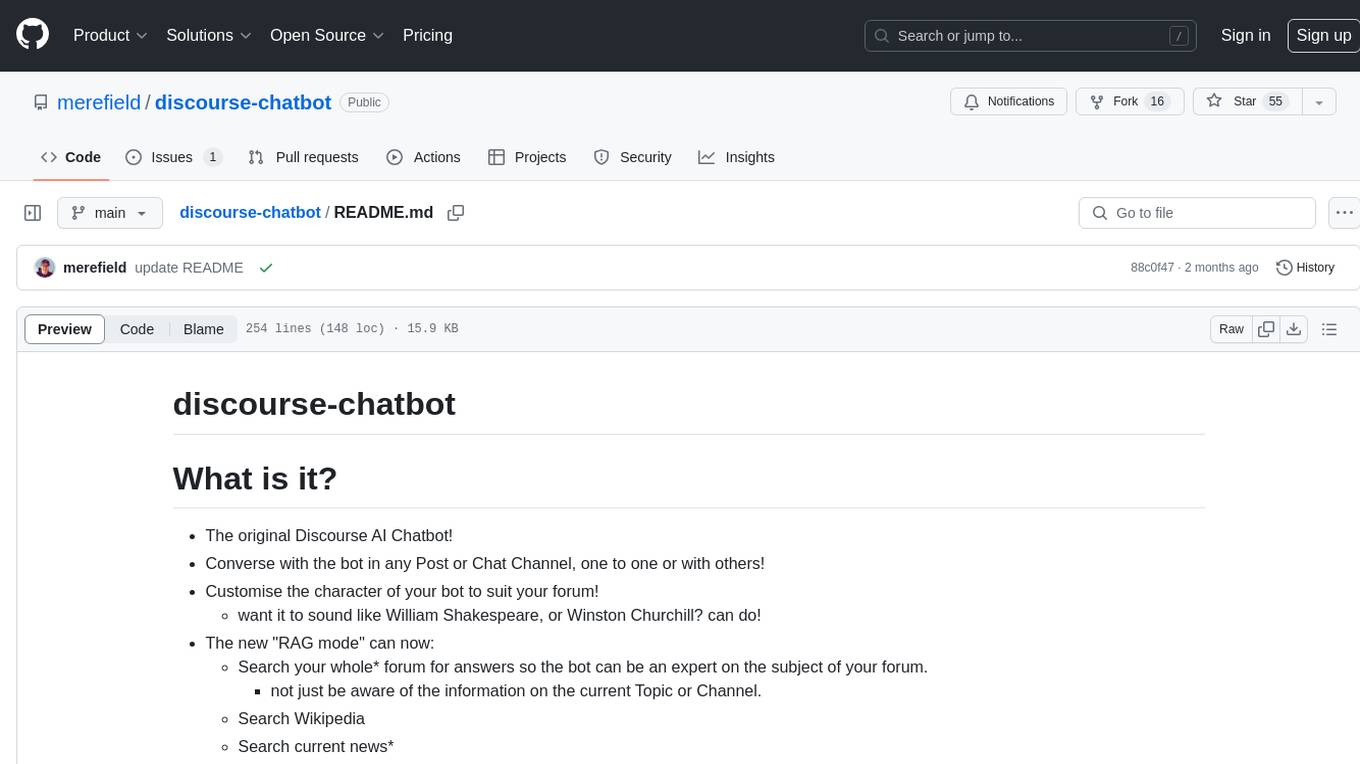
discourse-chatbot
The discourse-chatbot is an original AI chatbot for Discourse forums that allows users to converse with the bot in posts or chat channels. Users can customize the character of the bot, enable RAG mode for expert answers, search Wikipedia, news, and Google, provide market data, perform accurate math calculations, and experiment with vision support. The bot uses cutting-edge Open AI API and supports Azure and proxy server connections. It includes a quota system for access management and can be used in RAG mode or basic bot mode. The setup involves creating embeddings to make the bot aware of forum content and setting up bot access permissions based on trust levels. Users must obtain an API token from Open AI and configure group quotas to interact with the bot. The plugin is extensible to support other cloud bots and content search beyond the provided set.
crewAI
CrewAI is a cutting-edge framework designed to orchestrate role-playing autonomous AI agents. By fostering collaborative intelligence, CrewAI empowers agents to work together seamlessly, tackling complex tasks. It enables AI agents to assume roles, share goals, and operate in a cohesive unit, much like a well-oiled crew. Whether you're building a smart assistant platform, an automated customer service ensemble, or a multi-agent research team, CrewAI provides the backbone for sophisticated multi-agent interactions. With features like role-based agent design, autonomous inter-agent delegation, flexible task management, and support for various LLMs, CrewAI offers a dynamic and adaptable solution for both development and production workflows.