


Mastering-GitHub-Copilot-for-Paired-Programming
A 10-Lesson course teaching everything you need to know about harnessing GitHub Copilot as an AI Paired Programming resource.
Stars: 5482
Mastering GitHub Copilot for AI Paired Programming is a comprehensive course designed to equip you with the skills and knowledge necessary to harness the power of GitHub Copilot, an AI-driven coding assistant. Through a series of engaging lessons, you will learn how to seamlessly integrate GitHub Copilot into your workflow, leveraging its autocompletion, customizable features, and advanced programming techniques. This course is tailored to provide you with a deep understanding of AI-driven algorithms and best practices, enabling you to enhance code quality and accelerate your coding skills. By embracing the transformative power of AI paired programming, you will gain the tools and confidence needed to succeed in today's dynamic software development landscape.
README:

A 10-Lesson course teaching everything you need to know about harnessing GitHub Copilot as an AI Paired Programming resource.
Unlock the power of collaborative coding with our comprehensive curriculum on Mastering GitHub Copilot for Paired Programming. This cutting-edge program seamlessly integrates AI-driven coding assistance through GitHub Copilot, empowering students to accelerate their coding skills in tandem with a partner. Over the course of 10 engaging hours, participants will navigate through essential setup procedures, leveraging Visual Studio Code and GitHub Copilot Chat for real-time collaboration. Dive deep into GitHub Copilot's autocompletion, customizable features, and advanced programming techniques, all while embracing AI-driven algorithms. From error handling to unit testing, this curriculum is tailored to instill best practices and enhance code quality. Immerse yourself in a transformative learning experience that fuses the latest AI technology with paired programming strategies, equipping you with the tools needed for success in today's dynamic software development landscape.
To get started, make sure to follow the instructions on how to fork the lessons into your own GitHub account. This will allow you to modify the code and complete the challenges at your own pace.
To use GitHub Copilot, you must have an active GitHub Copilot subscription.
Sign up for free here: GitHub Copilot.
To make it easier to revisit this repository in the future, you can also star (🌟) this repo this repo.
Below are links to each lesson—feel free to explore and dive into any topic that interests you the most!
After completing this course, check out our GitHub Copilot Learn Collection to continue leveling up your AI Paired Programming knowledge!
Sign up for Microsoft for Startups Founders Hub to receive free OpenAI credits and up to $150k towards Azure credits to access OpenAI models through Azure OpenAI Services.
Here are ways you can contribute to this course:
- Find spelling errors or code errors, Raise an issue or Create a pull request
- Send us your ideas, maybe your ideas for new lessons or exercises, and let us know how we can improve.
- a written lesson located in the README
- a challenge or assignment to apply your learning
- links to extra resources to continue your learning
| Lesson Link | Concepts Taught | Learning Goal | |
|---|---|---|---|
| 01 | Introduction to GitHub | Get started using GitHub in less than an hour. | Introduction to repositories, branches, commits, and pull requests. |
| 02 | Introduction to GitHub Codespaces | Develop code using GitHub Codespaces and Visual Studio Code! | How to create a codespace, push code from a codespace, select a custom image, and customize a codespace. |
| 03 | Introduction to GitHub Copilot | GitHub Copilot can help you code by offering autocomplete-style suggestions right in VS Code and Codespaces. | Creating files that will have code generated by Copilot AI for code and comment suggestions. |
| 04 | Using GitHub Copilot with JavaScript | Use GitHub Copilot, an AI pair programmer that offers autocomplete-style suggestions as you code, to work with JavaScript. | Enable the GitHub Copilot extension in Visual Studio Code. Craft prompts that can generate useful suggestions from GitHub Copilot. Use GitHub Copilot to improve a JavaScript project. |
| 05 | Using GitHub Copilot with Python | Use GitHub Copilot, an AI pair programmer that offers autocomplete-style suggestions as you code, to work with Python. | Enable the GitHub Copilot extension in Visual Studio Code. Craft prompts that can generate useful suggestions from GitHub Copilot. Use GitHub Copilot to improve a Python project. |
| 06 | Using GitHub Copilot with C# | Use GitHub Copilot, an AI pair programmer that offers autocomplete-style suggestions as you code, to work with C#. | Enable the GitHub Copilot extension in Visual Studio Code. Craft prompts that can generate useful suggestions from GitHub Copilot. Use GitHub Copilot to improve a C# Minimal API project. |
| 07 | Creating a Mini Game with GitHub Copilot | Use GitHub Copilot to assist you in building a Python-based mini game. | Craft prompts that can generate useful suggestions from GitHub Copilot to incorporate gaming logic and improve your Python-based game. |
| 08 | Using Advanced GitHub Copilot Features | Use advanced GitHub Copilot features like inline chat, slash commands, and agents. | Interact with GitHub Copilot with deeper context on your project and ask questions about it. |
| 09 | Getting Started with Copilot for Azure to Deploy to the Cloud | Learn cloud deployment with GitHub Copilot for Azure—your ultimate guide to streamlined cloud success. | Effortless application deployment leveraging Azure’s powerful scalability. |
| 10 | NEW Challenging GitHub Copilot with complex SQL | Apply advanced GitHub Copilot features to work with a challenging application working with a complex SQL query | Gain a clear understanding of how to work with extremely challenging SQL and yield better results when simple prompts don't work well |
| 11 | NEW Upgrading Legacy project | Leverage GitHub Copilot to upgrade a legacy Python project to the latest version of Python. | Apply techniques to overcome the challenges involved in working with legacy projects |
Our team produces other courses! Check out:
- Generative AI for Beginners
- Generative AI for Beginners .NET
- Generative AI with JavaScript
- AI for Beginners
- Data Science for Beginners
- ML for Beginners
- Cybersecurity for Beginners
- Web Dev for Beginners
- IoT for Beginners
- XR Development for Beginners
- Mastering GitHub Copilot for Paired Programming
- Mastering GitHub Copilot for C#/.NET Developers
- Choose Your Own Copilot Adventure
For Tasks:
Click tags to check more tools for each tasksFor Jobs:
Alternative AI tools for Mastering-GitHub-Copilot-for-Paired-Programming
Similar Open Source Tools
Mastering-GitHub-Copilot-for-Paired-Programming
Mastering GitHub Copilot for AI Paired Programming is a comprehensive course designed to equip you with the skills and knowledge necessary to harness the power of GitHub Copilot, an AI-driven coding assistant. Through a series of engaging lessons, you will learn how to seamlessly integrate GitHub Copilot into your workflow, leveraging its autocompletion, customizable features, and advanced programming techniques. This course is tailored to provide you with a deep understanding of AI-driven algorithms and best practices, enabling you to enhance code quality and accelerate your coding skills. By embracing the transformative power of AI paired programming, you will gain the tools and confidence needed to succeed in today's dynamic software development landscape.
ai-accelerators
DataRobot AI Accelerators are code-first workflows to speed up model development, deployment, and time to value using the DataRobot API. The accelerators include approaches for specific business challenges, generative AI, ecosystem integration templates, and advanced ML and API usage. Users can clone the repo, import desired accelerators into notebooks, execute them, learn and modify content to solve their own problems.
EngAce
EngAce is a cutting-edge, generative AI-powered application revolutionizing Vietnamese English learning. It offers personalized learning experiences combining AI with comprehensive features. The repository contains source code, documentation, and resources for the app.
awesome-crewai
Awesome CrewAI is a curated collection of open-source projects built by the CrewAI community, aimed at unlocking the full potential of AI agents for supercharging business processes and decision-making. It includes integrations, tutorials, and tools that showcase the capabilities of CrewAI in various domains.
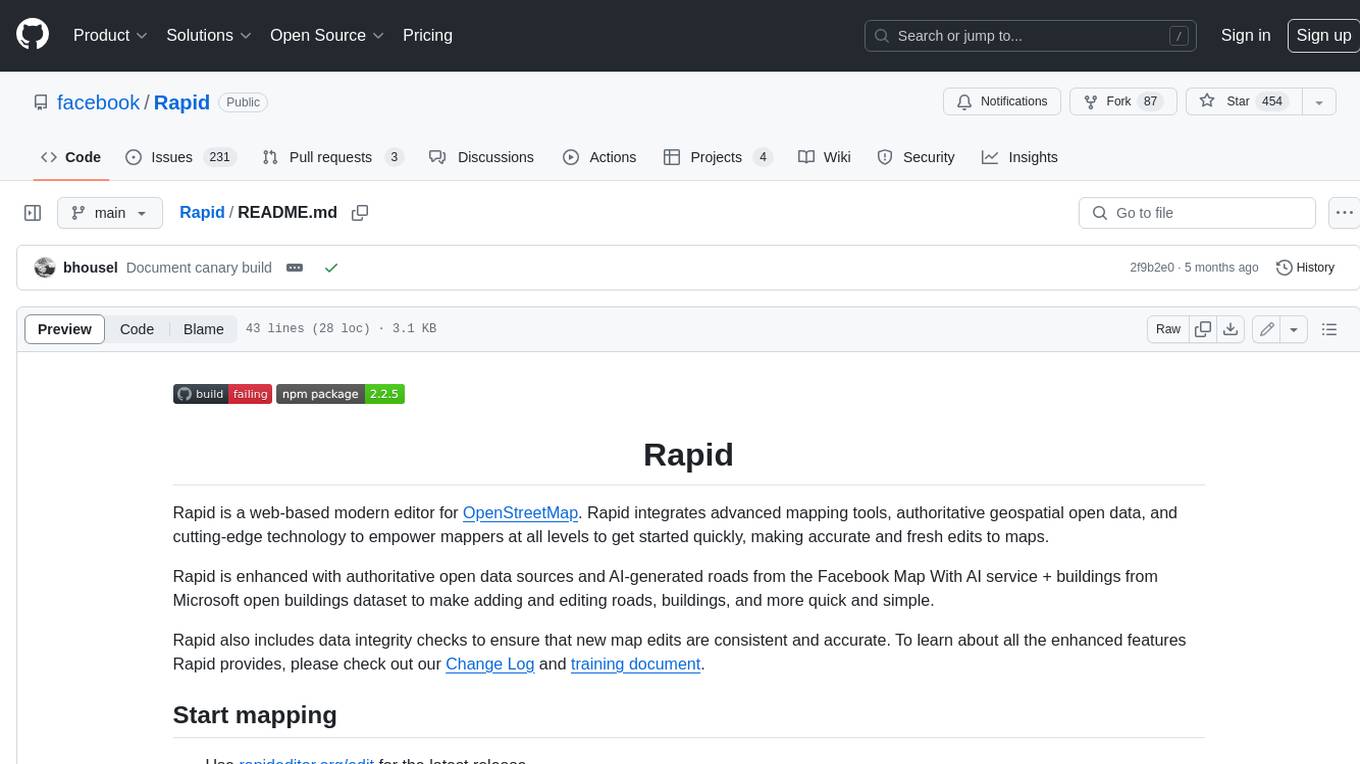
Rapid
Rapid is a web-based modern editor for OpenStreetMap. It integrates advanced mapping tools, authoritative geospatial open data, and cutting-edge technology to empower mappers at all levels to get started quickly, making accurate and fresh edits to maps. Rapid is enhanced with authoritative open data sources and AI-generated roads from the Facebook Map With AI service + buildings from Microsoft open buildings dataset to make adding and editing roads, buildings, and more quick and simple. Rapid also includes data integrity checks to ensure that new map edits are consistent and accurate.
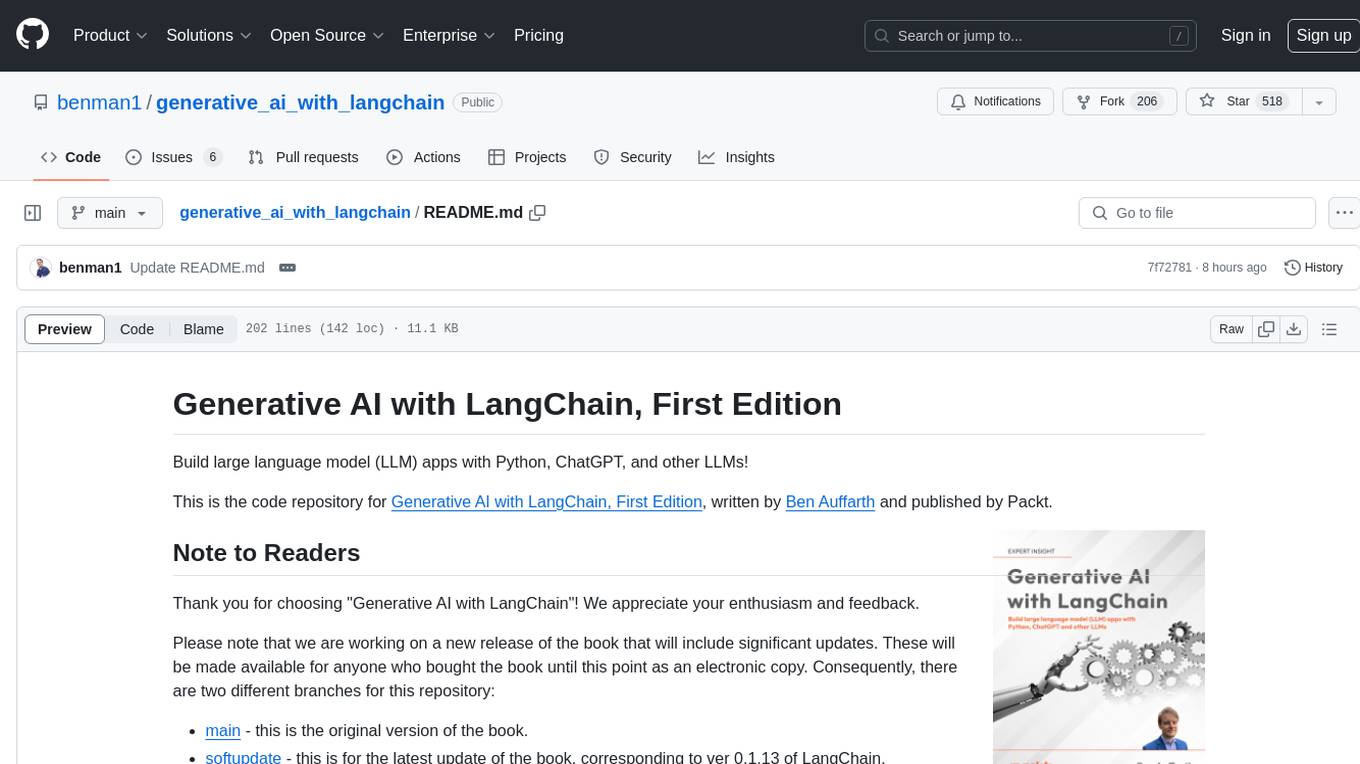
generative_ai_with_langchain
Generative AI with LangChain is a code repository for building large language model (LLM) apps with Python, ChatGPT, and other LLMs. The repository provides code examples, instructions, and configurations for creating generative AI applications using the LangChain framework. It covers topics such as setting up the development environment, installing dependencies with Conda or Pip, using Docker for environment setup, and setting API keys securely. The repository also emphasizes stability, code updates, and user engagement through issue reporting and feedback. It aims to empower users to leverage generative AI technologies for tasks like building chatbots, question-answering systems, software development aids, and data analysis applications.
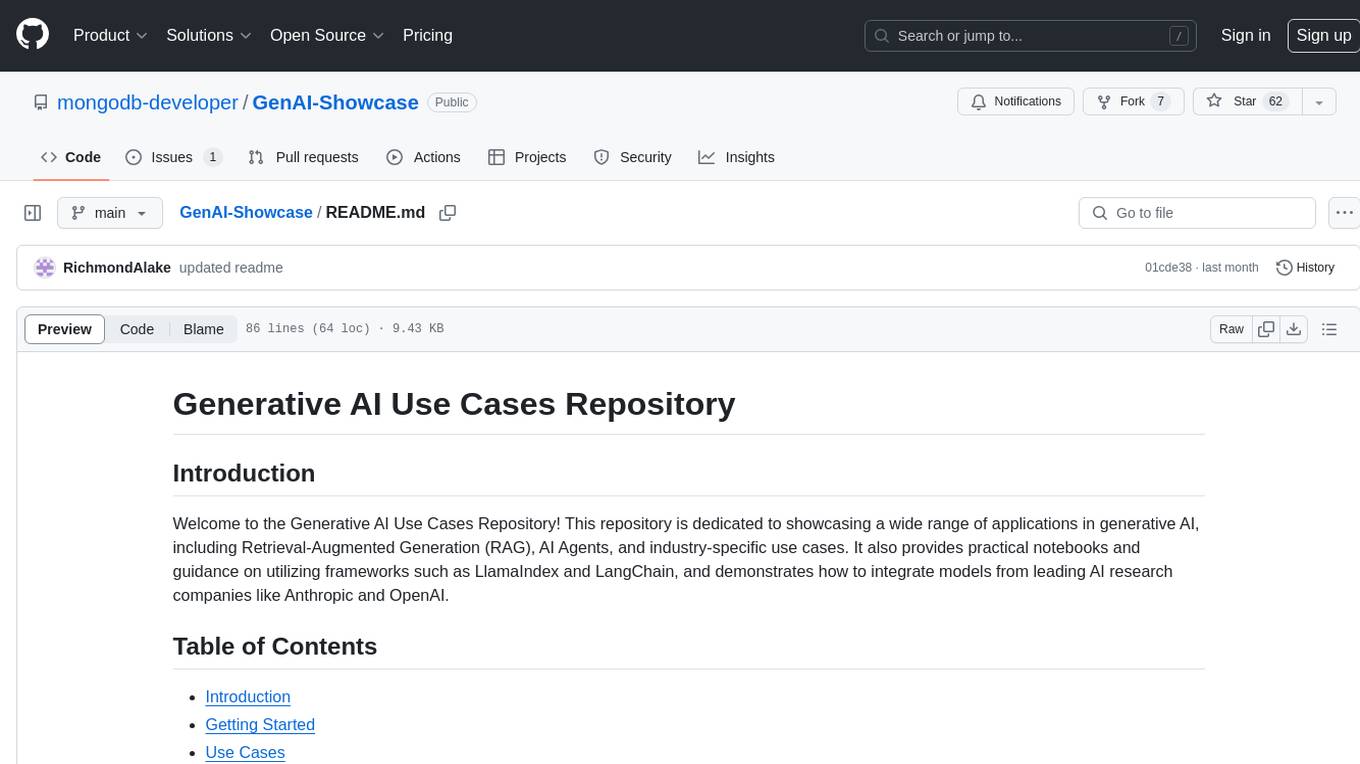
GenAI-Showcase
The Generative AI Use Cases Repository showcases a wide range of applications in generative AI, including Retrieval-Augmented Generation (RAG), AI Agents, and industry-specific use cases. It provides practical notebooks and guidance on utilizing frameworks such as LlamaIndex and LangChain, and demonstrates how to integrate models from leading AI research companies like Anthropic and OpenAI.
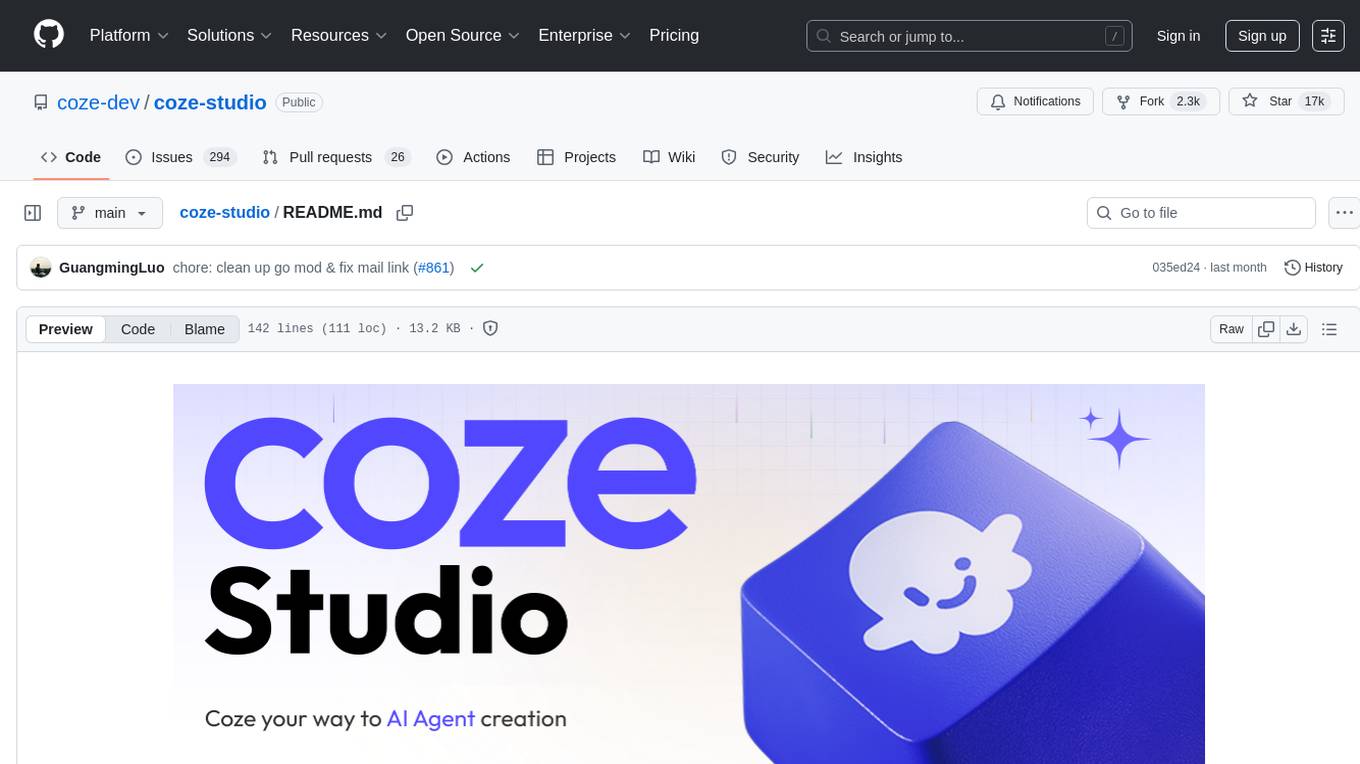
coze-studio
Coze Studio is an all-in-one AI agent development tool that offers the most convenient AI agent development environment, from development to deployment. It provides core technologies for AI agent development, complete app templates, and build frameworks. Coze Studio aims to simplify creating, debugging, and deploying AI agents through visual design and build tools, enabling powerful AI app development and customized business logic. The tool is developed using Golang for the backend, React + TypeScript for the frontend, and follows microservices architecture based on domain-driven design principles.

teams-ai
The Teams AI Library is a software development kit (SDK) that helps developers create bots that can interact with Teams and Microsoft 365 applications. It is built on top of the Bot Framework SDK and simplifies the process of developing bots that interact with Teams' artificial intelligence capabilities. The SDK is available for JavaScript/TypeScript, .NET, and Python.
Symposium2023
Symposium2023 is a project aimed at enabling Delphi users to incorporate AI technology into their applications. It provides generalized interfaces to different AI models, making them easily accessible. The project showcases AI's versatility in tasks like language translation, human-like conversations, image generation, data analysis, and more. Users can experiment with different AI models, change providers easily, and avoid vendor lock-in. The project supports various AI features like vision support and function calling, utilizing providers like Google, Microsoft Azure, Amazon, OpenAI, and more. It includes example programs demonstrating tasks such as text-to-speech, language translation, face detection, weather querying, audio transcription, voice recognition, image generation, invoice processing, and API testing. The project also hints at potential future research areas like using embeddings for data search and integrating Python AI libraries with Delphi.
dotnet-ai-workshop
The .NET AI Workshop is a comprehensive guide designed to help developers add AI features to .NET applications. It covers various AI-based features such as classification, summarization, data extraction/cleaning, anomaly detection, translation, sentiment detection, semantic search, Q&A chatbots, and voice assistants. The workshop is tailored for developers new to AI in .NET applications, focusing on the usage of AI services without the need for prior AI technology knowledge. It provides examples using .NET and C# with a focus on AI topics, aiming to enhance productivity and automation in applications.
get-started-with-ai-agents
The 'Getting Started with Agents Using Azure AI Foundry' repository provides a solution that deploys a web-based chat application with an AI agent running in Azure Container App. The agent leverages Azure AI services for knowledge retrieval from uploaded files, enabling it to generate responses with citations. The solution includes built-in monitoring capabilities for easier troubleshooting and optimized performance. Users can deploy AI models, customize the agent, and evaluate its performance. The repository offers flexible deployment options through GitHub Codespaces, VS Code Dev Containers, or local environments.
CodeProject.AI-Server
CodeProject.AI Server is a standalone, self-hosted, fast, free, and open-source Artificial Intelligence microserver designed for any platform and language. It can be installed locally without the need for off-device or out-of-network data transfer, providing an easy-to-use solution for developers interested in AI programming. The server includes a HTTP REST API server, backend analysis services, and the source code, enabling users to perform various AI tasks locally without relying on external services or cloud computing. Current capabilities include object detection, face detection, scene recognition, sentiment analysis, and more, with ongoing feature expansions planned. The project aims to promote AI development, simplify AI implementation, focus on core use-cases, and leverage the expertise of the developer community.
azure-ai-document-processing-samples
This repository contains a collection of code samples that demonstrate how to use various Azure AI capabilities to process documents. The samples help engineering teams establish techniques with Azure AI Foundry, Azure OpenAI, Azure AI Document Intelligence, and Azure AI Language services to build solutions for extracting structured data, classifying, and analyzing documents. The techniques simplify custom model training, improve reliability in document processing, and simplify document processing workflows by providing reusable code and patterns that can be easily modified and evaluated for most use cases.
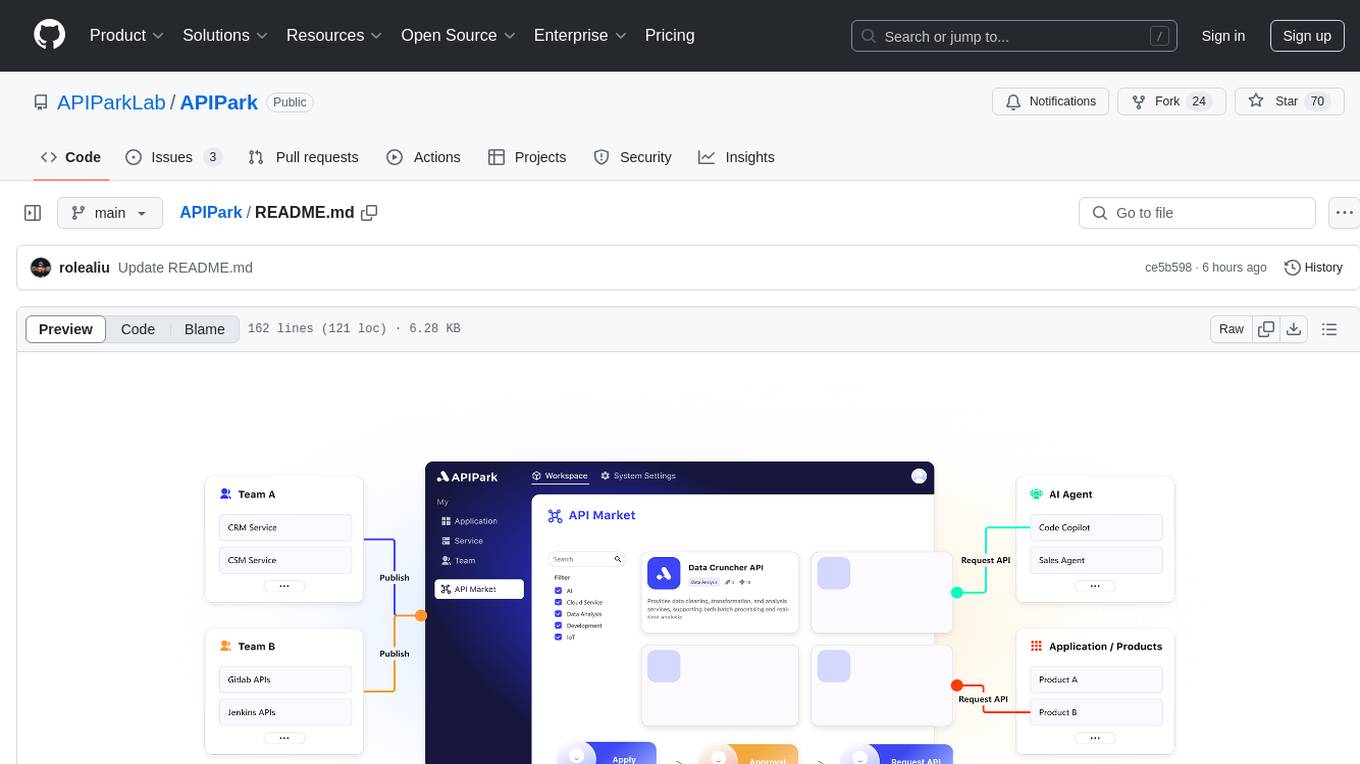
APIPark
APIPark is an open-source AI Gateway and Developer Portal that enables users to easily manage, integrate, and deploy AI and API services. It provides robust API management features, including creation, monitoring, and access control, to help developers efficiently and securely develop and manage their APIs. The platform aims to solve challenges such as connecting to powerful AI models, managing complex AI & API call relationships, overseeing API creation and security, simplifying fault detection and troubleshooting, and enhancing the visibility and valuation of data assets.
kai
Kai is an AI-enabled tool that simplifies the process of modernizing application source code to a new platform. It uses Large Language Models (LLMs) guided by static code analysis, along with data from Konveyor. This data provides insights into how the organization solved similar problems in the past, helping streamline and automate the code modernization process. Kai assists developers by providing suggestions and solutions to common problems through Retrieval Augmented Generation (RAG), working with LLMs using Konveyor analysis reports about the codebase and generating solutions based on previously solved examples.
For similar tasks

tabby
Tabby is a self-hosted AI coding assistant, offering an open-source and on-premises alternative to GitHub Copilot. It boasts several key features: * Self-contained, with no need for a DBMS or cloud service. * OpenAPI interface, easy to integrate with existing infrastructure (e.g Cloud IDE). * Supports consumer-grade GPUs.
twinny
Twinny is a free and open-source AI code completion plugin for Visual Studio Code and compatible editors. It integrates with various tools and frameworks, including Ollama, llama.cpp, oobabooga/text-generation-webui, LM Studio, LiteLLM, and Open WebUI. Twinny offers features such as fill-in-the-middle code completion, chat with AI about your code, customizable API endpoints, and support for single or multiline fill-in-middle completions. It is easy to install via the Visual Studio Code extensions marketplace and provides a range of customization options. Twinny supports both online and offline operation and conforms to the OpenAI API standard.
CodeGPT
CodeGPT is an extension for JetBrains IDEs that provides access to state-of-the-art large language models (LLMs) for coding assistance. It offers a range of features to enhance the coding experience, including code completions, a ChatGPT-like interface for instant coding advice, commit message generation, reference file support, name suggestions, and offline development support. CodeGPT is designed to keep privacy in mind, ensuring that user data remains secure and private.
Mastering-GitHub-Copilot-for-Paired-Programming
Mastering GitHub Copilot for AI Paired Programming is a comprehensive course designed to equip you with the skills and knowledge necessary to harness the power of GitHub Copilot, an AI-driven coding assistant. Through a series of engaging lessons, you will learn how to seamlessly integrate GitHub Copilot into your workflow, leveraging its autocompletion, customizable features, and advanced programming techniques. This course is tailored to provide you with a deep understanding of AI-driven algorithms and best practices, enabling you to enhance code quality and accelerate your coding skills. By embracing the transformative power of AI paired programming, you will gain the tools and confidence needed to succeed in today's dynamic software development landscape.
UMbreLLa
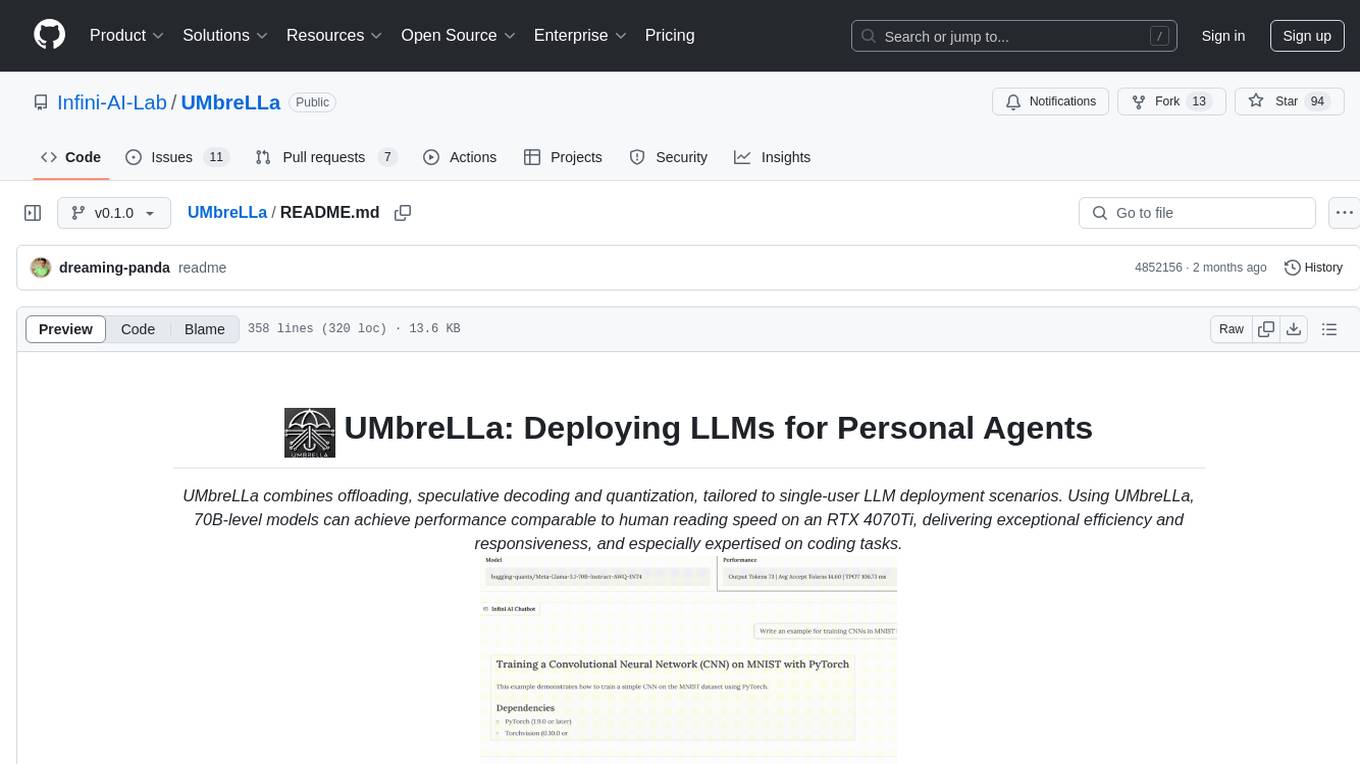
UMbreLLa is a tool designed for deploying Large Language Models (LLMs) for personal agents. It combines offloading, speculative decoding, and quantization to optimize single-user LLM deployment scenarios. With UMbreLLa, 70B-level models can achieve performance comparable to human reading speed on an RTX 4070Ti, delivering exceptional efficiency and responsiveness, especially for coding tasks. The tool supports deploying models on various GPUs and offers features like code completion and CLI/Gradio chatbots. Users can configure the LLM engine for optimal performance based on their hardware setup.

opencode
Opencode is an AI coding agent designed for the terminal. It is a tool that allows users to interact with AI models for coding tasks in a terminal-based environment. Opencode is open source, provider-agnostic, and focuses on a terminal user interface (TUI) for coding. It offers features such as client/server architecture, support for various AI models, and a strong emphasis on community contributions and feedback.
LafTools
LafTools is a privacy-first, self-hosted, fully open source toolbox designed for programmers. It offers a wide range of tools, including code generation, translation, encryption, compression, data analysis, and more. LafTools is highly integrated with a productive UI and supports full GPT-alike functionality. It is available as Docker images and portable edition, with desktop edition support planned for the future.
aideml
AIDE is a machine learning code generation agent that can generate solutions for machine learning tasks from natural language descriptions. It has the following features: 1. **Instruct with Natural Language**: Describe your problem or additional requirements and expert insights, all in natural language. 2. **Deliver Solution in Source Code**: AIDE will generate Python scripts for the **tested** machine learning pipeline. Enjoy full transparency, reproducibility, and the freedom to further improve the source code! 3. **Iterative Optimization**: AIDE iteratively runs, debugs, evaluates, and improves the ML code, all by itself. 4. **Visualization**: We also provide tools to visualize the solution tree produced by AIDE for a better understanding of its experimentation process. This gives you insights not only about what works but also what doesn't. AIDE has been benchmarked on over 60 Kaggle data science competitions and has demonstrated impressive performance, surpassing 50% of Kaggle participants on average. It is particularly well-suited for tasks that require complex data preprocessing, feature engineering, and model selection.
For similar jobs

weave
Weave is a toolkit for developing Generative AI applications, built by Weights & Biases. With Weave, you can log and debug language model inputs, outputs, and traces; build rigorous, apples-to-apples evaluations for language model use cases; and organize all the information generated across the LLM workflow, from experimentation to evaluations to production. Weave aims to bring rigor, best-practices, and composability to the inherently experimental process of developing Generative AI software, without introducing cognitive overhead.

agentcloud
AgentCloud is an open-source platform that enables companies to build and deploy private LLM chat apps, empowering teams to securely interact with their data. It comprises three main components: Agent Backend, Webapp, and Vector Proxy. To run this project locally, clone the repository, install Docker, and start the services. The project is licensed under the GNU Affero General Public License, version 3 only. Contributions and feedback are welcome from the community.
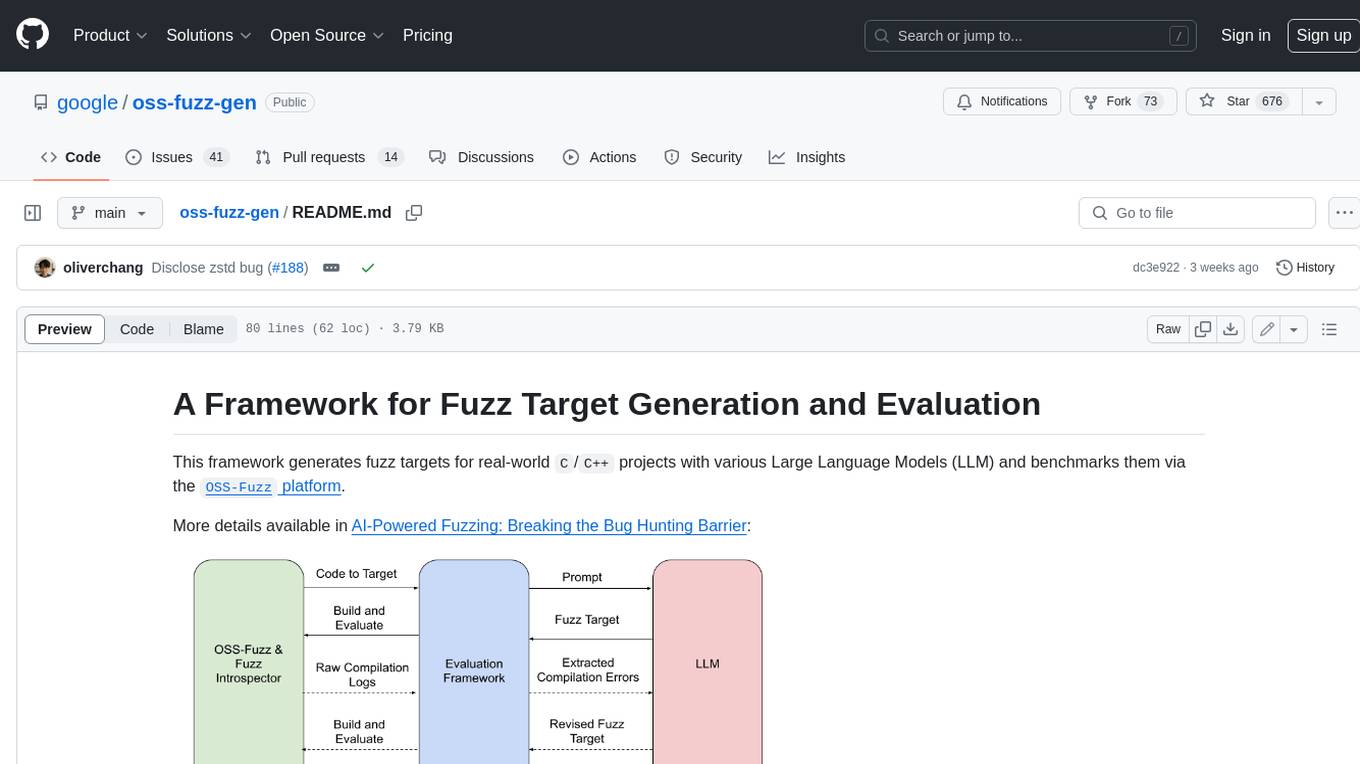
oss-fuzz-gen
This framework generates fuzz targets for real-world `C`/`C++` projects with various Large Language Models (LLM) and benchmarks them via the `OSS-Fuzz` platform. It manages to successfully leverage LLMs to generate valid fuzz targets (which generate non-zero coverage increase) for 160 C/C++ projects. The maximum line coverage increase is 29% from the existing human-written targets.

LLMStack
LLMStack is a no-code platform for building generative AI agents, workflows, and chatbots. It allows users to connect their own data, internal tools, and GPT-powered models without any coding experience. LLMStack can be deployed to the cloud or on-premise and can be accessed via HTTP API or triggered from Slack or Discord.

VisionCraft
The VisionCraft API is a free API for using over 100 different AI models. From images to sound.

kaito
Kaito is an operator that automates the AI/ML inference model deployment in a Kubernetes cluster. It manages large model files using container images, avoids tuning deployment parameters to fit GPU hardware by providing preset configurations, auto-provisions GPU nodes based on model requirements, and hosts large model images in the public Microsoft Container Registry (MCR) if the license allows. Using Kaito, the workflow of onboarding large AI inference models in Kubernetes is largely simplified.

PyRIT
PyRIT is an open access automation framework designed to empower security professionals and ML engineers to red team foundation models and their applications. It automates AI Red Teaming tasks to allow operators to focus on more complicated and time-consuming tasks and can also identify security harms such as misuse (e.g., malware generation, jailbreaking), and privacy harms (e.g., identity theft). The goal is to allow researchers to have a baseline of how well their model and entire inference pipeline is doing against different harm categories and to be able to compare that baseline to future iterations of their model. This allows them to have empirical data on how well their model is doing today, and detect any degradation of performance based on future improvements.

Azure-Analytics-and-AI-Engagement
The Azure-Analytics-and-AI-Engagement repository provides packaged Industry Scenario DREAM Demos with ARM templates (Containing a demo web application, Power BI reports, Synapse resources, AML Notebooks etc.) that can be deployed in a customer’s subscription using the CAPE tool within a matter of few hours. Partners can also deploy DREAM Demos in their own subscriptions using DPoC.