


openui
OpenUI let's you describe UI using your imagination, then see it rendered live.
Stars: 21708
OpenUI is a tool designed to simplify the process of building UI components by allowing users to describe UI using their imagination and see it rendered live. It supports converting HTML to React, Svelte, Web Components, etc. The tool is open source and aims to make UI development fun, fast, and flexible. It integrates with various AI services like OpenAI, Groq, Gemini, Anthropic, Cohere, and Mistral, providing users with the flexibility to use different models. OpenUI also supports LiteLLM for connecting to various LLM services and allows users to create custom proxy configs. The tool can be run locally using Docker or Python, and it offers a development environment for quick setup and testing.
README:

Building UI components can be a slog. OpenUI aims to make the process fun, fast, and flexible. It's also a tool we're using at W&B to test and prototype our next generation tooling for building powerful applications on top of LLM's.

OpenUI let's you describe UI using your imagination, then see it rendered live. You can ask for changes and convert HTML to React, Svelte, Web Components, etc. It's like v0 but open source and not as polished 😝.
OpenUI supports OpenAI, Groq, and any model LiteLLM supports such as Gemini or Anthropic (Claude). The following environment variables are optional, but need to be set in your environment for alternative models to work:
-
OpenAI
OPENAI_API_KEY -
Groq
GROQ_API_KEY -
Gemini
GEMINI_API_KEY -
Anthropic
ANTHROPIC_API_KEY -
Cohere
COHERE_API_KEY -
Mistral
MISTRAL_API_KEY -
OpenAI Compatible
OPENAI_COMPATIBLE_ENDPOINTandOPENAI_COMPATIBLE_API_KEY
For example, if you're running a tool like localai you can set OPENAI_COMPATIBLE_ENDPOINT and optionally OPENAI_COMPATIBLE_API_KEY to have the models available listed in the UI's model selector under LiteLLM.
You can also use models available to Ollama. Install Ollama and pull a model like Llava. If Ollama is not running on http://127.0.0.1:11434, you can set the OLLAMA_HOST environment variable to the host and port of your Ollama instance. For example when running in docker you'll need to point to http://host.docker.internal:11434 as shown below.
The following command would forward the specified API keys from your shell environment and tell Docker to use the Ollama instance running on your machine.
export ANTHROPIC_API_KEY=xxx
export OPENAI_API_KEY=xxx
docker run --rm --name openui -p 7878:7878 -e OPENAI_API_KEY -e ANTHROPIC_API_KEY -e OLLAMA_HOST=http://host.docker.internal:11434 ghcr.io/wandb/openui
Now you can goto http://localhost:7878 and generate new UI's!
Assuming you have git and uv installed:
git clone https://github.com/wandb/openui
cd openui/backend
uv sync --frozen --extra litellm
source .venv/bin/activate
# Set API keys for any LLM's you want to use
export OPENAI_API_KEY=xxx
python -m openui
LiteLLM can be used to connect to basically any LLM service available. We generate a config automatically based on your environment variables. You can create your own proxy config to override this behavior. We look for a custom config in the following locations:
-
litellm-config.yamlin the current directory -
/app/litellm-config.yamlwhen running in a docker container - An arbitrary path specified by the
OPENUI_LITELLM_CONFIGenvironment variable
For example to use a custom config in docker you can run:
docker run -n openui -p 7878:7878 -v $(pwd)/litellm-config.yaml:/app/litellm-config.yaml ghcr.io/wandb/openuiTo use litellm from source you can run:
pip install .[litellm]
export ANTHROPIC_API_KEY=xxx
export OPENAI_COMPATIBLE_ENDPOINT=http://localhost:8080/v1
python -m openui --litellmTo use the super fast Groq models, set GROQ_API_KEY to your Groq api key which you can find here. To use one of the Groq models, click the settings icon in the nav bar.
DISCLAIMER: This is likely going to be very slow. If you have a GPU you may need to change the tag of the
ollamacontainer to one that supports it. If you're running on a Mac, follow the instructions above and run Ollama natively to take advantage of the M1/M2.
From the root directory you can run:
docker-compose up -d
docker exec -it openui-ollama-1 ollama pull llava
If you have your OPENAI_API_KEY set in the environment already, just remove =xxx from the OPENAI_API_KEY line. You can also replace llava in the command above with your open source model of choice (llava is one of the only Ollama models that support images currently). You should now be able to access OpenUI at http://localhost:7878.
If you make changes to the frontend or backend, you'll need to run docker-compose build to have them reflected in the service.
A dev container is configured in this repository which is the quickest way to get started.

Choose more options when creating a Codespace, then select New with options.... Select the US West region if you want a really fast boot time. You'll also want to configure your OPENAI_API_KEY secret or just set it to xxx if you want to try Ollama (you'll want at least 16GB of Ram).
Once inside the code space you can run the server in one terminal: python -m openui --dev. Then in a new terminal:
cd /workspaces/openui/frontend
npm run dev
This should open another service on port 5173, that's the service you'll want to visit. All changes to both the frontend and backend will automatically be reloaded and reflected in your browser.
The codespace installs ollama automaticaly and downloads the llava model. You can verify Ollama is running with ollama list if that fails, open a new terminal and run ollama serve. In Codespaces we pull llava on boot so you should see it in the list. You can select Ollama models from the settings gear icon in the upper left corner of the application. Any models you pull i.e. ollama pull llama will show up in the settings modal.

You can easily use Open UI via Gitpod, preconfigured with Open AI.

On launch Open UI is automatically installed and launched.
Before you can use Gitpod:
- Make sure you have a Gitpod account.
- To use Open AI models set up the
OPENAI_API_KEYenvironment variable in your Gitpod User Account. Set the scope towandb/openui(or your repo if you forked it).
NOTE: Other (local) models might also be used with a bigger Gitpod instance type. Required models are not preconfigured in Gitpod but can easily be added as documented above.
For Tasks:
Click tags to check more tools for each tasksFor Jobs:
Alternative AI tools for openui
Similar Open Source Tools
openui
OpenUI is a tool designed to simplify the process of building UI components by allowing users to describe UI using their imagination and see it rendered live. It supports converting HTML to React, Svelte, Web Components, etc. The tool is open source and aims to make UI development fun, fast, and flexible. It integrates with various AI services like OpenAI, Groq, Gemini, Anthropic, Cohere, and Mistral, providing users with the flexibility to use different models. OpenUI also supports LiteLLM for connecting to various LLM services and allows users to create custom proxy configs. The tool can be run locally using Docker or Python, and it offers a development environment for quick setup and testing.
ai-town
AI Town is a virtual town where AI characters live, chat, and socialize. This project provides a deployable starter kit for building and customizing your own version of AI Town. It features a game engine, database, vector search, auth, text model, deployment, pixel art generation, background music generation, and local inference. You can customize your own simulation by creating characters and stories, updating spritesheets, changing the background, and modifying the background music.
polis
Polis is an AI powered sentiment gathering platform that offers a more organic approach than surveys and requires less effort than focus groups. It provides a comprehensive wiki, main deployment at https://pol.is, discussions, issue tracking, and project board for users. Polis can be set up using Docker infrastructure and offers various commands for building and running containers. Users can test their instance, update the system, and deploy Polis for production. The tool also provides developer conveniences for code reloading, type checking, and database connections. Additionally, Polis supports end-to-end browser testing using Cypress and offers troubleshooting tips for common Docker and npm issues.
aiarena-web
aiarena-web is a website designed for running the aiarena.net infrastructure. It consists of different modules such as core functionality, web API endpoints, frontend templates, and a module for linking users to their Patreon accounts. The website serves as a platform for obtaining new matches, reporting results, featuring match replays, and connecting with Patreon supporters. The project is licensed under GPLv3 in 2019.
civitai
Civitai is a platform where people can share their stable diffusion models (textual inversions, hypernetworks, aesthetic gradients, VAEs, and any other crazy stuff people do to customize their AI generations), collaborate with others to improve them, and learn from each other's work. The platform allows users to create an account, upload their models, and browse models that have been shared by others. Users can also leave comments and feedback on each other's models to facilitate collaboration and knowledge sharing.
Open-LLM-VTuber
Open-LLM-VTuber is a project in early stages of development that allows users to interact with Large Language Models (LLM) using voice commands and receive responses through a Live2D talking face. The project aims to provide a minimum viable prototype for offline use on macOS, Linux, and Windows, with features like long-term memory using MemGPT, customizable LLM backends, speech recognition, and text-to-speech providers. Users can configure the project to chat with LLMs, choose different backend services, and utilize Live2D models for visual representation. The project supports perpetual chat, offline operation, and GPU acceleration on macOS, addressing limitations of existing solutions on macOS.
dockershrink
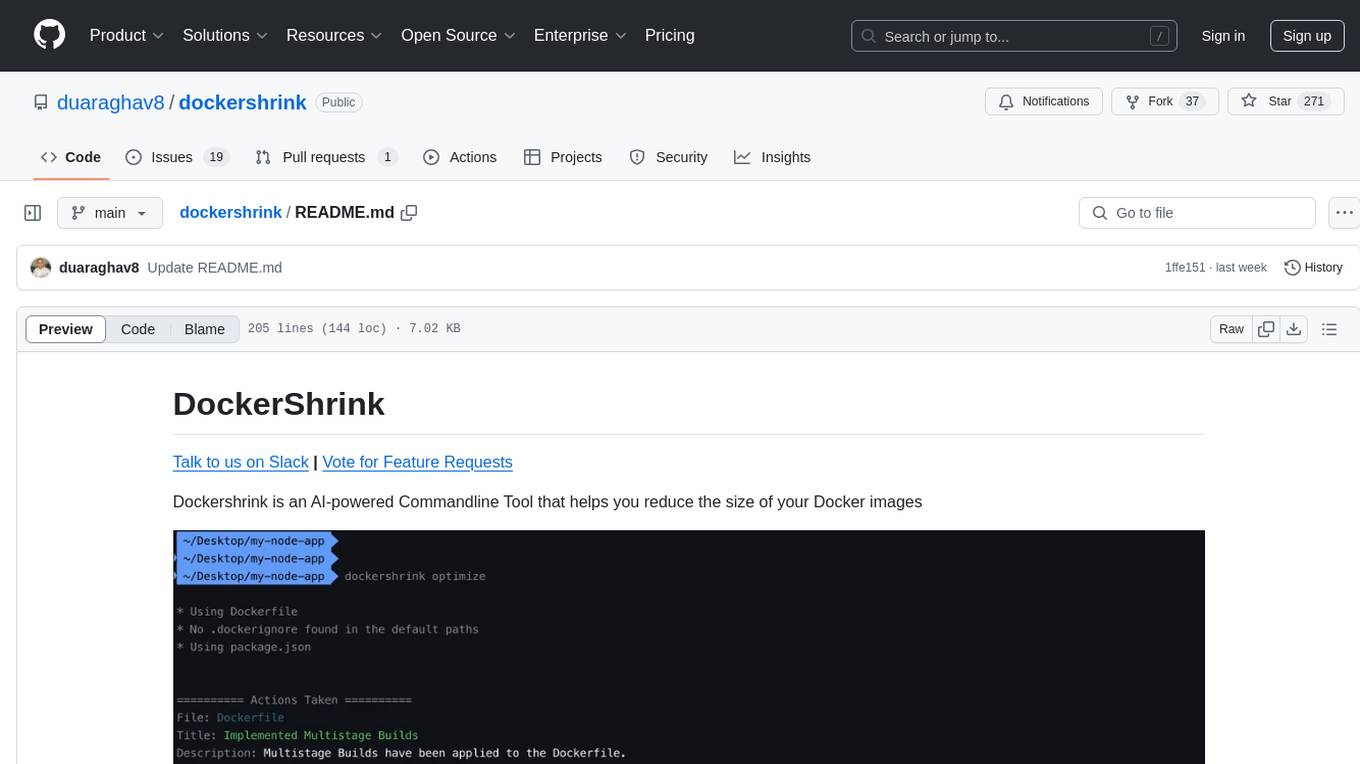
Dockershrink is an AI-powered Commandline Tool designed to help reduce the size of Docker images. It combines traditional Rule-based analysis with Generative AI techniques to optimize Image configurations. The tool supports NodeJS applications and aims to save costs on storage, data transfer, and build times while increasing developer productivity. By automatically applying advanced optimization techniques, Dockershrink simplifies the process for engineers and organizations, resulting in significant savings and efficiency improvements.

cog-comfyui
Cog-ComfyUI is a tool designed to run ComfyUI workflows on Replicate. It allows users to easily integrate their own workflows into their app or website using the Replicate API. The tool includes popular model weights and custom nodes, with the option to request more custom nodes or models. Users can get their API JSON, gather input files, and use custom LoRAs from CivitAI or HuggingFace. Additionally, users can run their workflows and set up their own dedicated instances for better performance and control. The tool provides options for private deployments, forking using Cog, or creating new models from the train tab on Replicate. It also offers guidance on developing locally and running the Web UI from a Cog container.
AI-Horde-Worker
AI-Horde-Worker is a repository containing the original reference implementation for a worker that turns your graphics card(s) into a worker for the AI Horde. It allows users to generate or alchemize images for others. The repository provides instructions for setting up the worker on Windows and Linux, updating the worker code, running with multiple GPUs, and stopping the worker. Users can configure the worker using a WebUI to connect to the horde with their username and API key. The repository also includes information on model usage and running the Docker container with specified environment variables.
cog-comfyui
Cog-comfyui allows users to run ComfyUI workflows on Replicate. ComfyUI is a visual programming tool for creating and sharing generative art workflows. With cog-comfyui, users can access a variety of pre-trained models and custom nodes to create their own unique artworks. The tool is easy to use and does not require any coding experience. Users simply need to upload their API JSON file and any necessary input files, and then click the "Run" button. Cog-comfyui will then generate the output image or video file.
CLI
Bito CLI provides a command line interface to the Bito AI chat functionality, allowing users to interact with the AI through commands. It supports complex automation and workflows, with features like long prompts and slash commands. Users can install Bito CLI on Mac, Linux, and Windows systems using various methods. The tool also offers configuration options for AI model type, access key management, and output language customization. Bito CLI is designed to enhance user experience in querying AI models and automating tasks through the command line interface.
gpt-subtrans
GPT-Subtrans is an open-source subtitle translator that utilizes large language models (LLMs) as translation services. It supports translation between any language pairs that the language model supports. Note that GPT-Subtrans requires an active internet connection, as subtitles are sent to the provider's servers for translation, and their privacy policy applies.
fasttrackml
FastTrackML is an experiment tracking server focused on speed and scalability, fully compatible with MLFlow. It provides a user-friendly interface to track and visualize your machine learning experiments, making it easy to compare different models and identify the best performing ones. FastTrackML is open source and can be easily installed and run with pip or Docker. It is also compatible with the MLFlow Python package, making it easy to integrate with your existing MLFlow workflows.
llm-subtrans
LLM-Subtrans is an open source subtitle translator that utilizes LLMs as a translation service. It supports translating subtitles between any language pairs supported by the language model. The application offers multiple subtitle formats support through a pluggable system, including .srt, .ssa/.ass, and .vtt files. Users can choose to use the packaged release for easy usage or install from source for more control over the setup. The tool requires an active internet connection as subtitles are sent to translation service providers' servers for translation.
aisheets
Hugging Face AI Sheets is an open-source tool for building, enriching, and transforming datasets using AI models with no code. It can be deployed locally or on the Hub, providing access to thousands of open models. Users can easily generate datasets, run data generation scripts, and customize inference endpoints for text generation. The tool supports custom LLMs and offers advanced configuration options for authentication, inference, and miscellaneous settings. With AI Sheets, users can leverage the power of AI models without writing any code, making dataset management and transformation efficient and accessible.
maxheadbox
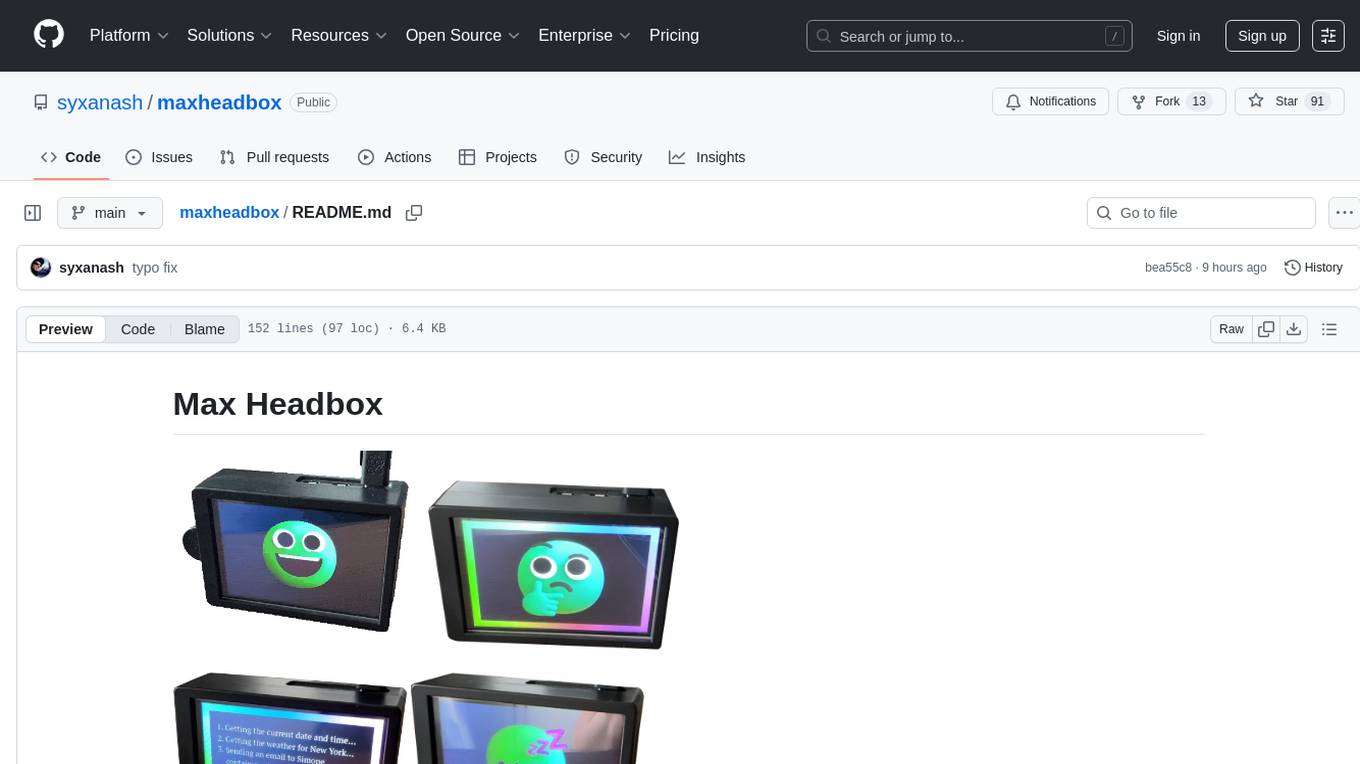
Max Headbox is an open-source voice-activated LLM Agent designed to run on a Raspberry Pi. It can be configured to execute a variety of tools and perform actions. The project requires specific hardware and software setups, and provides detailed instructions for installation, configuration, and usage. Users can create custom tools by making JavaScript modules and backend API handlers. The project acknowledges the use of various open-source projects and resources in its development.
For similar tasks
openui
OpenUI is a tool designed to simplify the process of building UI components by allowing users to describe UI using their imagination and see it rendered live. It supports converting HTML to React, Svelte, Web Components, etc. The tool is open source and aims to make UI development fun, fast, and flexible. It integrates with various AI services like OpenAI, Groq, Gemini, Anthropic, Cohere, and Mistral, providing users with the flexibility to use different models. OpenUI also supports LiteLLM for connecting to various LLM services and allows users to create custom proxy configs. The tool can be run locally using Docker or Python, and it offers a development environment for quick setup and testing.
plate-playground-template
This repository contains a Next.js 15 template with Plate AI integration, plugins, and components. It provides a playground environment for developers to experiment with Plate editor and shadcn/ui. The template offers easy installation methods and development setup to quickly get started with building applications that utilize Plate AI functionality.
For similar jobs
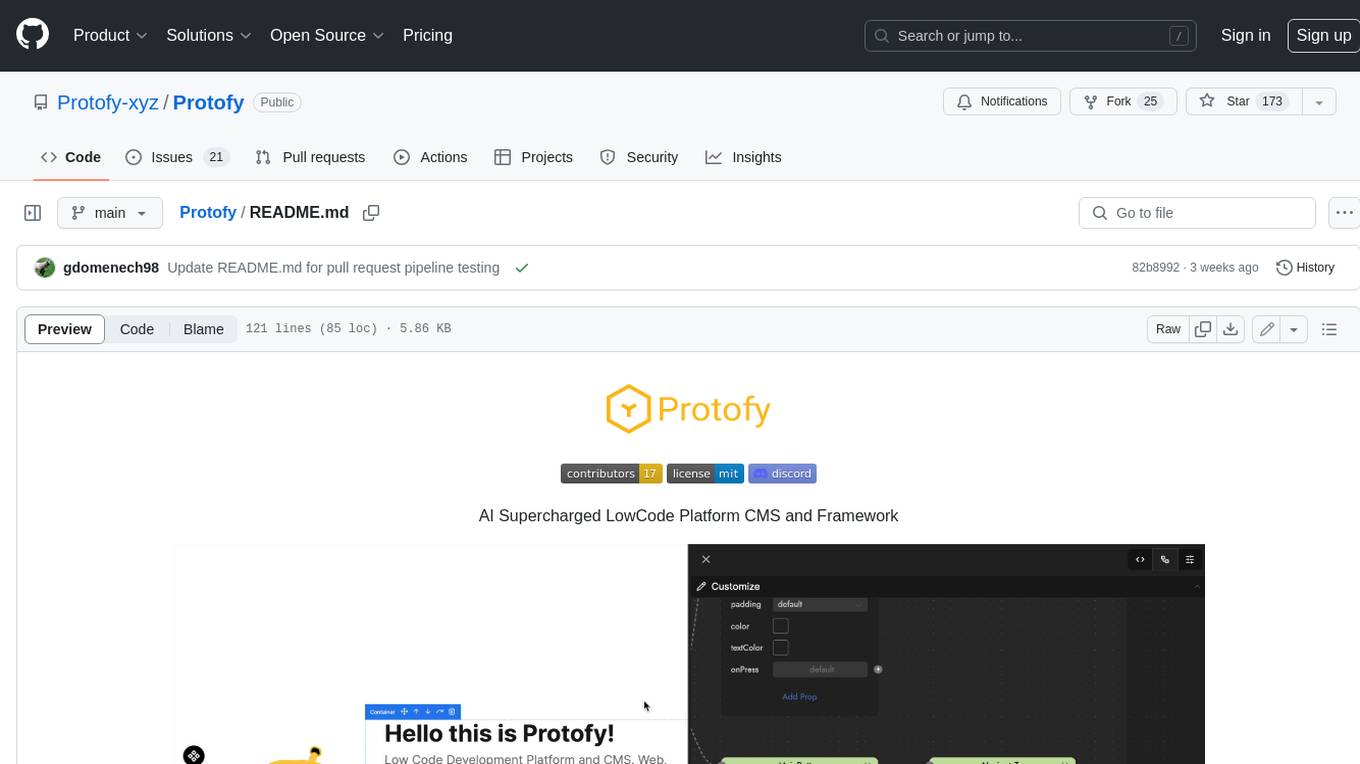
Protofy
Protofy is a full-stack, batteries-included low-code enabled web/app and IoT system with an API system and real-time messaging. It is based on Protofy (protoflow + visualui + protolib + protodevices) + Expo + Next.js + Tamagui + Solito + Express + Aedes + Redbird + Many other amazing packages. Protofy can be used to fast prototype Apps, webs, IoT systems, automations, or APIs. It is a ultra-extensible CMS with supercharged capabilities, mobile support, and IoT support (esp32 thanks to esphome).
react-native-vision-camera
VisionCamera is a powerful, high-performance Camera library for React Native. It features Photo and Video capture, QR/Barcode scanner, Customizable devices and multi-cameras ("fish-eye" zoom), Customizable resolutions and aspect-ratios (4k/8k images), Customizable FPS (30..240 FPS), Frame Processors (JS worklets to run facial recognition, AI object detection, realtime video chats, ...), Smooth zooming (Reanimated), Fast pause and resume, HDR & Night modes, Custom C++/GPU accelerated video pipeline (OpenGL).
dev-conf-replay
This repository contains information about various IT seminars and developer conferences in South Korea, allowing users to watch replays of past events. It covers a wide range of topics such as AI, big data, cloud, infrastructure, devops, blockchain, mobility, games, security, mobile development, frontend, programming languages, open source, education, and community events. Users can explore upcoming and past events, view related YouTube channels, and access additional resources like free programming ebooks and data structures and algorithms tutorials.
OpenDevin
OpenDevin is an open-source project aiming to replicate Devin, an autonomous AI software engineer capable of executing complex engineering tasks and collaborating actively with users on software development projects. The project aspires to enhance and innovate upon Devin through the power of the open-source community. Users can contribute to the project by developing core functionalities, frontend interface, or sandboxing solutions, participating in research and evaluation of LLMs in software engineering, and providing feedback and testing on the OpenDevin toolset.
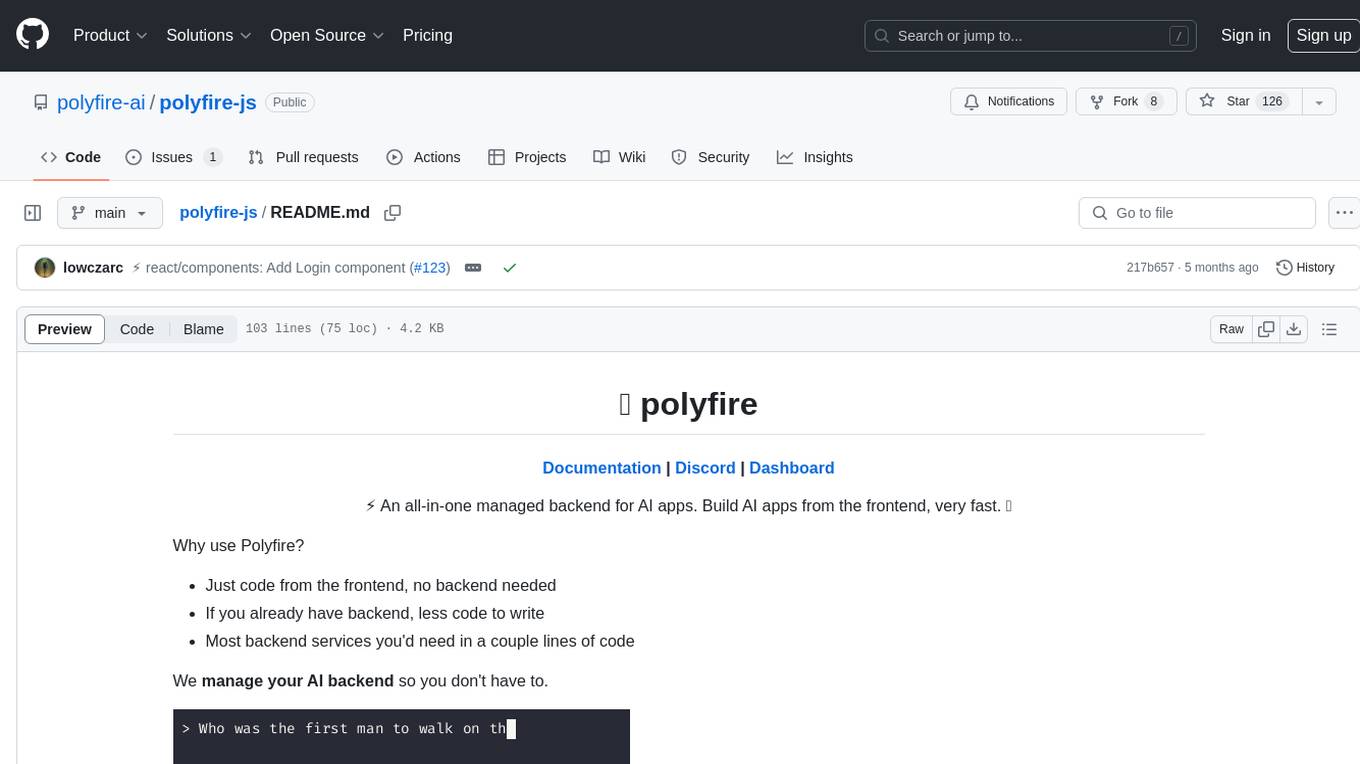
polyfire-js
Polyfire is an all-in-one managed backend for AI apps that allows users to build AI applications directly from the frontend, eliminating the need for a separate backend. It simplifies the process by providing most backend services in just a few lines of code. With Polyfire, users can easily create chatbots, transcribe audio files, generate simple text, manage long-term memory, and generate images. The tool also offers starter guides and tutorials to help users get started quickly and efficiently.
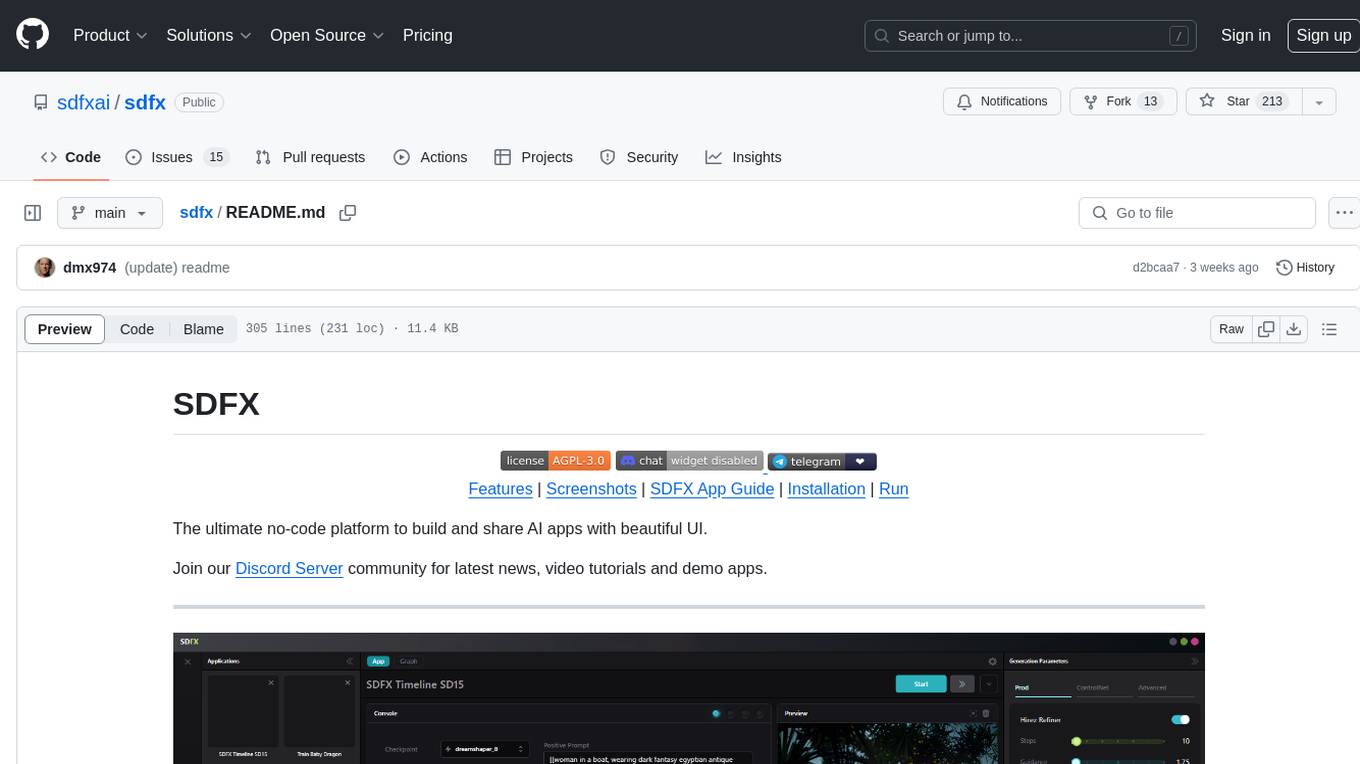
sdfx
SDFX is the ultimate no-code platform for building and sharing AI apps with beautiful UI. It enables the creation of user-friendly interfaces for complex workflows by combining Comfy workflow with a UI. The tool is designed to merge the benefits of form-based UI and graph-node based UI, allowing users to create intricate graphs with a high-level UI overlay. SDFX is fully compatible with ComfyUI, abstracting the need for installing ComfyUI. It offers features like animated graph navigation, node bookmarks, UI debugger, custom nodes manager, app and template export, image and mask editor, and more. The tool compiles as a native app or web app, making it easy to maintain and add new features.
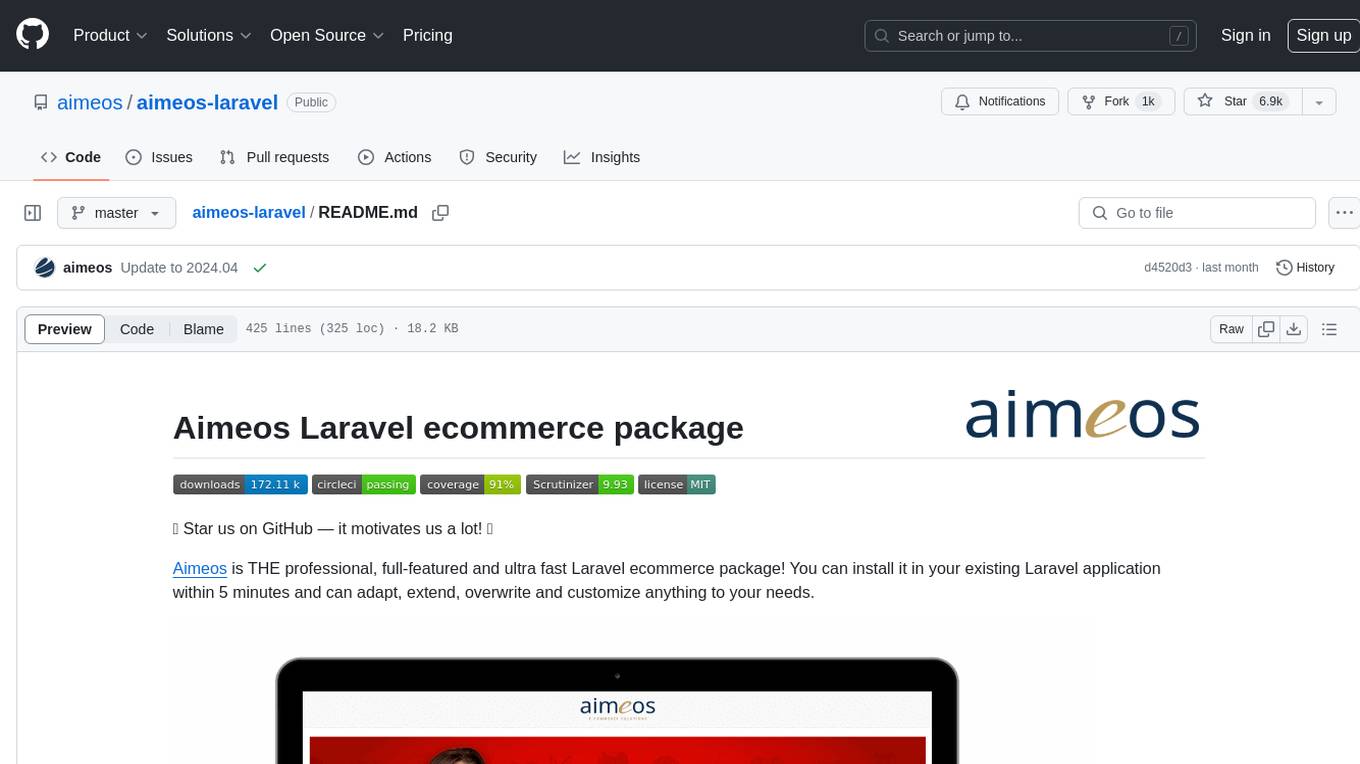
aimeos-laravel
Aimeos Laravel is a professional, full-featured, and ultra-fast Laravel ecommerce package that can be easily integrated into existing Laravel applications. It offers a wide range of features including multi-vendor, multi-channel, and multi-warehouse support, fast performance, support for various product types, subscriptions with recurring payments, multiple payment gateways, full RTL support, flexible pricing options, admin backend, REST and GraphQL APIs, modular structure, SEO optimization, multi-language support, AI-based text translation, mobile optimization, and high-quality source code. The package is highly configurable and extensible, making it suitable for e-commerce SaaS solutions, marketplaces, and online shops with millions of vendors.
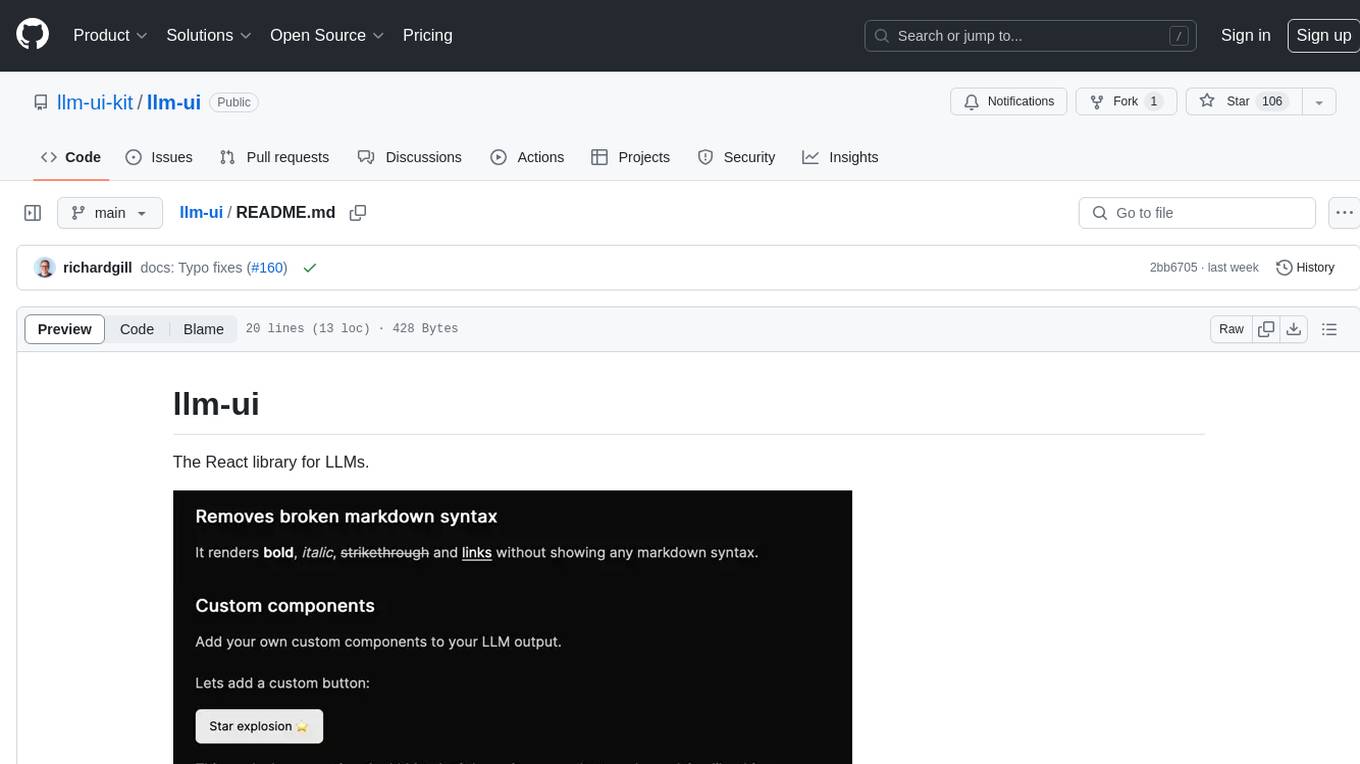
llm-ui
llm-ui is a React library designed for LLMs, providing features such as removing broken markdown syntax, adding custom components to LLM output, smoothing out pauses in streamed output, rendering at native frame rate, supporting code blocks for every language with Shiki, and being headless to allow for custom styles. The library aims to enhance the user experience and flexibility when working with LLMs.