


Hexabot
Hexabot is an open-source AI chatbot / agent builder. It allows you to create and manage multi-channel and multilingual chatbots / agents with ease.
Stars: 692
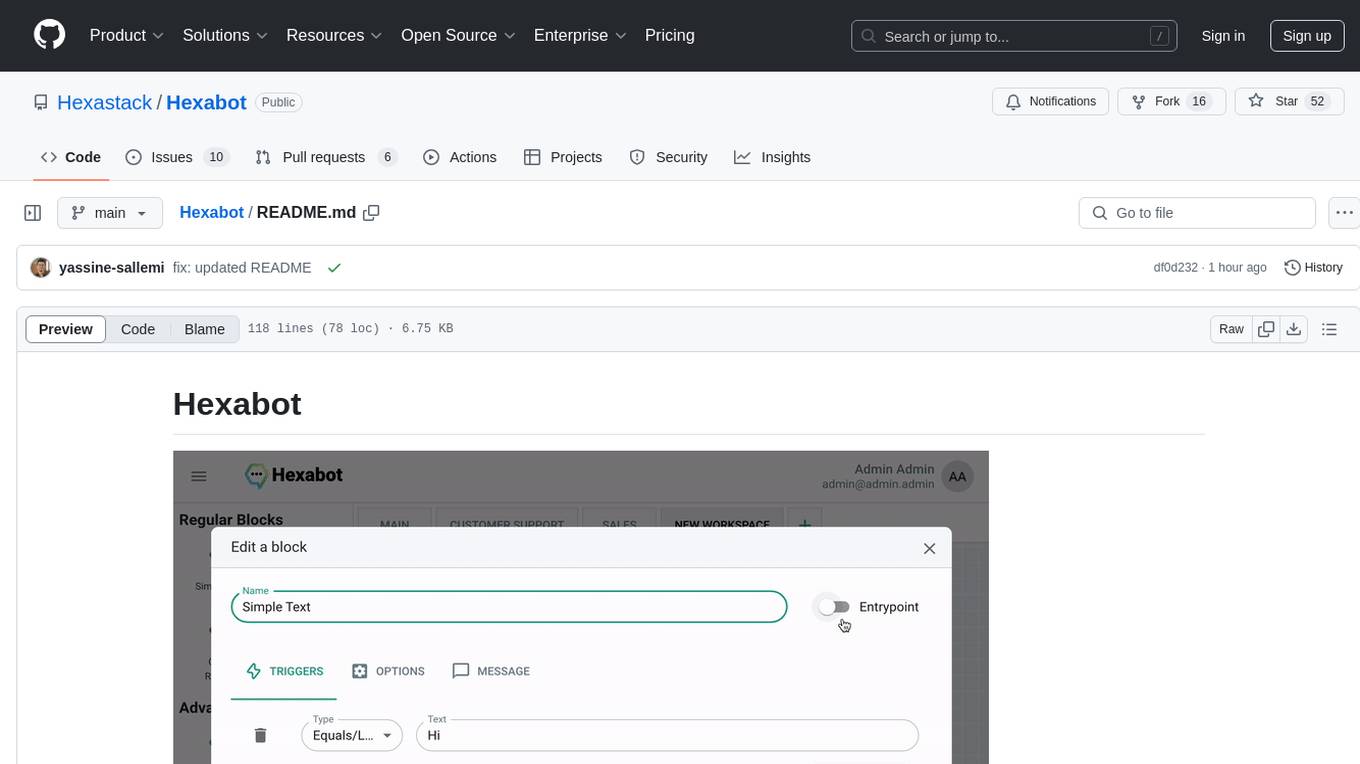
Hexabot Community Edition is an open-source chatbot solution designed for flexibility and customization, offering powerful text-to-action capabilities. It allows users to create and manage AI-powered, multi-channel, and multilingual chatbots with ease. The platform features an analytics dashboard, multi-channel support, visual editor, plugin system, NLP/NLU management, multi-lingual support, CMS integration, user roles & permissions, contextual data, subscribers & labels, and inbox & handover functionalities. The directory structure includes frontend, API, widget, NLU, and docker components. Prerequisites for running Hexabot include Docker and Node.js. The installation process involves cloning the repository, setting up the environment, and running the application. Users can access the UI admin panel and live chat widget for interaction. Various commands are available for managing the Docker services. Detailed documentation and contribution guidelines are provided for users interested in contributing to the project.
README:

Hexabot provides everything you need to create and manage your own AI powered chatbot / agent,
Customizable, Multi-Channel, Multi-Lingual and Text-to-Action Capabilities.
Extensions Library
.
Documentation
Video Tutorial
·
Join Our Discord
Hexabot is an open-source AI chatbot / agent solution. It allows you to create and manage multi-channel, and multilingual chatbots / agents with ease. Hexabot is designed for flexibility and customization, offering powerful text-to-action capabilities. Originally a closed-source project (version 1), we've now open-sourced version 2 to contribute to the community and enable developers to customize and extend the platform with extensions.

- LLMs & NLU Support: Integrate with your favorite LLM model whether it's by using Ollama, ChatGPT, Mistral or Gemini ... Manage training datasets for machine learning models that detect user intent and language, providing intelligent responses.
- Multi-Channel Support: Create consistent chatbot experiences across multiple channels like web, mobile, and social media platforms.
- Visual Editor: Design and manage chatbot flows with an intuitive drag-and-drop interface. Supports text messages, quick replies, carousels, and more.
- Plugin System: Extend Hexabot's functionality by developing and installing extensions from the Extension Library. Enable features like text-to-action responses, 3rd party system integrations, and more.
- Multi-lingual Support: Define multiple languages, allowing the chatbot to interact with users in their preferred language.
- Knowledge Base: Seamlessly integrate and manage dynamic content such as product catalogs and store lists for more engaging conversations.
- User Roles & Permissions: Granular access control to manage user roles and permissions for different parts of the system.
- Contextual Data: Define variables to collect and leverage relevant information about end-users to deliver personalized responses.
- Subscribers & Labels: Organize users by assigning labels and customize their chat experience based on defined segments.
- Inbox & Handover: Provides a real-time chat window where conversations can be monitored and handed over to human agents when necessary.
- Analytics Dashboard: Monitor chatbot interactions and performance with insightful metrics and visualizations.
- frontend: The admin panel built with React/Next.js for managing chatbot configurations and flows.
- api: The backend API built with NestJS and connected to MongoDB for data storage and management.
- widget: A React-based live chat widget that can be embedded into any website to provide real-time interaction.
- docker: A set of Docker Compose files for deploying the entire solution, making it easy to run Hexabot in any environment.
- Node.js >= 18.17.0
- npm (Node Package Manager)
- Docker installed
Install Hexabot CLI globally to have easy access to its commands:
npm install -g hexabot-cli-
Create a new project:
hexabot create my-chatbot
This will create a new folder
my-chatbotwith all necessary files to get started. -
Navigate to your project folder:
cd my-chatbot -
Install dependencies:
npm install
-
Initialize environment:
hexabot init
This command copies the
.env.examplefile to.env, which you can edit to customize your configuration. -
Run in development mode:
hexabot dev --services ollama
This starts the required services in development mode.
UI Admin Panel is accessible via http://localhost:8080, the default credentials are :
- Username: [email protected]
- Password: adminadmin
For detailed information on how to get started, as well as in-depth user and developer guides, please refer to our full documentation available in the docs folder or visit the Documentation.
You can also find specific documentation for different components of the project in the following locations:
We welcome contributions from the community! Whether you want to report a bug, suggest new features, or submit a pull request, your input is valuable to us.
Please refer to our contribution policy first : How to contribute to Hexabot

Feel free to join us on Discord
- Clone the Repository:
$ git clone https://github.com/hexastack/hexabot.git- Installation: Install node dependencies:
$ npm install- Environment Setup: To configure the environment variables, use the following command at the root folder for initialization:
$ hexabot initThis will copy the .env.example file to .env in the ./docker directory if the file does not already exist.
- Running the Application: Once your environment is set up, you can start the app. Use either of the following commands:
For development mode:
$ hexabot devOtherwise, you can choose to download docker images rather than building them:
$ hexabot start You can also enable services such as Ollama (The services are declared under the ./docker folder) :
$ hexabot dev --services ollamaNote: The first time you run the app, Docker will take some time to download all the required images.
This software is licensed under the GNU Affero General Public License v3.0 (AGPLv3) with the following additional terms:
- The name "Hexabot" is a trademark of Hexastack. You may not use this name in derivative works without express written permission.
- All derivative works must include clear attribution to the original creator and software, Hexastack and Hexabot, in a prominent location (e.g., in the software's "About" section, documentation, and README file).
For Tasks:
Click tags to check more tools for each tasksFor Jobs:
Alternative AI tools for Hexabot
Similar Open Source Tools
Hexabot
Hexabot Community Edition is an open-source chatbot solution designed for flexibility and customization, offering powerful text-to-action capabilities. It allows users to create and manage AI-powered, multi-channel, and multilingual chatbots with ease. The platform features an analytics dashboard, multi-channel support, visual editor, plugin system, NLP/NLU management, multi-lingual support, CMS integration, user roles & permissions, contextual data, subscribers & labels, and inbox & handover functionalities. The directory structure includes frontend, API, widget, NLU, and docker components. Prerequisites for running Hexabot include Docker and Node.js. The installation process involves cloning the repository, setting up the environment, and running the application. Users can access the UI admin panel and live chat widget for interaction. Various commands are available for managing the Docker services. Detailed documentation and contribution guidelines are provided for users interested in contributing to the project.
fridon-ai
FridonAI is an open-source project offering AI-powered tools for cryptocurrency analysis and blockchain operations. It includes modules like FridonAnalytics for price analysis, FridonSearch for technical indicators, FridonNotifier for custom alerts, FridonBlockchain for blockchain operations, and FridonChat as a unified chat interface. The platform empowers users to create custom AI chatbots, access crypto tools, and interact effortlessly through chat. The core functionality is modular, with plugins, tools, and utilities for easy extension and development. FridonAI implements a scoring system to assess user interactions and incentivize engagement. The application uses Redis extensively for communication and includes a Nest.js backend for system operations.
burpference
Burpference is an open-source extension designed to capture in-scope HTTP requests and responses from Burp's proxy history and send them to a remote LLM API in JSON format. It automates response capture, integrates with APIs, optimizes resource usage, provides color-coded findings visualization, offers comprehensive logging, supports native Burp reporting, and allows flexible configuration. Users can customize system prompts, API keys, and remote hosts, and host models locally to prevent high inference costs. The tool is ideal for offensive web application engagements to surface findings and vulnerabilities.
nextjs-ollama-llm-ui
This web interface provides a user-friendly and feature-rich platform for interacting with Ollama Large Language Models (LLMs). It offers a beautiful and intuitive UI inspired by ChatGPT, making it easy for users to get started with LLMs. The interface is fully local, storing chats in local storage for convenience, and fully responsive, allowing users to chat on their phones with the same ease as on a desktop. It features easy setup, code syntax highlighting, and the ability to easily copy codeblocks. Users can also download, pull, and delete models directly from the interface, and switch between models quickly. Chat history is saved and easily accessible, and users can choose between light and dark mode. To use the web interface, users must have Ollama downloaded and running, and Node.js (18+) and npm installed. Installation instructions are provided for running the interface locally. Upcoming features include the ability to send images in prompts, regenerate responses, import and export chats, and add voice input support.
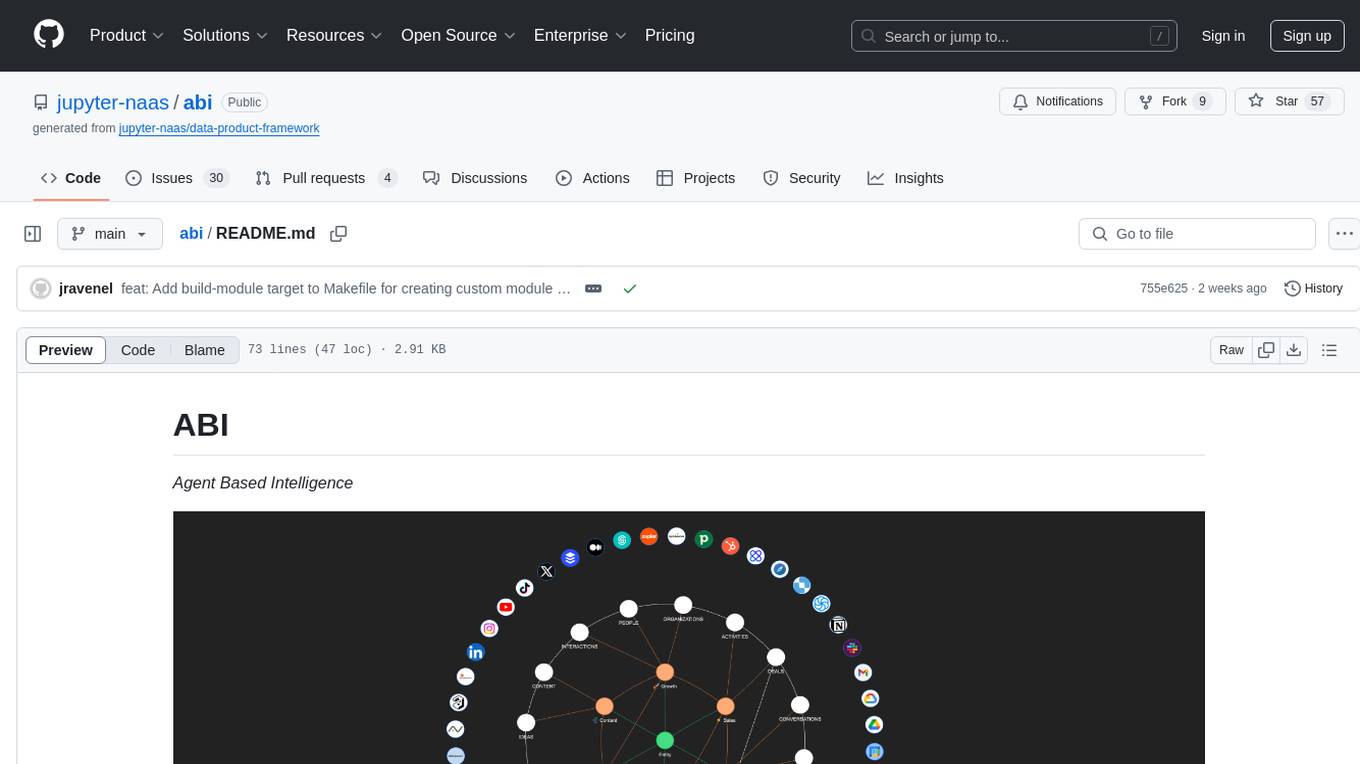
LLMstudio
LLMstudio by TensorOps is a platform that offers prompt engineering tools for accessing models from providers like OpenAI, VertexAI, and Bedrock. It provides features such as Python Client Gateway, Prompt Editing UI, History Management, and Context Limit Adaptability. Users can track past runs, log costs and latency, and export history to CSV. The tool also supports automatic switching to larger-context models when needed. Coming soon features include side-by-side comparison of LLMs, automated testing, API key administration, project organization, and resilience against rate limits. LLMstudio aims to streamline prompt engineering, provide execution history tracking, and enable effortless data export, offering an evolving environment for teams to experiment with advanced language models.
ai-workshop
The AI Workshop repository provides a comprehensive guide to utilizing OpenAI's APIs, including Chat Completion, Embedding, and Assistant APIs. It offers hands-on demonstrations and code examples to help users understand the capabilities of these APIs. The workshop covers topics such as creating interactive chatbots, performing semantic search using text embeddings, and building custom assistants with specific data and context. Users can enhance their understanding of AI applications in education, research, and other domains through practical examples and usage notes.
browser-use-webui
Browser-Use WebUI is a project that enhances the original browser-use tool by providing a brand new web interface, expanded LLM support for various Large Language Models, custom browser support for using your own browser with the tool, and a customized agent with optimized prompts. The tool aims to make websites accessible for AI agents and offers user-friendly interaction with the browser agent, eliminating the need for re-login to sites and dealing with authentication challenges. It also supports high-definition screen recording.
langdrive
LangDrive is an open-source AI library that simplifies training, deploying, and querying open-source large language models (LLMs) using private data. It supports data ingestion, fine-tuning, and deployment via a command-line interface, YAML file, or API, with a quick, easy setup. Users can build AI applications such as question/answering systems, chatbots, AI agents, and content generators. The library provides features like data connectors for ingestion, fine-tuning of LLMs, deployment to Hugging Face hub, inference querying, data utilities for CRUD operations, and APIs for model access. LangDrive is designed to streamline the process of working with LLMs and making AI development more accessible.
CodeGPT
CodeGPT is an extension for JetBrains IDEs that provides access to state-of-the-art large language models (LLMs) for coding assistance. It offers a range of features to enhance the coding experience, including code completions, a ChatGPT-like interface for instant coding advice, commit message generation, reference file support, name suggestions, and offline development support. CodeGPT is designed to keep privacy in mind, ensuring that user data remains secure and private.
coral-cloud
Coral Cloud Resorts is a sample hospitality application that showcases Data Cloud, Agents, and Prompts. It provides highly personalized guest experiences through smart automation, content generation, and summarization. The app requires licenses for Data Cloud, Agents, Prompt Builder, and Einstein for Sales. Users can activate features, deploy metadata, assign permission sets, import sample data, and troubleshoot common issues. Additionally, the repository offers integration with modern web development tools like Prettier, ESLint, and pre-commit hooks for code formatting and linting.
Local-Multimodal-AI-Chat
Local Multimodal AI Chat is a multimodal chat application that integrates various AI models to manage audio, images, and PDFs seamlessly within a single interface. It offers local model processing with Ollama for data privacy, integration with OpenAI API for broader AI capabilities, audio chatting with Whisper AI for accurate voice interpretation, and PDF chatting with Chroma DB for efficient PDF interactions. The application is designed for AI enthusiasts and developers seeking a comprehensive solution for multimodal AI technologies.
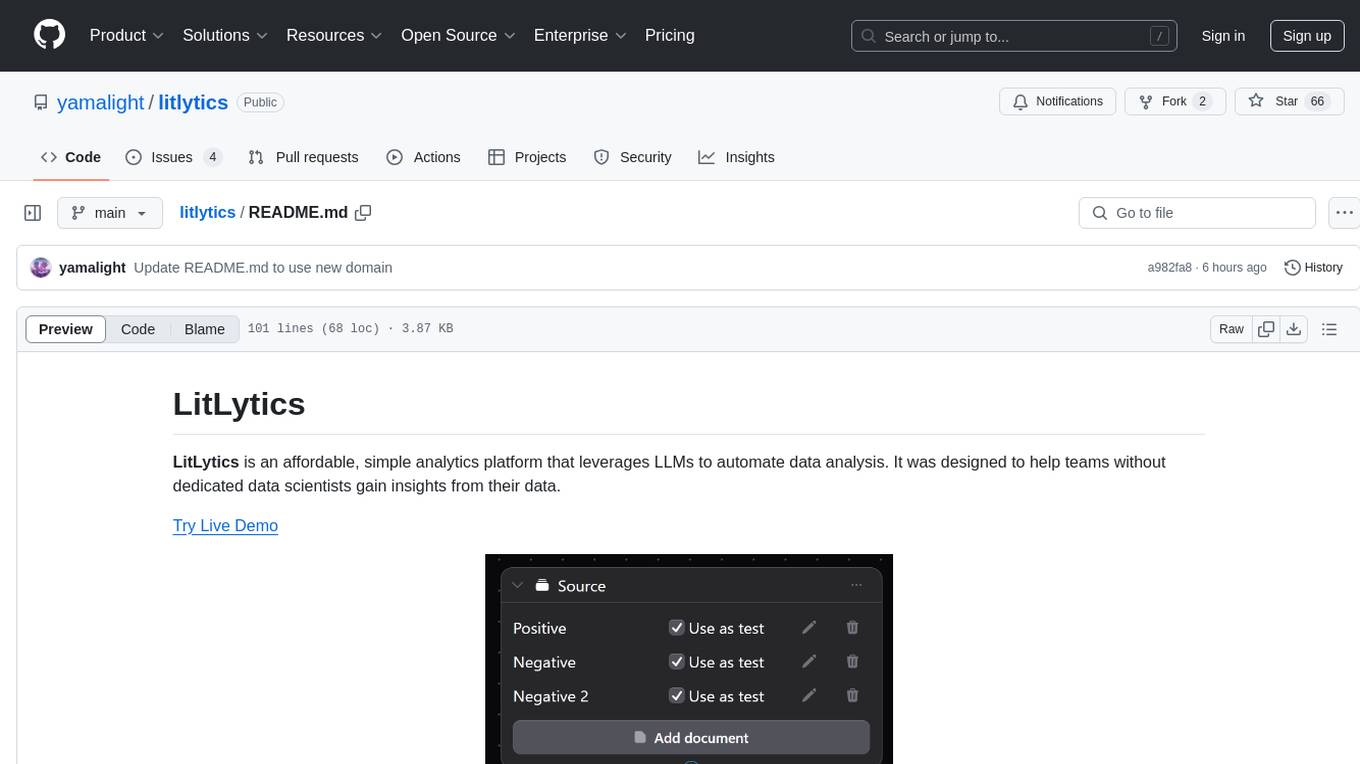
litlytics
LitLytics is an affordable analytics platform leveraging LLMs for automated data analysis. It simplifies analytics for teams without data scientists, generates custom pipelines, and allows customization. Cost-efficient with low data processing costs. Scalable and flexible, works with CSV, PDF, and plain text data formats.
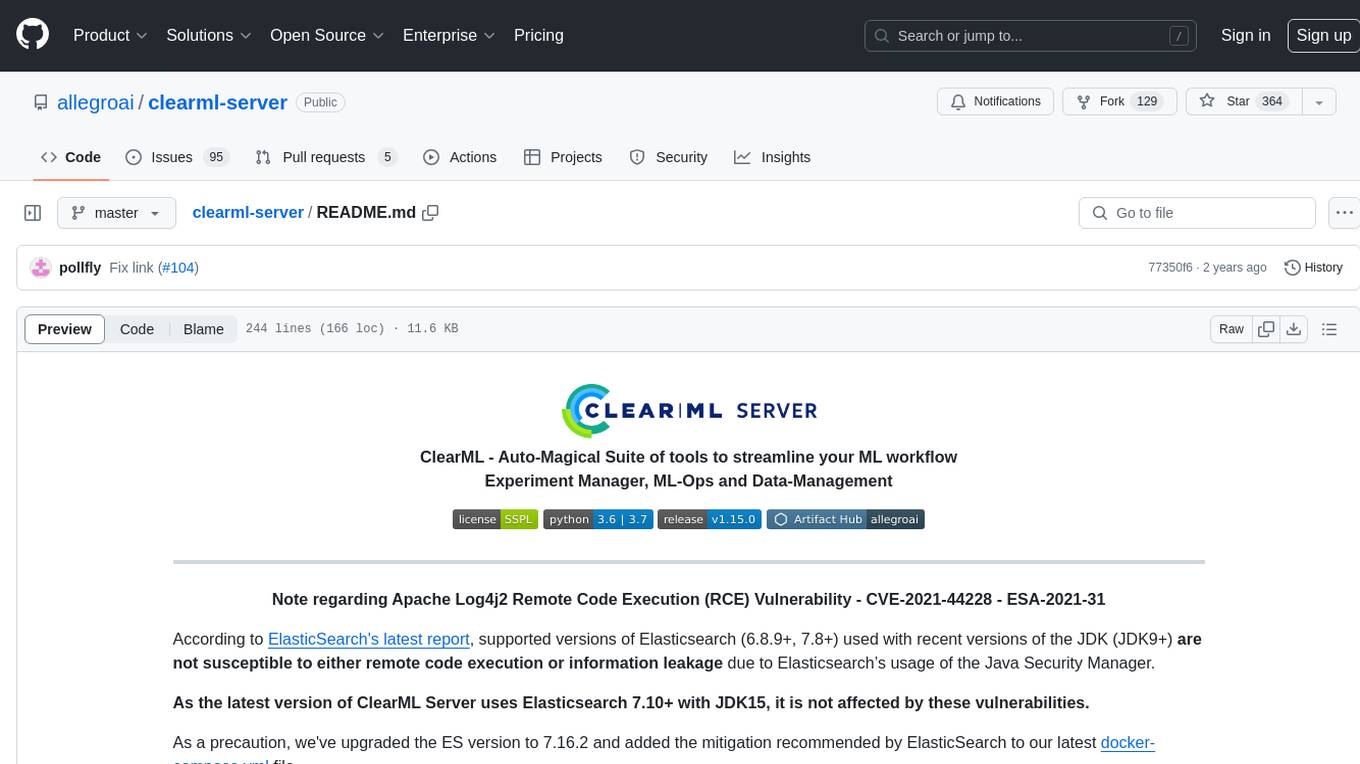
clearml-server
ClearML Server is a backend service infrastructure for ClearML, facilitating collaboration and experiment management. It includes a web app, RESTful API, and file server for storing images and models. Users can deploy ClearML Server using Docker, AWS EC2 AMI, or Kubernetes. The system design supports single IP or sub-domain configurations with specific open ports. ClearML-Agent Services container allows launching long-lasting jobs and various use cases like auto-scaler service, controllers, optimizer, and applications. Advanced functionality includes web login authentication and non-responsive experiments watchdog. Upgrading ClearML Server involves stopping containers, backing up data, downloading the latest docker-compose.yml file, configuring ClearML-Agent Services, and spinning up docker containers. Community support is available through ClearML FAQ, Stack Overflow, GitHub issues, and email contact.
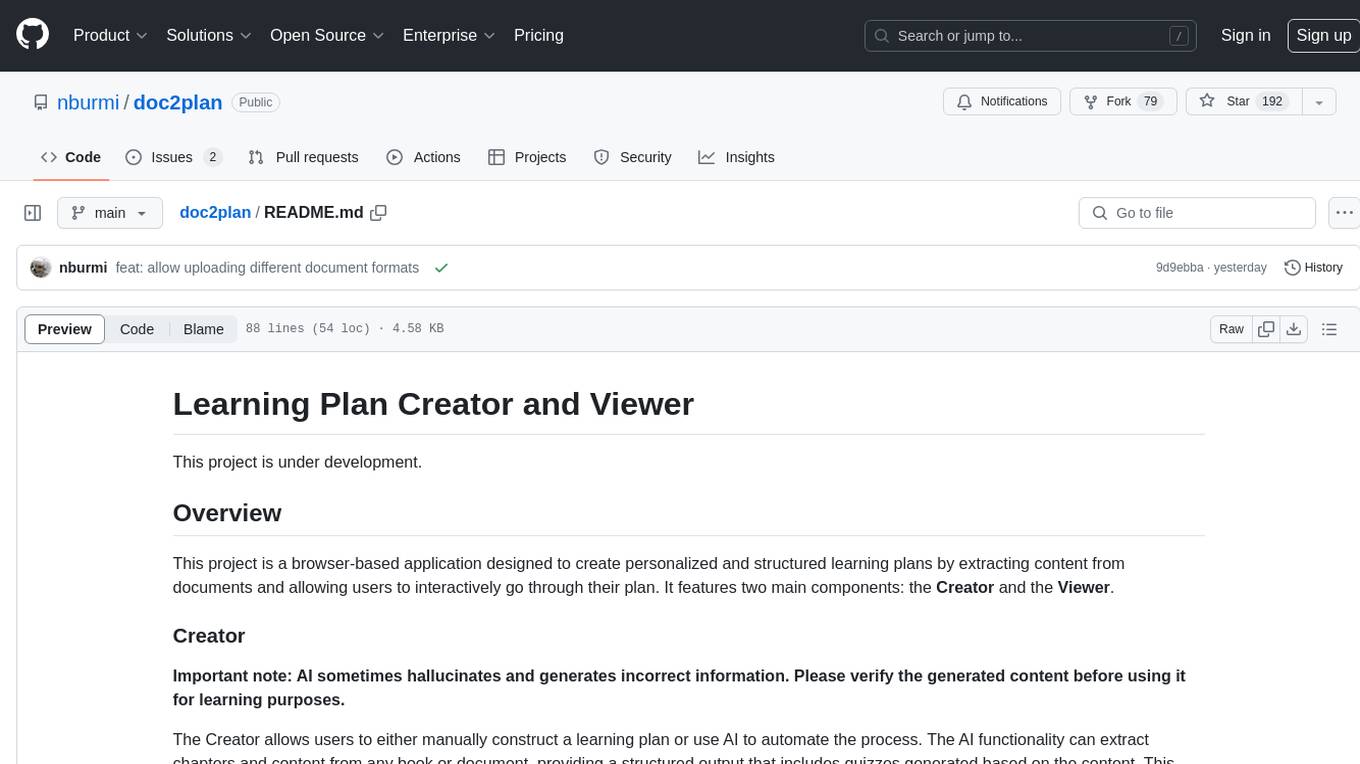
doc2plan
doc2plan is a browser-based application that helps users create personalized learning plans by extracting content from documents. It features a Creator for manual or AI-assisted plan construction and a Viewer for interactive plan navigation. Users can extract chapters, key topics, generate quizzes, and track progress. The application includes AI-driven content extraction, quiz generation, progress tracking, plan import/export, assistant management, customizable settings, viewer chat with text-to-speech and speech-to-text support, and integration with various Retrieval-Augmented Generation (RAG) models. It aims to simplify the creation of comprehensive learning modules tailored to individual needs.
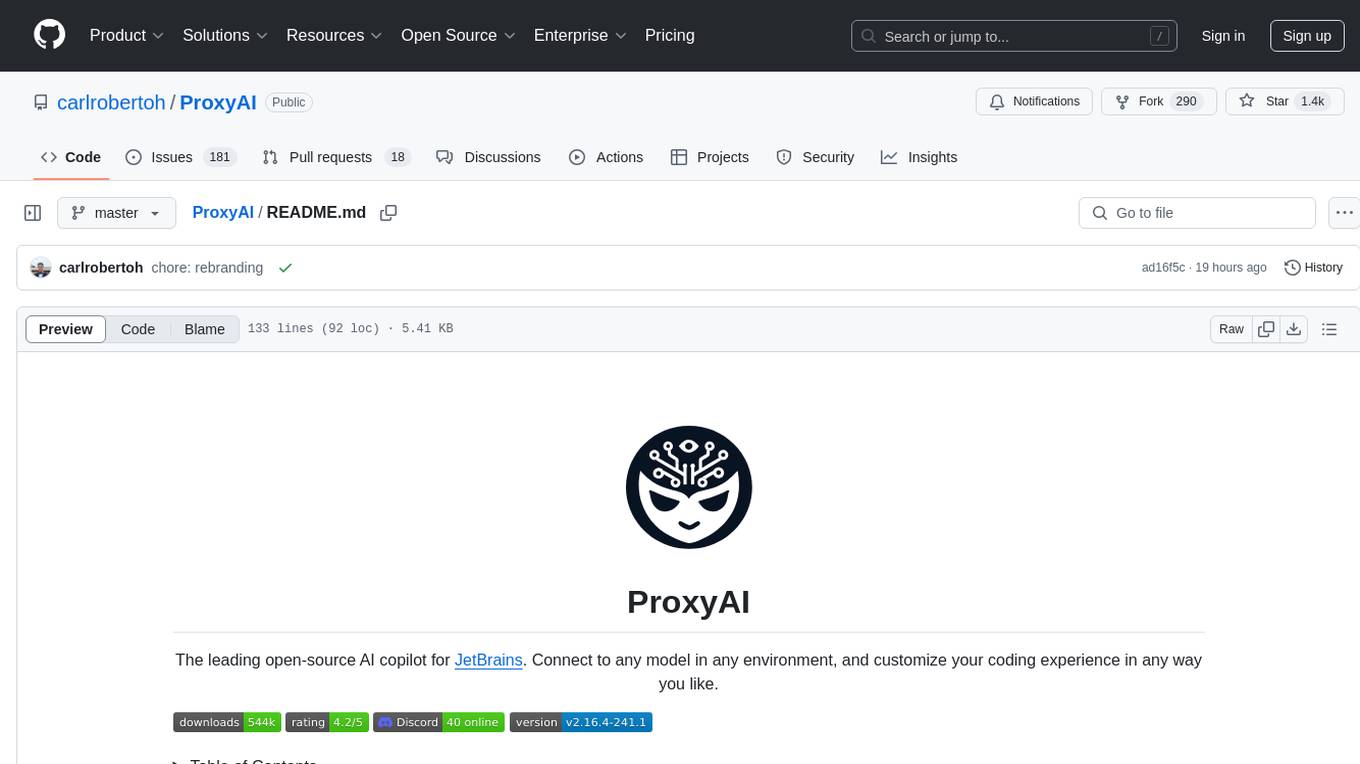
ProxyAI
ProxyAI is an open-source AI copilot for JetBrains, offering advanced code assistance features powered by top-tier language models. Users can customize their coding experience, receive AI-suggested code changes, autocomplete suggestions, and context-aware naming suggestions. The tool also allows users to chat with images, reference project files and folders, web docs, git history, and search the web. ProxyAI prioritizes user privacy by not collecting sensitive information and only gathering anonymous usage data with consent.
For similar tasks
Hexabot
Hexabot Community Edition is an open-source chatbot solution designed for flexibility and customization, offering powerful text-to-action capabilities. It allows users to create and manage AI-powered, multi-channel, and multilingual chatbots with ease. The platform features an analytics dashboard, multi-channel support, visual editor, plugin system, NLP/NLU management, multi-lingual support, CMS integration, user roles & permissions, contextual data, subscribers & labels, and inbox & handover functionalities. The directory structure includes frontend, API, widget, NLU, and docker components. Prerequisites for running Hexabot include Docker and Node.js. The installation process involves cloning the repository, setting up the environment, and running the application. Users can access the UI admin panel and live chat widget for interaction. Various commands are available for managing the Docker services. Detailed documentation and contribution guidelines are provided for users interested in contributing to the project.
For similar jobs

sweep
Sweep is an AI junior developer that turns bugs and feature requests into code changes. It automatically handles developer experience improvements like adding type hints and improving test coverage.

teams-ai
The Teams AI Library is a software development kit (SDK) that helps developers create bots that can interact with Teams and Microsoft 365 applications. It is built on top of the Bot Framework SDK and simplifies the process of developing bots that interact with Teams' artificial intelligence capabilities. The SDK is available for JavaScript/TypeScript, .NET, and Python.

ai-guide
This guide is dedicated to Large Language Models (LLMs) that you can run on your home computer. It assumes your PC is a lower-end, non-gaming setup.

classifai
Supercharge WordPress Content Workflows and Engagement with Artificial Intelligence. Tap into leading cloud-based services like OpenAI, Microsoft Azure AI, Google Gemini and IBM Watson to augment your WordPress-powered websites. Publish content faster while improving SEO performance and increasing audience engagement. ClassifAI integrates Artificial Intelligence and Machine Learning technologies to lighten your workload and eliminate tedious tasks, giving you more time to create original content that matters.

chatbot-ui
Chatbot UI is an open-source AI chat app that allows users to create and deploy their own AI chatbots. It is easy to use and can be customized to fit any need. Chatbot UI is perfect for businesses, developers, and anyone who wants to create a chatbot.

BricksLLM
BricksLLM is a cloud native AI gateway written in Go. Currently, it provides native support for OpenAI, Anthropic, Azure OpenAI and vLLM. BricksLLM aims to provide enterprise level infrastructure that can power any LLM production use cases. Here are some use cases for BricksLLM: * Set LLM usage limits for users on different pricing tiers * Track LLM usage on a per user and per organization basis * Block or redact requests containing PIIs * Improve LLM reliability with failovers, retries and caching * Distribute API keys with rate limits and cost limits for internal development/production use cases * Distribute API keys with rate limits and cost limits for students

uAgents
uAgents is a Python library developed by Fetch.ai that allows for the creation of autonomous AI agents. These agents can perform various tasks on a schedule or take action on various events. uAgents are easy to create and manage, and they are connected to a fast-growing network of other uAgents. They are also secure, with cryptographically secured messages and wallets.

griptape
Griptape is a modular Python framework for building AI-powered applications that securely connect to your enterprise data and APIs. It offers developers the ability to maintain control and flexibility at every step. Griptape's core components include Structures (Agents, Pipelines, and Workflows), Tasks, Tools, Memory (Conversation Memory, Task Memory, and Meta Memory), Drivers (Prompt and Embedding Drivers, Vector Store Drivers, Image Generation Drivers, Image Query Drivers, SQL Drivers, Web Scraper Drivers, and Conversation Memory Drivers), Engines (Query Engines, Extraction Engines, Summary Engines, Image Generation Engines, and Image Query Engines), and additional components (Rulesets, Loaders, Artifacts, Chunkers, and Tokenizers). Griptape enables developers to create AI-powered applications with ease and efficiency.