

Debug Sage
Empowering you to debug with ease

Debug Sage is a website designed to help users understand and troubleshoot errors in their software applications. The platform provides detailed insights into various types of errors, allowing users to identify and resolve issues efficiently. With a user-friendly interface, Debug Sage aims to streamline the debugging process for developers and software engineers. The website also offers resources and tools to enhance the overall debugging experience. By leveraging advanced technologies, Debug Sage empowers users to tackle complex errors with ease.
For Tasks:
Click tags to check more tools for each tasksFor Jobs:
Features
Advantages
Disadvantages
Frequently Asked Questions
Alternative AI tools for Debug Sage
Similar sites
Debug Sage
Debug Sage is a website designed to help users understand and troubleshoot errors in their software applications. The platform provides detailed insights into various types of errors, allowing users to identify and resolve issues efficiently. With a user-friendly interface, Debug Sage aims to streamline the debugging process for developers and software engineers. The website also offers resources and tools to enhance the overall debugging experience. By leveraging advanced technologies, Debug Sage empowers users to tackle complex errors with ease.
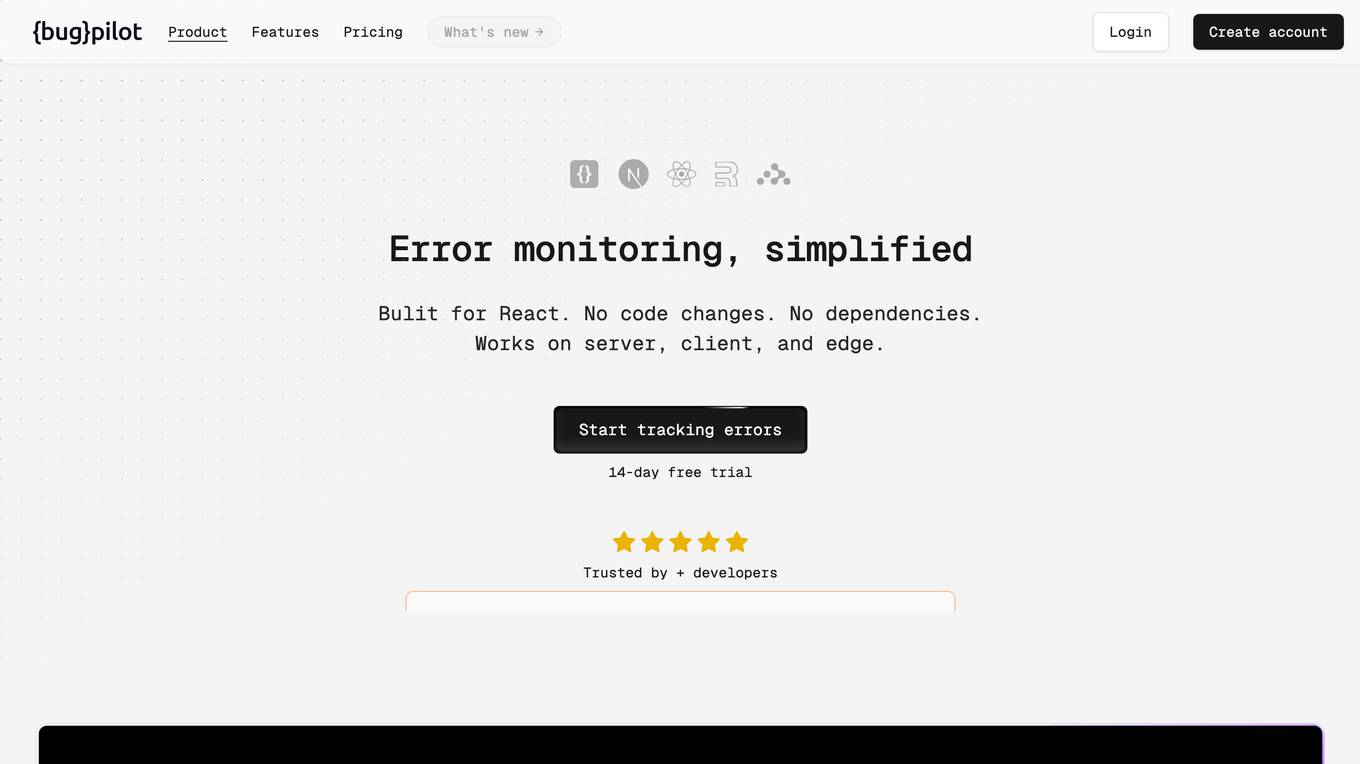
Bugpilot
Bugpilot is an error monitoring tool specifically designed for React applications. It offers a comprehensive platform for error tracking, debugging, and user communication. With Bugpilot, developers can easily integrate error tracking into their React applications without any code changes or dependencies. The tool provides a user-friendly dashboard that helps developers quickly identify and prioritize errors, understand their root causes, and plan fixes. Bugpilot also includes features such as AI-assisted debugging, session recordings, and customizable error pages to enhance the user experience and reduce support requests.
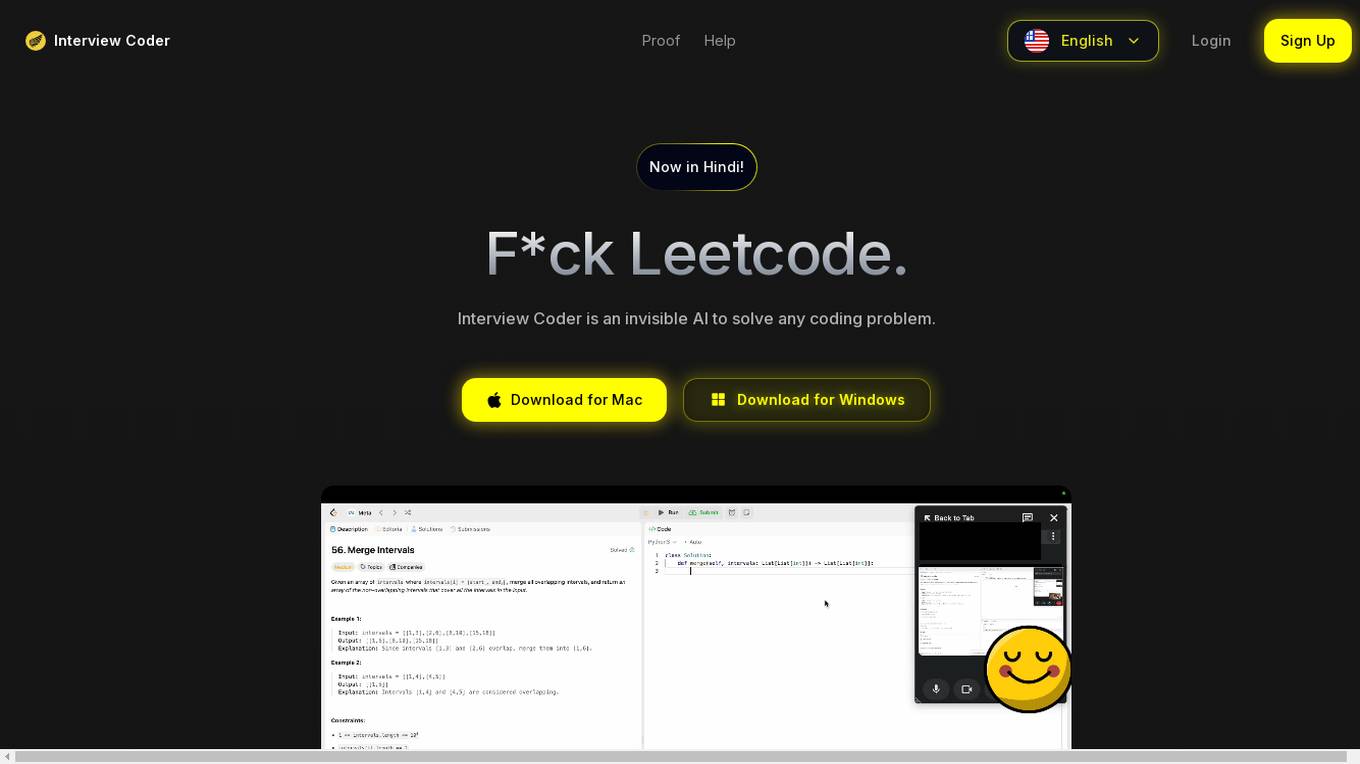
Interview Coder
Interview Coder is an undetectable desktop application designed to assist users in solving coding problems for technical interviews. It features robust undetectability capabilities, detailed solution reasoning, and webcam monitoring. The application provides a platform for capturing coding problems, generating solutions, debugging, and optimizing code. Interview Coder aims to help users articulate their solution approaches convincingly and optimize their coding solutions efficiently.

HelpMoji
HelpMoji is a software tool designed to help users easily fix app problems such as glitchy apps, frozen screens, and stubborn errors. With over 190 million software errors resolved, HelpMoji provides quick and easy solutions to resolve any software issue. The tool features a powerful search engine and diagnostic tools to detect the root cause of errors, along with clear, step-by-step instructions for users to follow. HelpMoji is known for its quick and reliable service, easy-to-follow guidance suitable for all tech levels, and 24/7 availability for assistance. Say goodbye to frustrating app problems with HelpMoji!

Open Interpreter Project
The Open Interpreter Project is an AI tool that enables users to run code on their computers to complete tasks. It offers a new way of interacting with computers by leveraging LLMs (Large Language Models). The project aims to simplify coding tasks and enhance productivity by providing a platform for executing code seamlessly.
Vilosia
Vilosia is an AI-powered platform that helps medium and large enterprises with internal development teams to visualize their software architecture, simplify migration, and improve system modularity. The platform uses Gen AI to automatically add event triggers to the codebase, enabling users to understand data flow, system dependencies, domain boundaries, and external APIs. Vilosia also offers AI workflow analysis to extract workflows from function call chains and identify database usage. Users can scan their codebase using CLI client & CI/CD integration and stay updated with new features through the newsletter.
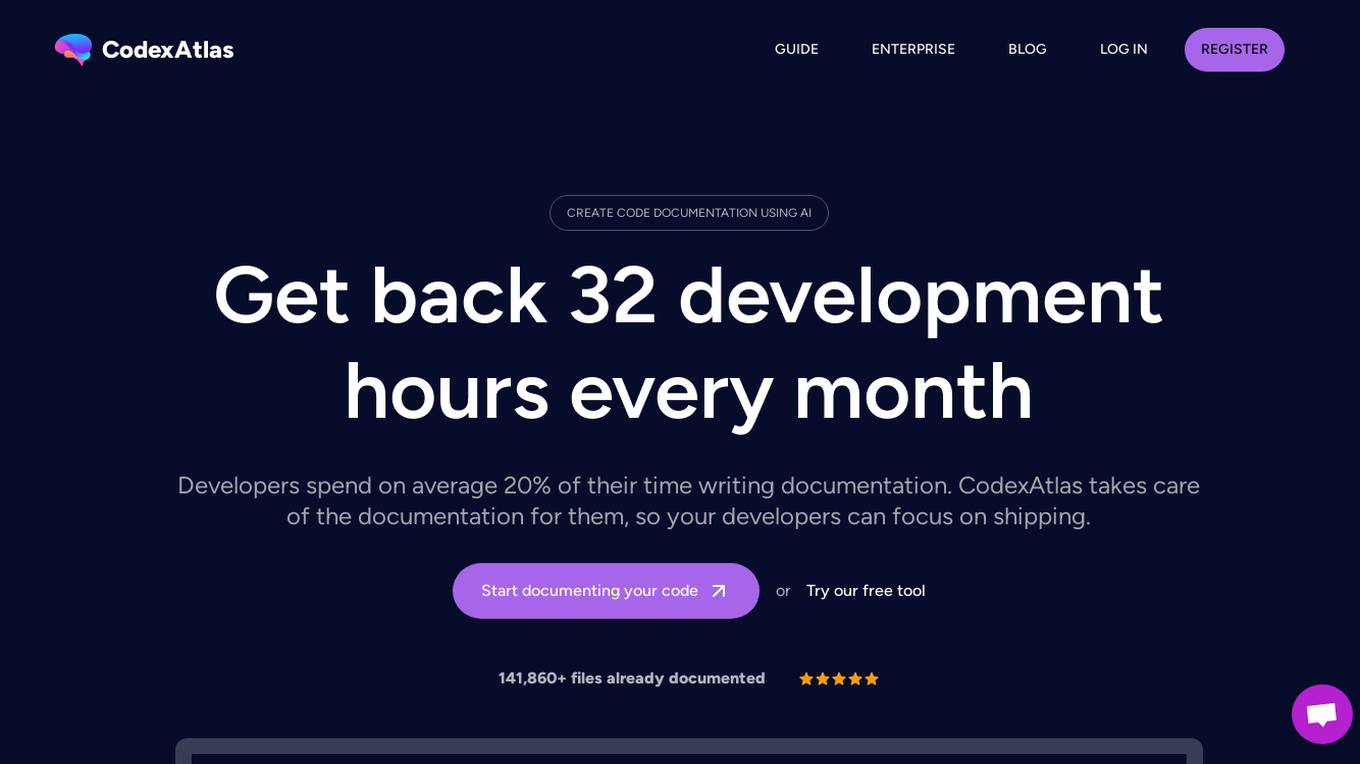
CodexAtlas
CodexAtlas is an AI-powered tool designed to automate code documentation processes. It leverages the latest advancements in Artificial Intelligence to generate and maintain documentation for software projects, freeing developers from the time-consuming task of writing documentation. With features like real-time updates, onboarding time reduction, and use-case detection, CodexAtlas aims to streamline the documentation process and enhance developer productivity. The tool also offers code conversion capabilities, business domain knowledge integration, and the option for on-premise deployment to cater to diverse organizational needs.
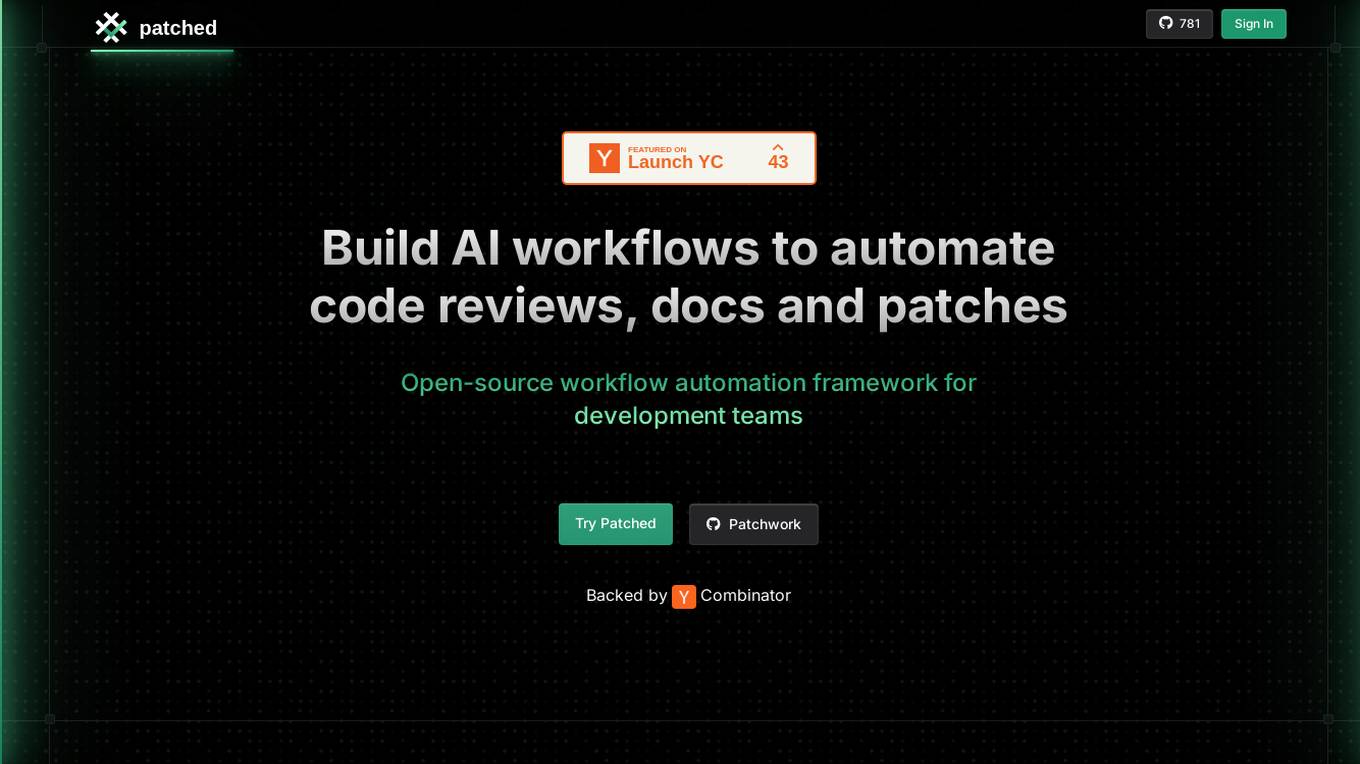
Patched
Patched is an open-source workflow automation framework designed for development teams to build AI workflows that automate code reviews, documentation, and patches. It offers ready-to-go patchflows or the ability to create custom ones to accelerate mundane development tasks. Patched integrates seamlessly with popular platforms like Gitlab, GitHub, Jira, and more, allowing users to improve code quality, fix bugs, and create tickets efficiently. The application is privacy-focused, allowing users to deploy it within their own infrastructure for complete privacy. Patched is free and open-source, offering customization options via code or a no-code builder.
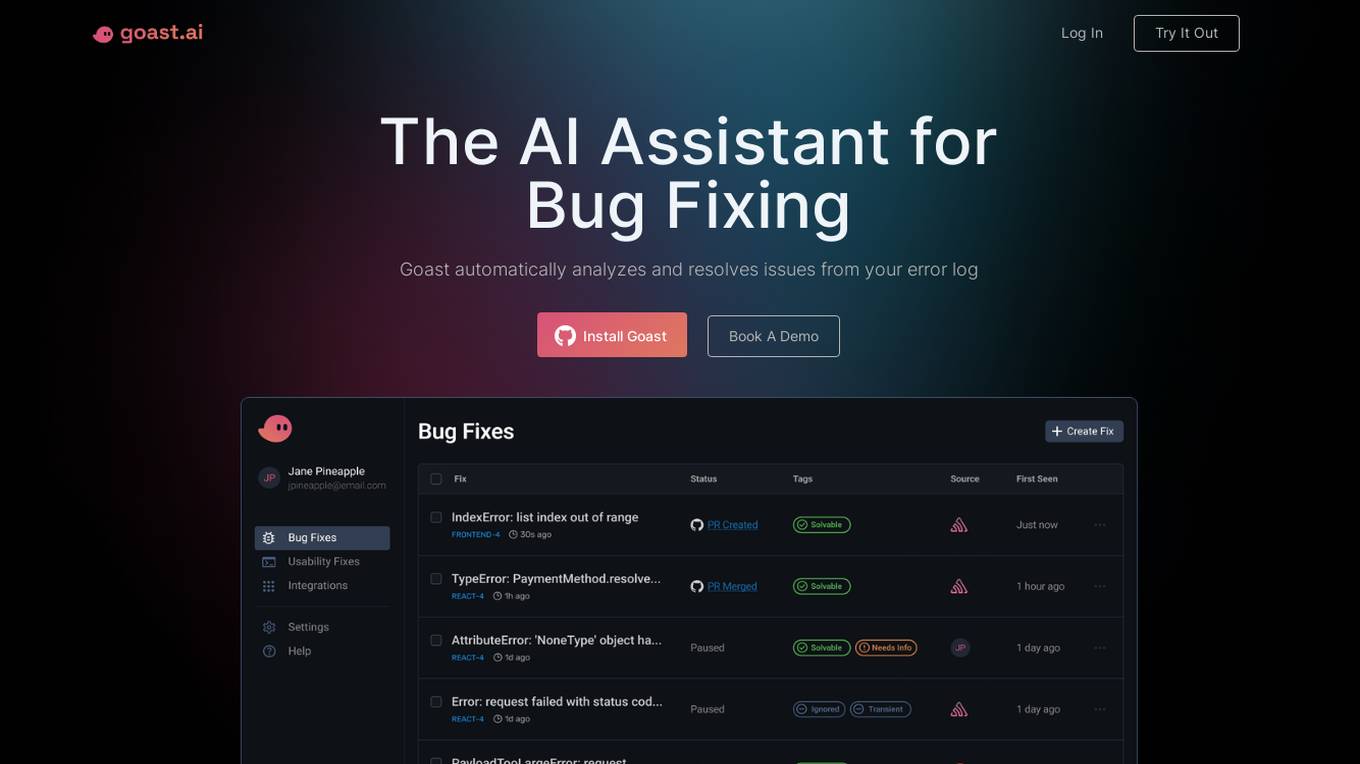
Goast.ai
Goast.ai is an AI assistant designed to help engineering teams resolve errors and exceptions faster by automatically analyzing and fixing issues from error logs. It offers real-time bug fixes, root cause analysis, and automated bug fixing processes, ultimately saving time and improving productivity for development teams. Goast integrates with popular observability tools, supports various frameworks and languages, and provides a user-friendly interface for seamless collaboration and feedback.
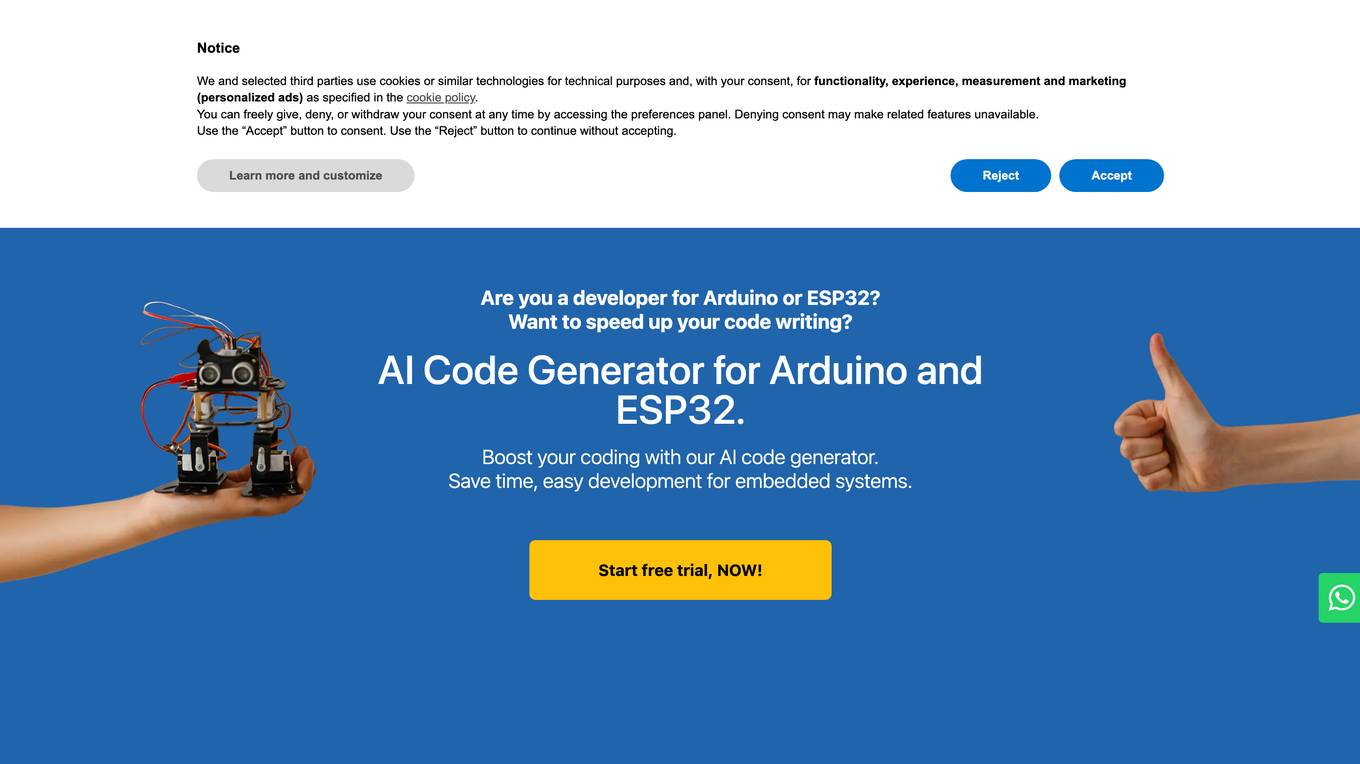
PLEASEDONTCODE
PLEASEDONTCODE is an AI Code Generator designed for Arduino and ESP32 embedded systems. It simplifies coding processes, automates code generation, and helps users overcome common obstacles in software development for embedded systems. The platform offers a guided interface with six steps to take users from concept to working code efficiently. By leveraging AI technology, PLEASEDONTCODE ensures error-free, syntactically correct, and logically sound code generation, allowing users to focus on their projects rather than troubleshooting.
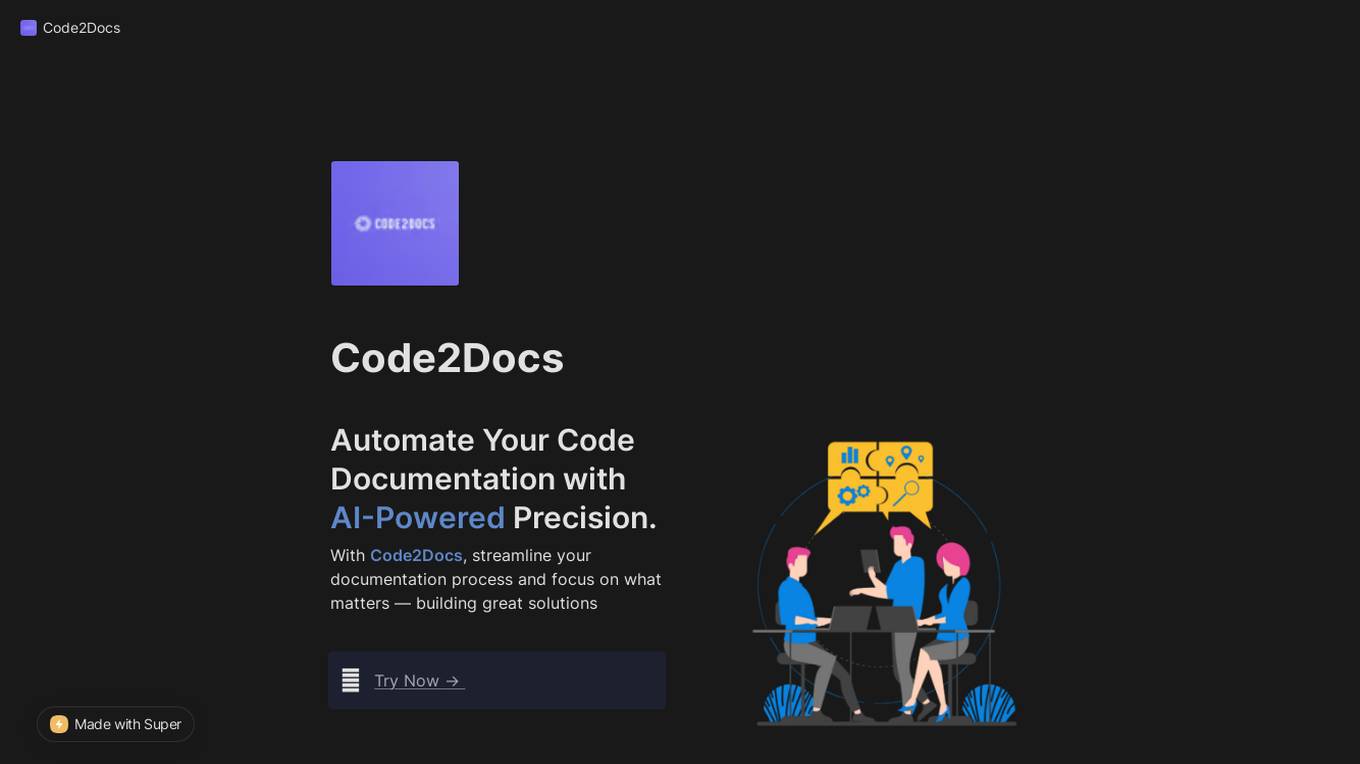
Code2Docs
Code2Docs is an AI-powered tool designed to automate code documentation for software developers. By leveraging advanced AI technology, Code2Docs streamlines the documentation process, transforming complex codebases into clear and comprehensive documentation. With seamless integration with GitHub and an intuitive user interface, Code2Docs aims to make documentation effortless and efficient, saving time and reducing technical debt for developers.
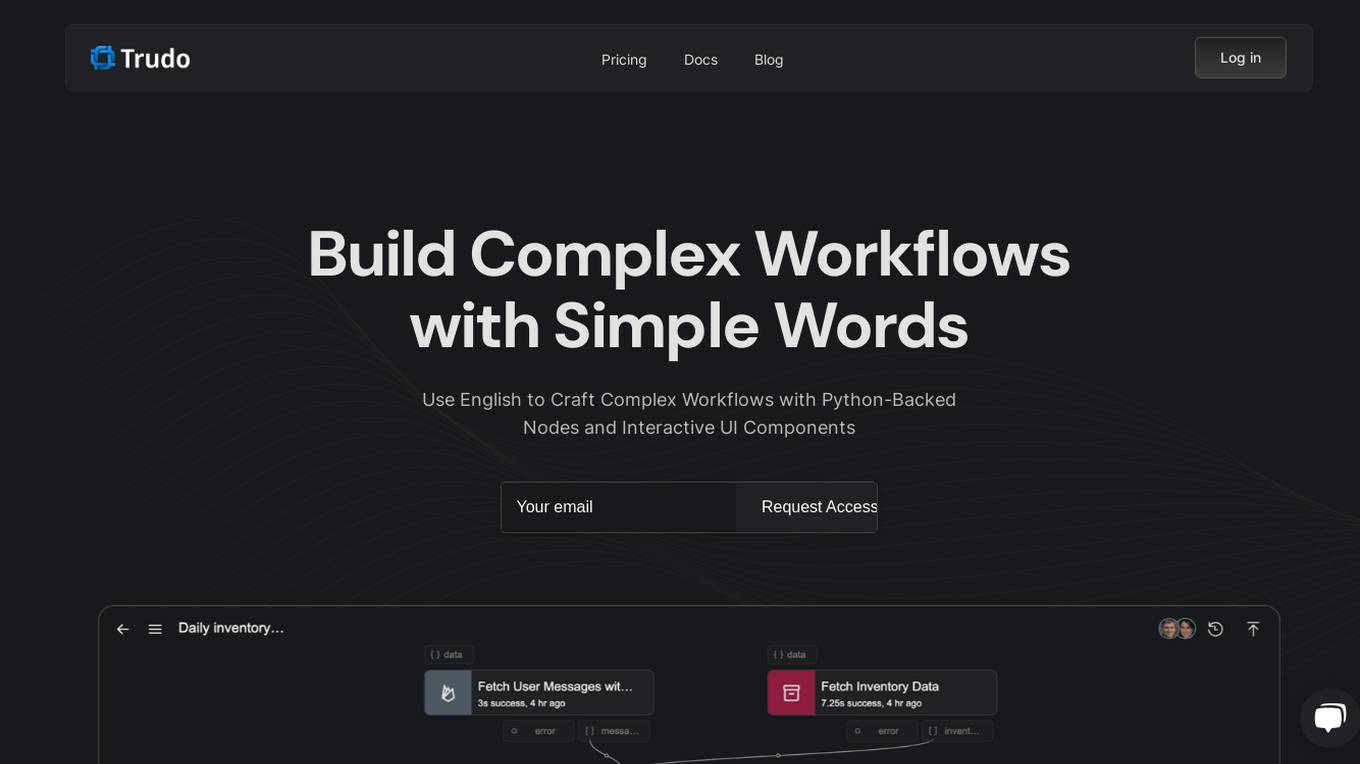
Trudo.ai
Trudo.ai is an AI-powered workflow automation platform that allows users to build complex workflows using simple English language commands. The platform is backed by Python code and features interactive UI components. Users can create and customize nodes, handle dynamic routing, and benefit from flexible memory allocation. Trudo.ai also offers AI Copilot functionality for non-technical users to generate logic and user interfaces. With support for various data types and no extra frameworks required, Trudo.ai covers a wide range of use cases and provides versions to track workflow changes.
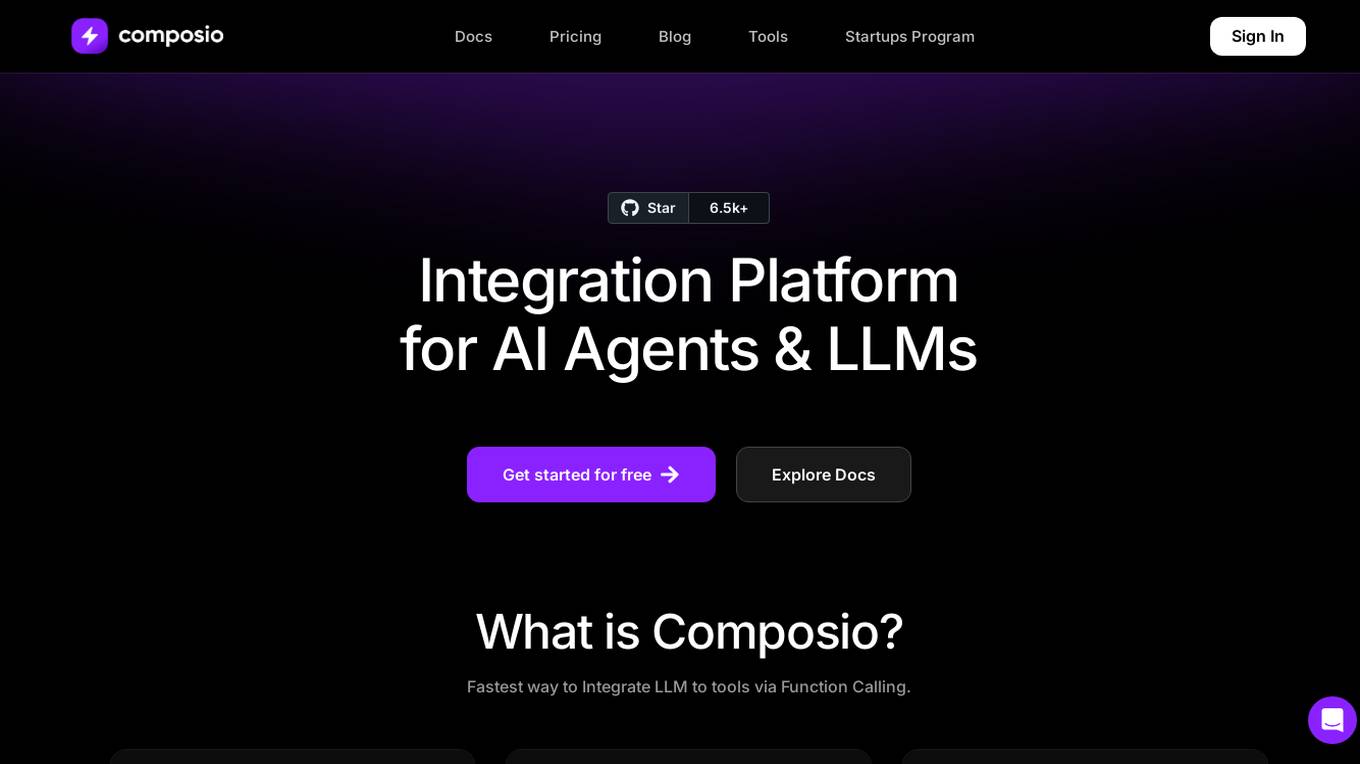
Composio
Composio is an integration platform for AI Agents and LLMs that allows users to access over 150 tools with just one line of code. It offers seamless integrations, managed authentication, a repository of tools, and powerful RPA tools to streamline and optimize the connection and interaction between AI Agents/LLMs and various APIs/services. Composio simplifies JSON structures, improves variable names, and enhances error handling to increase reliability by 30%. The platform is SOC Type II compliant, ensuring maximum security of user data.
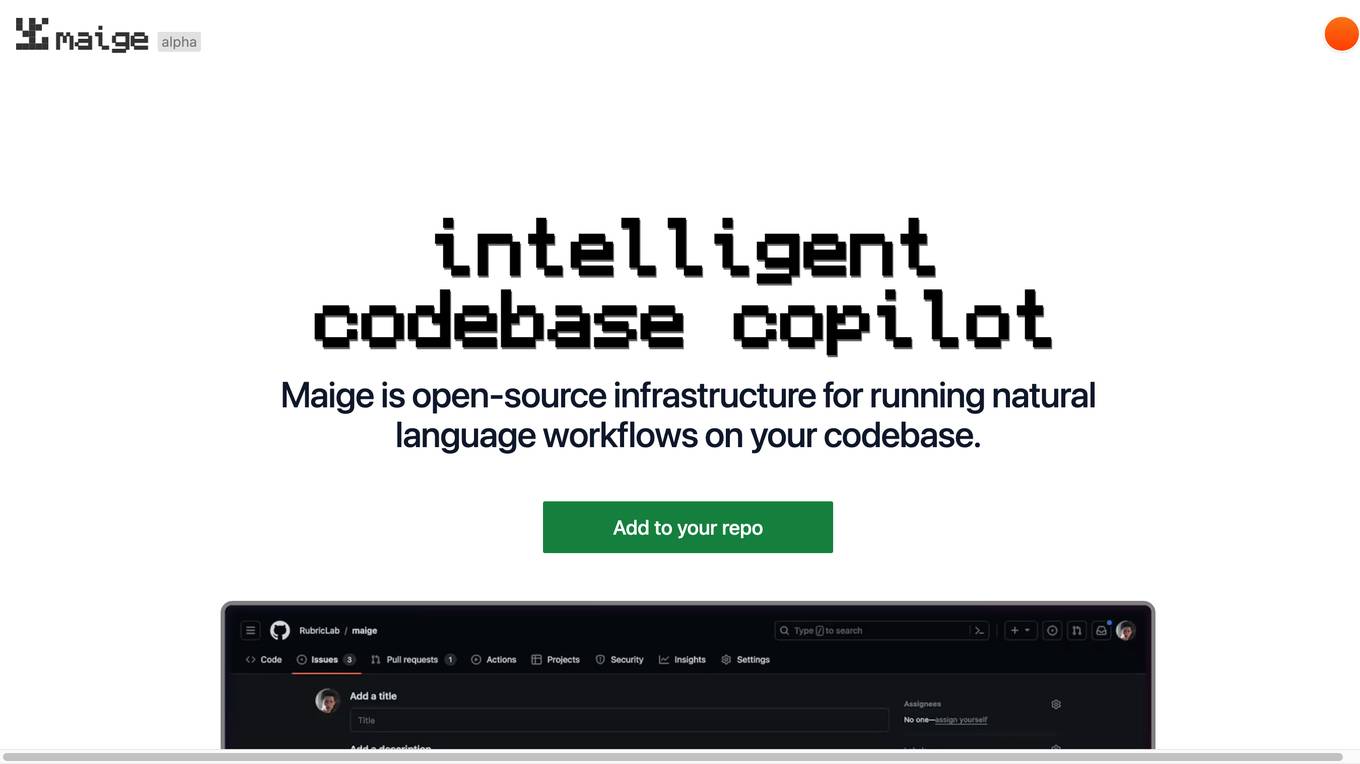
Maige
Maige is an open-source infrastructure designed to run natural language workflows on your codebase. It allows users to connect their repository, define rules for handling issues and pull requests, and monitor the workflow execution through a dashboard. Maige leverages AI capabilities to label, assign, comment, review code, and execute simple code snippets, all while being customizable and flexible with the GitHub API.
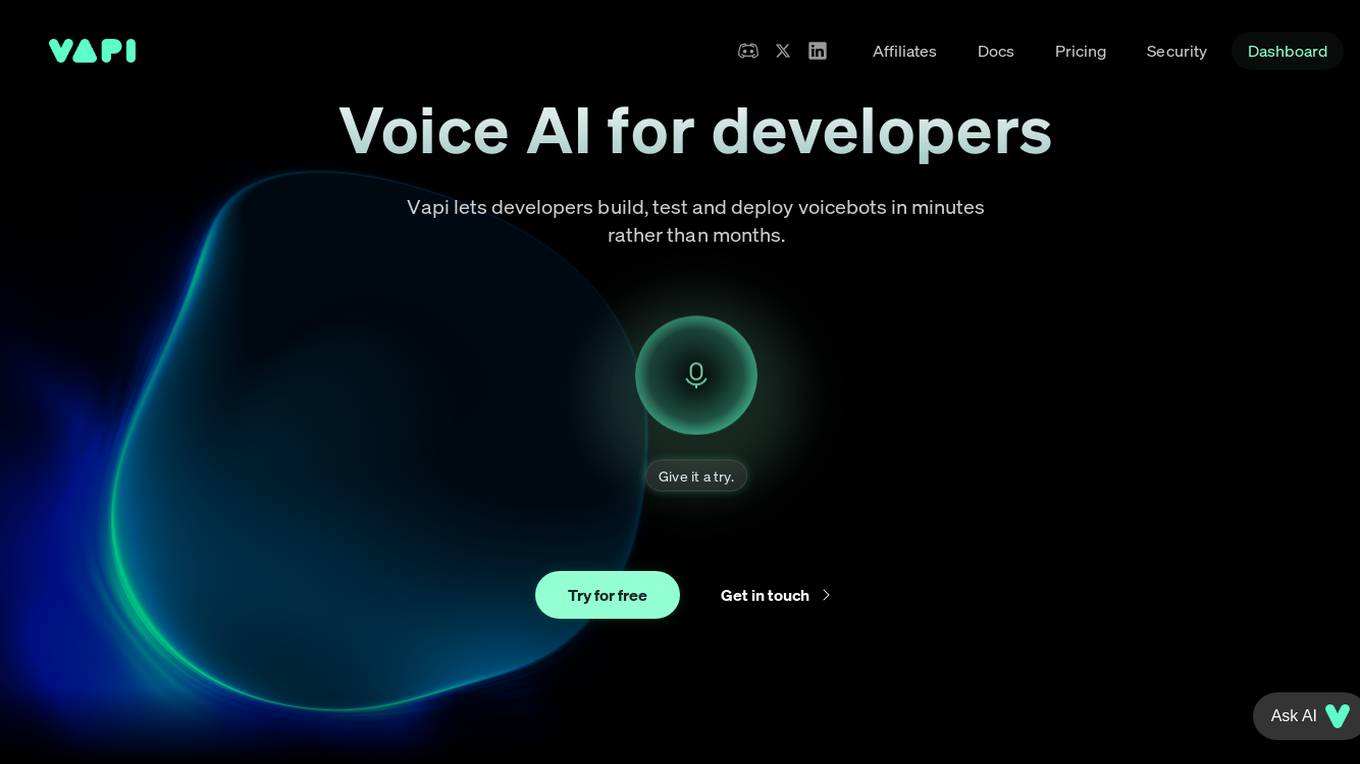
Vapi
Vapi is a Voice AI tool designed specifically for developers. It enables developers to interact with their code using voice commands, making the coding process more efficient and hands-free. With Vapi, developers can perform various tasks such as writing code, debugging, and running tests simply by speaking. The tool is equipped with advanced natural language processing capabilities to accurately interpret and execute voice commands. Vapi aims to revolutionize the way developers work by providing a seamless and intuitive coding experience.

MakeTheDocs
MakeTheDocs is an AI-powered documentation tool that allows users to create quality documentation quickly by simply uploading a video. The tool leverages AI technology to analyze and generate documentation in less than a minute, saving users time and effort. MakeTheDocs offers various pricing plans with different features such as token usage, video length, export options, and support levels. Users can customize their documentation pages by adding branding and setting goals. The tool ensures data privacy by not collecting user data without consent.
For similar tasks
Application Error
The website is experiencing an application error, which indicates that there is a problem with the functionality of the application. An application error typically occurs when the software encounters an unexpected condition that prevents it from functioning properly. Users may see error messages or experience issues with using the application until the error is resolved.
Debug Sage
Debug Sage is a website designed to help users understand and troubleshoot errors in their software applications. The platform provides detailed insights into various types of errors, allowing users to identify and resolve issues efficiently. With a user-friendly interface, Debug Sage aims to streamline the debugging process for developers and software engineers. The website also offers resources and tools to enhance the overall debugging experience. By leveraging advanced technologies, Debug Sage empowers users to tackle complex errors with ease.
Server Error Analyzer
The website encountered a server error, preventing it from fulfilling the user's request. The error message indicates a 500 Server Error, suggesting an issue on the server-side that is preventing the completion of the request. Users are advised to wait for 30 seconds and try again. This error message typically occurs when there is a problem with the server configuration or processing of the request.
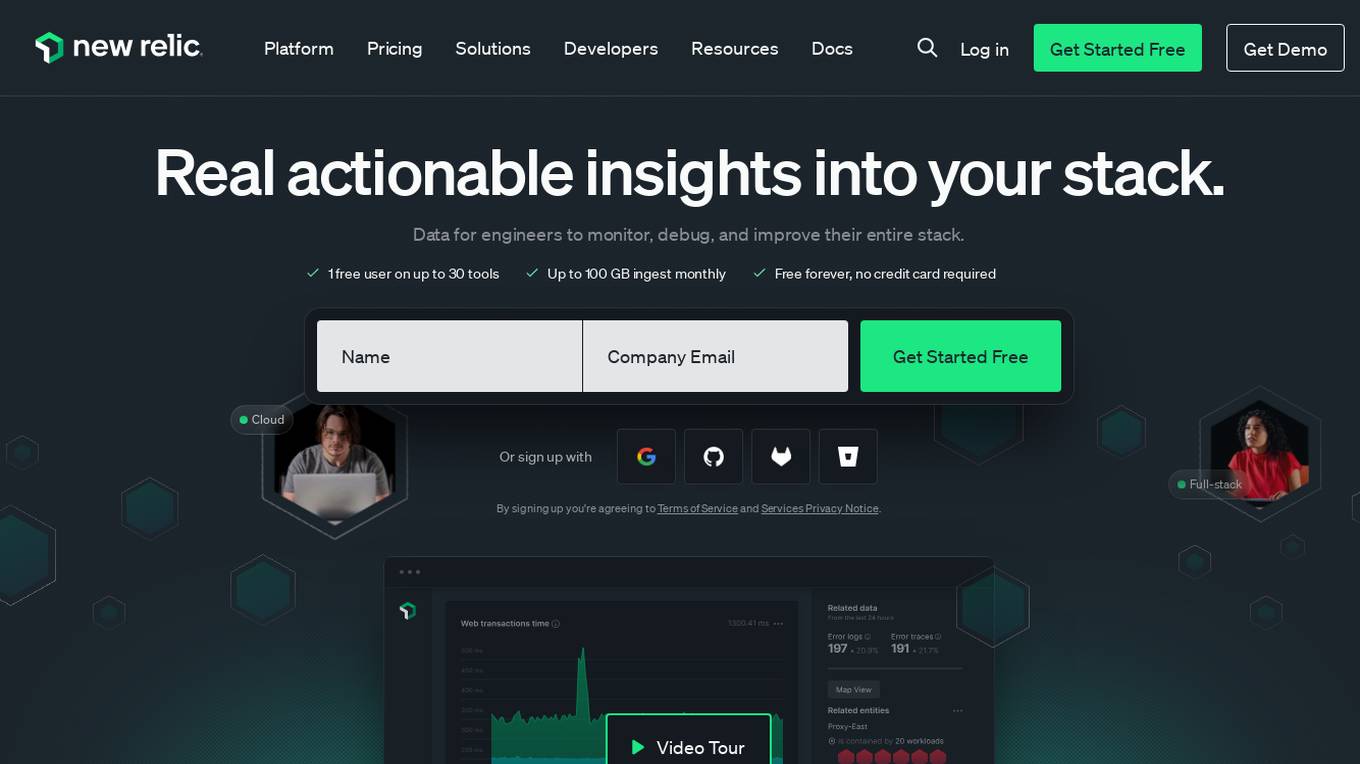
New Relic
New Relic is an AI monitoring platform that offers an all-in-one observability solution for monitoring, debugging, and improving the entire technology stack. With over 30 capabilities and 750+ integrations, New Relic provides the power of AI to help users gain insights and optimize performance across various aspects of their infrastructure, applications, and digital experiences.
Goast.ai
Goast.ai is an AI assistant designed to help engineering teams resolve errors and exceptions faster by automatically analyzing and fixing issues from error logs. It offers real-time bug fixes, root cause analysis, and automated bug fixing processes, ultimately saving time and improving productivity for development teams. Goast integrates with popular observability tools, supports various frameworks and languages, and provides a user-friendly interface for seamless collaboration and feedback.
Copilot
Copilot is an AI-powered code completion tool developed by OpenAI. It assists developers in writing code by providing suggestions and completing code snippets based on the context. Copilot uses machine learning algorithms to analyze code patterns and predict the next lines of code, making coding faster and more efficient. With its intuitive interface, Copilot aims to streamline the coding process and enhance developer productivity.
Error Resolver
The website encountered an error (502 ERROR) and was unable to connect to the server due to issues with CloudFront, a content delivery network service. This error message suggests that there may be high traffic or a configuration problem preventing access to the website or app. Users are advised to try again later or contact the website owner for assistance. The error message also provides guidance on troubleshooting steps through CloudFront documentation.
Application Error
The website is experiencing an application error, which indicates a technical issue preventing the proper functioning of the application. An application error can occur due to various reasons such as bugs in the code, server issues, or incorrect user input. It is essential to troubleshoot and resolve application errors promptly to ensure the smooth operation of the website.

GetScott.io
GetScott.io is a website that utilizes Cloudflare to restrict access to users based on their IP address and autonomous system number (ASN). The site displays an 'Access Denied' message when a user's IP address falls within a banned ASN. Users are directed to a Cloudflare support page for further information on resolving the issue.
KubeHelper
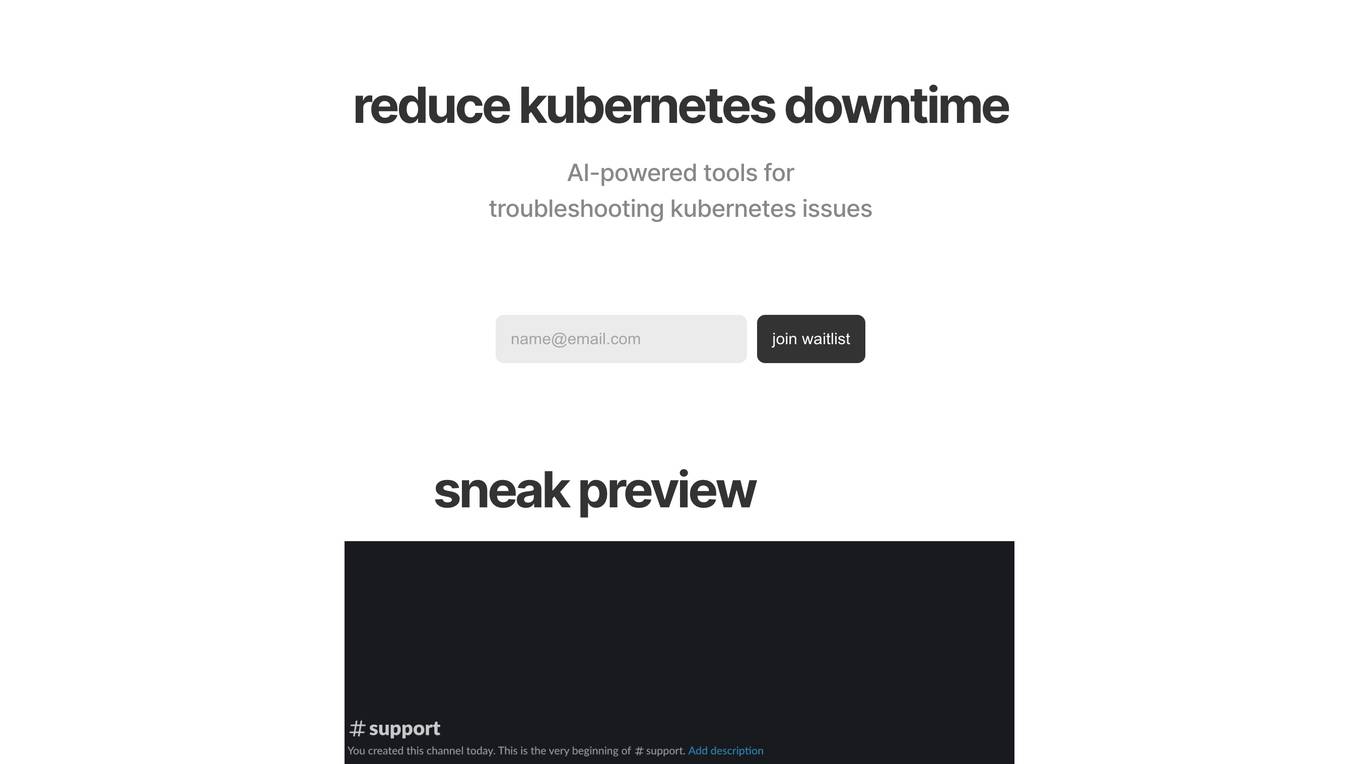
KubeHelper is an AI-powered tool designed to reduce Kubernetes downtime by providing troubleshooting solutions and command searches. It seamlessly integrates with Slack, allowing users to interact with their Kubernetes cluster in plain English without the need to remember complex commands. With features like troubleshooting steps, command search, infrastructure management, scaling capabilities, and service disruption detection, KubeHelper aims to simplify Kubernetes operations and enhance system reliability.

404 Error Page
The website displays a 404 error message indicating that the deployment cannot be found. It provides a code (DEPLOYMENT_NOT_FOUND) and an ID (sin1::mk7hv-1736442739549-625ea5452a6a). The message advises users to refer to the documentation for further information and troubleshooting.
Cody
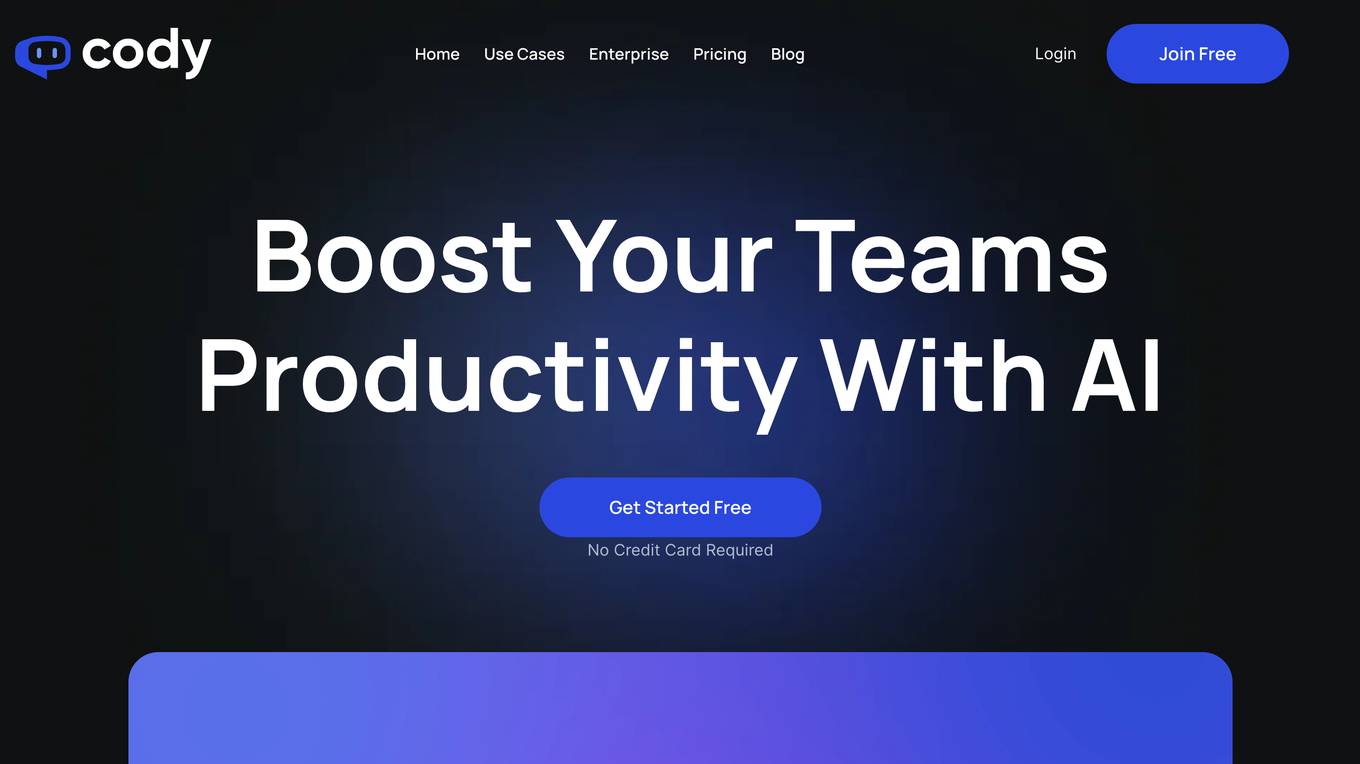
Cody is an AI-powered chatbot that can be trained on your business's knowledge base to provide instant answers to questions, help with creative work, troubleshoot issues, and brainstorm ideas. It can be used to boost employee efficiency, provide support, and brainstorm ideas. Cody is multilingual and can be integrated with your favorite tools.
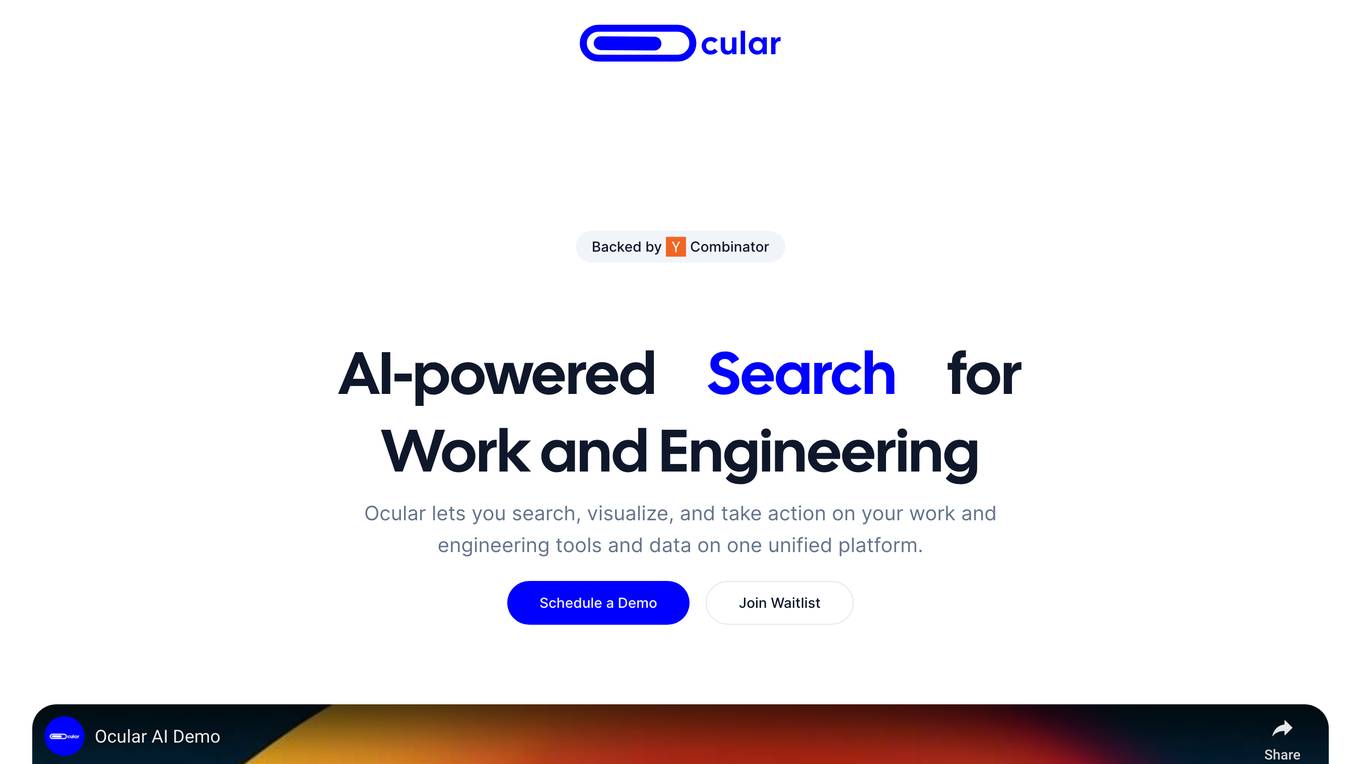
Ocular
Ocular is an AI-powered search platform that allows users to search, visualize, and take action on their work and engineering tools and data on one unified platform. It is designed to help engineers work more efficiently and effectively by providing them with a single, central location to access all of their relevant information.
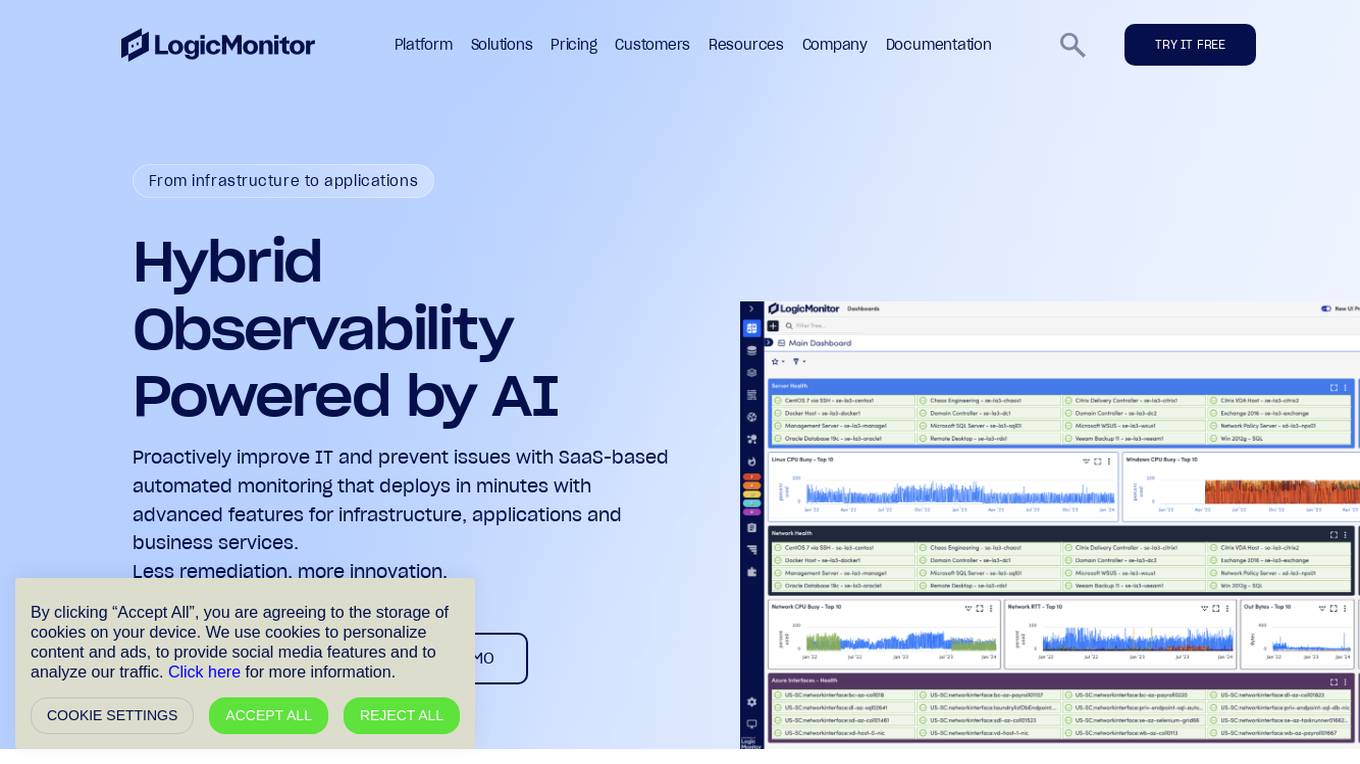
LogicMonitor
LogicMonitor is a cloud-based infrastructure monitoring platform that provides real-time insights and automation for comprehensive, seamless monitoring with agentless architecture. It offers a unified platform for monitoring infrastructure, applications, and business services, with advanced features for hybrid observability. LogicMonitor's AI-driven capabilities simplify complex IT ecosystems, accelerate incident response, and empower organizations to thrive in the digital landscape.
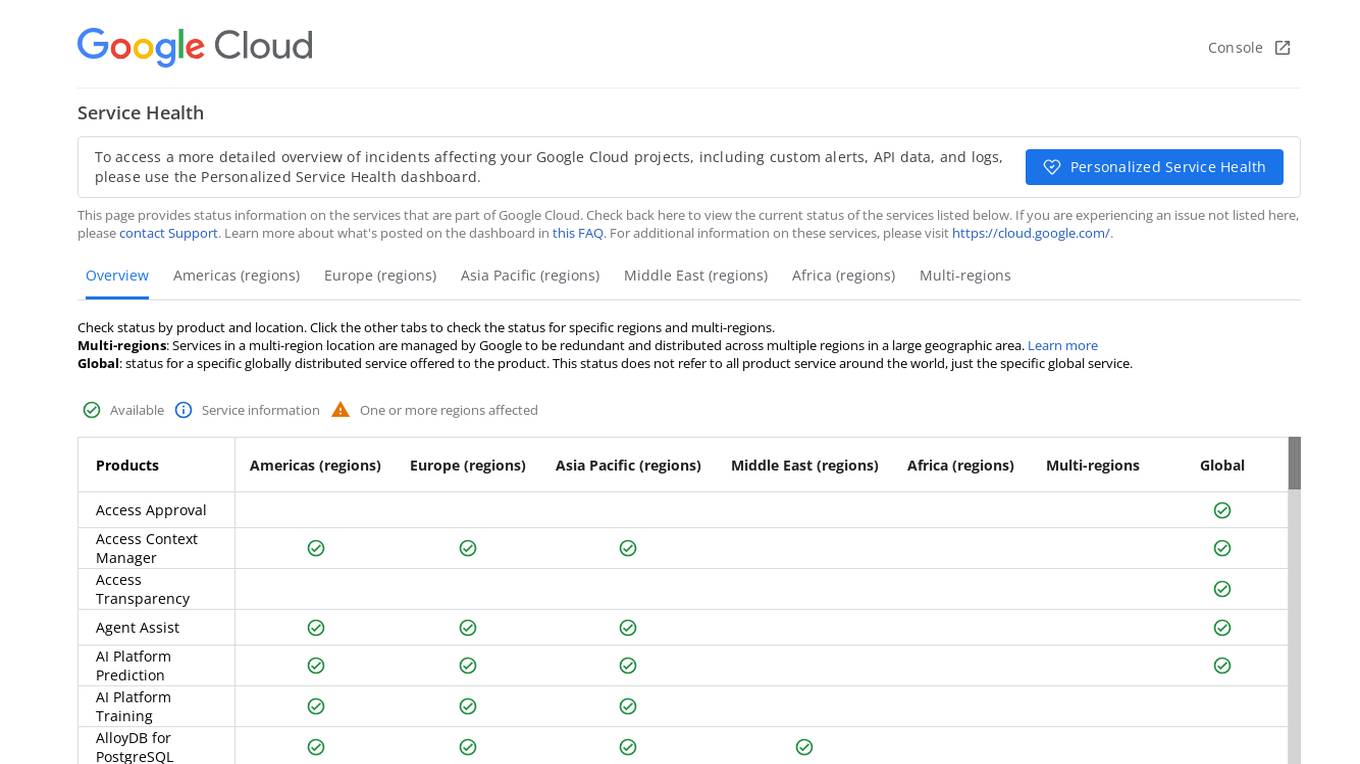
Google Cloud Service Health Console
Google Cloud Service Health Console provides status information on the services that are part of Google Cloud. It allows users to check the current status of services, view detailed overviews of incidents affecting their Google Cloud projects, and access custom alerts, API data, and logs through the Personalized Service Health dashboard. The console also offers a global view of the status of specific globally distributed services and allows users to check the status by product and location.
DocsChat
DocsChat is an AI-powered document conversation tool that revolutionizes the way users interact with various types of documents. It leverages OCR-powered AI technology to streamline document interactions, making it easier to comprehend, exchange knowledge, troubleshoot, and navigate through different document types. With a focus on enhancing user experiences across reading, research, business, legal, and training domains, DocsChat offers a versatile platform for effortless and personalized document engagement.
Arize AI
Arize AI is an AI observability tool designed to monitor and troubleshoot AI models in production. It provides configurable and sophisticated observability features to ensure the performance and reliability of next-gen AI stacks. With a focus on ML observability, Arize offers automated setup, a simple API, and a lightweight package for tracking model performance over time. The tool is trusted by top companies for its ability to surface insights, simplify issue root causing, and provide a dedicated customer success manager. Arize is battle-hardened for real-world scenarios, offering unparalleled performance, scalability, security, and compliance with industry standards like SOC 2 Type II and HIPAA.
Cody
Cody is an intelligent AI assistant designed to boost team productivity by providing instant answers, support, troubleshooting, and idea generation. It can be trained on your business knowledge base to cater to your specific needs, making it a valuable asset for various departments such as marketing, HR, IT support, business consultancy, creative tasks, sales, training, hiring, customer support, and translation. Cody offers features like prompt manager, focus mode, conversation logs, scratchpad, and source checking, ensuring efficient and tailored assistance. With multilingual capabilities and customizable access controls, Cody prioritizes data security and user experience.
CommandAI
CommandAI is a powerful command line utility tool that leverages the capabilities of artificial intelligence to enhance user experience and productivity. It allows users to interact with the command line interface using natural language commands, making it easier for both beginners and experienced users to perform complex tasks efficiently. With CommandAI, users can streamline their workflow, automate repetitive tasks, and access advanced features through simple text-based interactions. The tool is designed to simplify the command line experience and provide intelligent assistance to users in executing commands and managing their system effectively.
ChatWithCloud
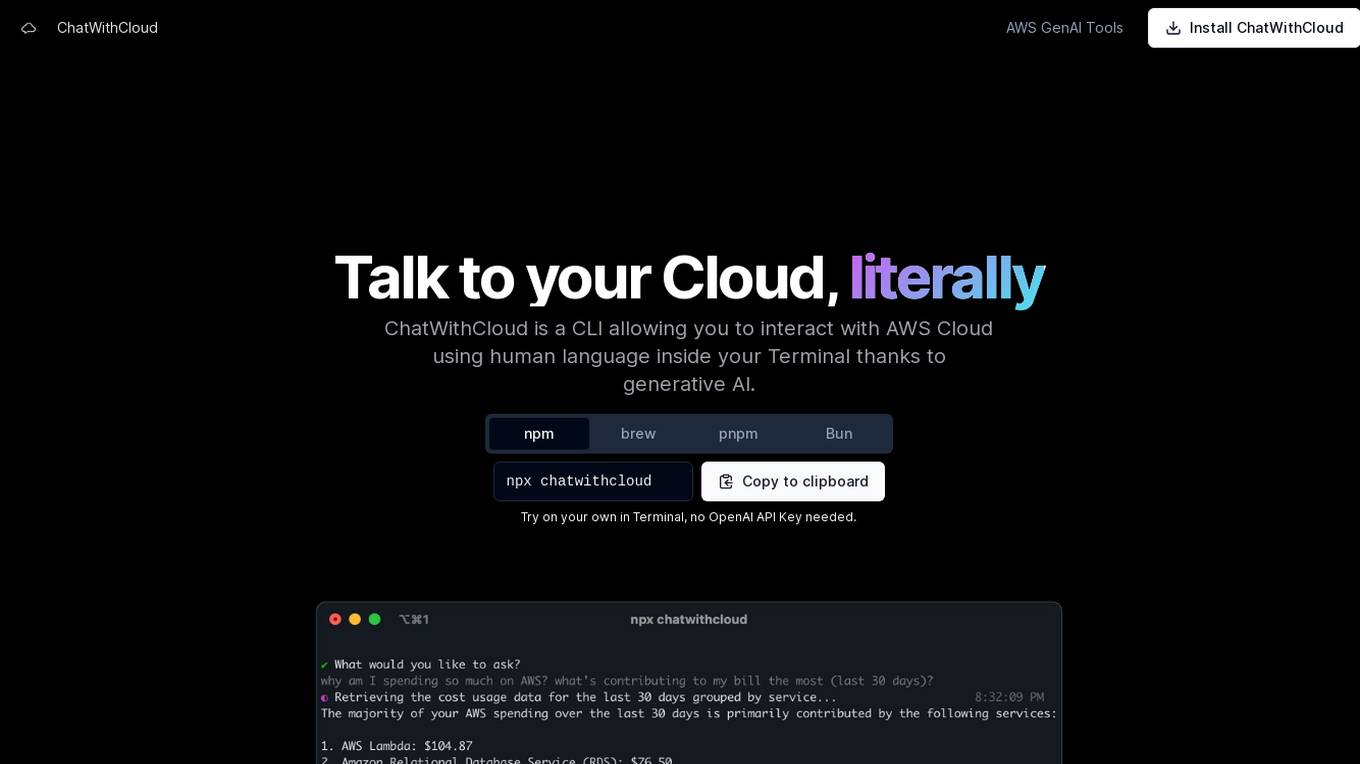
ChatWithCloud is a command-line interface (CLI) tool that enables users to interact with AWS Cloud using natural language within the Terminal, powered by generative AI. It allows users to perform various tasks such as cost analysis, security analysis, troubleshooting, and fixing infrastructure issues without the need for an OpenAI API Key. The tool offers both a lifetime license option and a managed subscription model for users' convenience.
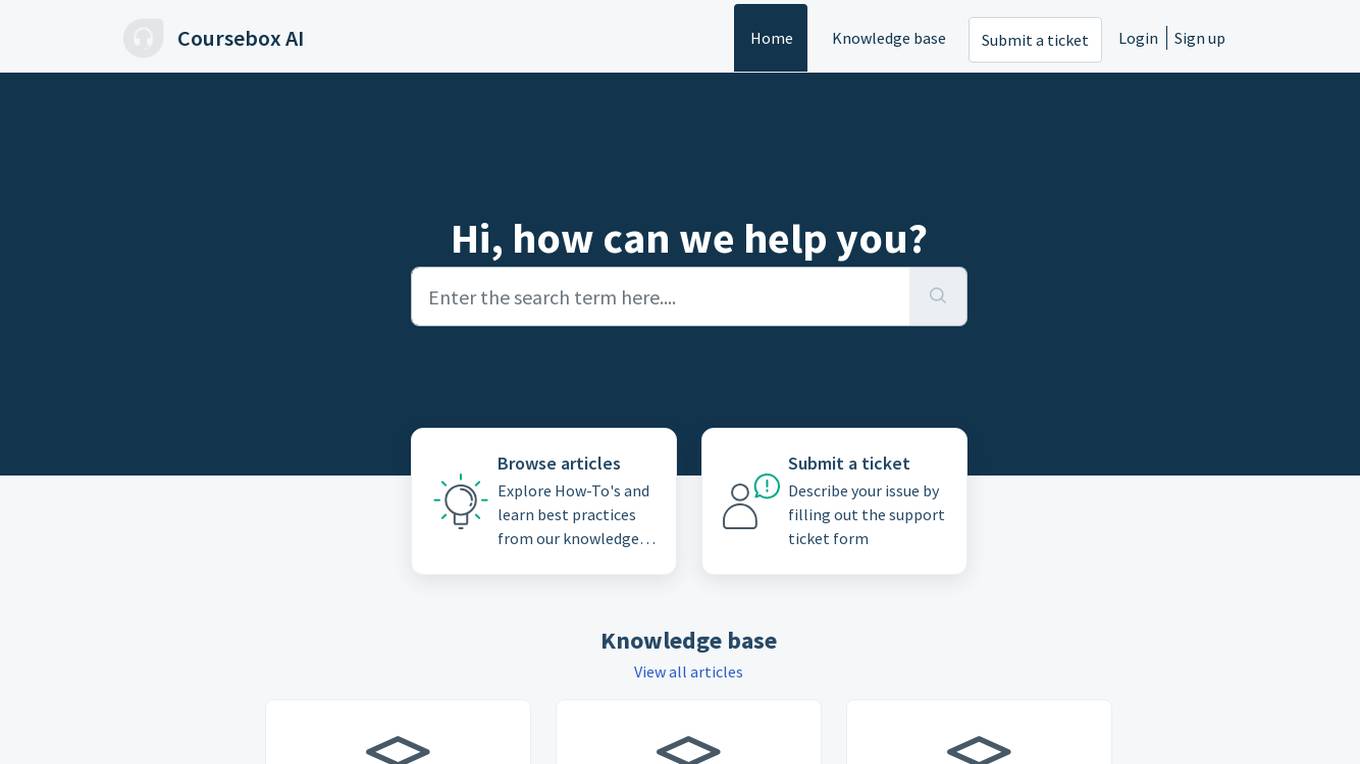
Coursebox AI
Coursebox AI is an AI-powered support tool designed to assist users in navigating and utilizing the Coursebox platform efficiently. It offers a knowledge base, ticket submission system, and user manuals to help users troubleshoot issues and learn best practices. The tool aims to streamline the user experience and provide comprehensive support for Coursebox users.
For similar jobs
Security Certificate Advisor
The website provides information about a privacy error related to a security certificate expiration for the IP address 147.139.135.71. It warns users about potential data theft and advises on correcting system clock settings. The site also mentions Certificate Transparency and offers options to enhance web security.
502 Bad Gateway
The website is experiencing a 502 Bad Gateway error, which indicates that the server, while acting as a gateway or proxy, received an invalid response from an inbound server. This error message is a standard response code in HTTP status codes. The issue may be temporary and could be due to server misconfiguration, overload, or maintenance. Users encountering a 502 Bad Gateway error should wait and refresh the page later to see if the problem resolves.

Error Page
The website provides a simple and straightforward message stating 'Not Found'. It seems that the page being accessed does not exist or has been removed. The website may have encountered an error or the URL entered is incorrect. Users are advised to check the URL and try again.
Maintenance Mode
The website is currently undergoing scheduled maintenance and is temporarily unavailable. Please check back in a minute for access to the content. The maintenance is being conducted to ensure the smooth functioning and performance of the website. We apologize for any inconvenience caused and appreciate your patience.
404 Error Page
The website is a standard error page displaying the message '404 404, the file you requested does not exist!' This error page is commonly seen when a user tries to access a webpage that is not available on the server. The message '404' is a standard HTTP status code indicating that the server could not find the requested resource. The error page is designed to inform users that the content they are looking for is not available and to provide guidance on how to proceed.
notionsmith.ai
The website notionsmith.ai appears to be experiencing a privacy error related to its security certificate. The error message indicates that the connection is not private and warns of potential information theft. The site's security certificate is issued by Microsoft Azure RSA TLS Issuing CA 08, with the subject *.azurewebsites.net. The error message suggests that the site's security certificate common name is invalid, potentially due to a misconfiguration or an attacker intercepting the connection. Users are advised to proceed to the site at their own risk, as it is flagged as unsafe.
N/A
The website is currently experiencing a server error and displays a message indicating that there is no content available at the moment. The application seems to have failed to respond, leading users to a dead end with the message 'Go to Railway'. It appears that the website is encountering technical difficulties and is unable to provide the intended content.
404 Error Notifier
The website displays a 404 error message indicating that the deployment cannot be found. It provides a code (DEPLOYMENT_NOT_FOUND) and an ID (sfo1::6sb2w-1770832030424-6965d20399bc). Users are directed to refer to the documentation for further information and troubleshooting.
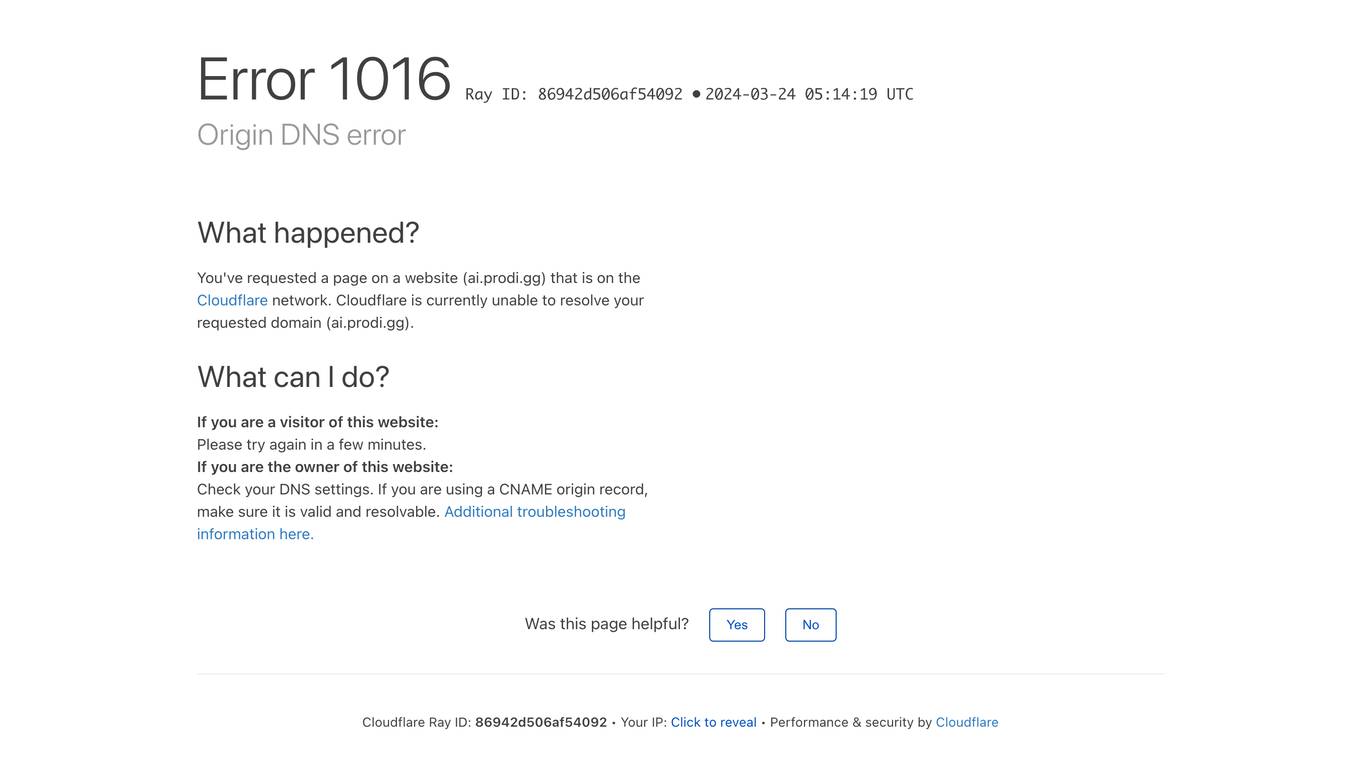
ai.prodi.gg
The website ai.prodi.gg encountered an Origin DNS error, which is a common issue related to the Cloudflare network. The error message indicates that the requested domain (ai.prodi.gg) could not be resolved by Cloudflare. The page provides troubleshooting information and suggestions for both visitors and website owners to resolve the DNS error. It also includes a link to Cloudflare's support documentation for further details. The website primarily serves as a platform for managing DNS settings and troubleshooting network-related issues.
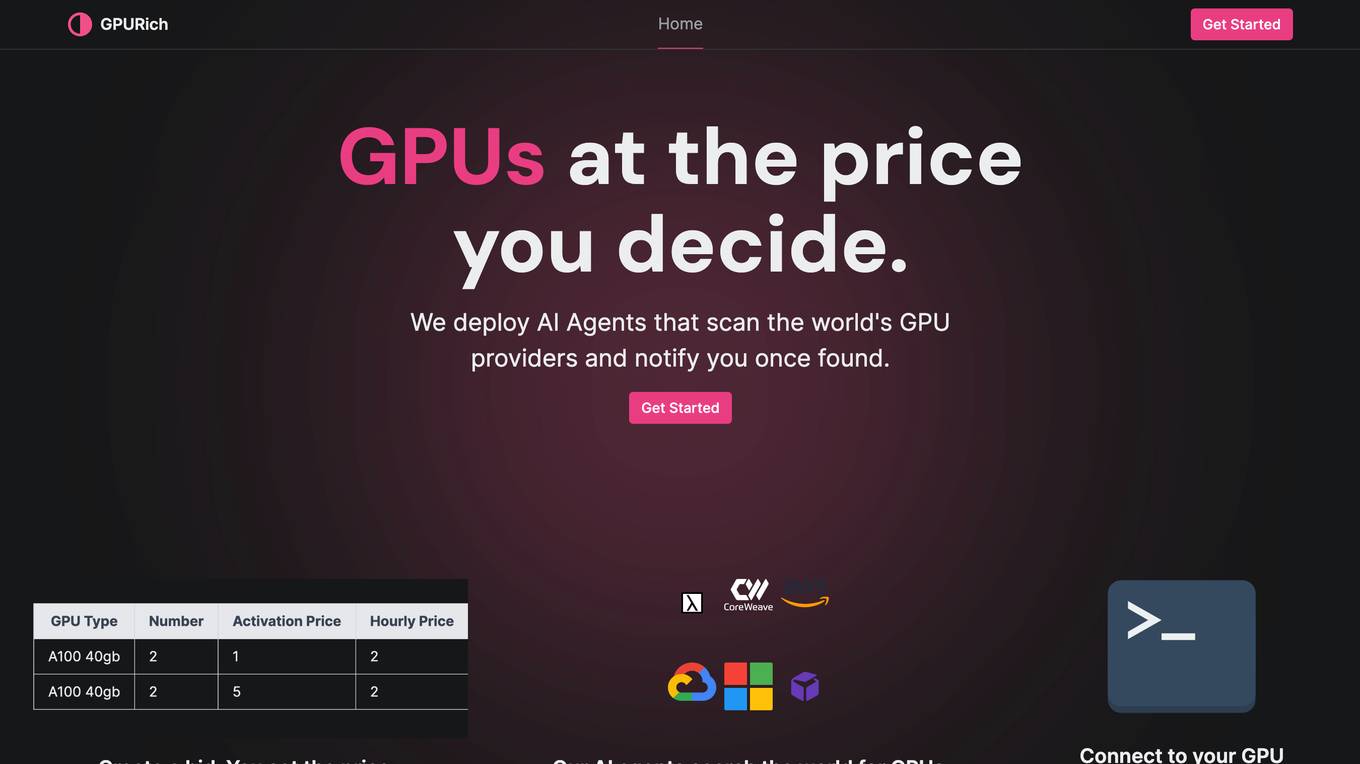
404 Error Assistant
The website displays a 404 error message indicating that the deployment cannot be found. It provides a code (DEPLOYMENT_NOT_FOUND) and an ID (sfo1::vd75v-1770832320154-3c2268e79b55) for reference. Users are directed to consult the documentation for further information and troubleshooting.

Error Detector
The website appears to be experiencing technical difficulties as indicated by the error message displayed. It seems that the request could not be satisfied and there was a failure to contact the origin server. The error message includes a timestamp and a request ID. This suggests that the website may be encountering server-side issues or connectivity problems.

mest.io
The website mest.io is experiencing a DNS issue where the domain is pointing to a prohibited IP address within the Cloudflare network. Users encountering Error 1000 are advised to check the Cloudflare support page for troubleshooting steps. The site owner is recommended to log in to Cloudflare and update the DNS A records for mest.io to resolve the conflict. Cloudflare provides performance and security services for websites.
404 Error Page
The website displays a '404: NOT_FOUND' error message indicating that the requested deployment cannot be found. It provides a code 'DEPLOYMENT_NOT_FOUND' and an ID 'sin1::ntr94-1757093026322-fb2ff649aac2'. Users are directed to refer to the documentation for further information and troubleshooting.

403 Forbidden
The website seems to be experiencing a 403 Forbidden error, which indicates that the server is refusing to respond to the request. This error is often caused by incorrect permissions on the server or misconfigured security settings. The message '403 Forbidden' is a standard HTTP status code that indicates the server understood the request but refuses to authorize it. It is not related to AI technology or applications.
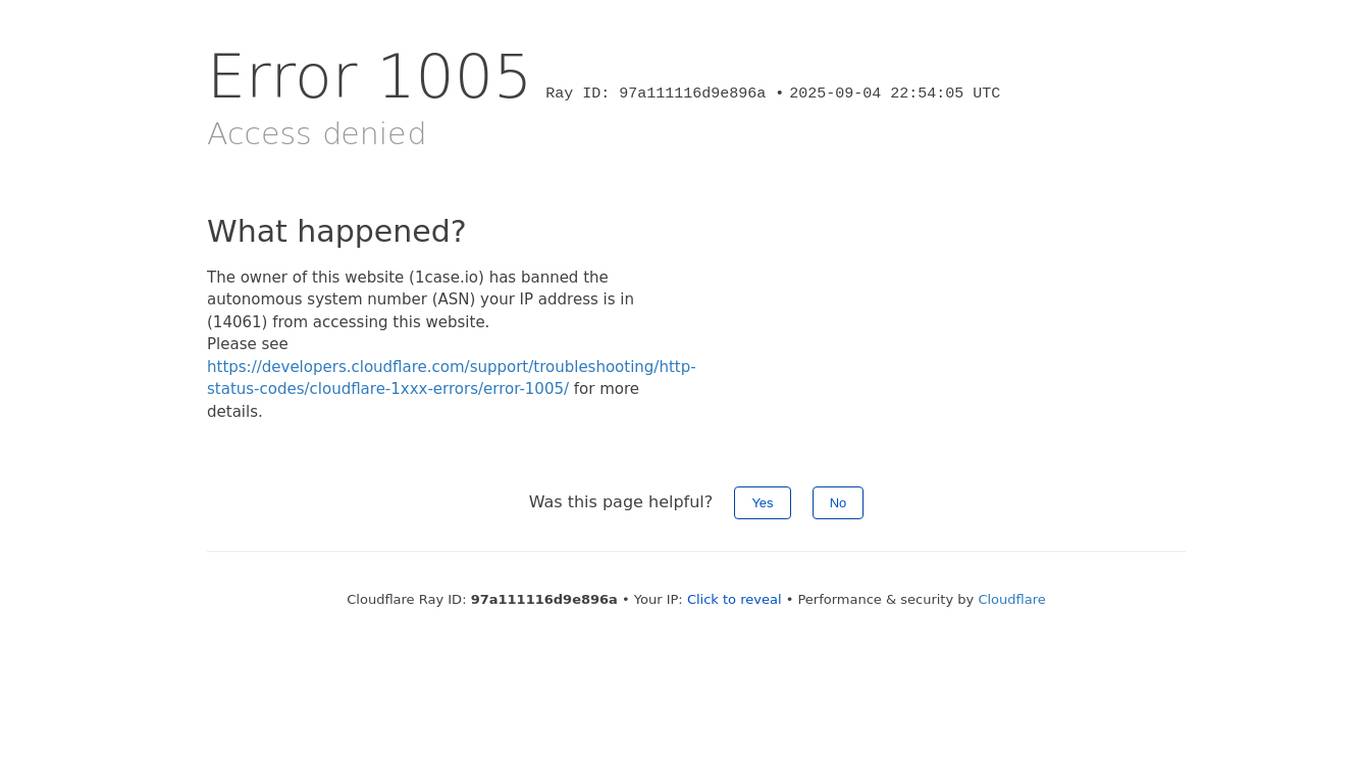
1case.io
1case.io is a website that utilizes Cloudflare to restrict access to certain users based on their IP address. The site displays an 'Access denied' message along with an error code and a link for troubleshooting. Users are prompted to enable cookies and are provided with information regarding the ban. The website aims to enhance security and performance by leveraging Cloudflare's services.

404 Error Page
The website is a simple error page displaying '404 Page not found'. It seems that the user has reached a page that does not exist on the website. The page is likely a default error message indicating that the requested page could not be found on the server.
domains.atom.com
domains.atom.com is a website that provides domain verification services to ensure the security of connections. Users may encounter a brief waiting period for security checks before accessing the desired content. The site employs Cloudflare for performance and security enhancements.
Cloudflare Security Service
The website callmefred.com is a web application protected by Cloudflare's security service. Users may encounter a block when attempting to access the site due to potential online attacks. In such cases, users are advised to contact the site owner and provide details of the incident, including the Cloudflare Ray ID for resolution.
Error Resolver
The website encountered an error (502 ERROR) and was unable to connect to the server due to issues with CloudFront, a content delivery network service. This error message suggests that there may be high traffic or a configuration problem preventing access to the website or app. Users are advised to try again later or contact the website owner for assistance. The error message also provides guidance on troubleshooting steps through CloudFront documentation.
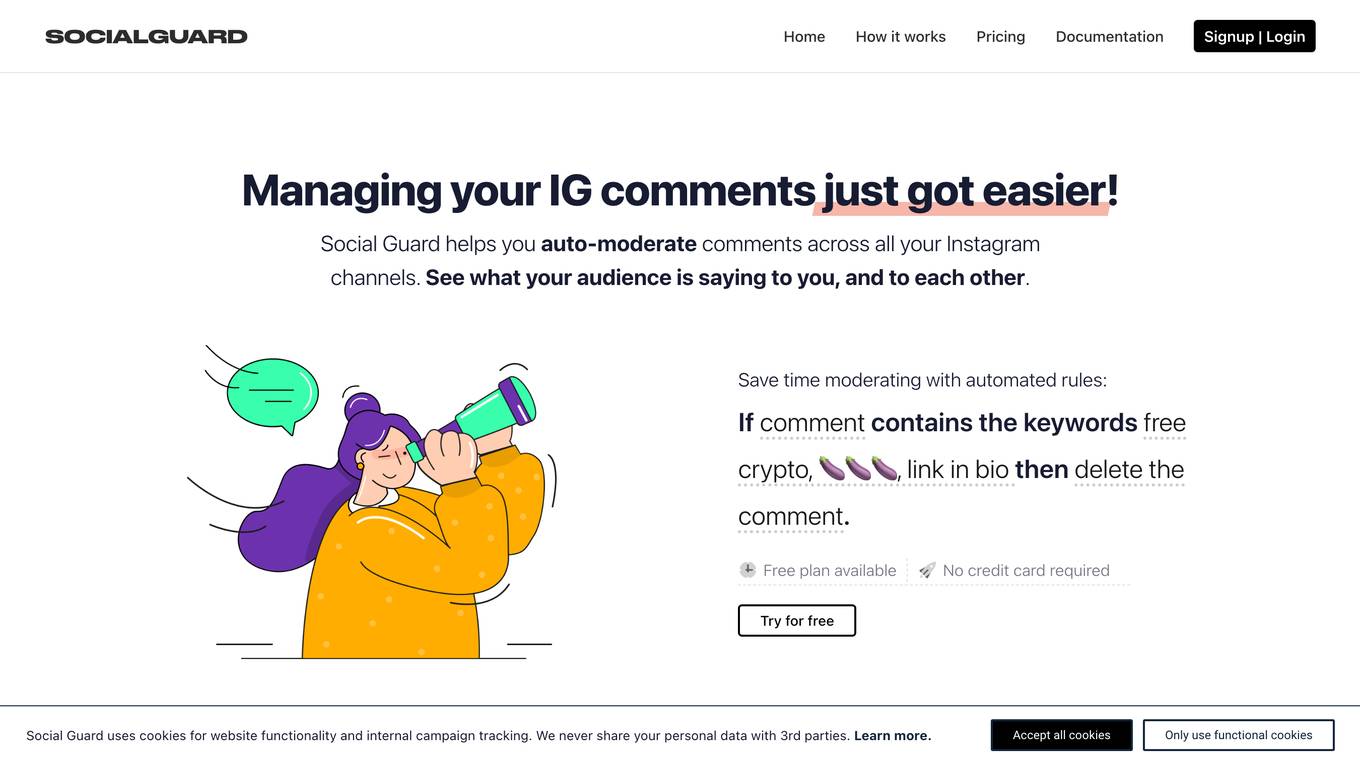
SocialGuard.co
SocialGuard.co is a website that currently faces an issue with an invalid SSL certificate, causing an error code 526. The website is hosted on Cloudflare and provides information on the SSL certificate error. Users visiting the site are advised to wait a few minutes if they encounter the error. For website owners, the error indicates a problem with the SSL certificate validation, possibly due to expiration or incorrect configuration. The site recommends contacting the hosting provider to resolve the issue.
404 Error Assistant
The website displays a 404 error message indicating that the deployment cannot be found. It provides a code (DEPLOYMENT_NOT_FOUND) and an ID (sin1::6tlvc-1757094073366-8ef2a07c6c9a) for reference. Users are directed to consult the documentation for further information and troubleshooting.
eightify.app
The website eightify.app is a security service powered by Cloudflare to protect websites from online attacks. It helps in preventing unauthorized access and malicious activities by implementing security measures. Users may encounter blocks due to various triggers like submitting specific words or phrases, SQL commands, or malformed data. In such cases, users can contact the site owner for resolution by providing details of the incident and the Cloudflare Ray ID.
404 Error Page
The website page displays a 404 error message indicating that the deployment cannot be found. It provides a code (DEPLOYMENT_NOT_FOUND) and an ID (sin1::4wq5g-1718736845999-777f28b346ca) for reference. Users are advised to consult the documentation for further information and troubleshooting.
Application Error
The website is experiencing an application error, which indicates a technical issue preventing the proper functioning of the application. An application error can occur due to various reasons such as bugs in the code, server issues, or incorrect user input. It is essential to troubleshoot and resolve application errors promptly to ensure the smooth operation of the website.