Best AI tools for< Mute Sounds >
2 - AI tool Sites
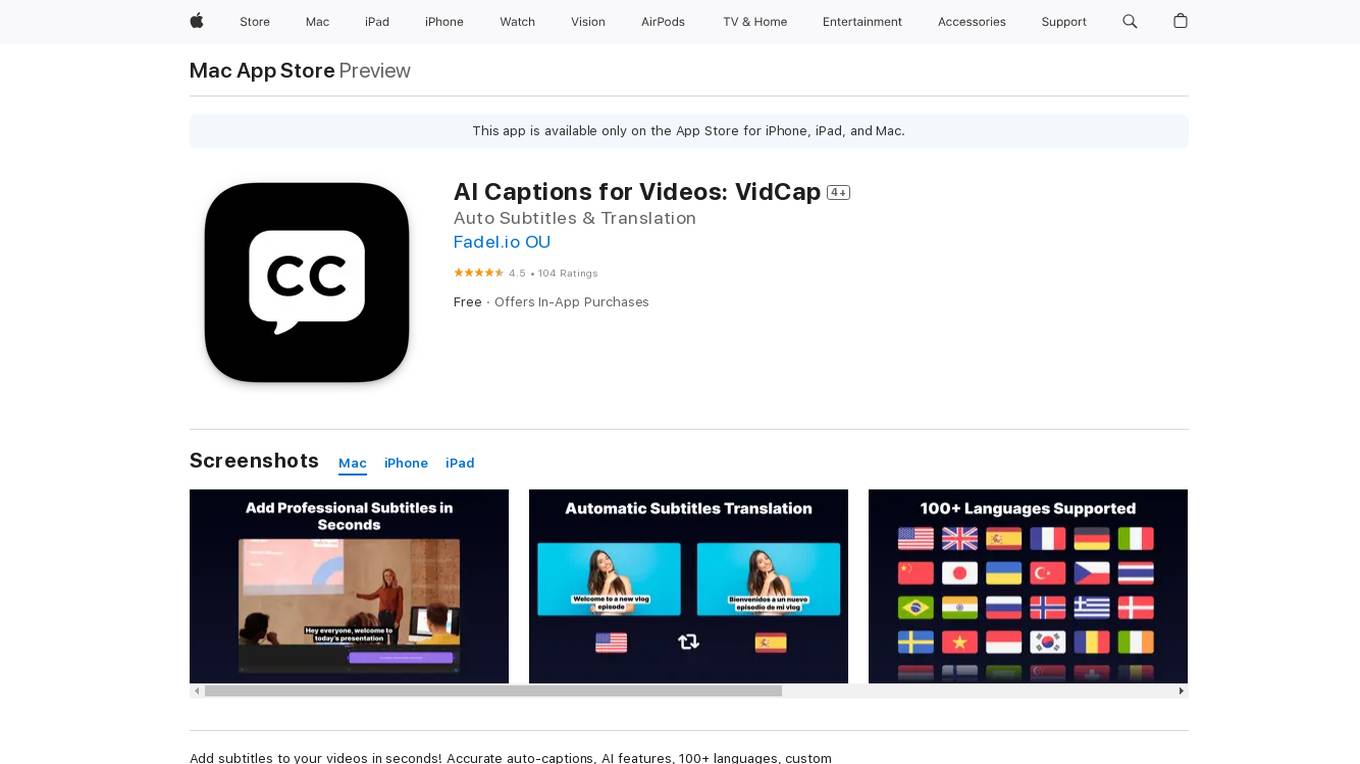
AI Captions for Videos: VidCap
AI Captions for Videos: VidCap is an application available on the App Store that allows users to add accurate automatic subtitles to their videos in seconds. The app offers ultra-accurate automatic subtitles in over 100 languages, custom text font, style, and animations, AI features like Eye Contact and Video Teleprompter, background noise removal, and the ability to add custom logos or watermarks. Users can preview their designs on Instagram and TikTok before exporting, save videos in 4K, and export transcriptions in various formats.
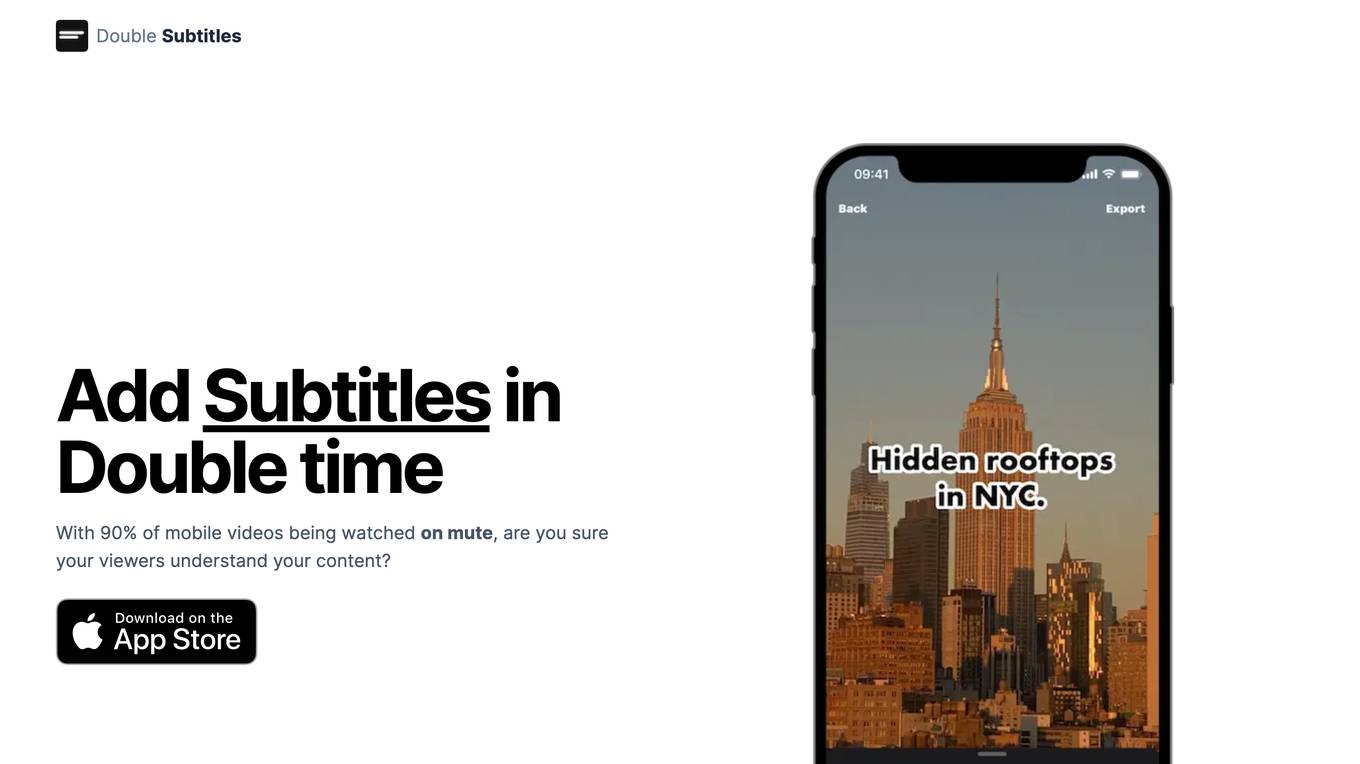
Double Subtitles
Double Subtitles is an AI-powered tool that helps you add subtitles to your videos quickly and easily. With 90% of mobile videos being watched on mute, it's more important than ever to make sure your viewers can understand your content. Double Subtitles uses advanced AI algorithms to generate accurate, precise, and fast subtitles. It's 90% more accurate, 20x faster, and 3x lower cost than the competition. Plus, you can customize the style of your subtitles to match your brand. With Double Subtitles, you can be sure that your viewers will understand your content, no matter how they're watching it.
1 - Open Source AI Tools
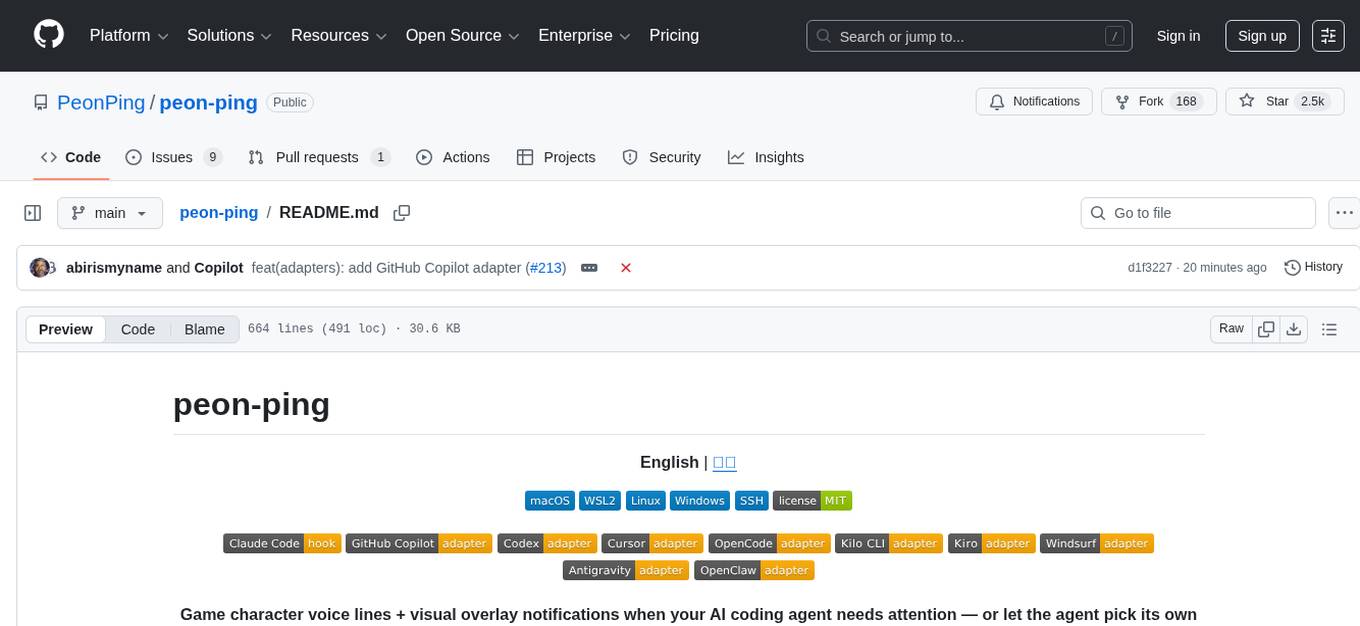
peon-ping
peon-ping is a tool designed to provide voice lines from popular game characters when your AI coding agent needs attention or to let the agent choose its own sound via MCP. It aims to solve the issue of losing focus when coding agents don't notify you. It works with various AI coding agents like Claude Code, Codex, Cursor, OpenCode, Kilo CLI, Kiro, Windsurf, Google Antigravity, and more. The tool implements the Coding Event Sound Pack Specification (CESP) and offers features like quick controls, configuration settings, Peon Trainer for exercise reminders, MCP server for AI agents to play sounds, multi-IDE support with adapters, remote development support, mobile notifications, and various sound packs for customization.
1 - OpenAI Gpts