Best AI tools for< Edit Workspace >
20 - AI tool Sites
Tripo Studio
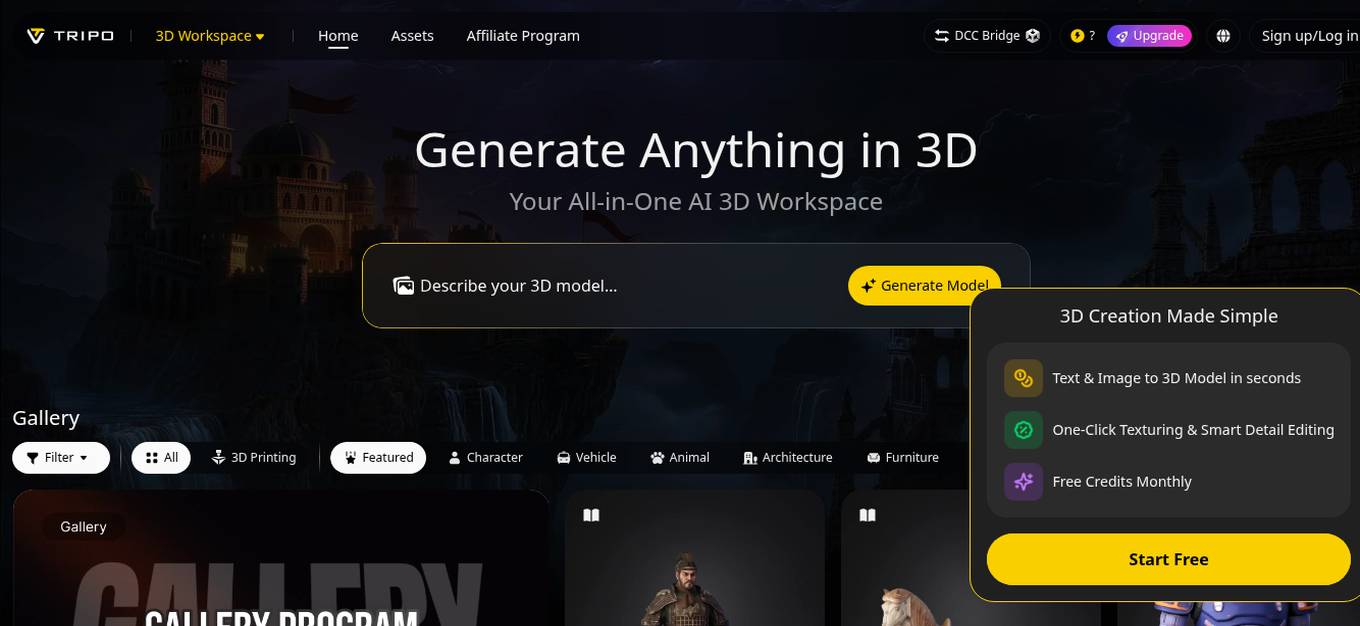
Tripo Studio is an AI-powered 3D workspace that simplifies the process of creating 3D models by offering features like Text & Image to 3D Model conversion in seconds, One-Click Texturing, and Smart Detail Editing. It provides a user-friendly platform for generating various 3D models, from characters and vehicles to architecture and nature elements. With its AI capabilities, Tripo Studio aims to streamline the 3D creation process for both beginners and professionals.
UNUM
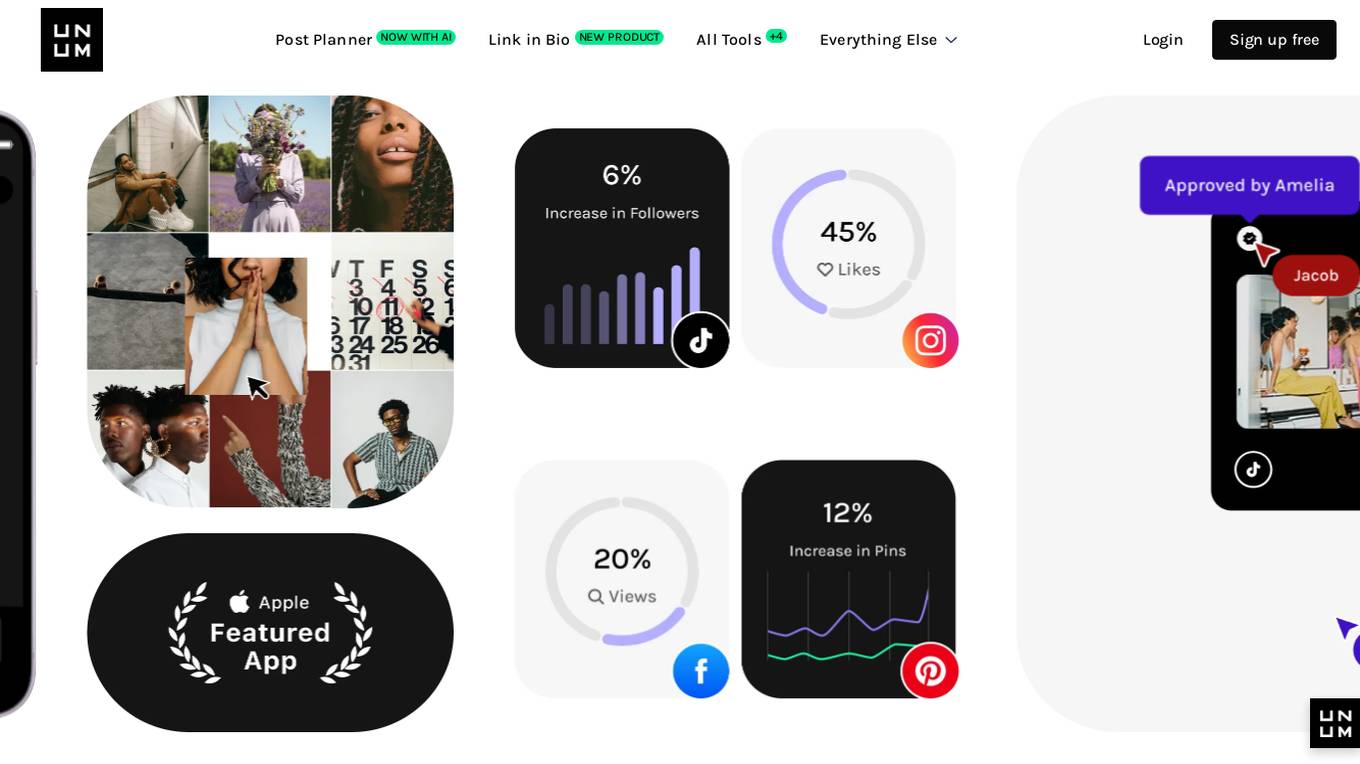
UNUM is a comprehensive social media management tool designed to help users create, publish, analyze, and grow their social media channels. With features like auto-posting, AI captioning, hashtag generation, photo and video editing, and a media library, UNUM streamlines the social media workflow. It also offers insights, reports, and a social media calendar to help users track their performance and plan ahead. UNUM is trusted by over 20 million creators and teams worldwide, providing a centralized platform for managing multiple social media accounts and optimizing content strategy.

Weet
Weet is an all-in-one video creation, editing, and tracking platform that offers a wide range of tools to help businesses create professional-looking interactive videos quickly and easily. With Weet, users can record their screen and webcam, create avatar videos, generate subtitles and translations, edit and trim videos, and add interactivity to make their videos more engaging. Weet also offers real-time collaboration, built-in comments and interactions, and designated workspaces and channels to help teams stay organized and make their videos easy to search.
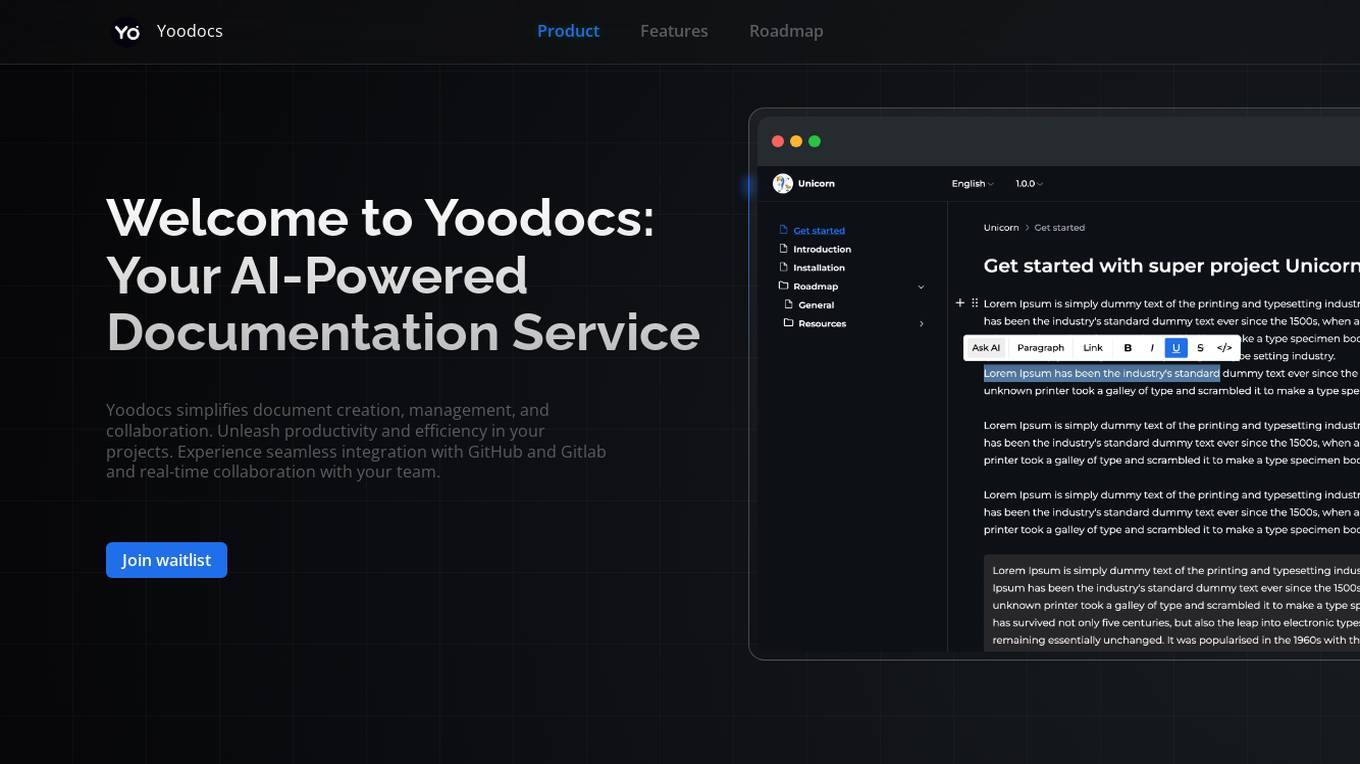
Yoodocs
Yoodocs is an AI-powered documentation service that simplifies document creation, management, and collaboration. It offers features such as document hierarchy organization, open-source documentation creation, export to various formats, workspace diversity, language management, version control, seamless migration, AI-powered editor assistant, comprehensive search, automated sync with GitLab and GitHub, self-hosted solution, collaborative development, customization styles and themes, and integrations. Yoodocs aims to enhance productivity and efficiency in projects by providing a comprehensive solution for documentation needs.
Transkribieren.xyz
Transkribieren.xyz is an all-in-one AI workspace that brings together the best AI tools for a more efficient workday. It offers a variety of features including transcription, text chat, and image creation. Transkribieren.xyz is trusted by people worldwide and is the go-to transcription solution for those who value speed, accuracy, and simplicity.
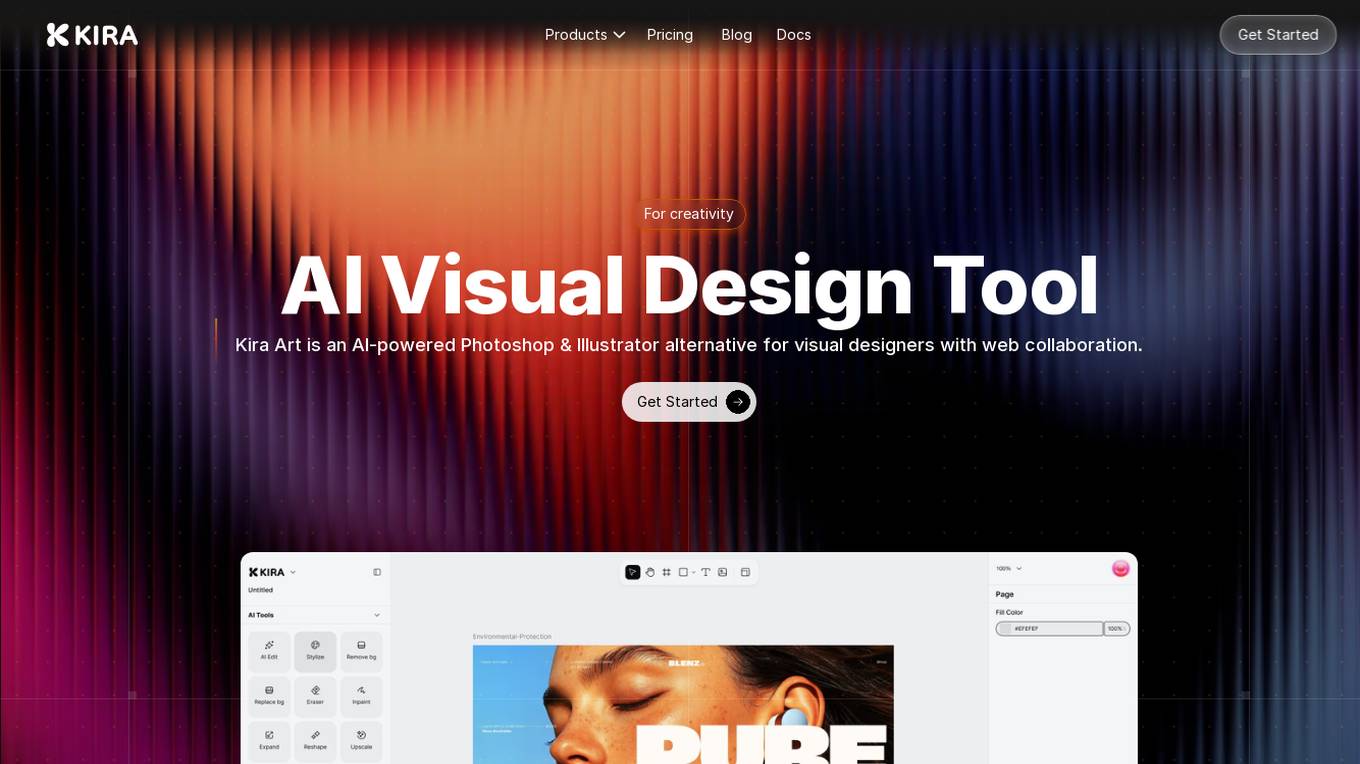
Kira Art
Kira Art is an AI-powered visual design tool that serves as an alternative to Photoshop & Illustrator. It offers fully featured vector and raster workspaces, AI-powered image generation and editing capabilities, real-time analytics, and advanced typography options. The tool is integrated with advanced AI models for enhanced performance and allows users to design without distractions on any platform or device. Kira Art aims to revolutionize the visual design process by providing a seamless and efficient experience for designers.
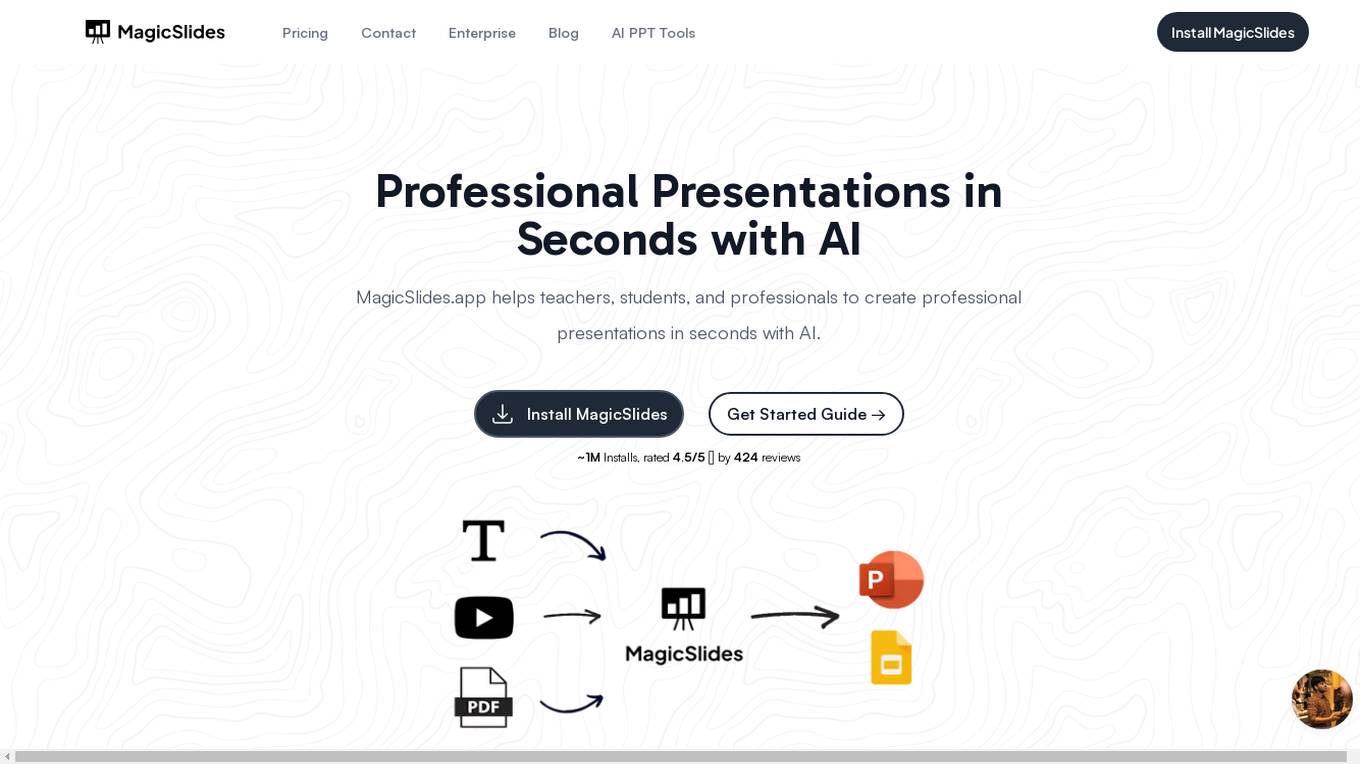
MagicSlides
MagicSlides is an AI-powered presentation creation tool that helps users create professional presentations in seconds. It offers a variety of features, including the ability to create presentations from text, YouTube videos, PDFs, and URLs. MagicSlides is also integrated with Google Slides, making it easy to create and edit presentations within the Google Workspace environment.

Maket
Maket is an AI-powered floor plan creation tool that allows users to design residential floor plans quickly and easily. With Maket, users can create new floor plans, edit existing ones, and visualize designs in various styles, all in one simple, AI-powered workspace. The tool is designed to be user-friendly, eliminating the need for architecture experience or CAD software. Maket aims to help homeowners, builders, and real estate professionals plan smarter, move faster, and build with confidence.

Google Drive
Google Drive is a cloud-based storage and file-sharing service that allows users to store, share, and collaborate on files from any device. It is part of the Google Workspace suite of productivity tools, which also includes Gmail, Docs, Sheets, and Slides. Drive is designed to be easy to use and secure, and it offers a variety of features that make it a valuable tool for businesses and individuals alike.

Loom
Loom is a free screen recorder for Mac and PC that allows users to easily record and share AI-powered video messages with their teammates and customers. With Loom, users can quickly record their screen and camera, and then share their videos anywhere they work, including Google Workspace, Slack, and more. Loom also offers a variety of features to help users edit and personalize their videos, including the ability to trim and stitch video clips, add custom logos and thumbnails, and add tasks, CTAs, comments, and emojis. Loom is used by over 25 million people across 400,000 companies, and is a valuable tool for sales, engineering, customer support, design, and more.
Chatsheet
Chatsheet is an AI tool that revolutionizes the way spreadsheets are used. It leverages artificial intelligence to automate data entry, analysis, and visualization tasks, making spreadsheet management more efficient and intuitive. With Chatsheet, users can easily create, edit, and analyze data in a collaborative and interactive environment. The tool offers advanced features such as predictive analytics, natural language processing, and smart data suggestions to streamline decision-making processes. Chatsheet is designed to simplify complex data handling tasks and empower users to make data-driven decisions with ease.
Xmind AI
Xmind AI is a mind mapping tool that helps teams collaborate and brainstorm ideas. It offers a variety of features to help users create, share, and edit mind maps, including real-time collaboration, brainstorming tools, and presentation mode. Xmind AI is designed to be easy to use, even for those who are new to mind mapping.
Angry Email Translator
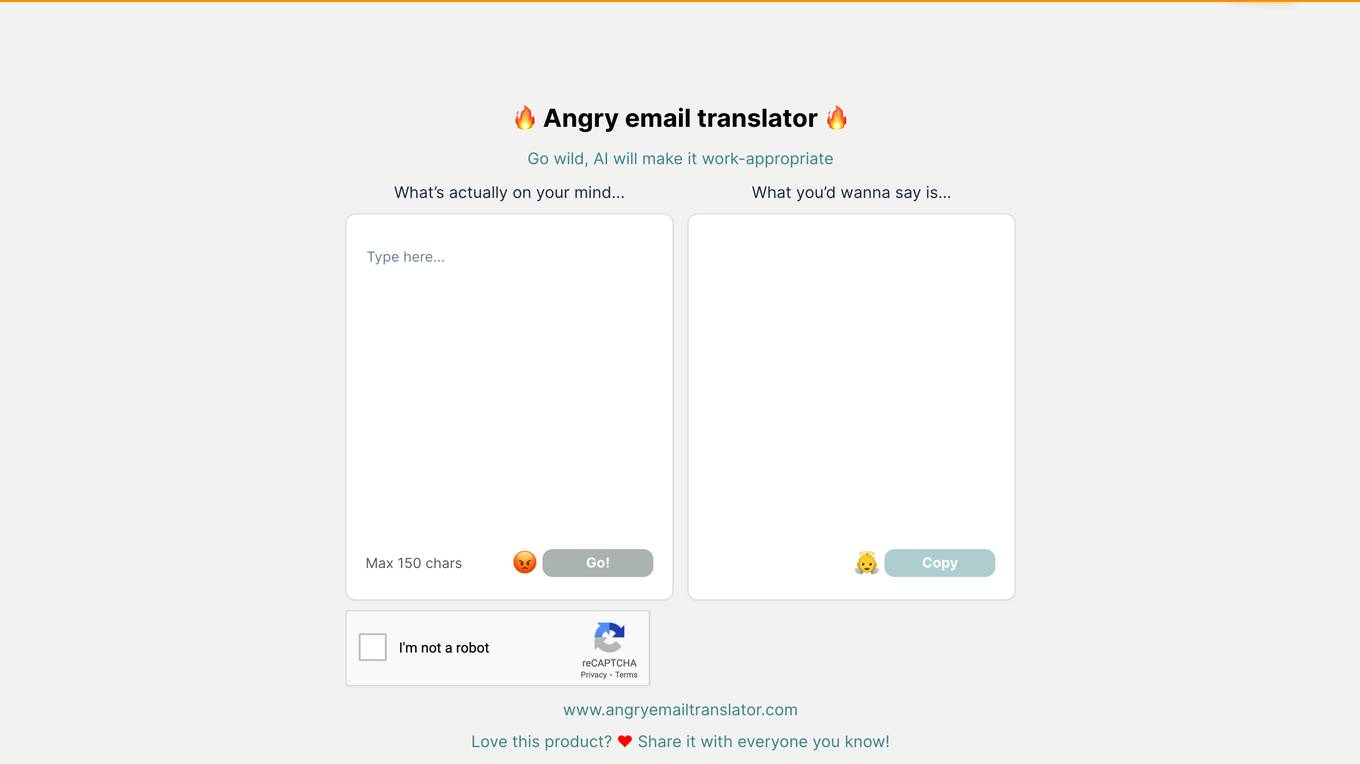
Angry Email Translator is an AI tool designed to help users translate angry emails into polite and professional ones. The tool uses AI technology to transform aggressive and confrontational language into more diplomatic and courteous communication. Users can input their angry email content and receive a refined, polite version suitable for professional communication. Angry Email Translator aims to improve workplace communication and foster positive interactions by providing a solution for handling challenging email situations.
Edit-Videos-Online.com
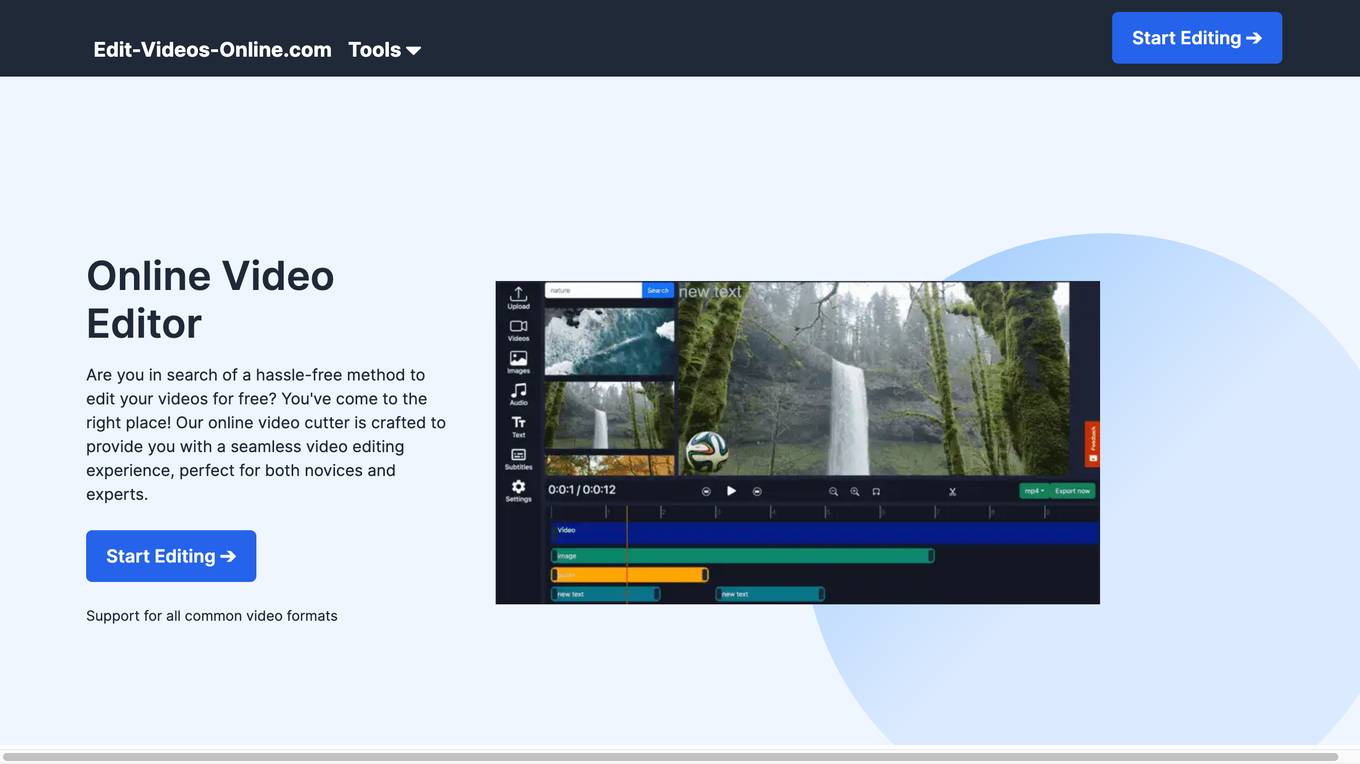
Edit-Videos-Online.com is a free online video editor that allows users to edit and create videos without the need for registration or software installation. It supports a wide range of popular video formats and offers a variety of features such as video trimming, background removal, automatic caption generation, text and image addition, and audio editing. The editor is easy to use and provides a seamless video editing experience for both novices and experts.
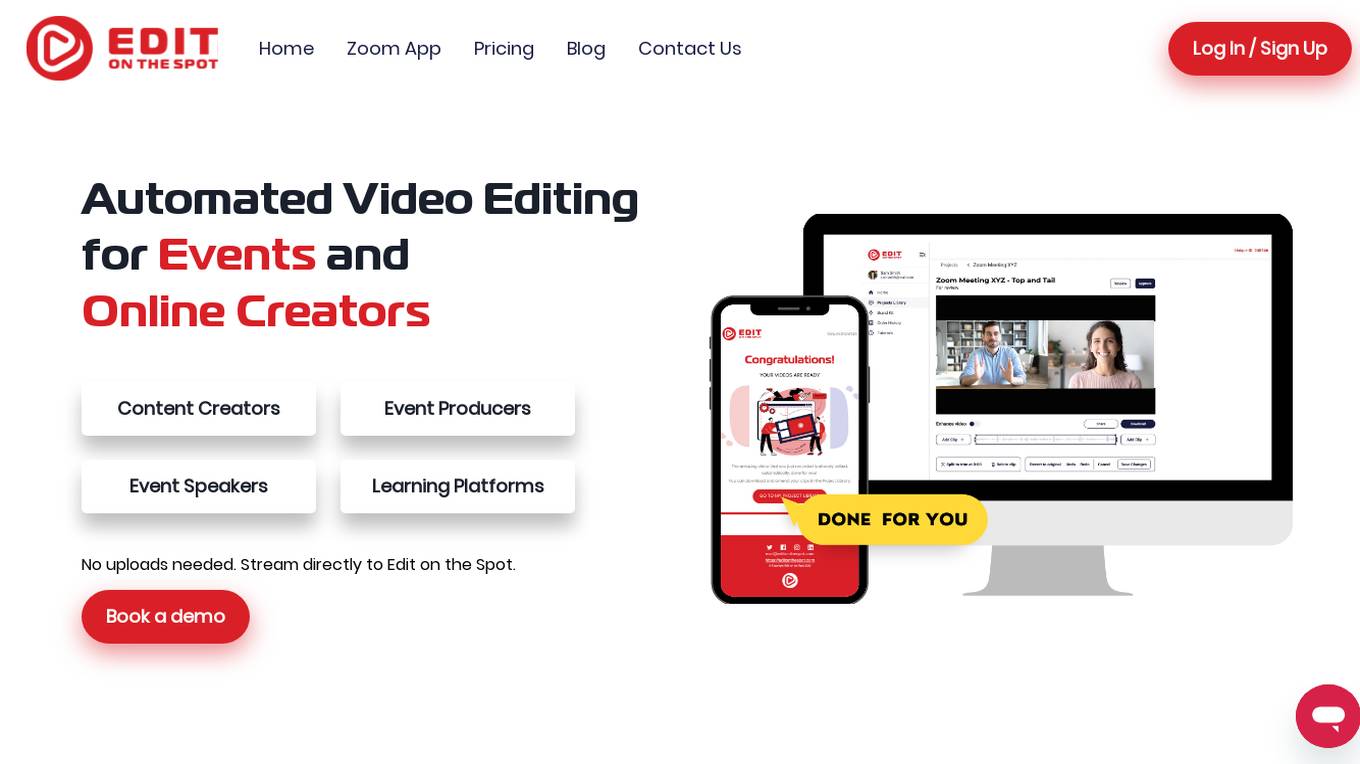
Edit on the Spot
Edit on the Spot is an automated video editing tool designed for events and online creators. It utilizes AI technology to streamline the video editing process, making it faster, easier, and more efficient. The tool allows users to edit videos in real-time, eliminating the need for manual editing tasks such as downloading, ingesting, and moving files between editing tools. With features like automatic trimming, AI-powered editing, custom branding, and instant delivery, Edit on the Spot aims to revolutionize the video editing industry by providing a hands-off approach to content creation.

Million Dollar Edit 2.0
Million Dollar Edit 2.0 is an AI-powered editing tool that helps you write and edit faster and more efficiently. With its advanced AI algorithms, Million Dollar Edit 2.0 can help you identify and correct errors, improve your writing style, and even generate new content. Whether you're a student, a professional writer, or anyone who wants to improve their writing skills, Million Dollar Edit 2.0 can help you take your writing to the next level.
Lucy Edit AI
Lucy Edit AI is an open-source instruction-guided video editing model that allows users to transform videos with simple text instructions. It offers features such as text-guided editing, motion preservation, character transformations, object & scene editing, and high-fidelity transformations. The application is built on Wan2.2 5B architecture and supports 81-frame video generations. Lucy Edit AI is suitable for creators of all levels, from hobbyists to professionals, and is free to use for any purpose, including commercial projects.
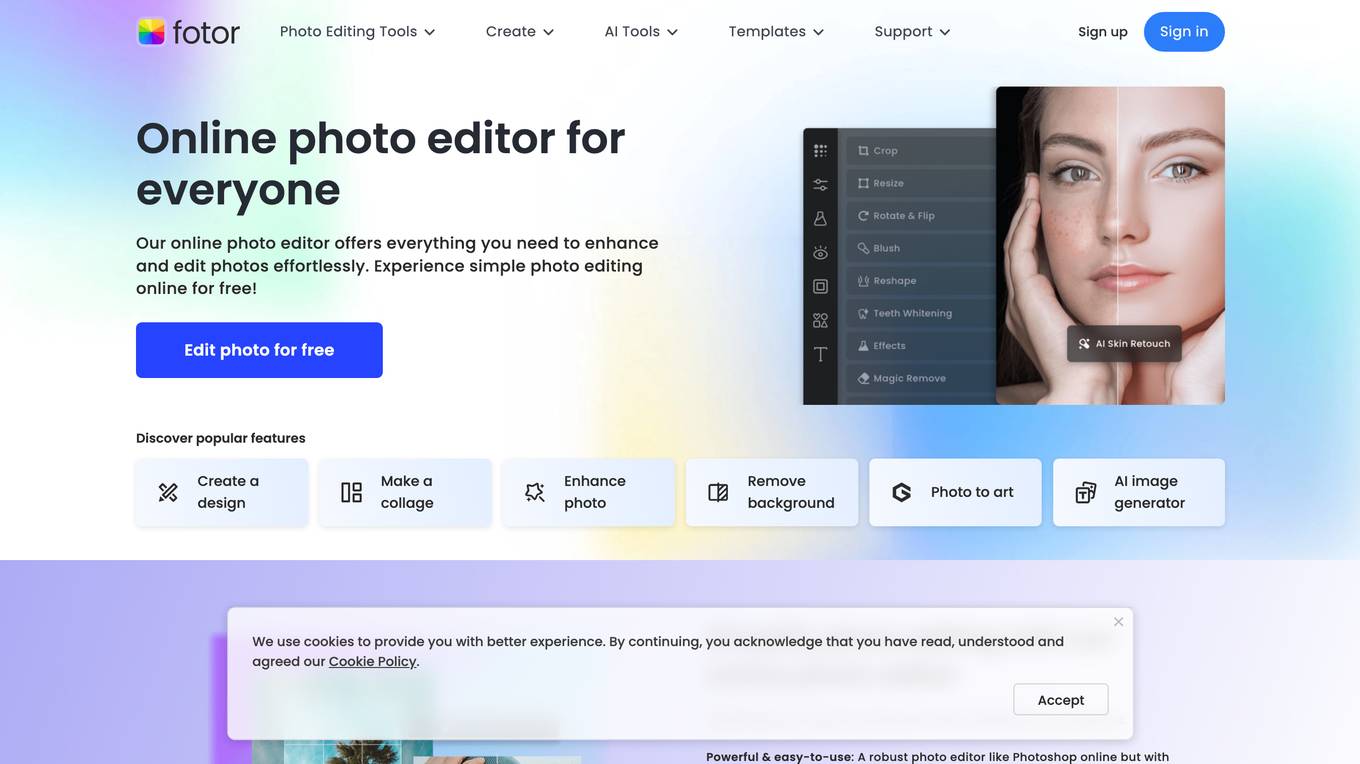
Fotor
Fotor is a free online photo editor that offers a wide range of features for editing and enhancing photos. With Fotor, you can crop, resize, adjust lighting and color, add filters and effects, and more. Fotor also offers a variety of AI-powered tools, such as AI Photo Enhancer, AI Background Remover, and AI Object Remover. These tools can help you to improve the quality of your photos, remove unwanted objects, and create stunning photo effects.
Picsart
Picsart is a free online photo editor and collage maker that allows users to edit photos, create collages, and add effects. It is a popular tool for both professional and amateur photographers, and it is also used by businesses to create marketing materials. Picsart is available as a web application, a desktop application, and a mobile app.
Filmora
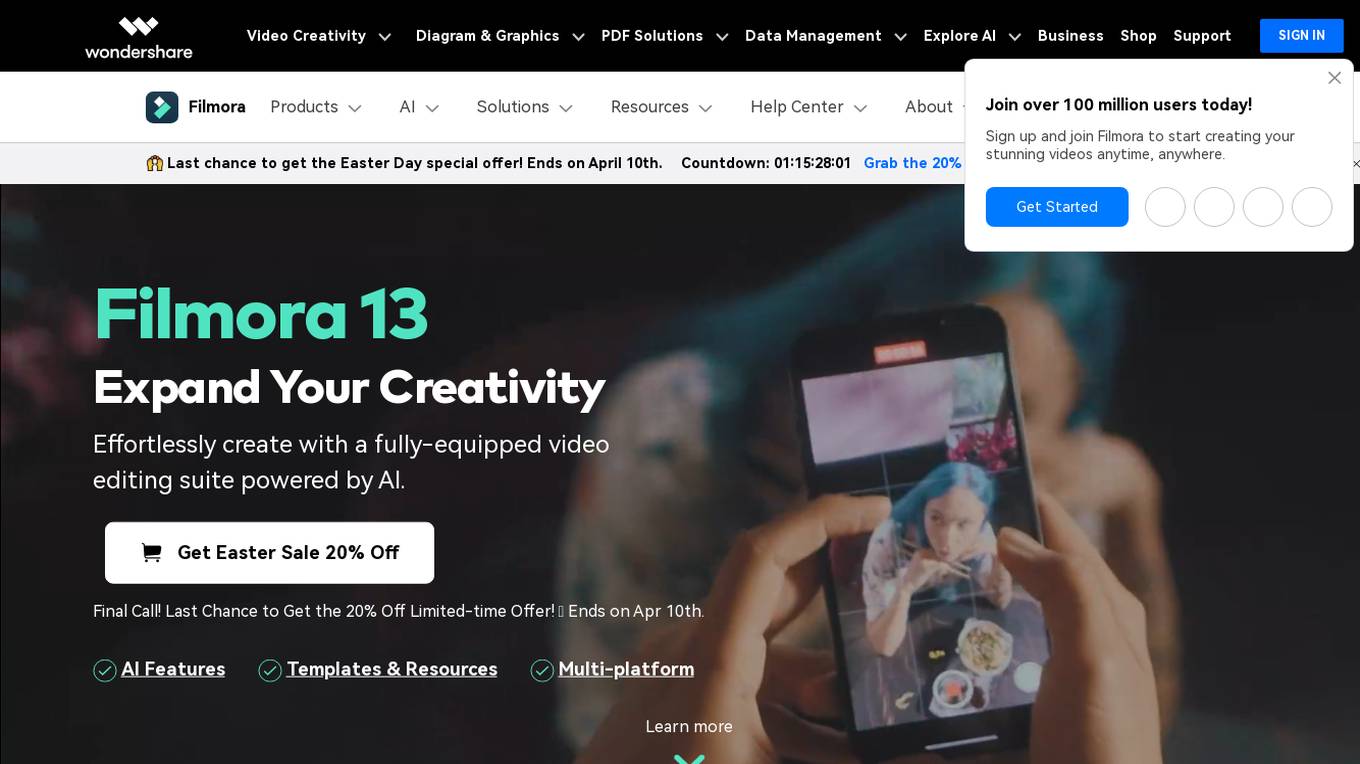
Filmora is an easy-to-use video editing software that is powered by AI. It offers a wide range of features, including AI-powered editing tools, templates, and resources. Filmora is perfect for beginners and experienced video editors alike. With Filmora, you can create professional-looking videos quickly and easily.
1 - Open Source AI Tools
openclaw-nerve
Nerve is a self-hosted web UI for OpenClaw AI agents, offering voice conversations, live workspace editing, inline charts, cron scheduling, and full token-level visibility. It provides a dashboard for interacting with OpenClaw agents beyond messaging channels, allowing users to have a comprehensive view of their agents' activities and data. Nerve stands out with features like multilingual voice interaction, workspace visibility, responsive design, live charts integration, cron scheduling, and various other tools for managing and monitoring AI agents.
20 - OpenAI Gpts
/Imagine Edit Tool
Advanced AI for creating and interpreting visual content. Im able to Edit, Copy, Combine, and Convert art styles/mediums.
Text Tune Up GPT
I edit articles, improving clarity and respectfulness, maintaining your style.
Photo Multiverse
Upload your photo to create an AI persona, then change 🏞️ background, convert to ✏️ cartoon, or edit character styles. Try with selfies, items or pet images!
Imaginative Re-create
Replicate Image, Images Mergeve, Imaginative Edit, Style Transfer. Use "Help" for more info. 20+ features of the source image will be transferred. You also can call this GPT via @ in any chat (desktop only).
Oraculum
Create, Edit or Replicate images! Pro Settings. Updated 12/24 🎄 v0.5. ~~~~Oraculum embodies the visionary spirit of Delphi’s ancient seers, crafting precise AI media with the wisdom of Hephaestus’ forge and the grace of Athena’s olive branch. Show or speak your vision.
RPG Copilot
An expert IBM-i RPG programming assistant, trained on thousands of the best publicly available RPG resources. RPG Copilot can finally help you in generating, reviewing and edit your IBM code.
Logo Creator Pro GPT
Design logos from sketches. Upload a sketch of your logo idea to Logo Creator GPT. Tell it your company name, select the style you like, choose your colors and let Logo Creator GPT do the rest. Then work with Logo Creator GPT to refine and edit it until you have the perfect brand logo.
のDALLE image: logos art assets pictures mj & more
The world's most powerful DALL-E image generator. Generate 1-4 images, then edit them using prompts or hotkeys.
Diagrams: Show Me | charts, presentations, code
Diagram creation: flowcharts, mindmaps, UML, chart, PlotUML, workflow, sequence, ERD, database & architecture visualization for code, presentations and documentation. [New] Add a logo or any image to graph diagrams. Easy Download & Edit
Sửa và Dịch Phụ Đề
Chỉnh sửa, sắp xếp phụ đề tiếng Việt chính xác từ phụ đề tự động trên Youtube. Sau đó dịch sang phụ đề tiếng Anh chính xác.