

AI tools for screen record summary ai
Related Tools:
Vizard.ai
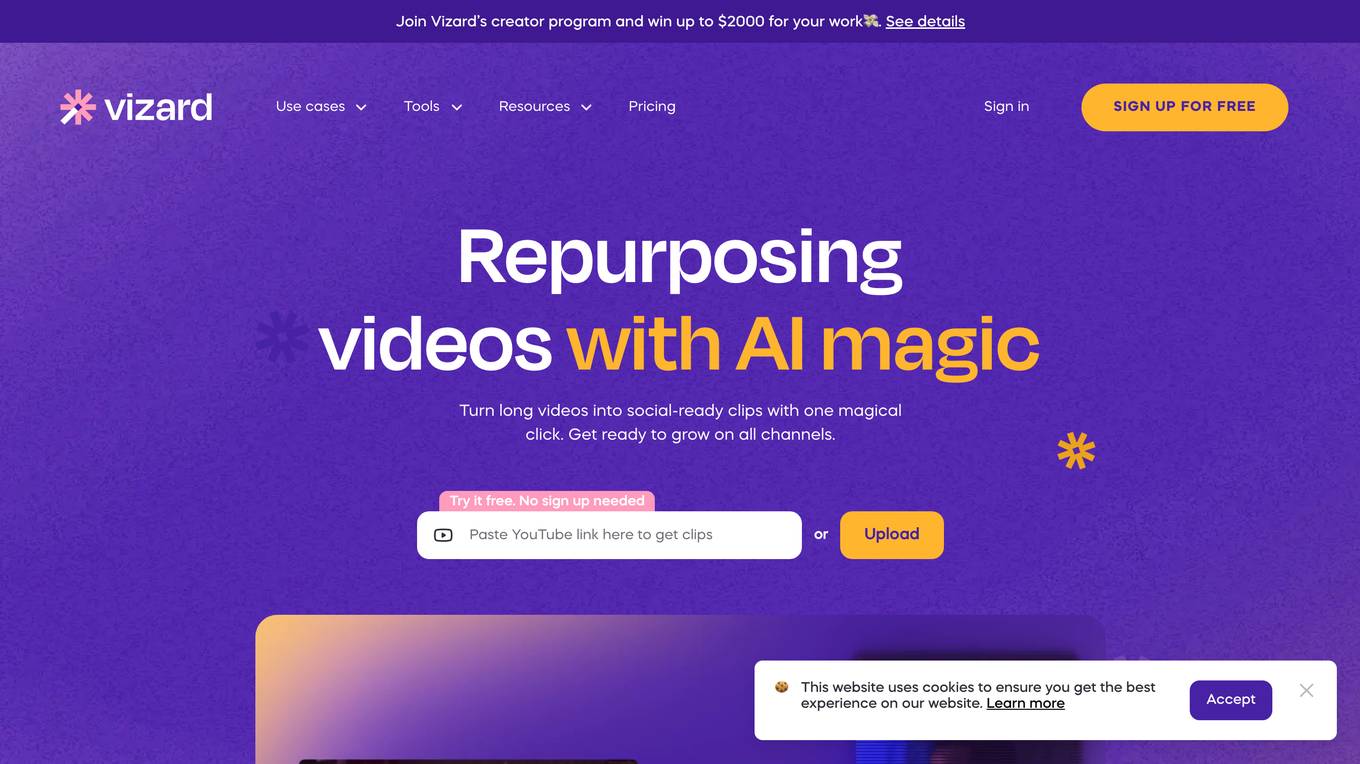
Vizard.ai is an AI-powered video editing tool that helps users create social-ready video clips effortlessly. The tool leverages AI technology to automatically identify engaging parts in long video footages and generate short clips suitable for various social media platforms like TikTok, Instagram, and YouTube Shorts. With features like AI clipping, transcription, caption translation, and timeline editing, Vizard streamlines the video editing process, saving users time and effort. Trusted by over 5 million creators and businesses, Vizard offers a user-friendly interface and a range of tools to enhance video production and content creation.
DemoCreator
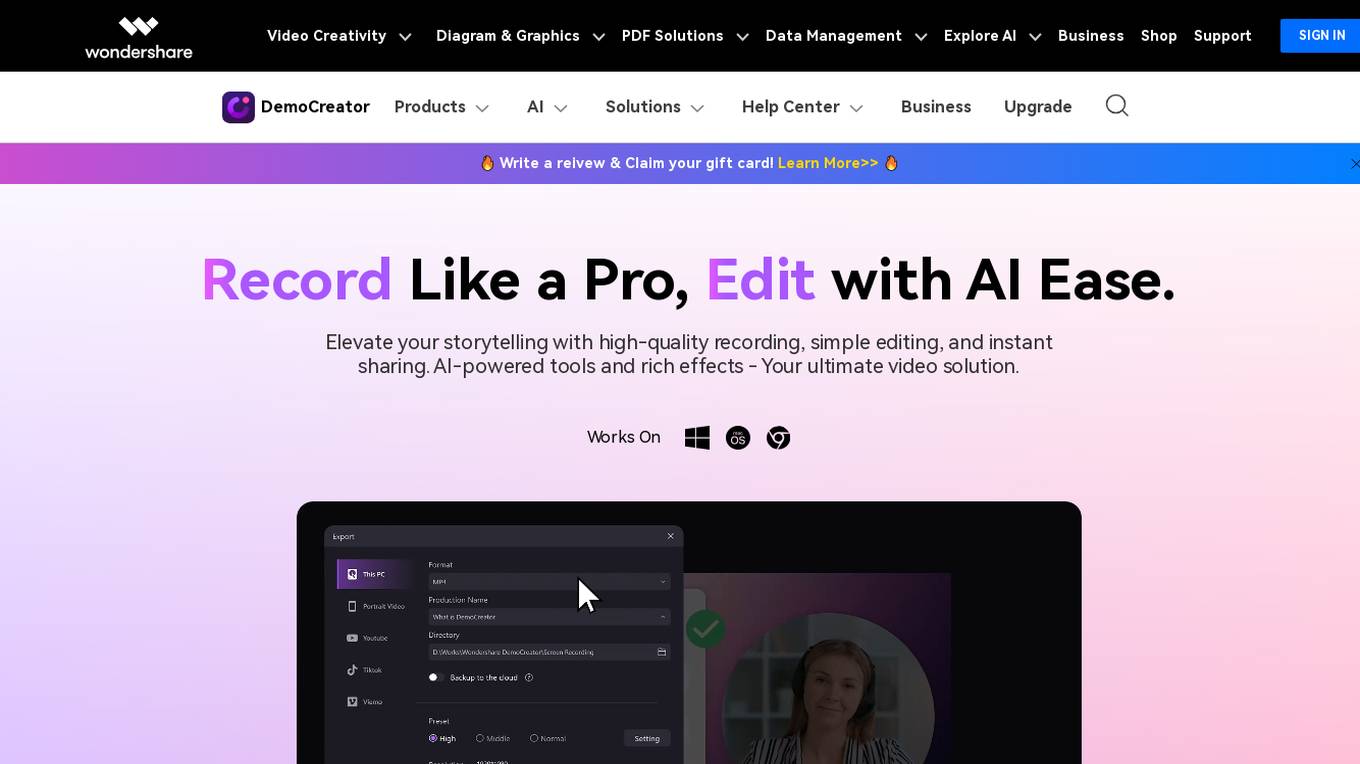
DemoCreator is an all-in-one video recorder and editor that offers a wide range of features for both beginners and professionals. With its AI-powered tools, users can easily record and edit videos with high quality and efficiency. DemoCreator is perfect for creating tutorials, presentations, marketing videos, and more.
TechSmith
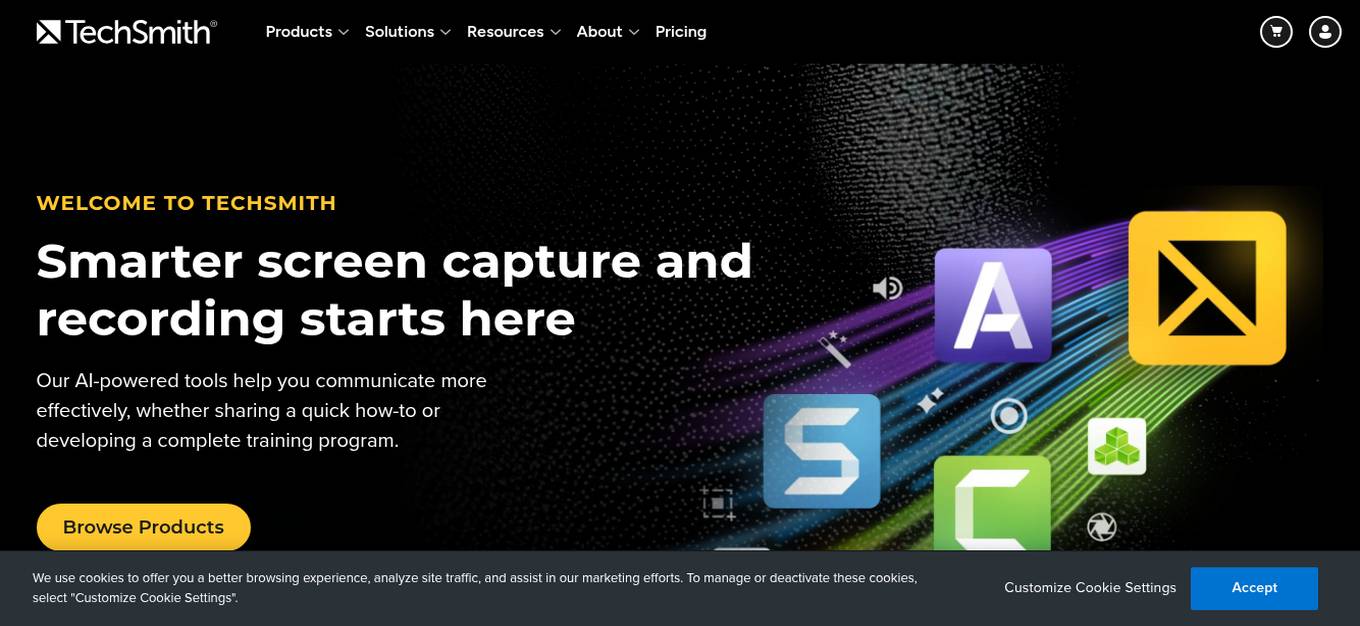
TechSmith is a global leader in screen recording and screen capture software solutions. Their flagship products, Camtasia and Snagit, offer a wide range of features for creating professional-quality videos and visuals. TechSmith's AI-powered tools enhance content creation by providing features like AI avatar generator, AI script generator, AI transcribe audio to text, and more. The company is committed to responsible use of AI, ensuring transparency, ethics, and user trust in their AI features.
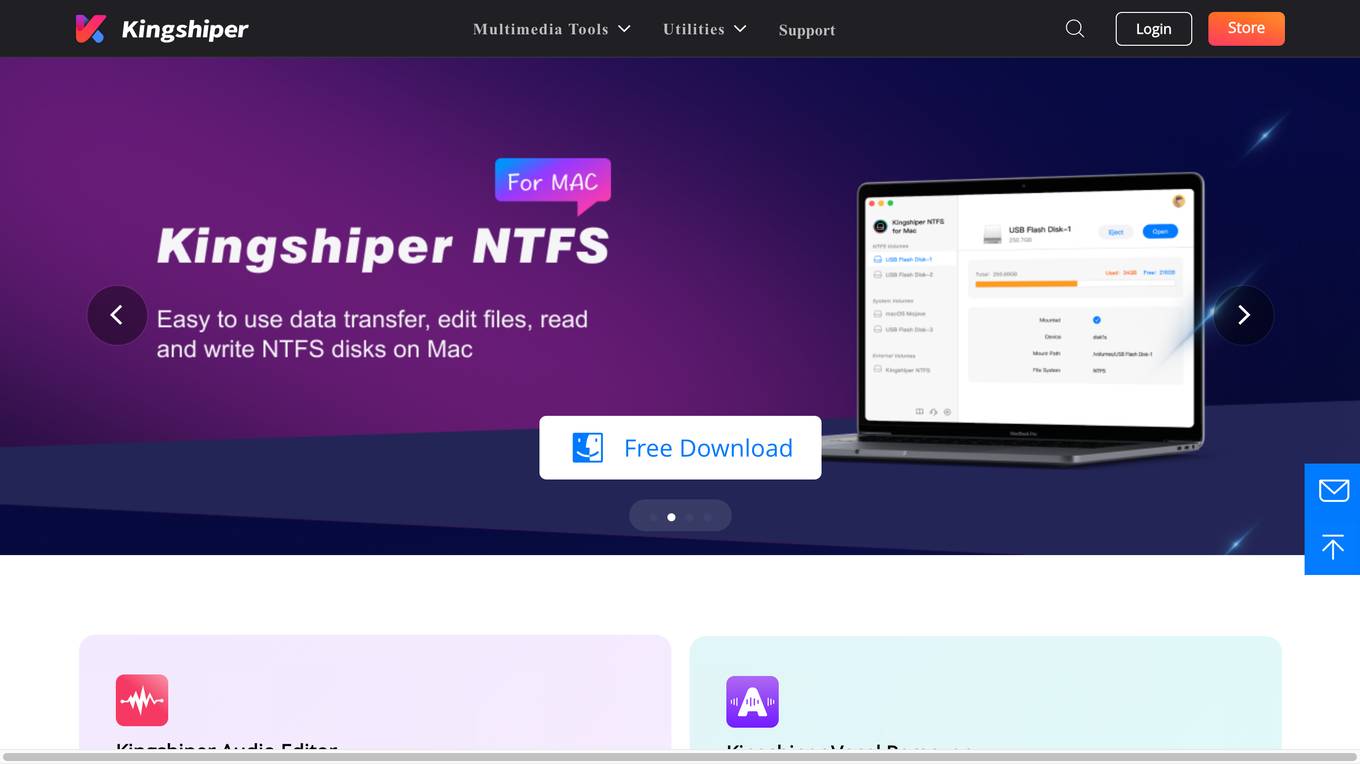
Kingshiper
Kingshiper is a versatile multimedia tool offering a wide range of audio, photo, and video editing solutions. It provides users with tools for screen recording, video editing, audio conversion, image compression, and more. With a focus on user-friendly interfaces and efficient processing, Kingshiper aims to enhance creativity and productivity in multimedia tasks. The platform also offers utilities for office tasks, system tools, data solutions, and video production, catering to diverse user needs across various domains.
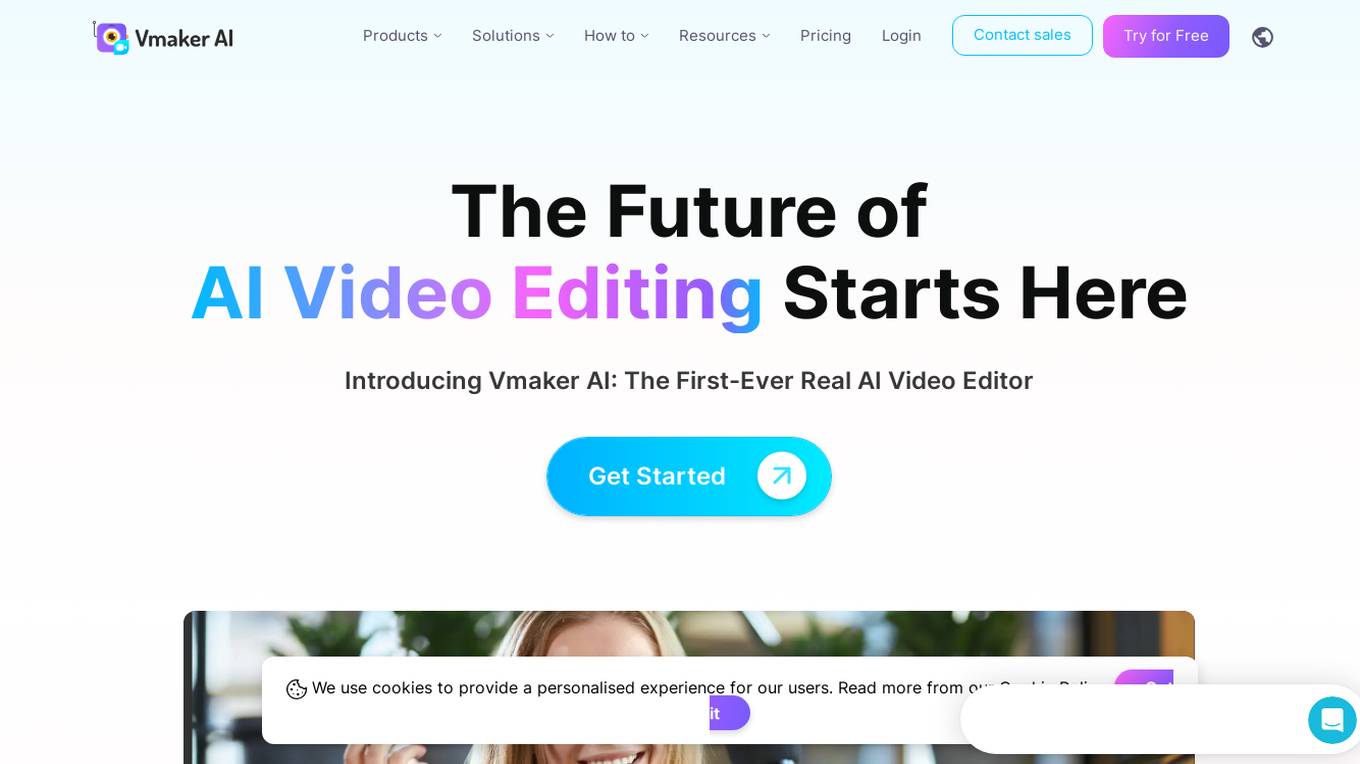
Vmaker
Vmaker is an AI video editor and screen recorder that revolutionizes the video editing process by leveraging artificial intelligence technology. It offers a wide range of features such as auto-adding videos, images, and GIFs, background music based on video mood, stickers, text animation, smart zoom, transitions, auto subtitles in multiple languages, intro and outro generation, and more. Vmaker aims to simplify the video editing workflow and empower users to create professional-looking videos effortlessly. It caters to content creators, marketers, YouTubers, and learning and development teams, providing them with a comprehensive tool for enhancing their video content.
Apowersoft
Apowersoft is a multimedia solutions provider catering to both business and daily needs. The platform offers a wide range of tools and services, including video editing, file compression, screen recording, audio recording, and more. With a focus on enhancing working efficiency and productivity in the digital age, Apowersoft aims to simplify everyday challenges through innovative and creative solutions.
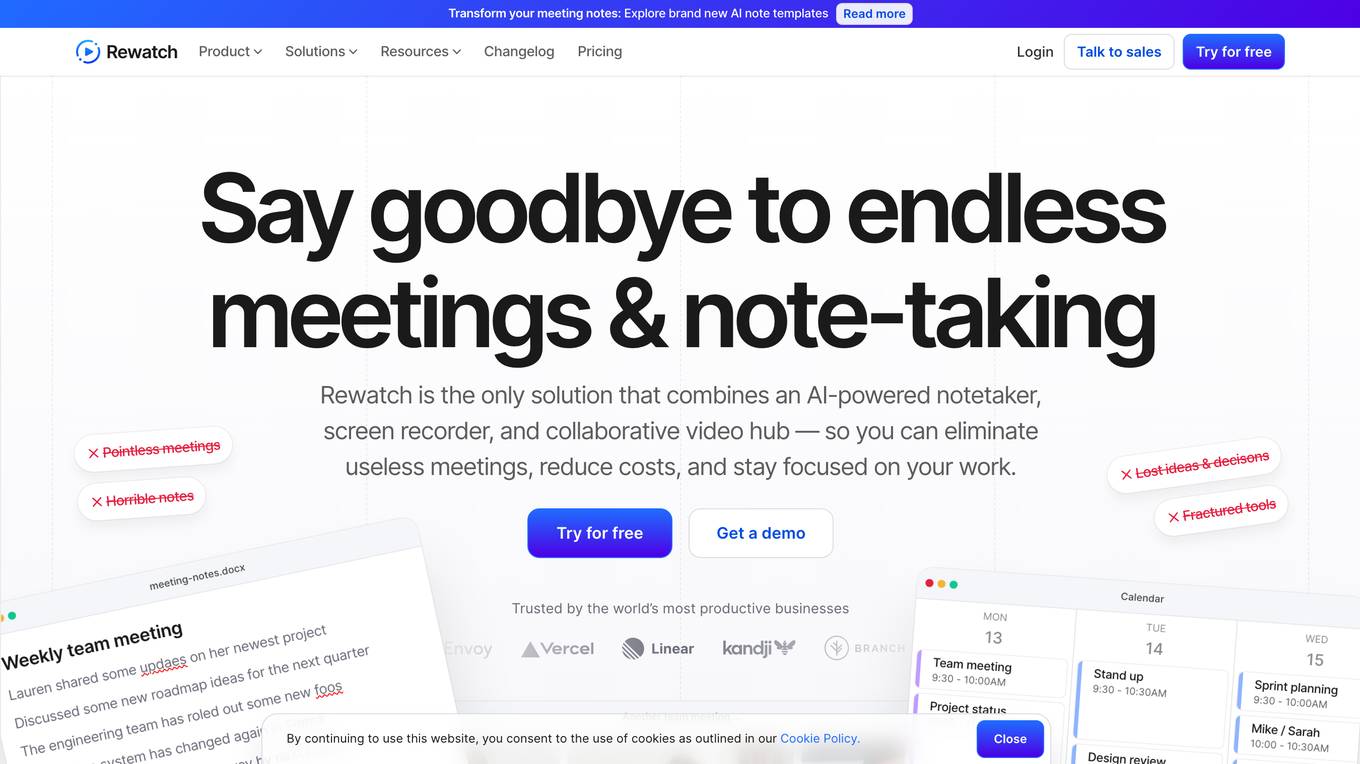
Rewatch
Rewatch is an AI-powered meeting assistant and video hub that helps users capture meetings, create summaries, transcriptions, and action items. It centralizes all meeting videos, notes, and discussions in one place, replacing repetitive in-person meetings with asynchronous collaborative series. Rewatch also offers features like screen recording, integrations with other tools, and conversation intelligence to empower organizations with actionable insights. Trusted by productive businesses, Rewatch aims to optimize necessary meetings, eliminate useless ones, and enhance cross-functional collaboration in a unified hub.

AppBlit
AppBlit is an AI-powered platform offering a range of iOS and macOS apps tailored for education and productivity. The platform includes various utilities such as Scribe for transcribing, ScreenRun for creating screen recordings, Screegle for clean screen sharing, and more. AppBlit also features tools like PDF Reflow for mobile-friendly PDF viewing, ReaderView for web page reading, and educational apps like PopMath and PopSpell. With innovative features like AI voices, webcam integration, and award-winning games, AppBlit aims to enhance user experiences across different tasks and activities.
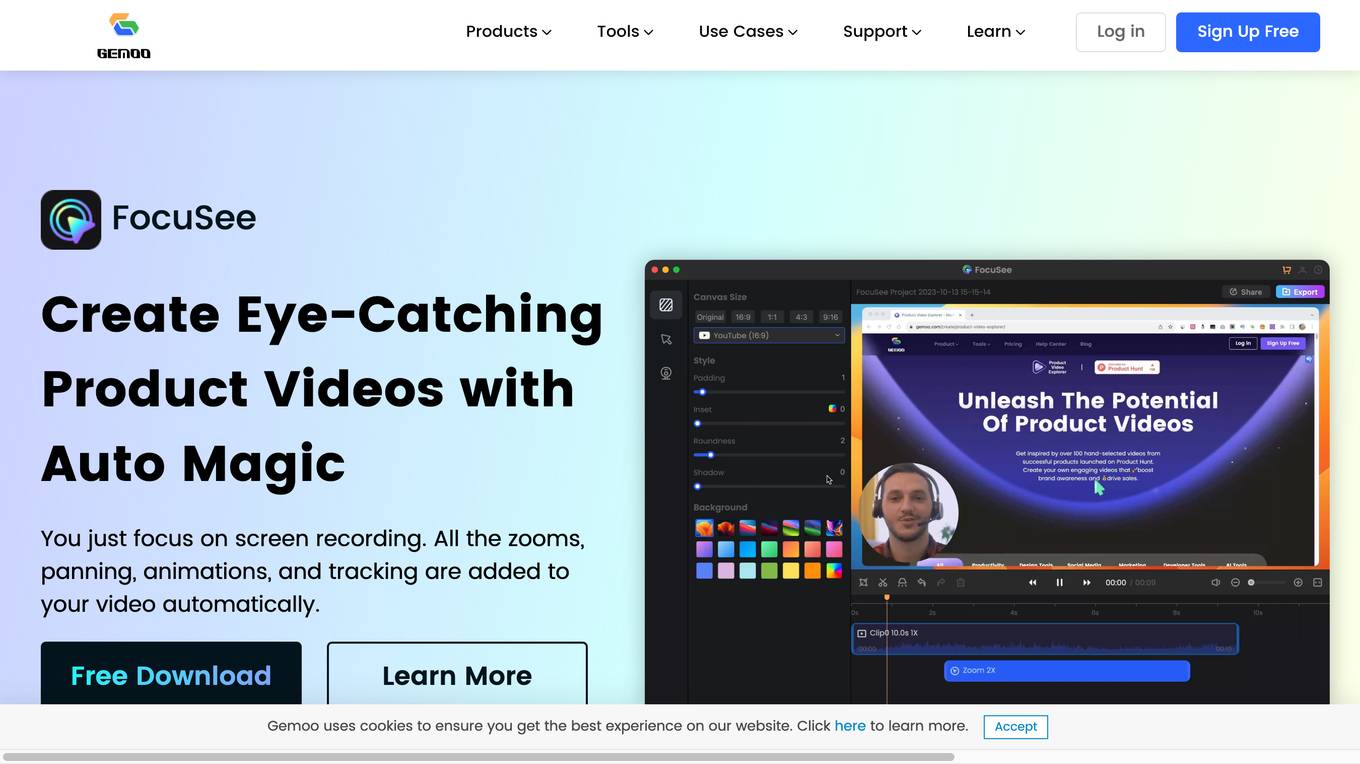
Gemoo
Gemoo is an AI-powered platform that offers a wide range of tools for creating, editing, and sharing videos. It provides features such as AI caption generation, watermark removal, screen recording with auto zoom, and more. Gemoo simplifies the workflow of video and image creation by automating various editing processes. Users can easily enhance their videos with dynamic captions, zoom effects, and other popular effects to make them go viral on social media platforms like TikTok, Instagram, and YouTube.
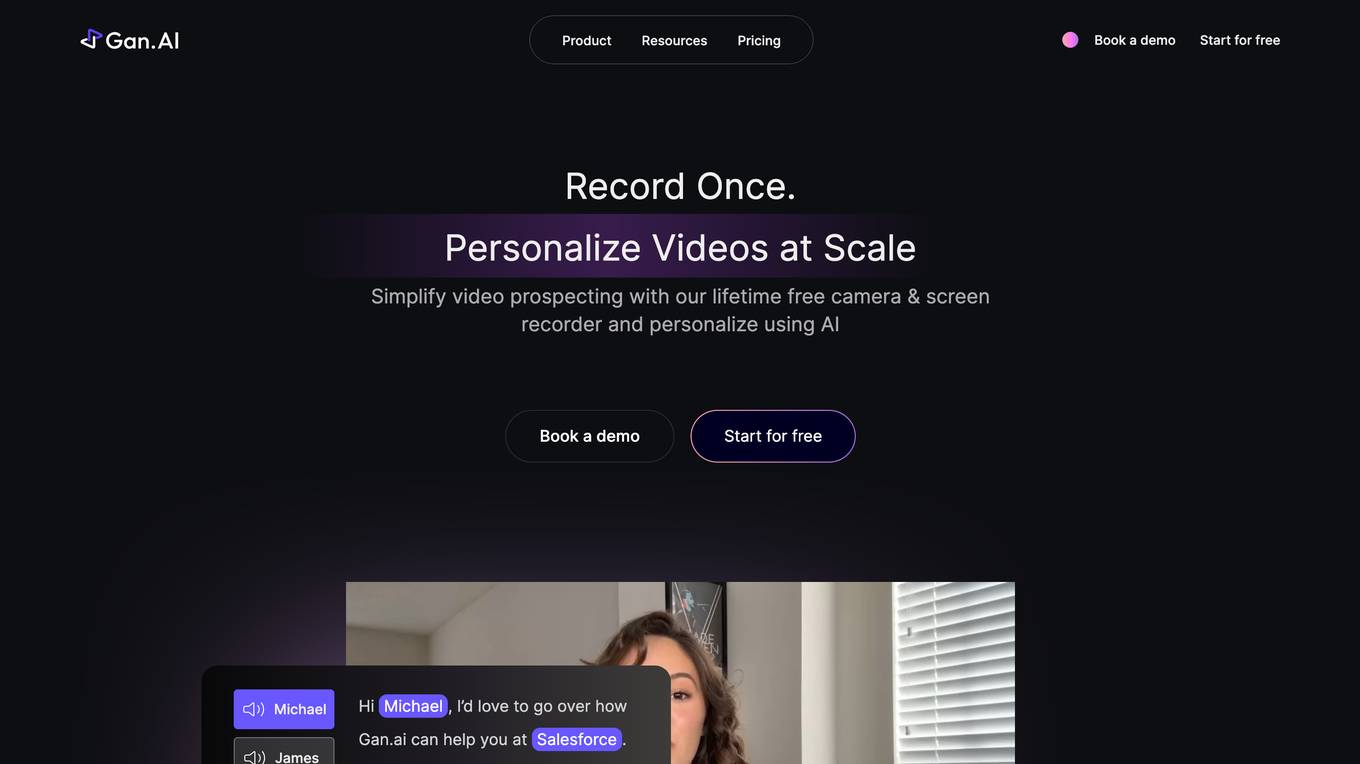
Gan.AI
Gan.AI is an AI-powered video creation platform that enables users to instantly create studio-quality videos for business products. It offers features such as creating AI videos from scripts, video personalization at scale, text to video AI conversion, AI video generator, AI shorts maker, ad maker, text to speech, screen recording, and more. The platform caters to businesses across various industries by providing solutions through its API playground and enterprise offerings. Gan.AI has been utilized by renowned brands like Salesforce, Amazon, Google, Vivo, Uber, Coca-Cola, and more to scale personalized video content creation and engagement. It offers a user-friendly interface with integrations, widgets, video editing tools, and personalized video capabilities.
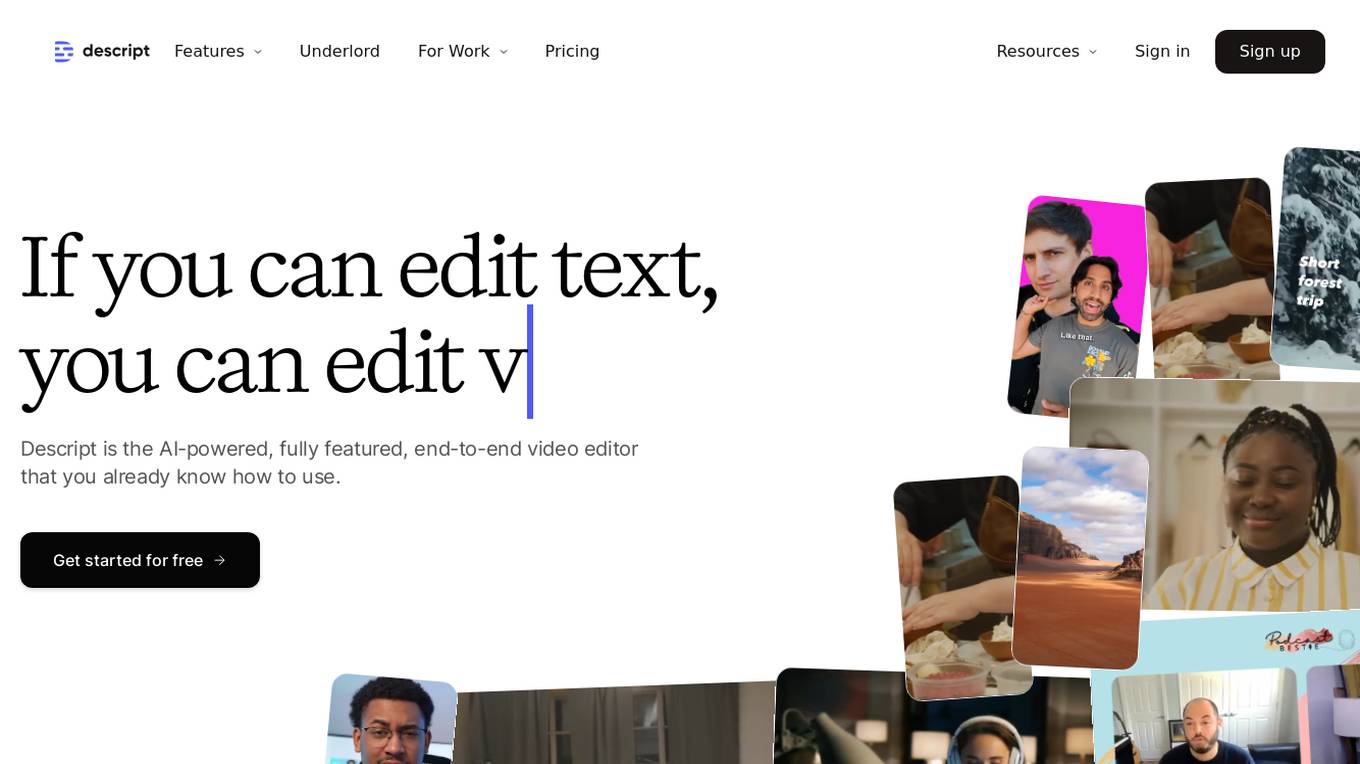
Descript
Descript is an AI-powered editing assistant that allows users to edit videos and podcasts with ease. It offers features such as video editing, multitrack audio editing, clip selection, remote recording, captions, screen recording, transcription, AI speech generation, and more. Descript's AI capabilities help users create high-quality content effortlessly, making it a valuable tool for creators and teams. With a user-friendly interface and advanced AI features, Descript simplifies the video editing process and enhances productivity.
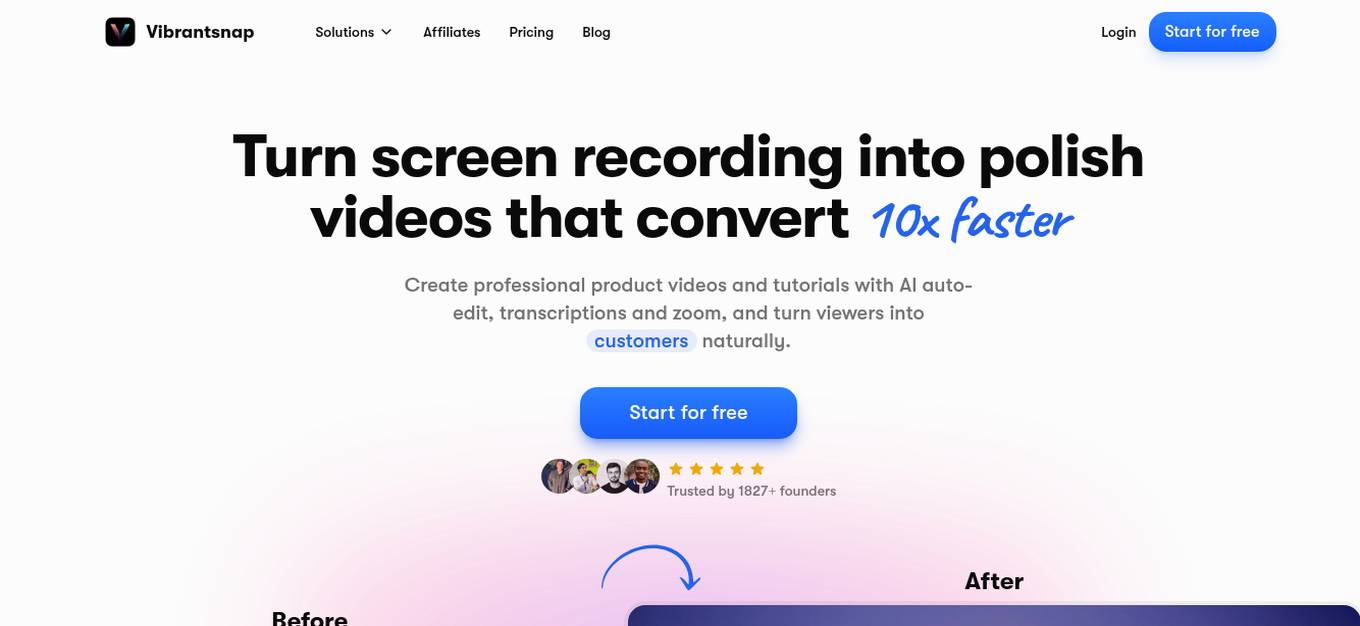
VibrantSnap
VibrantSnap is an AI-powered tool that allows users to create professional product demo videos and tutorials with ease. It offers features such as AI auto-editing, transcriptions, zoom, and call-to-action buttons to help turn viewers into customers naturally. Trusted by over 1800 founders, VibrantSnap simplifies the video creation process, making it quick and efficient for users to produce high-quality videos without the need for extensive editing skills.
ScreenApp
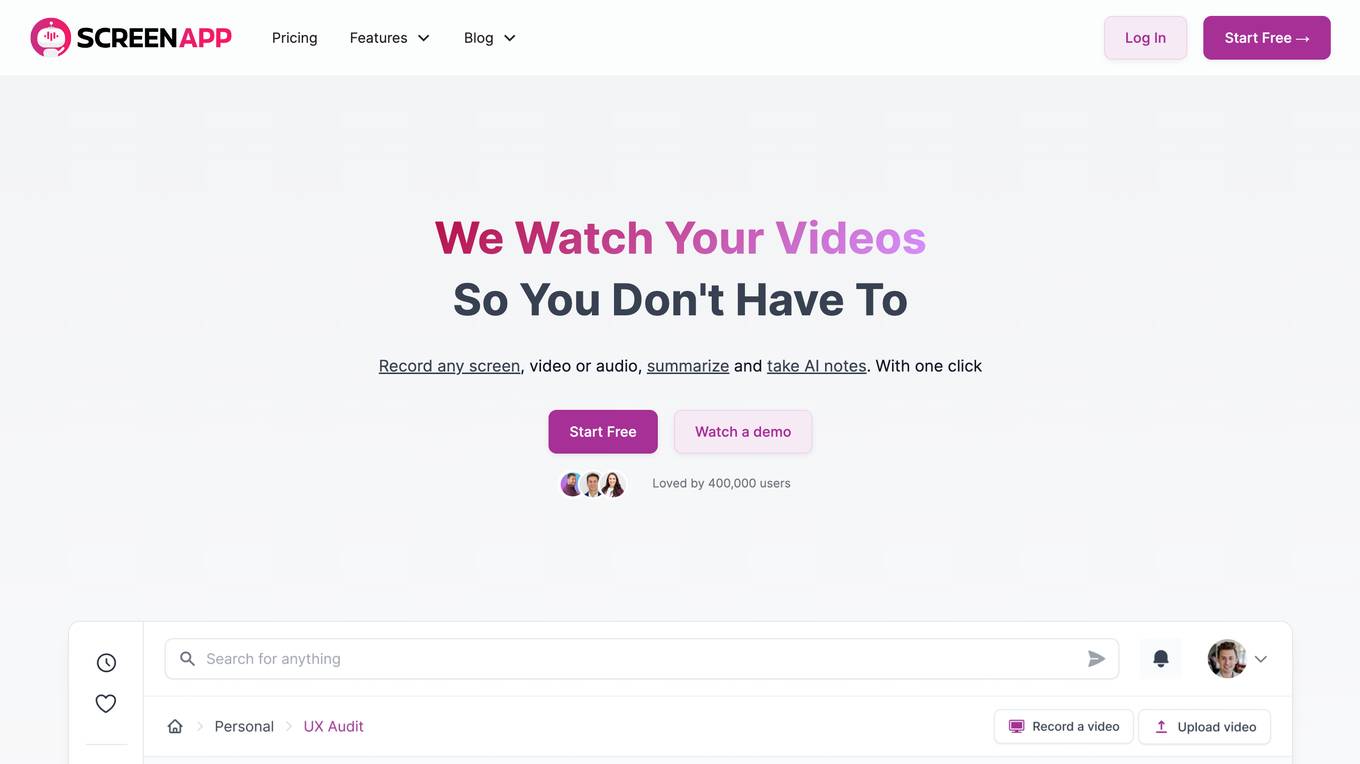
ScreenApp is an AI-powered meeting assistant that offers a range of features such as note-taking, transcription, summarization, and recording for audio and video content. It allows users to capture, transcribe, and summarize conversations in real-time, providing structured notes with key points, action items, and decisions. With up to 99% transcription accuracy, ScreenApp helps users turn hours of recordings into instant insights. The application is trusted by over 3 million people and offers a user-friendly experience for professionals and businesses globally.
Weet
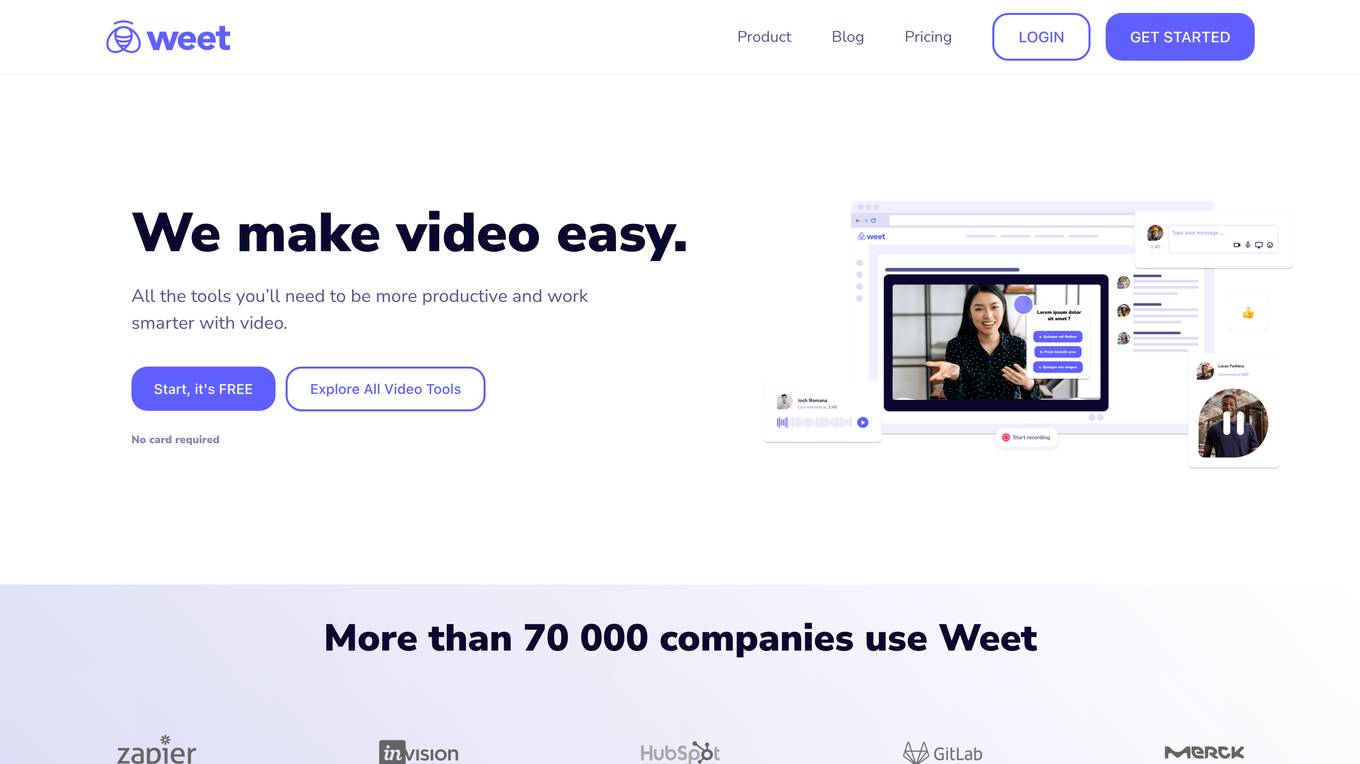
Weet is an all-in-one video creation, editing, and tracking platform that offers a wide range of tools to help businesses create professional-looking interactive videos quickly and easily. With Weet, users can record their screen and webcam, create avatar videos, generate subtitles and translations, edit and trim videos, and add interactivity to make their videos more engaging. Weet also offers real-time collaboration, built-in comments and interactions, and designated workspaces and channels to help teams stay organized and make their videos easy to search.
Screen Story
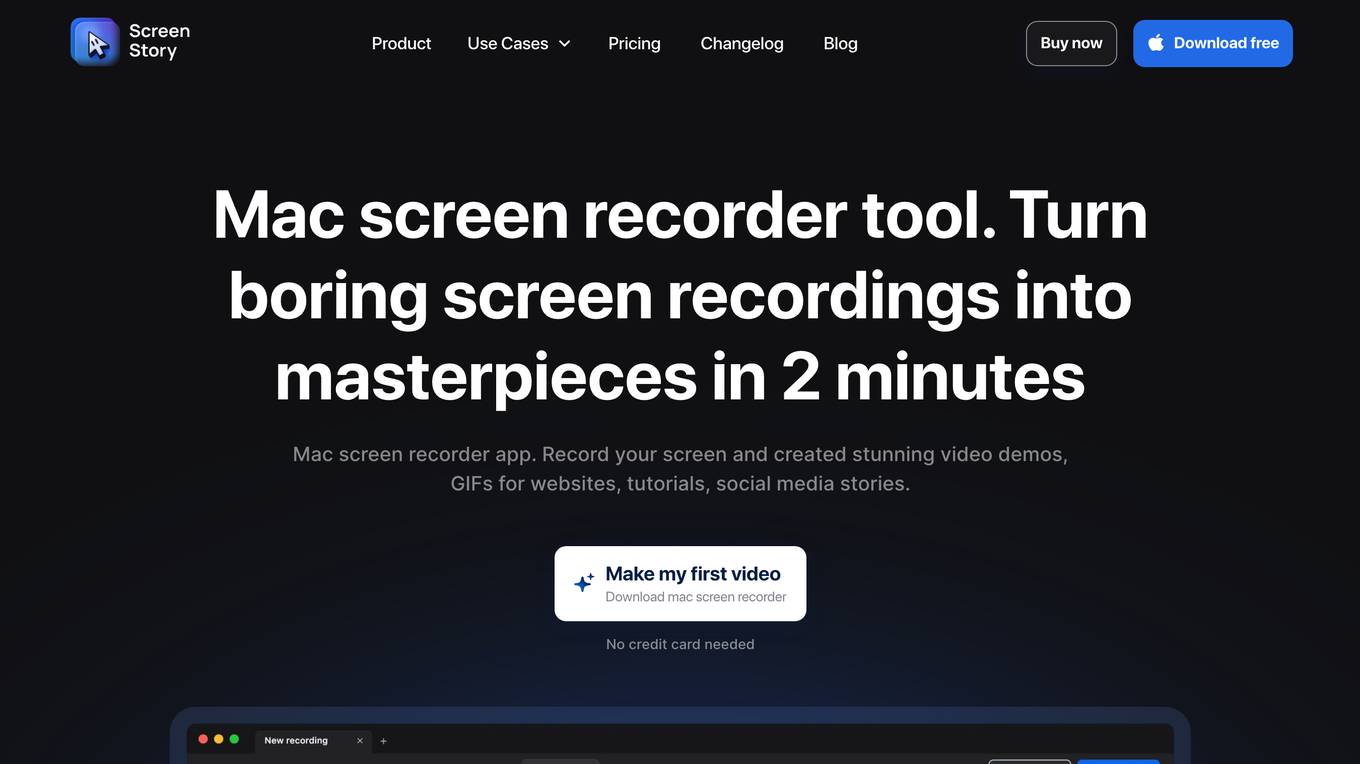
Screen Story is a Mac screen recorder tool that allows users to capture and record screens with ease. It offers features like automatic zoom, smooth cursor movement, offline functionality, webcam and microphone support, and a simple editing interface. Users can create high-quality videos without the need for video editing skills, making it ideal for entrepreneurs, designers, marketers, developers, and tutors. The application is designed to streamline the video creation process and enhance user experience by applying best design patterns to the recorded videos.
Tella
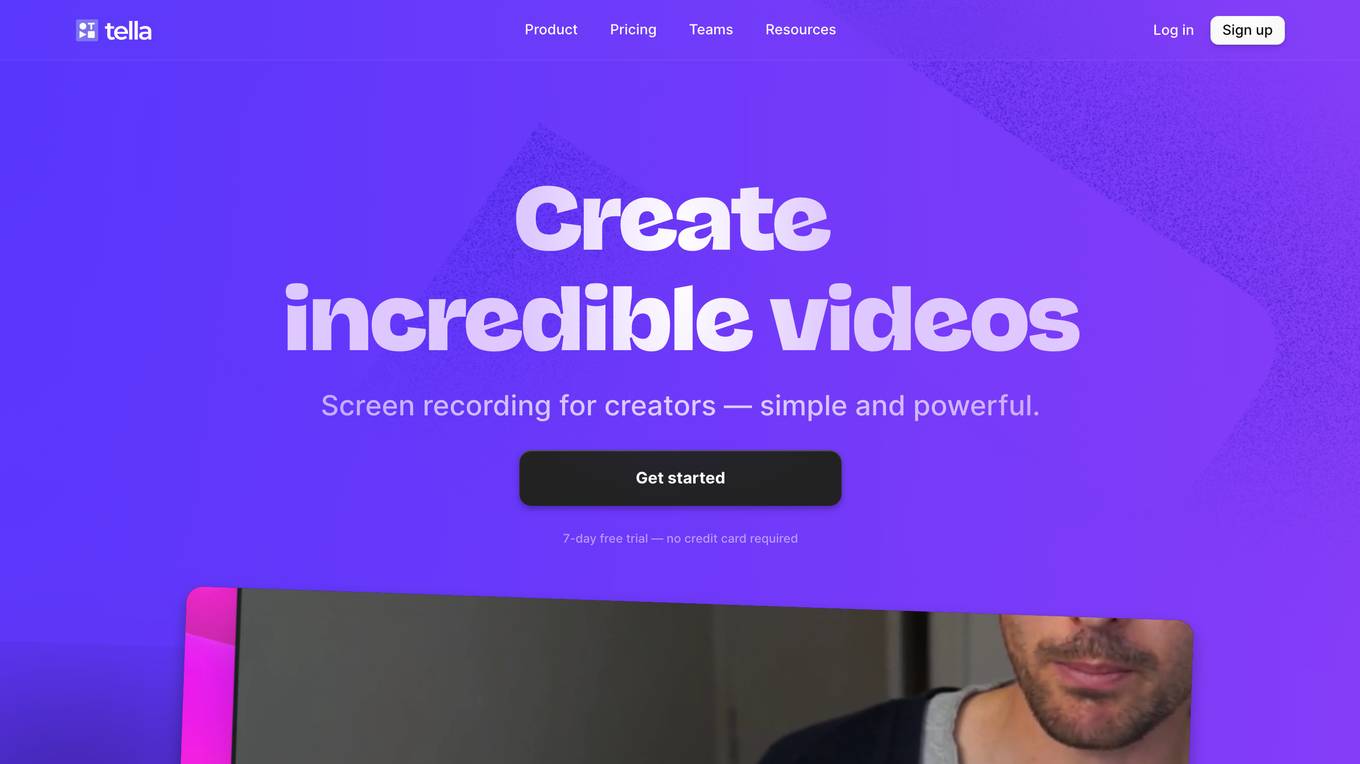
Tella is an online screen recorder for Mac and Windows that offers AI-powered video editing features. It allows users to record, edit, and publish professional videos effortlessly. With Tella, users can create engaging videos with dynamic layouts, smooth zoom effects, and personalized backgrounds. The application simplifies the video editing process by automatically removing filler words, silences, and trimming the start and end of videos. Tella is designed for entrepreneurs, creators, and educators who want to create high-quality videos without the complexity of traditional video editing software.
Alice
Alice is a fast, accurate AI transcription and recorder application that prioritizes privacy and cost-effectiveness. It allows users to securely record audio and video, transcribe in multiple languages and accents with high accuracy, and offers real-time text streaming. Alice integrates with various tools, supports webhooks, and is trusted by journalists for its reliability and security features. The application is designed to be user-friendly, efficient, and suitable for a wide range of tasks, making it a valuable tool for journalists, freelancers, and anyone in need of transcription services.
Visla
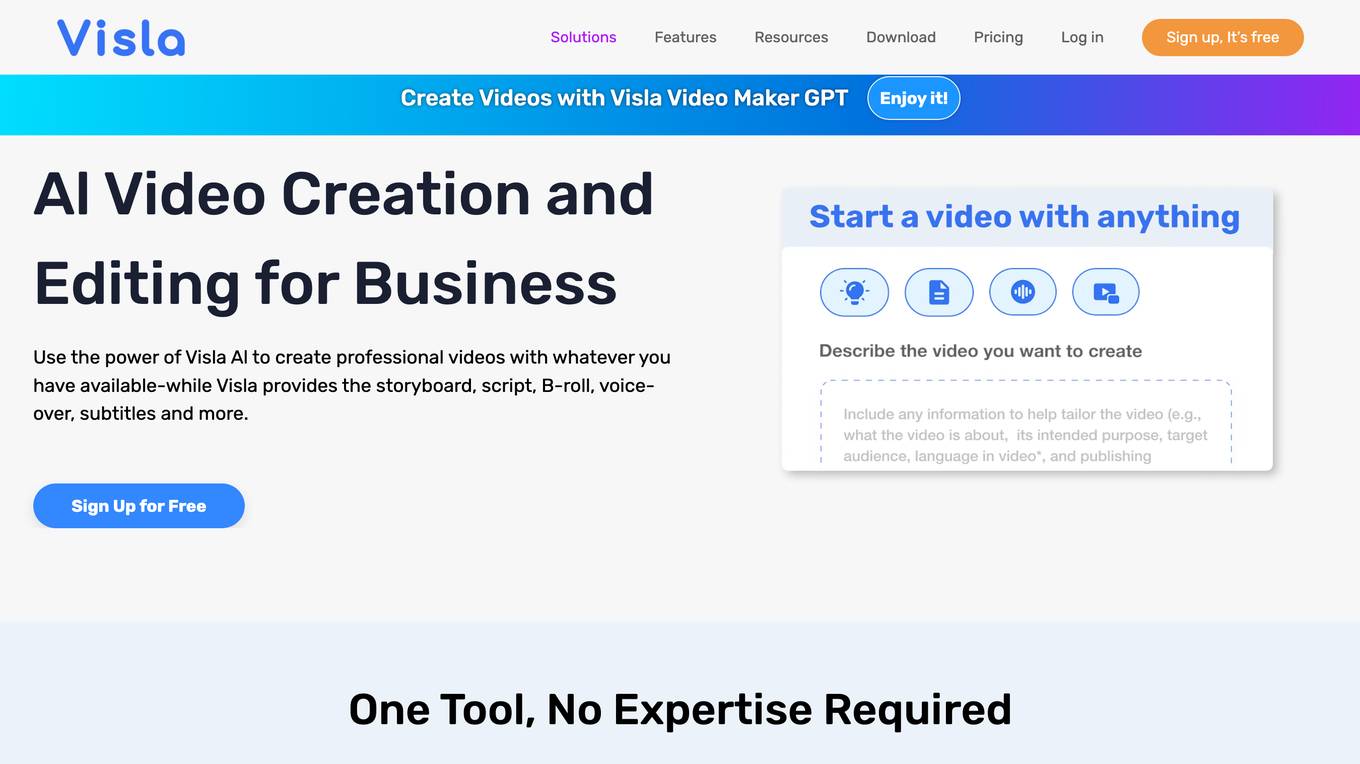
Visla is an AI-powered video creation and editing platform designed for businesses. It offers a wide range of features to help users create professional-quality videos quickly and easily, including an AI video generator, video editor, screen recorder, and collaboration tools. Visla is used by businesses of all sizes for a variety of purposes, including marketing, sales, training, and customer success.
Visla
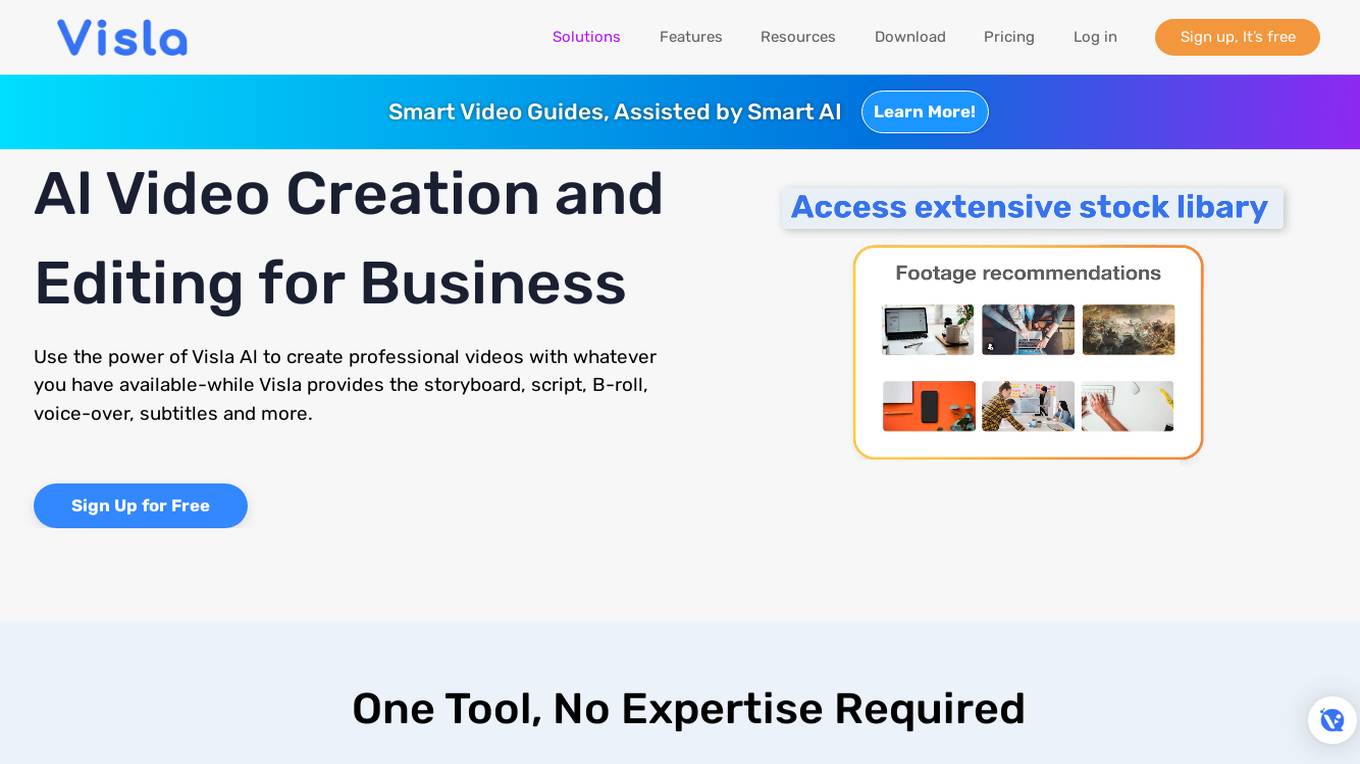
Visla is an AI video creation and editing tool designed for business solutions across various functions such as marketing, sales, training, customer success, product development, HR, and more. It offers features like AI video generator, video editing tools, screen recording, collaboration options, and private stock AI tagging & scene matching. Users can create professional videos using AI-powered tools without the need for expertise, making video creation efficient and accessible.
Screen Shot to Code
This simple app converts a screenshot to code (HTML/Tailwind CSS, or React or Vue or Bootstrap). Upload your image, provide any additional instructions and say "Make it real!"
Split Screen Ad Engine
Simply Enter your Niche and we'll create your Split Screen Ads for you.
I'm Offended Bot
Screen your socials for potentially offensive content. A tool for helping you navigate the minefield of modern sensitivities.
Dungeon Master's Assistant
Your new DM's screen: helping Dungeon Masters to craft & run amazing D&D adventures.

Smartphone Repair Manual
A virtual smartphone repair manual offering detailed fixing instructions.
Homescreen Analyzer
Get recommendations based on your phone's Homescreen screenshot! Just add the screenshot in here for analysis 📱🧐
PromptRecruit
PromptRecruit gives you the ability to talk with your JobAdder recruitment system!
HR Automation GPT
Advises on automating HR processes with GPTs, focusing on practicality and industry trends.
Startup Interviewer
Lass dich von GPT interviewen - und werde auf TrendingTopics.eu gefeatured!
Interview GPT
Automated interviews. To get started, type or say "Let's begin". When you ask the GPT to end the interview it will give you a transcript and summary of your conversation. This is a great way of getting thoughts out of your head and onto "paper". Have fun!